Graphics Card PCI
If you are looking for a new graphics card that will give you the highest quality resolution you need, these graphic cards might be what you are looking for. These graphic cards are the components that process all the visual information that goes into your computer's display. These are one of the most essential parts of any gaming setup. Here are some of the best options available on the market today.
Sort
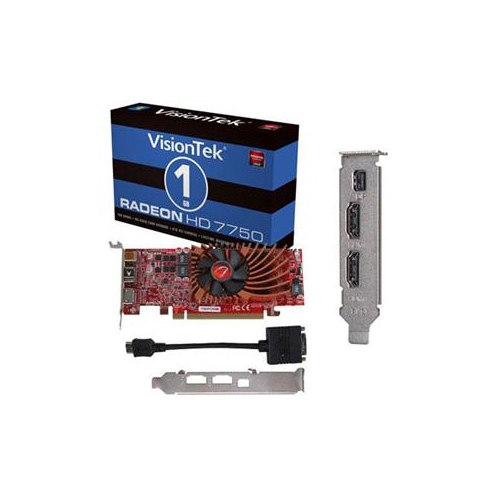
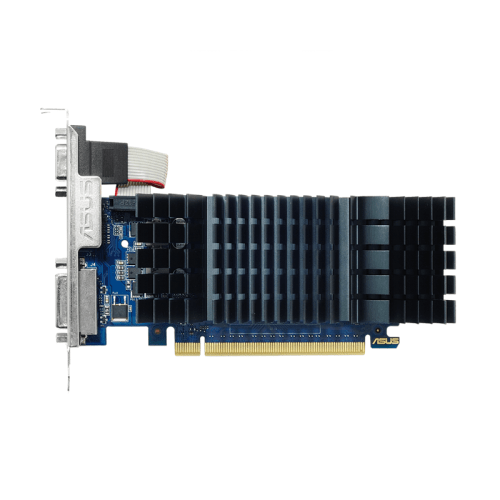
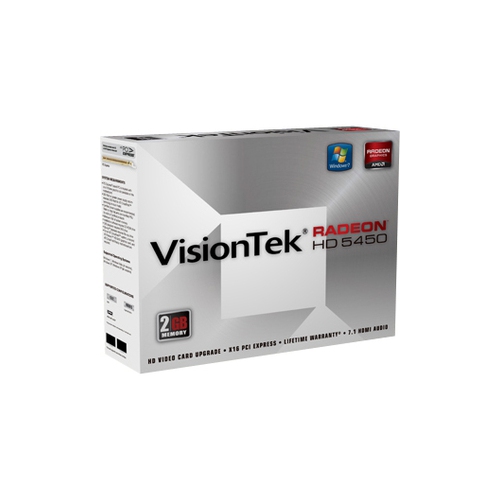
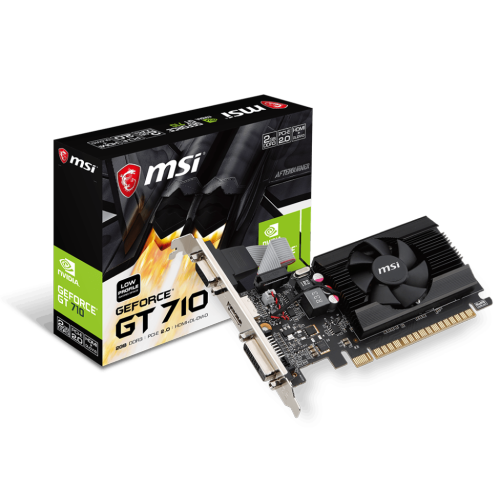
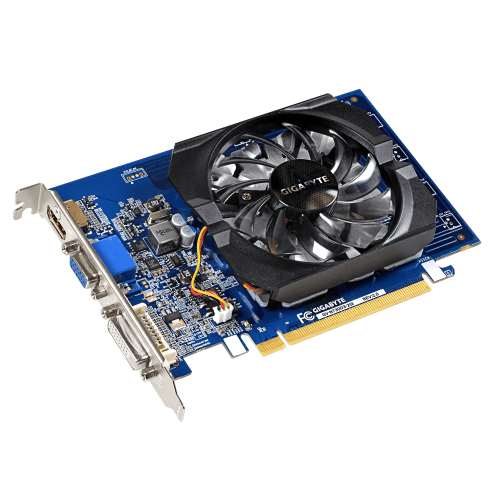

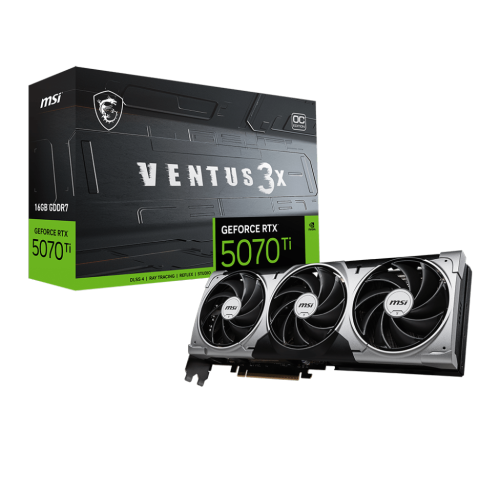
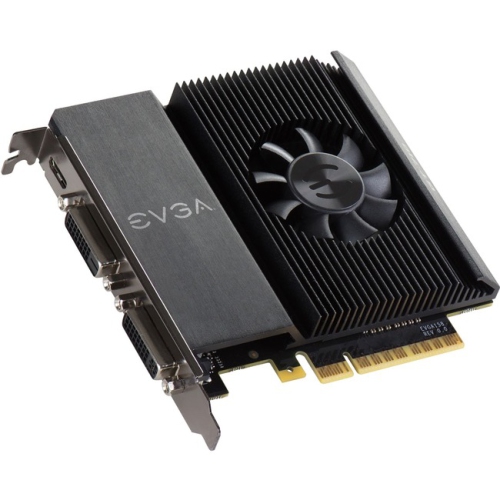

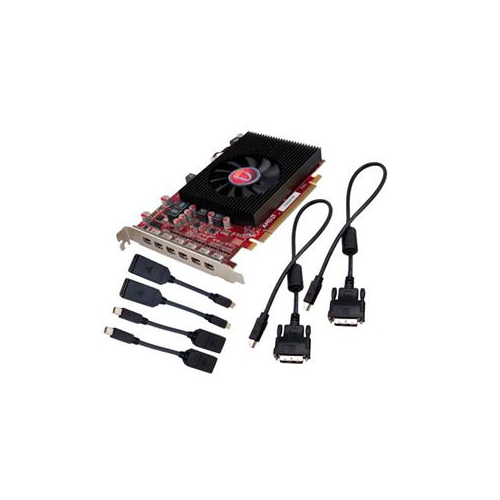
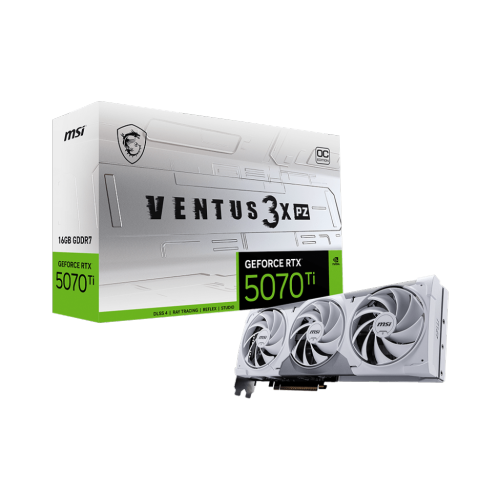
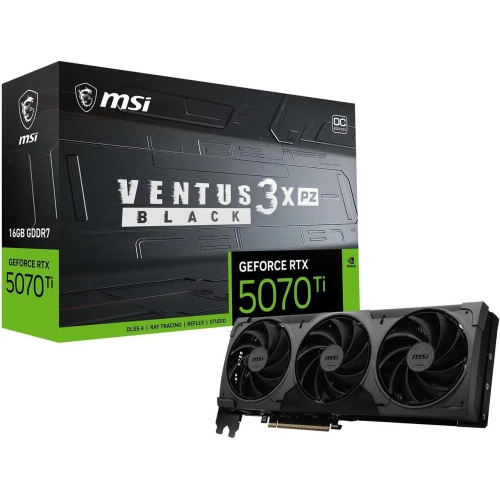
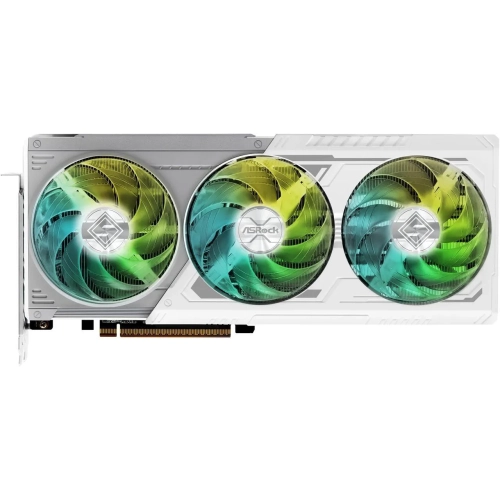
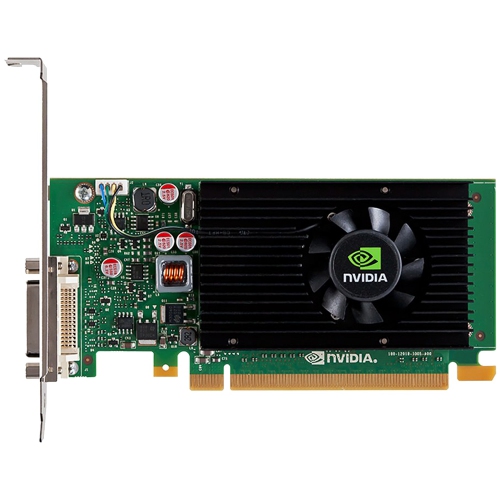

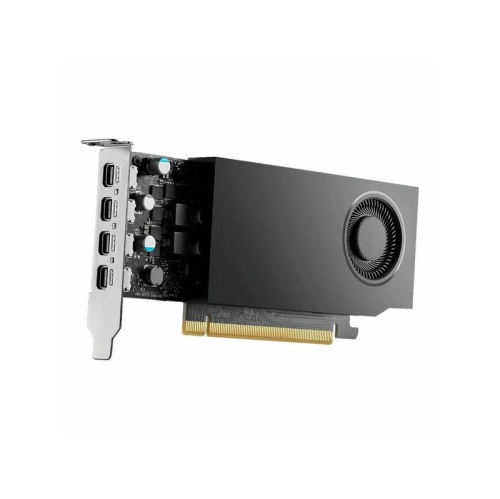
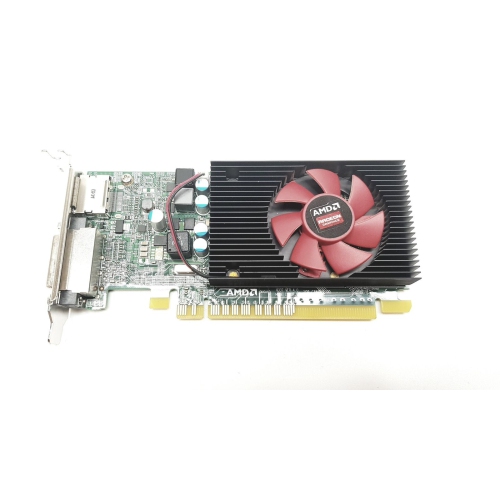

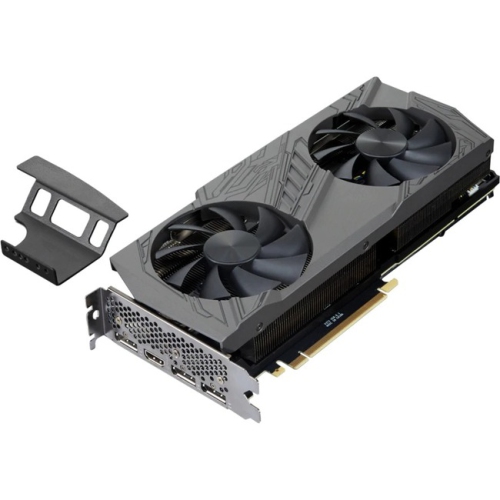
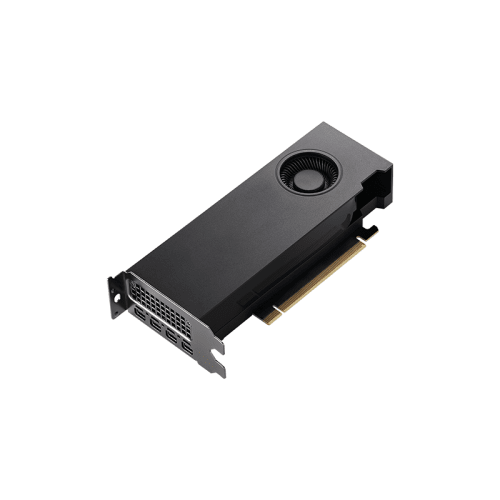
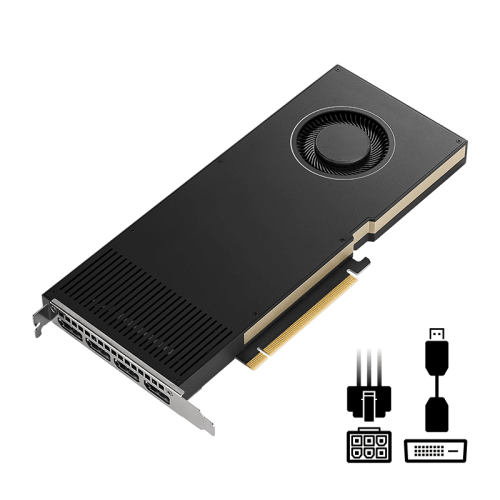

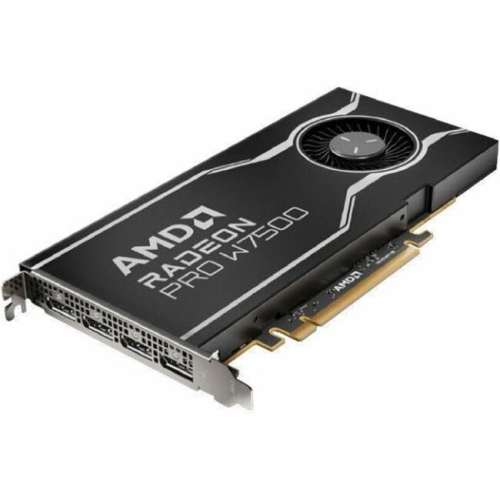
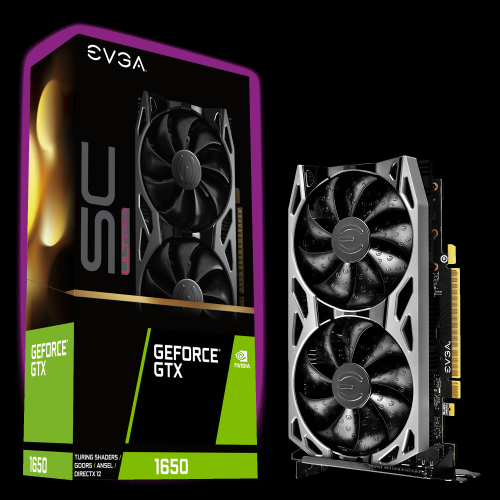
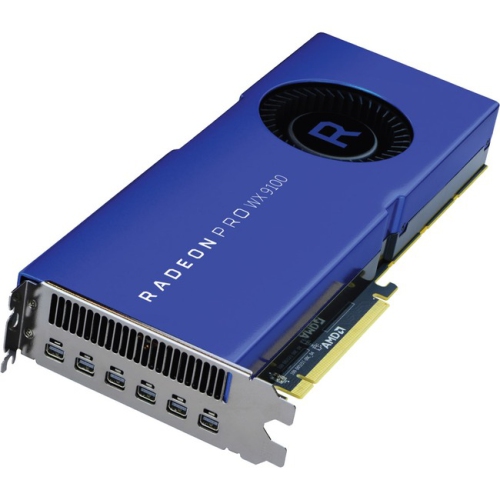
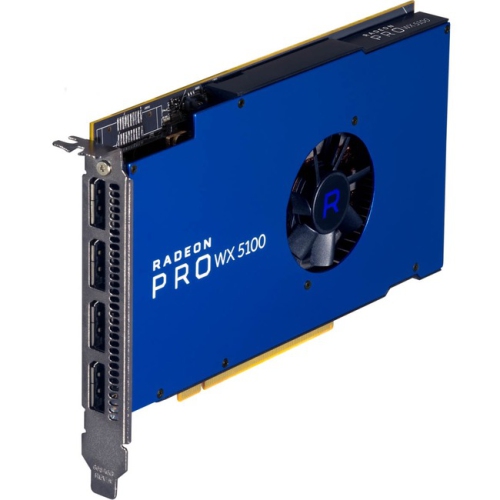
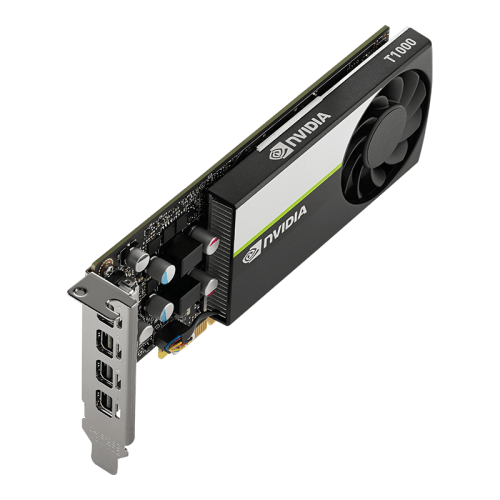
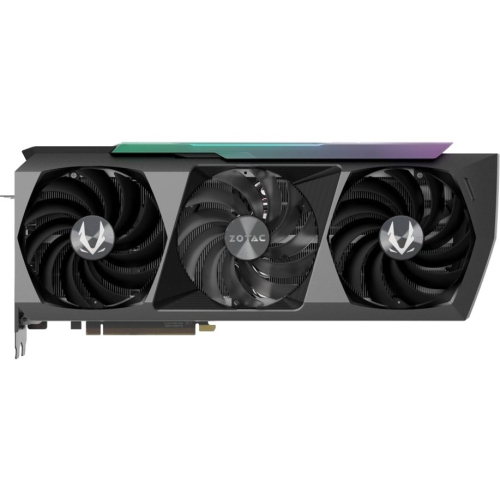
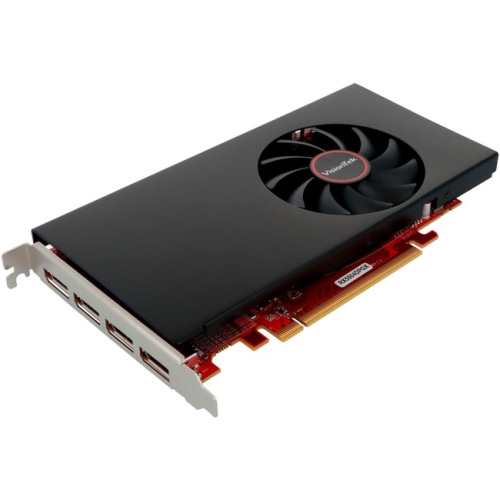

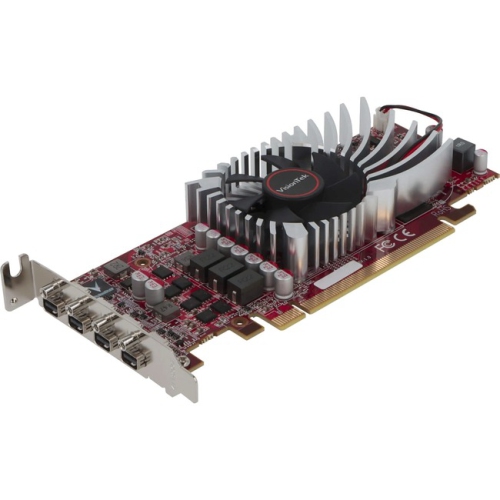

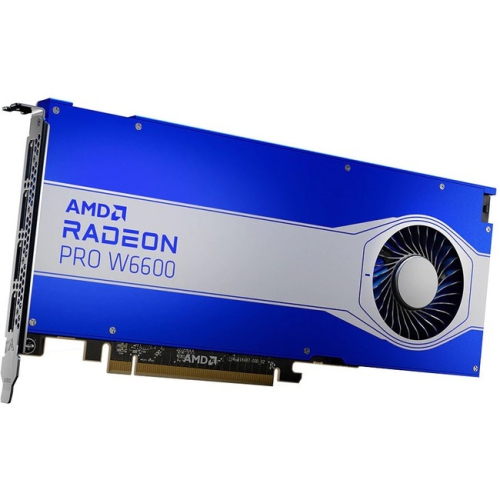

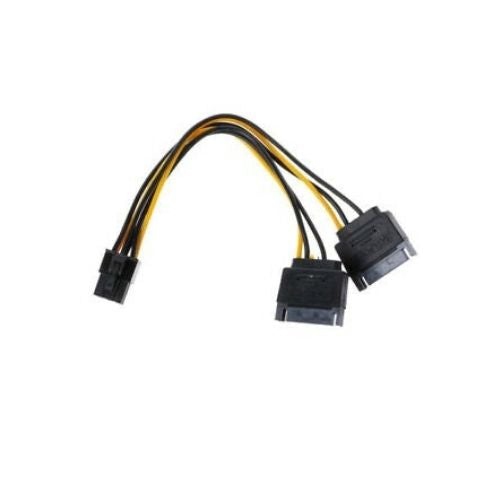
PC compatibility matters for graphics cards and demanding visual tasks
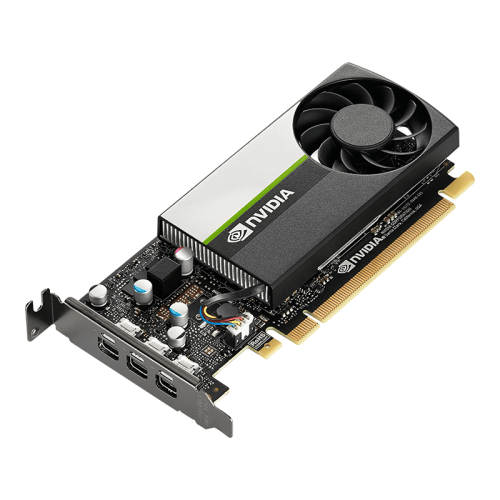
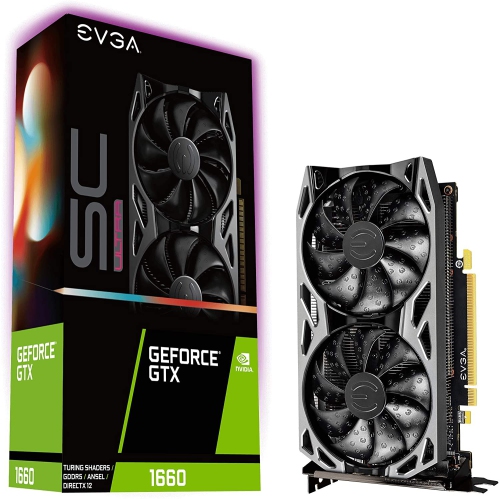
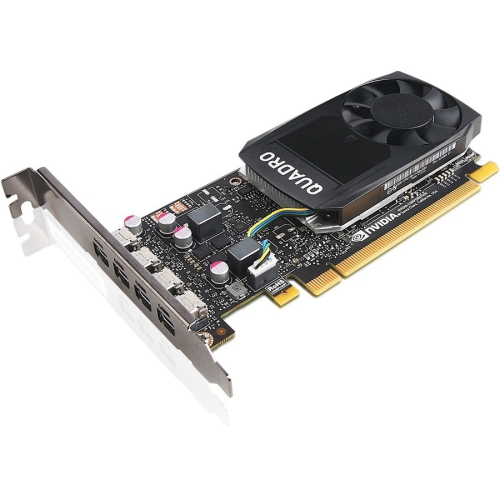
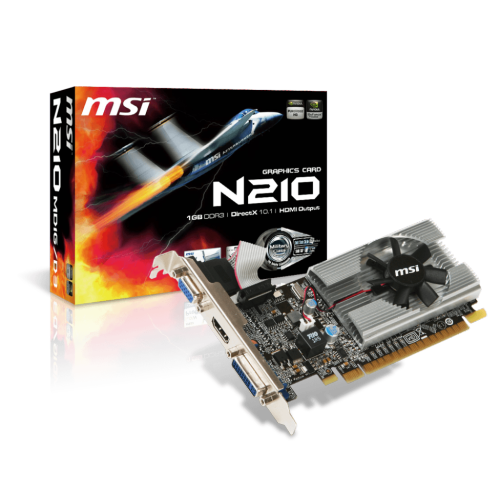
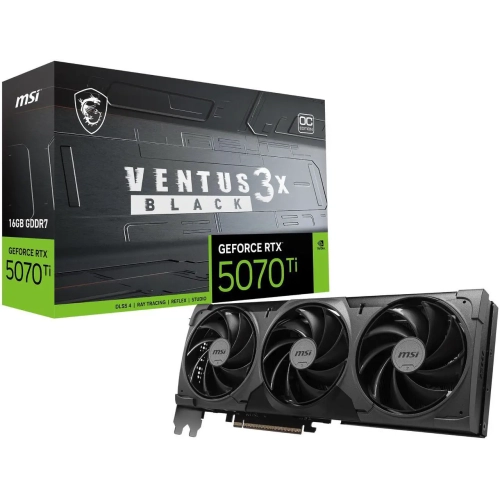
Graphics cards for PCI-based computer systems add dedicated graphics processing to a desktop PC, helping it render games, videos, creative projects, multiple displays and other demanding visual tasks. It is important to distinguish between the older, classic PCI standard and the modern PCI Express standard, often written as PCIe. Most graphics cards sold for contemporary desktop computers use a long PCIe x16 slot, which is usually positioned near the top of the motherboard. Classic PCI graphics cards use an older expansion interface and are uncommon, typically sought for vintage computers, legacy software or restoration projects. Before choosing a card, inspect the inside of the computer or check the motherboard documentation to confirm the available slot. A standard PCIe x16 slot is not the same as a short PCIe x1 slot, a PCI slot, or a laptop expansion connection, and a card cannot be installed properly if the connector type does not match. PCIe generations such as PCIe 3.0, PCIe 4.0 and PCIe 5.0 describe the available bandwidth between the graphics card and the rest of the system. Newer cards may operate in an older compatible PCIe slot, although performance can be affected when the slot, processor or motherboard cannot provide the bandwidth the card is designed to use. For a basic home office computer, media centre or older gaming system, a lower-power card may be enough to drive a monitor, improve video playback and provide smoother performance than integrated graphics. More demanding gaming, 3D design, video editing, animation and high-resolution multi-monitor work benefit from a more capable GPU with additional graphics memory and stronger processing hardware. Matching the card to the computer is more important than simply choosing the most powerful option available. An entry-level desktop used for email and schoolwork may gain little from a large, power-hungry card, while a gaming PC paired with a high-refresh-rate monitor may need substantially more graphics performance to maintain fluid frame rates.
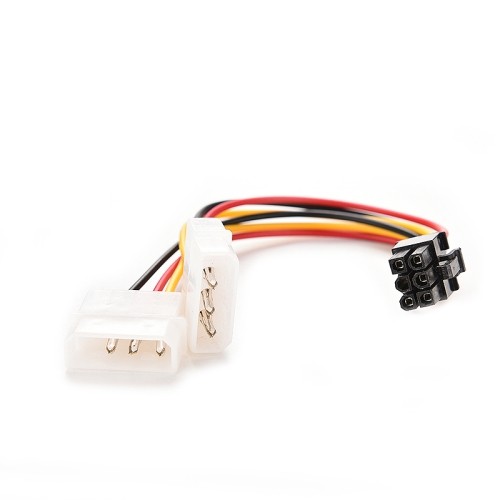
Compatibility involves more than the motherboard slot. Measure the open space inside the case and compare it with the card’s length, height and thickness. A two-slot card may block a neighbouring expansion slot, while a larger design can interfere with storage bays, front fans or internal cables. Small-form-factor computers may require a low-profile card and a compact mounting bracket, whereas a full-size tower usually offers more room for installation and airflow. Check the power supply’s total wattage, available PCIe power connectors and overall condition before buying. Some cards draw power directly from the motherboard, while more powerful models may require one or more dedicated six-pin, eight-pin or newer high-capacity connections. The correct cable must come from the power supply and should never be substituted with an incompatible connector. A power supply with adequate headroom can help the system handle demanding workloads without instability, but wattage should be considered alongside the supply’s quality, age and efficiency rating. Cooling is another practical consideration. Graphics cards use fans, heatsinks or other cooling systems to move heat away from the GPU, and proper case ventilation helps those systems work effectively. Leave a clear path for air around the card, keep dust from collecting on the intake areas and confirm that the computer’s fans are working properly. Display connections also deserve attention: make sure the card has the ports required by the monitor or monitors, such as HDMI or DisplayPort, and verify support for the desired resolution, refresh rate and number of screens. After installation, the appropriate operating system drivers may be needed, and some applications have their own graphics settings that must be adjusted. Helpful additions, including mounting hardware, display cables and other Graphics Card Accessories, can make setup easier when the existing computer does not have everything required.
The best graphics card depends on how the computer is used and what kind of experience the user expects. Gamers often look at frame rates, resolution, ray tracing support, graphics memory and compatibility with the games they play. Someone using a 1080p monitor may have different needs from a creator working on a 4K display, and a high-refresh-rate screen can place greater demands on the GPU than a standard 60 Hz monitor. Creative professionals may value fast rendering, hardware acceleration, video encoding and support for the applications used in their workflow. Students, home users and people upgrading an older desktop may prioritize quiet operation, modest power use and reliable support for everyday displays. A dedicated graphics card can also be a thoughtful gift for a PC enthusiast, first-time builder or family member who enjoys gaming, photography, video projects or computer upgrades, provided the recipient’s motherboard, case and power supply are checked first. I have seen many upgrades become unexpectedly complicated because a card was selected before measuring the case or confirming the power connectors; a few minutes spent reading the computer’s specifications can prevent a return and make installation much less stressful. For vintage-computing projects, the process is different: a classic PCI graphics card must match the era and expansion slots of the restored system, and expectations should reflect the limited performance of older hardware. These cards may be used for period-correct builds, older operating systems or software that does not work properly with modern components. For a current desktop, however, PCIe x16 is the standard to look for. Consider the processor as well, since an older or entry-level CPU can limit the benefit of a very powerful GPU, particularly at lower resolutions. Think about future upgrades, too, including a larger monitor, additional displays or more demanding games and applications. A well-matched graphics card should fit the motherboard, case and power supply, support the intended displays and deliver the right level of performance without unnecessary complexity. During the cooler months, when more time may be spent indoors gaming, creating or upgrading a home computer, careful planning can turn a graphics card installation into a noticeable improvement in speed, image quality and everyday enjoyment.
Compatibility involves more than the motherboard slot. Measure the open space inside the case and compare it with the card’s length, height and thickness. A two-slot card may block a neighbouring expansion slot, while a larger design can interfere with storage bays, front fans or internal cables. Small-form-factor computers may require a low-profile card and a compact mounting bracket, whereas a full-size tower usually offers more room for installation and airflow. Check the power supply’s total wattage, available PCIe power connectors and overall condition before buying. Some cards draw power directly from the motherboard, while more powerful models may require one or more dedicated six-pin, eight-pin or newer high-capacity connections. The correct cable must come from the power supply and should never be substituted with an incompatible connector. A power supply with adequate headroom can help the system handle demanding workloads without instability, but wattage should be considered alongside the supply’s quality, age and efficiency rating. Cooling is another practical consideration. Graphics cards use fans, heatsinks or other cooling systems to move heat away from the GPU, and proper case ventilation helps those systems work effectively. Leave a clear path for air around the card, keep dust from collecting on the intake areas and confirm that the computer’s fans are working properly. Display connections also deserve attention: make sure the card has the ports required by the monitor or monitors, such as HDMI or DisplayPort, and verify support for the desired resolution, refresh rate and number of screens. After installation, the appropriate operating system drivers may be needed, and some applications have their own graphics settings that must be adjusted. Helpful additions, including mounting hardware, display cables and other Graphics Card Accessories, can make setup easier when the existing computer does not have everything required.
The best graphics card depends on how the computer is used and what kind of experience the user expects. Gamers often look at frame rates, resolution, ray tracing support, graphics memory and compatibility with the games they play. Someone using a 1080p monitor may have different needs from a creator working on a 4K display, and a high-refresh-rate screen can place greater demands on the GPU than a standard 60 Hz monitor. Creative professionals may value fast rendering, hardware acceleration, video encoding and support for the applications used in their workflow. Students, home users and people upgrading an older desktop may prioritize quiet operation, modest power use and reliable support for everyday displays. A dedicated graphics card can also be a thoughtful gift for a PC enthusiast, first-time builder or family member who enjoys gaming, photography, video projects or computer upgrades, provided the recipient’s motherboard, case and power supply are checked first. I have seen many upgrades become unexpectedly complicated because a card was selected before measuring the case or confirming the power connectors; a few minutes spent reading the computer’s specifications can prevent a return and make installation much less stressful. For vintage-computing projects, the process is different: a classic PCI graphics card must match the era and expansion slots of the restored system, and expectations should reflect the limited performance of older hardware. These cards may be used for period-correct builds, older operating systems or software that does not work properly with modern components. For a current desktop, however, PCIe x16 is the standard to look for. Consider the processor as well, since an older or entry-level CPU can limit the benefit of a very powerful GPU, particularly at lower resolutions. Think about future upgrades, too, including a larger monitor, additional displays or more demanding games and applications. A well-matched graphics card should fit the motherboard, case and power supply, support the intended displays and deliver the right level of performance without unnecessary complexity. During the cooler months, when more time may be spent indoors gaming, creating or upgrading a home computer, careful planning can turn a graphics card installation into a noticeable improvement in speed, image quality and everyday enjoyment.
Top selling and popular products
-
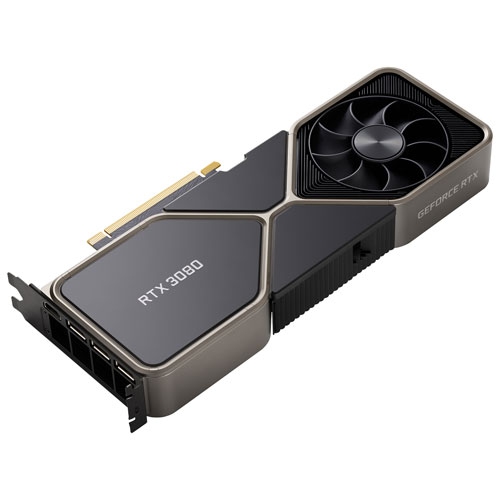 Your price for this item is $1399.99
 -
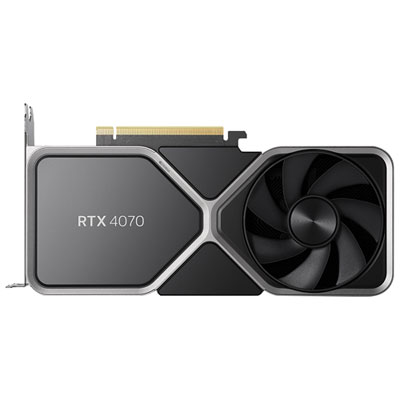 Your price for this item is $739.99
 -
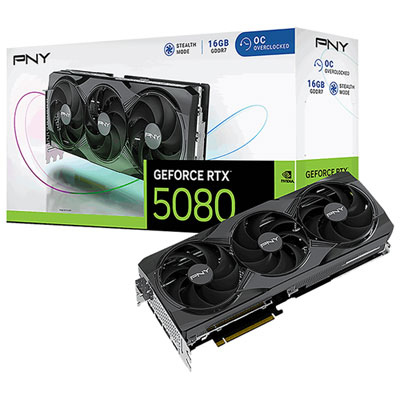 Your price for this item is $2399.99
 -
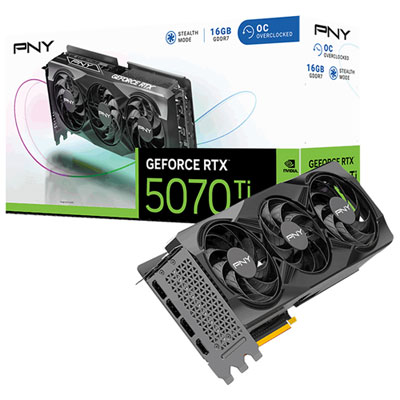 Your price for this item is $1769.99
 -
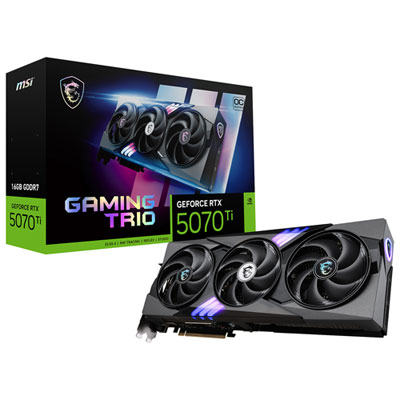 Your price for this item is $1799.99
 -
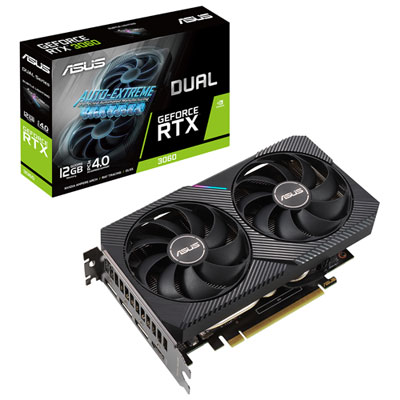 Your price for this item is $699.99
 -
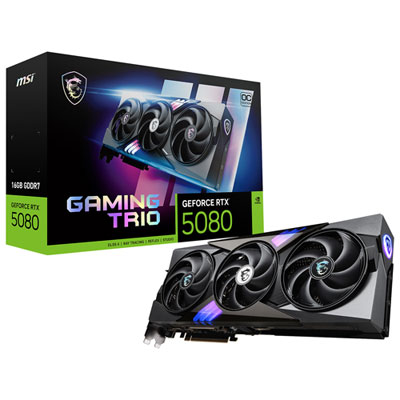 Your price for this item is $2749.99
 -
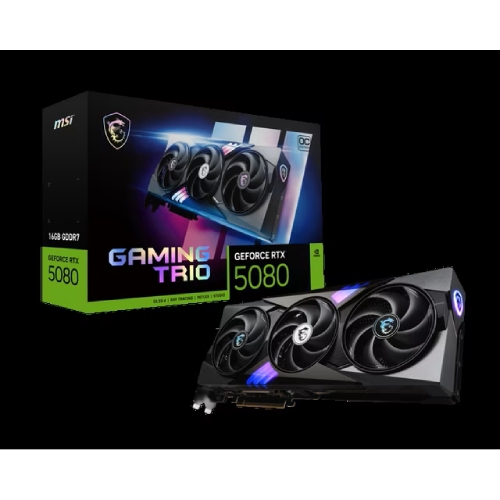 Your price for this item is $5699.99
Discover more categories related to Graphics Card PCI
Top Collections:
Pokemon Centers, Kindle Devices, Best Budget Office Chairs, Apple iPhones 16, Best Laptops for Writers, iPhone 15 Apple, Canon G7X Cameras, Refurbished Apple Laptops, Alarm Clock, Motorola Razr Phones
Some products may be subject to Environmental Handling Fees
(EHF) depending on your province.
Learn more about EHFs.