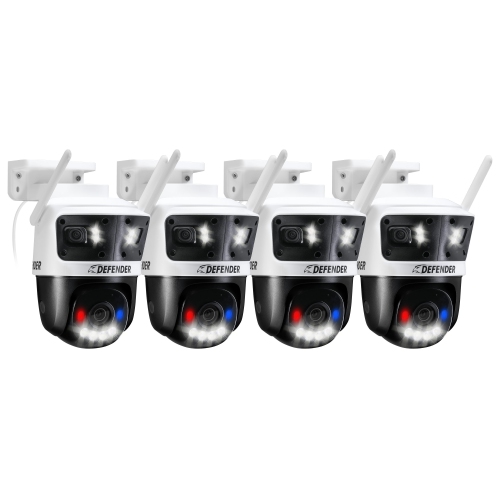
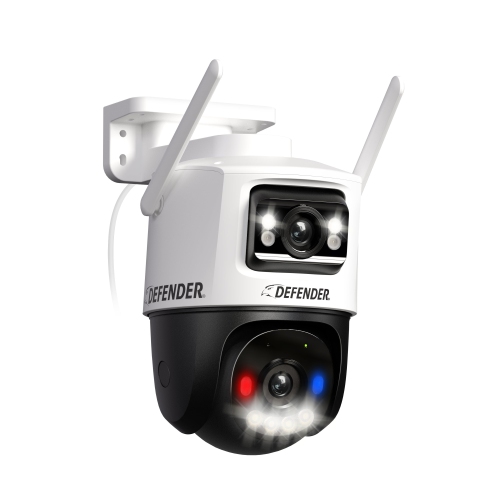
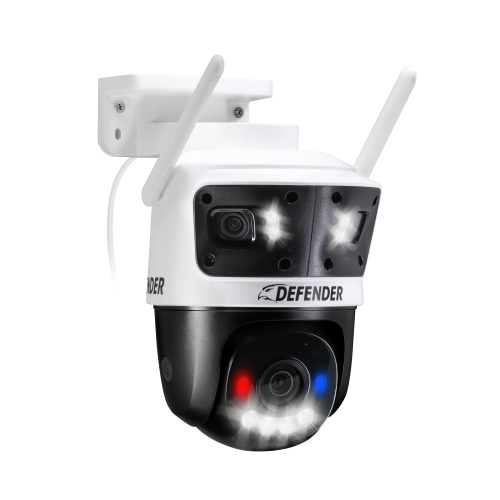
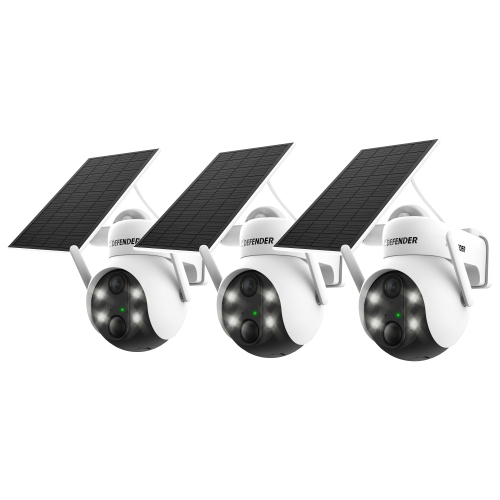
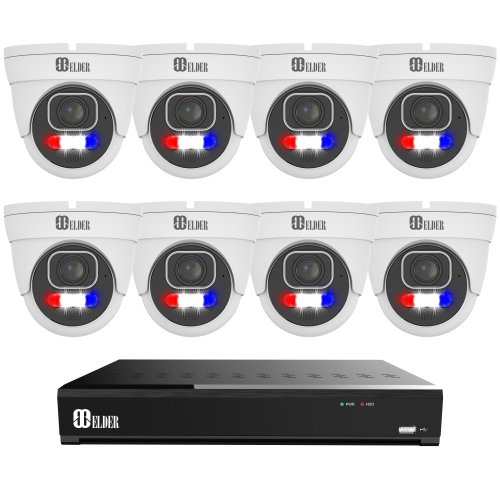
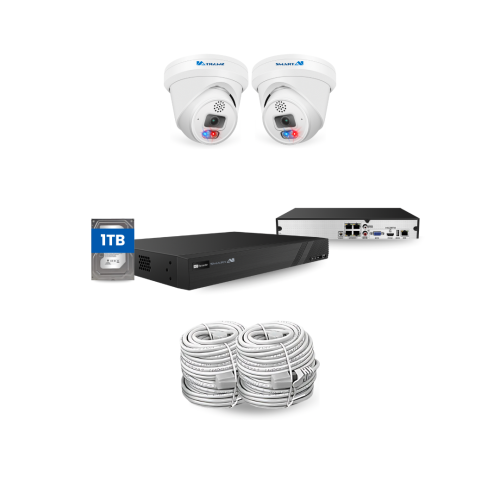
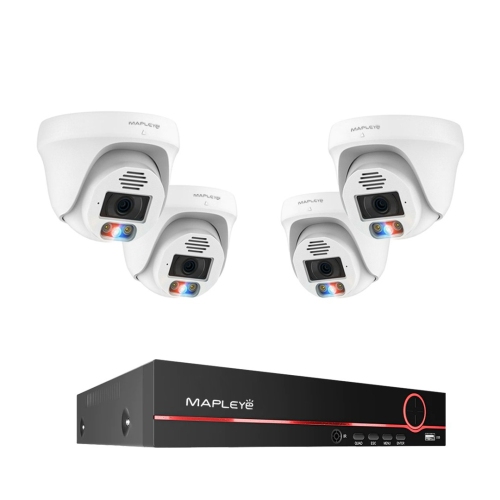
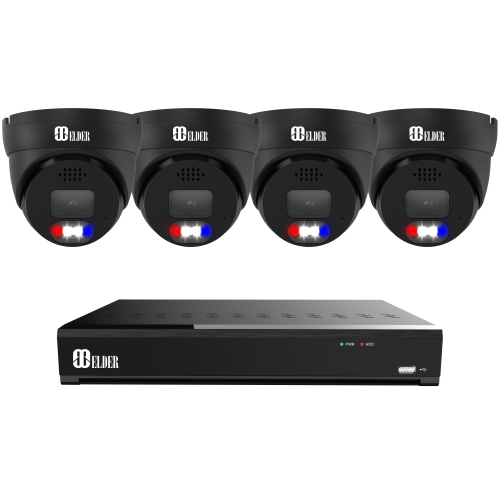
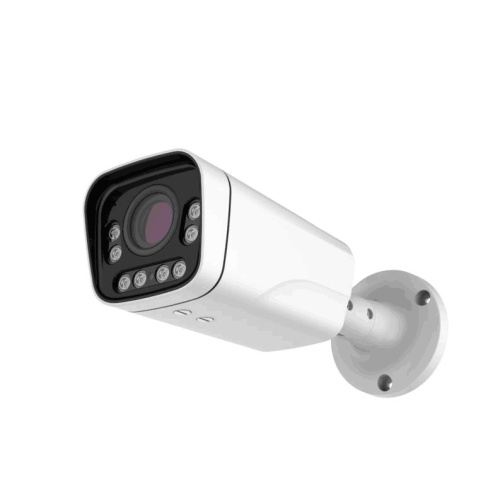
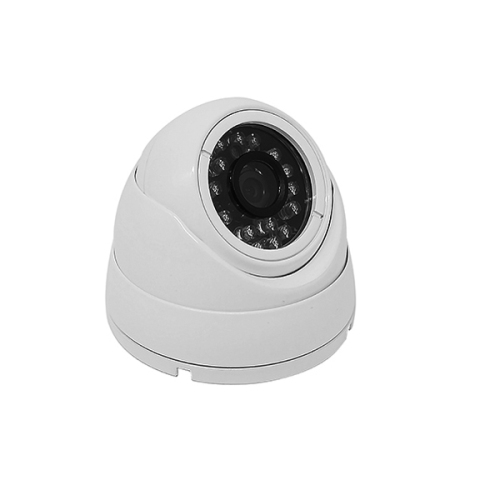
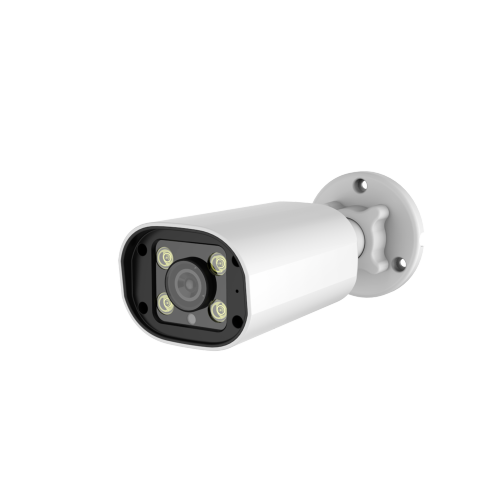
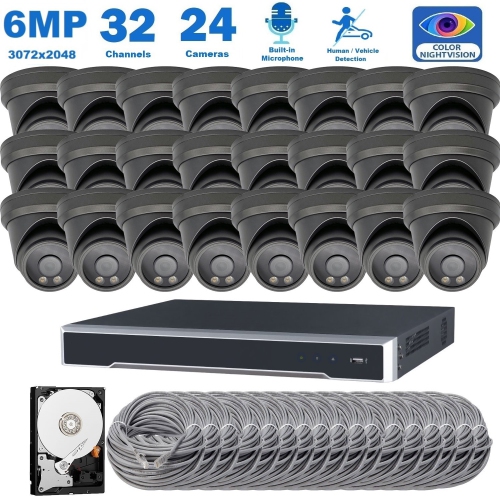
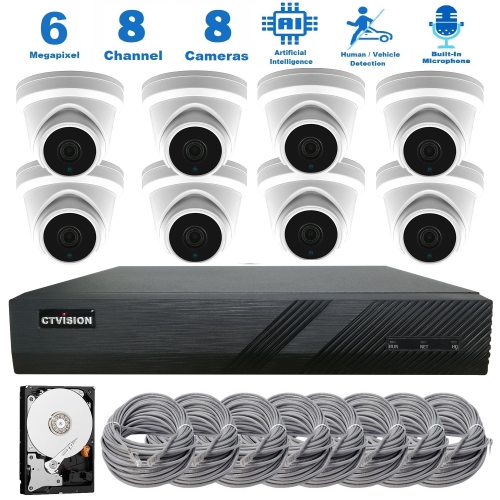
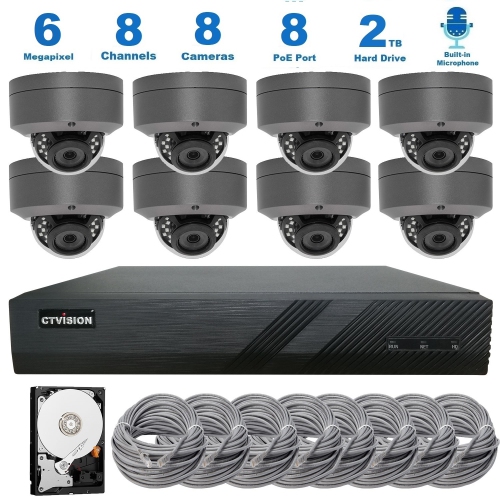
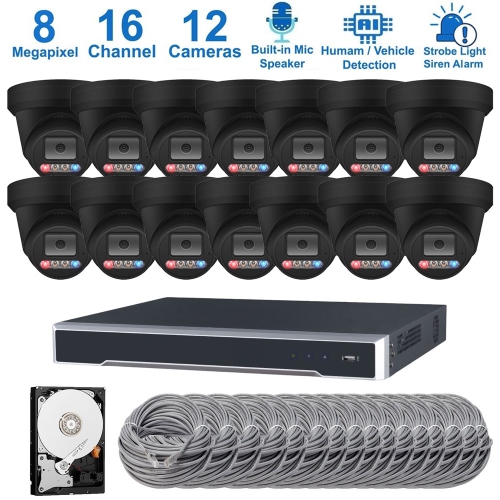
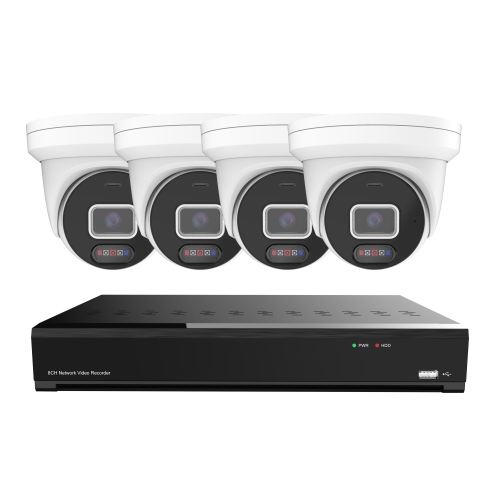
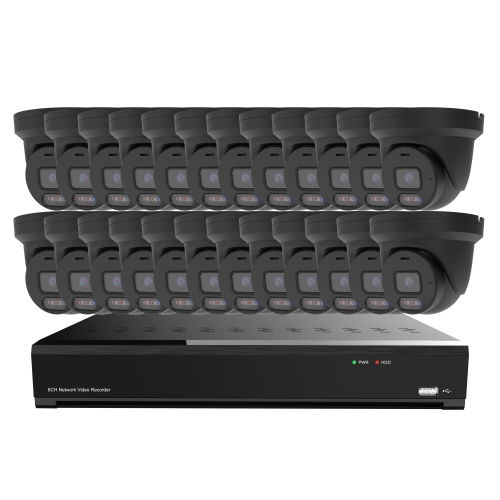
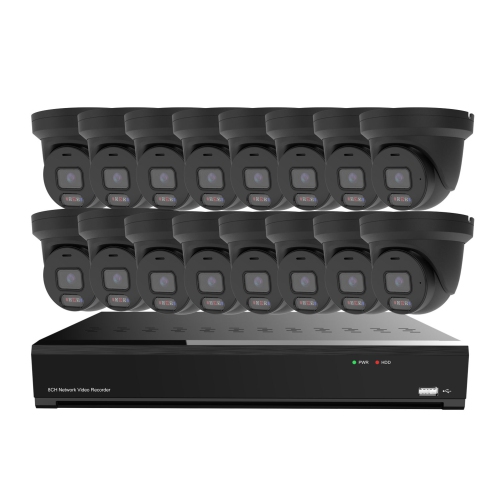
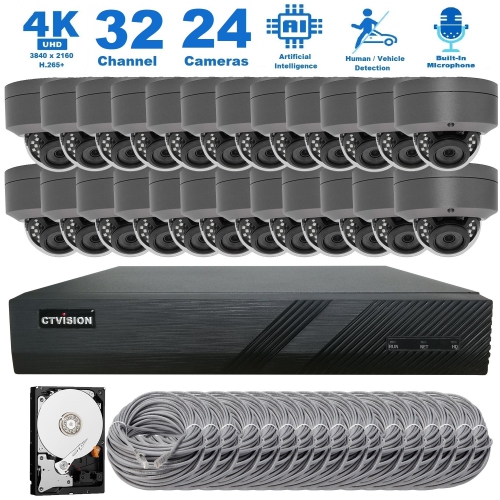
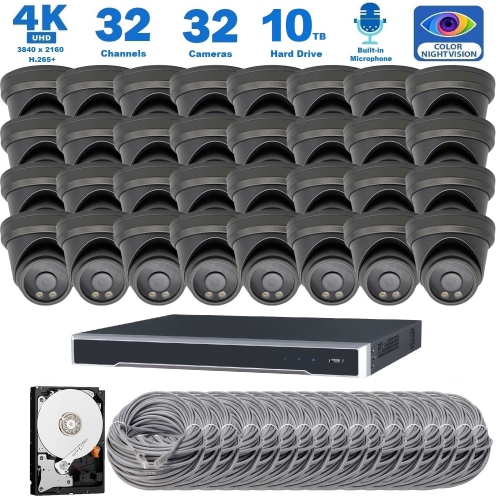
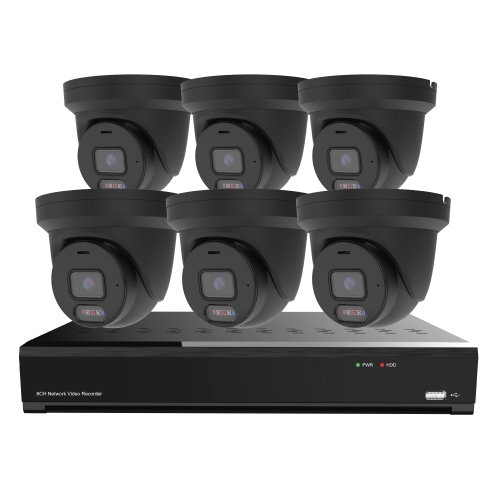
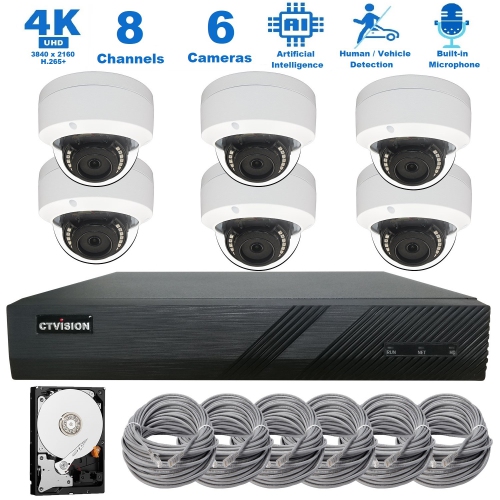
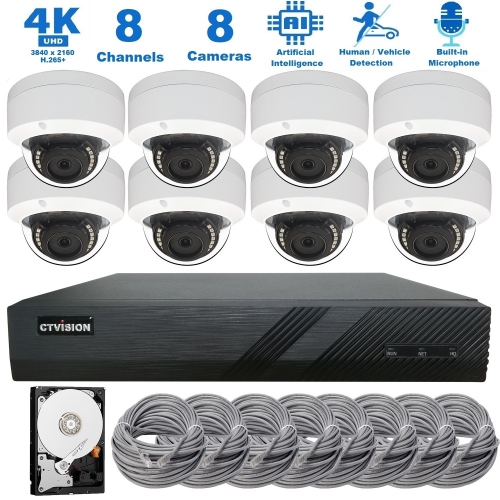
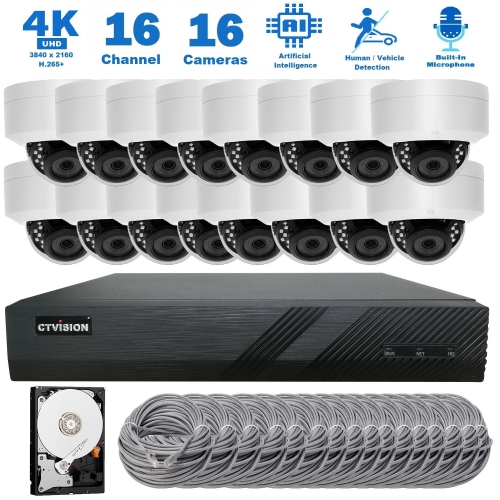
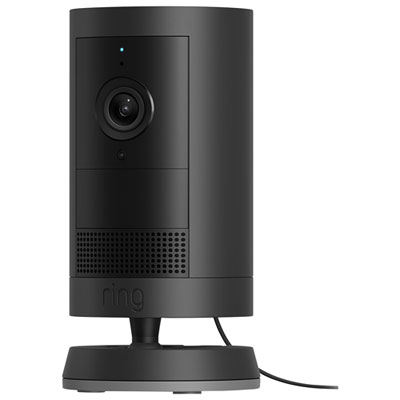
High Tech Security Cameras

Compare high-tech security cameras for your home or business by video quality, field of view, connectivity, and installation requirements. When choosing a setup, consider where you’ll place each camera, how you’ll access recorded footage, and whether recording or other features require a paid subscription.
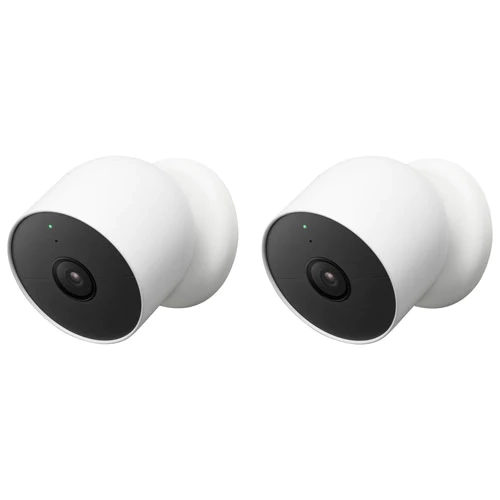
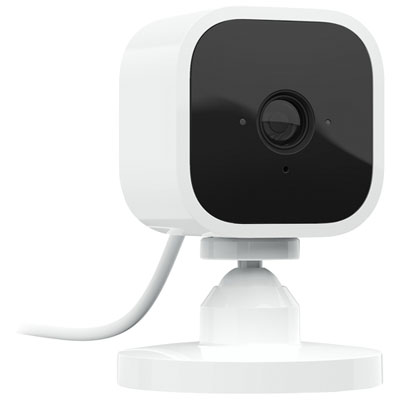
Read More

Sort

Sharp video is just the start of smarter monitoring

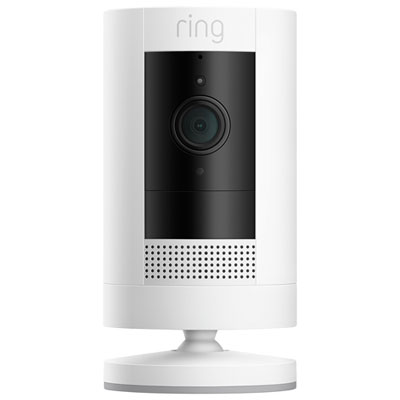
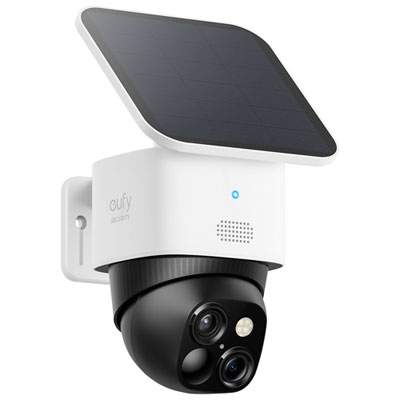
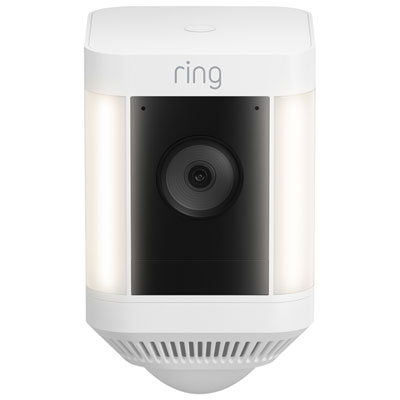
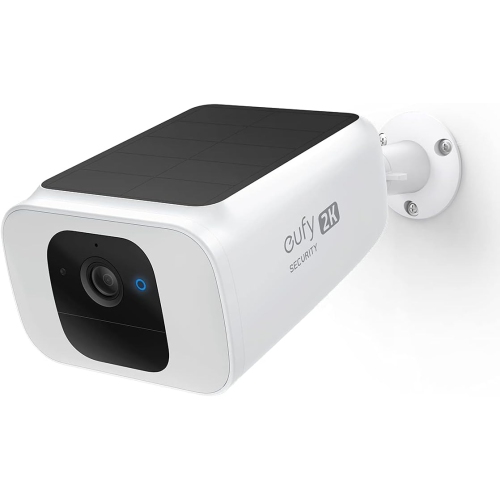
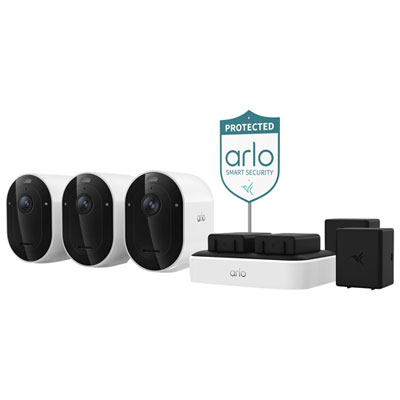
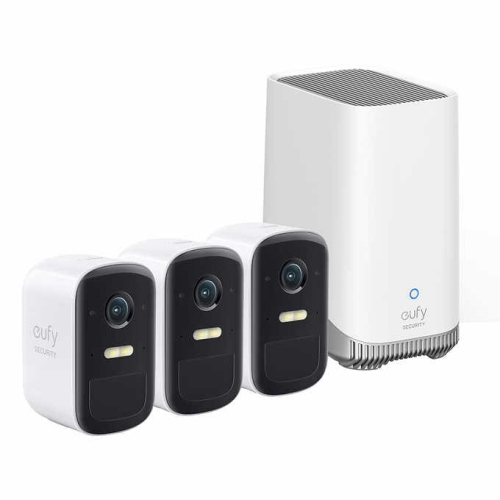
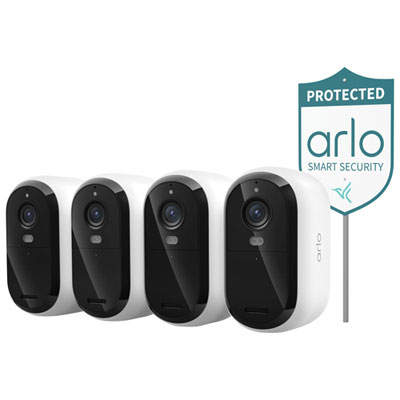
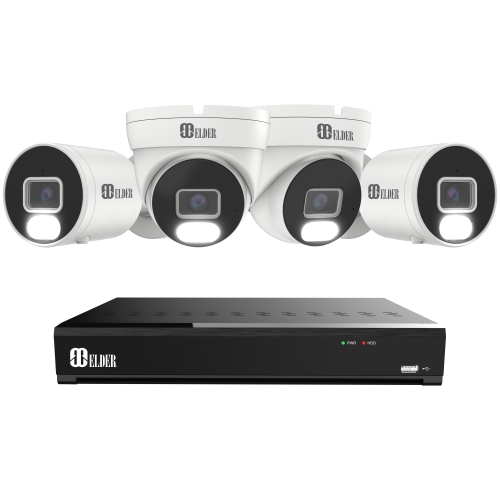
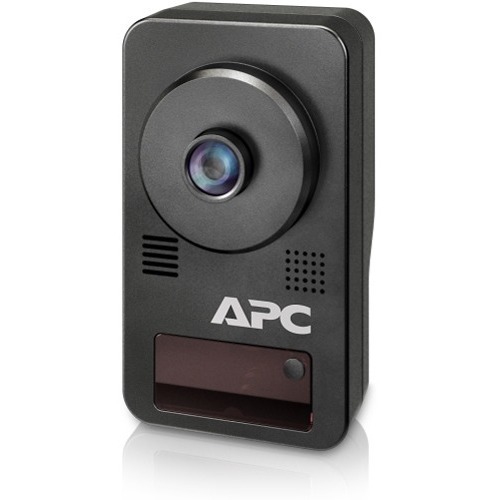
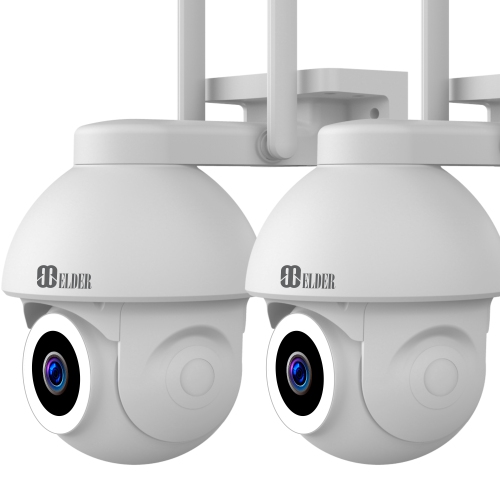
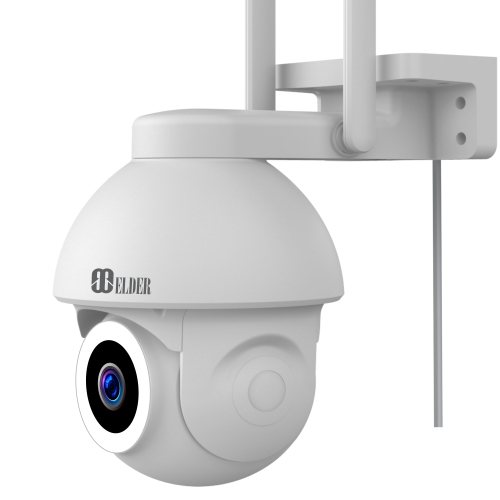
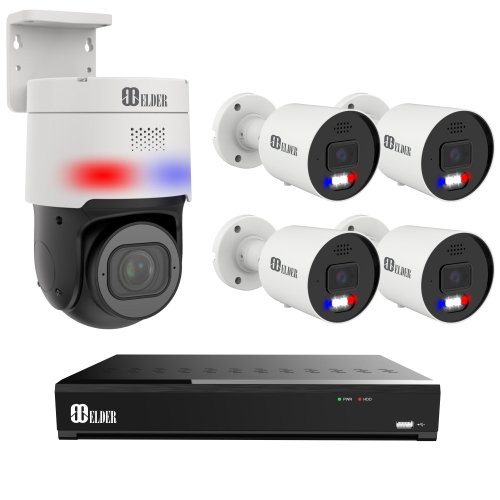
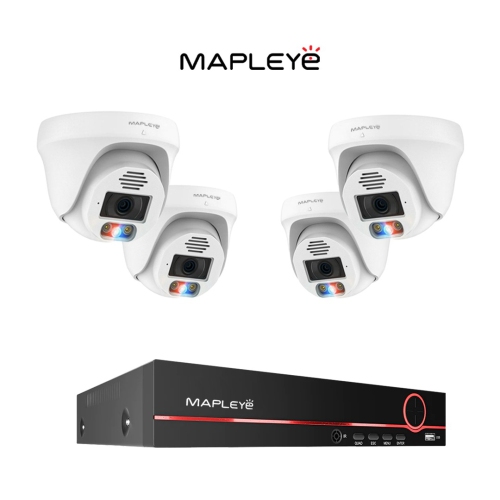
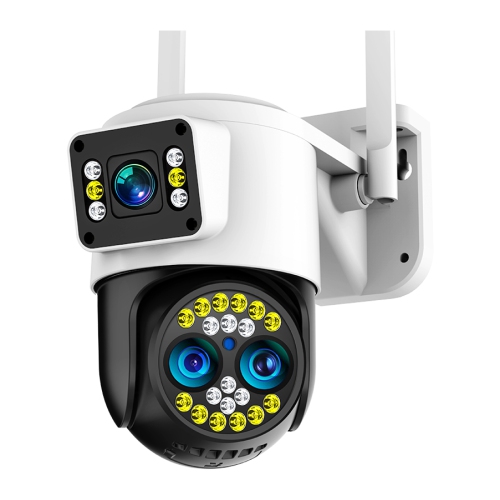
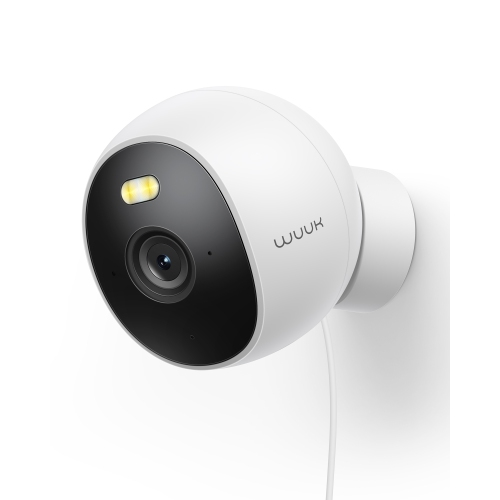
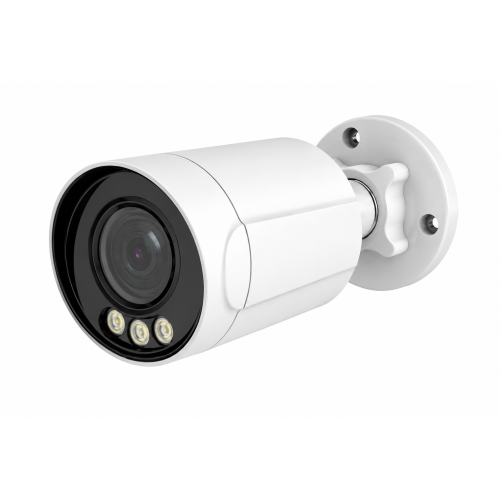
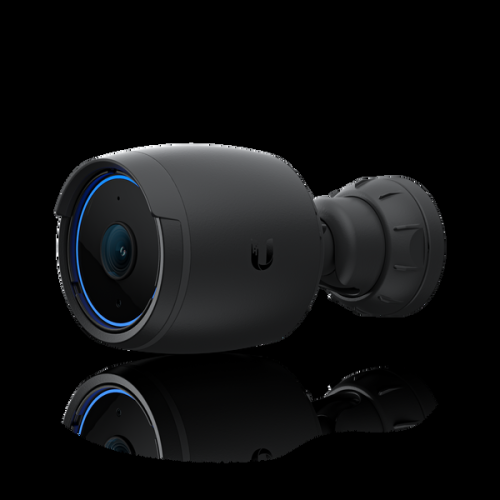
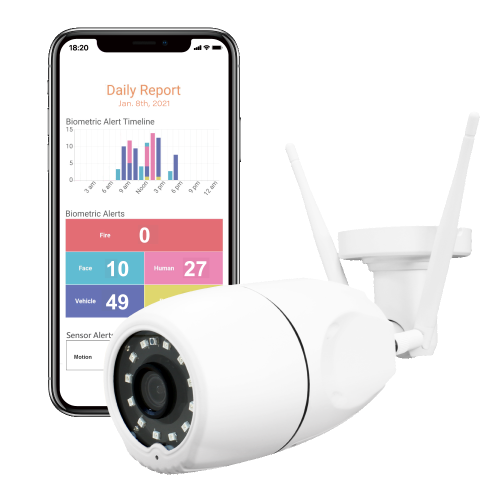
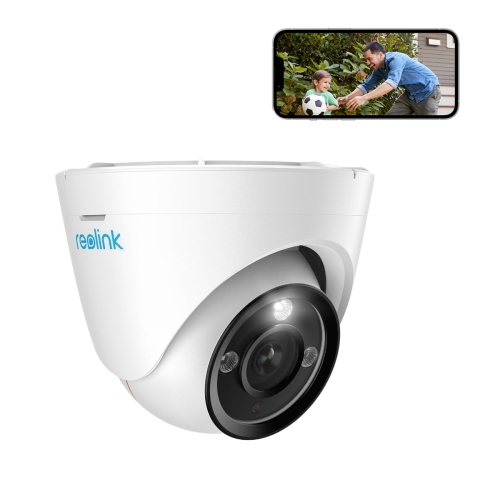
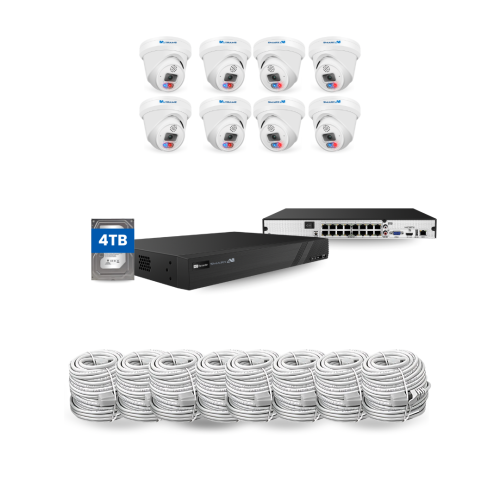
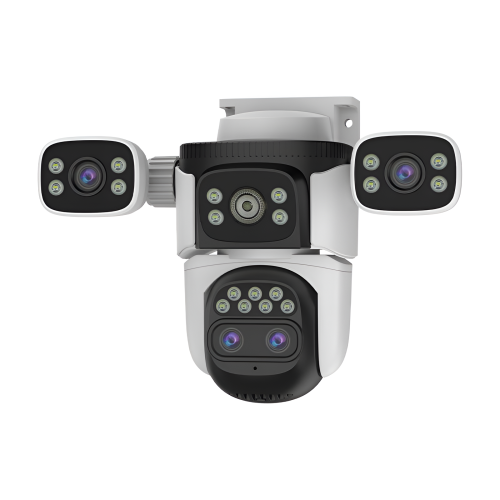
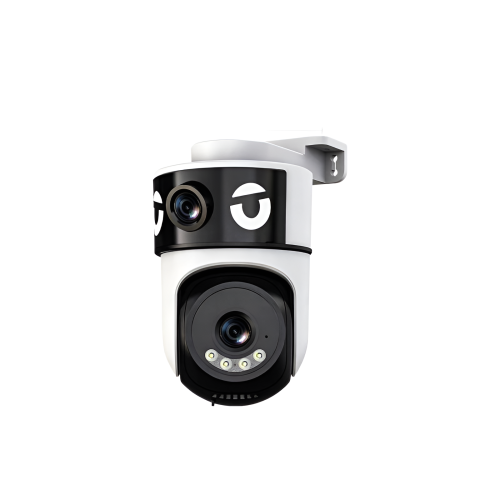
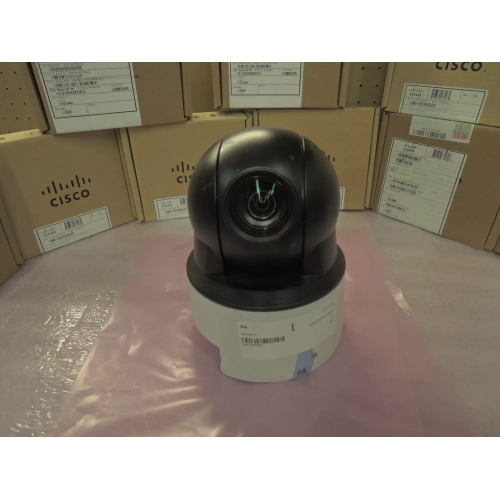
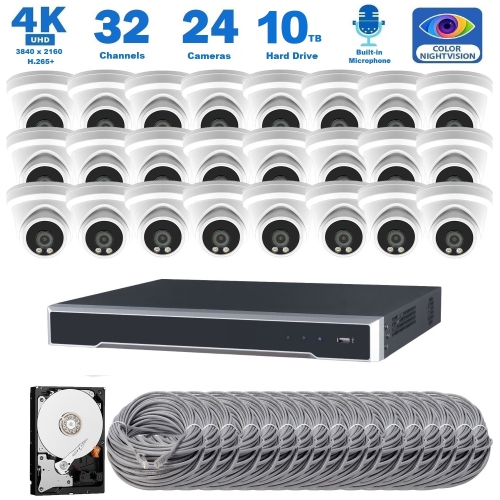
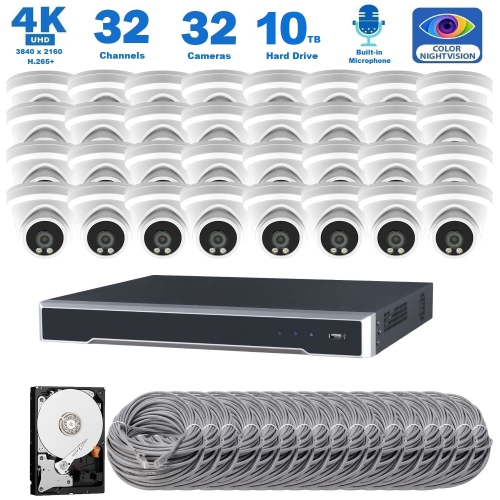
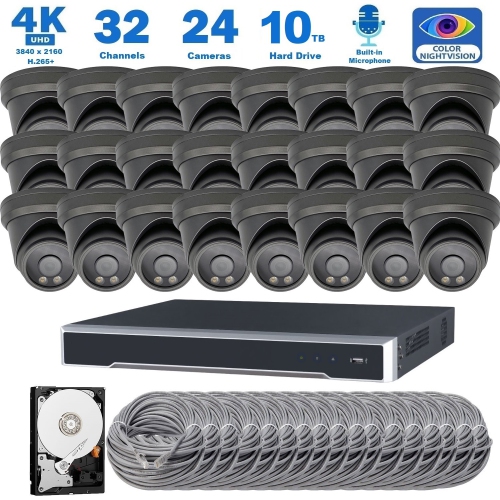
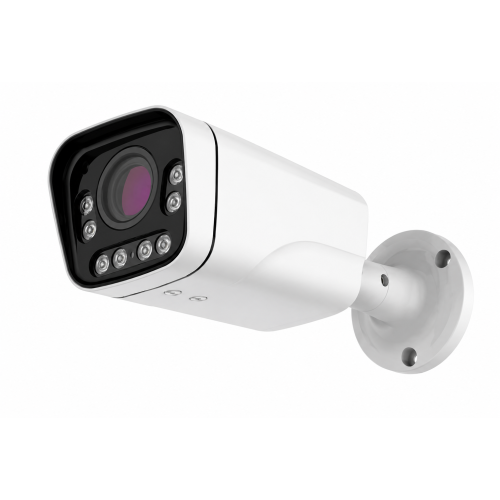
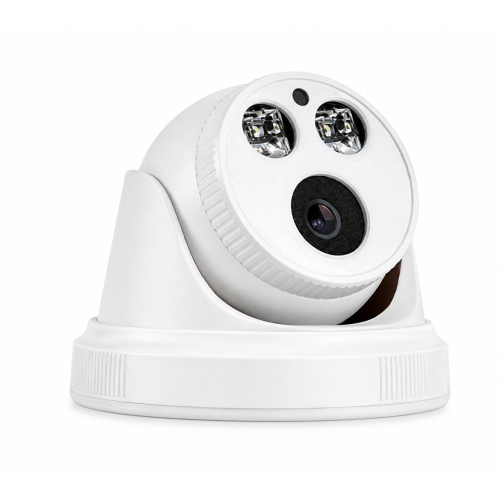
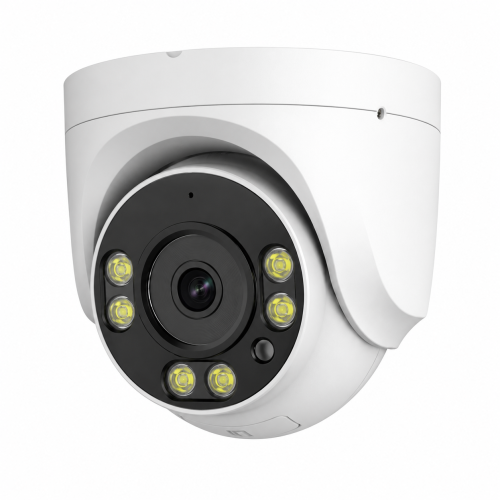
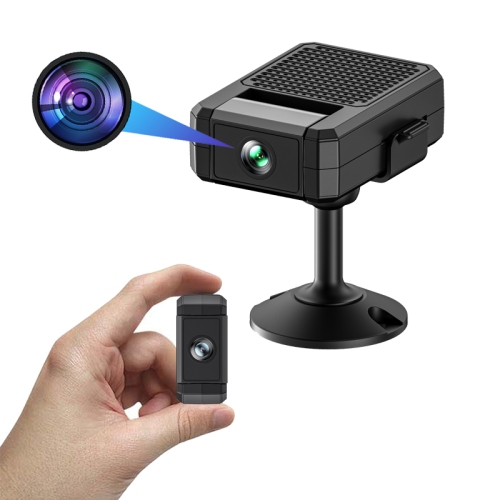
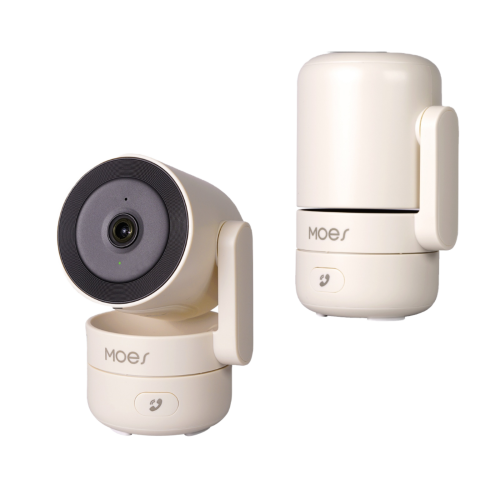
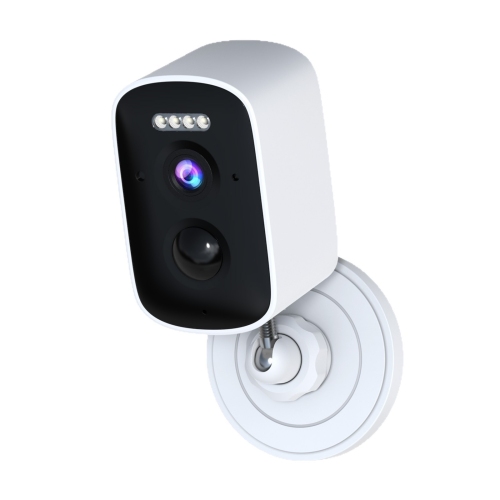
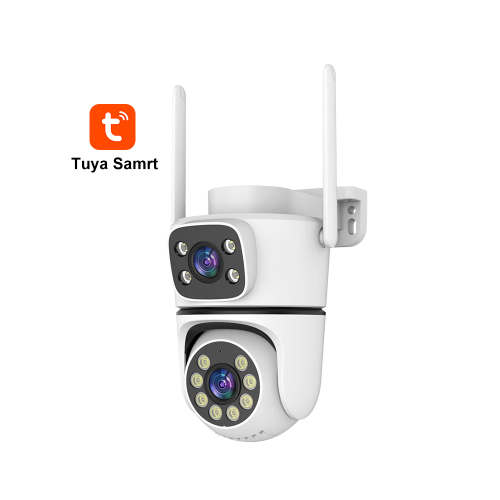
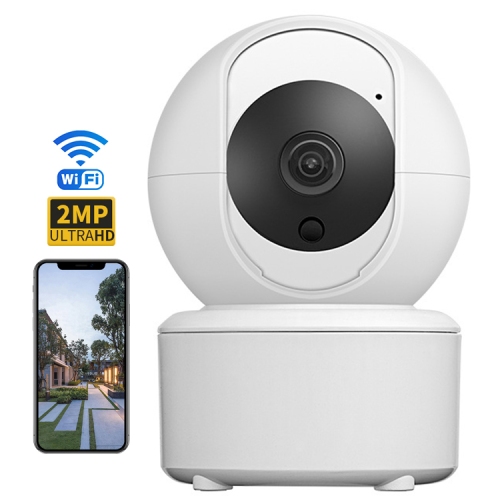
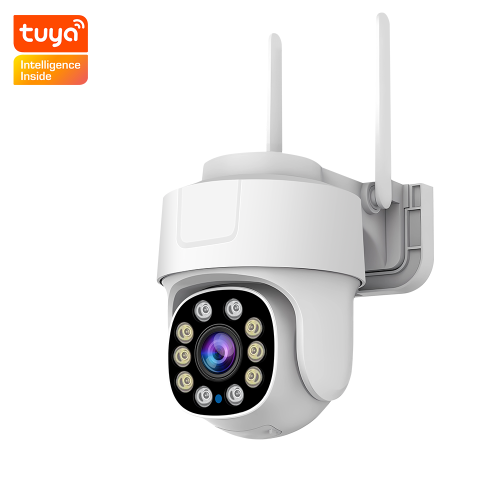
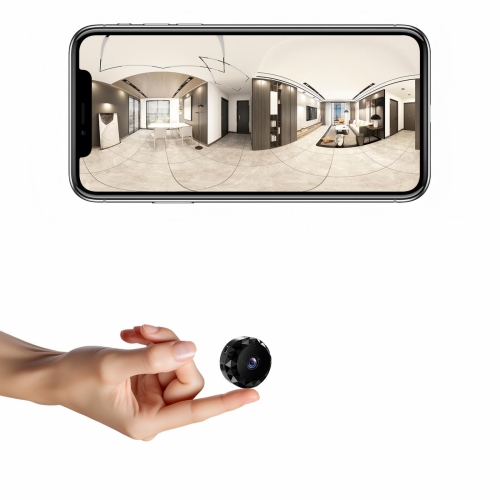
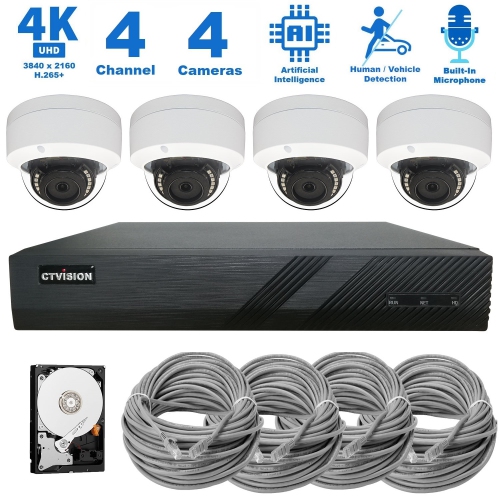
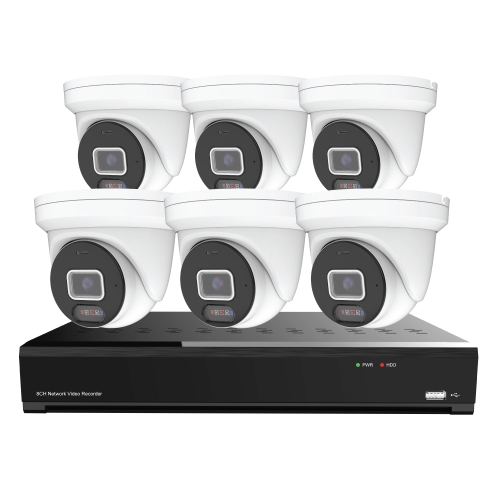
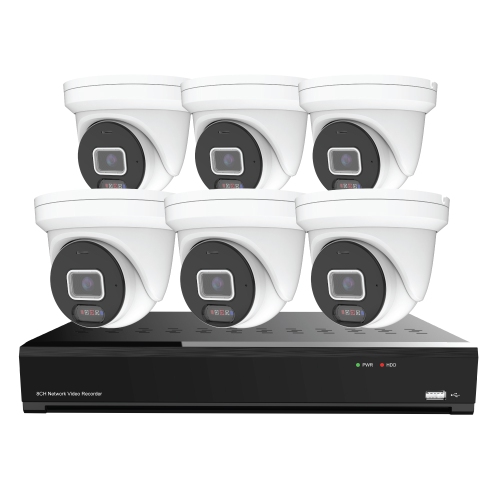
High-tech security cameras combine detailed video with features that make everyday monitoring more useful, including intelligent motion detection, remote viewing, flexible storage, and connected home integration. Depending on the camera, that can mean 4K Ultra HD recording, on-device AI that distinguishes people from vehicles, dual-band Wi-Fi connectivity, or searchable event clips that make an unexpected delivery easier to find. These capabilities suit a range of spaces, from a condo entrance and a nursery doorway to a detached garage or a small business reception area. Image quality remains an important part of the experience, but resolution alone does not determine how much useful detail a camera captures. Lens quality, viewing angle, lighting, video compression, and the distance between the camera and its subject all contribute to the result. A wide-angle view can cover an open living room, while a narrower view may devote more detail to a gate or entrance. Higher-resolution footage can provide more room to crop into a recorded scene, although digital zoom cannot recover detail that was never captured. High dynamic range can help balance a bright doorway against a dim interior, making it easier to see someone standing just inside the entrance. At night, infrared illumination typically produces a monochrome image, while colour night vision depends on the camera’s sensor, available light, or built-in lighting. An integrated spotlight can illuminate a nearby subject, but its reach and placement matter, particularly beside a neighbour’s window. For spaces where fine visual detail is the main priority, High Definition Security Cameras offer a related selection to explore. Across camera types, useful coverage comes from matching the view to the task: seeing who approached the front door is different from following activity across a broad driveway, and neither requires every corner of a property to appear in one image.
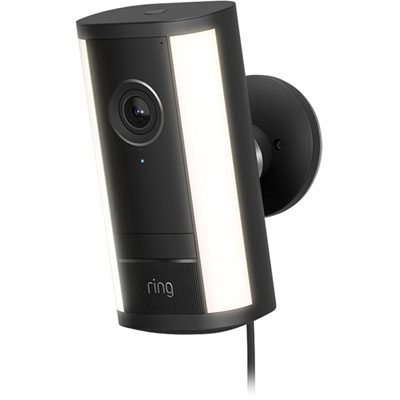
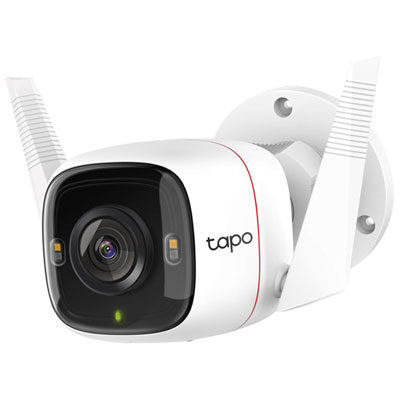
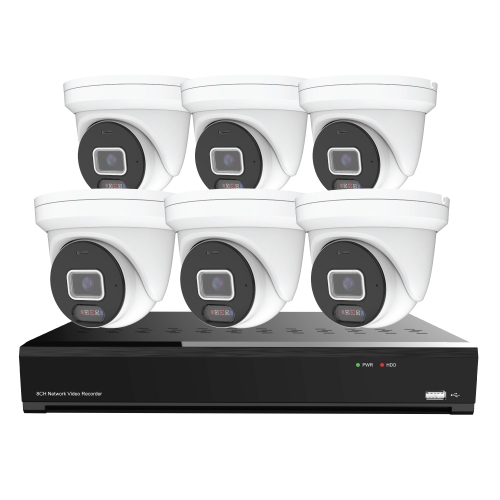
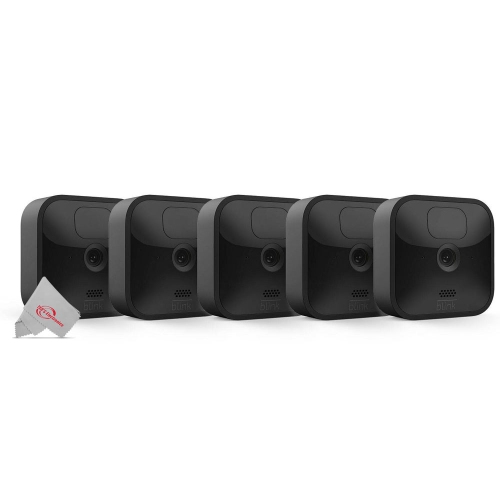
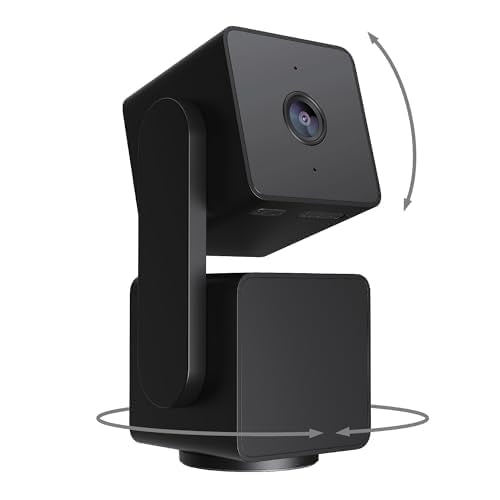
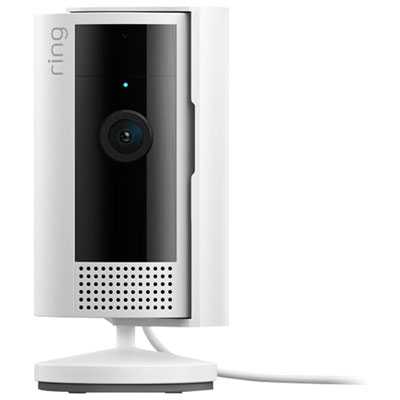
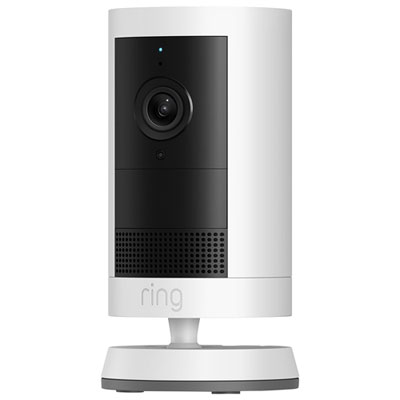
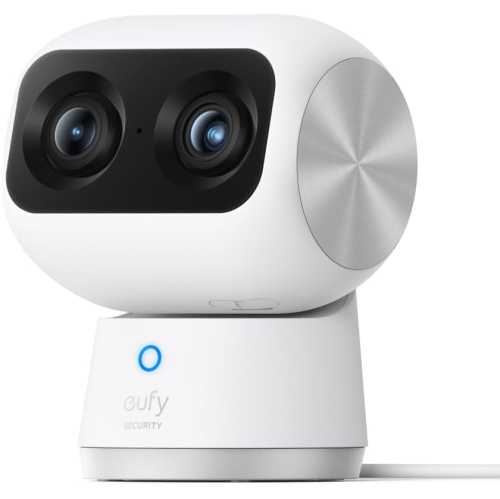
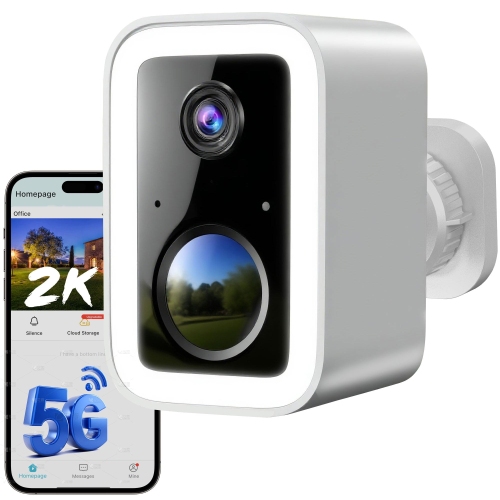
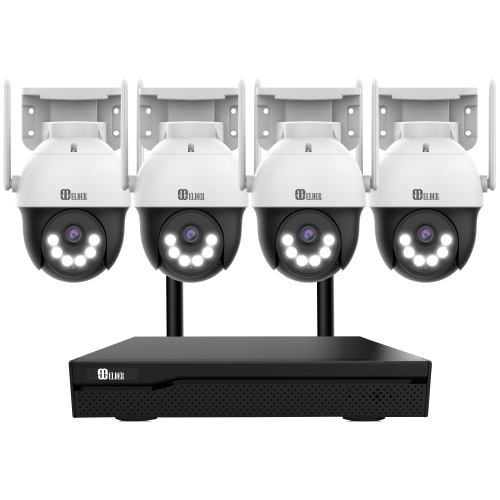
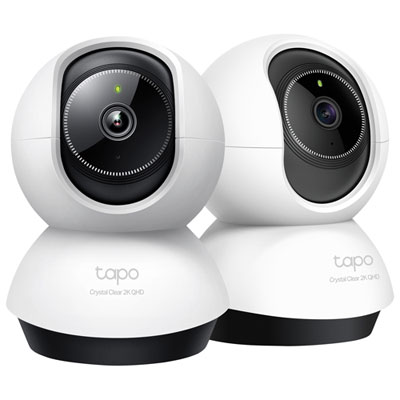
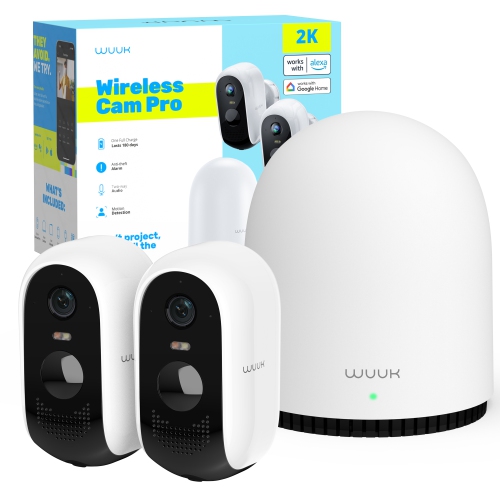
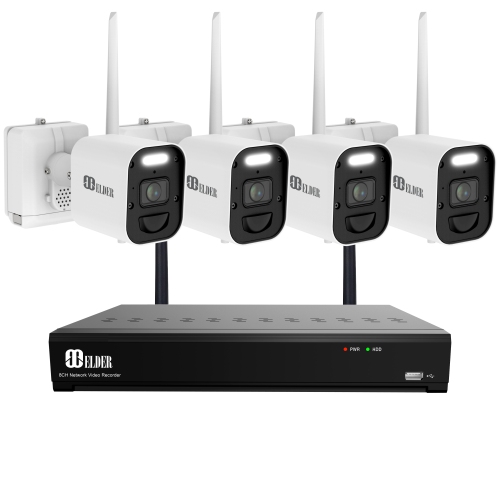
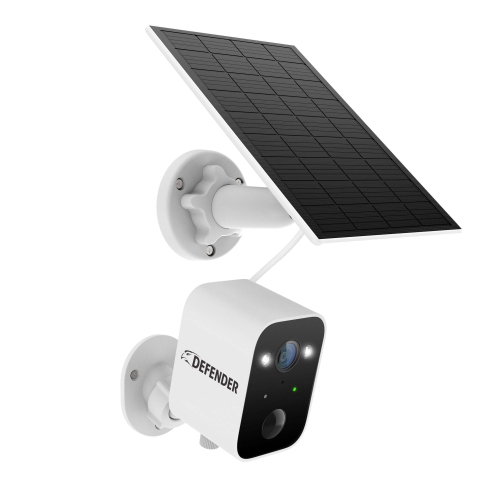
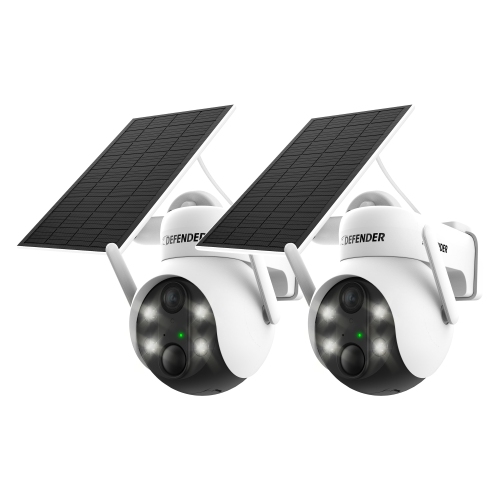
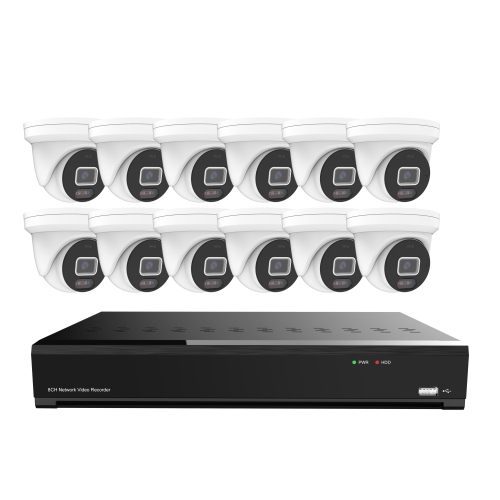
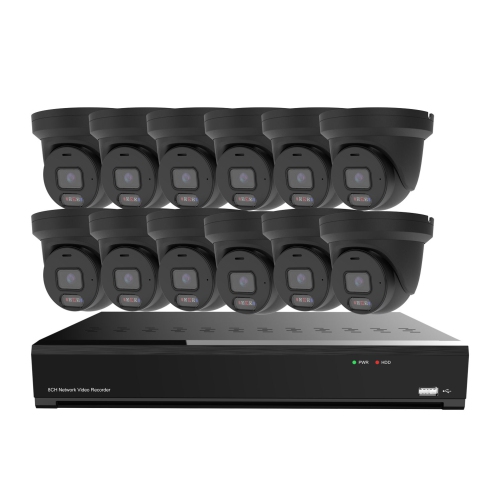
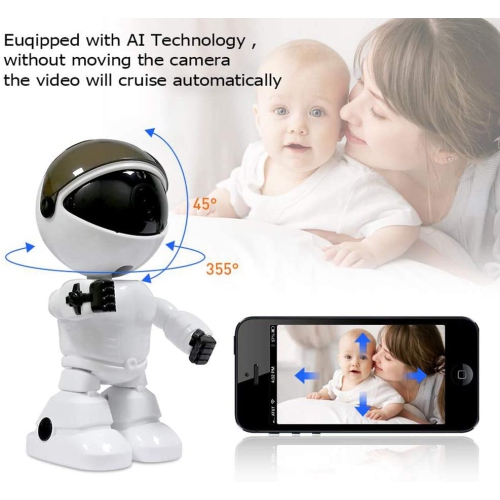
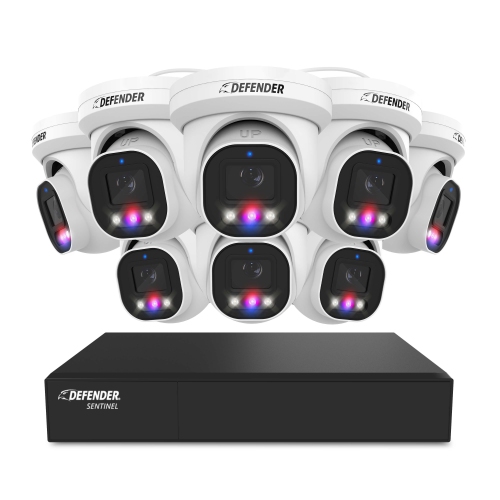
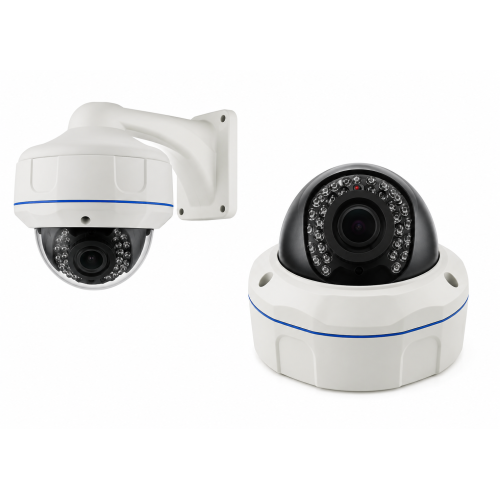
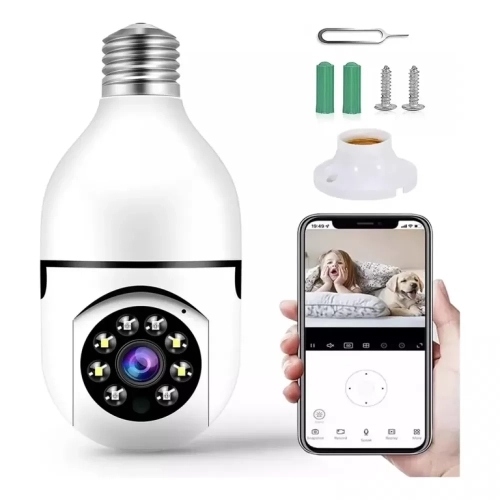
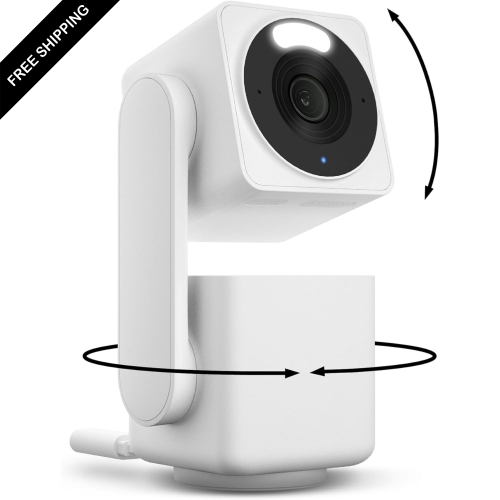
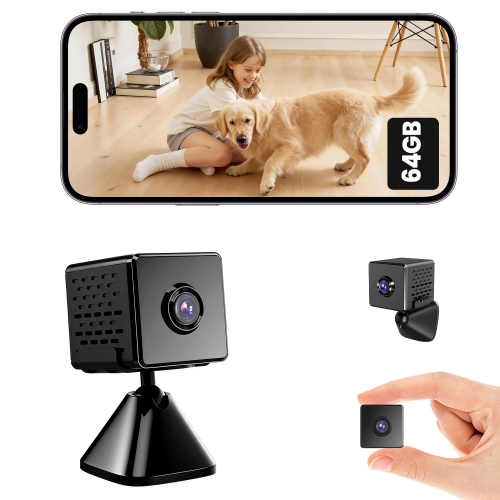
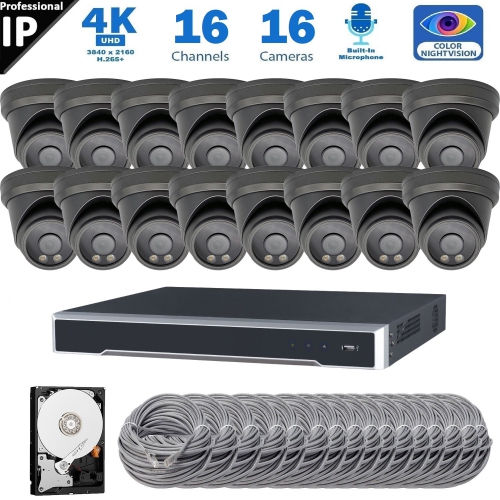
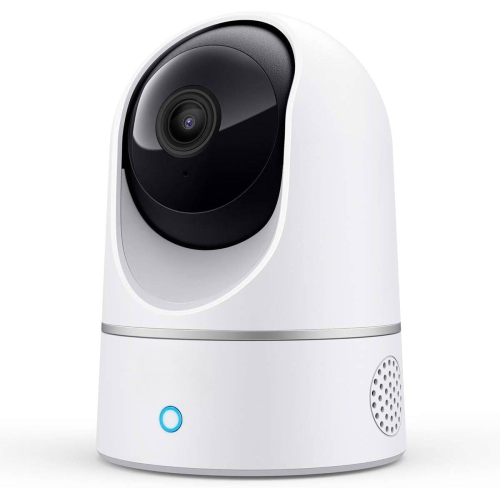
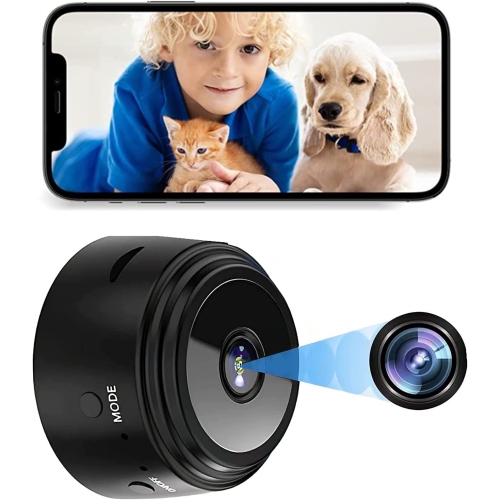
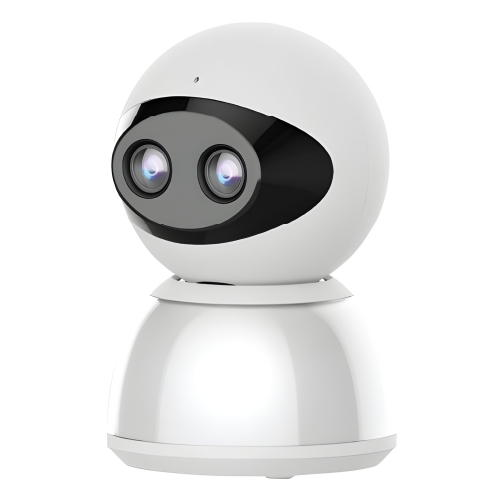
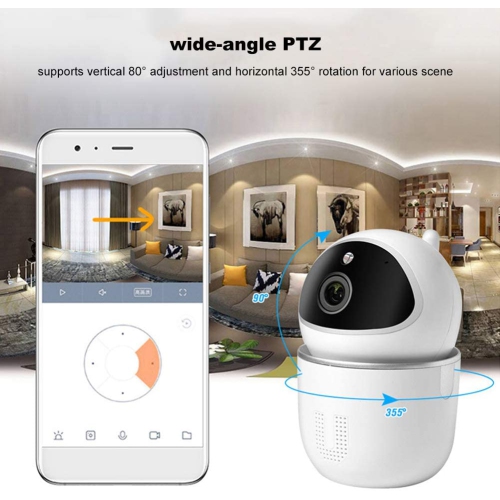
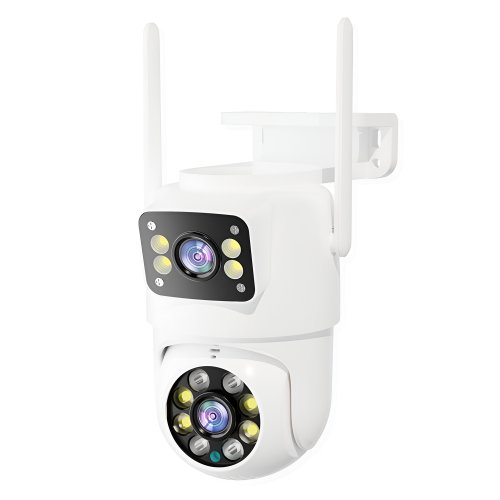
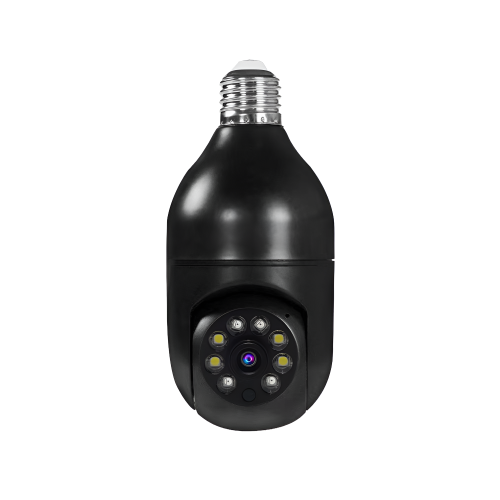
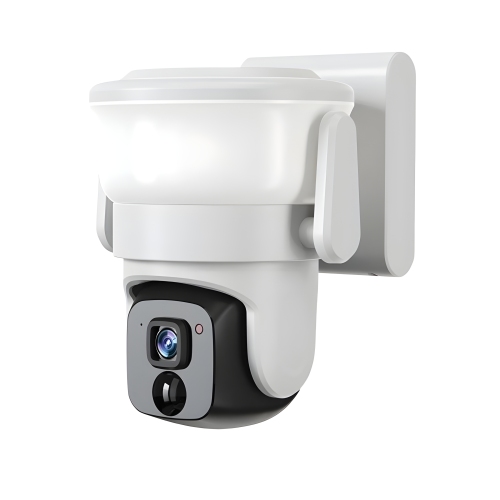
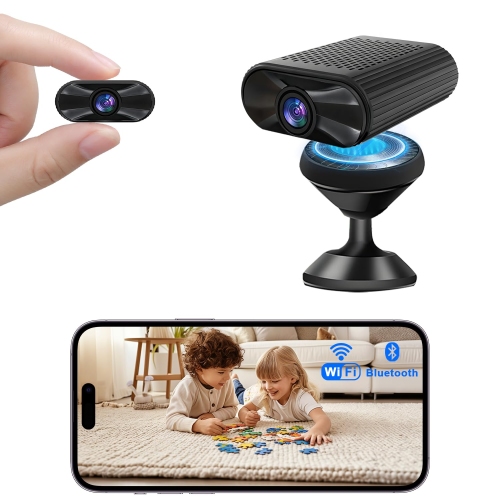
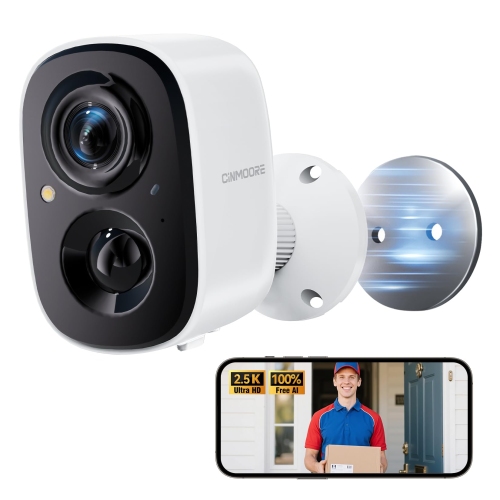
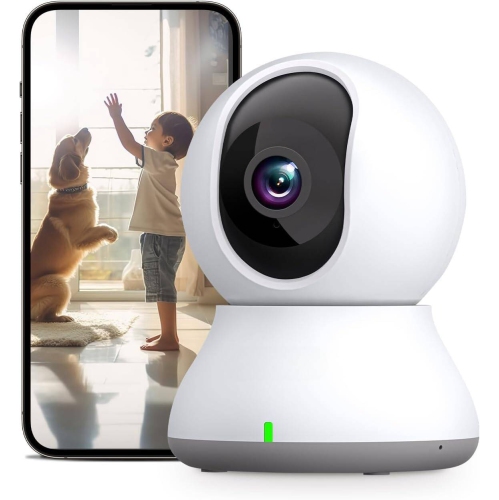
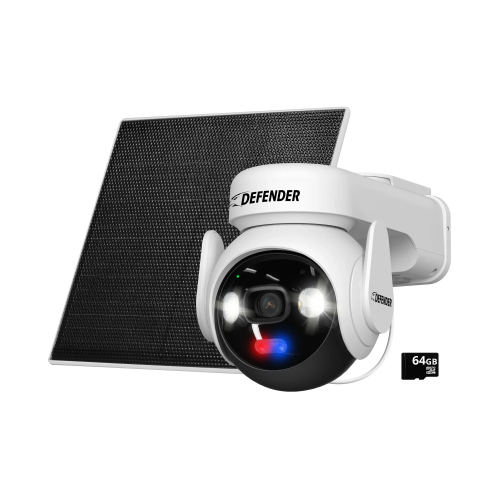
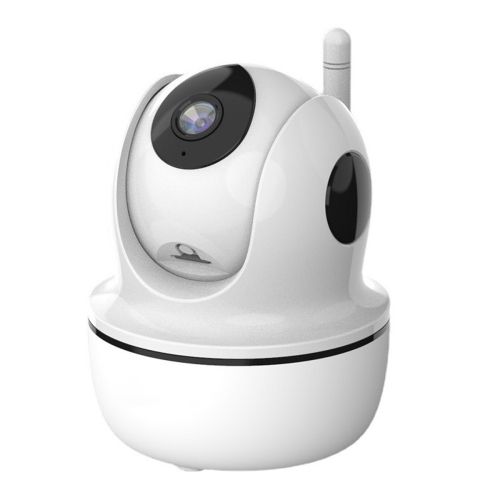
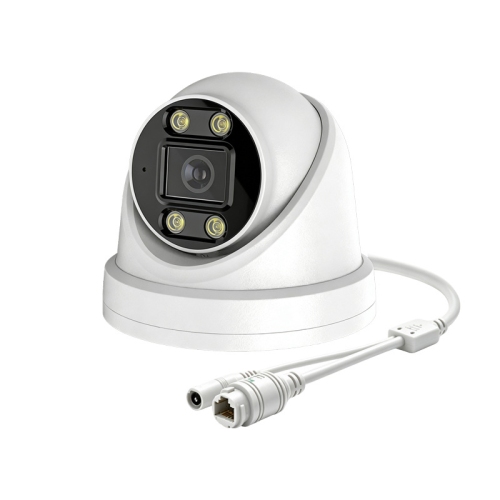
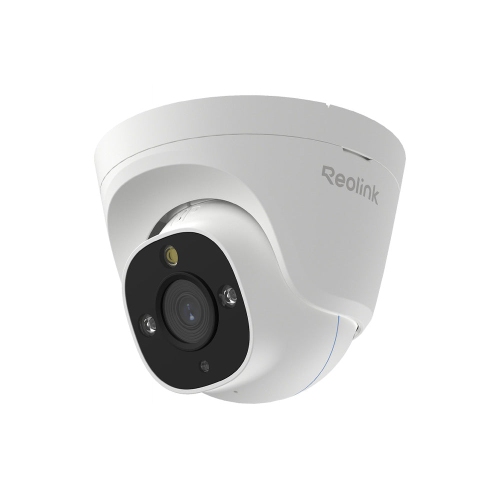
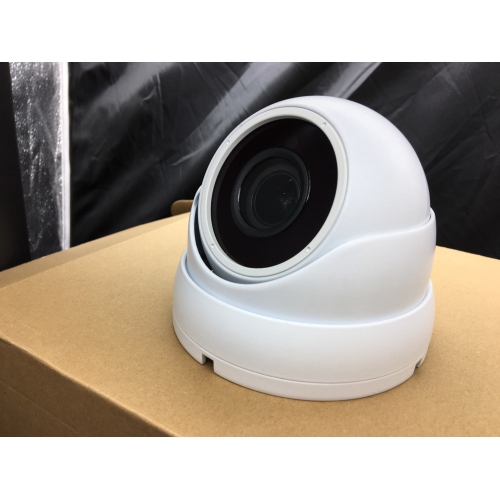
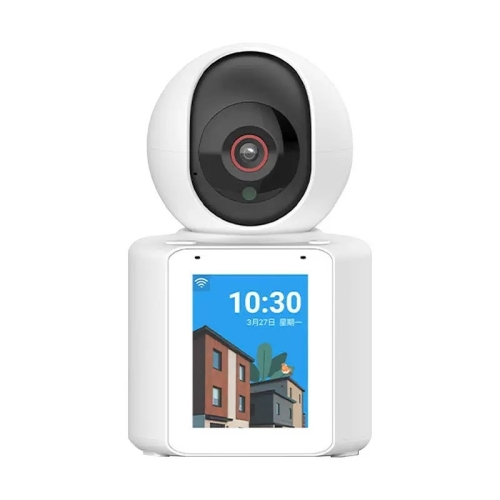
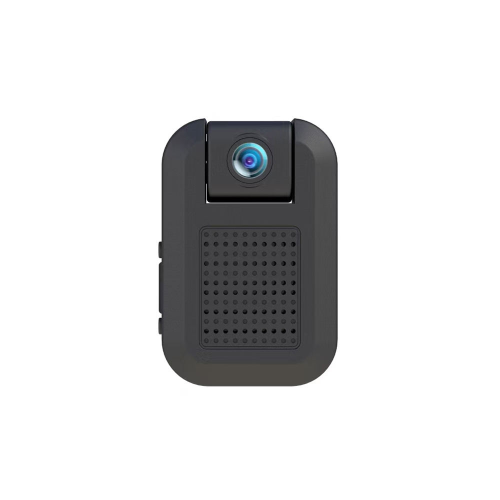
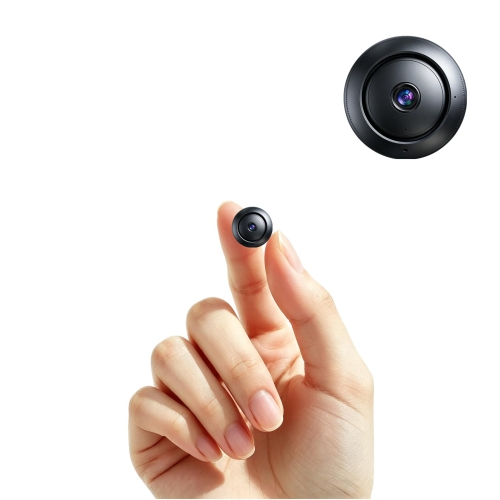
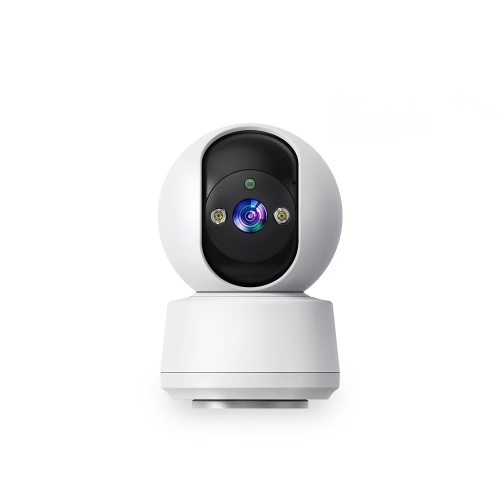
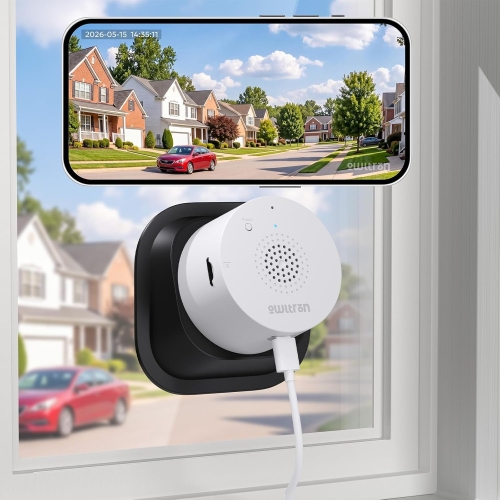
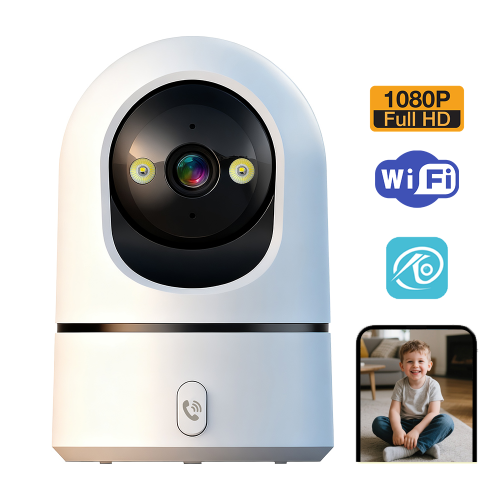
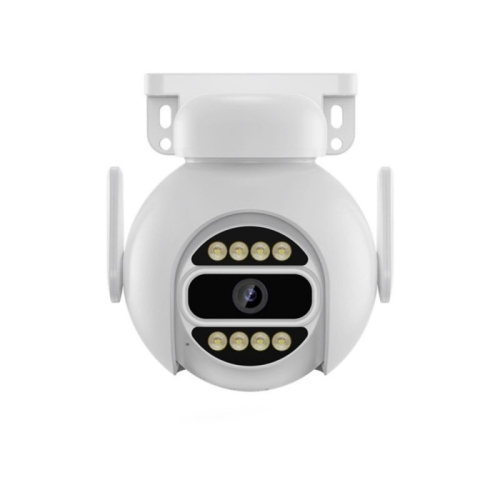
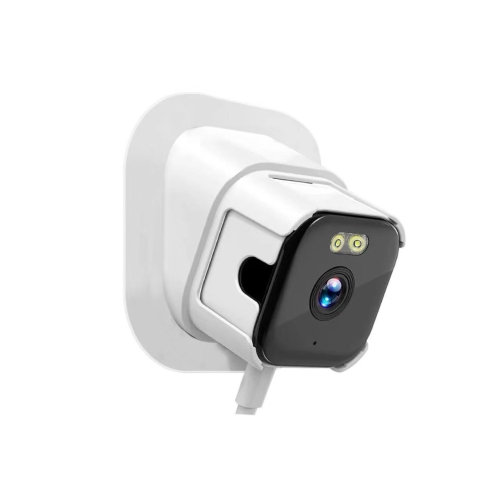
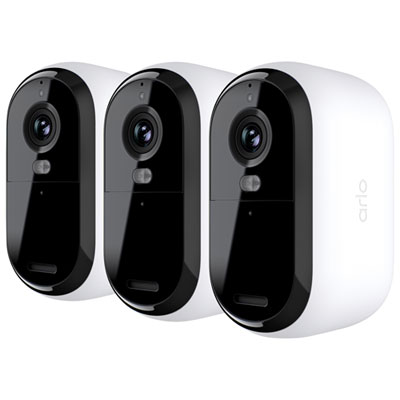
The physical design and connection method shape how comfortably a security camera fits into daily life. Compact indoor housings can sit discreetly on a shelf, while securely mounted outdoor enclosures are designed for more exposed locations. Housing materials, sealed connections, mounting hardware, and the manufacturer’s stated indoor or outdoor rating deserve attention, especially where a camera could be bumped or reached easily. Adjustable brackets help aim the lens without including more neighbouring space than necessary. Pan-and-tilt designs can change the view through an app, and some support automatic tracking, although a moving lens cannot watch every direction simultaneously. Fixed cameras provide a consistent view of a specific entrance or passage. Power arrangements are equally practical considerations. Plug-in cameras need a suitable outlet and a safely routed cable; battery-powered designs allow more placement flexibility but require charging or battery replacement. Frequent activity, lengthy recordings, and repeated live viewing can shorten the interval between charges. Power over Ethernet cameras carry power and data through a compatible network cable, making them useful where a wired installation is practical. Wireless cameras still need a reliable connection at their mounting location, not just near the router. Dual-band support can offer a choice between 2.4 GHz and 5 GHz, while Wi-Fi 6 support may improve network efficiency when paired with compatible equipment. Neither feature removes the effect of walls, distance, or competing network traffic. High-resolution video also places greater demands on network capacity and storage. For renters, shelf placement or an approved removable mount may be more suitable than drilling into a wall. Day-to-day care is generally straightforward: a clean lens, unobstructed sensor, secure mount, and clear microphone opening help preserve performance. A soft cloth and manufacturer-approved cleaning methods reduce the chance of scratching a lens or damaging a protective coating.

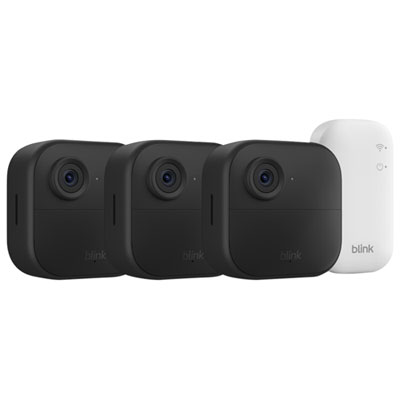
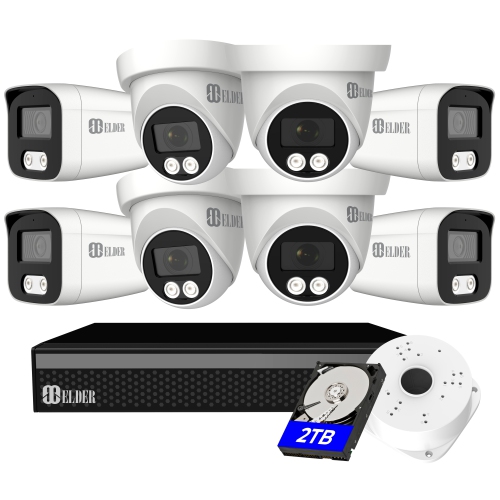
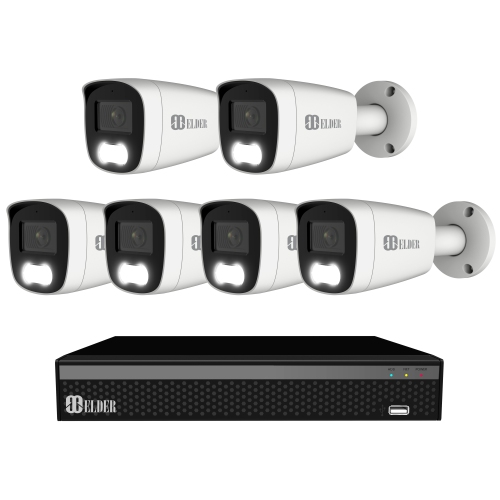
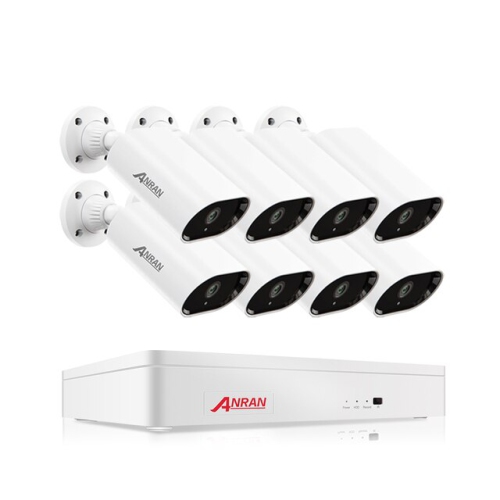
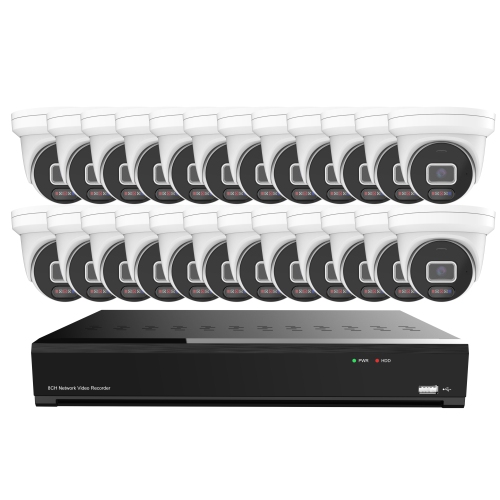
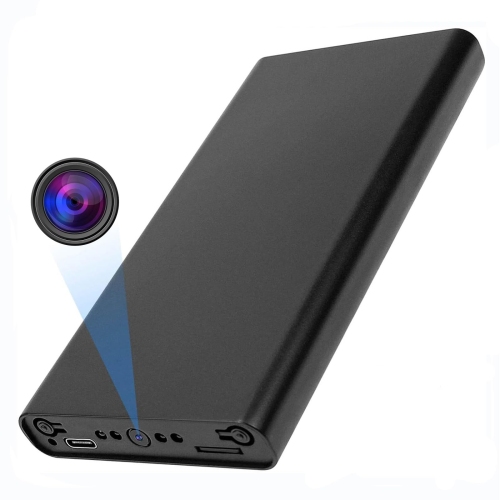
Intelligent detection is often what separates a useful security camera from one that simply records movement. Basic motion alerts can be triggered by activity that does not need attention, while supported AI features can classify events such as a person approaching, a vehicle entering a driveway, or a package appearing near a door. Detection categories vary, and accuracy depends on factors such as camera angle, distance, lighting, and obstructions. Activity zones help focus alerts on an entrance rather than a busy pavement, while sensitivity settings and notification schedules can reduce interruptions. For a household with several people coming and going, shared access can let authorized family members check an alert without sharing a single account password. Two-way audio can support a brief conversation with a visitor, provided the camera has a microphone and speaker, though connection quality and background noise affect clarity. Storage choices determine how those moments can be reviewed later. Local storage may use a memory card, a compatible hub, or a network video recorder; cloud storage keeps supported recordings off-site and generally requires an internet connection for uploading. Some cameras offer both, but recording modes, playback tools, retention periods, and access requirements differ. Event-based recording saves selected activity, whereas continuous recording provides a fuller timeline when supported by the camera, power source, and storage setup. On-device processing can analyse supported events locally, but it does not necessarily mean every connected feature works without internet access. Privacy and account security matter just as much as image quality. Strong unique passwords, multi-factor authentication where supported, software updates, and carefully managed sharing permissions help protect access. Privacy zones or a physical lens cover can be useful indoors, particularly in shared living spaces. Placement should respect neighbouring properties and personal spaces, and audio recording deserves particular care. For homeowners, renters, caregivers, and small business operators, the most useful setup brings together a clear view, dependable recording, and alerts that make sense for the space, without treating a camera as a substitute for secure doors, good access habits, or an appropriate response to an incident.
Read More

FAQ

Some products may be subject to Environmental Handling Fees (EHF) depending on your province. Learn more about EHFs.