Digital Desk Clocks
Stay punctual and stylish with our collection of digital desk clocks. Whether you're looking to add a modern touch to your workspace or simply want a reliable timekeeping device for your home, our range of digital desk clocks has got you covered. From sleek and minimalist designs to bold and eye-catching options, these clocks offer accurate timekeeping, easy-to-read displays, and convenient features to enhance your daily routine. Explore our selection and find the perfect digital desk clock to suit your personal style and needs.
Sort

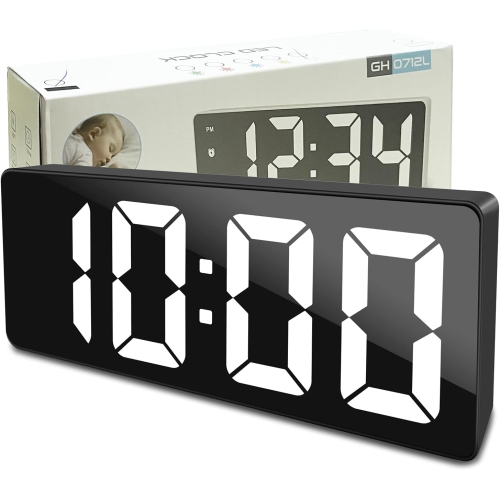
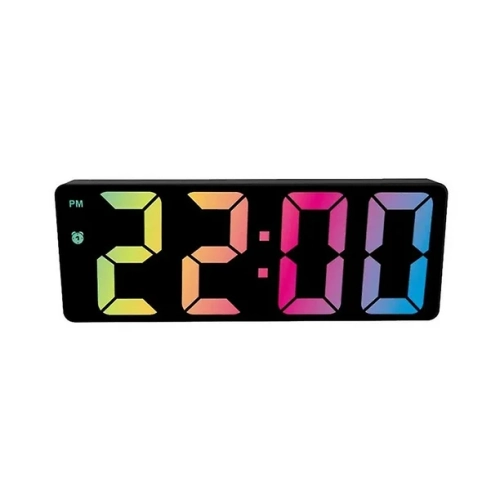
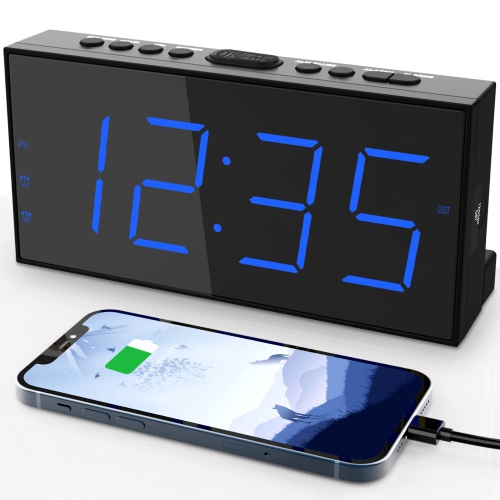
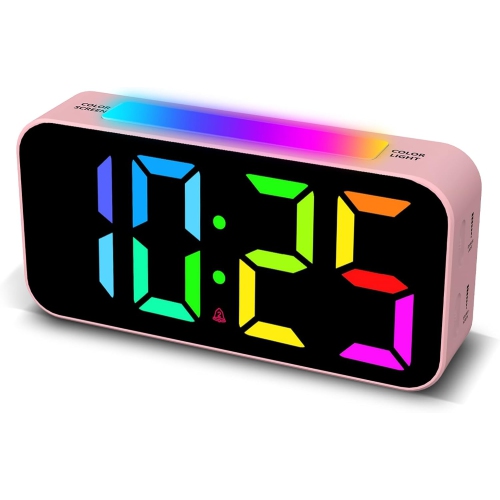
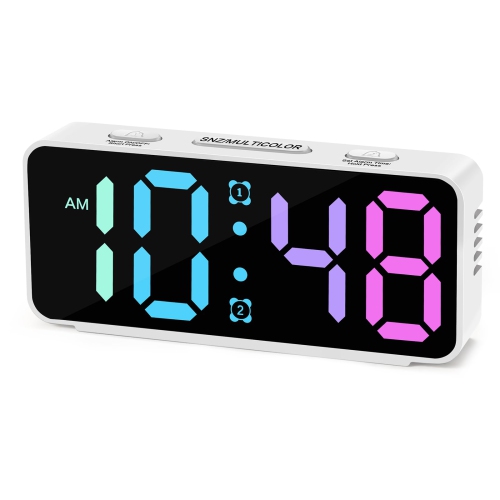
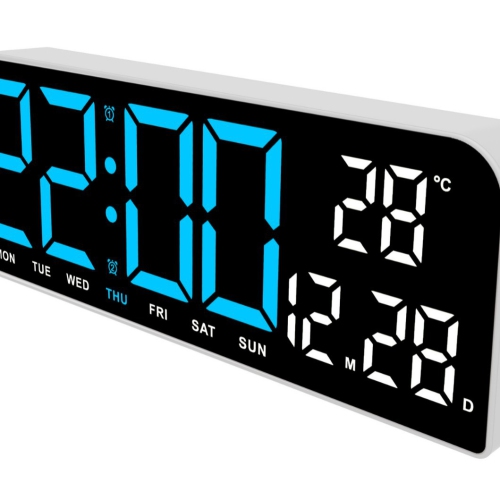
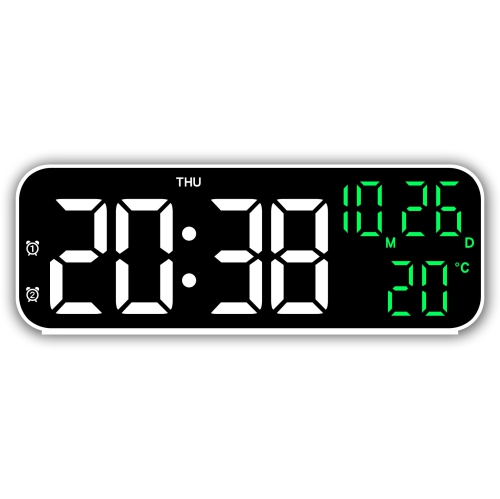
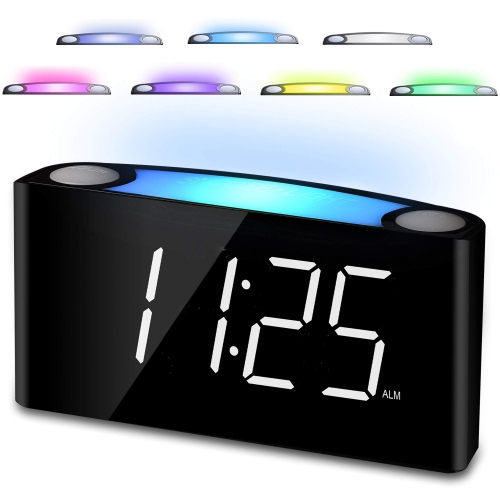
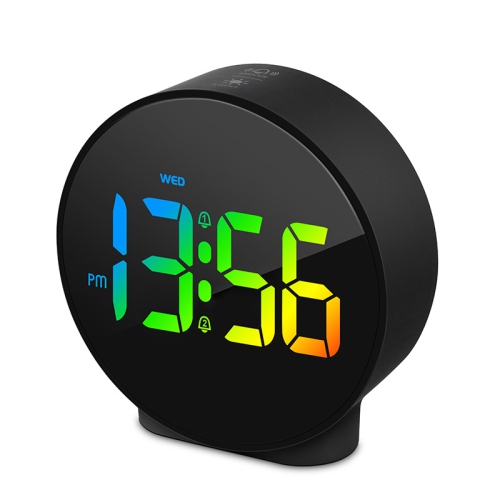
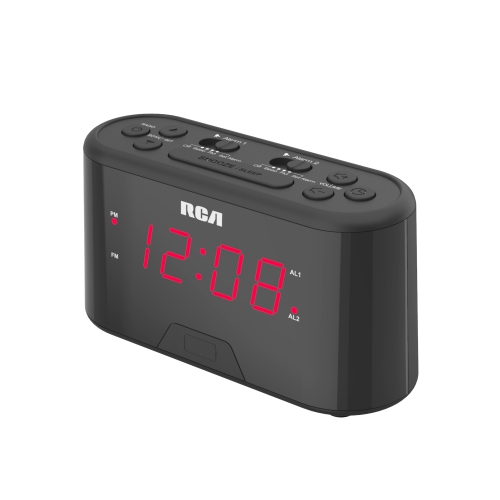
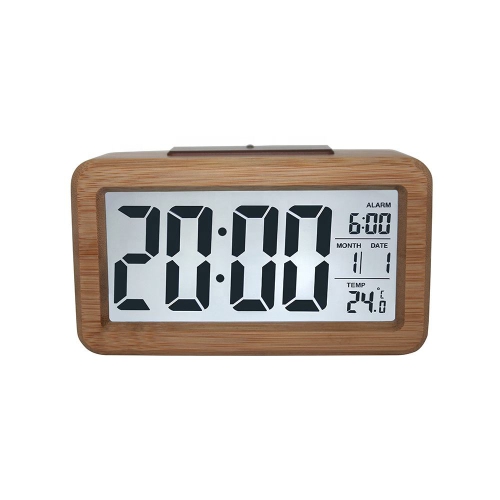
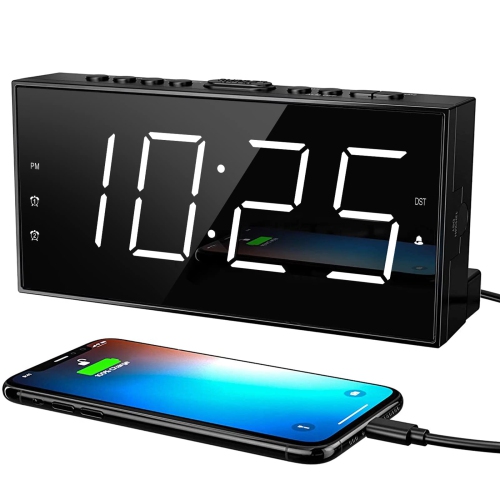
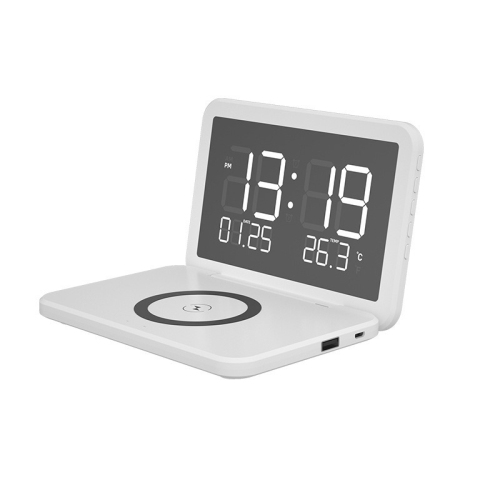
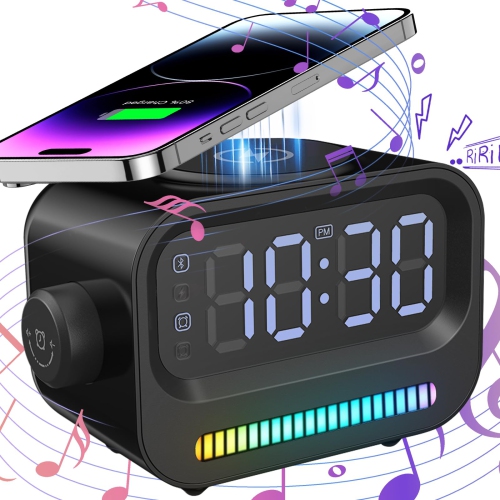
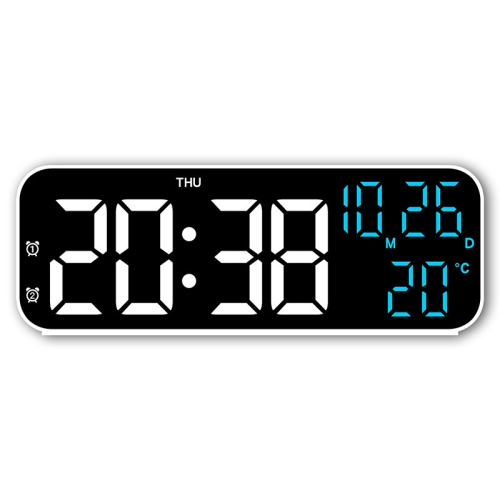
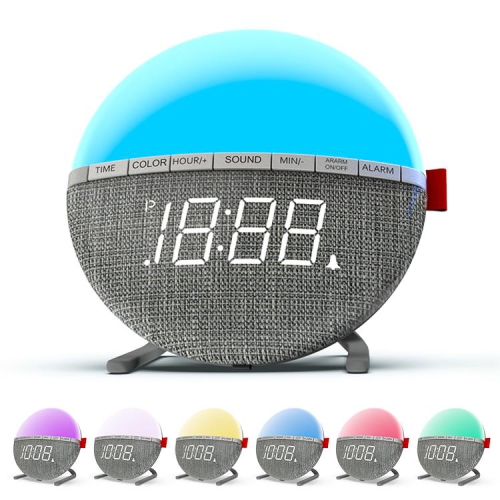
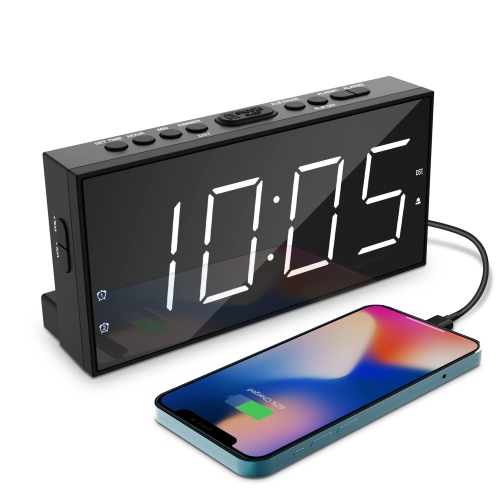
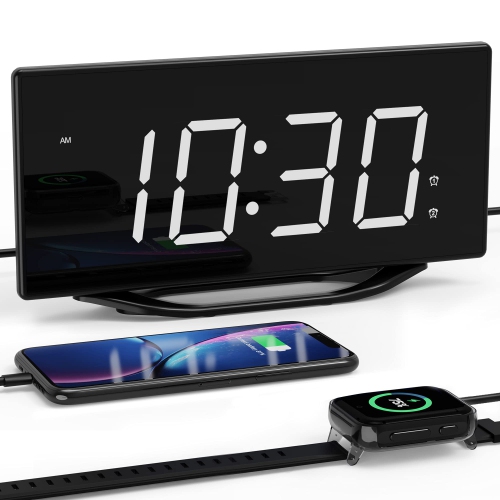
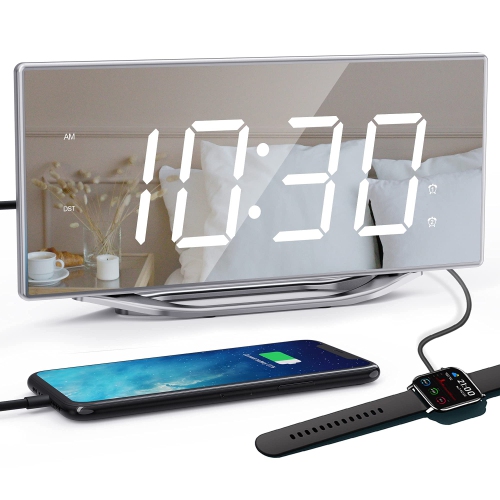
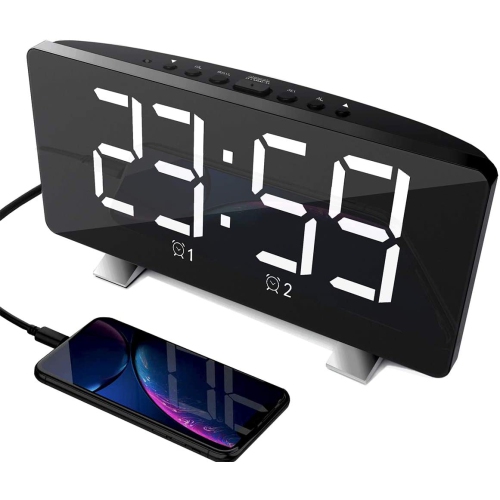
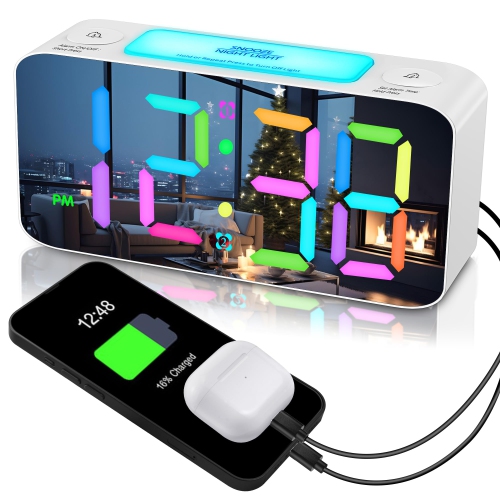
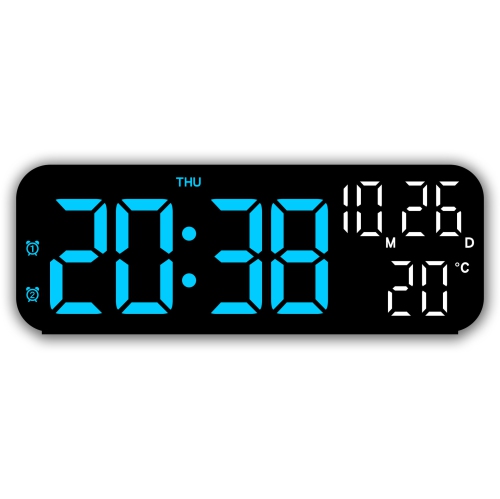
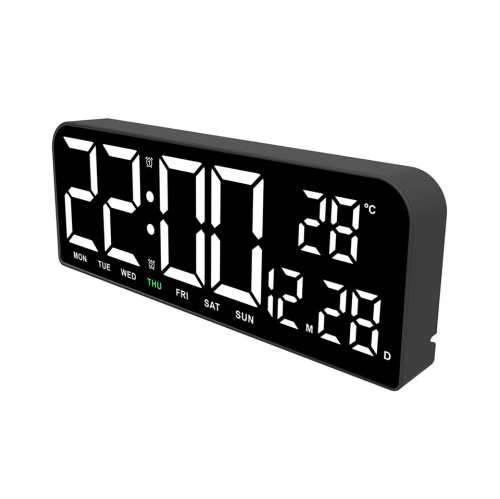
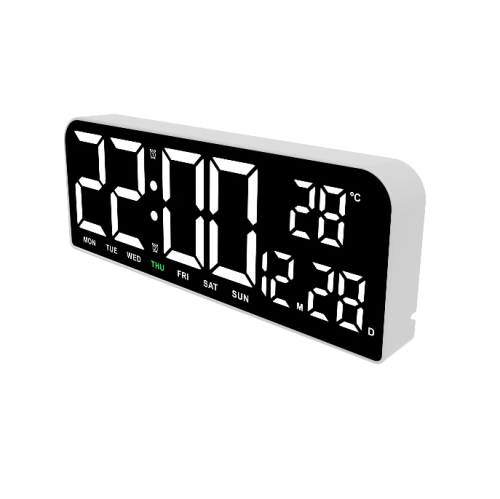

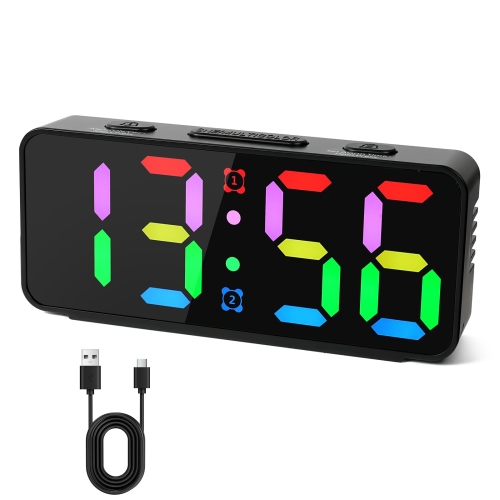
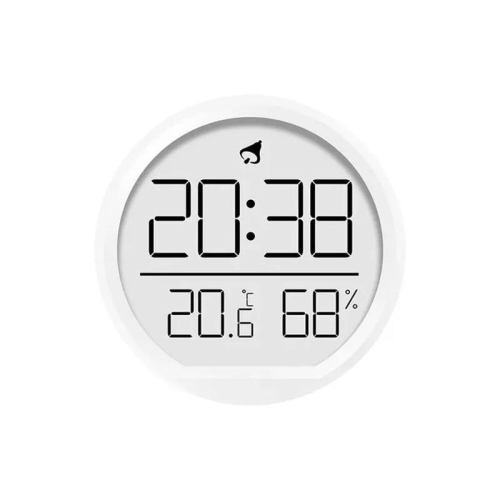
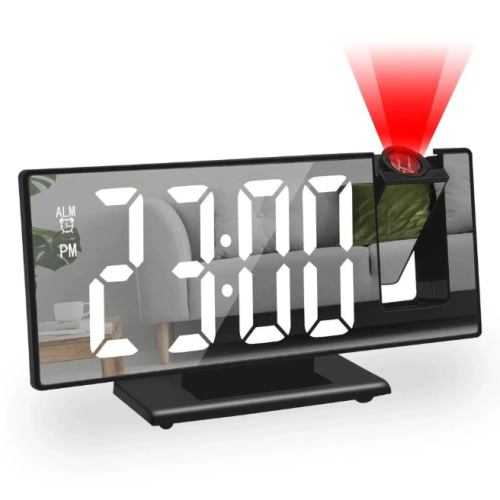
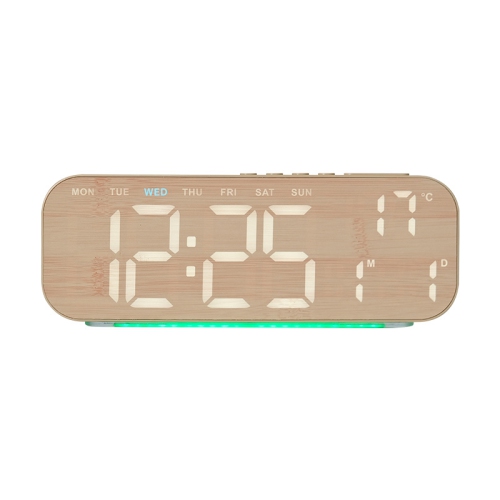
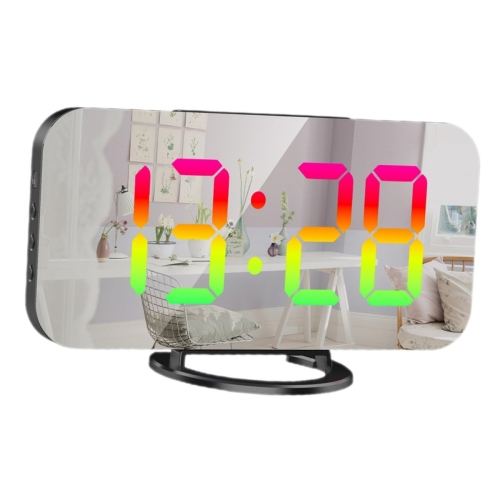
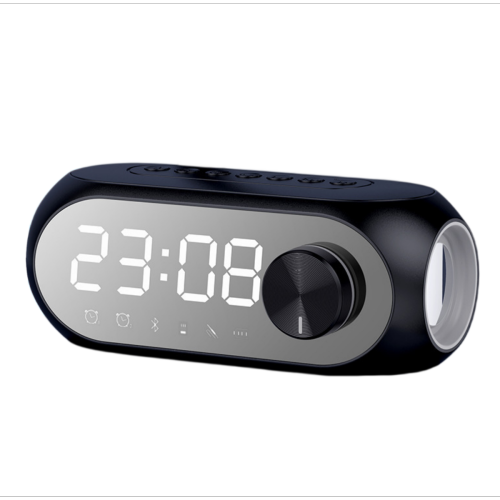
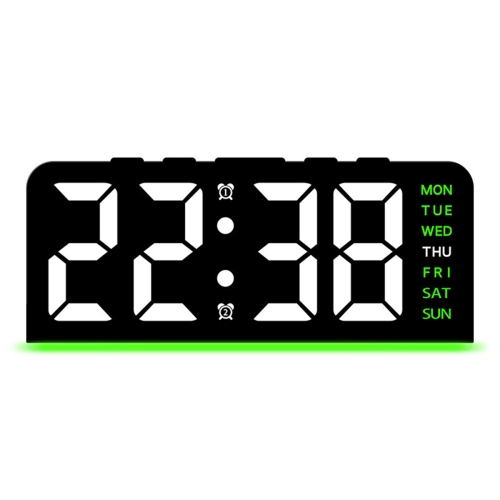
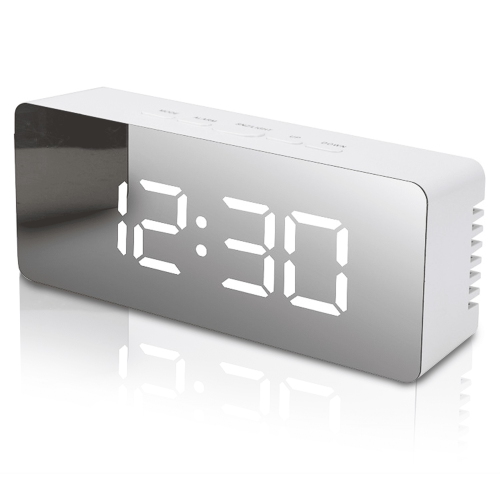
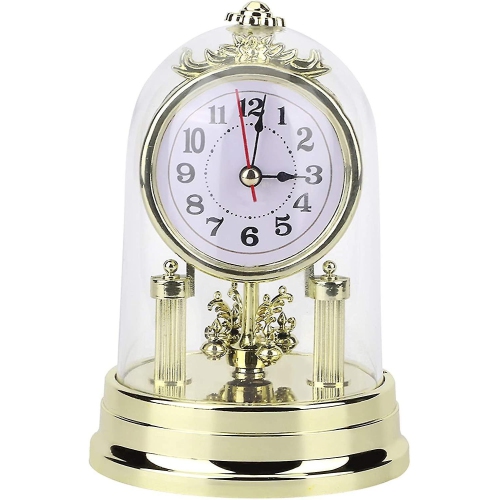
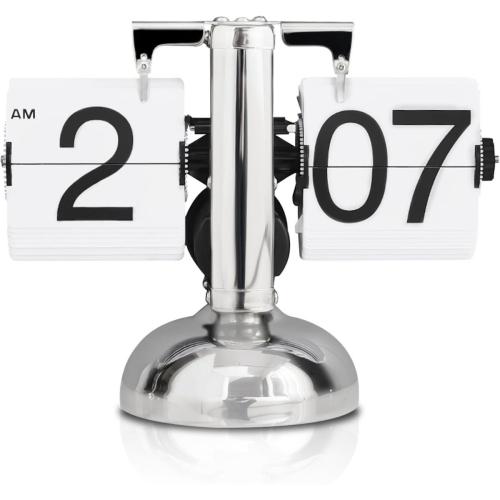
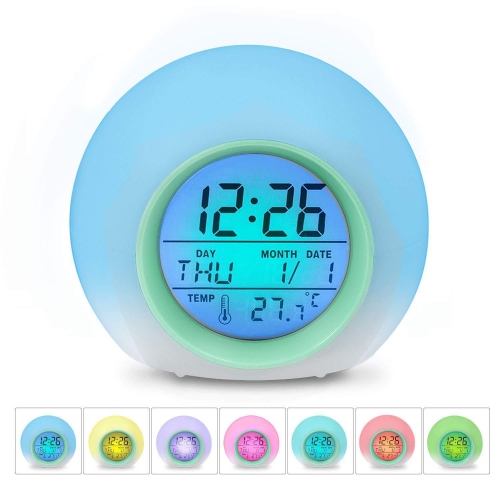
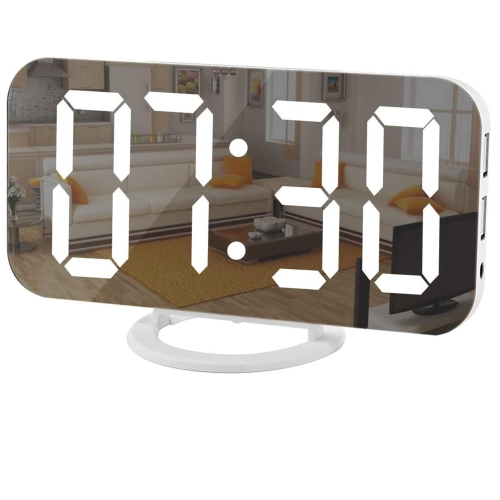
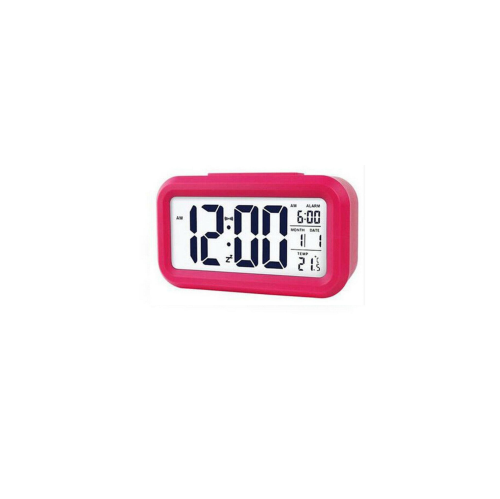
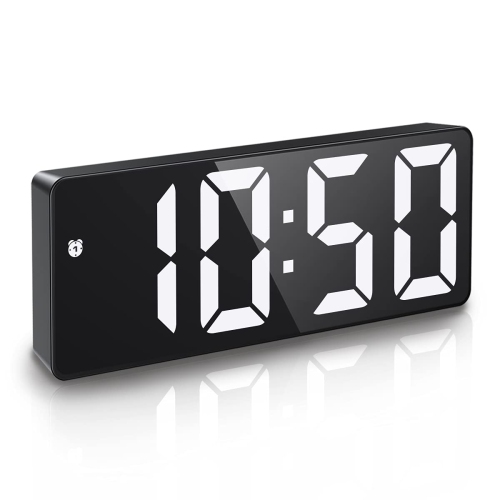
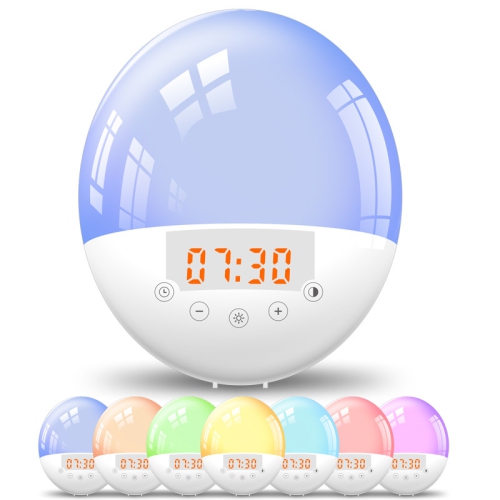
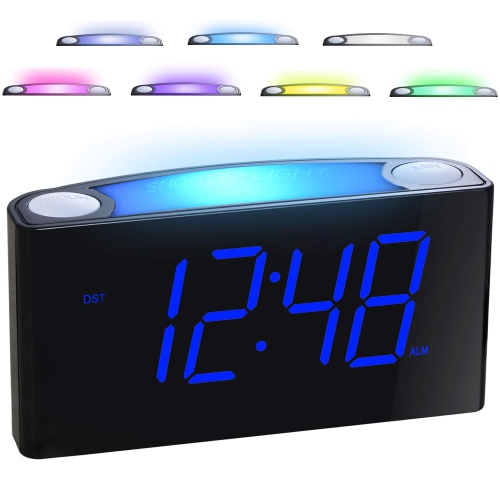
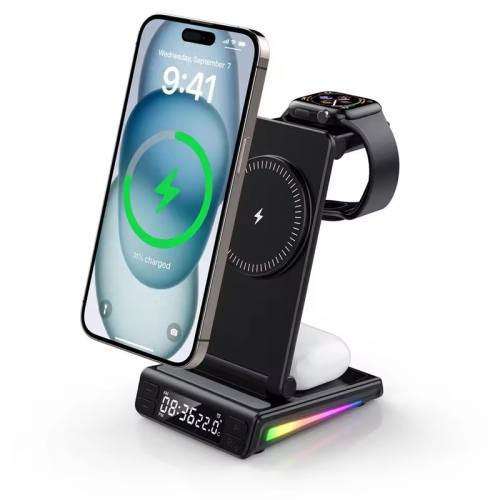
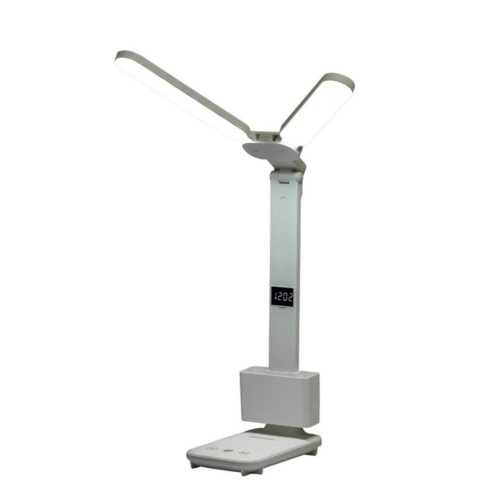
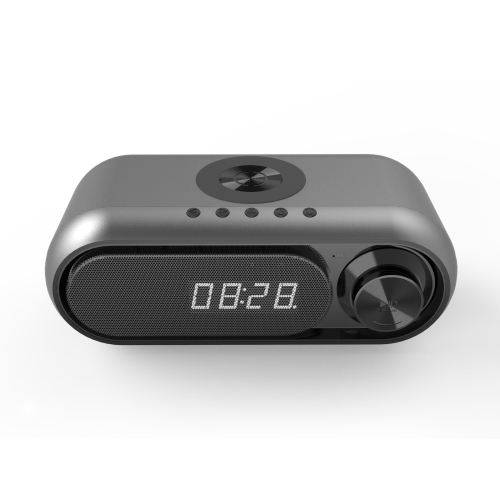
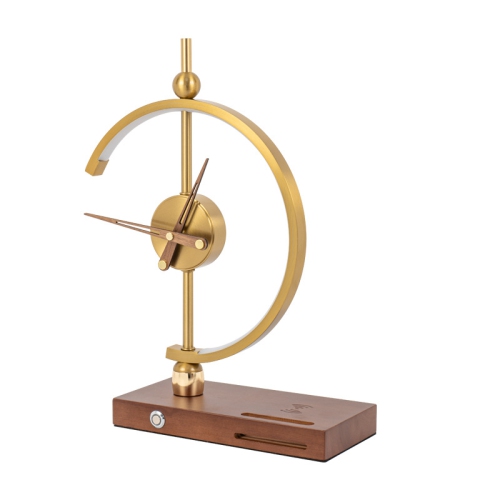
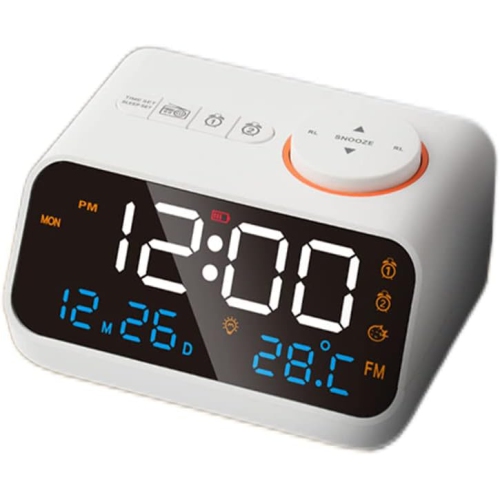
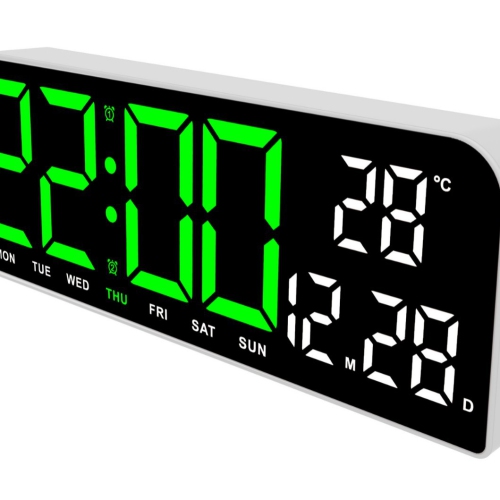
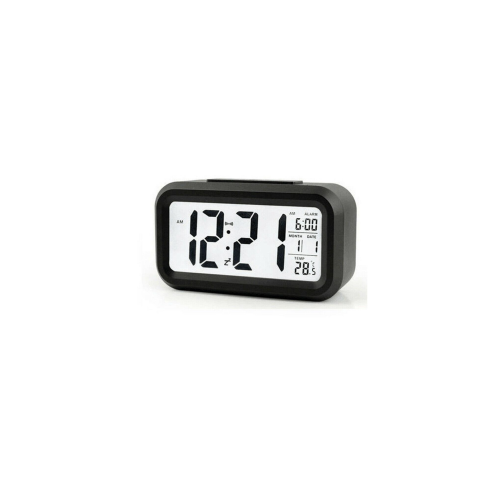
Time at a glance without checking your phone
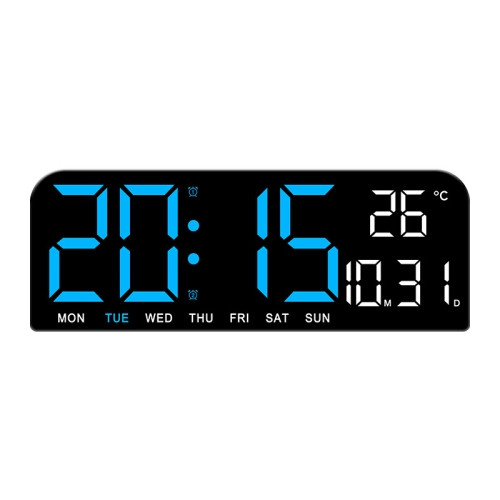
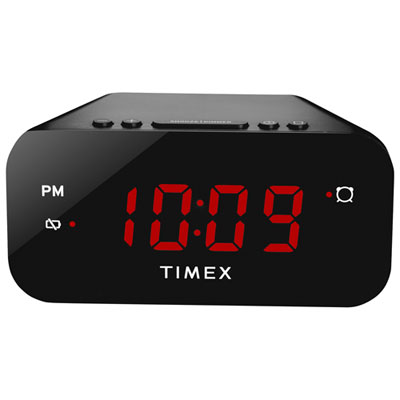
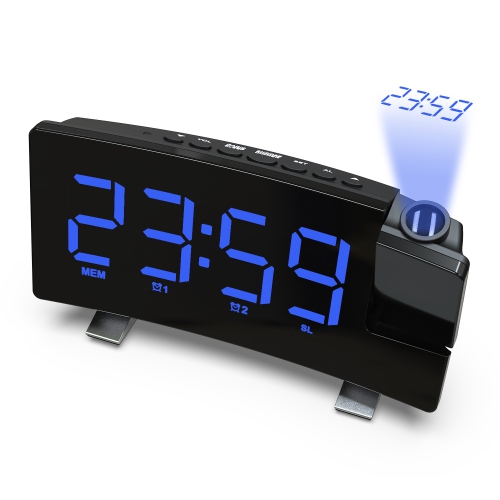
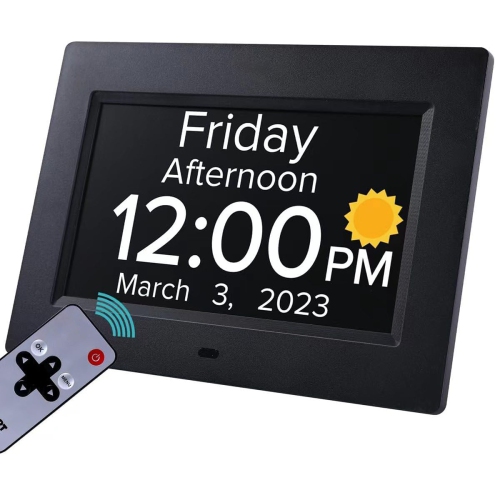
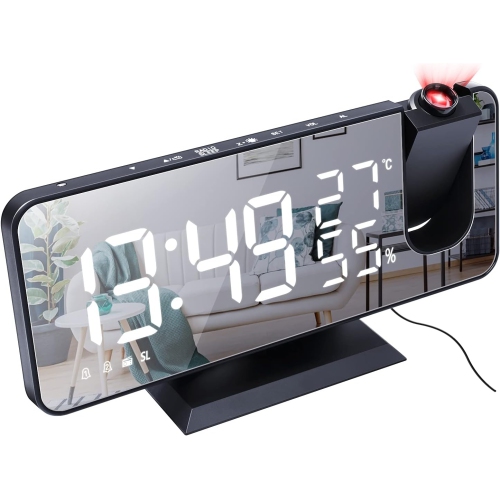
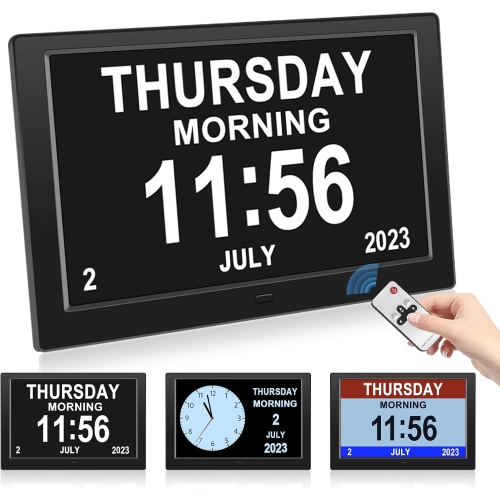
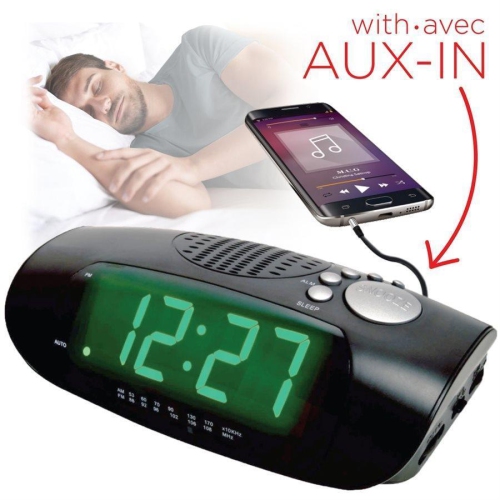
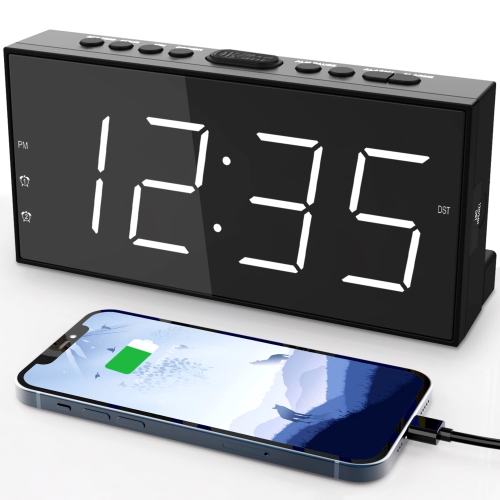
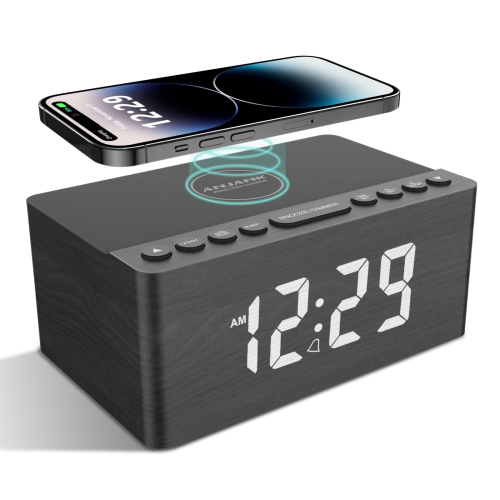
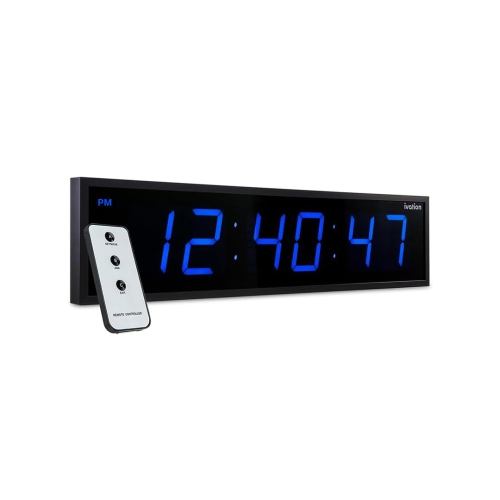
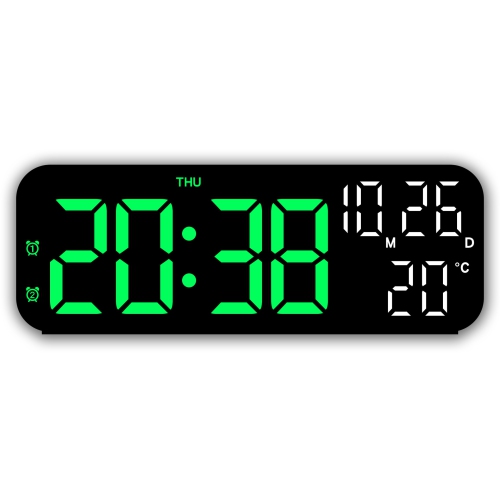
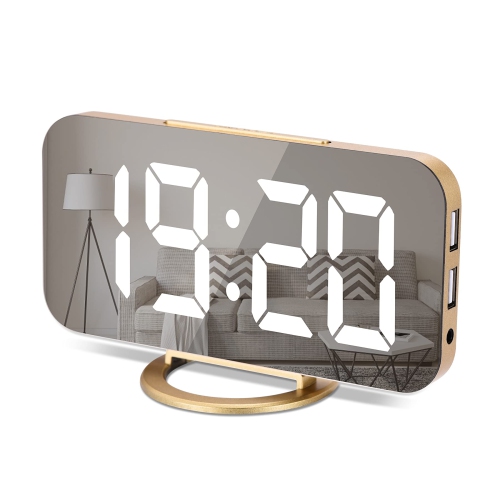
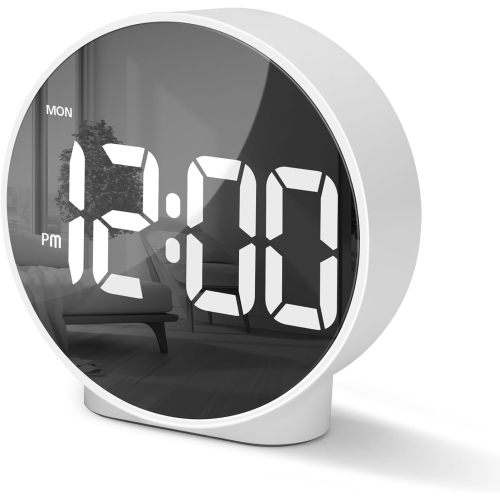
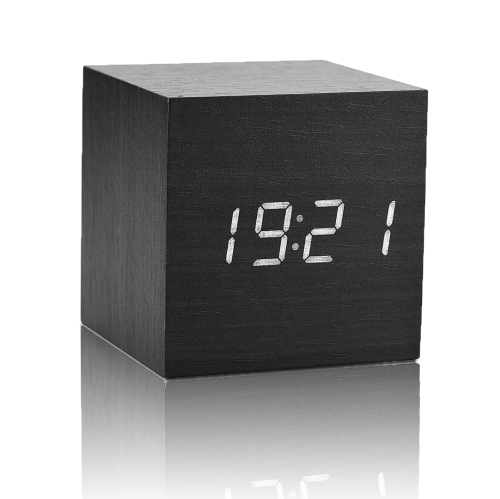
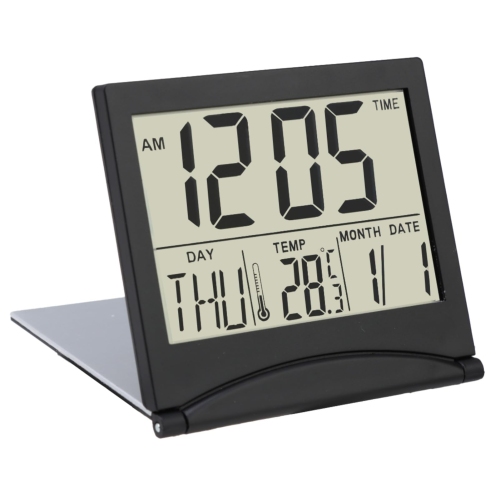
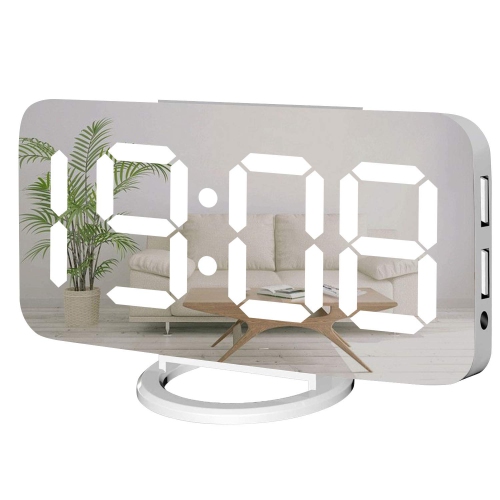
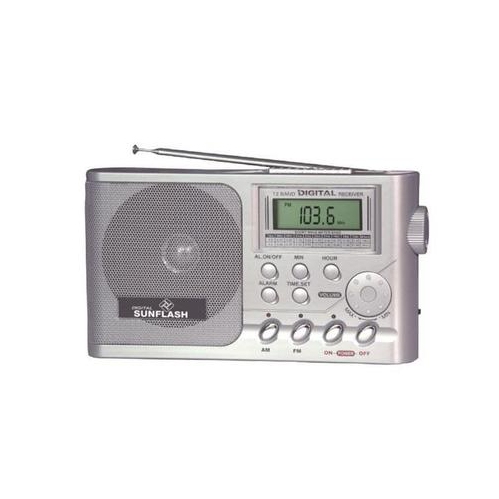
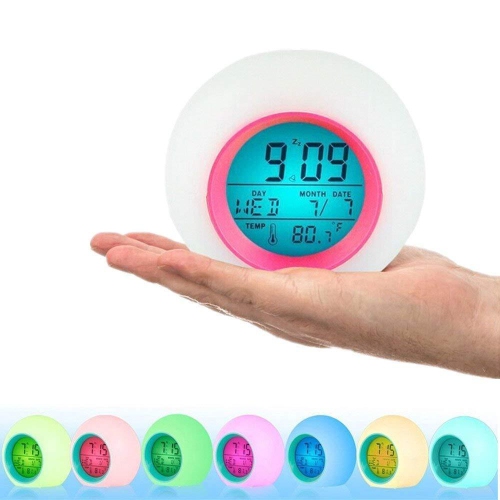
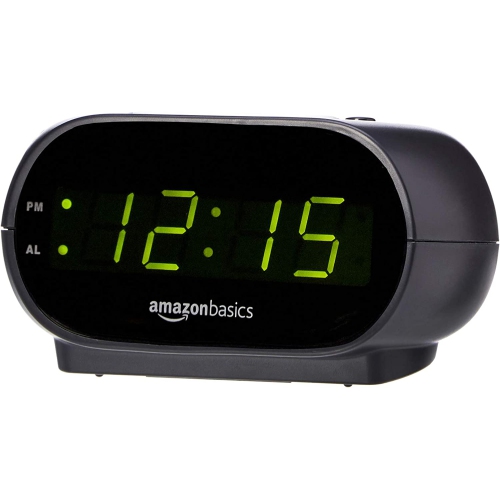
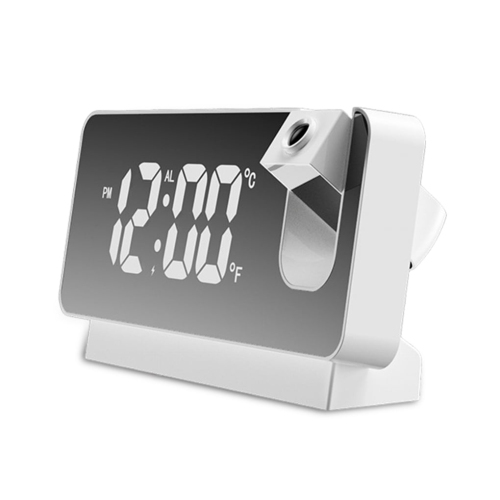
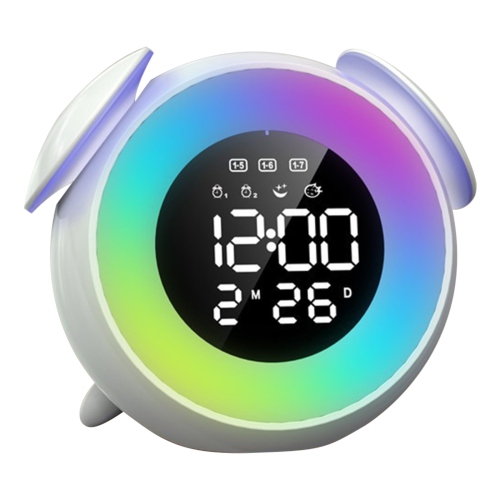
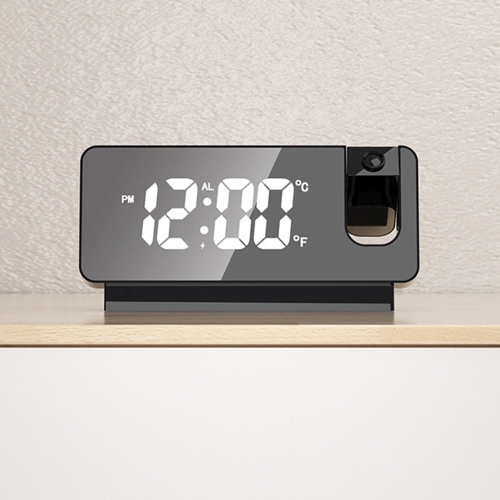
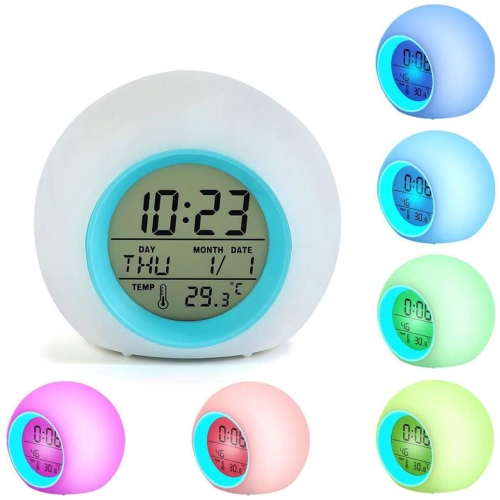
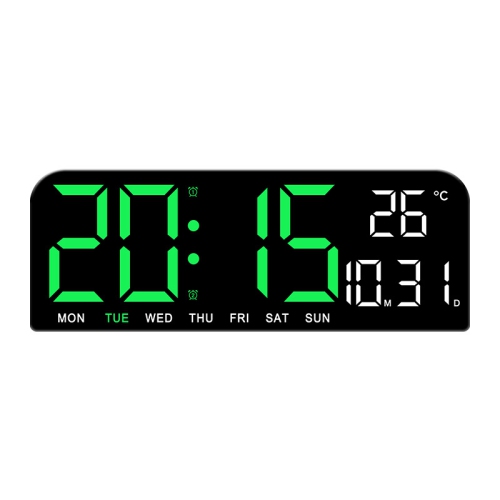
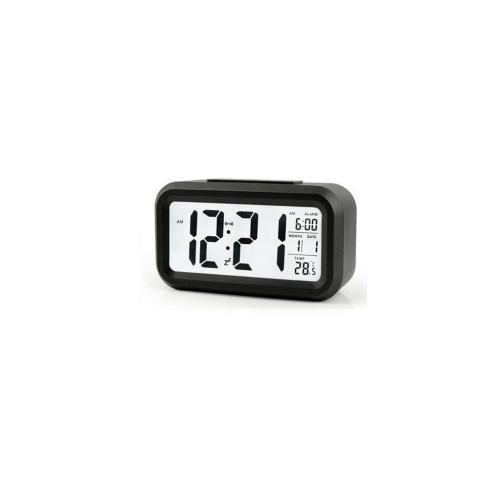
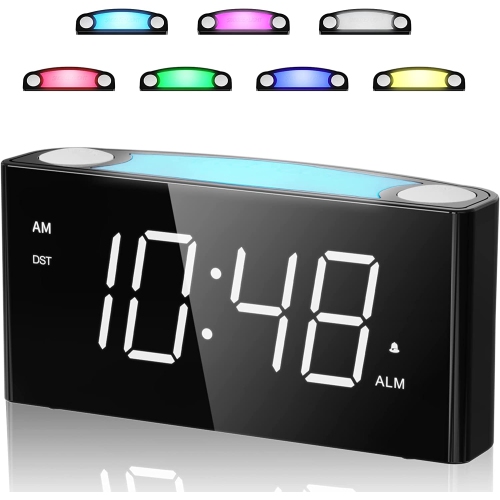
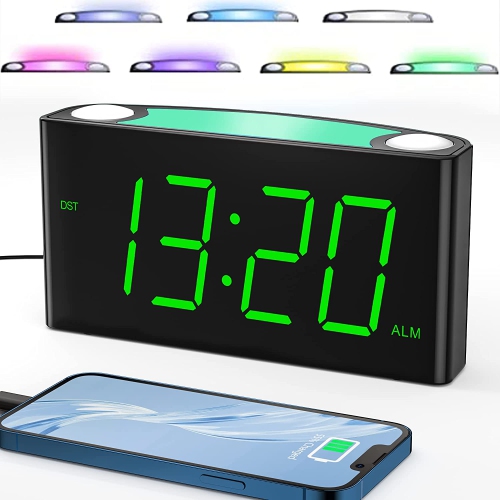
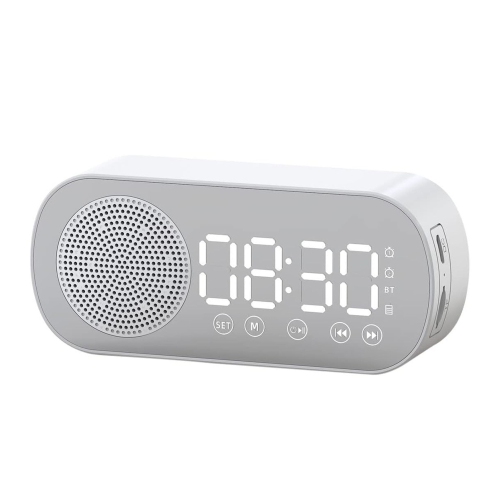
Digital desk clocks are compact electronic timepieces that display the time in numerals on an LED or LCD screen. Designed to sit on a desk, shelf, bedside table, or counter, they make it easy to check the hour without opening a phone or interrupting work on a computer. Their appeal is straightforward: a clear display keeps the time visible while leaving the rest of the workspace free for everyday tasks. Some focus on hours and minutes, while others add an alarm, calendar, timer, or indoor temperature reading. LED displays use illuminated digits that remain easy to spot in dim surroundings; LCD displays typically show dark numerals against a lighter background, with some offering a backlight for visibility when needed. The most comfortable choice depends on where the clock sits and how far away it needs to be read. Large digits can help someone glance at the time from across a shared office, while a smaller screen may suit a writing desk where the clock is always within arm’s reach. Strong contrast, clearly separated numerals, and an uncluttered layout often matter more than the overall size of the face. Viewing angle matters, too: a display that looks sharp straight on may be harder to read from a low chair or when placed beside a raised monitor. Adjustable brightness offers useful flexibility, especially when a desk shares space with a bed. Manual dimming lets the user set a comfortable level, while automatic dimming, where included, changes the display brightness without repeated adjustments. A selectable 12- or 24-hour format can suit different routines, and a visible AM/PM indicator helps prevent confusion when setting alarms. For students following a class schedule, people working from home, or anyone keeping track of appointments, a dedicated clock provides a steady visual reference without the notifications that can accompany checking a phone.
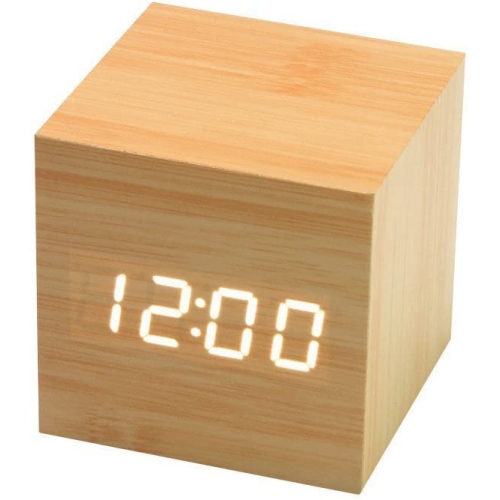
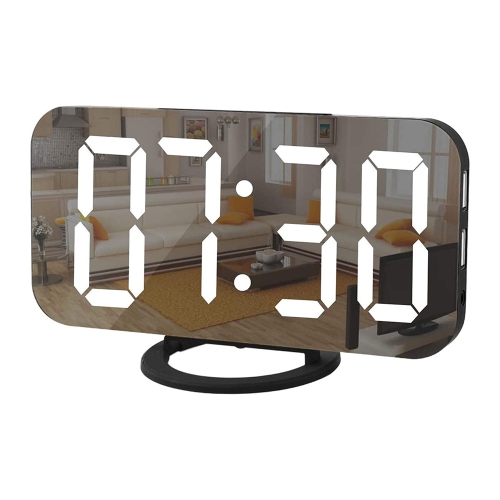
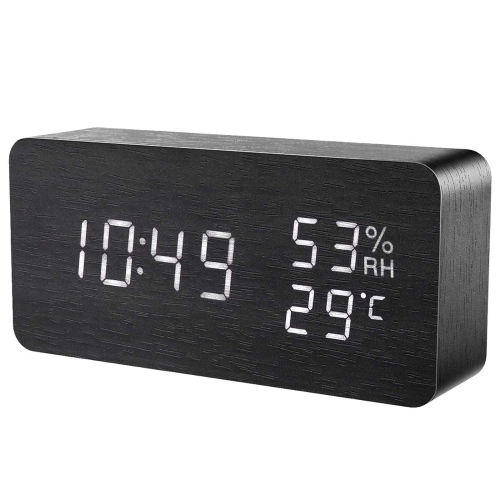
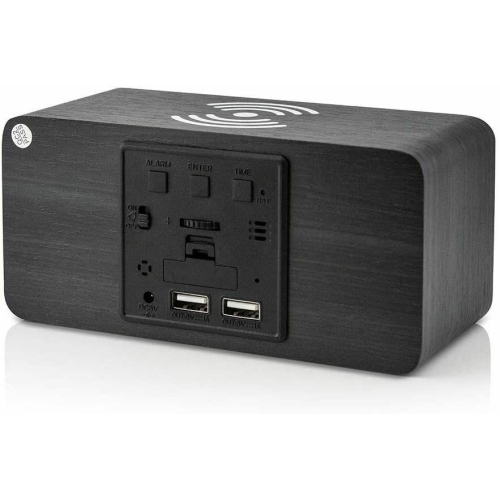
The physical design of a digital desk clock affects how naturally it fits into a room. A slim rectangular case can tuck beneath a monitor, while an upright face may be easier to read beside a stack of notebooks. Depth is worth considering alongside width and height, since a broad base can take up space needed for a keyboard, charging cable, or open textbook. On narrow shelves and compact work surfaces, Small Desk Clocks offer another way to keep the time visible without crowding nearby essentials. Lightweight plastic housings are practical for clocks that move between rooms, while metal casings can add weight and a more substantial feel. Wood and wood-look finishes bring a softer visual contrast to screens and desk accessories, although a printed finish or veneer should not be treated as solid wood. Matte surfaces tend to show fewer fingerprints than glossy or mirrored faces, which may also catch reflections from windows and lamps. A stable base and non-slip feet help keep a clock in place when buttons are pressed, particularly on a smooth desktop. Power arrangements make an equally noticeable difference in daily use. Battery-operated digital desk clocks can sit away from an outlet and move easily from a study area to a bedside table. USB-powered and other plug-in designs suit a fixed setup, but cable length, access to a power source, and whether a suitable adapter is included all affect placement. A USB connection does not necessarily mean the clock contains a rechargeable battery. Likewise, a backup battery may preserve time and alarm settings during a power interruption without keeping the display illuminated. These distinctions are especially relevant for someone relying on the clock for a morning alarm. Controls also deserve attention: clearly labelled buttons, accessible switches, and a straightforward setting sequence can make routine adjustments easier for children, older adults, and anyone who prefers a device that works without an app.
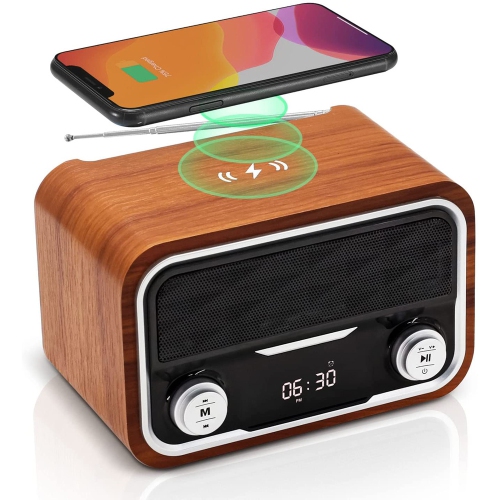
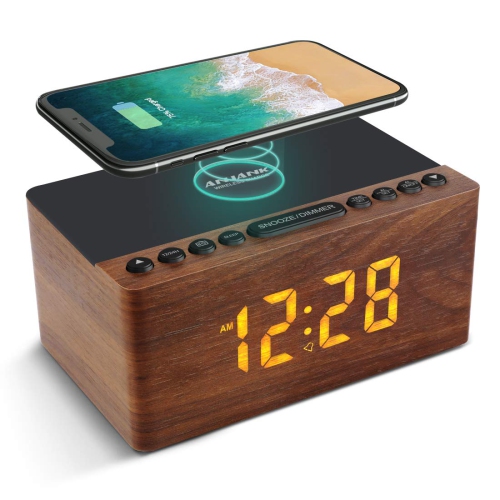
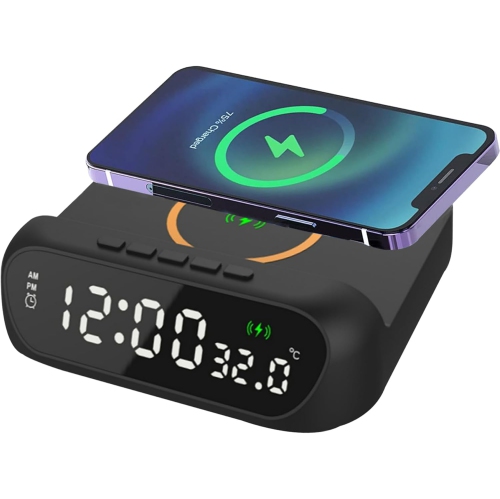
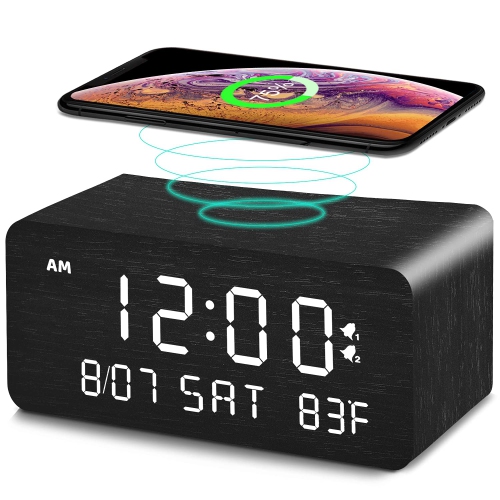
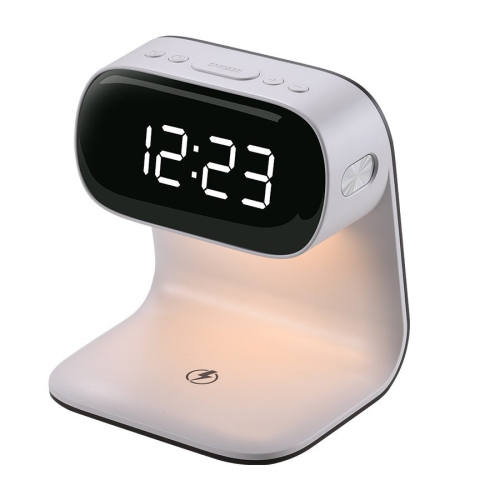
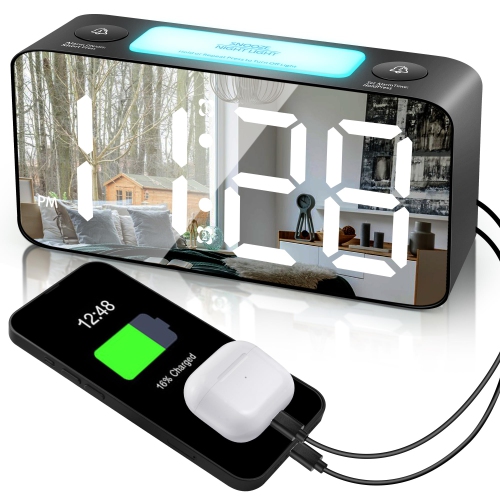
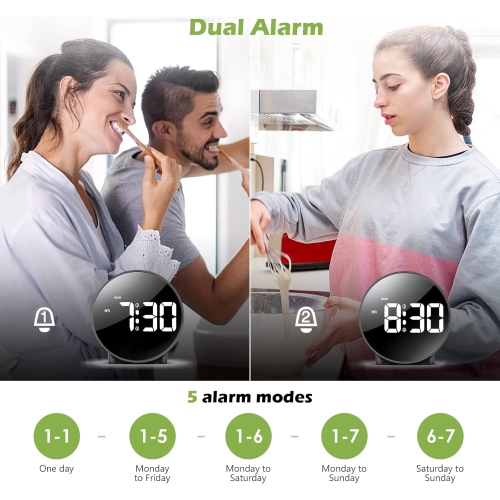
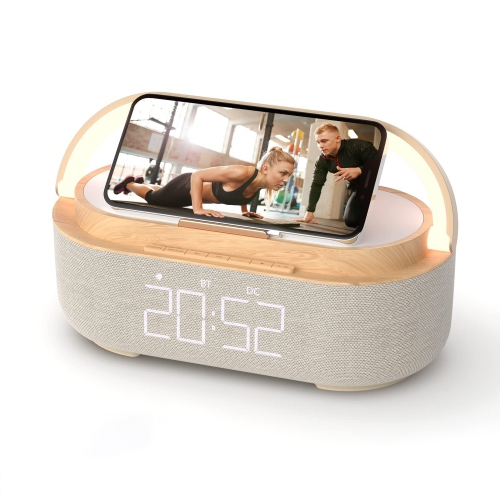
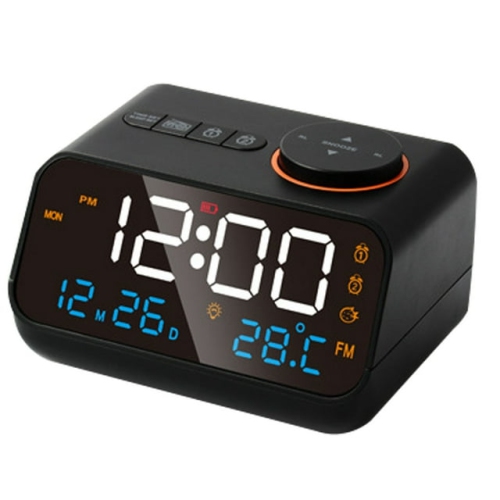
Additional functions can give a digital desktop clock a useful role beyond telling the time, provided the display remains easy to understand. An alarm can mark the start of the day or signal when it is time to leave for an appointment. Separate weekday and weekend settings, where supported, suit different schedules, while dual alarms can accommodate two wake-up times. Adjustable alarm volume is useful in a shared room, and a distinct snooze button is easier to find than several identical controls. Many digital clocks operate without the mechanical ticking of an analogue movement, though alarms and button tones can still produce sound. A date and day display helps keep schedules in view, and an integrated timer can support focused study sessions, practice intervals, or short breaks without another device on the desk. Built-in sensors may show indoor temperature or humidity, but their readings can be affected by nearby electronics, direct sunlight, and placement beside a vent. Clocks with wireless phone charging can combine two desktop functions, although charging compatibility, phone positioning, case thickness, and power requirements vary. A charging surface also needs enough clear space for the phone to rest securely without hiding the clock face. For long-term care, a soft, dry cloth is generally suitable for removing dust and fingerprints; liquids and abrasive cleaners can damage displays or finishes, so the care directions for the clock take priority. Keeping drinks away from the housing and avoiding strain on power connections can help protect it during everyday use. Battery compartments should remain accessible, and replaceable batteries should be handled according to the manufacturer’s directions, including removal before extended storage when advised. As a gift, a digital desk clock can suit a student’s first study space, a newly arranged home office, or someone who appreciates a readable bedside display. The most useful match is often less about the number of features and more about clear numerals, comfortable brightness, dependable power, and a size that belongs comfortably among the things already on the desk.
The physical design of a digital desk clock affects how naturally it fits into a room. A slim rectangular case can tuck beneath a monitor, while an upright face may be easier to read beside a stack of notebooks. Depth is worth considering alongside width and height, since a broad base can take up space needed for a keyboard, charging cable, or open textbook. On narrow shelves and compact work surfaces, Small Desk Clocks offer another way to keep the time visible without crowding nearby essentials. Lightweight plastic housings are practical for clocks that move between rooms, while metal casings can add weight and a more substantial feel. Wood and wood-look finishes bring a softer visual contrast to screens and desk accessories, although a printed finish or veneer should not be treated as solid wood. Matte surfaces tend to show fewer fingerprints than glossy or mirrored faces, which may also catch reflections from windows and lamps. A stable base and non-slip feet help keep a clock in place when buttons are pressed, particularly on a smooth desktop. Power arrangements make an equally noticeable difference in daily use. Battery-operated digital desk clocks can sit away from an outlet and move easily from a study area to a bedside table. USB-powered and other plug-in designs suit a fixed setup, but cable length, access to a power source, and whether a suitable adapter is included all affect placement. A USB connection does not necessarily mean the clock contains a rechargeable battery. Likewise, a backup battery may preserve time and alarm settings during a power interruption without keeping the display illuminated. These distinctions are especially relevant for someone relying on the clock for a morning alarm. Controls also deserve attention: clearly labelled buttons, accessible switches, and a straightforward setting sequence can make routine adjustments easier for children, older adults, and anyone who prefers a device that works without an app.
Additional functions can give a digital desktop clock a useful role beyond telling the time, provided the display remains easy to understand. An alarm can mark the start of the day or signal when it is time to leave for an appointment. Separate weekday and weekend settings, where supported, suit different schedules, while dual alarms can accommodate two wake-up times. Adjustable alarm volume is useful in a shared room, and a distinct snooze button is easier to find than several identical controls. Many digital clocks operate without the mechanical ticking of an analogue movement, though alarms and button tones can still produce sound. A date and day display helps keep schedules in view, and an integrated timer can support focused study sessions, practice intervals, or short breaks without another device on the desk. Built-in sensors may show indoor temperature or humidity, but their readings can be affected by nearby electronics, direct sunlight, and placement beside a vent. Clocks with wireless phone charging can combine two desktop functions, although charging compatibility, phone positioning, case thickness, and power requirements vary. A charging surface also needs enough clear space for the phone to rest securely without hiding the clock face. For long-term care, a soft, dry cloth is generally suitable for removing dust and fingerprints; liquids and abrasive cleaners can damage displays or finishes, so the care directions for the clock take priority. Keeping drinks away from the housing and avoiding strain on power connections can help protect it during everyday use. Battery compartments should remain accessible, and replaceable batteries should be handled according to the manufacturer’s directions, including removal before extended storage when advised. As a gift, a digital desk clock can suit a student’s first study space, a newly arranged home office, or someone who appreciates a readable bedside display. The most useful match is often less about the number of features and more about clear numerals, comfortable brightness, dependable power, and a size that belongs comfortably among the things already on the desk.
Top selling and popular products
-
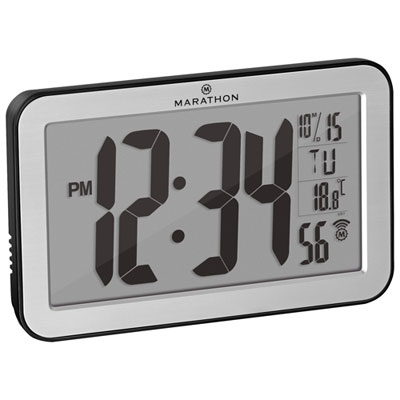 Your price for this item is $44.99
 -
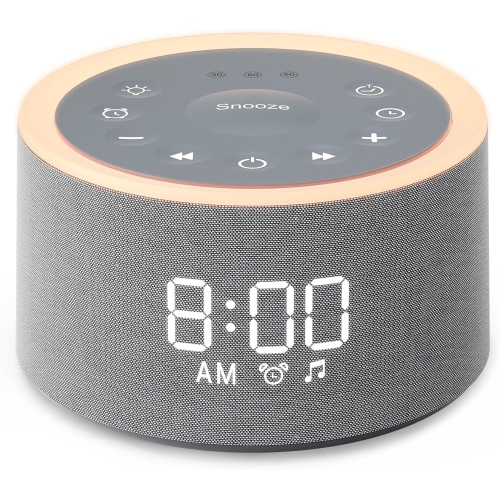 Your price for this item is $44.99
 -
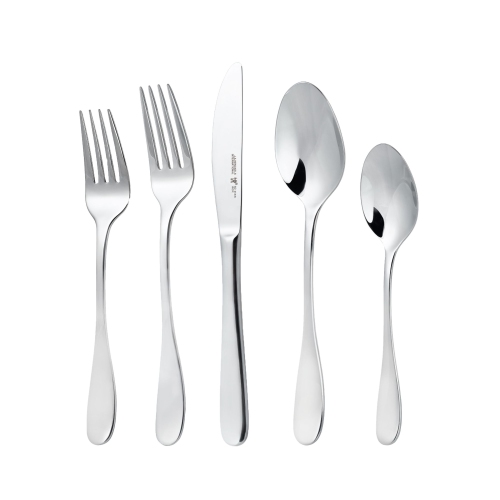 Your price for this item is $89.99
 -
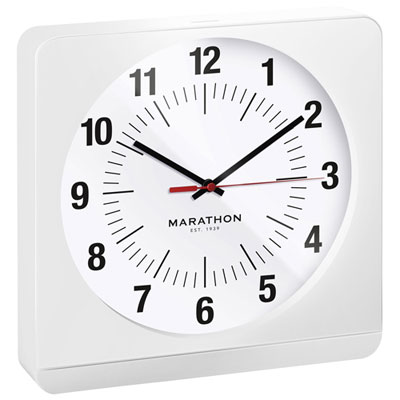 Your price for this item is $114.99
 -
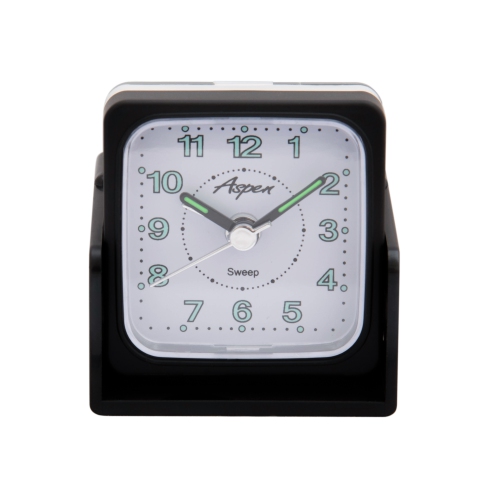 Your price for this item is $19.95
 -
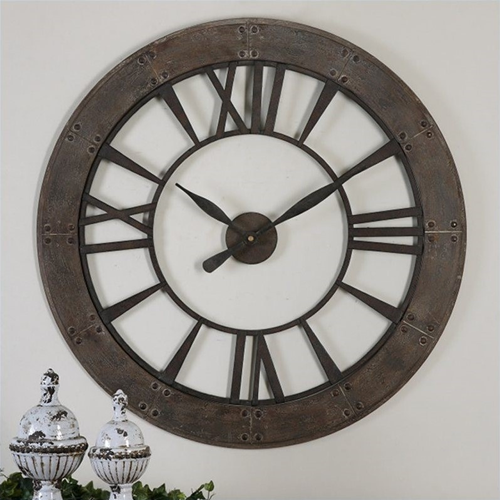 Your price for this item is $907.16
 -
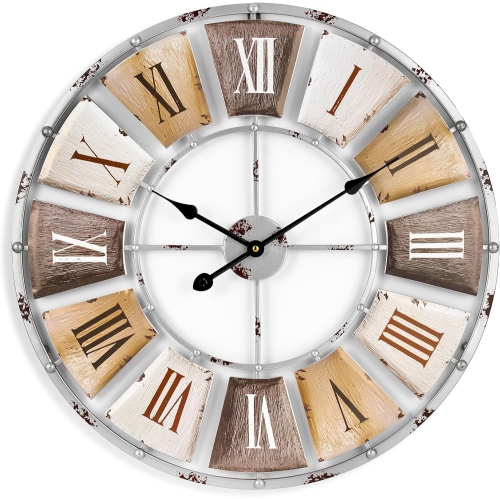 Your price for this item is $79.99
 -
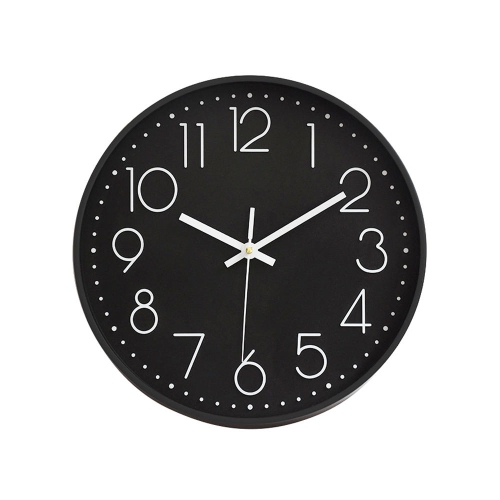 Your price for this item is $19.99
Discover more categories related to Digital Desk Clocks
Top Collections:
Pokemon Centers, Kindle Devices, Best Budget Office Chairs, Apple iPhones 16, Best Laptops for Writers, iPhone 15 Apple, Canon G7X Cameras, Refurbished Apple Laptops, Alarm Clock, Motorola Razr Phones
Some products may be subject to Environmental Handling Fees
(EHF) depending on your province.
Learn more about EHFs.