Standing Desks for Students
Standing Desks For Students offer a flexible solution for creating a productive learning environment at home or in a dorm room. Designed to adapt to the needs of busy students, these desks help support focus and organization throughout the school year. Whether setting up a dedicated study space or upgrading an existing workstation, explore options that bring comfort and convenience to everyday academic routines. Find the perfect fit for any space with our wide selection of Standing Desks For Students.
Sort


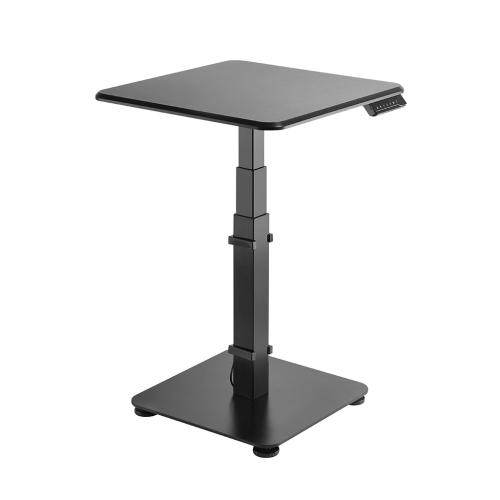
Seated height matters just as much as standing height
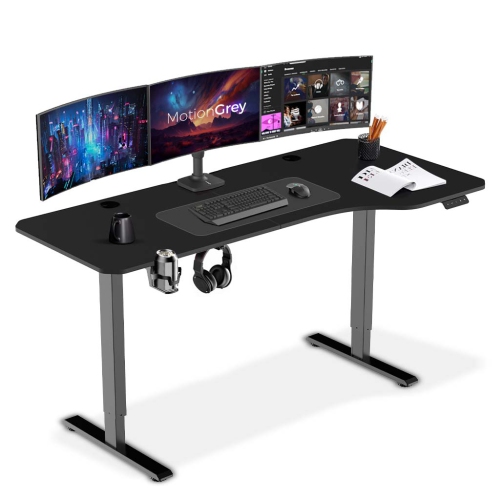
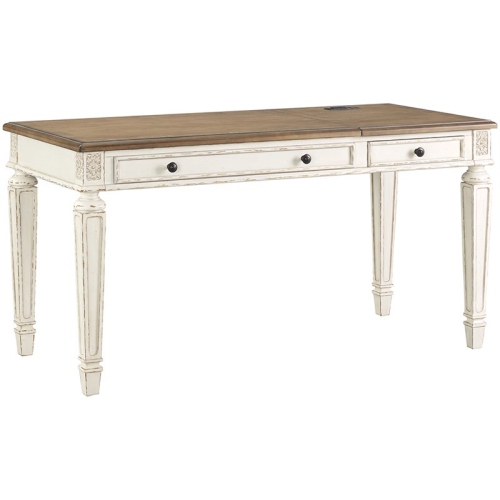
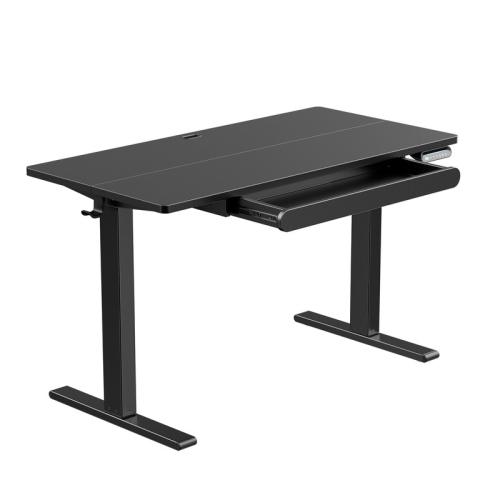
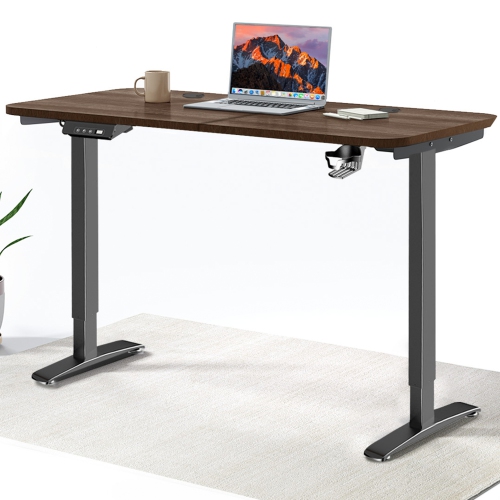
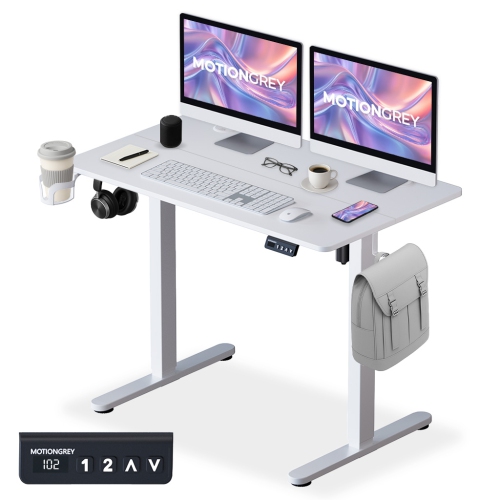
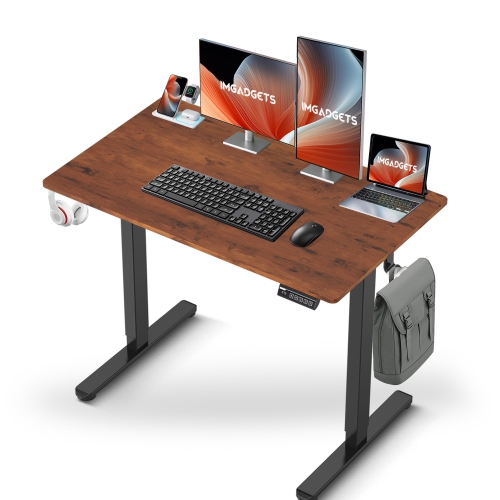
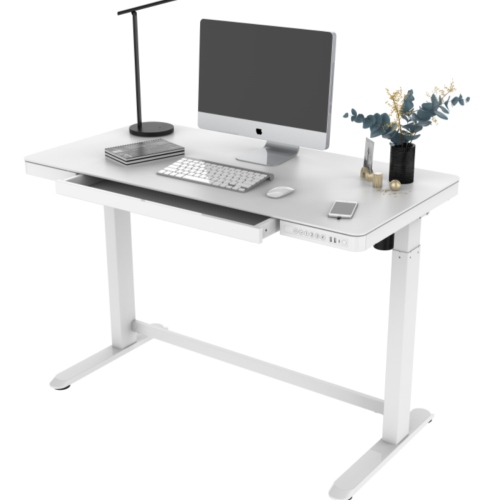
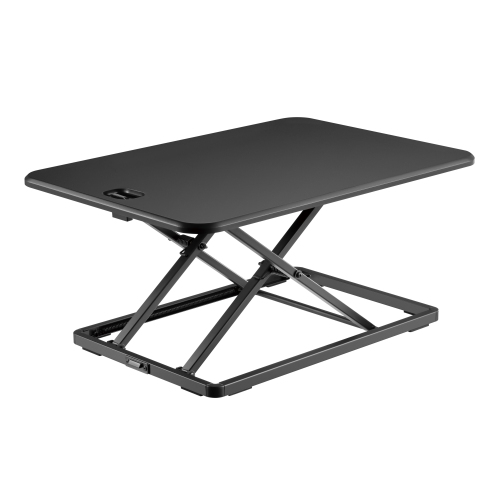
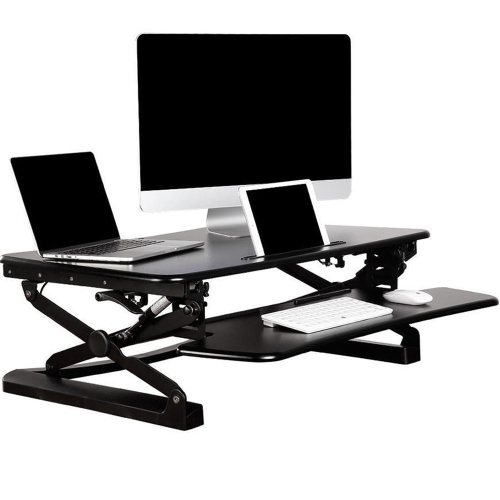
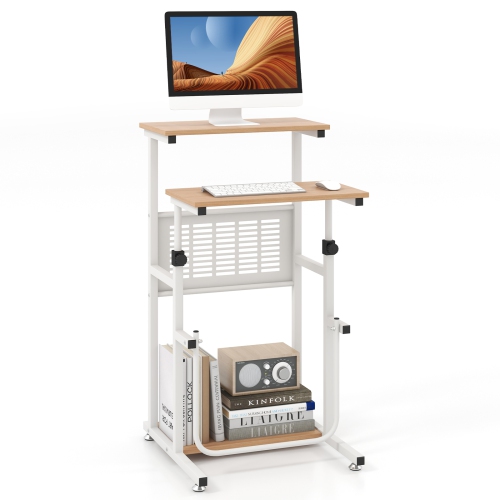
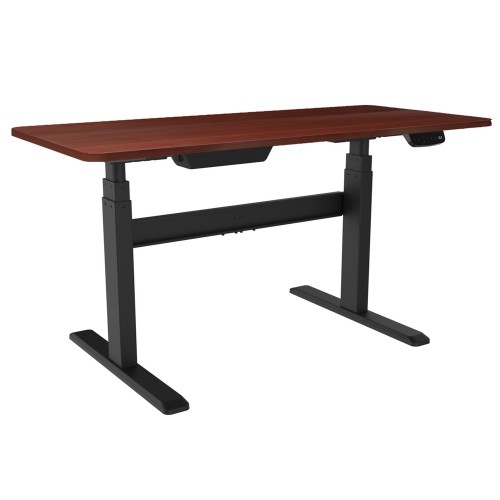
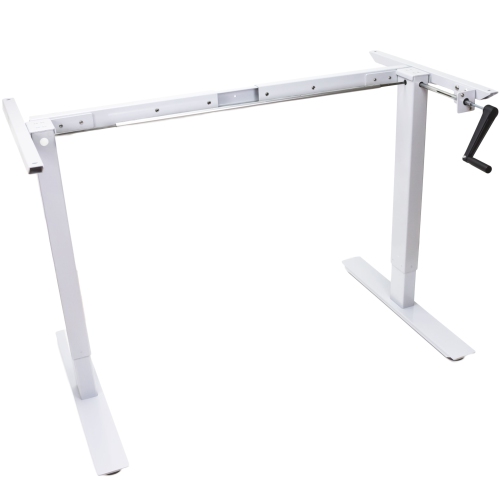
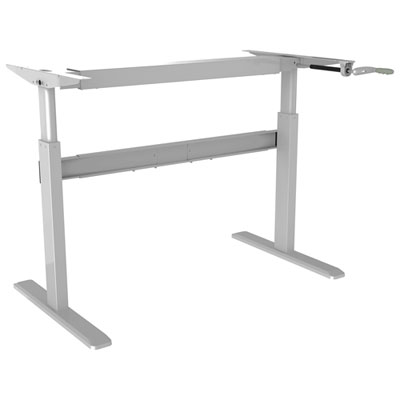
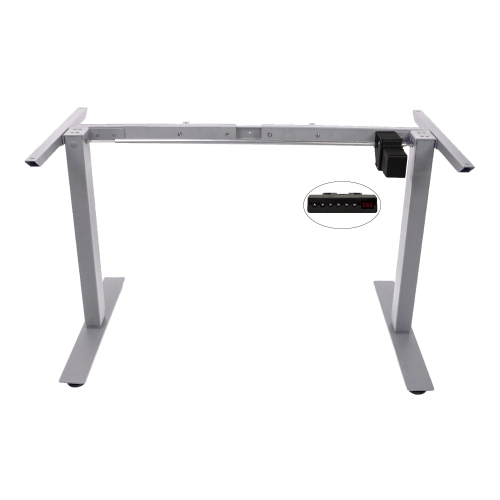
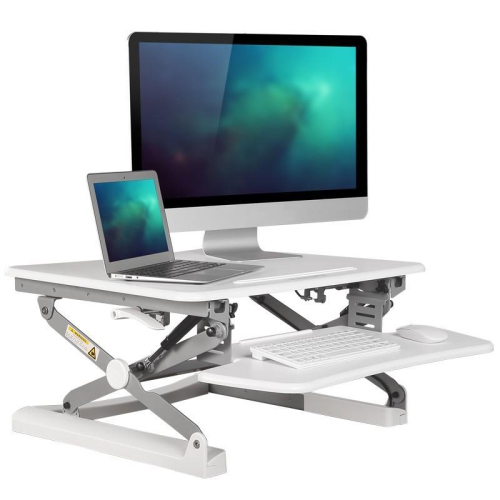
Standing desks for students bring adjustable work surfaces to bedrooms, residence rooms, shared apartments, and classroom study areas. Their main purpose is to let students change between seated and standing work without moving their books, computer, and supplies to another table. A sit-stand desk can suit a university student switching from typed lecture notes to textbook reading, a teenager working through an assignment, or a younger learner sharing a family homework space. The most useful fit depends on the student’s height, the room’s layout, and the equipment used each day. A desk’s lowest setting matters just as much as its highest: some standing desks do not lower far enough for shorter students to type comfortably while seated. At a suitable working height, shoulders can stay relaxed, elbows can remain close to the body, and wrists can rest in a neutral position rather than bending upward towards the keyboard. Standing should be an option rather than an expectation throughout a study session; an adjustable desk still needs a suitable chair and room to sit comfortably. Electric standing desks use powered controls to raise and lower the desktop, and models with memory settings can save preferred positions for easier transitions. Manual crank desks adjust without a powered lift, though changing height takes more effort and requires clearance to turn the handle. Pneumatic desks use an assisted lifting mechanism, with operation and load requirements varying by design. Each type serves a different routine: frequent changes between sitting and standing may make push-button controls useful, while a manually adjusted surface may suit a space without a conveniently placed outlet. Standing desk converters offer another format, lifting a work surface above an existing table instead of replacing the entire desk. Their suitability depends on the supporting furniture’s strength, the added height when lowered, and whether there is enough space for both screen and keyboard. Across these formats, the goal is a work surface that fits the student and their tasks, not simply a desk that rises as high as possible.
Desktop size shapes how comfortably a student can spread out and work. A compact standing desk may hold a laptop, notebook, and lamp without overwhelming a small room, while a wider surface gives more space for a separate monitor, full-size keyboard, open textbook, and handwritten calculations. Depth is equally important: a shallow top can leave a screen too close or force a notebook onto the edge of the workspace. For laptop-based study, raising the screen on a stand and using a separate keyboard and mouse can make screen height and hand position easier to adjust independently. A deeper surface also gives printed pages somewhere to sit beside the keyboard rather than underneath it. The desk’s footprint includes its feet, not just the desktop, and those supports need to fit around baseboards, chair legs, and nearby furniture. In a residence room, a desk may sit between a bed and a wardrobe, so there needs to be space for the chair to pull out and for the student to stand without blocking the walkway. Clearance above the desk matters wherever there are shelves, sloped ceilings, or wall-mounted storage. Beneath it, drawers and filing cabinets must leave room for the desktop to descend safely. Cable management becomes especially useful with a moving surface: monitor leads, charging cables, and power cords need enough slack for the full height range without hanging where feet or chair wheels can catch them. A cable tray or clips can help keep those connections organized, provided their placement does not interfere with the lift mechanism. Weight capacity should cover everything supported by the desk, including equipment and attached accessories, according to the manufacturer’s specifications. Monitor arms also need a compatible desktop edge, suitable thickness, and secure mounting area. These details matter in everyday use, whether the surface holds a lightweight laptop setup or a larger arrangement for coding, design coursework, and research across multiple screens.
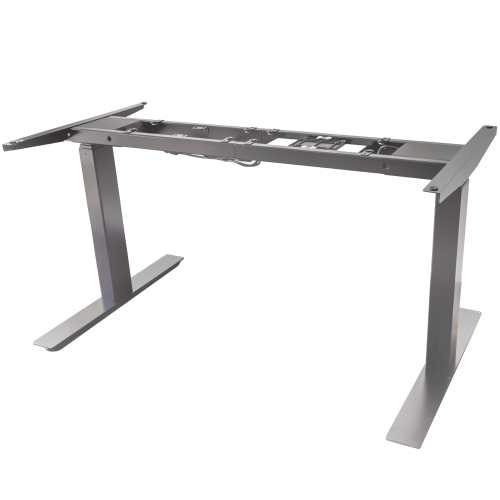
Materials, construction, and care influence how well a student standing desk handles repeated use. Powder-coated steel frames are common, while desktops may use laminate, wood veneer, or solid wood, each with different care needs. Laminate surfaces are generally straightforward to wipe clean after pencil marks, fingerprints, or a small spill, although excess moisture around seams and edges can damage the underlying material. Wood and veneer bring visible grain to a study space but may need greater protection from liquids, heat, and scratches. A desk mat can provide a comfortable writing area and help protect the finish from daily movement of a keyboard or mouse. Rounded corners may be useful in tight spaces where students frequently pass between the desk and other furniture. Durability also depends on frame stability, secure fasteners, and the lifting mechanism, not simply the appearance or thickness of the top. A desk that feels steady at seated height may move more when raised, so stability across its intended working range is particularly relevant for handwriting, detailed drawing, or a monitor mounted on an arm. Assembly should follow the manufacturer’s directions, with care taken to avoid overtightening hardware or trapping cables between moving parts. Routine care usually involves a soft cloth, suitable cleaning products for the finish, and occasional checks for loose fittings; lift components should only be serviced as directed. For shared learning spaces, clearly labelled controls and easily adjusted heights can help different users find a comfortable setup. Models with locking casters can make rearrangement easier, but the wheels need to be secured before work begins, and the desk should be moved according to its instructions. Families furnishing a homework corner may value a height range that accommodates a growing student, while a standing desk can also be a practical gift for someone setting up their first dedicated college or university workspace, provided room dimensions and preferences are known. Educators furnishing their own work area can explore Standing Desks for Teachers for a related classroom use. For students, a well-matched desk leaves space for the actual rhythm of learning: reading closely, making notes, checking a screen, and changing position between tasks.
Desktop size shapes how comfortably a student can spread out and work. A compact standing desk may hold a laptop, notebook, and lamp without overwhelming a small room, while a wider surface gives more space for a separate monitor, full-size keyboard, open textbook, and handwritten calculations. Depth is equally important: a shallow top can leave a screen too close or force a notebook onto the edge of the workspace. For laptop-based study, raising the screen on a stand and using a separate keyboard and mouse can make screen height and hand position easier to adjust independently. A deeper surface also gives printed pages somewhere to sit beside the keyboard rather than underneath it. The desk’s footprint includes its feet, not just the desktop, and those supports need to fit around baseboards, chair legs, and nearby furniture. In a residence room, a desk may sit between a bed and a wardrobe, so there needs to be space for the chair to pull out and for the student to stand without blocking the walkway. Clearance above the desk matters wherever there are shelves, sloped ceilings, or wall-mounted storage. Beneath it, drawers and filing cabinets must leave room for the desktop to descend safely. Cable management becomes especially useful with a moving surface: monitor leads, charging cables, and power cords need enough slack for the full height range without hanging where feet or chair wheels can catch them. A cable tray or clips can help keep those connections organized, provided their placement does not interfere with the lift mechanism. Weight capacity should cover everything supported by the desk, including equipment and attached accessories, according to the manufacturer’s specifications. Monitor arms also need a compatible desktop edge, suitable thickness, and secure mounting area. These details matter in everyday use, whether the surface holds a lightweight laptop setup or a larger arrangement for coding, design coursework, and research across multiple screens.
Materials, construction, and care influence how well a student standing desk handles repeated use. Powder-coated steel frames are common, while desktops may use laminate, wood veneer, or solid wood, each with different care needs. Laminate surfaces are generally straightforward to wipe clean after pencil marks, fingerprints, or a small spill, although excess moisture around seams and edges can damage the underlying material. Wood and veneer bring visible grain to a study space but may need greater protection from liquids, heat, and scratches. A desk mat can provide a comfortable writing area and help protect the finish from daily movement of a keyboard or mouse. Rounded corners may be useful in tight spaces where students frequently pass between the desk and other furniture. Durability also depends on frame stability, secure fasteners, and the lifting mechanism, not simply the appearance or thickness of the top. A desk that feels steady at seated height may move more when raised, so stability across its intended working range is particularly relevant for handwriting, detailed drawing, or a monitor mounted on an arm. Assembly should follow the manufacturer’s directions, with care taken to avoid overtightening hardware or trapping cables between moving parts. Routine care usually involves a soft cloth, suitable cleaning products for the finish, and occasional checks for loose fittings; lift components should only be serviced as directed. For shared learning spaces, clearly labelled controls and easily adjusted heights can help different users find a comfortable setup. Models with locking casters can make rearrangement easier, but the wheels need to be secured before work begins, and the desk should be moved according to its instructions. Families furnishing a homework corner may value a height range that accommodates a growing student, while a standing desk can also be a practical gift for someone setting up their first dedicated college or university workspace, provided room dimensions and preferences are known. Educators furnishing their own work area can explore Standing Desks for Teachers for a related classroom use. For students, a well-matched desk leaves space for the actual rhythm of learning: reading closely, making notes, checking a screen, and changing position between tasks.
Top selling and popular products
-
 Your price for this item is $304.99
 -
 Your price for this item is $93.99
 -
 Your price for this item is $248.99
 -
 Your price for this item is $83.99
 -
 Your price for this item is $108.99
 -
 Your price for this item is $94.99
 -
 Your price for this item is $74.97
 -
 Your price for this item is $83.95
Discover more categories related to Standing Desks for Students
Top Collections:
Pokemon Centers, Kindle Devices, Best Budget Office Chairs, Apple iPhones 16, Best Laptops for Writers, iPhone 15 Apple, Canon G7X Cameras, Refurbished Apple Laptops, Alarm Clock, Motorola Razr Phones
Some products may be subject to Environmental Handling Fees
(EHF) depending on your province.
Learn more about EHFs.