HP 3830
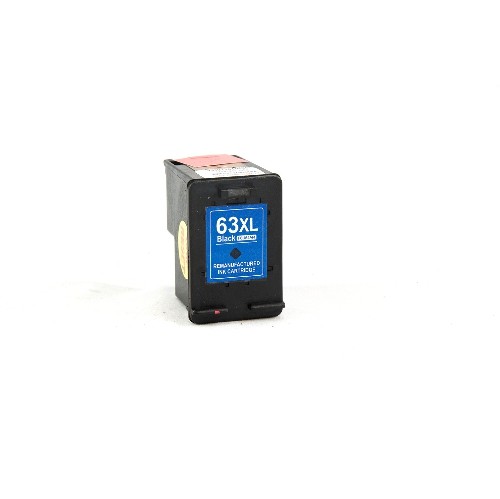
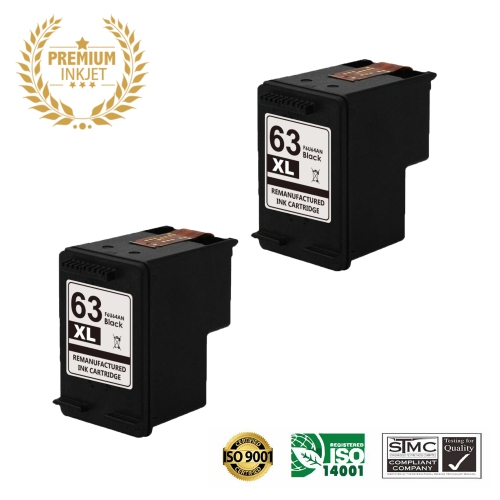
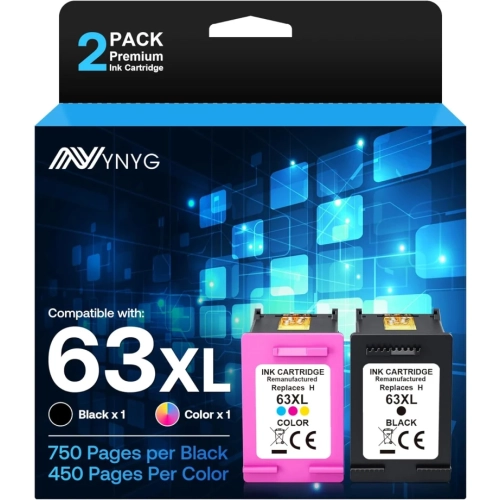
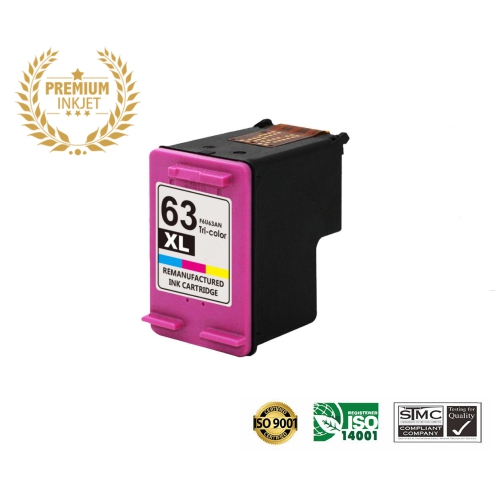
Looking for an HP OfficeJet 3830 printer or compatible ink? Explore available options and check each listing for the exact model, included items, and cartridge compatibility to find the right match for your printing needs.

FAQ
All-in-one inkjet printers typically combine printing, scanning and copying, while some models also include faxing. Depending on the model, you may also find Wi-Fi connectivity, a touchscreen and an automatic document feeder.
Many models support a USB connection to a computer or Wi-Fi connectivity through a home network. Mobile printing may be available through a compatible app, Apple AirPrint or other supported printing services. Connection options vary by model.
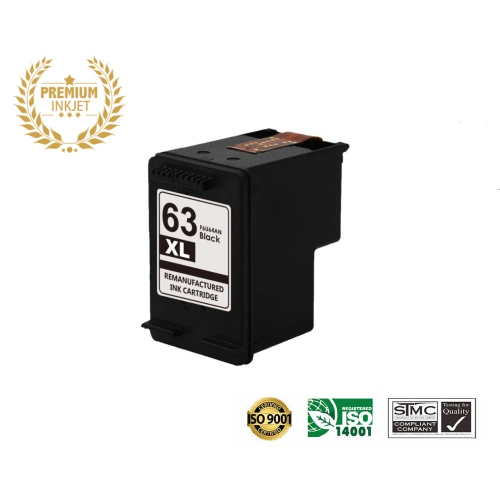
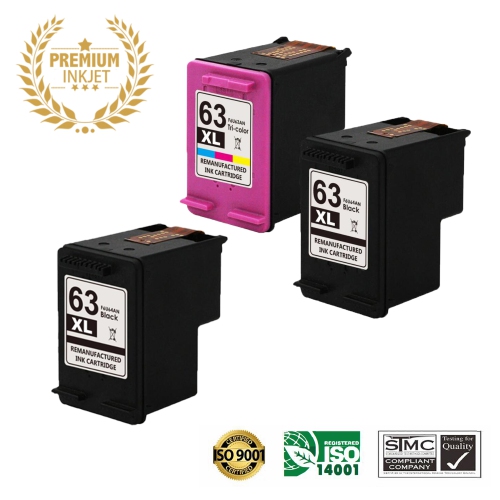
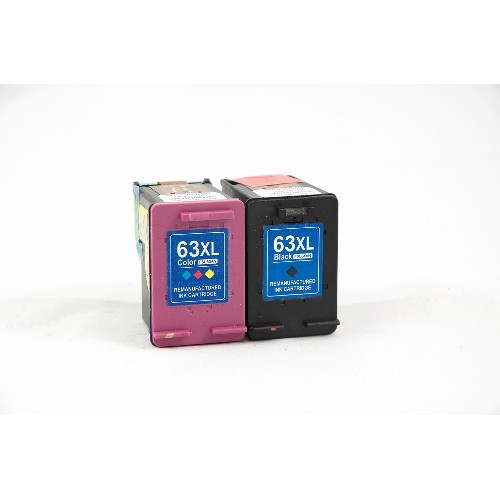
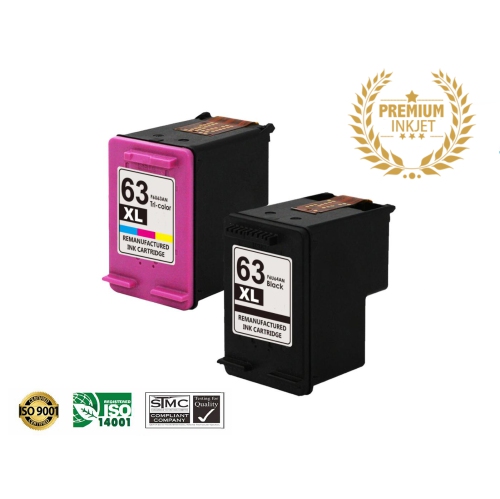
Some home inkjet printers use one black cartridge and one tri-colour cartridge, while others have separate cartridges for each colour. Cartridge compatibility is specific to the printer, so check the cartridge numbers listed in its documentation before choosing replacements.
Scanning software commonly lets you save documents as PDFs and photos as JPEGs. Other formats and options, such as combining multiple scanned pages into one PDF, depend on the printer and software.
An automatic document feeder holds a stack of pages and feeds them into the scanner for copying, scanning or faxing, where supported. Some feeders scan only one side of each page, while others support two-sided scanning.
Top selling and popular products
Discover more categories related to HP 3830


Some products may be subject to Environmental Handling Fees (EHF) depending on your province. Learn more about EHFs.