Gaming Internal SSDs
Internal solid-state drives (SSDs) are one of the hottest items in the world of gaming. They provide a significant speed boost and they're durable. If you're looking to upgrade your storage, or just want to get the most out of your games, an SSD is a great place to start. Here are some of our favorites.
Sort
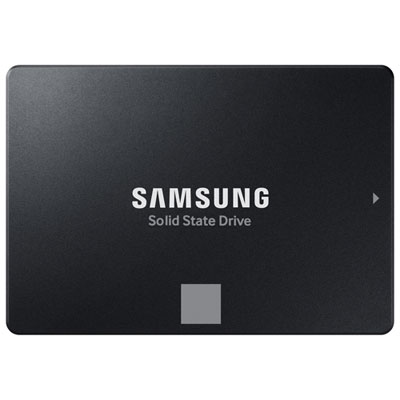
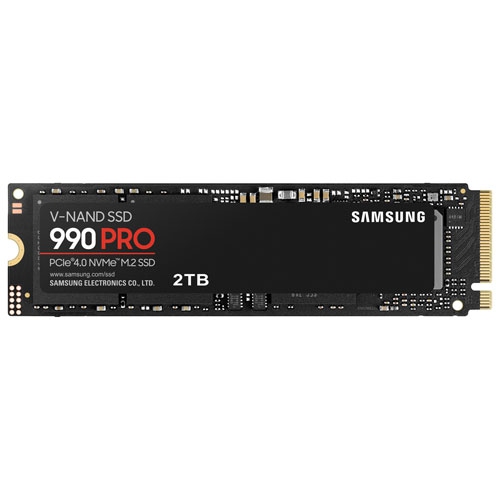
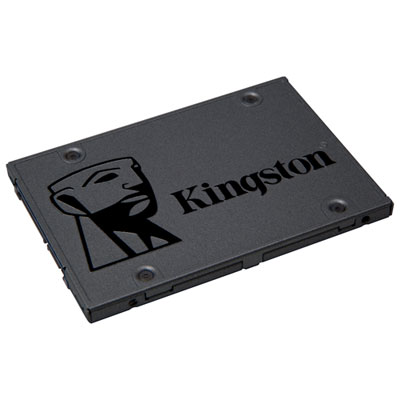
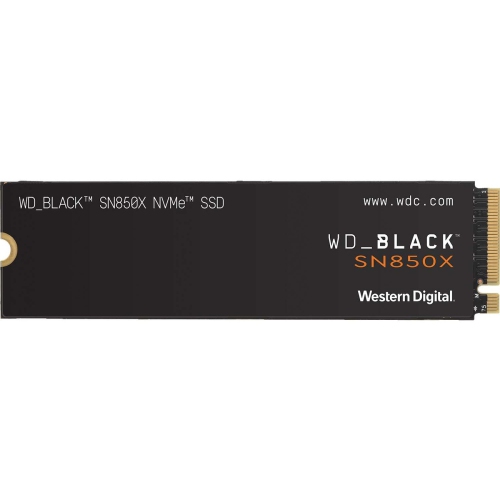
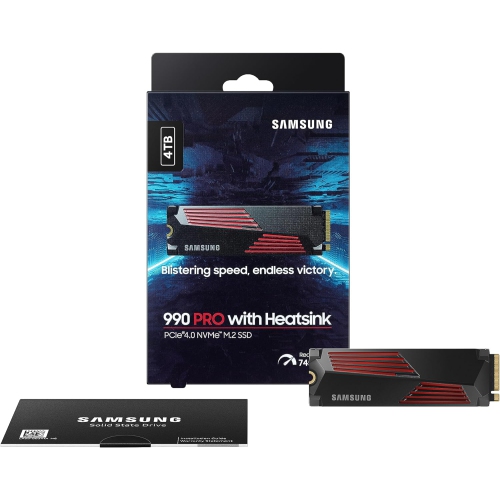
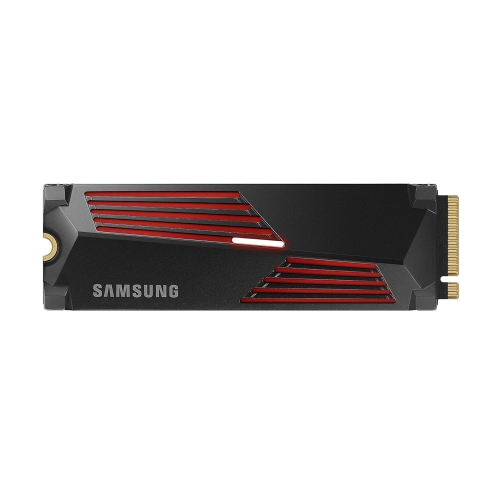
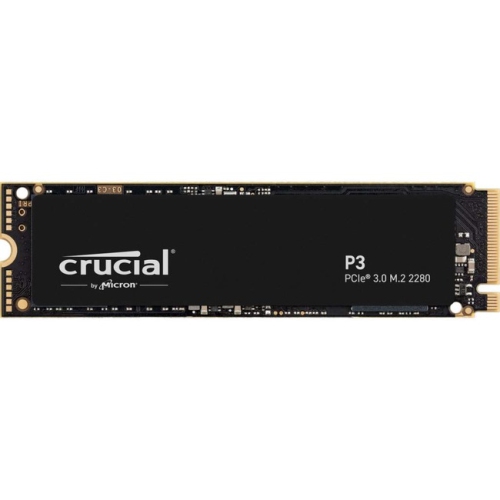
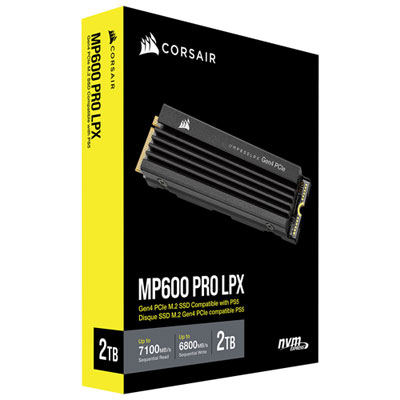
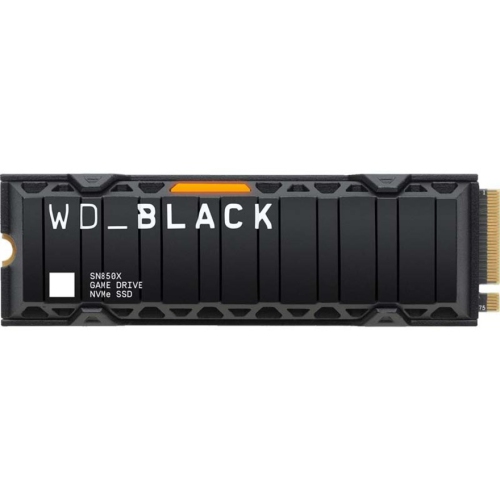
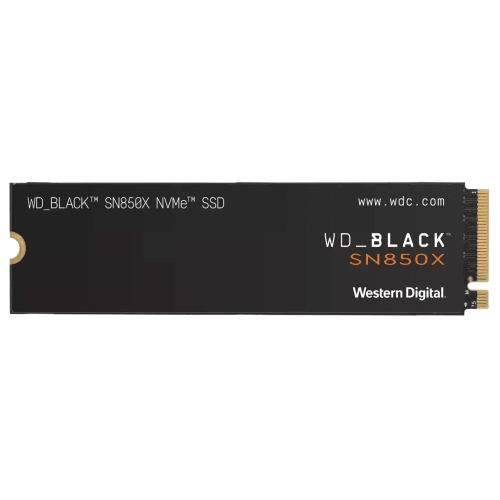
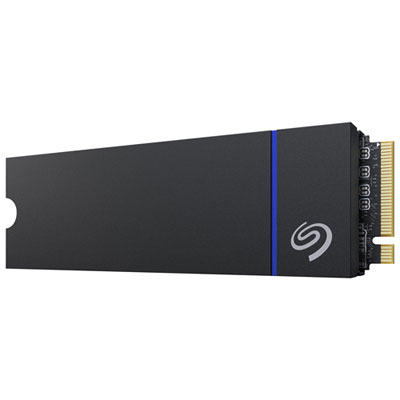
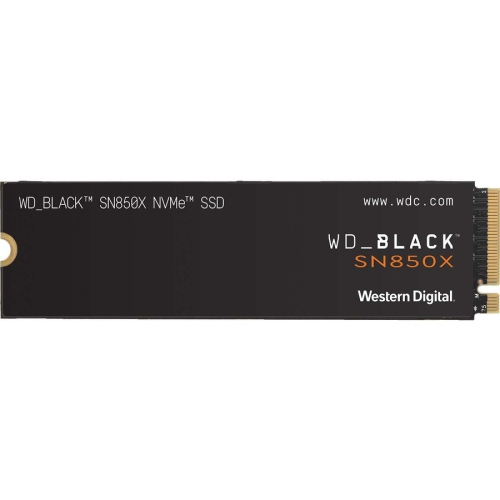
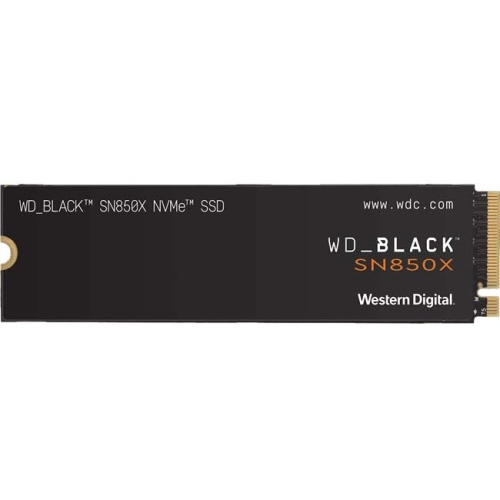
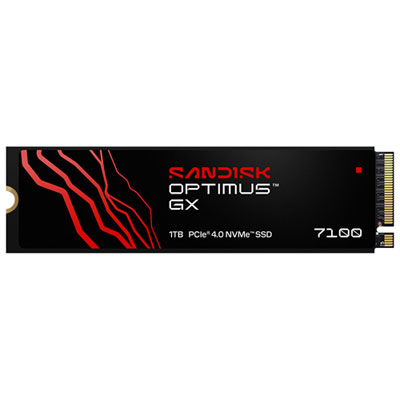
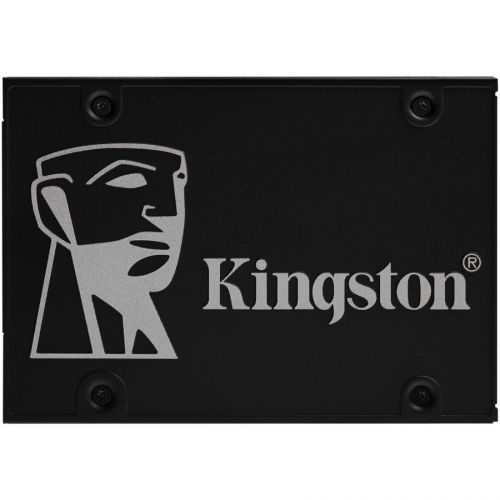
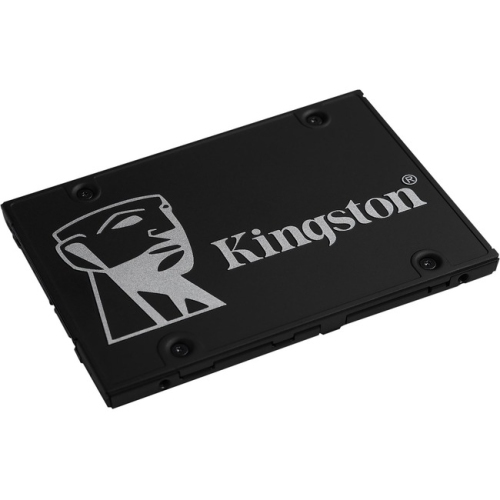
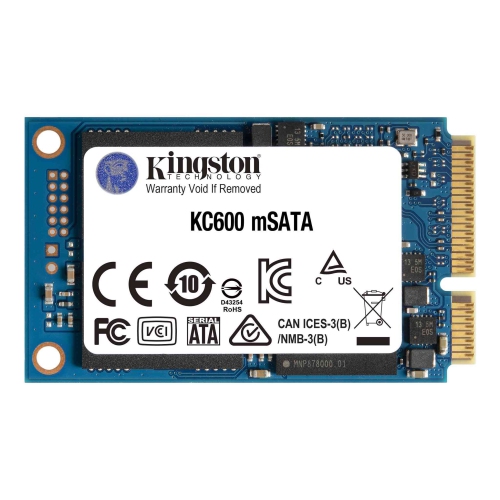
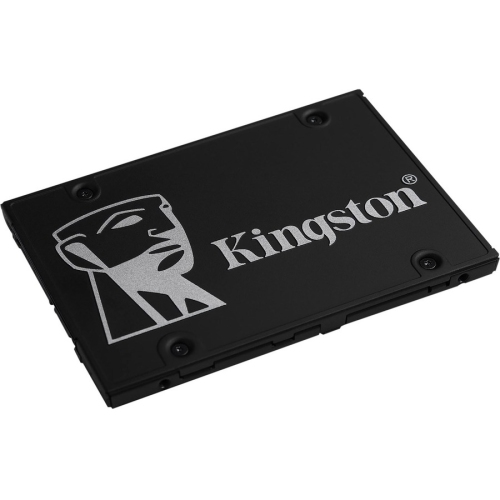
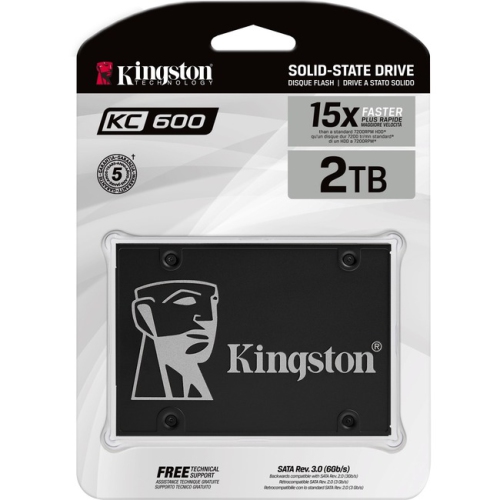
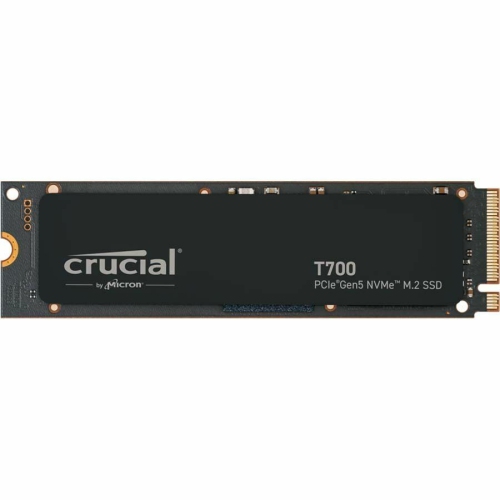
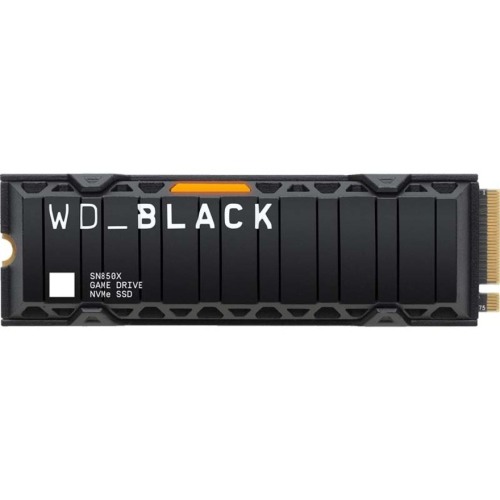
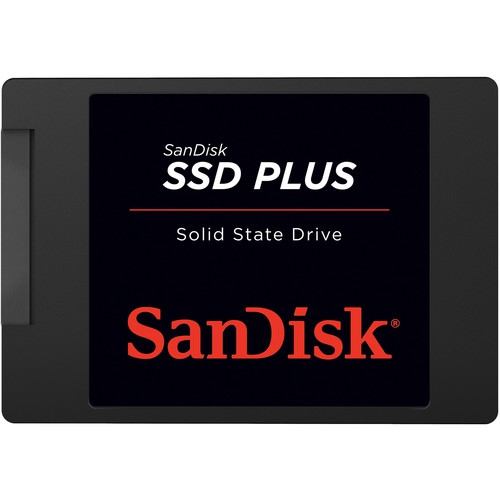
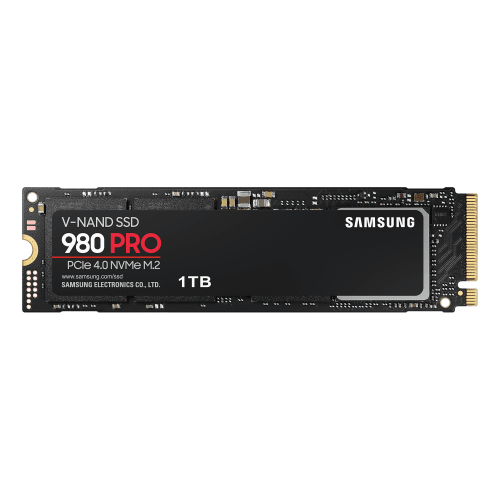
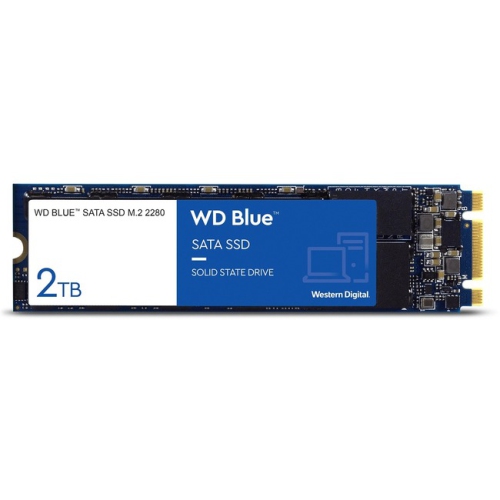
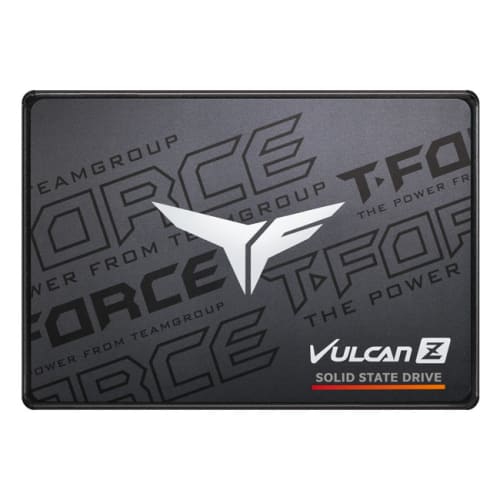
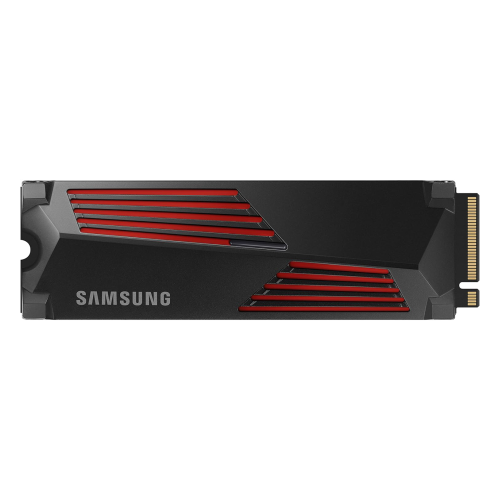
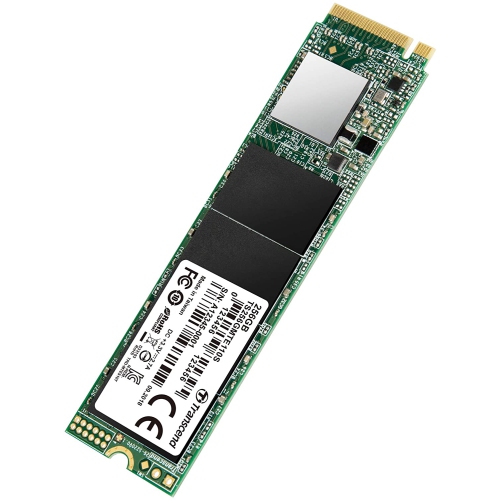
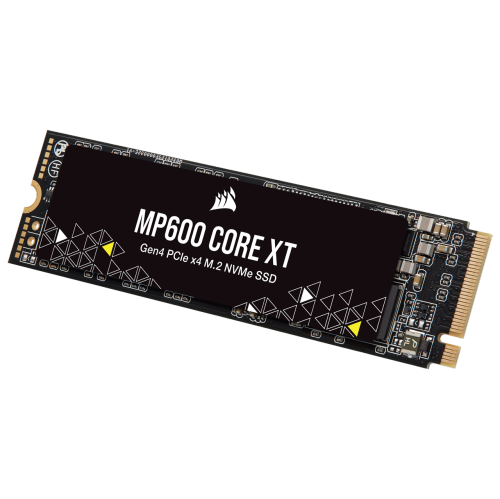
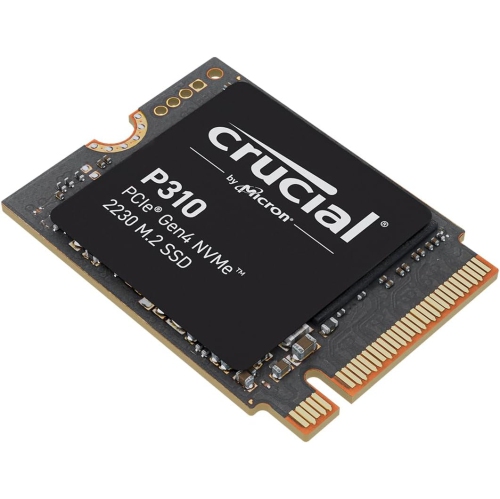
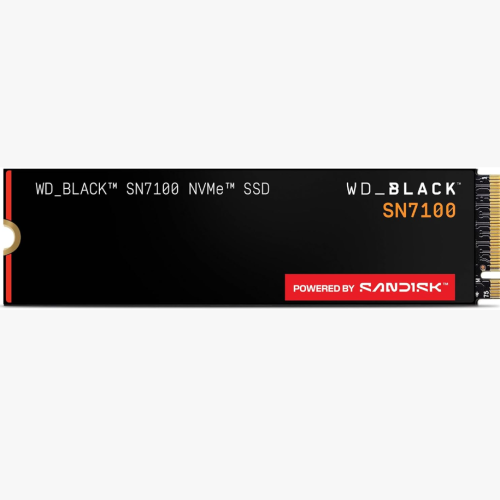

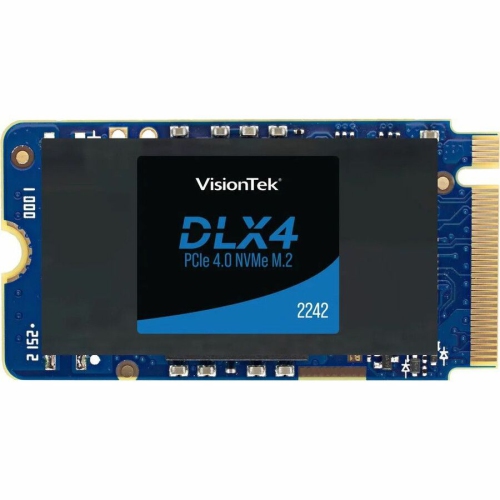
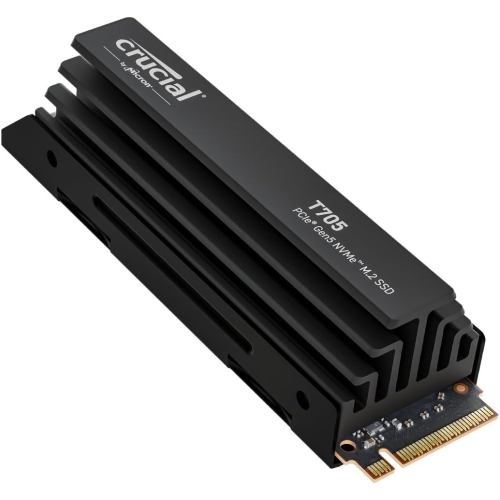
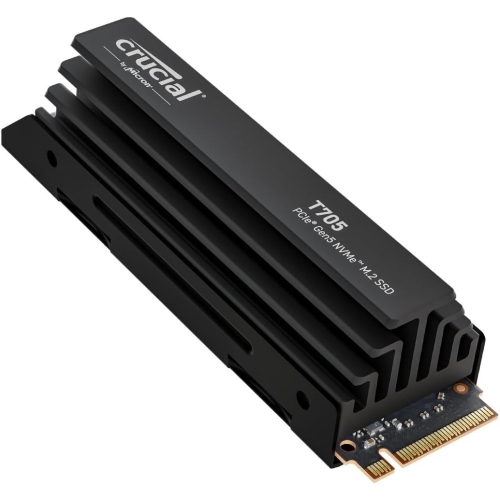
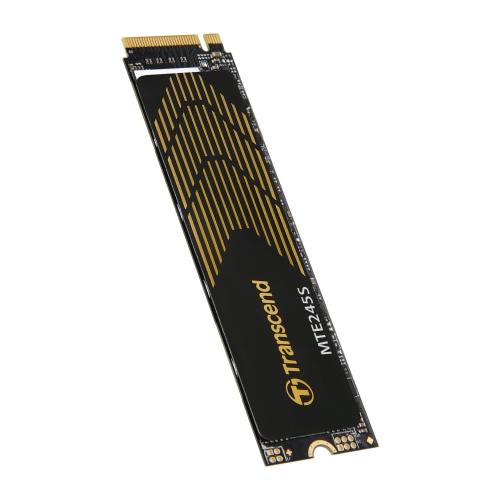
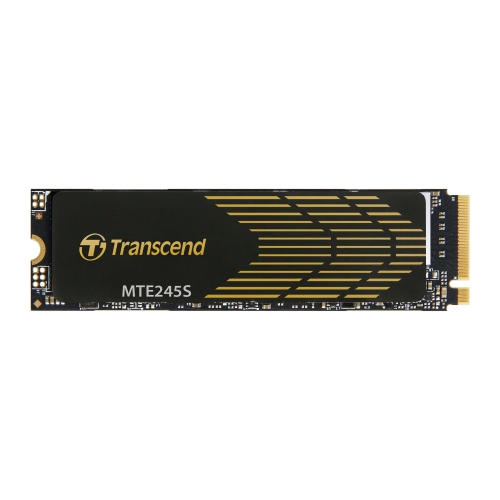
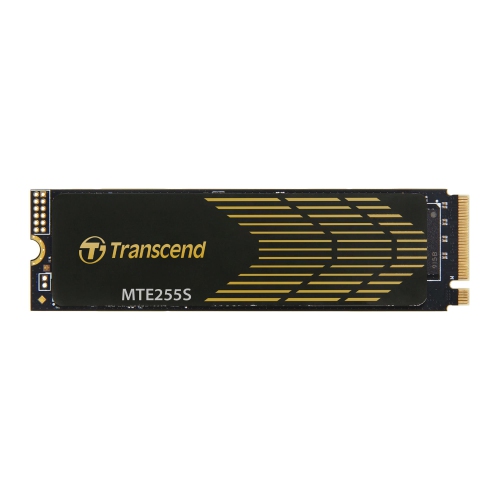
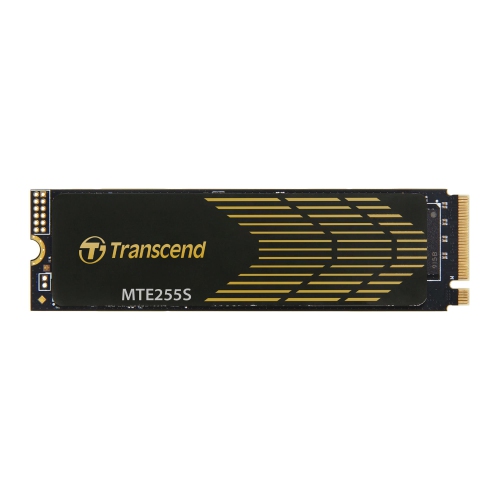
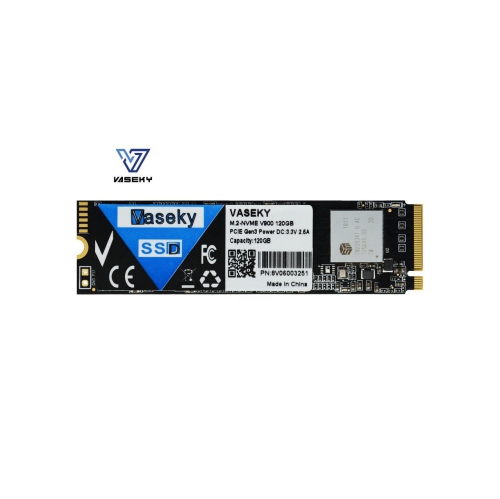
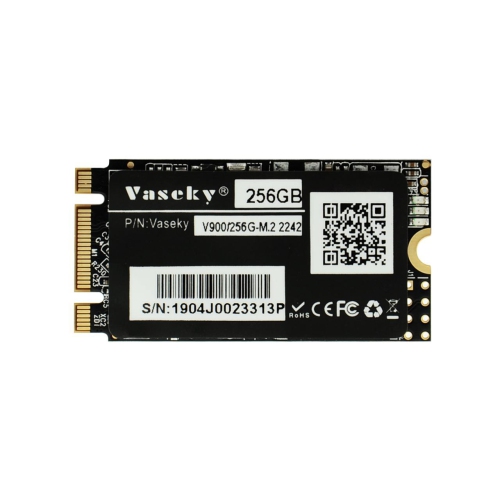
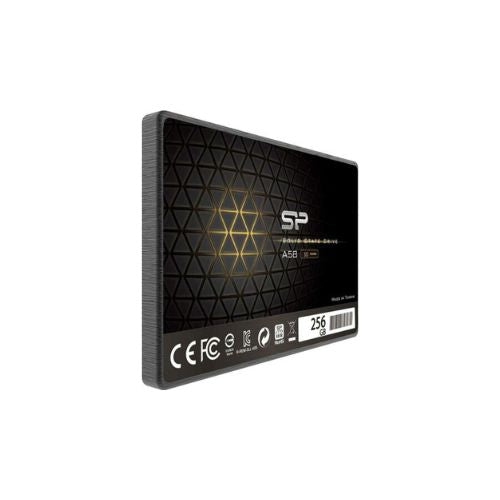
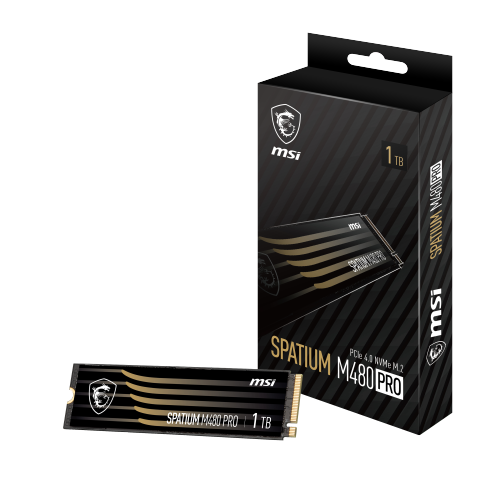
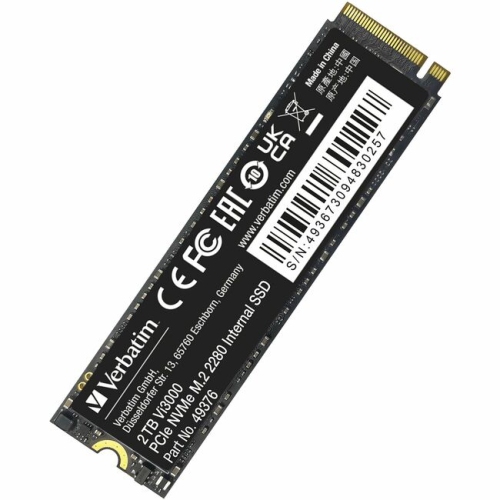
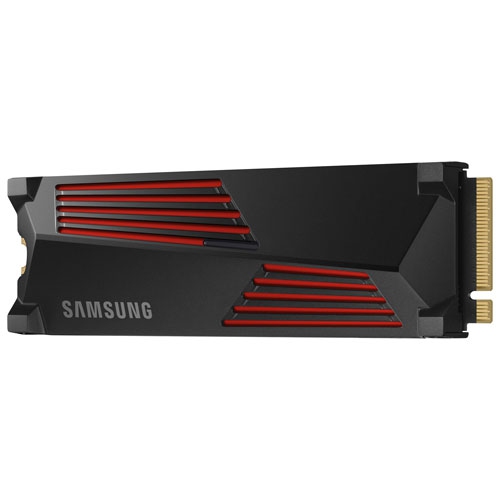
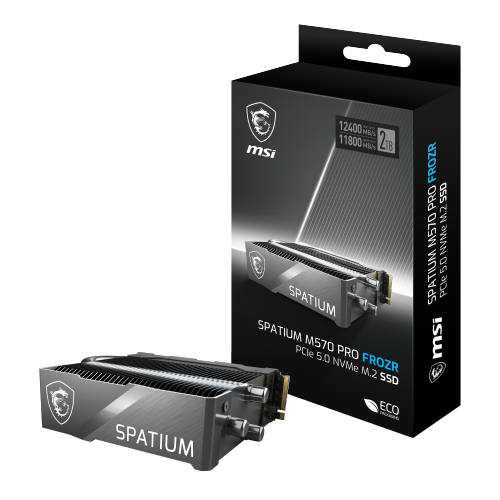
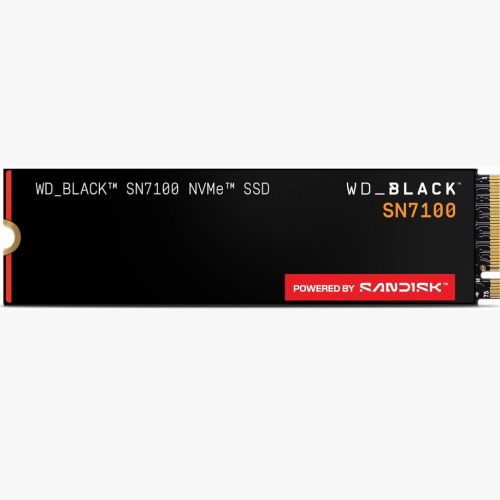
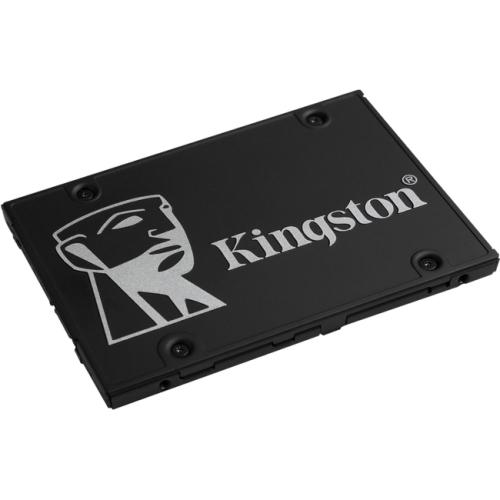
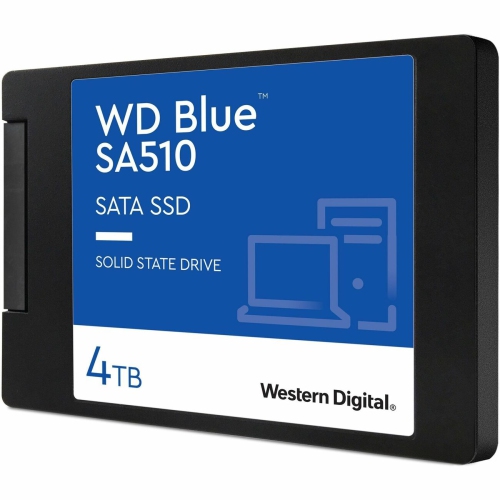
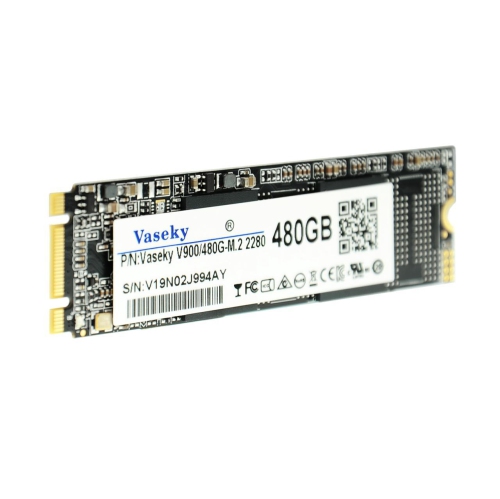
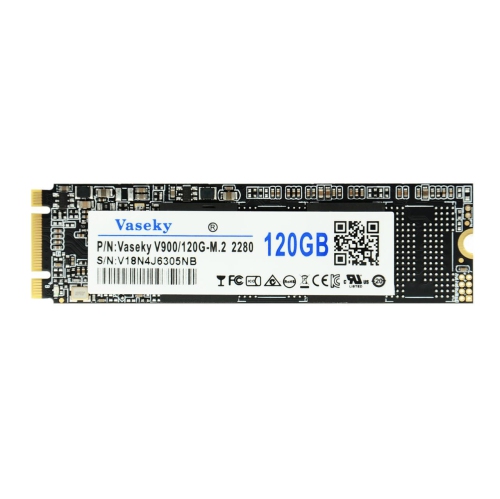
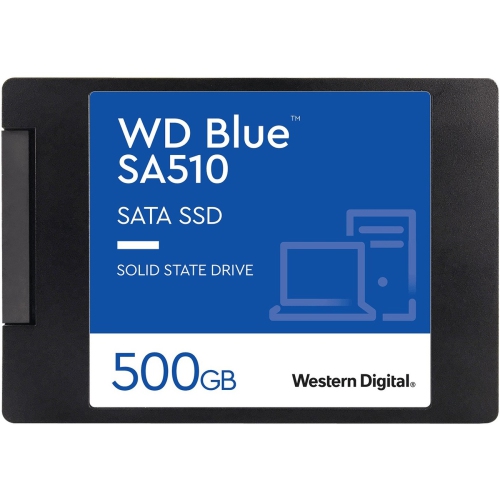
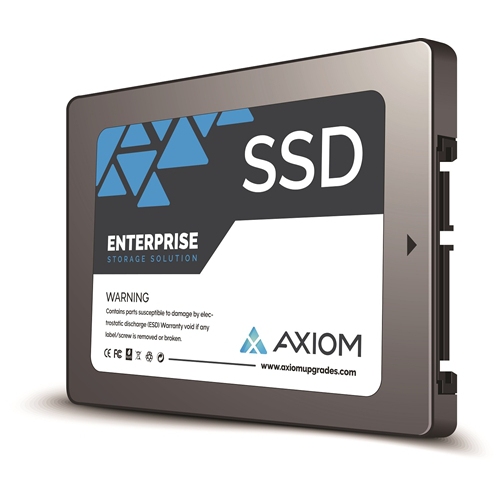
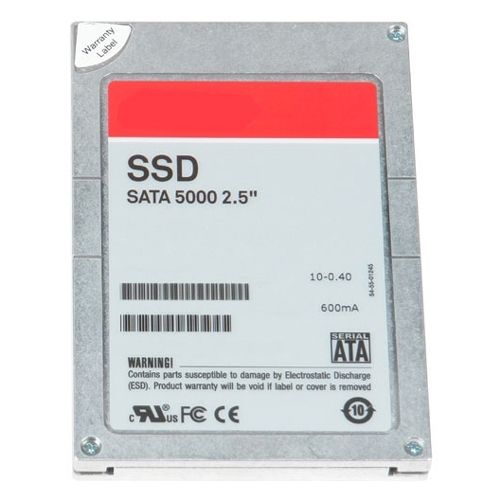

Faster loading and more room for your game library
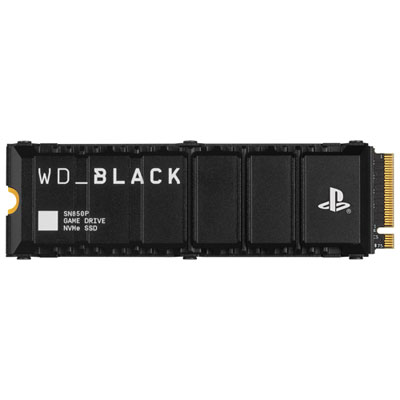
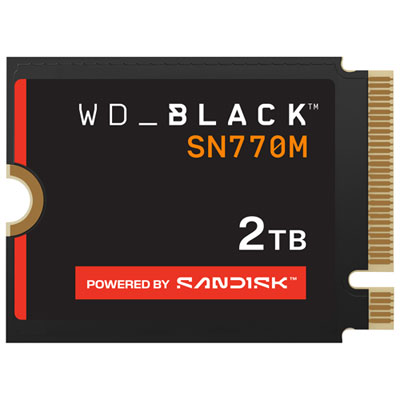
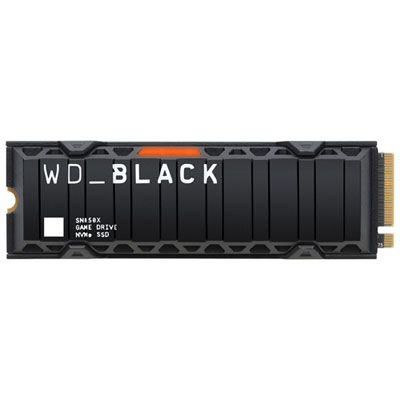
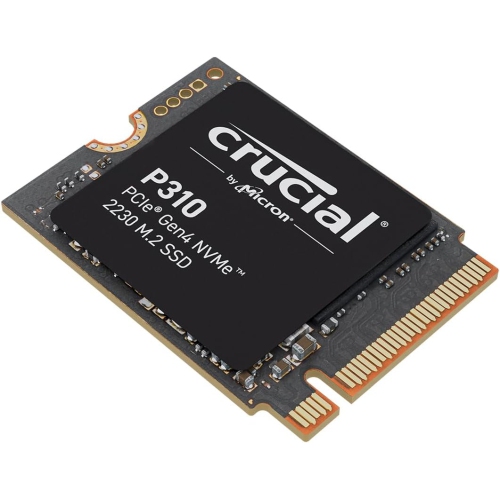
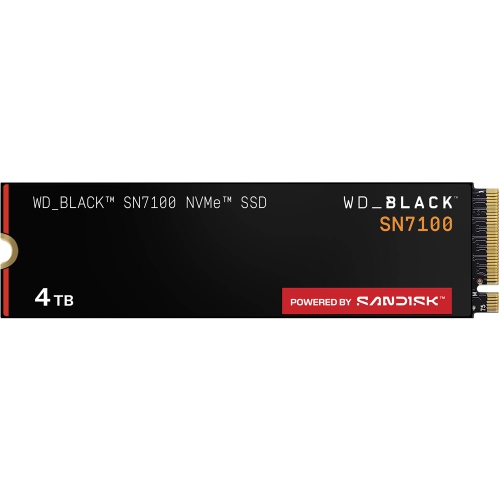
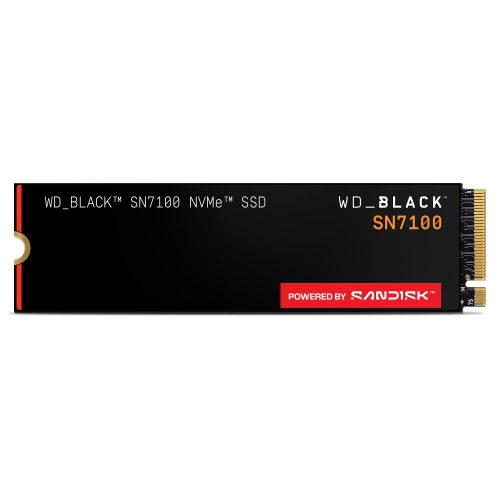
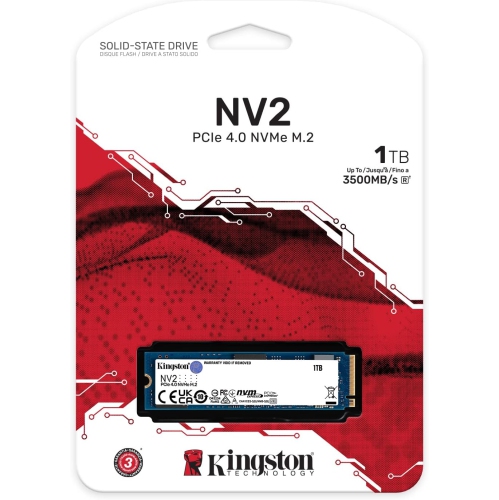
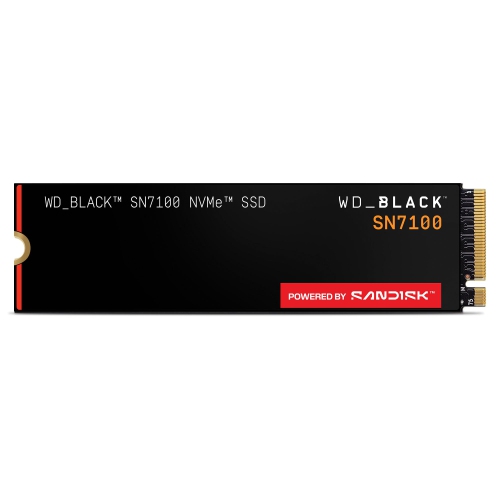
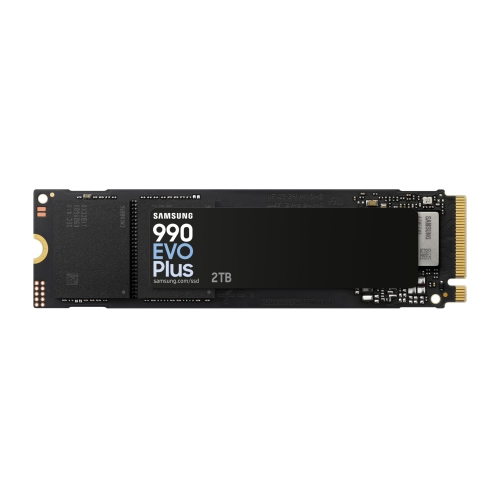
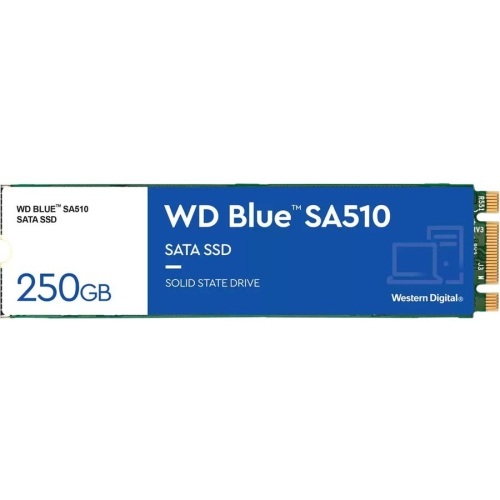
Gaming internal SSDs give PC and console players a practical way to expand storage while reducing the time spent watching loading screens. Unlike traditional hard disk drives, solid-state drives have no moving parts and use flash memory to access game files quickly, which can make launching a game, loading a saved world, or moving between areas feel noticeably more responsive. For most modern gaming computers, the most useful format is an M.2 2280 NVMe SSD: a slim stick-shaped drive that installs directly into a compatible motherboard slot and communicates over PCIe. PCIe Gen 4 NVMe drives remain a strong choice for gaming because they offer excellent read and write performance without requiring the newest platform. They can support fast game launches, smooth texture streaming, quicker installations, and responsive multitasking when a game is running alongside voice chat, streaming software, a browser, or recording tools. PCIe Gen 5 models are also available for newer systems and can deliver higher benchmark speeds, but their additional performance may be difficult to notice in everyday gaming unless the rest of the computer is equipped to take advantage of it. Compatibility should always come first: check the motherboard manual for the supported M.2 key type, PCIe generation, drive length, and available slots before choosing an SSD. A newer drive can operate in some older systems at reduced speeds, but it will not overcome limitations in the motherboard, processor, or game software. Consoles have their own requirements as well. For example, an internal SSD intended for a PlayStation 5 must meet the console’s specifications for PCIe generation, capacity, physical dimensions, and sustained read speed. A compatible heatsink is also important when the console or motherboard does not include a built-in heat shield, helping the drive manage heat during demanding transfers and extended play sessions.
Capacity is one of the most important decisions for a gaming internal SSD. Large games can occupy well over 100 GB, and high-resolution updates, downloadable content, saved captures, and several multiplayer titles can fill a smaller drive sooner than expected. A 1 TB SSD can suit a player with a focused library or a secondary drive for a few frequently played games, while a 2 TB model gives more room for a growing collection and reduces the need to uninstall games between releases. Larger capacities are useful for households with multiple players, gaming computers used for school or creative projects, and anyone who prefers keeping a broad library installed and ready. Pay attention to the difference between advertised capacity and usable space, since formatting and system files take up part of the listed total. Performance specifications can help compare drives, but sequential read speed is only one part of the experience. Random read performance, latency, controller design, NAND type, endurance rating, and the size of the drive’s cache can all influence how consistently it handles repeated game installations and large file transfers. A drive with strong sustained performance can be especially helpful when downloading several games, recording gameplay, or moving a large library from one storage device to another. A heatsink may be integrated into the SSD or supplied separately, but it must fit beneath the graphics card and within the motherboard’s clearance limits. Some motherboards include M.2 covers or thermal pads, so adding another heatsink may be unnecessary or may interfere with installation. A clean installation also benefits from checking whether the drive needs a mounting screw, whether a spare M.2 slot is available, and whether the operating system or motherboard firmware should be updated beforehand. Keeping a little free space on the drive can help maintain dependable performance, particularly when the SSD is used for frequent downloads, updates, and file transfers.
Gaming internal SSDs can be a thoughtful gift for someone building a first gaming PC, upgrading an older computer, or expanding a console library before the cooler months bring more time indoors. They also suit players who share a computer with family members, use a compact desktop with limited drive bays, or want a dedicated location for a growing collection of games. Installation is often straightforward for an experienced builder, but the process involves opening the computer, handling small screws, and checking motherboard documentation, so a gift recipient may appreciate help with installation or data migration as much as the drive itself. Before replacing an existing boot drive, back up important files and confirm whether the new SSD will be used for the operating system, games, or both. A secondary SSD can keep the operating system and everyday applications separate from a large game library, while a primary SSD can provide a clean foundation for a new build. Players who use gaming laptops or systems without an accessible internal M.2 slot may be better served by an external option, such as External Solid State Drives for Gaming Laptops. For desktop owners, an internal NVMe model usually offers a tidy installation and direct connection to the motherboard. With the right capacity, form factor, heatsink, and PCIe compatibility, a gaming internal SSD can make a system feel less crowded and more ready for the next download, update, expansion pack, or long evening of play.
Capacity is one of the most important decisions for a gaming internal SSD. Large games can occupy well over 100 GB, and high-resolution updates, downloadable content, saved captures, and several multiplayer titles can fill a smaller drive sooner than expected. A 1 TB SSD can suit a player with a focused library or a secondary drive for a few frequently played games, while a 2 TB model gives more room for a growing collection and reduces the need to uninstall games between releases. Larger capacities are useful for households with multiple players, gaming computers used for school or creative projects, and anyone who prefers keeping a broad library installed and ready. Pay attention to the difference between advertised capacity and usable space, since formatting and system files take up part of the listed total. Performance specifications can help compare drives, but sequential read speed is only one part of the experience. Random read performance, latency, controller design, NAND type, endurance rating, and the size of the drive’s cache can all influence how consistently it handles repeated game installations and large file transfers. A drive with strong sustained performance can be especially helpful when downloading several games, recording gameplay, or moving a large library from one storage device to another. A heatsink may be integrated into the SSD or supplied separately, but it must fit beneath the graphics card and within the motherboard’s clearance limits. Some motherboards include M.2 covers or thermal pads, so adding another heatsink may be unnecessary or may interfere with installation. A clean installation also benefits from checking whether the drive needs a mounting screw, whether a spare M.2 slot is available, and whether the operating system or motherboard firmware should be updated beforehand. Keeping a little free space on the drive can help maintain dependable performance, particularly when the SSD is used for frequent downloads, updates, and file transfers.
Gaming internal SSDs can be a thoughtful gift for someone building a first gaming PC, upgrading an older computer, or expanding a console library before the cooler months bring more time indoors. They also suit players who share a computer with family members, use a compact desktop with limited drive bays, or want a dedicated location for a growing collection of games. Installation is often straightforward for an experienced builder, but the process involves opening the computer, handling small screws, and checking motherboard documentation, so a gift recipient may appreciate help with installation or data migration as much as the drive itself. Before replacing an existing boot drive, back up important files and confirm whether the new SSD will be used for the operating system, games, or both. A secondary SSD can keep the operating system and everyday applications separate from a large game library, while a primary SSD can provide a clean foundation for a new build. Players who use gaming laptops or systems without an accessible internal M.2 slot may be better served by an external option, such as External Solid State Drives for Gaming Laptops. For desktop owners, an internal NVMe model usually offers a tidy installation and direct connection to the motherboard. With the right capacity, form factor, heatsink, and PCIe compatibility, a gaming internal SSD can make a system feel less crowded and more ready for the next download, update, expansion pack, or long evening of play.
Top selling and popular products
-
 Your price for this item is $554.99
 -
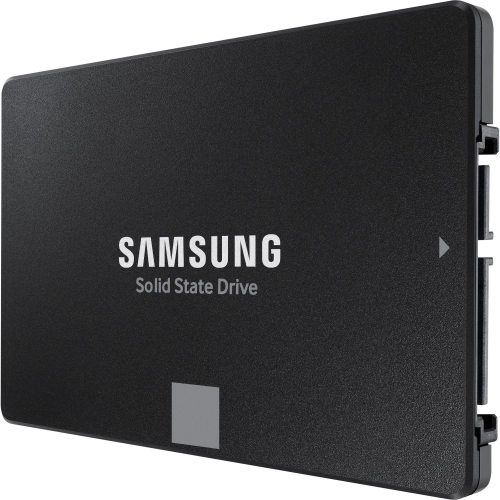 Your price for this item is $649.99
 -
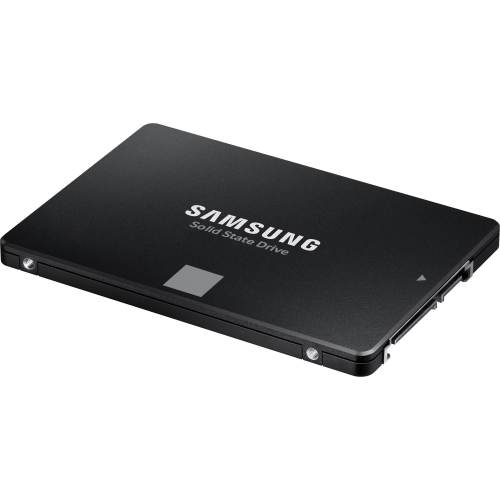 Your price for this item is $394.99
 -
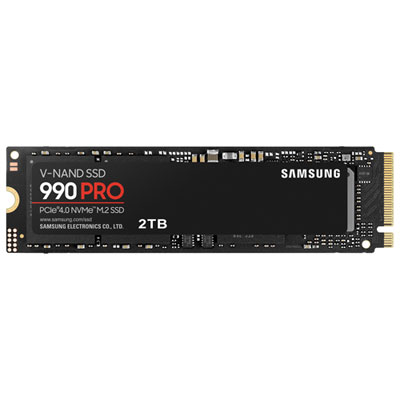 Your price for this item is $649.99
 -
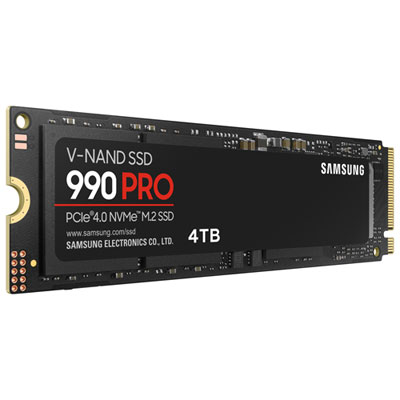 Your price for this item is $1199.97
 -
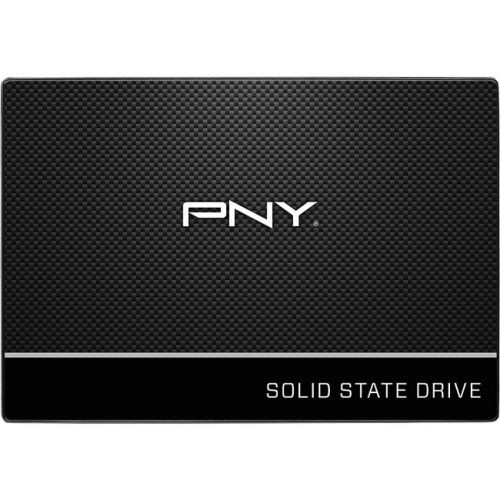 Your price for this item is $106.93
 -
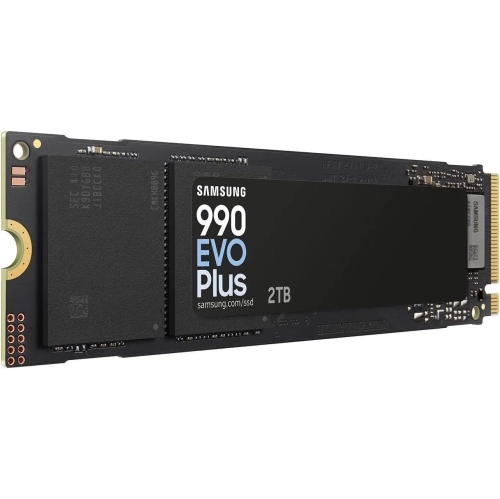 Your price for this item is $639.99
 -
 Your price for this item is $124.99
Discover more categories related to Gaming Internal SSDs

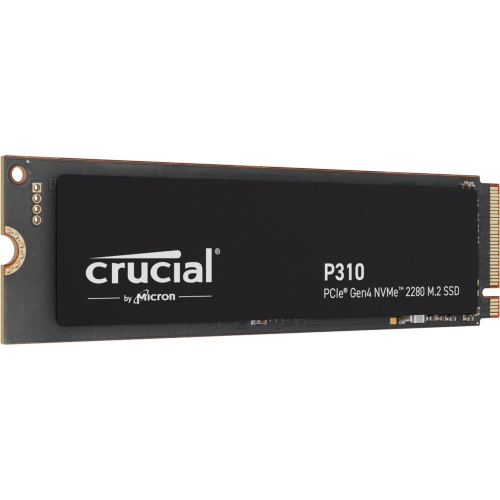
Top Collections:
Pokemon Centers, Kindle Devices, Best Budget Office Chairs, Apple iPhones 16, Best Laptops for Writers, iPhone 15 Apple, Canon G7X Cameras, Refurbished Apple Laptops, Alarm Clock, Motorola Razr Phones
Some products may be subject to Environmental Handling Fees
(EHF) depending on your province.
Learn more about EHFs.