JBL 5.1 Surround Sound Systems
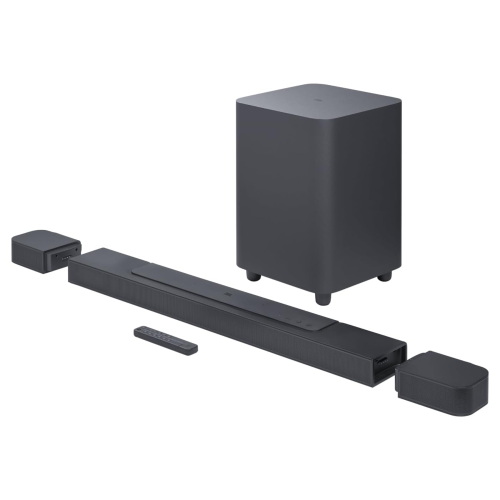
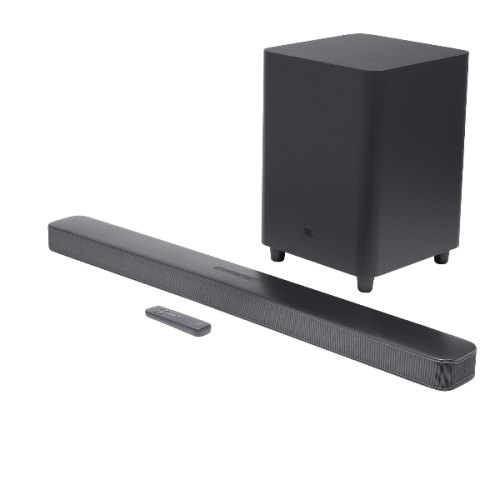
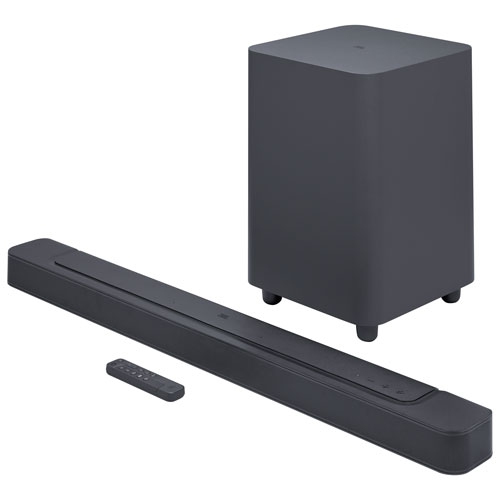
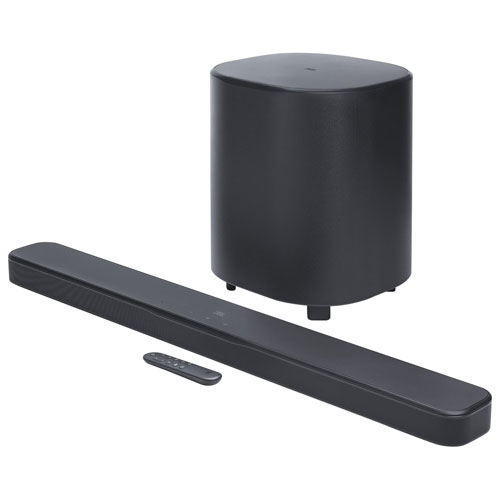
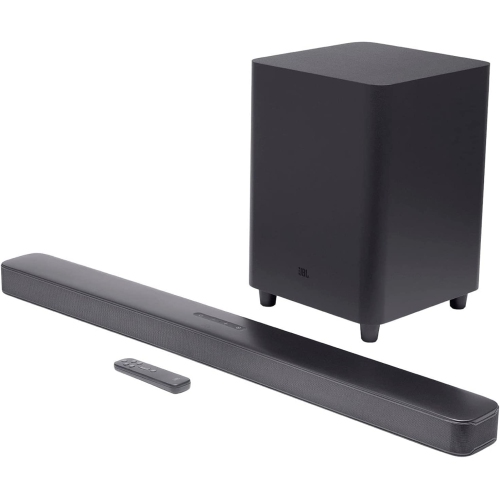
Explore JBL 5.1 surround sound systems for your home theatre. Compare each system’s included components, TV connection options and speaker placement requirements to find a setup that fits your room and works with your existing devices.
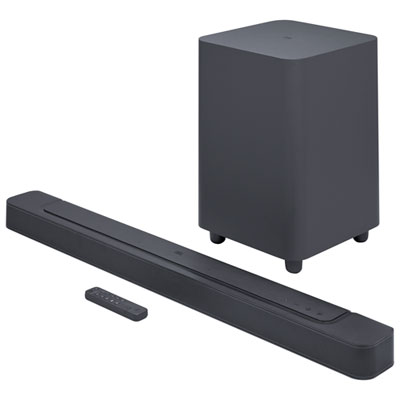
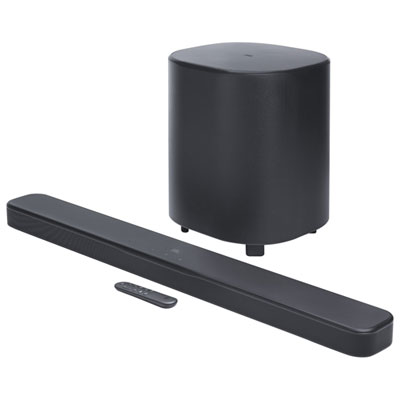
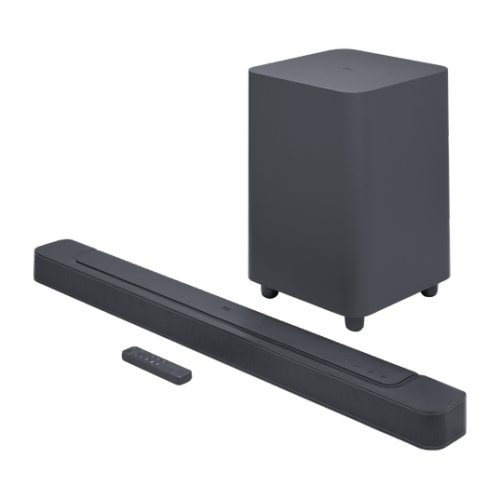
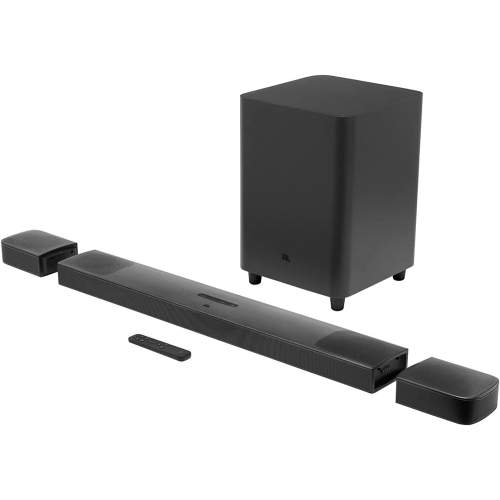
FAQ
The term 5.1 refers to five main audio channels—front left, centre, front right, surround left and surround right—plus one low-frequency effects channel. Depending on the system, these channels may use separate speakers, speakers built into a soundbar, or virtual surround processing.
Connection options vary by system and may include HDMI ARC, HDMI eARC or an optical audio connection. Check the connections supported by both your TV and audio system, then select the corresponding audio output in your TV’s settings.
Wireless can refer to the audio connection between the main unit and a subwoofer or surround speakers. It does not necessarily mean every component is cable-free: wireless components may still require a power cord or battery charging. Speaker arrangements and power requirements vary by system.
Bluetooth typically connects a phone, tablet or other compatible device directly to the audio system. Wi-Fi connects a supported system to your home network for features such as compatible streaming services or app controls. Available connection options depend on the system.
Sources can include compatible streaming services, Blu-ray discs, game consoles and TV programming. The content must include a supported surround soundtrack, and the source device, TV connections and audio settings must allow that format to reach the surround sound system.
Top selling and popular products
Discover more categories related to JBL 5.1 Surround Sound Systems
Some products may be subject to Environmental Handling Fees (EHF) depending on your province. Learn more about EHFs.