Budget Friendly Laptops
The laptop is the ultimate mobile computer. It's small enough to fit in a backpack, yet powerful enough to run all of your essential applications and tasks. And it's lightweight enough that you can take it with you almost anywhere. But with all these benefits comes a price: You have to be willing to spend a little extra to get a good one. Here are our top picks for the best laptops for your money.
Sort

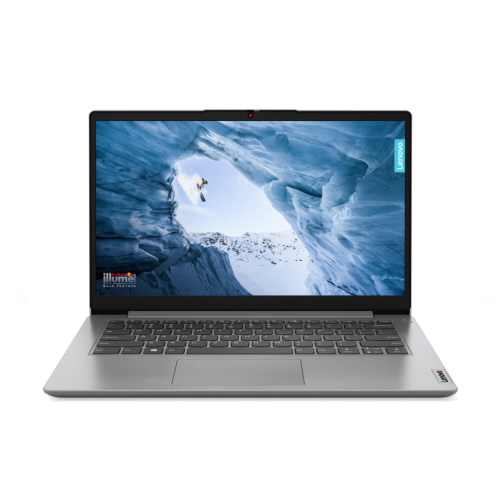
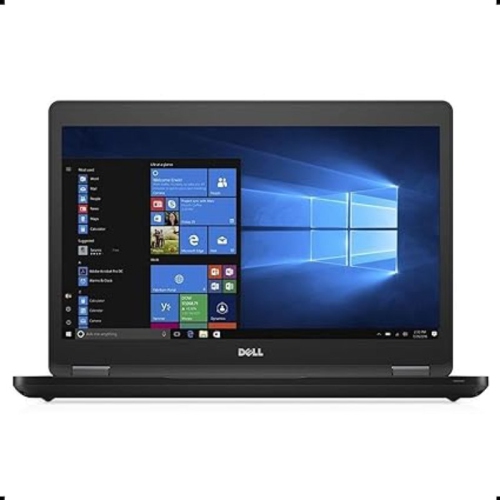
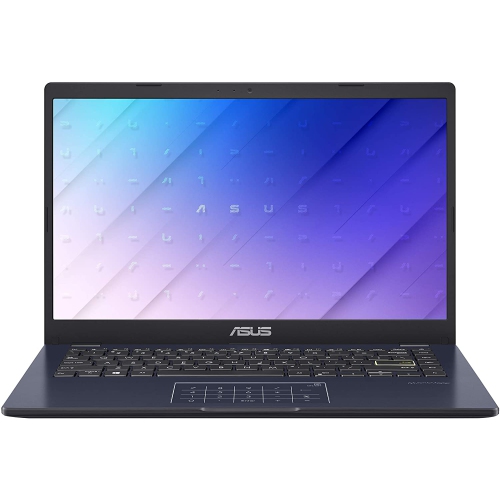
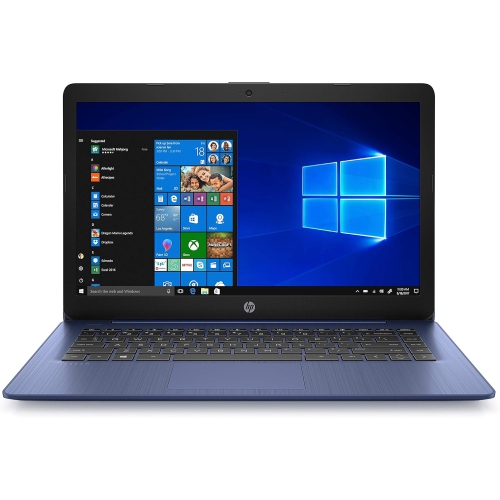
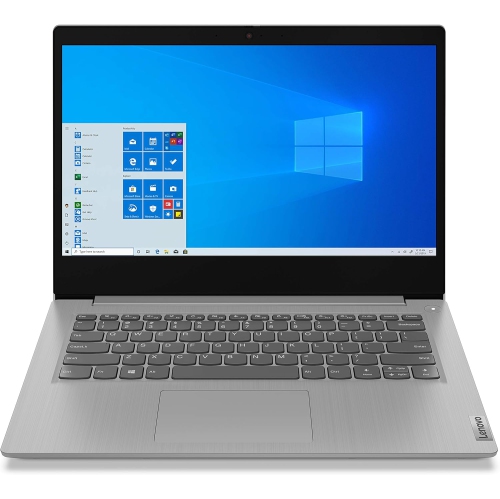
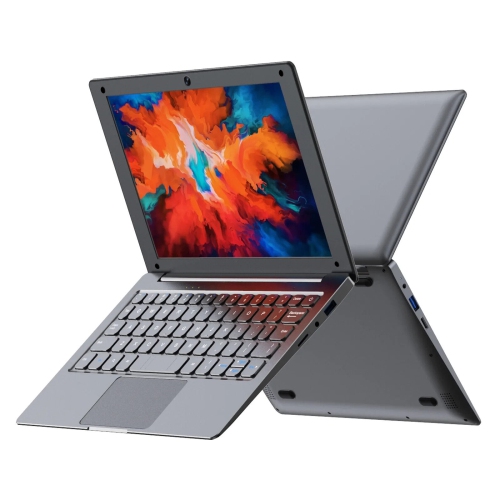
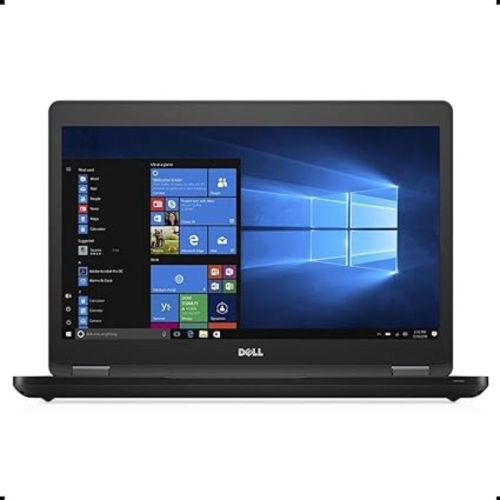
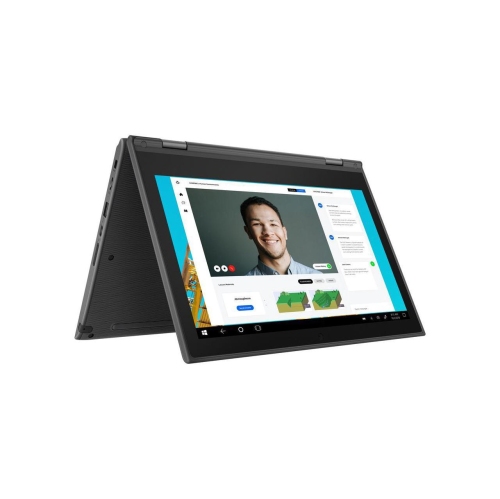
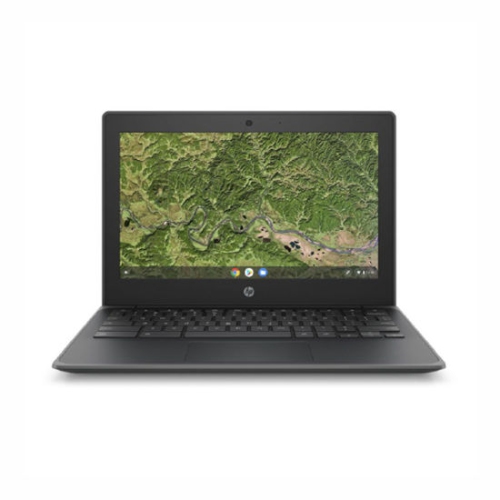
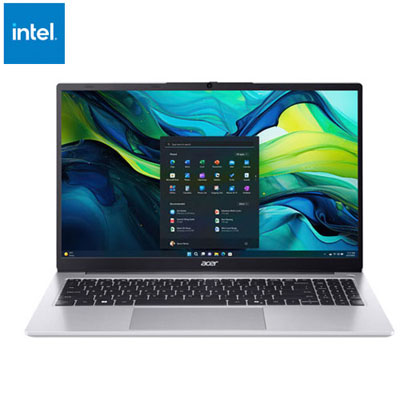
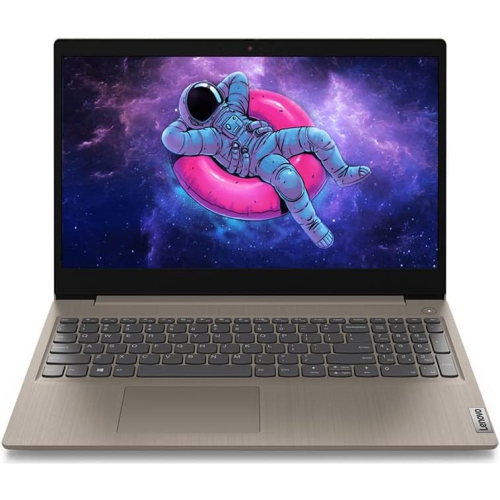
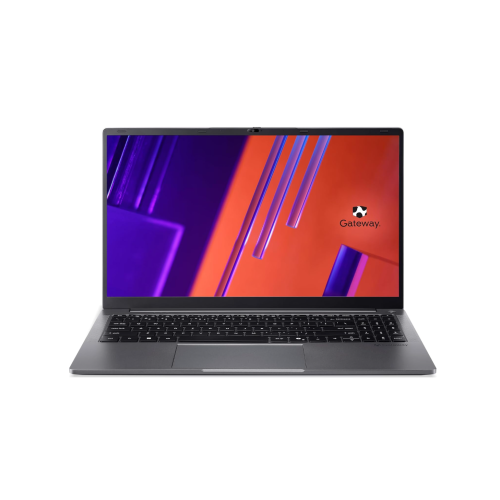
Reliable everyday computing at a more approachable price
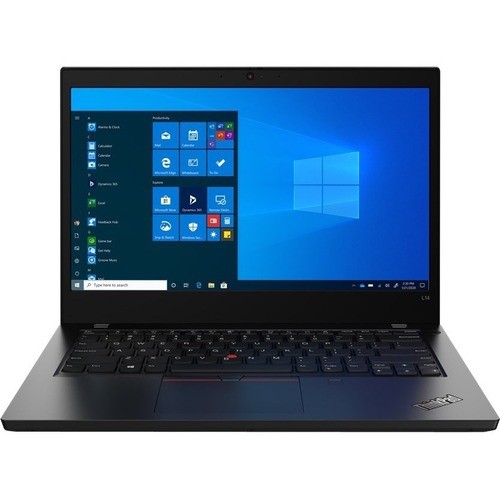
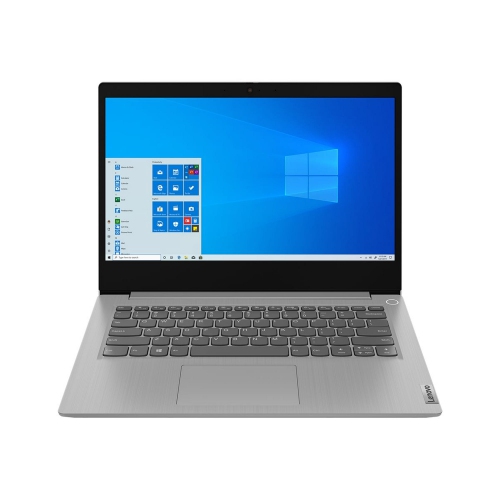
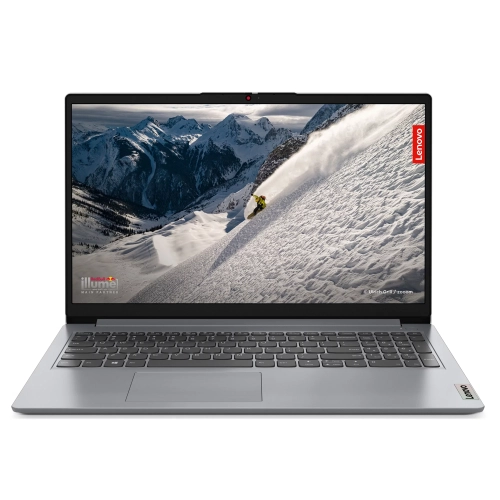
Budget Friendly Laptops can provide dependable everyday computing without the cost of a premium machine. In Canada, affordable laptops commonly range from about $290 to $500, depending on the screen size, processor, memory, storage, operating system, and included features. This price range is well suited to straightforward tasks such as browsing the web, checking email, writing documents, joining video calls, managing online banking, streaming shows, and completing school assignments. A laptop in this category can be a practical choice for a student heading into a new school term, a family computer for shared use, or a thoughtful gift for someone who needs a reliable device for home and travel. Many budget-friendly models are slim enough to slip into a backpack and light enough to carry between classrooms, libraries, cafés, and living rooms. A 14-inch display is a popular middle ground, offering a comfortable workspace while keeping the overall laptop easy to transport. Models with a 15.6-inch screen can be helpful for people who prefer a larger view for spreadsheets, online learning, recipes, video calls, or streaming, especially when the laptop will spend most of its time on a desk. Full HD resolution can make text, photos, and video appear sharper, while an anti-glare display may be more comfortable near a window or under bright indoor lighting. When choosing among Budget Friendly Laptops, start by considering how the computer will be used from one day to the next. Someone who mainly opens a few websites, writes messages, and watches videos may be well served by an entry-level processor, while a student or home user who keeps several browser tabs, documents, and communication apps open should look for a laptop with 8 GB of RAM. Systems with 4 GB of RAM can handle basic activities, but they may feel less comfortable with heavier multitasking. A solid state drive, or SSD, is another useful feature because it generally loads the operating system and applications faster than older mechanical storage. Some affordable laptops use eMMC storage, which can still be suitable for basic documents and online tasks, but an SSD may offer a more responsive experience and can be preferable for people who open files and programs frequently.
The right budget laptop also depends on how much local storage is needed and where files will be kept. A 128 GB drive can be enough for web-based work, school documents, photos, and a modest selection of installed applications, particularly when files are stored in cloud services or on an external drive. People who keep large photo libraries, downloaded videos, creative projects, or many applications on the laptop may want more capacity. It is also worth checking the available connections before making a decision. USB ports can be useful for a mouse, flash drive, printer, headset, or external storage, while an HDMI connection can make it easier to connect to a monitor or television. Built-in Wi-Fi supports browsing, streaming, online classes, and video calls at home or on compatible public networks, and Bluetooth can connect wireless accessories such as headphones or a mouse. Battery life varies with screen brightness, applications, wireless activity, and other settings, so a portable user should look for a design that can comfortably keep up with a day of classes, study sessions, commuting, or work away from an outlet. The keyboard and touchpad deserve attention as well. A full-size keyboard with a separate number pad may appeal to anyone entering figures or working with spreadsheets, while a compact layout can make a smaller laptop easier to carry. Families purchasing a shared computer may appreciate a webcam, built-in microphone, and straightforward login options for video calls and homework. A parent helping a child with assignments might prioritize durability, simple setup, and enough storage for documents, while a retiree may value a bright display, clear speakers, and an uncluttered keyboard. For people who want more flexibility than a traditional clamshell design, browsing Budget-Friendly 2-In-1 Laptops can reveal convertible options that fold into tablet-style or tent-style positions for reading, drawing, presenting, and watching content.
Budget Friendly Laptops are best matched with everyday productivity rather than demanding workloads. They are generally a sensible fit for word processing, presentations, web research, online shopping, streaming, social media, basic photo organization, and school platforms. They can also support light office tasks such as invoicing, scheduling, inventory records, and video meetings for a small home business. Entry-level processors are designed for efficiency and routine use, not intensive video editing, advanced 3D design, or modern high-performance gaming. People interested in games should check the individual graphics capabilities and system requirements carefully, as many laptops in this price range rely on integrated graphics and are better suited to casual or browser-based games. Likewise, anyone working with large media files may benefit from more memory, a larger SSD, and a faster processor than a basic budget configuration provides. Software compatibility matters too; checking the operating system and the requirements of school, work, security, or creative applications can prevent surprises after purchase. A laptop can also make a useful gift for a student, a family member setting up a home office, or someone who needs a second computer for travel. During the warmer seasons, it can move from a kitchen table to a patio or cottage workspace, while during the cooler months it can serve as a convenient study station beside a favourite chair. A protective sleeve, wireless mouse, or compact headset can make a portable setup more comfortable, but the laptop itself should remain the starting point. Before choosing, compare the processor, RAM, storage type and capacity, display dimensions, resolution, ports, battery expectations, and warranty details rather than relying on price alone. A carefully matched affordable laptop can provide a straightforward, capable way to stay connected, complete assignments, handle household tasks, and enjoy entertainment without paying for features that will go unused.
The right budget laptop also depends on how much local storage is needed and where files will be kept. A 128 GB drive can be enough for web-based work, school documents, photos, and a modest selection of installed applications, particularly when files are stored in cloud services or on an external drive. People who keep large photo libraries, downloaded videos, creative projects, or many applications on the laptop may want more capacity. It is also worth checking the available connections before making a decision. USB ports can be useful for a mouse, flash drive, printer, headset, or external storage, while an HDMI connection can make it easier to connect to a monitor or television. Built-in Wi-Fi supports browsing, streaming, online classes, and video calls at home or on compatible public networks, and Bluetooth can connect wireless accessories such as headphones or a mouse. Battery life varies with screen brightness, applications, wireless activity, and other settings, so a portable user should look for a design that can comfortably keep up with a day of classes, study sessions, commuting, or work away from an outlet. The keyboard and touchpad deserve attention as well. A full-size keyboard with a separate number pad may appeal to anyone entering figures or working with spreadsheets, while a compact layout can make a smaller laptop easier to carry. Families purchasing a shared computer may appreciate a webcam, built-in microphone, and straightforward login options for video calls and homework. A parent helping a child with assignments might prioritize durability, simple setup, and enough storage for documents, while a retiree may value a bright display, clear speakers, and an uncluttered keyboard. For people who want more flexibility than a traditional clamshell design, browsing Budget-Friendly 2-In-1 Laptops can reveal convertible options that fold into tablet-style or tent-style positions for reading, drawing, presenting, and watching content.
Budget Friendly Laptops are best matched with everyday productivity rather than demanding workloads. They are generally a sensible fit for word processing, presentations, web research, online shopping, streaming, social media, basic photo organization, and school platforms. They can also support light office tasks such as invoicing, scheduling, inventory records, and video meetings for a small home business. Entry-level processors are designed for efficiency and routine use, not intensive video editing, advanced 3D design, or modern high-performance gaming. People interested in games should check the individual graphics capabilities and system requirements carefully, as many laptops in this price range rely on integrated graphics and are better suited to casual or browser-based games. Likewise, anyone working with large media files may benefit from more memory, a larger SSD, and a faster processor than a basic budget configuration provides. Software compatibility matters too; checking the operating system and the requirements of school, work, security, or creative applications can prevent surprises after purchase. A laptop can also make a useful gift for a student, a family member setting up a home office, or someone who needs a second computer for travel. During the warmer seasons, it can move from a kitchen table to a patio or cottage workspace, while during the cooler months it can serve as a convenient study station beside a favourite chair. A protective sleeve, wireless mouse, or compact headset can make a portable setup more comfortable, but the laptop itself should remain the starting point. Before choosing, compare the processor, RAM, storage type and capacity, display dimensions, resolution, ports, battery expectations, and warranty details rather than relying on price alone. A carefully matched affordable laptop can provide a straightforward, capable way to stay connected, complete assignments, handle household tasks, and enjoy entertainment without paying for features that will go unused.
Top selling and popular products
-
 Your price for this item is $449
 -
 Your price for this item is $3099
 -
 Your price for this item is $299.95
 -
 Your price for this item is $664.05
 -
 Your price for this item is $599.68
 -
 Your price for this item is $869.99
 -
 Your price for this item is $259
 -
 Your price for this item is $418.98
Discover more categories related to Budget Friendly Laptops
Top Collections:
Pokemon Centers, Kindle Devices, Best Budget Office Chairs, Apple iPhones 16, Best Laptops for Writers, iPhone 15 Apple, Canon G7X Cameras, Refurbished Apple Laptops, Alarm Clock, Motorola Razr Phones
Some products may be subject to Environmental Handling Fees
(EHF) depending on your province.
Learn more about EHFs.