Laptops With 3 2 Ghz Processors
Laptops with 3.2 GHz processors deliver reliable performance for a variety of computing needs, from everyday tasks to more demanding applications. Offering a balance between speed and efficiency, these laptops are designed to help users stay productive whether at home, in the office, or on the go. Explore a wide selection of laptops with 3.2 GHz processors to find the right fit for work, school, entertainment, and more.
Sort

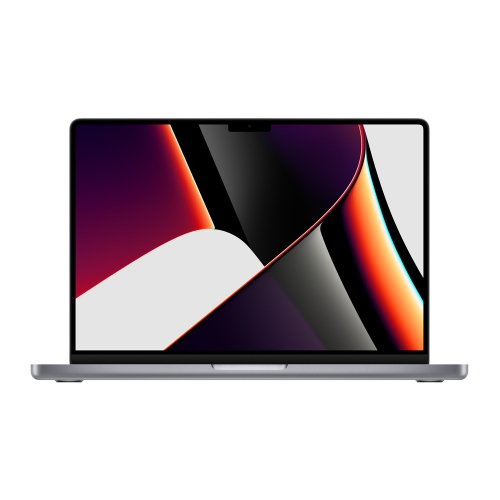
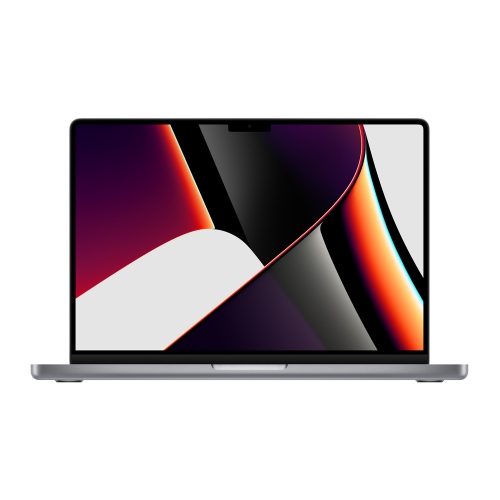
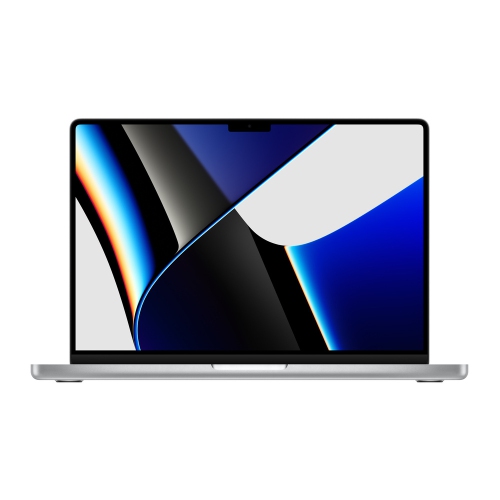
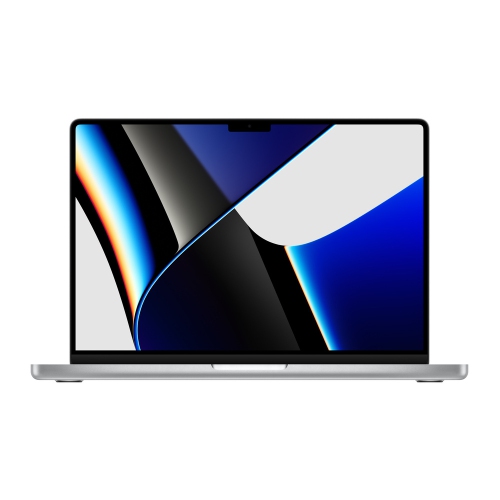
Laptops With 3 2 Ghz Processors
Laptops with 3.2 GHz processors can provide a responsive balance of everyday convenience and more demanding performance, making them suitable for school, work, home use and entertainment. A processor’s clock speed, measured in gigahertz (GHz), indicates how quickly it can handle individual cycles of instructions, but the number should be considered alongside the processor generation, core count, thread count and overall design. Modern laptop processors do not necessarily run at a fixed 3.2 GHz at all times. Many use a lower base frequency to help manage power and heat, then increase their speed through turbo or boost technology when an application needs additional performance. A laptop listed with a 3.2 GHz processor may therefore deliver strong speeds during active workloads while operating more quietly and efficiently during lighter tasks. Newer architectures can also complete more work per clock cycle than older designs, so a current processor with a lower listed base speed may outperform an older chip rated at 3.2 GHz. This makes it helpful to review the complete technical specifications instead of comparing clock speed alone. For general productivity, this class of laptop can feel quick and dependable while switching between a browser with multiple tabs, email, video calls, documents, spreadsheets and music. It can also suit students moving between lectures, research, writing and presentations, as well as remote workers who need a dependable computer for meetings and shared files. A strong multi-core processor is especially useful when several applications remain open at once, reducing the delays that can occur when a laptop is asked to juggle many tasks simultaneously.
When choosing among laptops with 3.2 GHz processors, start with the way the computer will be used and then consider the supporting components. For web browsing, office applications, school platforms and streaming, 8 GB of RAM may be adequate, while 16 GB or more can provide greater flexibility for heavier multitasking, photo work, coding tools and creative applications. Solid-state storage generally allows faster start-up, quicker file access and more responsive app loading than older mechanical storage, while a larger capacity leaves room for course materials, photos, games and downloaded media. Display size and resolution also affect the everyday experience. A compact screen can be easier to carry between classrooms, cafés and offices, while a larger display provides more comfortable space for timelines, spreadsheets, design canvases and split-screen work. Look for a keyboard and touchpad that feel natural during long writing sessions, along with a webcam and microphone suited to video meetings. Battery capacity, charging options and overall weight matter when a laptop will spend much of the day away from an outlet. A cooling system with appropriate vents and fans can help the processor maintain performance during extended workloads, although fan noise and heat may increase when the computer is running demanding software. Integrated graphics can handle everyday visuals, high-definition streaming and many casual games, while a dedicated graphics processor may be preferable for modern games, 3D work, advanced video editing or other graphics-intensive applications. Screen refresh rate, colour coverage and port selection should also match the intended use. USB ports can connect accessories and external storage, HDMI can be useful for a larger monitor or classroom display, and wireless connectivity supports peripherals and online work. For business needs, a dedicated Business Laptop With Fast Processor may offer a practical fit when quick multitasking, dependable communication and a professional design are priorities.
A laptop with this level of processing capability can be a thoughtful choice for a student preparing for a new term, a family member setting up a home office or someone replacing an older computer that has become slow under everyday demands. It can handle a mix of practical and personal activities, from organizing household records and attending appointments by video to editing holiday photos, watching films during the cooler months and keeping in touch with friends and relatives. For a student, a comfortable keyboard, reliable battery life and enough storage can make a noticeable difference when carrying the laptop from a bright library table to a quiet desk at home. For a professional, the ability to keep communication tools, browser tabs and productivity software open together can help the workday flow with fewer interruptions. For a creative user, processor performance supports tasks such as sorting images, recording audio, preparing presentations and making shorter video projects, provided the memory, storage and graphics hardware are also suitable. Casual gamers may enjoy many popular titles at appropriate settings, while more demanding games require careful attention to dedicated graphics, cooling and display refresh rate rather than processor speed alone. During warmer weather, a well-ventilated workspace and a clear, stable surface can help prevent blocked air vents; during cooler months, the same laptop can move easily between a home office, a study area and shared living spaces. Before making a decision, compare the processor’s generation and core configuration, installed RAM, storage capacity, graphics solution, display, battery claims, connectivity and warranty coverage. It is also worth checking whether the operating system and software requirements match the computer, especially for specialized school, business or creative programs. Choosing a balanced configuration rather than focusing on one impressive number can result in a laptop that feels capable today and remains comfortable to use as files, applications and everyday expectations grow.
When choosing among laptops with 3.2 GHz processors, start with the way the computer will be used and then consider the supporting components. For web browsing, office applications, school platforms and streaming, 8 GB of RAM may be adequate, while 16 GB or more can provide greater flexibility for heavier multitasking, photo work, coding tools and creative applications. Solid-state storage generally allows faster start-up, quicker file access and more responsive app loading than older mechanical storage, while a larger capacity leaves room for course materials, photos, games and downloaded media. Display size and resolution also affect the everyday experience. A compact screen can be easier to carry between classrooms, cafés and offices, while a larger display provides more comfortable space for timelines, spreadsheets, design canvases and split-screen work. Look for a keyboard and touchpad that feel natural during long writing sessions, along with a webcam and microphone suited to video meetings. Battery capacity, charging options and overall weight matter when a laptop will spend much of the day away from an outlet. A cooling system with appropriate vents and fans can help the processor maintain performance during extended workloads, although fan noise and heat may increase when the computer is running demanding software. Integrated graphics can handle everyday visuals, high-definition streaming and many casual games, while a dedicated graphics processor may be preferable for modern games, 3D work, advanced video editing or other graphics-intensive applications. Screen refresh rate, colour coverage and port selection should also match the intended use. USB ports can connect accessories and external storage, HDMI can be useful for a larger monitor or classroom display, and wireless connectivity supports peripherals and online work. For business needs, a dedicated Business Laptop With Fast Processor may offer a practical fit when quick multitasking, dependable communication and a professional design are priorities.
A laptop with this level of processing capability can be a thoughtful choice for a student preparing for a new term, a family member setting up a home office or someone replacing an older computer that has become slow under everyday demands. It can handle a mix of practical and personal activities, from organizing household records and attending appointments by video to editing holiday photos, watching films during the cooler months and keeping in touch with friends and relatives. For a student, a comfortable keyboard, reliable battery life and enough storage can make a noticeable difference when carrying the laptop from a bright library table to a quiet desk at home. For a professional, the ability to keep communication tools, browser tabs and productivity software open together can help the workday flow with fewer interruptions. For a creative user, processor performance supports tasks such as sorting images, recording audio, preparing presentations and making shorter video projects, provided the memory, storage and graphics hardware are also suitable. Casual gamers may enjoy many popular titles at appropriate settings, while more demanding games require careful attention to dedicated graphics, cooling and display refresh rate rather than processor speed alone. During warmer weather, a well-ventilated workspace and a clear, stable surface can help prevent blocked air vents; during cooler months, the same laptop can move easily between a home office, a study area and shared living spaces. Before making a decision, compare the processor’s generation and core configuration, installed RAM, storage capacity, graphics solution, display, battery claims, connectivity and warranty coverage. It is also worth checking whether the operating system and software requirements match the computer, especially for specialized school, business or creative programs. Choosing a balanced configuration rather than focusing on one impressive number can result in a laptop that feels capable today and remains comfortable to use as files, applications and everyday expectations grow.
Top selling and popular products
-
 Your price for this item is $379
 -
 Your price for this item is $3099
 -
 Your price for this item is $895.99
 -
 Your price for this item is $599.68
 -
 Your price for this item is $259
 -
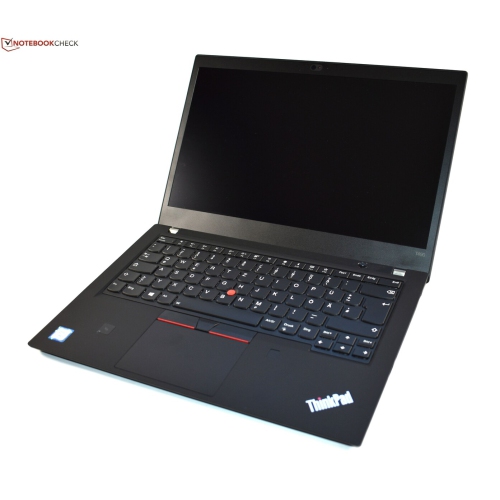 Your price for this item is $489.99
 -
 Your price for this item is $418.98
 -
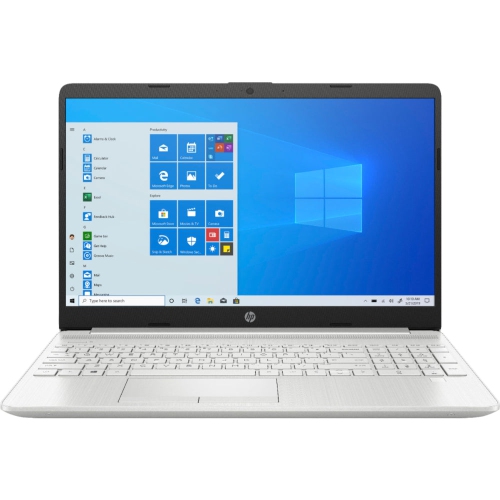 Your price for this item is $489
Discover more categories related to Laptops With 3 2 Ghz Processors

Top Collections:
Pokemon Centers, Kindle Devices, Budget Smartphones, Budget 4K TVs, Apple iPhones 16, Canon G7X Cameras, iPhone 15 Apple, Alarm Clock, Budget-Friendly Wireless Earbuds, iPhone 14 256GB
Some products may be subject to Environmental Handling Fees
(EHF) depending on your province.
Learn more about EHFs.