Basic Laptops for Students
A laptop is a great tool for students. It's portable, so you can take it to class and work on assignments, and it's powerful enough to handle most of your schoolwork. We've rounded up the best basic laptops for students to help you find the right one for your needs.
Sort


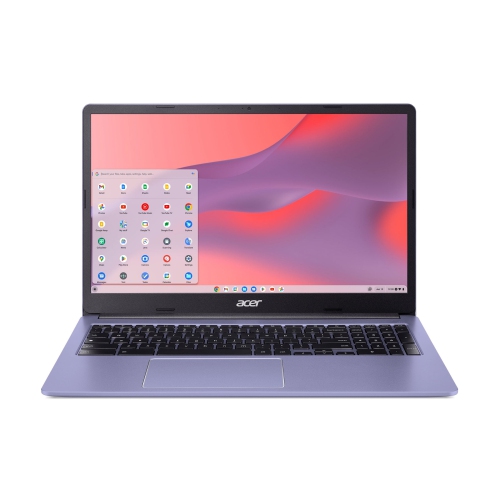
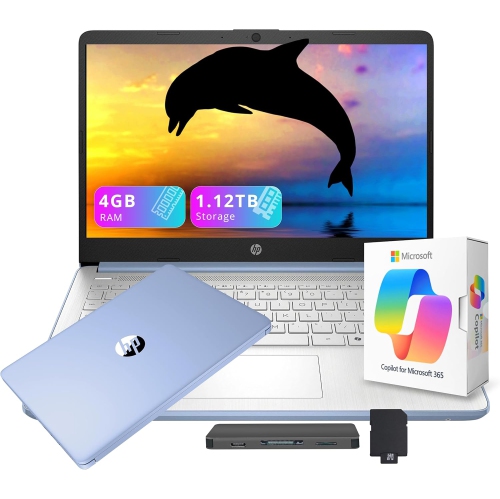
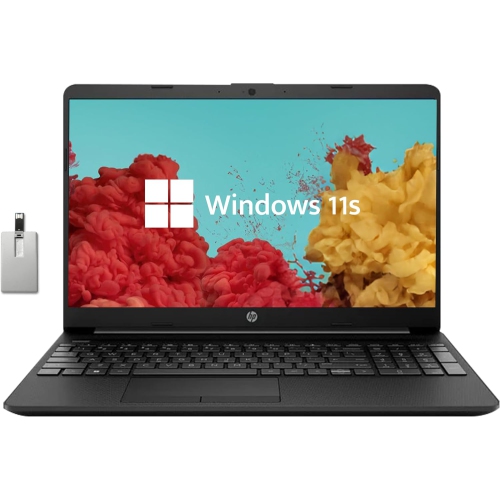
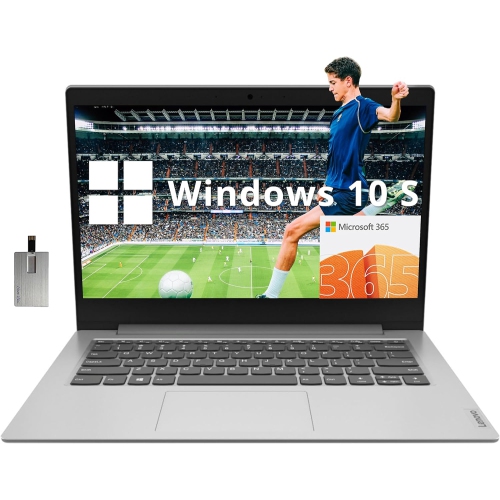
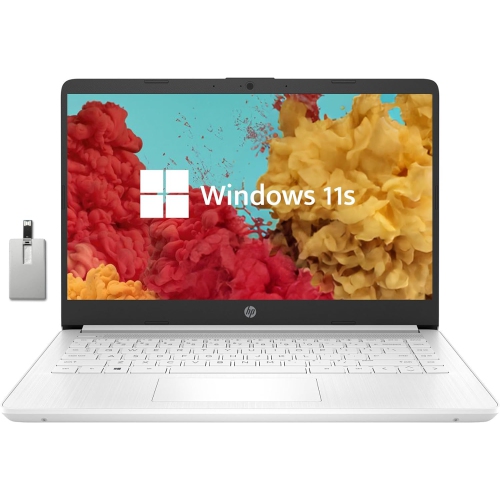
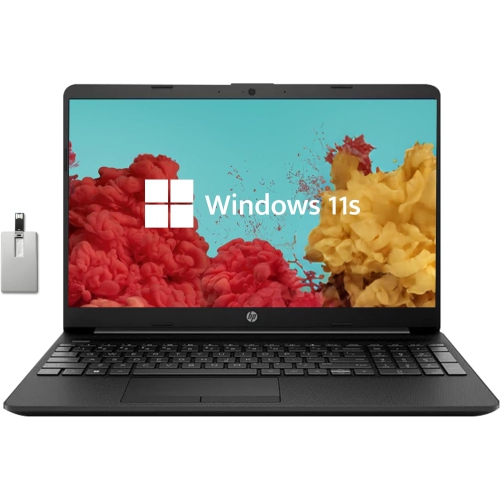
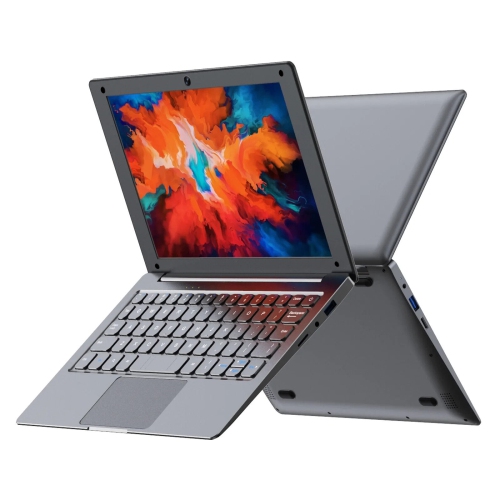
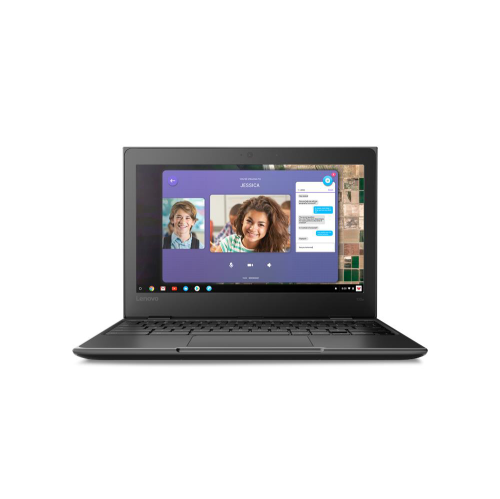
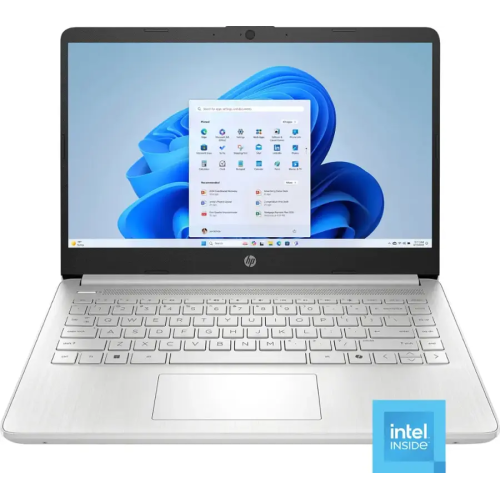
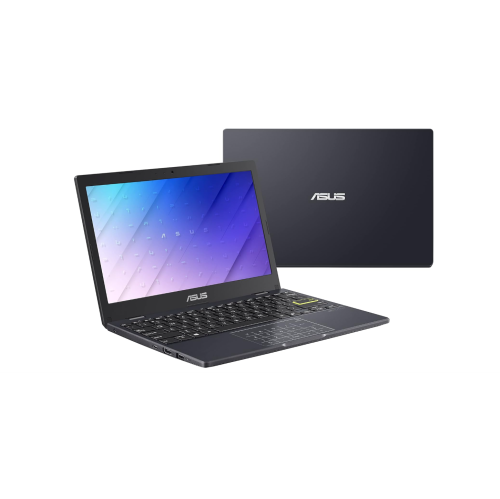
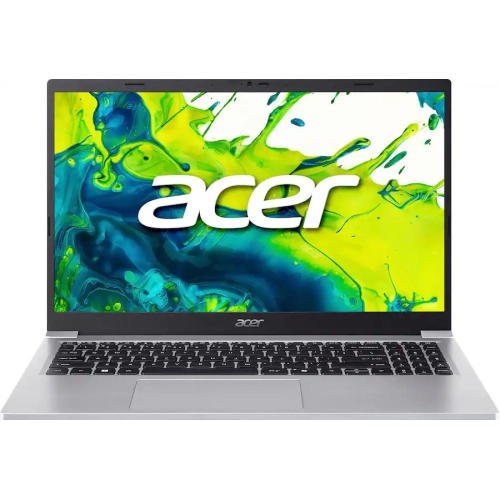
Portability and battery life for busy school days
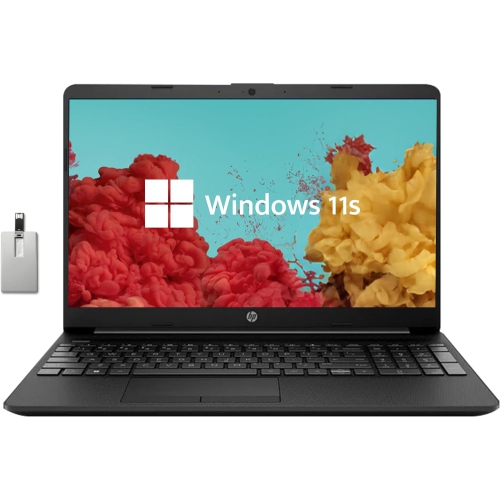
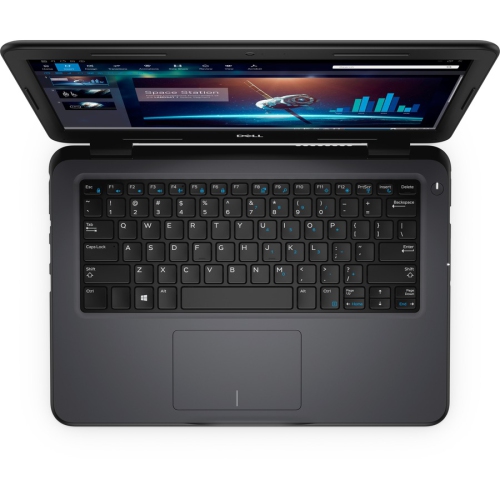
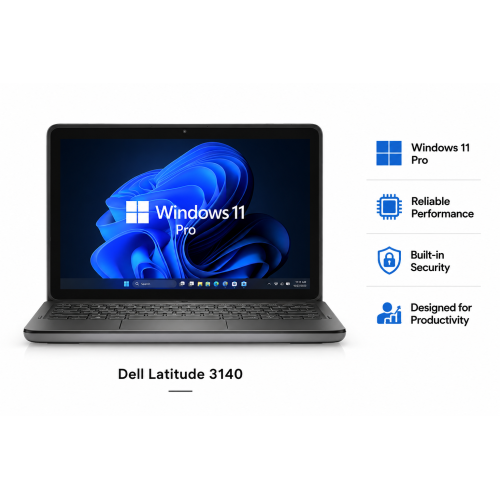
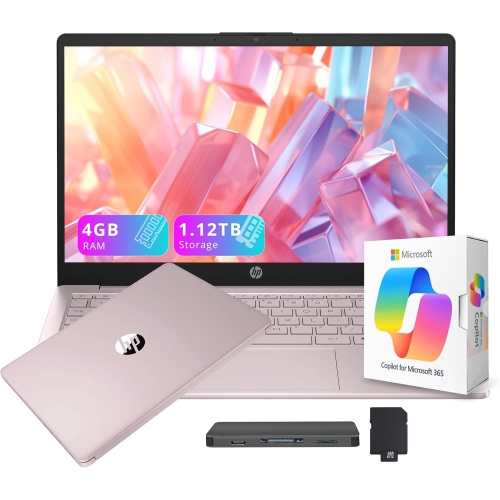
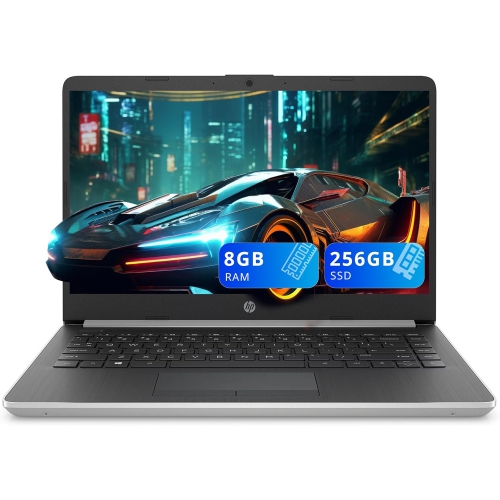
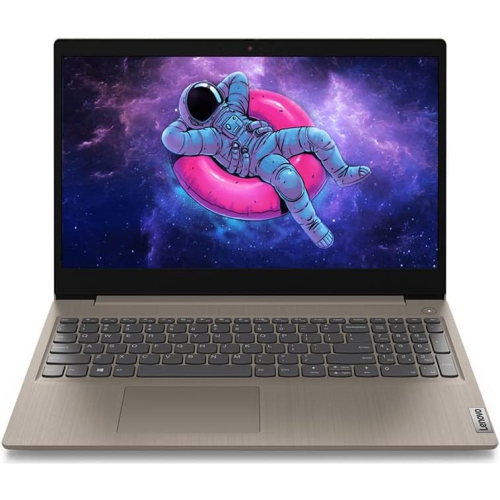
Basic laptops for students are designed for the everyday schoolwork that happens between classrooms, libraries, kitchen tables, and bedrooms: researching assignments online, writing essays, creating presentations, checking course portals, sending email, streaming instructional videos, and joining video calls. For many learners, a straightforward laptop is all that is needed to keep notes organized and coursework moving without paying for performance intended for demanding creative software or advanced gaming. Typical options in this category are priced from about $300 to $500, although prices and configurations can vary. A laptop in this range can be a practical choice for elementary and high school students, college and university learners, adult students, or anyone returning to school and looking for a dependable computer for daily tasks. It can also make a thoughtful gift for a student starting a new school year, moving into a residence, or setting up a study space at home. When comparing options, start with the way the laptop will be used. Web browsing, word processing, online research, spreadsheets, learning platforms, and video meetings generally require a modest processor, while specialized applications for engineering, graphic design, music production, programming, or video editing may call for more memory and processing power. For basic schoolwork, processors such as Intel N100 or N150 chips, as well as entry-level Intel Celeron processors, can provide suitable performance for light computing. A laptop with 8GB of RAM is preferable for switching between a document, several browser tabs, a video lesson, and a messaging app; 4GB can handle simpler tasks, but it may feel restrictive when several applications are open together. Storage is another important consideration. A 128GB solid-state drive (SSD) or UFS storage can provide quick start-up times and responsive file access, while cloud storage or an external drive can help keep larger photo, video, and project collections organized. Students who download many media files, install large applications, or keep years of coursework on the laptop may benefit from additional storage.
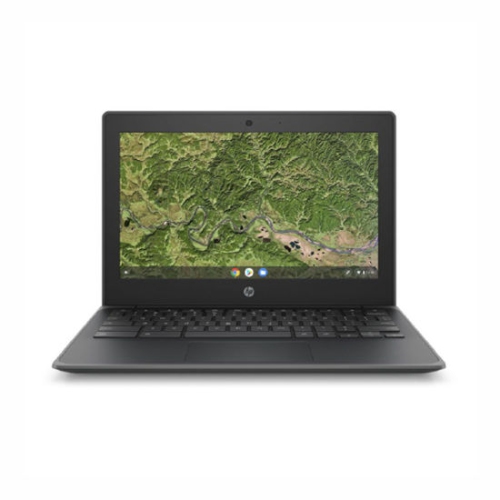
Screen size affects both comfort and portability. Displays around 14 inch are easy to carry in a backpack and fit neatly on a compact desk, making them convenient for students who move between classes or study in different parts of the home. A 15.6 inch screen offers more room for split-screen work, detailed spreadsheets, and reading long documents, though it may add a little extra weight. Full HD resolution, often listed as 1920 by 1080, can make text look sharper and give web pages, presentations, and recorded lessons more breathing room. A comfortable keyboard is just as important as the display, especially for students who spend long evenings typing reports. Look for well-spaced keys, a responsive touchpad, and a layout that feels natural for frequent writing. A built-in webcam and microphone support online classes, group projects, and conversations with instructors, while Wi-Fi connectivity makes it simple to access school networks and online resources. Battery life deserves close attention when outlets are not always available. A model rated for 10 hours or more may be better suited to a full day of classes, though actual results depend on screen brightness, video use, connected accessories, and the applications running in the background. Fast charging can be helpful when a short break is the only opportunity to add power. Weight, thickness, and the included charger also matter for students who carry their laptop alongside textbooks, notebooks, and lunch. Before choosing, check available ports for accessories such as a USB flash drive, headphones, a monitor, or a printer. Windows laptops support a broad range of familiar software and school platforms, while Chromebooks can be a strong low-cost fit when assignments, documents, communication, and storage are handled primarily through a web browser. A Chromebook may be especially convenient for a student whose school provides browser-based tools, but it is important to confirm that required applications and services are compatible with ChromeOS before purchasing.
A basic student laptop is often at its best when it fits naturally into a student’s routine. Picture a learner opening it at the dining table before school, reviewing a class portal over breakfast, then carrying it to the library to finish a history outline between lessons. In the evening, the same computer may display a research article beside a blank document, play a recorded lecture through headphones, and connect to a video call for a group presentation. Choosing a model with the right balance of speed, battery life, screen size, and portability can make these ordinary moments smoother. Students who work mostly in documents and browsers may prioritize an 8GB memory configuration, a quick SSD, and a light 14 inch design. Someone who reads lengthy material, manages spreadsheets, or regularly places two windows side by side may prefer a larger 15.6 inch display. Families buying a first computer for a younger student may also want a simple interface, a durable-feeling design, and enough flexibility to support changing school requirements over several years. For a post-secondary student, compatibility with required software should come before appearance or extra features; checking course requirements can prevent an otherwise attractive laptop from being unsuitable for a particular programme. Accessories can complete a practical study setup: a protective sleeve helps with transport, a wireless mouse can make extended navigation more comfortable, and headphones are useful in shared spaces or during online lessons. Students can browse the wider selection of Laptops for Students to compare screen sizes, operating systems, memory, storage, battery specifications, and available connections. With these details in mind, it becomes easier to select a basic laptop that feels responsive for schoolwork, fits comfortably into a backpack, and remains useful from the first assignment of the term through the busier cooler months of the academic year.
Screen size affects both comfort and portability. Displays around 14 inch are easy to carry in a backpack and fit neatly on a compact desk, making them convenient for students who move between classes or study in different parts of the home. A 15.6 inch screen offers more room for split-screen work, detailed spreadsheets, and reading long documents, though it may add a little extra weight. Full HD resolution, often listed as 1920 by 1080, can make text look sharper and give web pages, presentations, and recorded lessons more breathing room. A comfortable keyboard is just as important as the display, especially for students who spend long evenings typing reports. Look for well-spaced keys, a responsive touchpad, and a layout that feels natural for frequent writing. A built-in webcam and microphone support online classes, group projects, and conversations with instructors, while Wi-Fi connectivity makes it simple to access school networks and online resources. Battery life deserves close attention when outlets are not always available. A model rated for 10 hours or more may be better suited to a full day of classes, though actual results depend on screen brightness, video use, connected accessories, and the applications running in the background. Fast charging can be helpful when a short break is the only opportunity to add power. Weight, thickness, and the included charger also matter for students who carry their laptop alongside textbooks, notebooks, and lunch. Before choosing, check available ports for accessories such as a USB flash drive, headphones, a monitor, or a printer. Windows laptops support a broad range of familiar software and school platforms, while Chromebooks can be a strong low-cost fit when assignments, documents, communication, and storage are handled primarily through a web browser. A Chromebook may be especially convenient for a student whose school provides browser-based tools, but it is important to confirm that required applications and services are compatible with ChromeOS before purchasing.
A basic student laptop is often at its best when it fits naturally into a student’s routine. Picture a learner opening it at the dining table before school, reviewing a class portal over breakfast, then carrying it to the library to finish a history outline between lessons. In the evening, the same computer may display a research article beside a blank document, play a recorded lecture through headphones, and connect to a video call for a group presentation. Choosing a model with the right balance of speed, battery life, screen size, and portability can make these ordinary moments smoother. Students who work mostly in documents and browsers may prioritize an 8GB memory configuration, a quick SSD, and a light 14 inch design. Someone who reads lengthy material, manages spreadsheets, or regularly places two windows side by side may prefer a larger 15.6 inch display. Families buying a first computer for a younger student may also want a simple interface, a durable-feeling design, and enough flexibility to support changing school requirements over several years. For a post-secondary student, compatibility with required software should come before appearance or extra features; checking course requirements can prevent an otherwise attractive laptop from being unsuitable for a particular programme. Accessories can complete a practical study setup: a protective sleeve helps with transport, a wireless mouse can make extended navigation more comfortable, and headphones are useful in shared spaces or during online lessons. Students can browse the wider selection of Laptops for Students to compare screen sizes, operating systems, memory, storage, battery specifications, and available connections. With these details in mind, it becomes easier to select a basic laptop that feels responsive for schoolwork, fits comfortably into a backpack, and remains useful from the first assignment of the term through the busier cooler months of the academic year.
Top selling and popular products
-
 Your price for this item is $449
 -
 Your price for this item is $3099
 -
 Your price for this item is $299.95
 -
 Your price for this item is $664.05
 -
 Your price for this item is $599.68
 -
 Your price for this item is $869.99
 -
 Your price for this item is $259
 -
 Your price for this item is $418.98
Discover more categories related to Basic Laptops for Students

Top Collections:
Pokemon Centers, Kindle Devices, Best Budget Office Chairs, Apple iPhones 16, Best Laptops for Writers, iPhone 15 Apple, Canon G7X Cameras, Refurbished Apple Laptops, Alarm Clock, Motorola Razr Phones
Some products may be subject to Environmental Handling Fees
(EHF) depending on your province.
Learn more about EHFs.