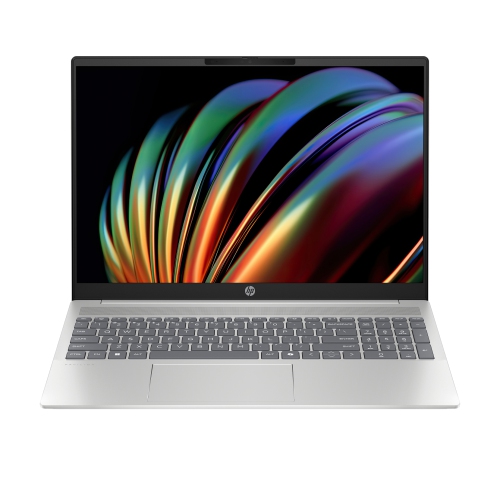
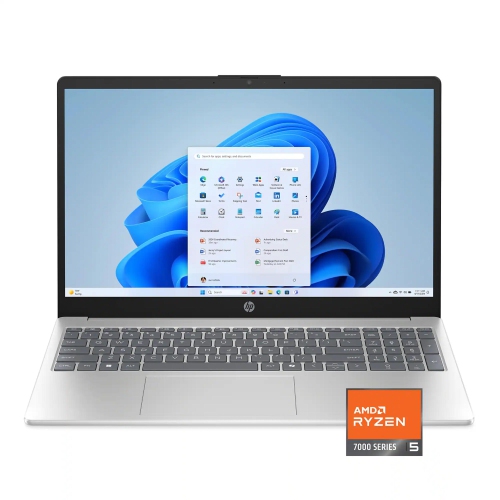
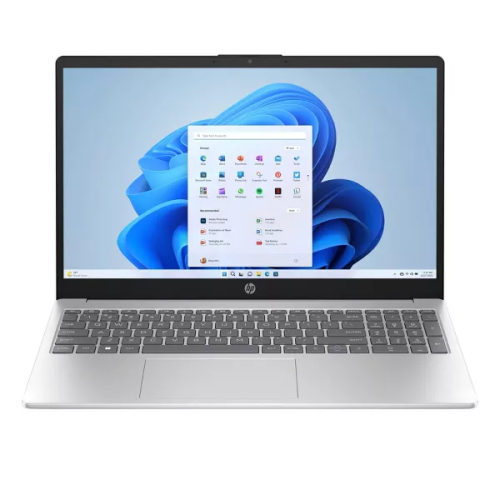
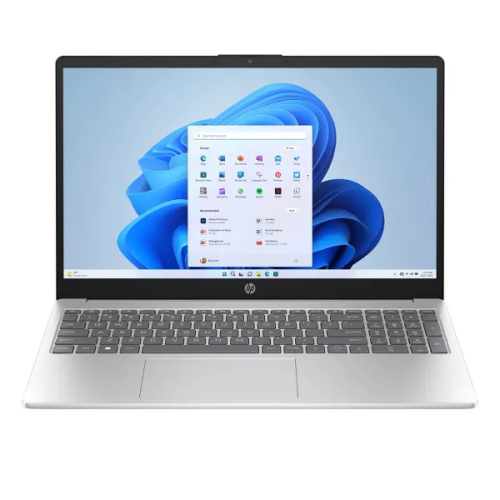
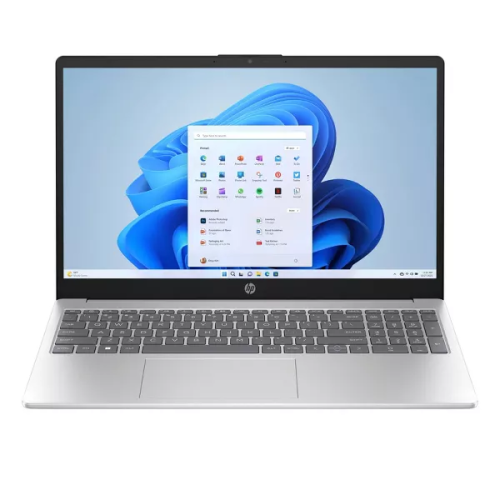
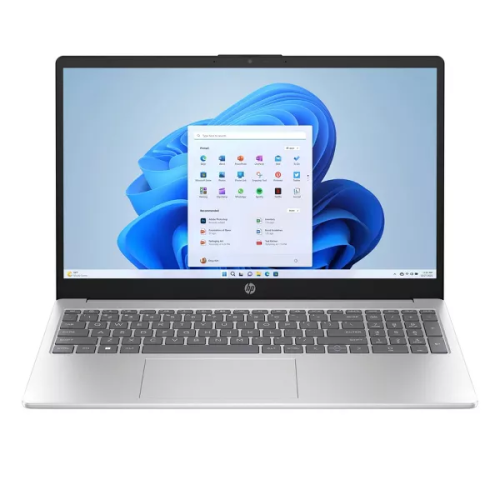
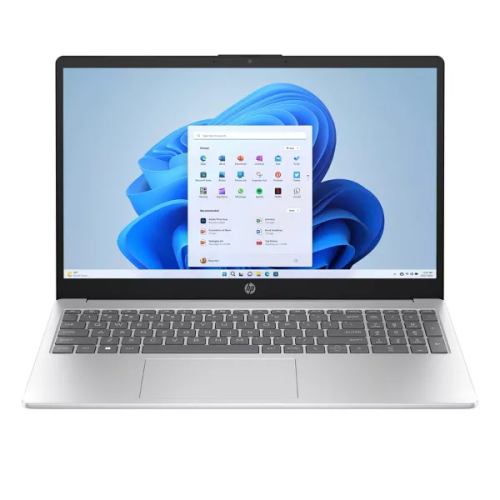
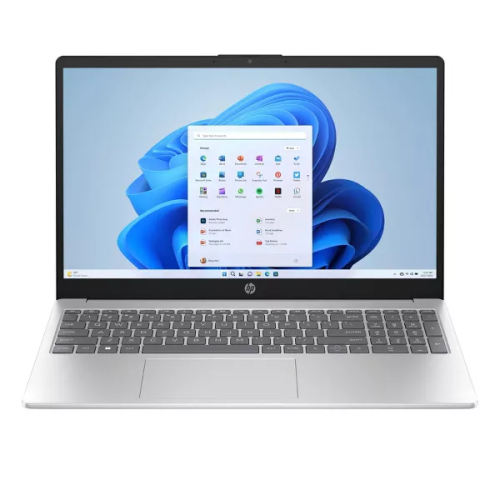
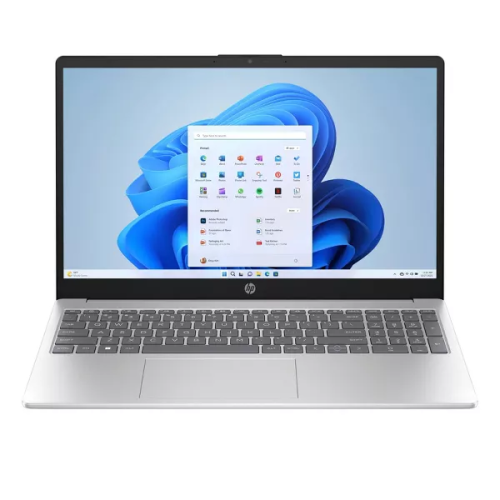
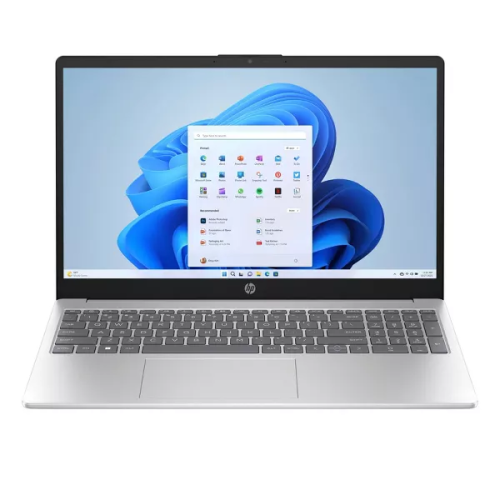
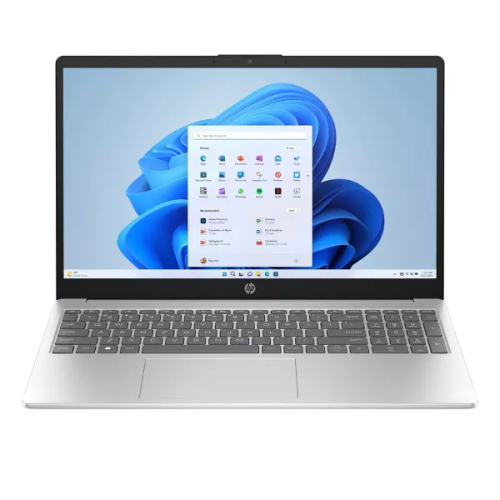
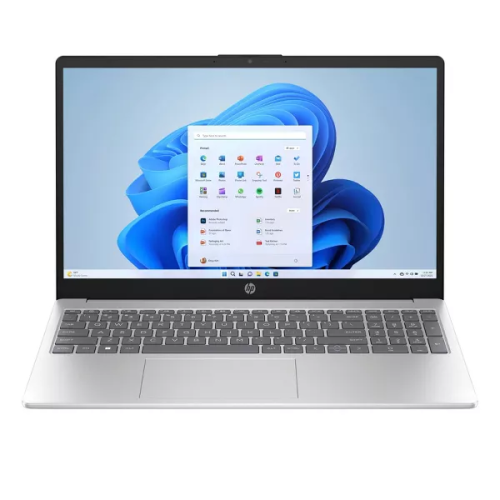
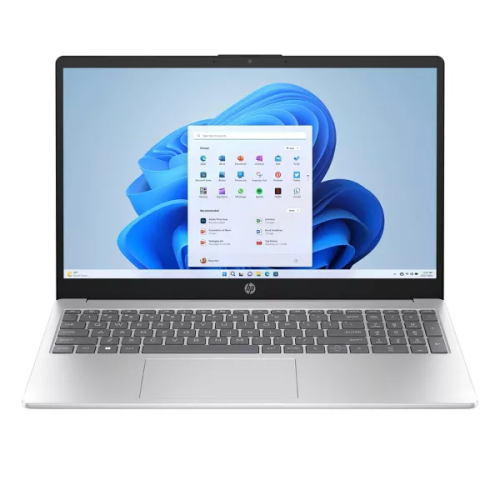
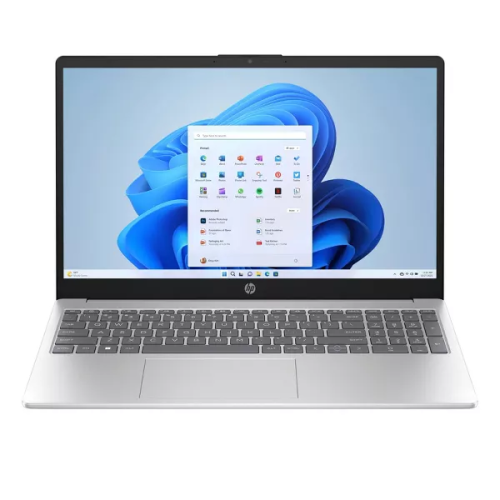
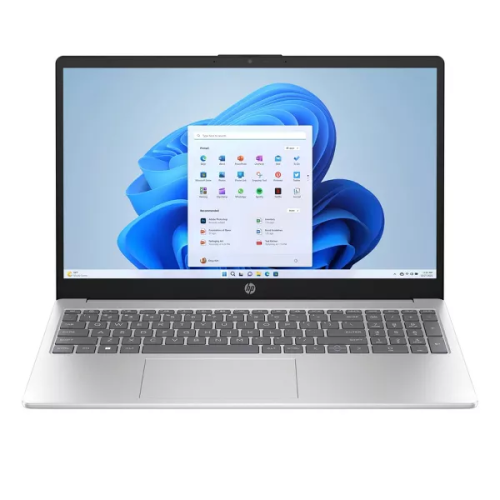
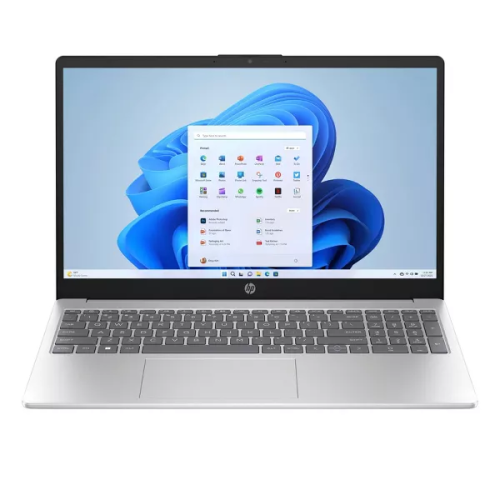
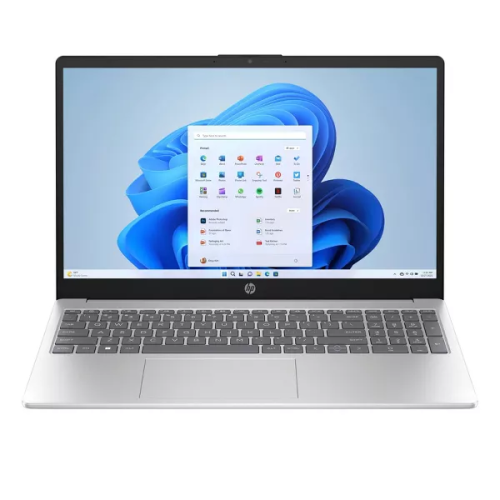
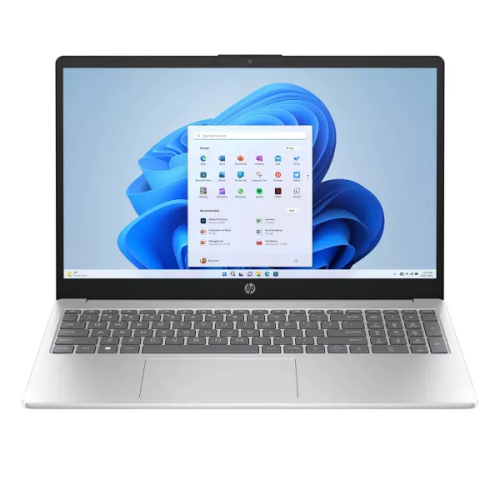
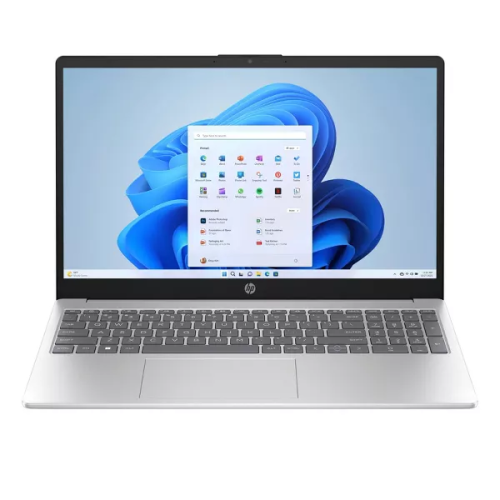
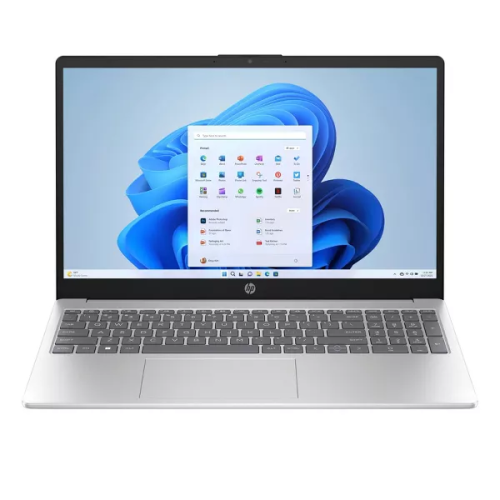
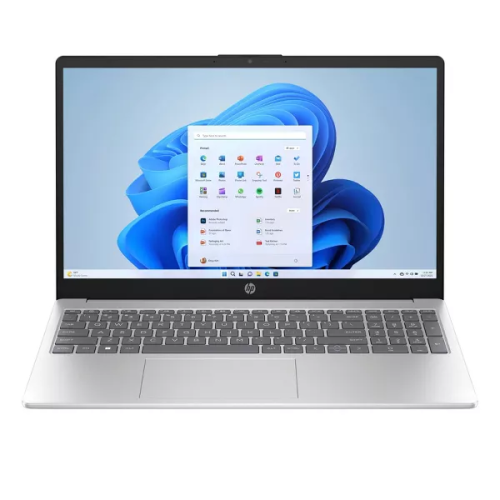
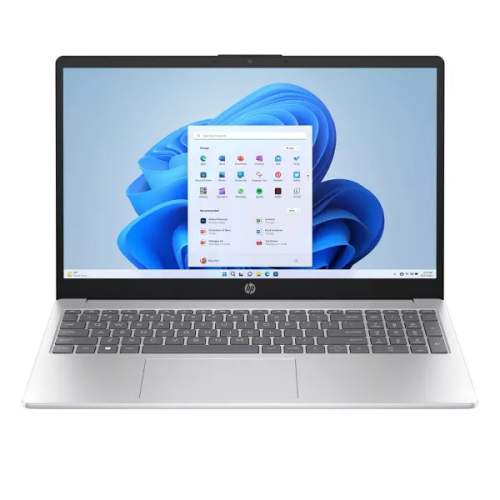
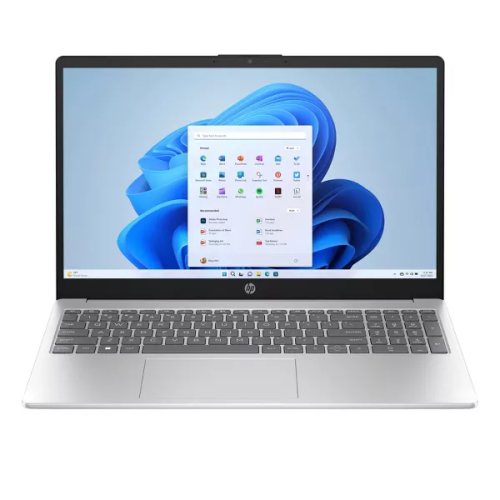
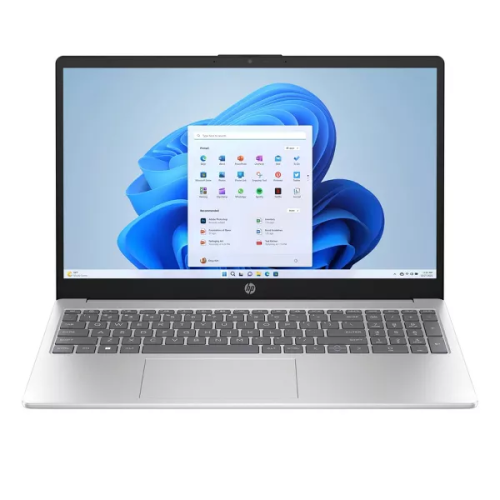
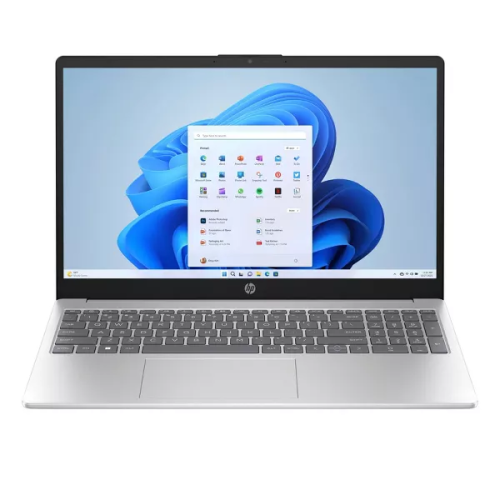
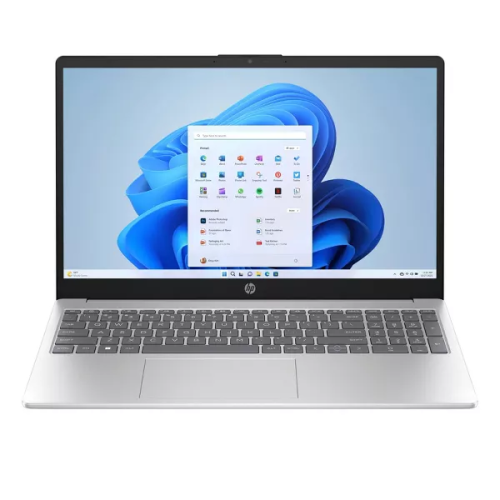
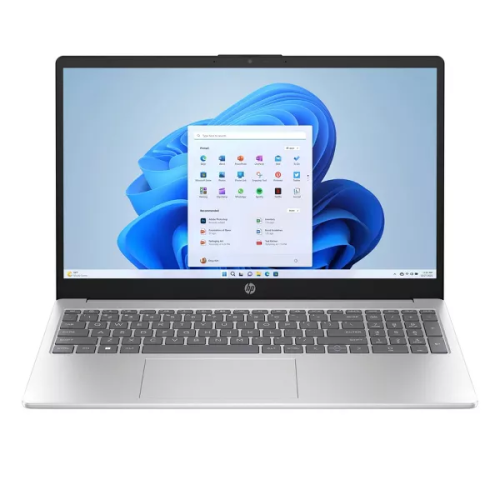
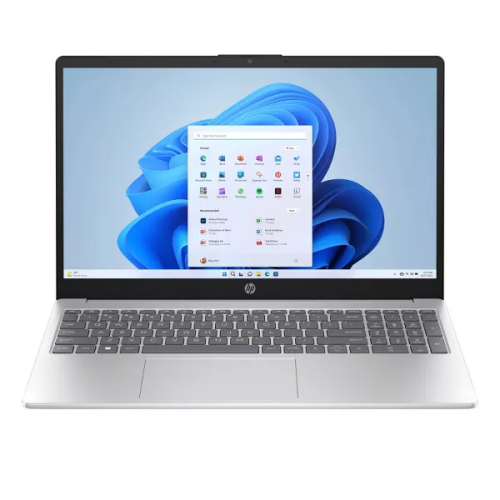
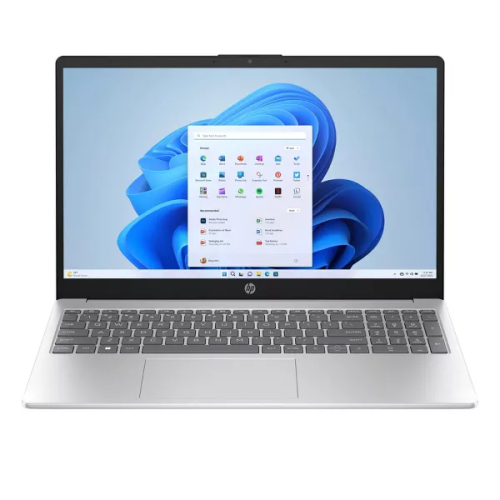
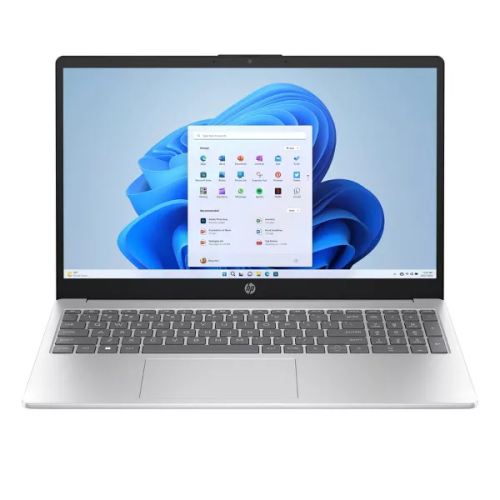
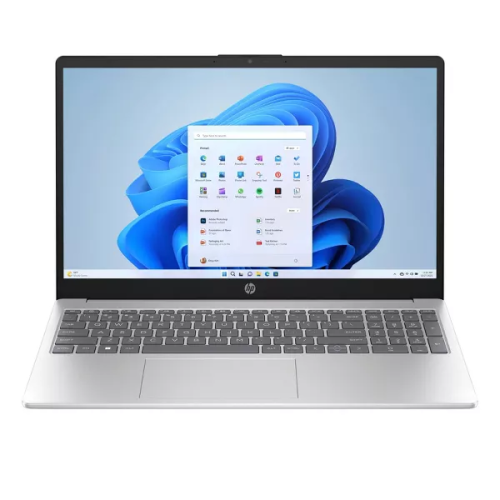
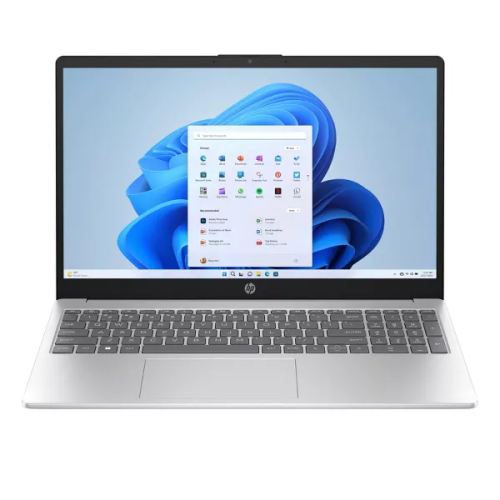
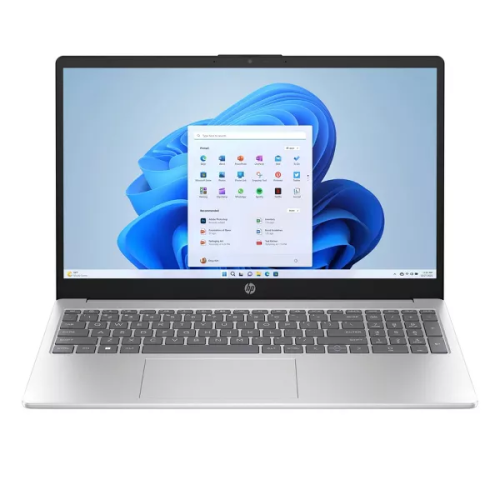
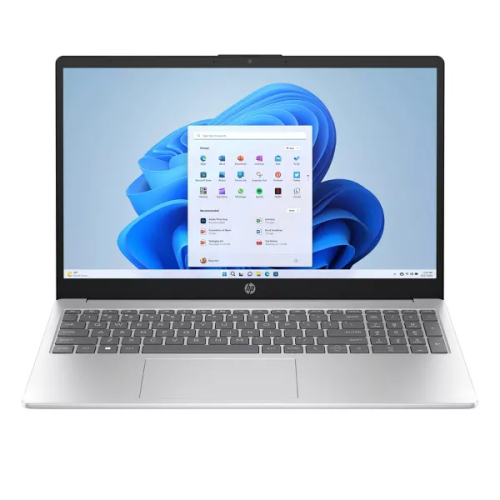
Latest HP Laptops

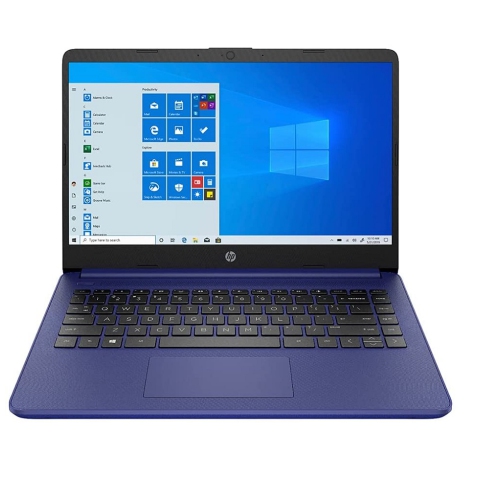
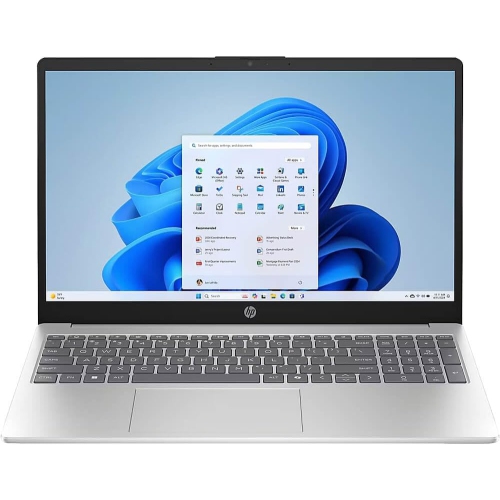
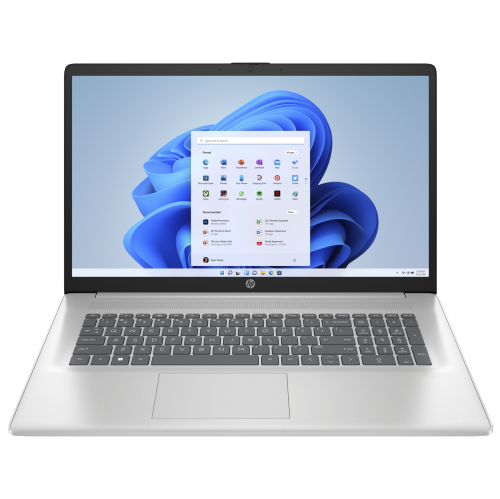
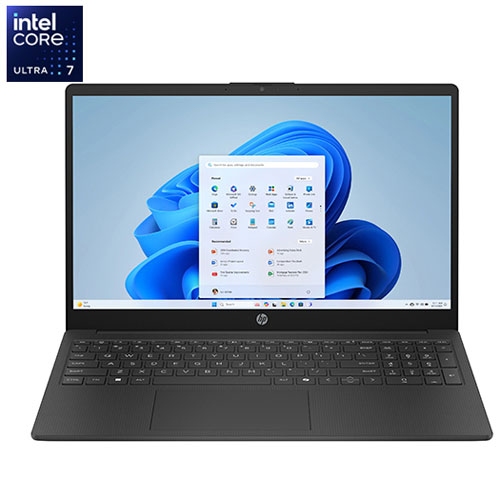
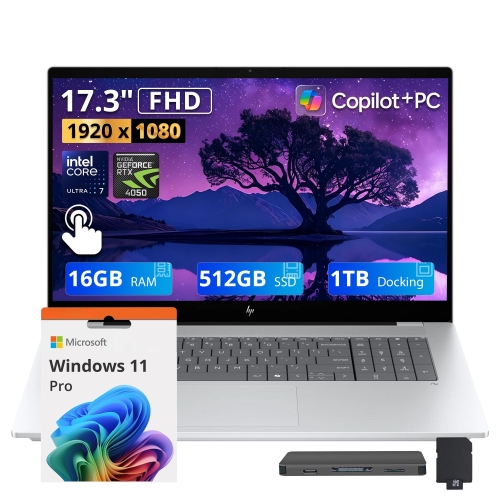
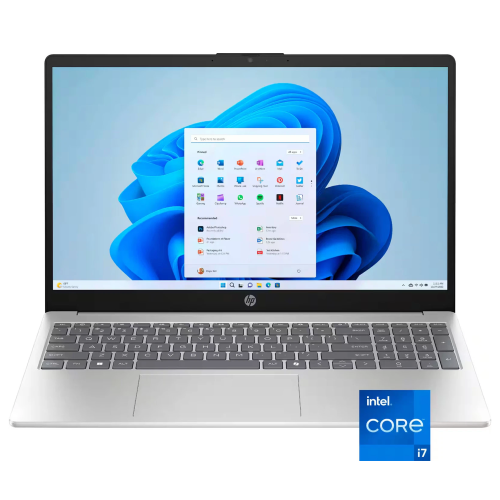
Explore the latest HP laptops to find a notebook that fits your work, study, or everyday needs. Compare screen size, processor, memory, and storage, and consider portability and battery life to help narrow your choices.

Read More

Sort

What laptop specifications mean for your everyday routine

The latest laptops cover a wide range of everyday needs, from keeping school assignments and household paperwork organized to handling creative projects, business applications, and demanding games. Their differences extend well beyond screen size: processor capabilities, memory, graphics, storage, and cooling all influence how a notebook feels during regular use. A laptop used mainly for email, web browsing, and video calls has different demands from one running editing software alongside a large photo library. For someone moving between spreadsheets, research tabs, messaging apps, and presentations, sufficient memory helps keep several tasks moving comfortably. Solid-state storage contributes to responsive startup and file access, while storage capacity determines how much room remains for applications, downloaded media, and project files. Large video projects and game libraries can occupy substantial space, making storage needs worth considering separately from processing performance. Some newer laptops also include a dedicated neural processing unit, or NPU, designed to handle supported artificial intelligence tasks. Depending on the hardware and software, these features may assist with effects during video calls, speech processing, or other compatible tools. An AI-capable processor does not mean every application includes AI features, and some functions still need an internet connection. Compatibility remains equally important across different processor architectures: specialized coursework, workplace software, older accessories, and particular games may have their own requirements. Everyday responsiveness also depends on the complete system rather than a processor name alone. Cooling design and power settings can affect sustained performance, especially during longer workloads. For a student working through a research paper, that balance might mean smooth movement between source documents and a draft; for a creator, it could mean maintaining an orderly workflow while importing footage and preparing an export. These practical differences help distinguish a straightforward everyday notebook from a machine intended for more intensive work, without making the newest specification the deciding factor for every user.

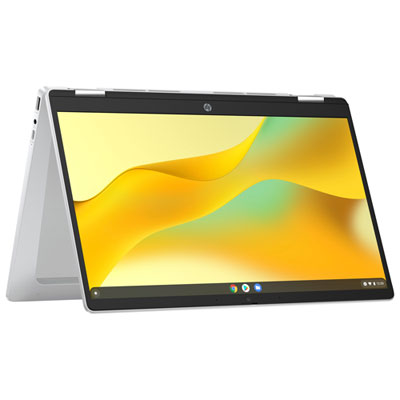
Screen design and physical fit shape the experience just as much as internal components. A compact laptop is easier to carry between classrooms, shared workspaces, and appointments, while a larger display gives spreadsheets, editing timelines, and side-by-side documents more room. Higher resolution can make fine text and image detail clearer, although screen size and display scaling affect how much information remains comfortably readable. Brightness and surface finish also matter: a glossy screen may show noticeable reflections near a window, whereas an anti-glare finish can make reflected light less distracting. Colour accuracy is relevant for photography and design, while higher refresh rates can make motion appear smoother in supported games. Touchscreens add another way to scroll, annotate, or navigate, and convertible designs can fold into different positions for reading, presenting, or taking handwritten notes. Pen support varies, so a touchscreen alone does not guarantee compatibility with a particular stylus. The keyboard, touchpad, and palm rest deserve similar attention because they are the surfaces used throughout the day. Key spacing, travel, and layout affect typing comfort, and a dedicated number pad may suit frequent spreadsheet work. A backlit keyboard helps make key legends visible in dim rooms. Construction can include metal, plastic, or a combination of materials; each design balances weight, rigidity, surface feel, and portability differently. A metal finish is not a substitute for checking hinge stability or how securely the lid closes. Connections are another practical detail. USB-C ports can support different combinations of charging, data transfer, and video output, so their capabilities are not interchangeable. Built-in HDMI, USB-A, or a memory card reader may simplify familiar routines, such as connecting a meeting-room display or importing camera files. Wi-Fi capability, a suitable webcam, clear microphones, and convenient headset connections round out a laptop that needs to move easily between focused work and conversations.

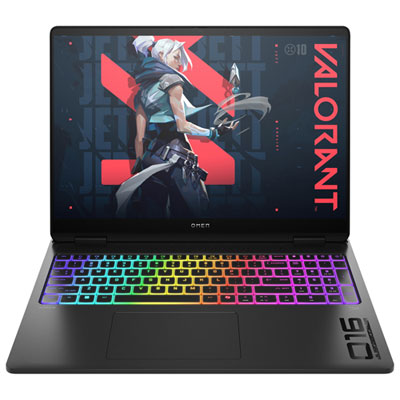
Different uses also place different demands on graphics, battery operation, and long-term care. Integrated graphics can suit general productivity, media playback, and some lighter creative work, while dedicated graphics may be important for demanding games, complex visual projects, or software with specific graphics requirements. Gaming performance also depends on cooling, display resolution, and the settings used, not simply the presence of a dedicated graphics chip. Work-focused users may place greater value on security features, manageable connectivity, and compatibility with an existing desk setup. For those priorities, HP Business Laptops provides a more focused selection for professional use. Features such as fingerprint sign-in, facial recognition, or a physical camera shutter vary by model and serve different purposes; a shutter covers the camera but does not mute the microphone. Battery life likewise depends on the task, screen brightness, wireless activity, and power settings. Reading documents generally places different demands on a battery from rendering video or playing a graphics-intensive game, so published battery figures are not a promise for every routine. Carrying weight includes the power adapter as well as the computer, an important distinction for someone travelling between home and campus or several workplaces. Day-to-day handling helps protect that investment. A padded sleeve reduces contact with other objects in a bag, while keeping drinks away from the keyboard lowers the chance of accidental damage. Clear vents and a firm working surface allow airflow; a blanket or cushion can obstruct cooling. Manufacturer-approved cleaning methods help protect screen coatings and finishes, and regular software updates and file backups support ongoing use. For a graduation gift or a shared household computer, software requirements, preferred screen size, and accessory compatibility are useful considerations. A well-matched laptop fits both the work it needs to perform and the habits of the person carrying, charging, and using it.
Read More

FAQ

Some products may be subject to Environmental Handling Fees (EHF) depending on your province. Learn more about EHFs.