Pink Wireless Mice for Laptop
The best wireless mouse for you is the one that works with your computer and will match your style. If you're a gamer, you'll want a mouse that's responsive and accurate. These are also comfortable and easy to use. These pink wireless mice are perfect for people who want cute and stylish mice. Here are some of the top picks for pink wireless mice available today.
Sort
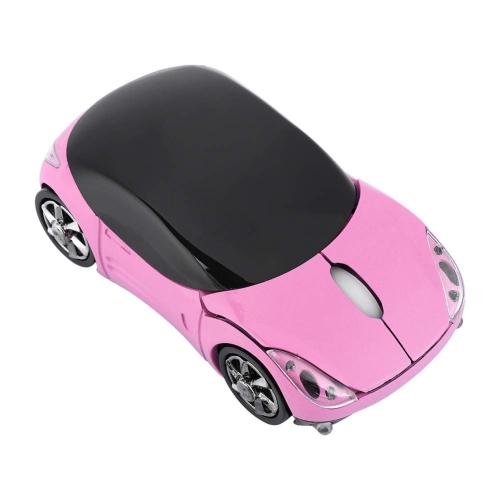
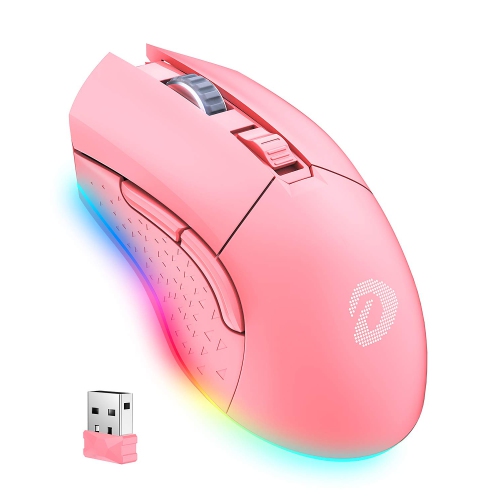

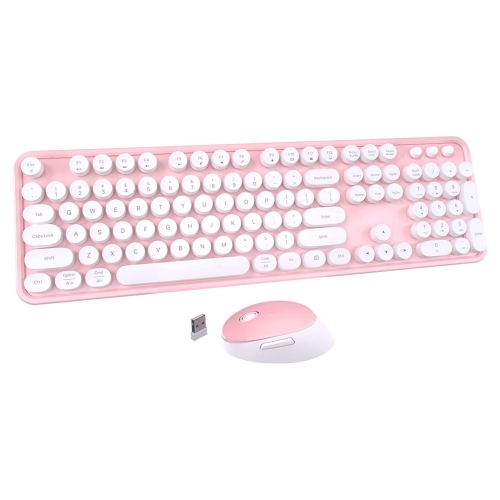
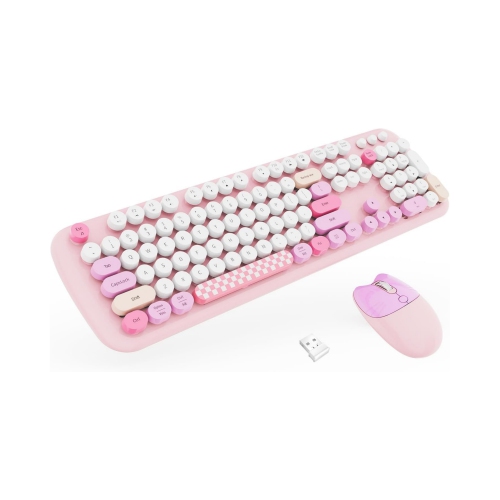

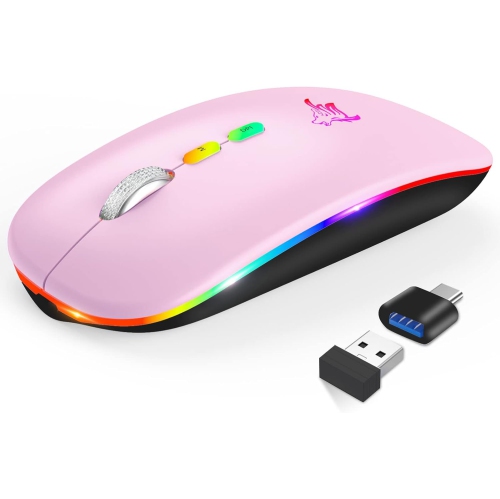
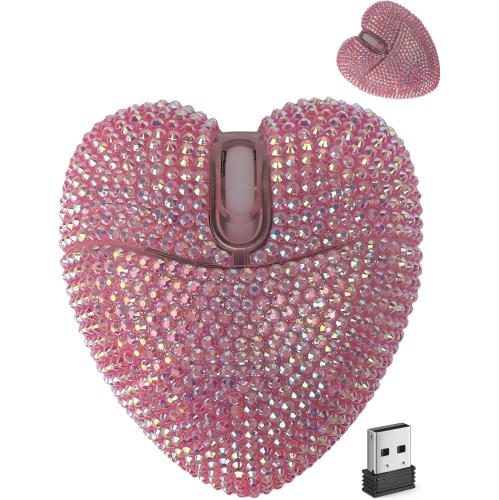
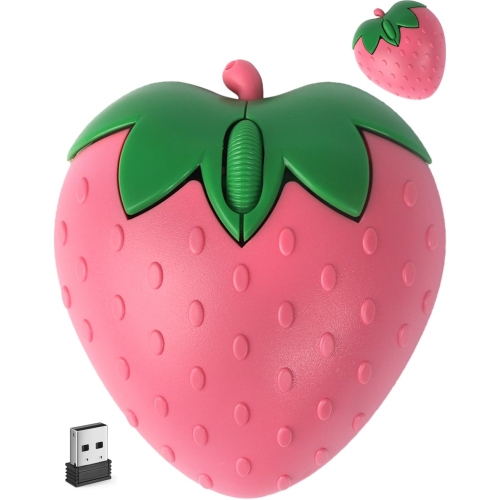
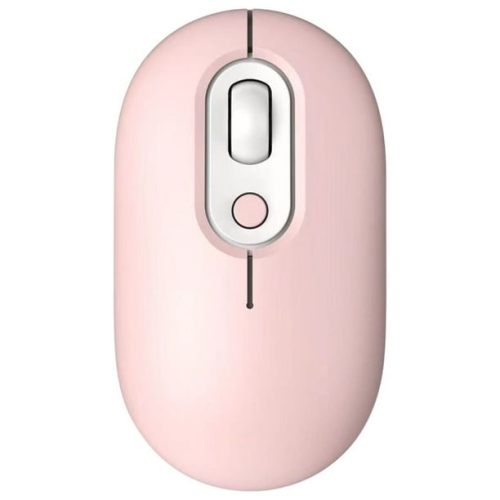
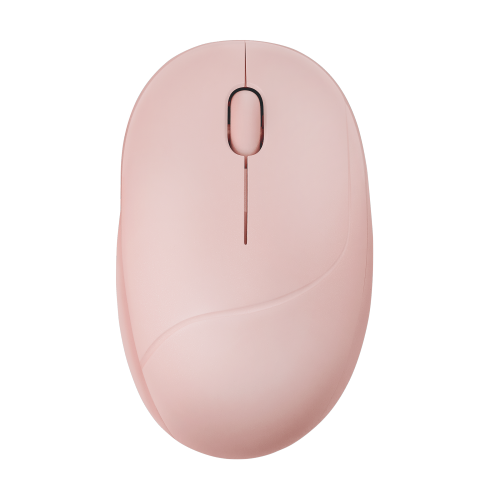
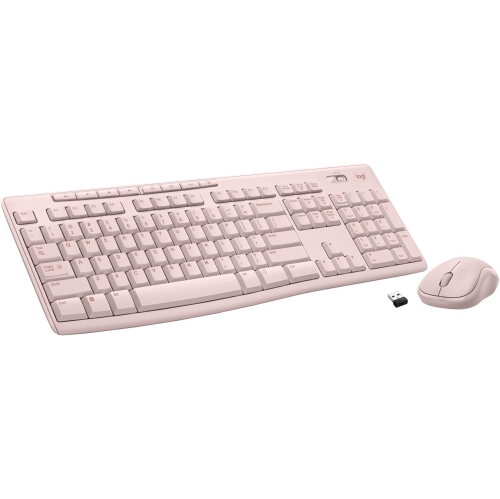
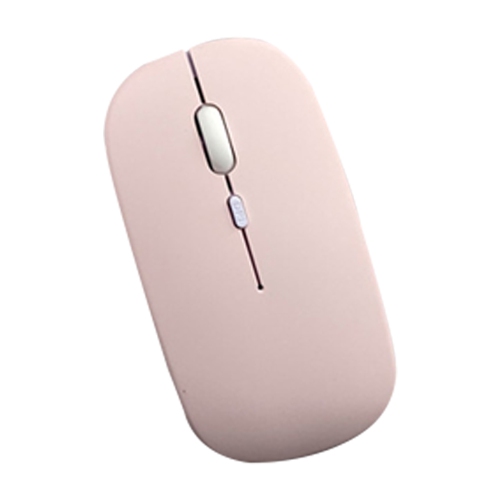
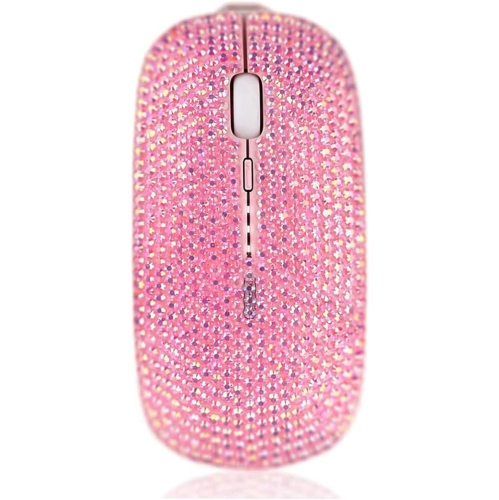
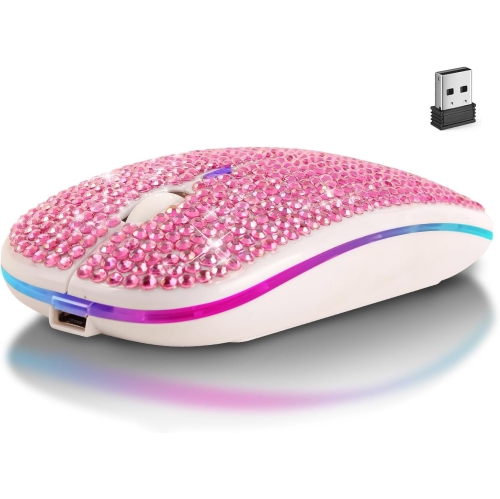
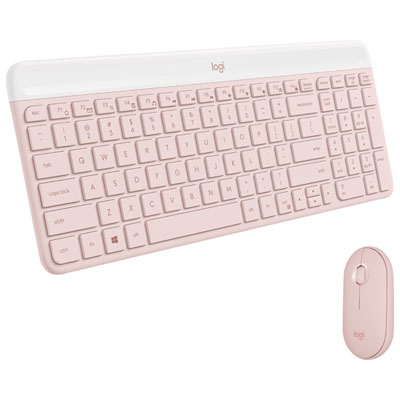
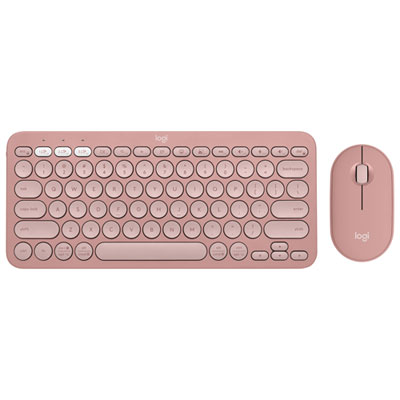
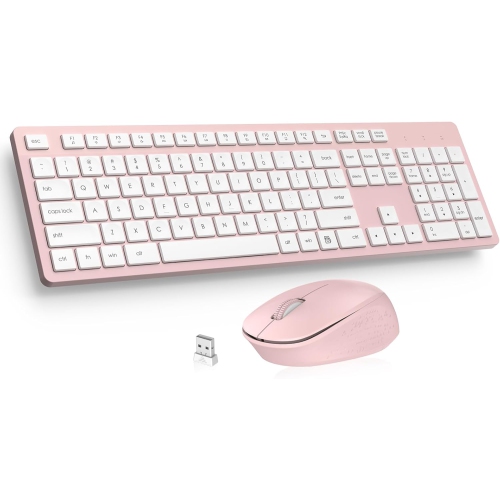
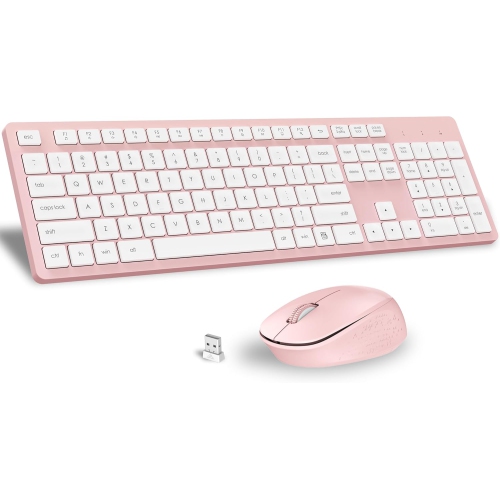
Everyday mouse comfort goes beyond the pink finish
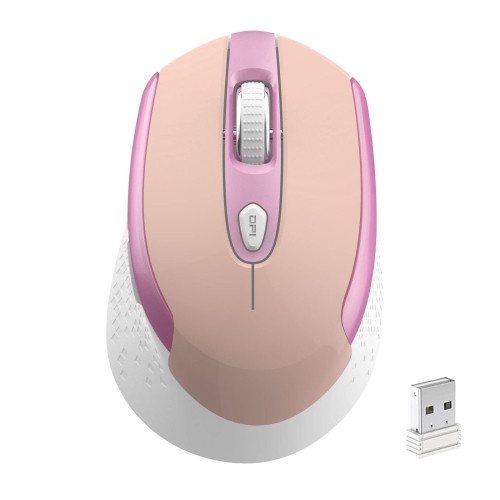
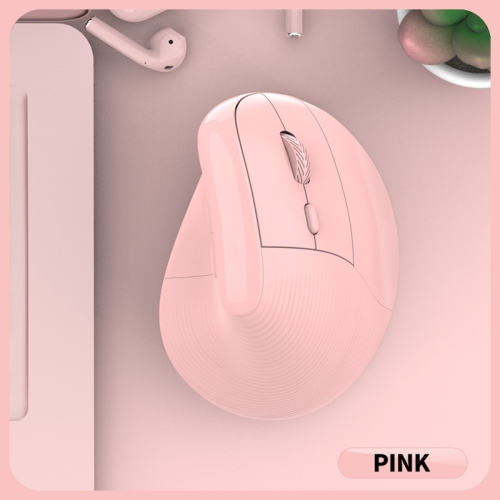
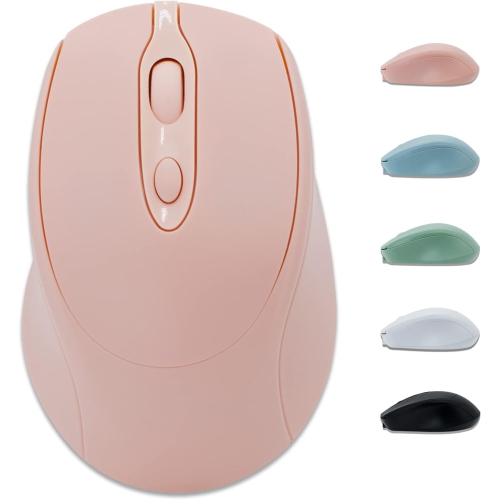
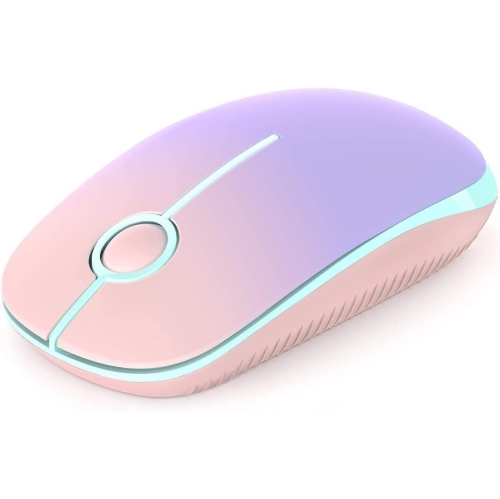
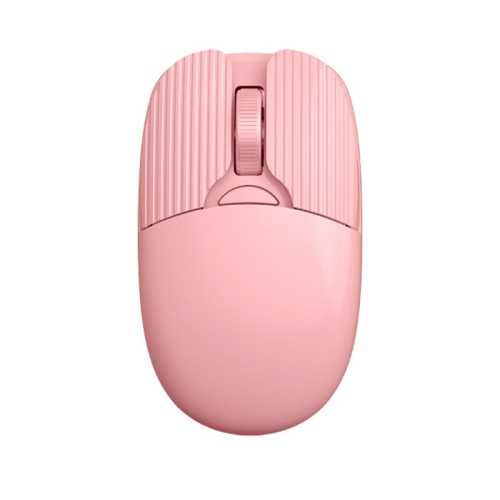
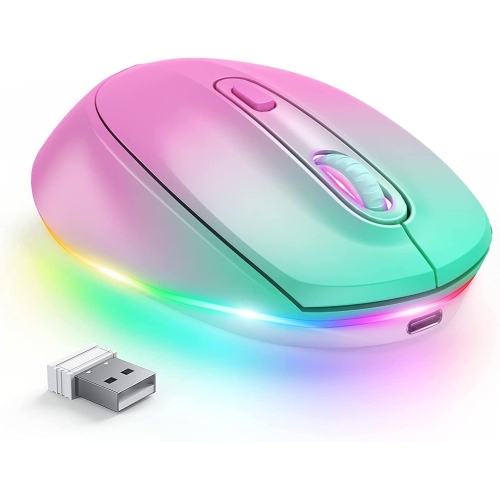
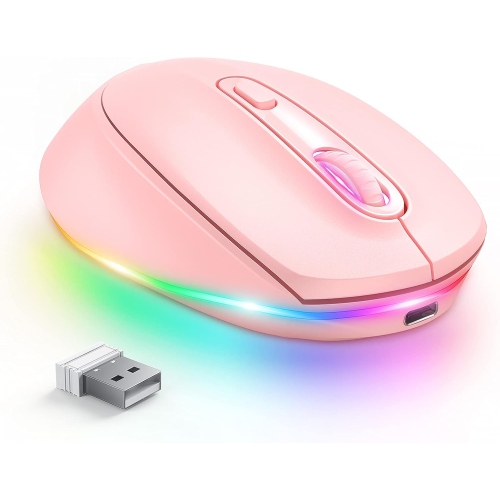
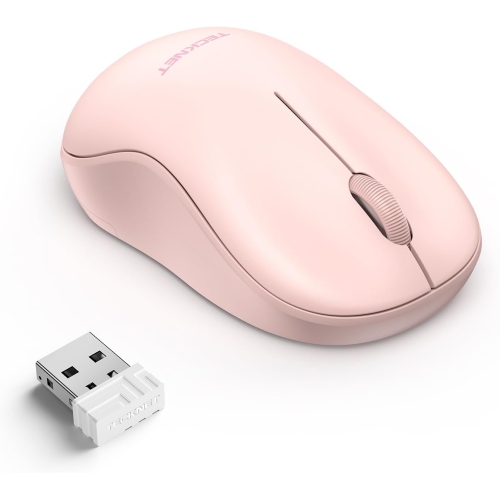
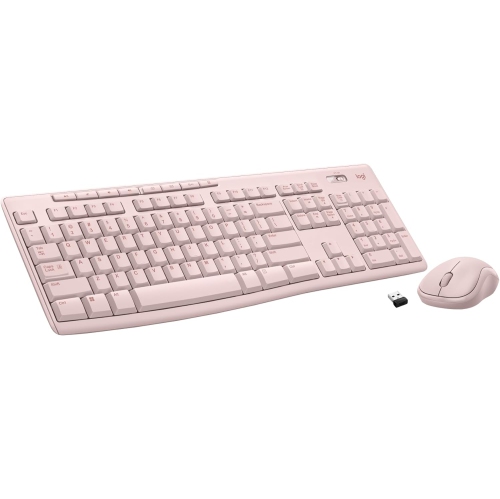
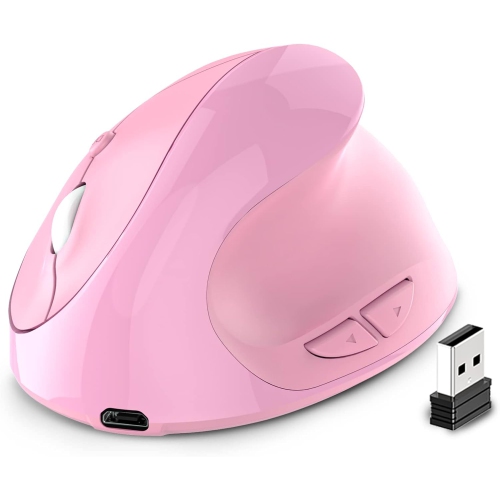
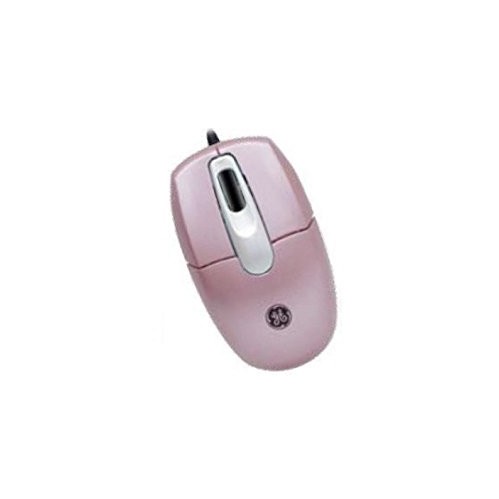
Pink wireless mice for laptops combine everyday cursor control with a colour that can feel soft and understated or bright and playful. Available designs range from slim travel shapes to fuller, contoured styles, with connection options that may include Bluetooth, a USB receiver, or both. The right fit depends on your laptop’s ports, your hand size, and how you spend your time at the screen. For someone moving between documents, spreadsheets, and video calls, a comfortable shape and an easy-to-use scroll wheel often matter more than a long list of extra features. Students may prefer something compact enough to slip into a laptop sleeve pocket, while people working at a desk for longer stretches may appreciate a mouse that gives the palm more support. Pink shades vary considerably, too: blush and dusty rose can blend into a neutral workspace, while a stronger pink can stand out beside a dark laptop or keyboard. Product photos are useful for comparing finishes, though colour can look different under warm desk lighting than it does on a screen. A matte surface may offer a different grip from a glossy shell, and textured sides can help the mouse feel more secure in the hand. If you are comparing shapes and connection types beyond laptop-focused options, the wider selection of Pink Computer Mice offers another way to explore the colour family. A mouse is a small part of a setup, but it is also something you touch hundreds of times during an ordinary workday. That makes the practical details worth considering alongside the colour. Picture a laptop open at the kitchen table, a notebook tucked to one side, and just enough space for a mouse pad: a compact wireless design can keep that shared surface easy to use without adding another cable across it. At a permanent desk, a larger shape may be the more comfortable choice.
Connection type is one of the most important differences among pink wireless laptop mice. A Bluetooth mouse pairs with a compatible laptop without occupying a USB port, which can be especially useful on thin laptops with limited connections. A receiver-based mouse uses a small USB receiver plugged into the computer, commonly communicating over a 2.4 GHz wireless connection. Before choosing one, check whether the receiver uses USB-A or USB-C and whether your laptop has a matching port available. An adapter may be needed when the connector and port differ, adding another piece to carry. Models with both Bluetooth and receiver connectivity offer flexibility, but support for switching between multiple devices is a separate feature to confirm in the specifications. It can be handy for someone who uses a personal laptop in the evening and a work computer during the day. Operating system compatibility deserves the same attention. Basic pointing and clicking may work across several systems, while button customisation or other advanced functions may require software with narrower compatibility. Power is another everyday consideration. Some wireless mice use replaceable batteries, while others have a built-in rechargeable battery. Replaceable batteries can be convenient when you want to restore power quickly without waiting to charge; a rechargeable design may suit someone who already keeps a charging cable at their desk. Check the charging connector, whether a cable is included, and whether the mouse can operate while charging, since those details vary. Published battery-life estimates also depend on usage and settings, so they are best treated as estimates rather than promises. An on/off switch, automatic sleep function, or battery indicator can make power management easier. For travel, a storage compartment for the receiver is particularly useful: that tiny accessory is much easier to keep track of when it has a home inside the mouse. During the cooler months, when a laptop may move between a home workspace, a classroom, and a shared office, these small conveniences can make packing up feel less fiddly.
Comfort and control are where a pink wireless mouse proves its value beyond appearance. A low-profile shape packs neatly, but it may not provide the same palm support as a taller design. Smaller mice can suit smaller hands or a fingertip grip, while people who rest more of their hand on the mouse may prefer a fuller body. Dimensions are more useful than labels such as “mini” or “ergonomic” when comparing options, particularly if you already own a mouse that feels too narrow or too short. Left-handed users should check both the shell shape and button placement; a symmetrical outline does not always mean every control is equally accessible from either side. Quiet-click designs are worth considering for shared rooms, libraries, and late-evening work, although quieter main buttons do not necessarily mean a silent scroll wheel. Adjustable sensitivity, often listed as DPI, changes how far the pointer travels in response to hand movement. A lower setting can help with careful selections, while a higher setting can reduce the movement needed to cross a large display. A higher DPI figure alone does not guarantee better precision or a better everyday experience. For gaming, look beyond the pink finish and check sensor performance, connection latency, weight, and button layout against the games you play. For general laptop use, consistent tracking and a comfortable scroll wheel may be more noticeable benefits. Desk surfaces matter as well: glass and highly reflective finishes can challenge some sensors, so a mouse pad is a practical companion unless the specifications explicitly support those surfaces. A pink wireless mouse can also make a thoughtful gift for a student, a home-office worker, or someone who enjoys coordinating their desk accessories. Matching the recipient’s laptop connections and preferred mouse size matters more than matching the shade perfectly. For someone editing family photos, organising coursework, or spending a quiet evening browsing, a well-chosen mouse brings familiar, precise control to the tasks that fill the day, with a little colour beside the keyboard.
Connection type is one of the most important differences among pink wireless laptop mice. A Bluetooth mouse pairs with a compatible laptop without occupying a USB port, which can be especially useful on thin laptops with limited connections. A receiver-based mouse uses a small USB receiver plugged into the computer, commonly communicating over a 2.4 GHz wireless connection. Before choosing one, check whether the receiver uses USB-A or USB-C and whether your laptop has a matching port available. An adapter may be needed when the connector and port differ, adding another piece to carry. Models with both Bluetooth and receiver connectivity offer flexibility, but support for switching between multiple devices is a separate feature to confirm in the specifications. It can be handy for someone who uses a personal laptop in the evening and a work computer during the day. Operating system compatibility deserves the same attention. Basic pointing and clicking may work across several systems, while button customisation or other advanced functions may require software with narrower compatibility. Power is another everyday consideration. Some wireless mice use replaceable batteries, while others have a built-in rechargeable battery. Replaceable batteries can be convenient when you want to restore power quickly without waiting to charge; a rechargeable design may suit someone who already keeps a charging cable at their desk. Check the charging connector, whether a cable is included, and whether the mouse can operate while charging, since those details vary. Published battery-life estimates also depend on usage and settings, so they are best treated as estimates rather than promises. An on/off switch, automatic sleep function, or battery indicator can make power management easier. For travel, a storage compartment for the receiver is particularly useful: that tiny accessory is much easier to keep track of when it has a home inside the mouse. During the cooler months, when a laptop may move between a home workspace, a classroom, and a shared office, these small conveniences can make packing up feel less fiddly.
Comfort and control are where a pink wireless mouse proves its value beyond appearance. A low-profile shape packs neatly, but it may not provide the same palm support as a taller design. Smaller mice can suit smaller hands or a fingertip grip, while people who rest more of their hand on the mouse may prefer a fuller body. Dimensions are more useful than labels such as “mini” or “ergonomic” when comparing options, particularly if you already own a mouse that feels too narrow or too short. Left-handed users should check both the shell shape and button placement; a symmetrical outline does not always mean every control is equally accessible from either side. Quiet-click designs are worth considering for shared rooms, libraries, and late-evening work, although quieter main buttons do not necessarily mean a silent scroll wheel. Adjustable sensitivity, often listed as DPI, changes how far the pointer travels in response to hand movement. A lower setting can help with careful selections, while a higher setting can reduce the movement needed to cross a large display. A higher DPI figure alone does not guarantee better precision or a better everyday experience. For gaming, look beyond the pink finish and check sensor performance, connection latency, weight, and button layout against the games you play. For general laptop use, consistent tracking and a comfortable scroll wheel may be more noticeable benefits. Desk surfaces matter as well: glass and highly reflective finishes can challenge some sensors, so a mouse pad is a practical companion unless the specifications explicitly support those surfaces. A pink wireless mouse can also make a thoughtful gift for a student, a home-office worker, or someone who enjoys coordinating their desk accessories. Matching the recipient’s laptop connections and preferred mouse size matters more than matching the shade perfectly. For someone editing family photos, organising coursework, or spending a quiet evening browsing, a well-chosen mouse brings familiar, precise control to the tasks that fill the day, with a little colour beside the keyboard.
Top selling and popular products
-
 Your price for this item is $29.99
 -
 Your price for this item is $50.44
 -
 Your price for this item is $39.99
 -
 Your price for this item is $49.99
 -
 Your price for this item is $159.95
 -
 Your price for this item is $44.68
 -
 Your price for this item is $44.68
 -
 Your price for this item is $31
Discover more categories related to Pink Wireless Mice for Laptop
Top Collections:
Pokemon Centers, Kindle Devices, Best Budget Office Chairs, Apple iPhones 16, Best Laptops for Writers, iPhone 15 Apple, Canon G7X Cameras, Refurbished Apple Laptops, Alarm Clock, Motorola Razr Phones
Some products may be subject to Environmental Handling Fees
(EHF) depending on your province.
Learn more about EHFs.