Back To School Clip On Webcam Lights

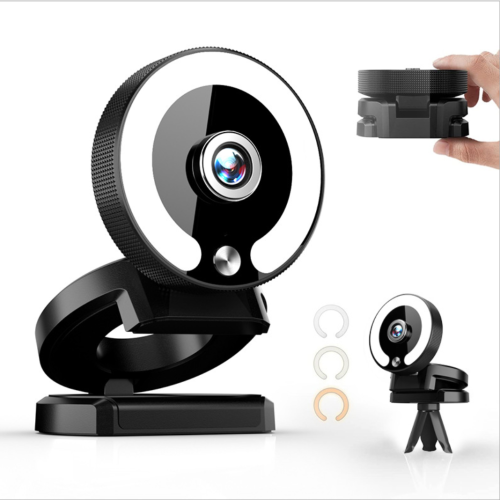
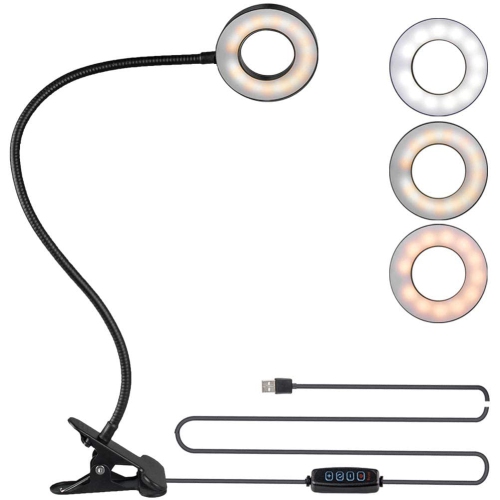
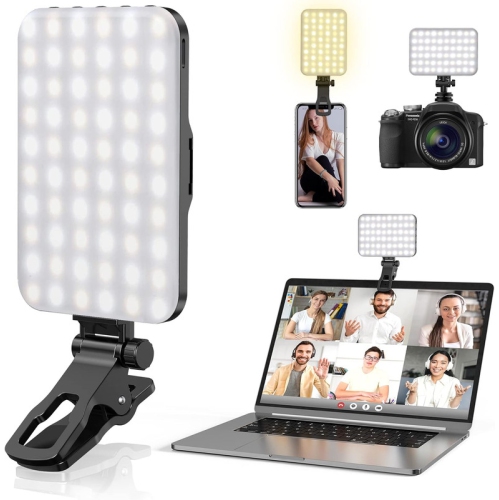
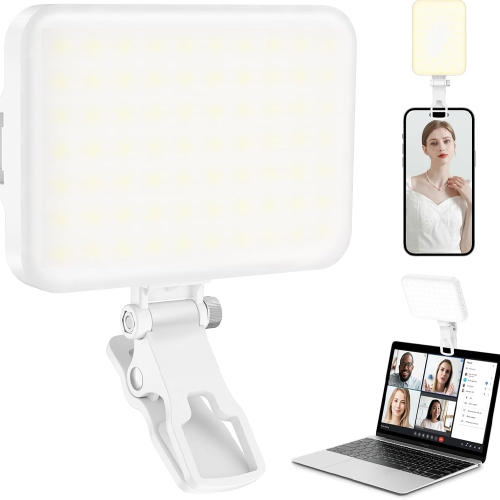
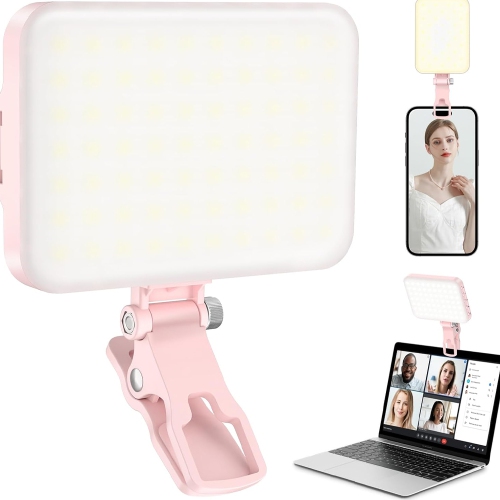
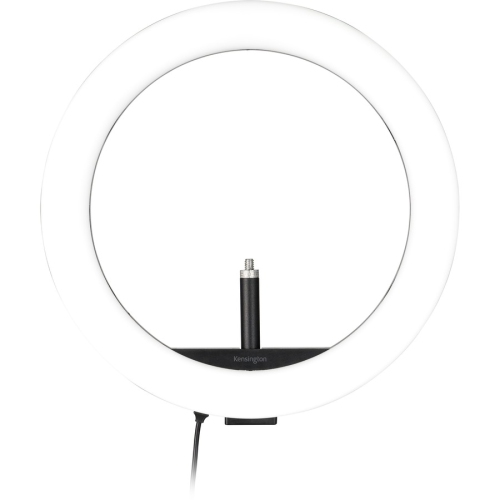
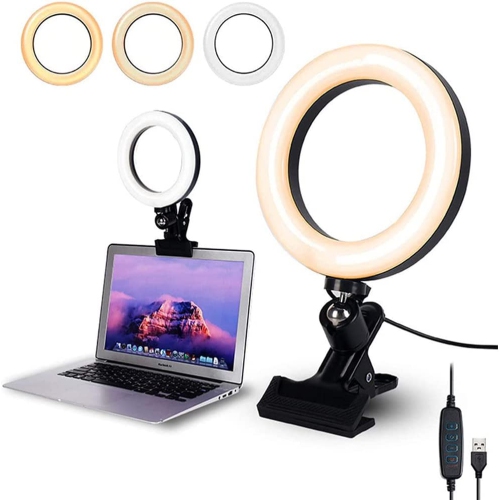
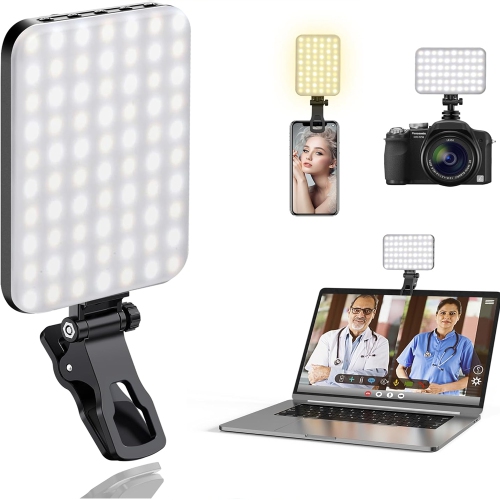
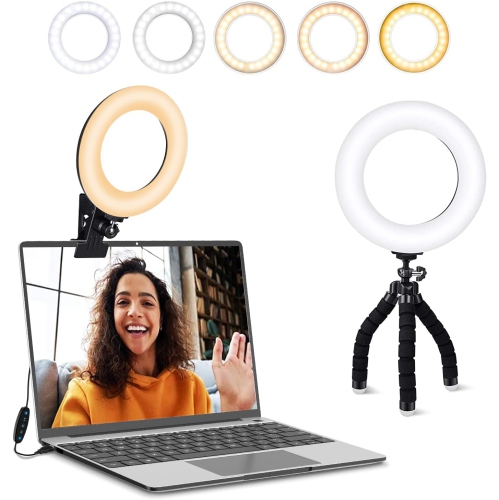
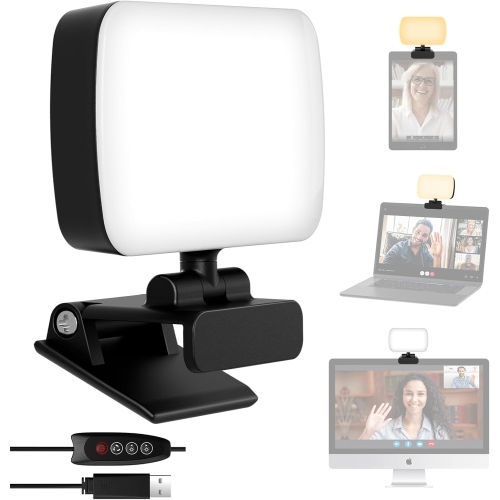
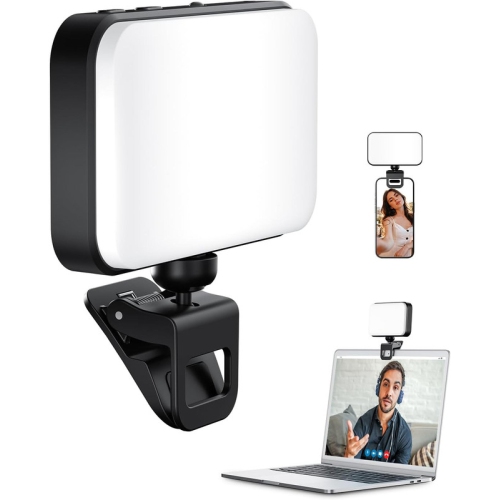
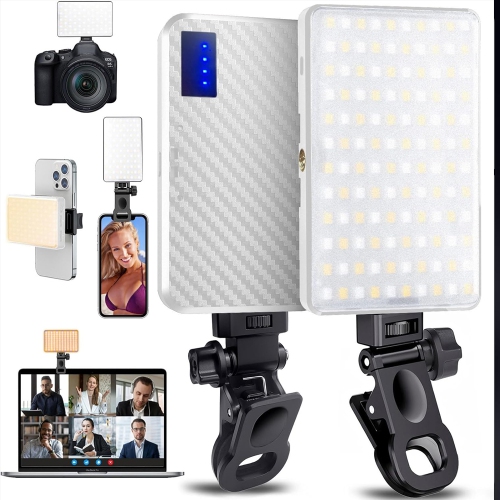
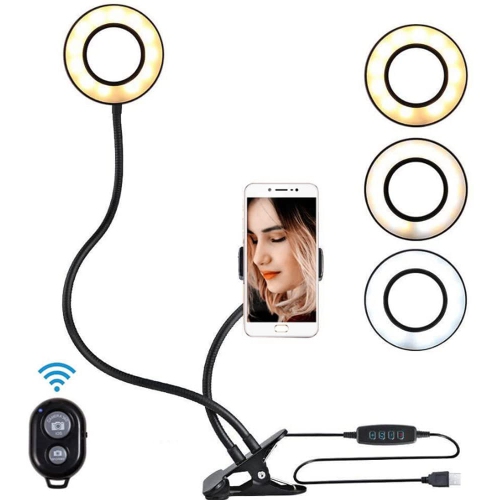
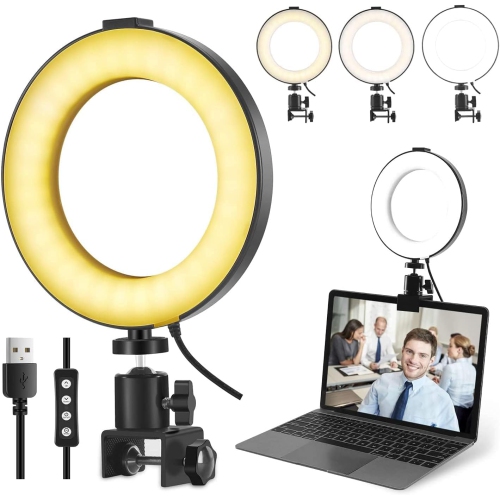
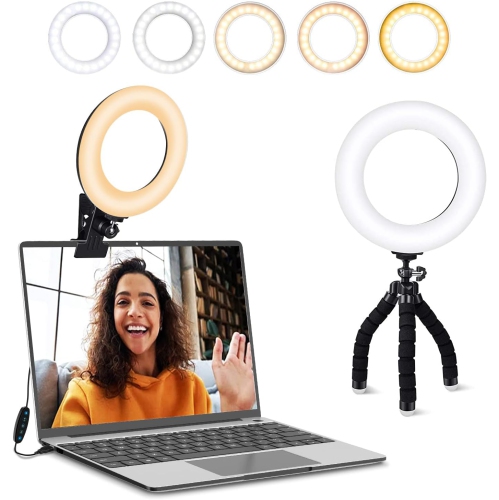
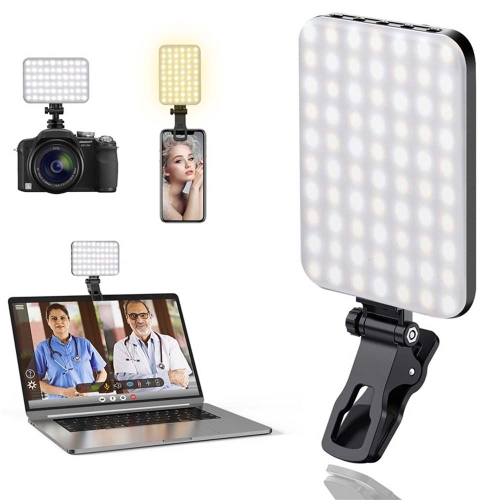
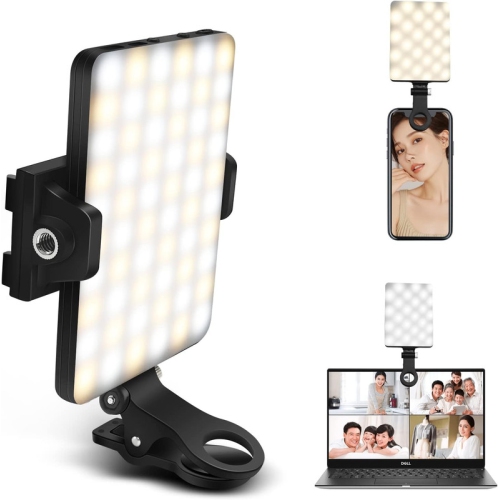
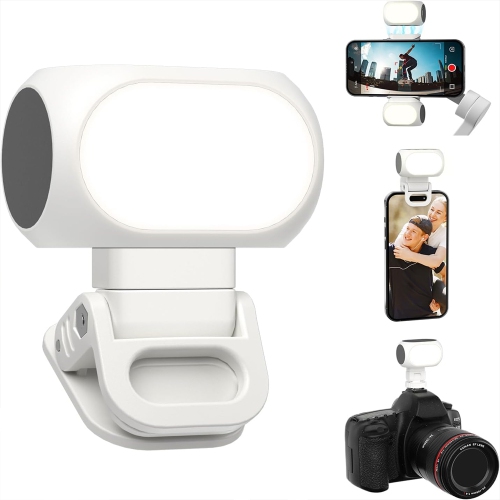
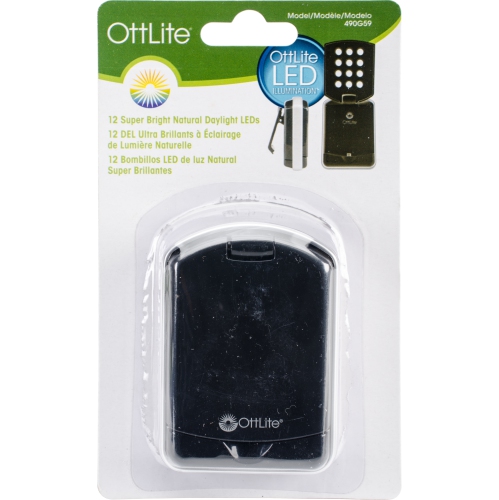
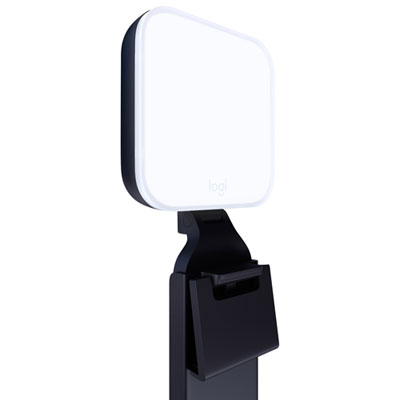
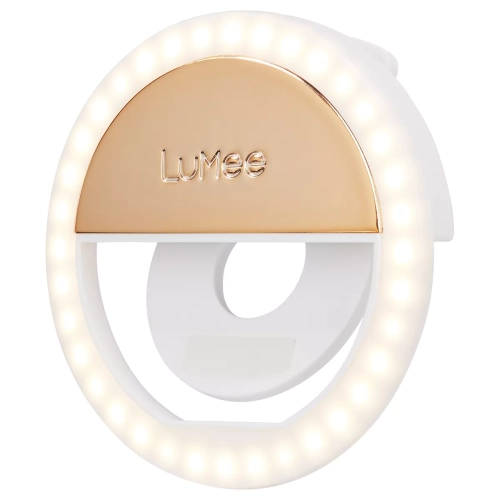
Back-to-school clip-on webcam lights help brighten your face for online classes, study sessions, and video calls. Browse lighting options for your webcam setup, and compare clip compatibility, brightness settings, and power requirements to find a light that suits your laptop or monitor and study space.
Read More

Sort

Back To School Clip On Webcam Lights

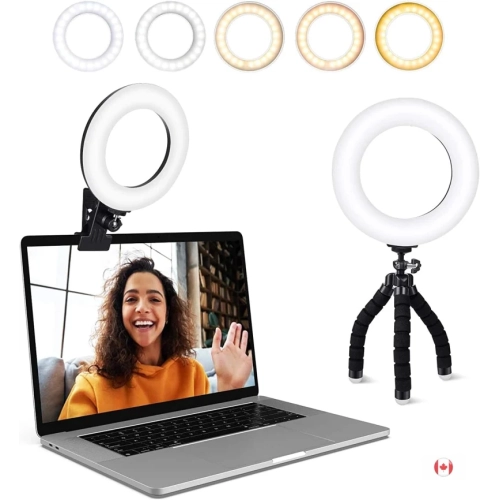
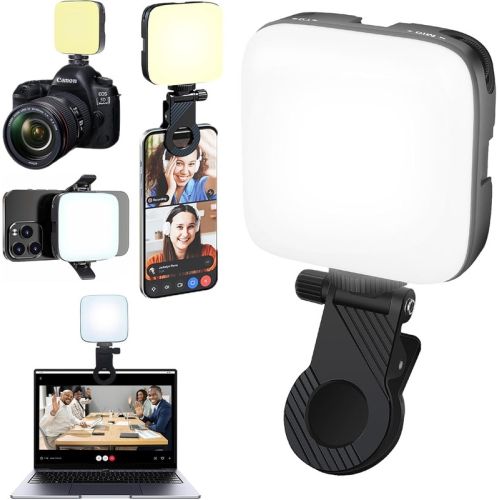
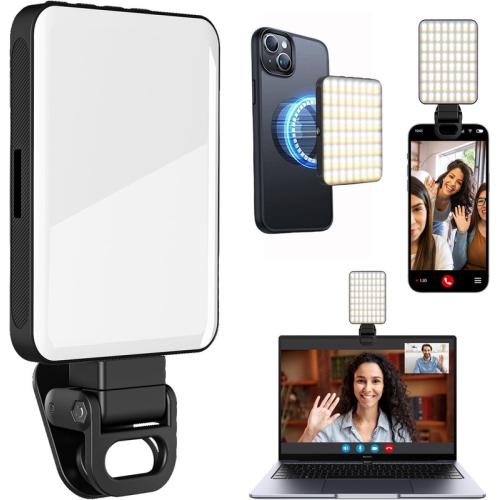
Back To School Clip On Webcam Lights bring a little extra clarity to the everyday moments of student life, from an early online lecture at a bedroom desk to an evening group presentation at the kitchen table. When the main light is behind you or a desk lamp leaves half your face in shadow, a light positioned near your webcam can help you appear more evenly lit on screen. That can make a difference during virtual office hours, tutoring sessions, scholarship interviews, and calls with classmates, especially when you want your expression to come through clearly. A clip-on design keeps the light close to the camera without requiring a separate stand on an already crowded desk. For students sharing a room or moving between study spaces, that compact setup can be particularly practical: there is still room for an open textbook, a notebook full of revisions, and the mug that has followed you through the afternoon. The right light will depend on your screen, your workspace, and the lighting you already have, rather than simply which option looks brightest.

Brightness adjustment is worth prioritizing because the amount of light you need can change considerably between a sunny afternoon and a late study session. Multiple brightness levels let you add just enough illumination without making the screen feel uncomfortable to sit in front of. Adjustable colour temperature offers another useful layer of control, helping you find a warmer or cooler tone that works with the room’s existing light. A diffused light source can soften the appearance of harsh shadows, while an adjustable angle gives you more flexibility with placement. If you wear glasses, being able to reposition the light may help reduce distracting reflections, though the result will depend on the angle of your lenses and camera. Check the clip’s opening and mounting requirements against the thickness and shape of your laptop lid or monitor. A padded grip can help protect the contact surface, but placement matters too: the light should not cover your webcam, interfere with nearby sensors, or put undue strain on a slim screen. A lightweight design is especially useful for a laptop that travels to campus each day.

Power options and controls can be just as important as the light itself once classes get busy. USB-powered models can suit a regular desk setup, provided you have a compatible connection and enough cable length to reach it comfortably. Rechargeable options can offer more freedom of placement, although battery life and charging time deserve a close look if you regularly spend hours on video calls. Check whether any required cables or adapters are included, and consider how easily you can reach the controls while seated. For a student heading into residence, a compact webcam light can be a thoughtful, practical gift alongside the essentials for a small study space. It can also be useful for remote learners, teaching assistants, and students preparing for co-op interviews or practising a presentation with friends. Look for features that fit those daily routines: a secure mount, straightforward adjustments, and a size that is easy to tuck into a laptop bag. A well-chosen light will not replace a good webcam or a reliable internet connection, but it can help make a familiar desk feel more ready for the next class, conversation, or opportunity.

Read More

FAQ

Some products may be subject to Environmental Handling Fees (EHF) depending on your province. Learn more about EHFs.