Budget-Friendly Smartphones For Back To School 2026
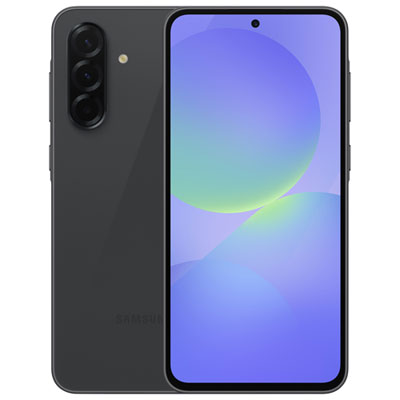
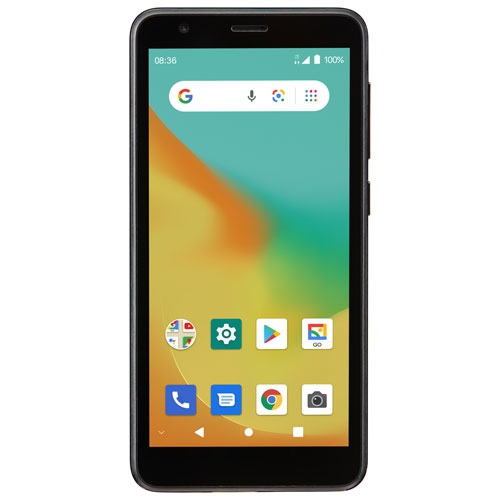
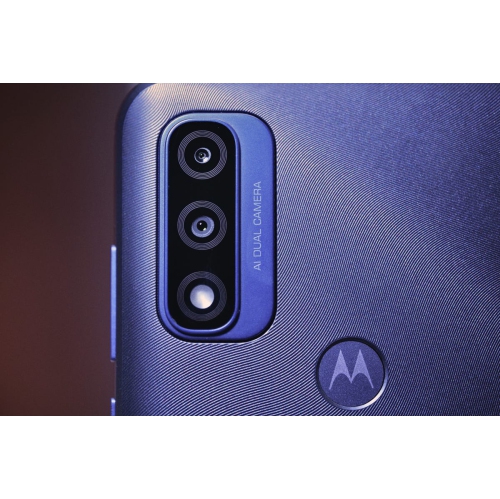
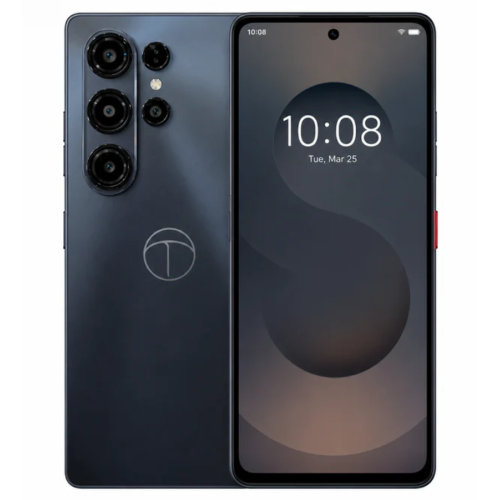
Find budget-friendly smartphones for back to school 2026 that balance everyday needs with a student budget. Compare affordable phones by price, battery life, storage and screen size to find a fit for checking class schedules, messaging classmates and using study apps. Check carrier compatibility and plan requirements before choosing.
FAQ
An unlocked smartphone is not restricted to one mobile carrier. Students can use it with a compatible Canadian carrier’s SIM card or, if supported, an eSIM. Check the phone’s network compatibility and the carrier’s activation requirements before choosing a plan.
Android and iOS offer different interfaces, app stores and connections with other devices. Both support many common school apps, including email, calendars and document tools. Your school’s app requirements and the devices you already use can help guide your choice.
Students can group school apps into folders, add classes to a calendar and set reminders for assignments. Many calendar and note-taking apps can sync across a phone and computer. A separate school account can also keep coursework distinct from personal messages and files.
Most smartphones include setup tools for moving contacts, photos, messages and other content from an existing device. The process varies depending on whether you are keeping the same operating system or switching between Android and iOS. Some apps require a separate sign-in or their own transfer process.
Wi-Fi connects a smartphone to a local network, such as one at home or on campus. Mobile data connects through a carrier’s cellular network. Bluetooth connects nearby accessories, such as headphones or keyboards. Campus Wi-Fi may require a student account or additional setup.
Top selling and popular products
Discover more categories related to Budget-Friendly Smartphones For Back To School 2026
Some products may be subject to Environmental Handling Fees (EHF) depending on your province. Learn more about EHFs.