Samsung Flip 2
Elevate your workspace or classroom with the Samsung Flip 2, a modern solution designed to enhance collaboration and creativity. Ideal for meetings, presentations, or interactive learning sessions, the Samsung Flip 2 offers a seamless way to share ideas and engage with content. Discover options that can help transform how you communicate and work together, making every session more dynamic and productive. Explore the full range of Samsung Flip 2 products to find the perfect fit for your needs.
Sort
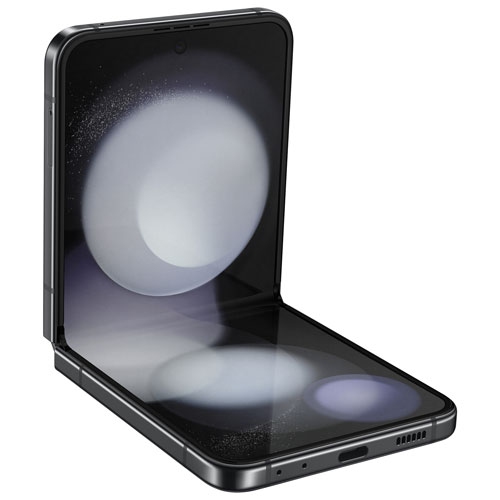
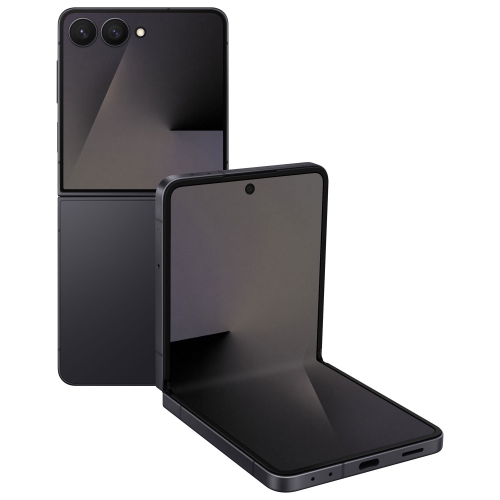
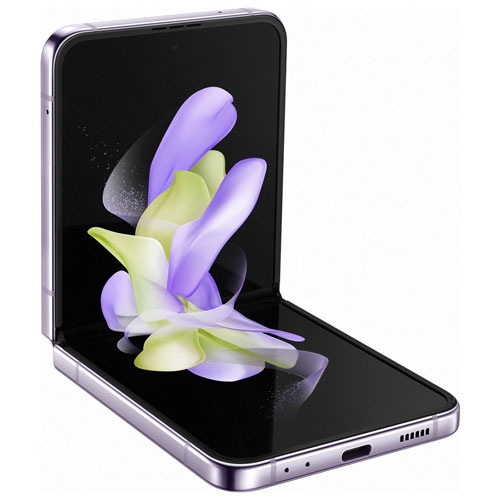
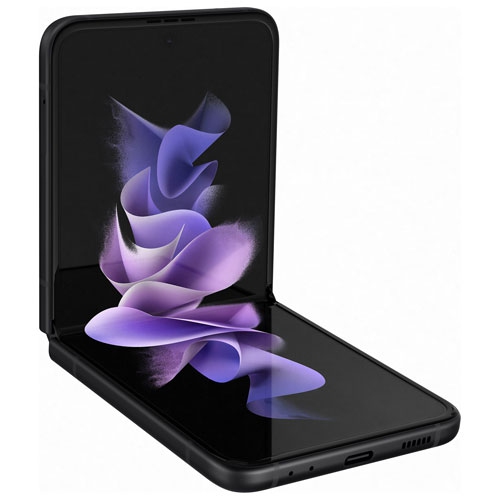
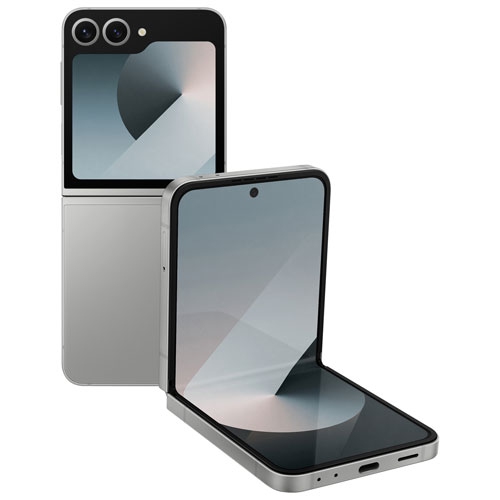
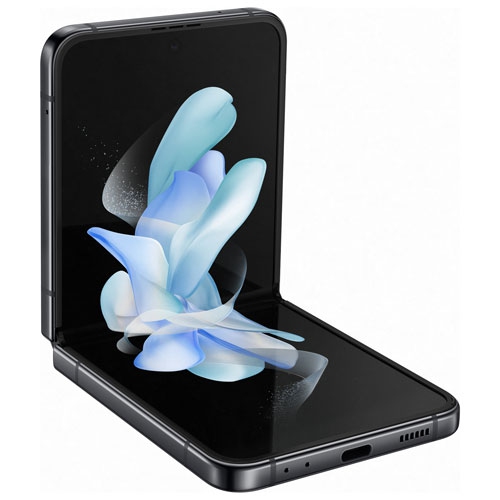
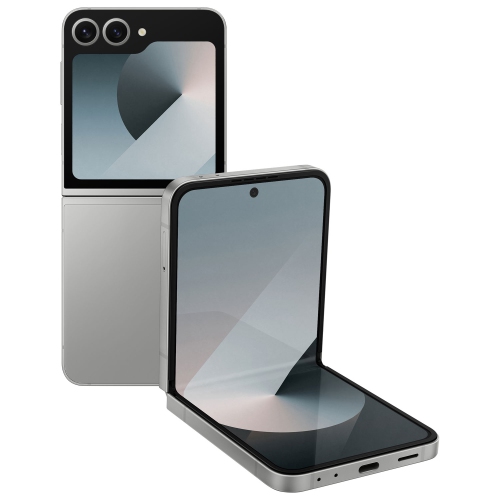
Interactive whiteboards for shared ideas, lessons, and presentations
Interactive digital whiteboards bring the familiar feel of pen-and-paper planning to a large, high-resolution touchscreen built for shared spaces. This collection is suited to offices, classrooms, training rooms, studios, community spaces, and home work areas where several people need to see, discuss, and shape ideas together. A 4K Ultra HD display can make text, diagrams, presentation slides, charts, and video content look crisp from across the room, while an anti-glare surface helps keep information visible under overhead lighting and near windows. The writing experience is designed to feel immediate: users can draw with a passive pen, create distinct thin and thick strokes, mark up documents, and erase notes with the palm of the hand. That simple interaction can change the rhythm of a meeting. Instead of one person typing while everyone else watches, a team can gather around the screen, sketch a workflow, circle a concern, move through revisions, and leave with a clearer plan. In a classroom, an instructor can work through a complex equation, label a diagram, or invite students to add their own observations. In a home office, the same type of display can support remote presentations, project planning, tutoring, and creative brainstorming without requiring a desk covered in notebooks. When comparing options, consider who will use the display, how far viewers will sit from it, and how much wall or floor space is available. A 55-inch screen can be a practical choice for a smaller meeting room, study area, or classroom corner, while a 65-inch model may be easier to read in a larger room or when people will gather several steps away. Screen size is only part of the decision; viewing height, wall placement, walking clearance, and access to power can have an equally noticeable effect on everyday use. A wall mount creates a clean, fixed installation, while a compatible rolling stand can make the display easier to move between rooms or angle towards a different group. If the display will be used for frequent workshops or shared presentations, mobility may be especially valuable. For a permanent teaching station or boardroom, a wall-mounted setup may keep the space tidy and make the screen feel like a natural part of the room.
Connectivity is another important consideration when choosing an interactive display. Look for the inputs and wireless sharing features that match the devices people already use, including HDMI for wired connections and wireless casting for compatible laptops, tablets, or mobile devices. Wired connections can be useful when a presenter needs a dependable signal for a long meeting, while wireless sharing helps participants move quickly from one speaker to the next without passing cables around the table. It is also worth checking how many devices can connect, whether the display supports the file types used by your organization or school, and how easily notes can be saved, shared, or cleared after a session. Built-in security features, such as a six-digit lock, can help protect meeting notes, lesson plans, client information, and other material displayed on screen. This is particularly helpful in shared rooms where the display may remain in place between sessions. For buyers setting up a new workspace, pair the screen with a sturdy stand or mount, suitable cables, and a comfortable layout that leaves enough room for users to write without blocking the view. For a teacher, manager, coach, designer, or presenter, an interactive whiteboard can be a thoughtful gift that supports the way they already work rather than adding another device that sits unused. It can also be a practical choice for a family room or home learning area, giving children and adults a larger canvas for lessons, planning, drawing, and collaborative activities during the cooler months. Those shopping across connected device categories may also want to explore the Samsung Z Fold collection for a different kind of flexible screen experience. Before selecting a display, measure the installation area, confirm the preferred screen size, review the available mounting or stand options, and make sure the connection methods fit the computers and mobile devices already in use. With the right combination of size, placement, writing tools, connectivity, and security, an interactive digital whiteboard can become the central place where ideas are presented, refined, and remembered.
Connectivity is another important consideration when choosing an interactive display. Look for the inputs and wireless sharing features that match the devices people already use, including HDMI for wired connections and wireless casting for compatible laptops, tablets, or mobile devices. Wired connections can be useful when a presenter needs a dependable signal for a long meeting, while wireless sharing helps participants move quickly from one speaker to the next without passing cables around the table. It is also worth checking how many devices can connect, whether the display supports the file types used by your organization or school, and how easily notes can be saved, shared, or cleared after a session. Built-in security features, such as a six-digit lock, can help protect meeting notes, lesson plans, client information, and other material displayed on screen. This is particularly helpful in shared rooms where the display may remain in place between sessions. For buyers setting up a new workspace, pair the screen with a sturdy stand or mount, suitable cables, and a comfortable layout that leaves enough room for users to write without blocking the view. For a teacher, manager, coach, designer, or presenter, an interactive whiteboard can be a thoughtful gift that supports the way they already work rather than adding another device that sits unused. It can also be a practical choice for a family room or home learning area, giving children and adults a larger canvas for lessons, planning, drawing, and collaborative activities during the cooler months. Those shopping across connected device categories may also want to explore the Samsung Z Fold collection for a different kind of flexible screen experience. Before selecting a display, measure the installation area, confirm the preferred screen size, review the available mounting or stand options, and make sure the connection methods fit the computers and mobile devices already in use. With the right combination of size, placement, writing tools, connectivity, and security, an interactive digital whiteboard can become the central place where ideas are presented, refined, and remembered.
Top selling and popular products
-
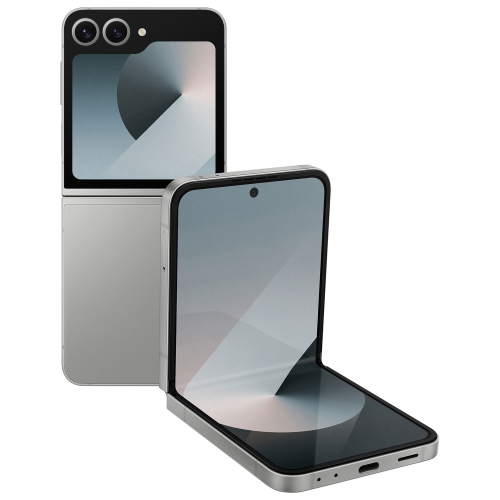 Your price for this item is $509.95
 -
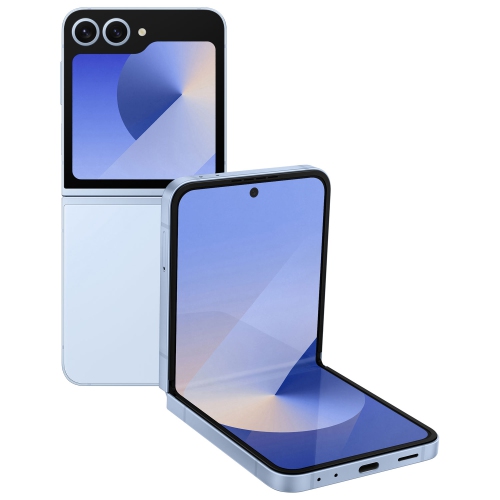 Your price for this item is $524.99
 -
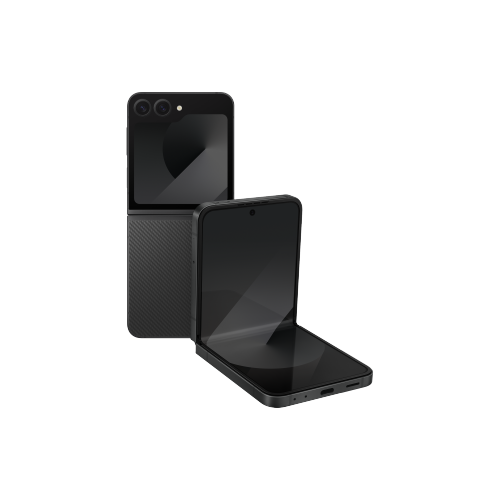 Your price for this item is $849.99
 -
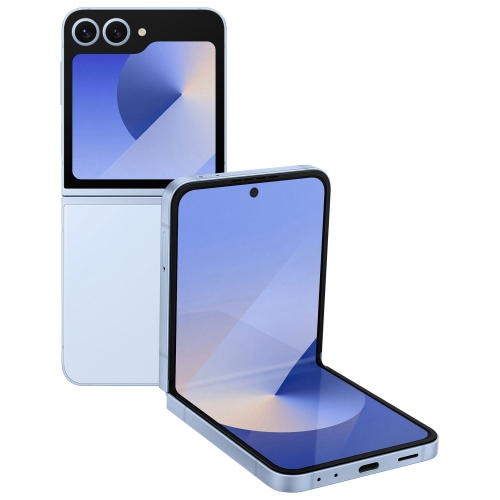 Your price for this item is $454.99
 -
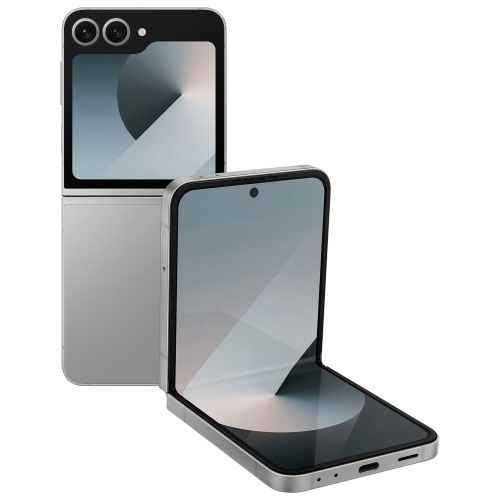 Your price for this item is $443
 -
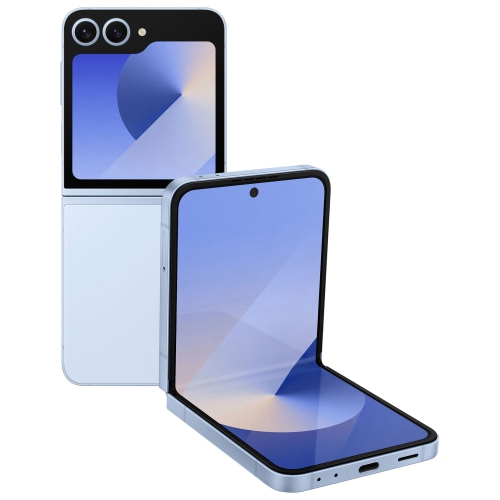 Your price for this item is $674.98
 -
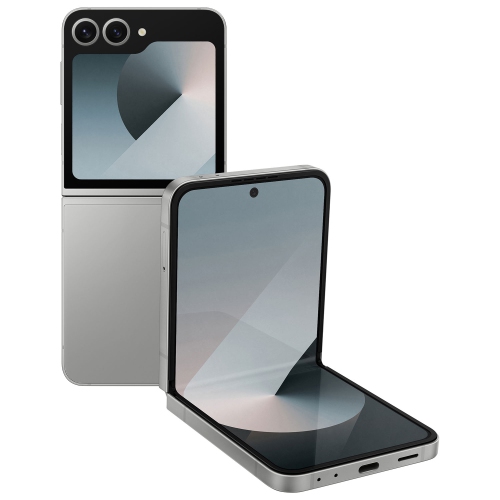 Your price for this item is $699
 -
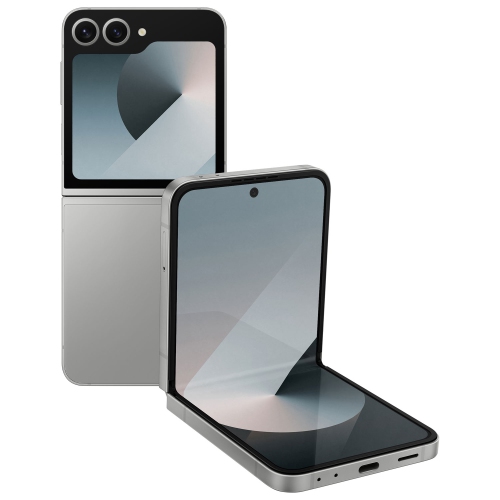 Your price for this item is $1139.99
Discover more categories related to Samsung Flip 2
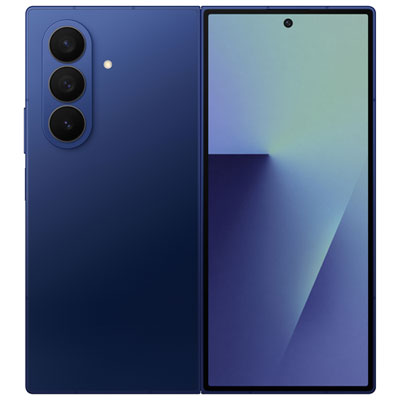
Top Collections:
Pokemon Centers, Kindle Devices, Best Budget Office Chairs, Canon G7X Cameras, Apple iPhones 16, Samsung Galaxy Phones, Refurbished Apple Laptops, Laptops for Students, iPhone 15 Apple, Budget Smartphones
Some products may be subject to Environmental Handling Fees
(EHF) depending on your province.
Learn more about EHFs.