1440p 144hz Monitors
Experience a new level of visual clarity and smoothness with our selection of 1440p 144hz monitors. Perfect for gamers, creative professionals, and tech enthusiasts alike, these monitors offer an impressive combination of sharp resolution and rapid refresh rates, ensuring every detail is captured with precision. Whether you're diving into the latest video games or tackling complex design projects, our range of 1440p 144hz monitors delivers vibrant colors and fluid motion to enhance your digital experience. Explore Best Buy collection to find the ideal monitor that meets your performance needs and fits seamlessly into your workspace setup.
Sort

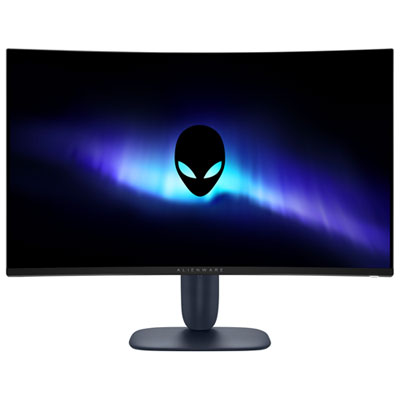
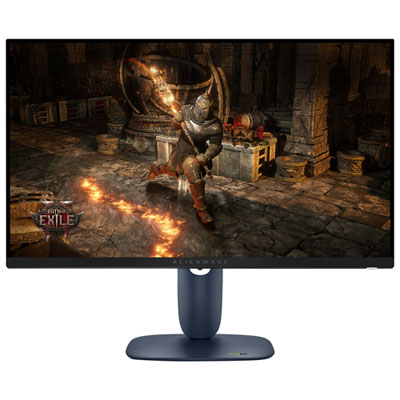
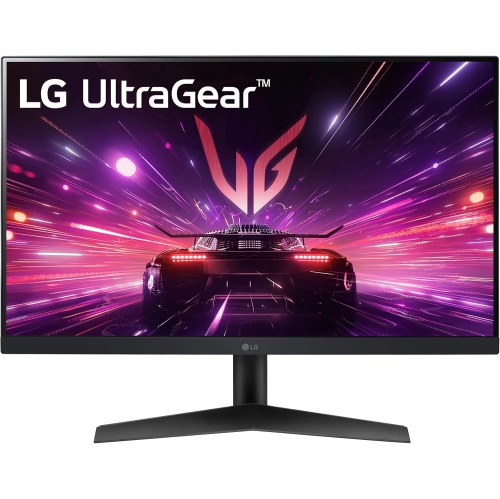
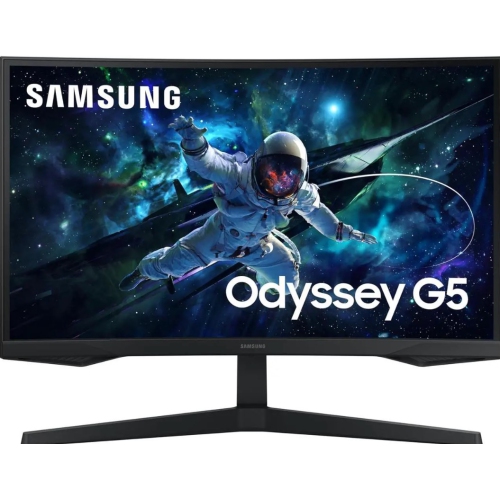
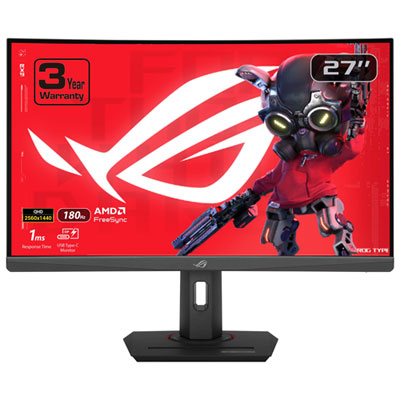
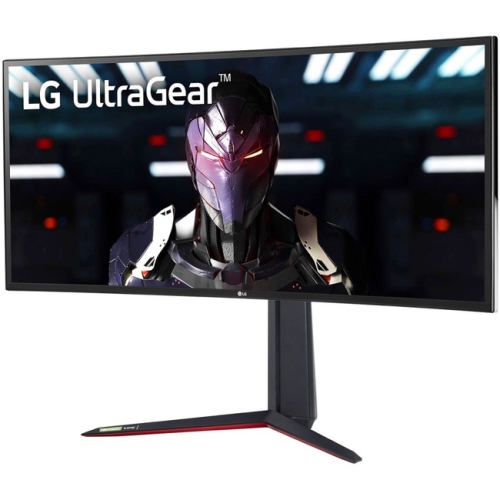
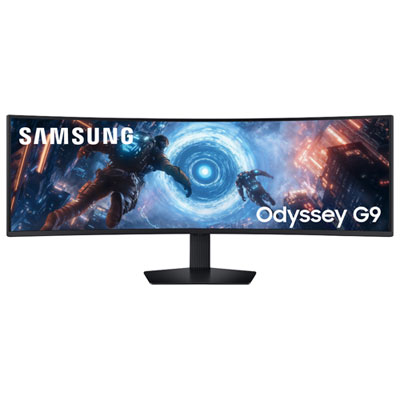
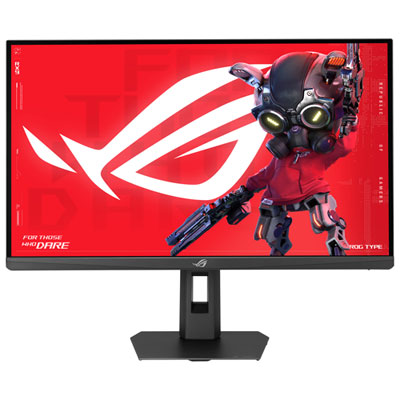
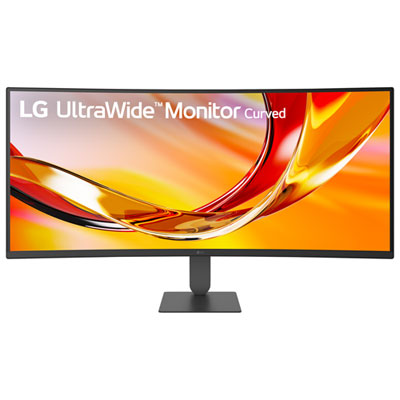
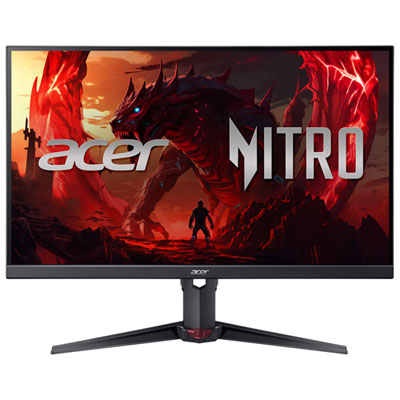
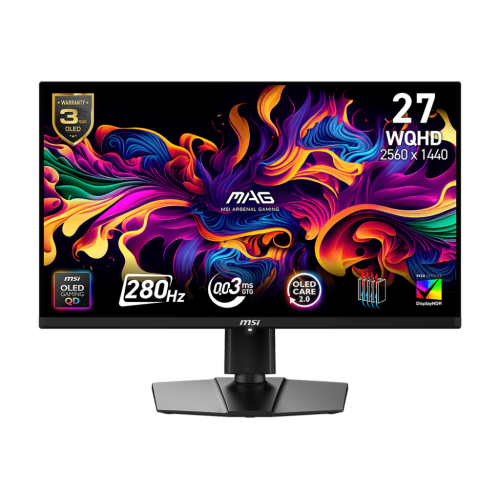
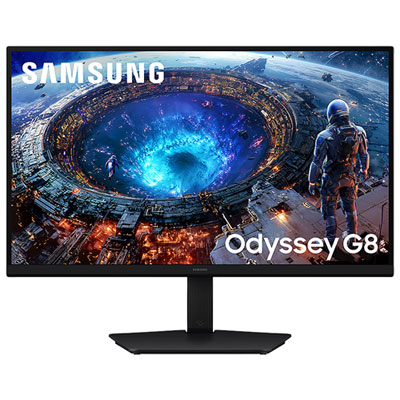
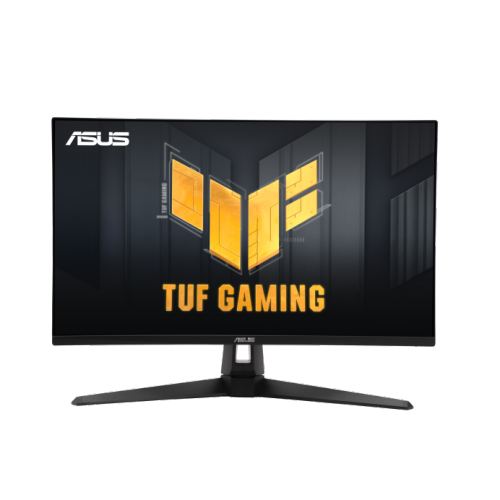
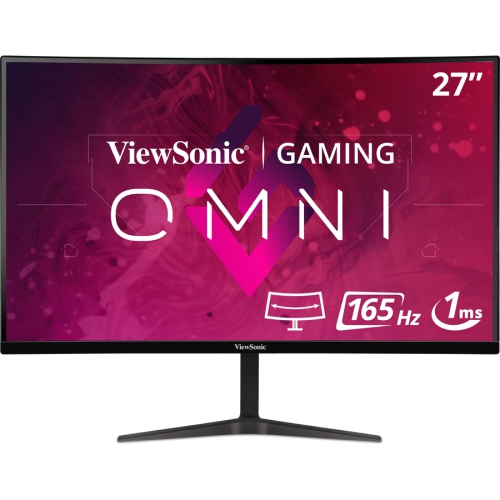
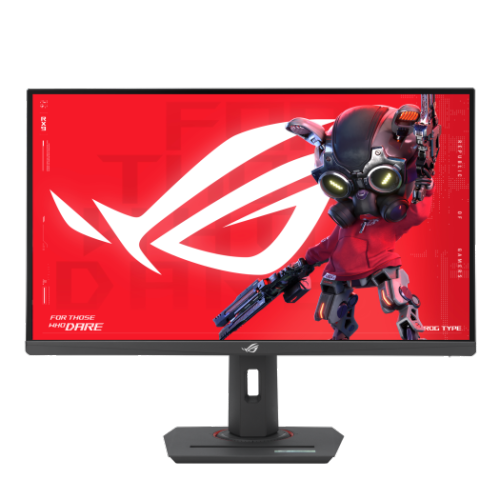
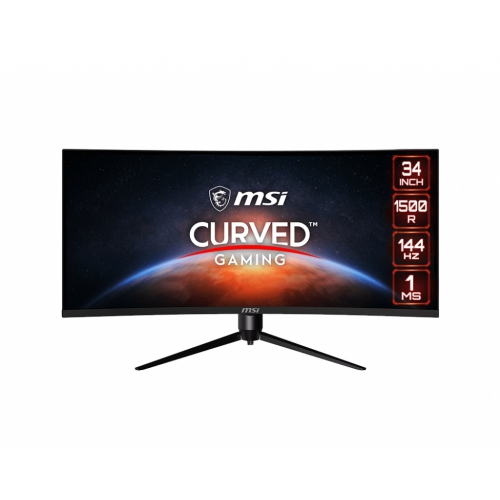
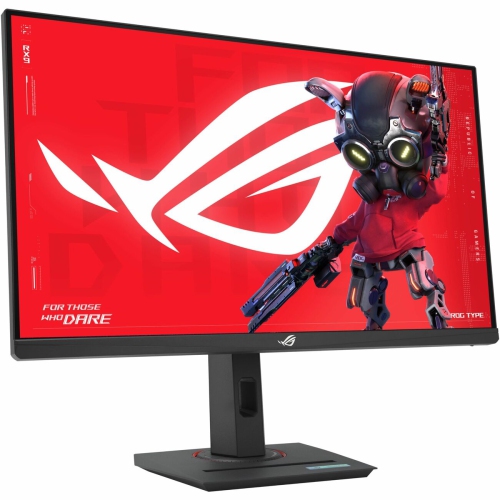
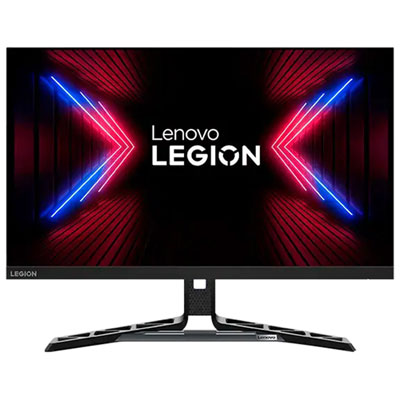
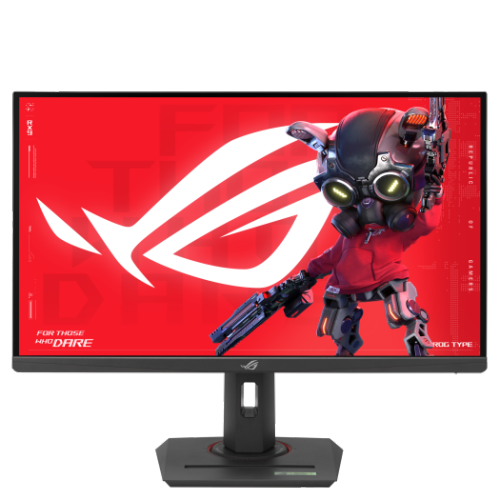
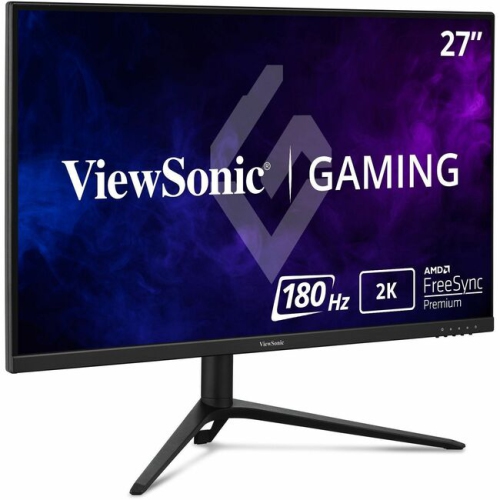
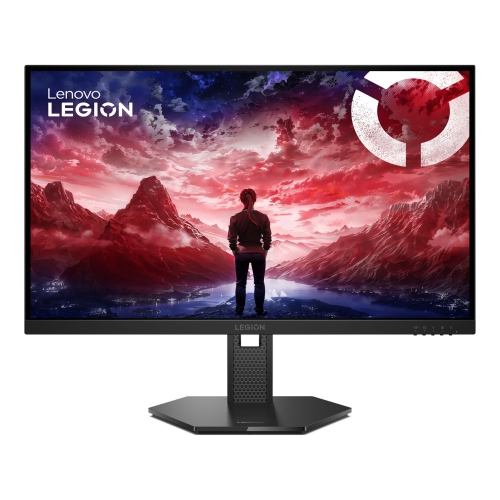
Sharper detail and smoother motion for work and play
1440p 144Hz monitors offer a well-balanced combination of image detail, responsive motion, and everyday versatility. Also known as QHD monitors, they display 2560 x 1440 resolution, providing noticeably more room and sharper text than a standard 1080p screen while remaining easier for many gaming computers to drive than a 4K display. The 144Hz refresh rate allows the screen to update up to 144 times per second, creating smoother camera movement, cleaner scrolling, and more fluid action than a traditional 60Hz monitor. That difference is especially easy to notice in racing games, competitive shooters, sports titles, and fast-moving adventure games, where quick turns and sudden changes can otherwise look blurred or uneven. These monitors can also make everyday tasks feel more polished: moving windows across the desktop is smoother, websites scroll with less judder, and video editing timelines are easier to review. For many people, 1440p at 144Hz is a practical middle ground between basic office displays and more demanding high-resolution gaming setups. A 27-inch screen is a popular choice because it provides a comfortable amount of workspace without taking over a typical desk, while larger curved displays can create a more immersive view for gaming, creative projects, and multitasking. Before choosing a monitor, consider the viewing distance, available desk space, and the graphics hardware that will be connected to it. A computer needs to produce enough frames per second to take full advantage of a high refresh rate, and demanding games may require adjustments to resolution or visual settings to maintain consistently smooth performance. A monitor can still be used at lower frame rates, but matching the display to the computer helps deliver the experience you are looking for.
Panel technology has a noticeable effect on how a 1440p 144Hz monitor looks and feels. IPS panels are a dependable choice for many households, offering bright colour, broad viewing angles, and generally consistent image quality when several people are looking at the screen together. They suit gaming, schoolwork, home offices, photo organization, streaming, and general browsing, making them an appealing option when one display needs to handle several roles. VA panels are known for strong contrast and darker blacks, which can add depth to films, games, and evening use, although some models may show more motion blur in dark scenes. OLED panels can provide extremely deep blacks, rich contrast, and very quick pixel response, creating an especially striking image in a dim room. They may cost more, so they are best considered when picture quality and fast response are higher priorities than keeping the purchase budget low. Look for a response-time specification that supports clear movement, but remember that advertised figures can vary by testing method and setting. Adaptive sync compatibility can help reduce tearing when the monitor’s refresh rate and the computer’s frame rate do not line up, which is useful when frame rates change during a demanding game. Connectivity is equally important. DisplayPort is commonly used for high-refresh PC gaming, while HDMI can make it easier to connect a game console, laptop, or streaming device. Check the version and capabilities of each input, particularly if you want to run 1440p at a high refresh rate. Other helpful features may include built-in speakers, a headphone output, a USB hub, height adjustment, tilt and swivel controls, a VESA mounting pattern, and low-blue-light or flicker-reduction settings. A sturdy, adjustable stand can make a bigger difference than expected; being able to raise the screen so its top edge sits near eye level may help create a more comfortable workstation during long study sessions or extended gaming evenings. If your needs are centred on a different refresh rate, browsing options such as 120hz Monitors can help you compare displays designed for another level of motion performance.
A 1440p 144Hz monitor can be a thoughtful gift for a student building a first gaming setup, a family member upgrading a home office, or anyone spending more time at a computer during the cooler months. It can replace an older 1080p display, serve as a second screen beside a laptop, or become the main screen in a new desktop setup. Gamers may appreciate the smoother motion and added detail, while students and remote workers can use the extra resolution for side-by-side documents, research tabs, video calls, and note-taking. Creative users can benefit from the larger canvas when organizing timelines, editing images, arranging music projects, or working with design software, although colour-critical work should be matched with a monitor that offers the appropriate colour coverage and calibration controls. For a gift, it is worth checking the recipient’s computer connections, graphics capability, desk dimensions, and preferred game genres before choosing a screen. A compact desk may call for a 24-inch or 27-inch model, while a wider workspace may accommodate a larger display or a multi-monitor arrangement. Think about the room as well: a bright space may benefit from a display with strong brightness and an anti-glare finish, while a darker room can showcase the contrast of a panel designed for deeper blacks. During long sessions, comfort features such as an adjustable stand, readable text, and a matte screen surface can be just as valuable as gaming specifications. Whether it is used for late-night matches, weekend streaming, online classes, or everyday work, a 1440p 144Hz monitor can bring sharper images and smoother movement to the routines that happen at a desk. Comparing panel type, screen size, response time, adaptive sync, ports, stand design, and computer compatibility will help narrow the selection to a display that feels natural in the space and remains useful across work, entertainment, and play.
Panel technology has a noticeable effect on how a 1440p 144Hz monitor looks and feels. IPS panels are a dependable choice for many households, offering bright colour, broad viewing angles, and generally consistent image quality when several people are looking at the screen together. They suit gaming, schoolwork, home offices, photo organization, streaming, and general browsing, making them an appealing option when one display needs to handle several roles. VA panels are known for strong contrast and darker blacks, which can add depth to films, games, and evening use, although some models may show more motion blur in dark scenes. OLED panels can provide extremely deep blacks, rich contrast, and very quick pixel response, creating an especially striking image in a dim room. They may cost more, so they are best considered when picture quality and fast response are higher priorities than keeping the purchase budget low. Look for a response-time specification that supports clear movement, but remember that advertised figures can vary by testing method and setting. Adaptive sync compatibility can help reduce tearing when the monitor’s refresh rate and the computer’s frame rate do not line up, which is useful when frame rates change during a demanding game. Connectivity is equally important. DisplayPort is commonly used for high-refresh PC gaming, while HDMI can make it easier to connect a game console, laptop, or streaming device. Check the version and capabilities of each input, particularly if you want to run 1440p at a high refresh rate. Other helpful features may include built-in speakers, a headphone output, a USB hub, height adjustment, tilt and swivel controls, a VESA mounting pattern, and low-blue-light or flicker-reduction settings. A sturdy, adjustable stand can make a bigger difference than expected; being able to raise the screen so its top edge sits near eye level may help create a more comfortable workstation during long study sessions or extended gaming evenings. If your needs are centred on a different refresh rate, browsing options such as 120hz Monitors can help you compare displays designed for another level of motion performance.
A 1440p 144Hz monitor can be a thoughtful gift for a student building a first gaming setup, a family member upgrading a home office, or anyone spending more time at a computer during the cooler months. It can replace an older 1080p display, serve as a second screen beside a laptop, or become the main screen in a new desktop setup. Gamers may appreciate the smoother motion and added detail, while students and remote workers can use the extra resolution for side-by-side documents, research tabs, video calls, and note-taking. Creative users can benefit from the larger canvas when organizing timelines, editing images, arranging music projects, or working with design software, although colour-critical work should be matched with a monitor that offers the appropriate colour coverage and calibration controls. For a gift, it is worth checking the recipient’s computer connections, graphics capability, desk dimensions, and preferred game genres before choosing a screen. A compact desk may call for a 24-inch or 27-inch model, while a wider workspace may accommodate a larger display or a multi-monitor arrangement. Think about the room as well: a bright space may benefit from a display with strong brightness and an anti-glare finish, while a darker room can showcase the contrast of a panel designed for deeper blacks. During long sessions, comfort features such as an adjustable stand, readable text, and a matte screen surface can be just as valuable as gaming specifications. Whether it is used for late-night matches, weekend streaming, online classes, or everyday work, a 1440p 144Hz monitor can bring sharper images and smoother movement to the routines that happen at a desk. Comparing panel type, screen size, response time, adaptive sync, ports, stand design, and computer compatibility will help narrow the selection to a display that feels natural in the space and remains useful across work, entertainment, and play.
Top selling and popular products
-
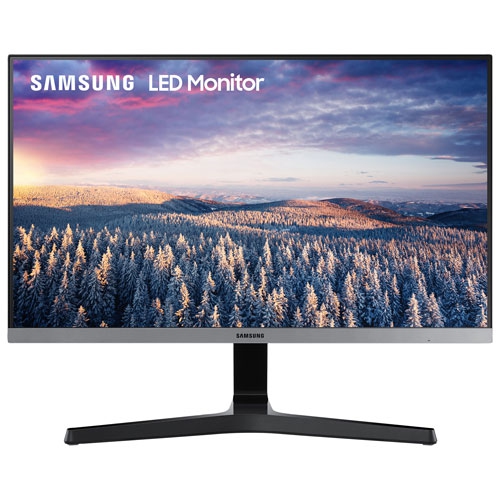 Your price for this item is $279.97
 -
 Your price for this item is $275
 -
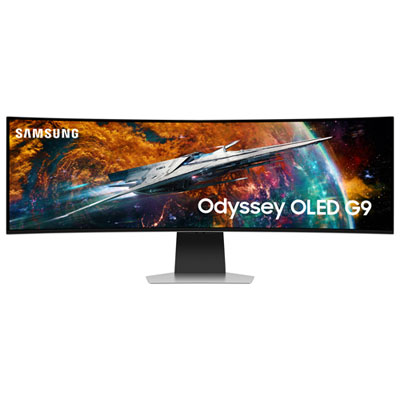 Your price for this item is $1499.97
 -
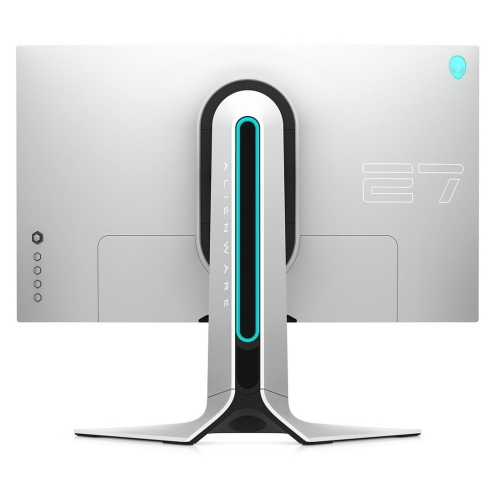 Your price for this item is $299
 -
 Your price for this item is $459.68
 -
 Your price for this item is $209.99
 -
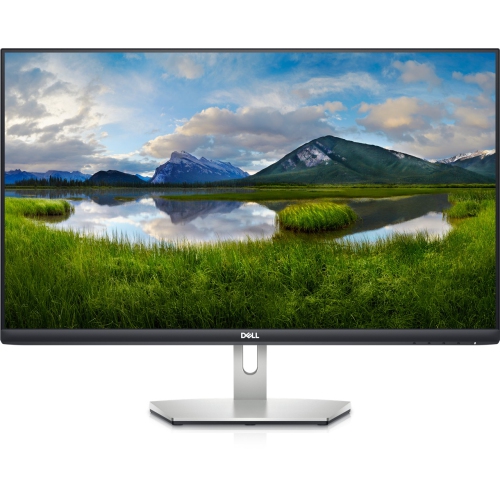 Your price for this item is $239.99
 -
 Your price for this item is $3299.99
Discover more categories related to 1440p 144hz Monitors
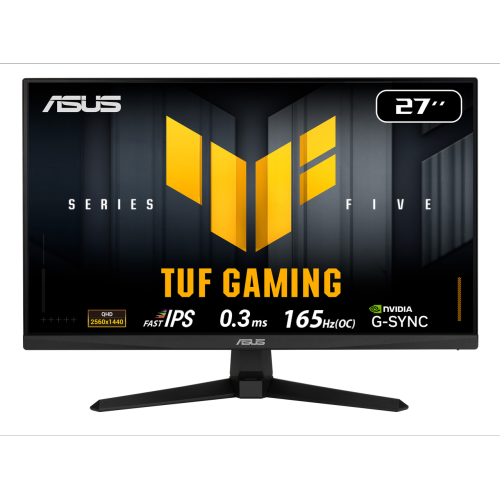
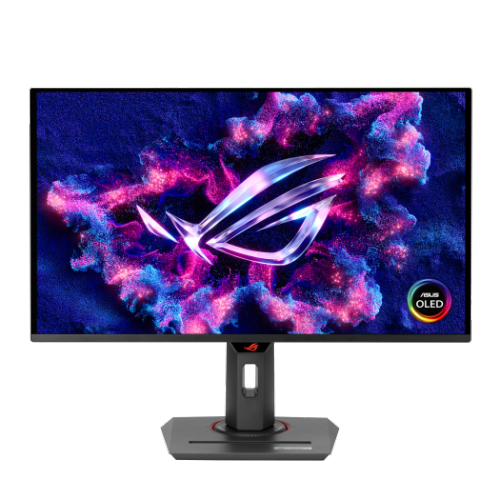

Top Collections:
Pokemon Centers, Best Budget Office Chairs, Kindle Devices, Best Laptops for Writers, Apple iPhones 16, Canon G7X Cameras, Best Cell Phones Under $300, Samsung Galaxy Phones, iPhone 15 Apple, Flip Phones
Some products may be subject to Environmental Handling Fees
(EHF) depending on your province.
Learn more about EHFs.