1440p Monitors
1440p is a term that refers to the resolution of a display. It's one of the most popular resolutions for gaming monitors, and it's also used on some higher-end TVs. 1440p displays have a higher resolution. Here are some of the best monitors with 1440p resolutions.
Sort
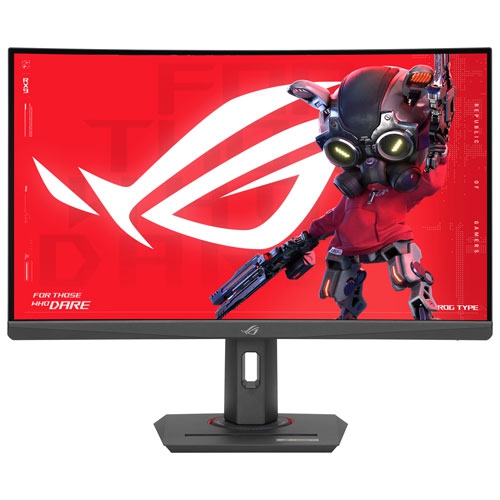
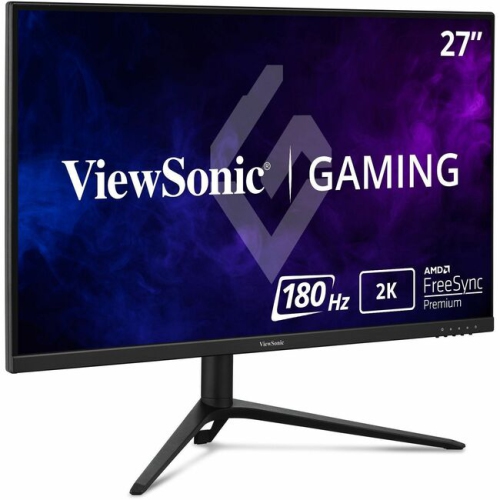
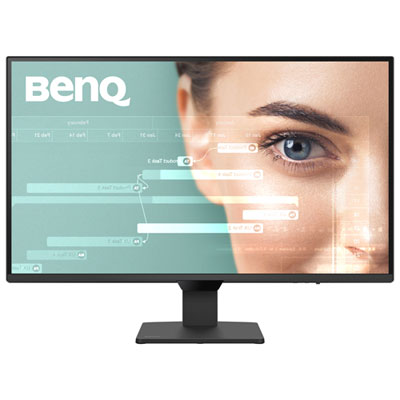
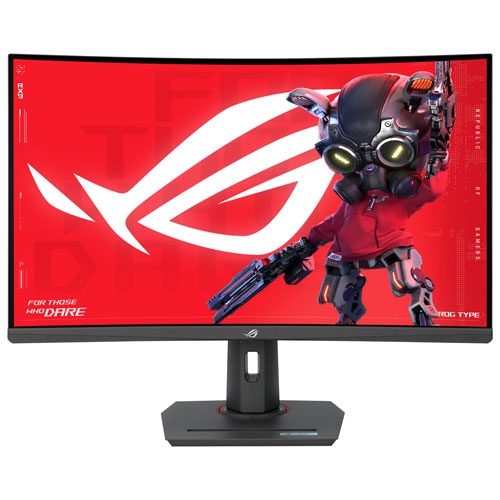

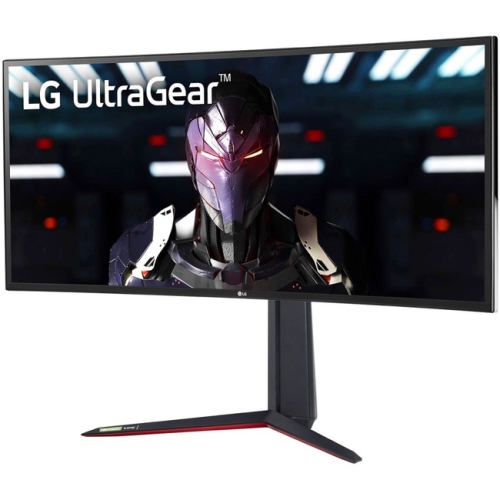
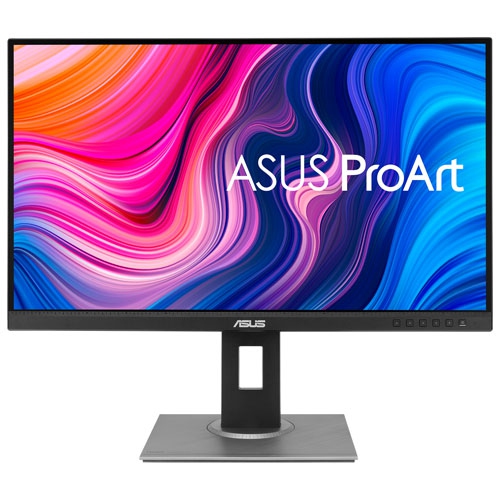
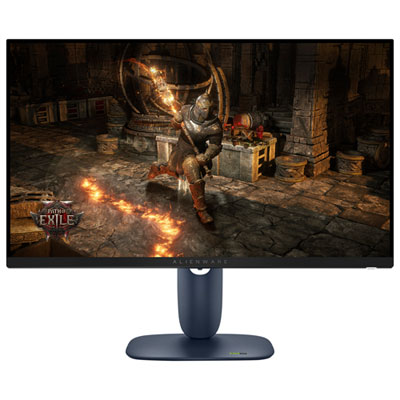
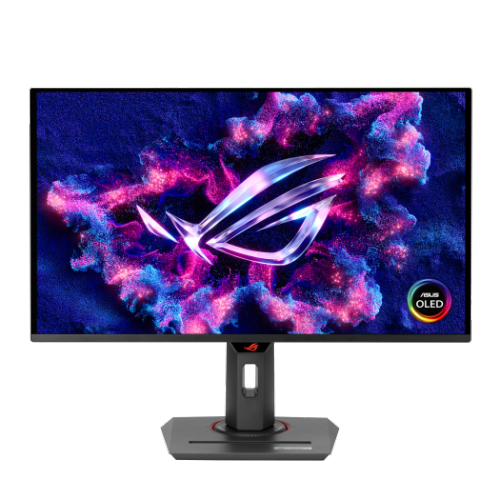
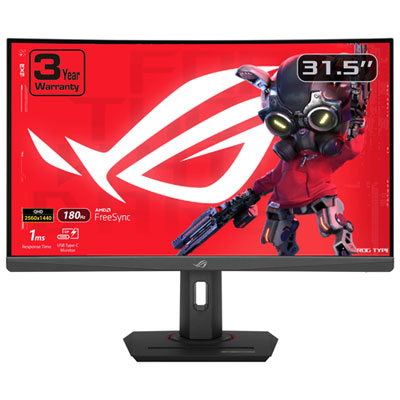
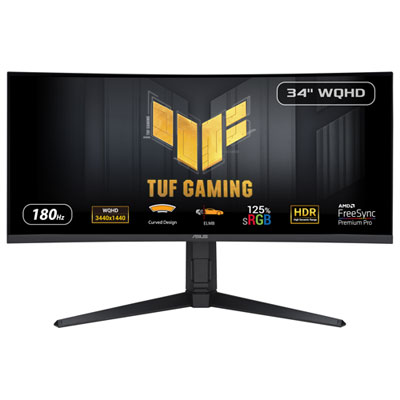
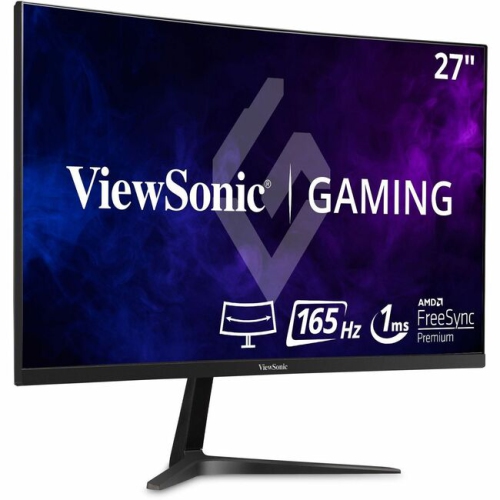
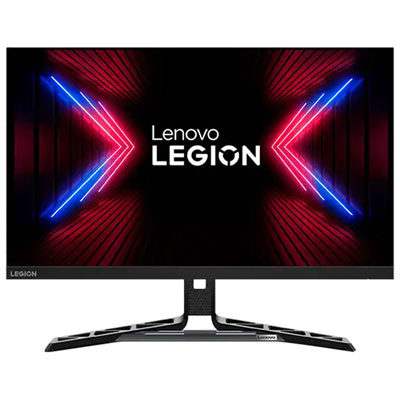
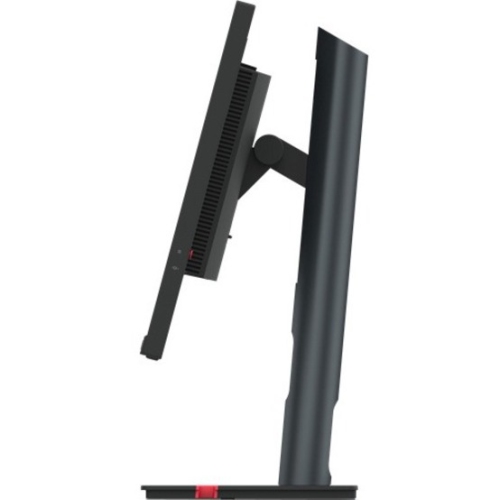
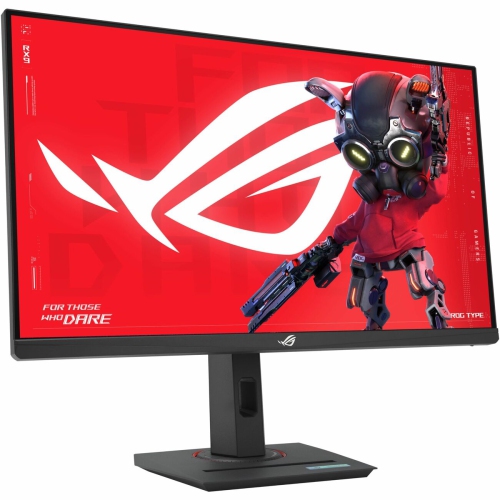
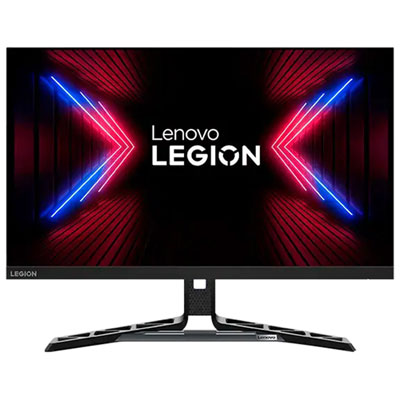
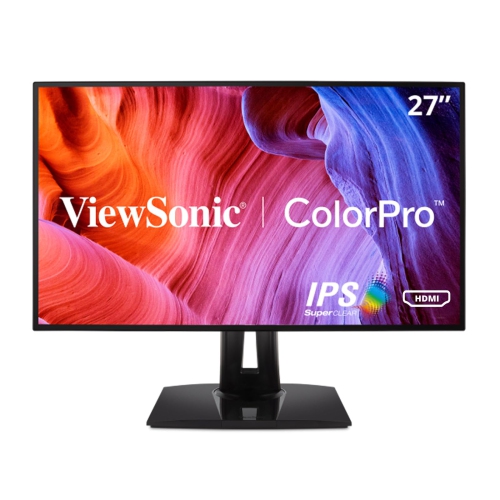
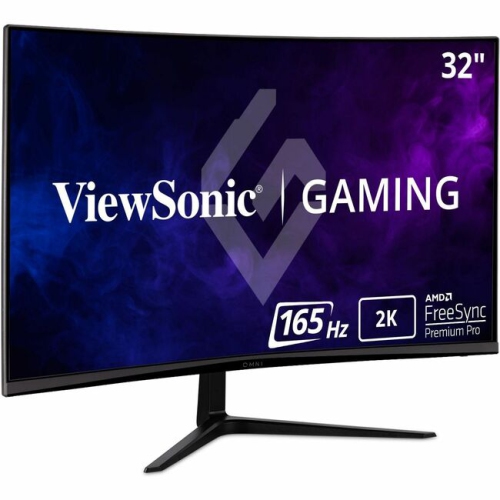
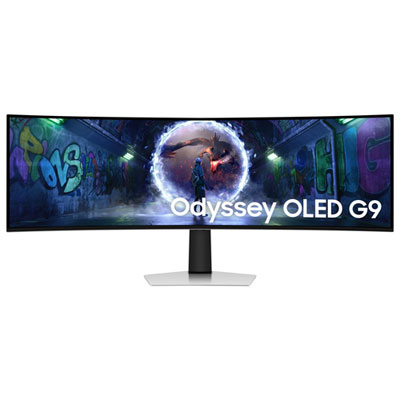

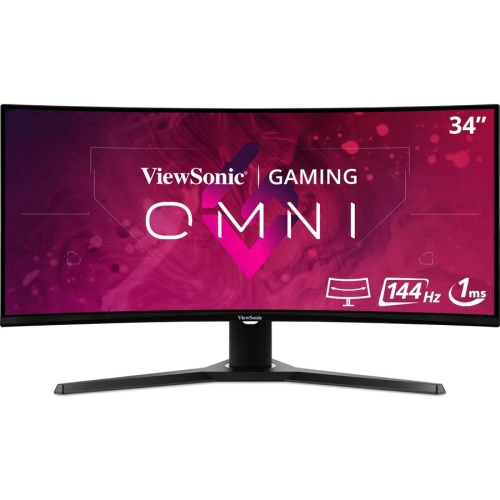
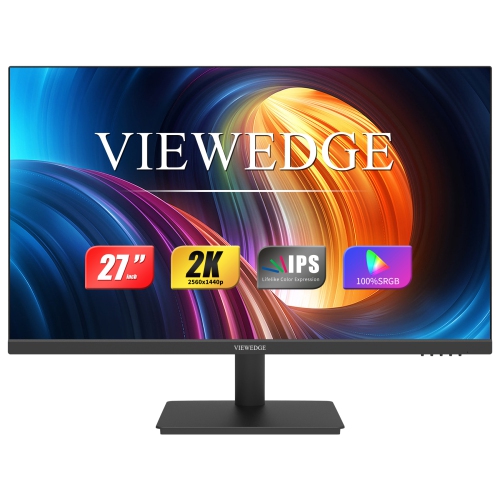

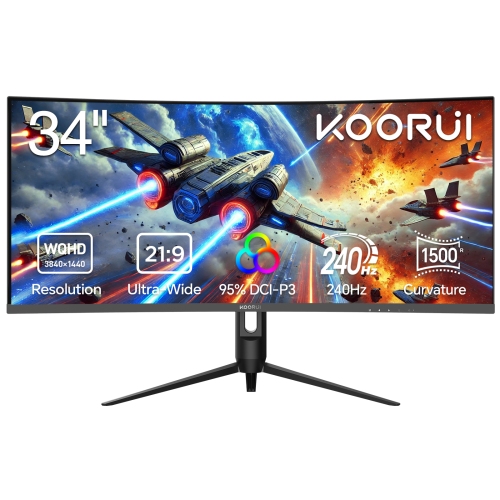
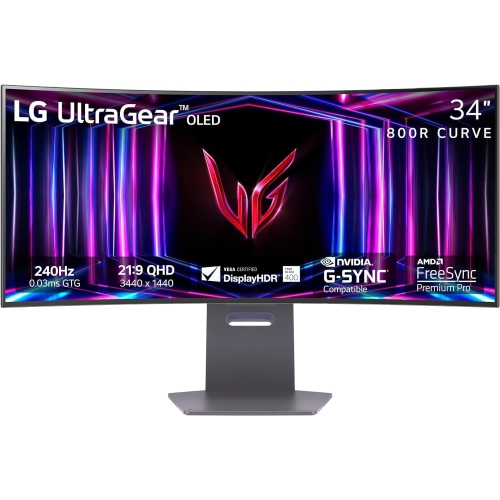
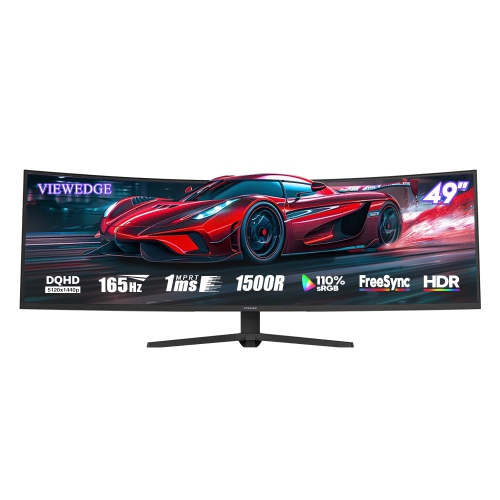
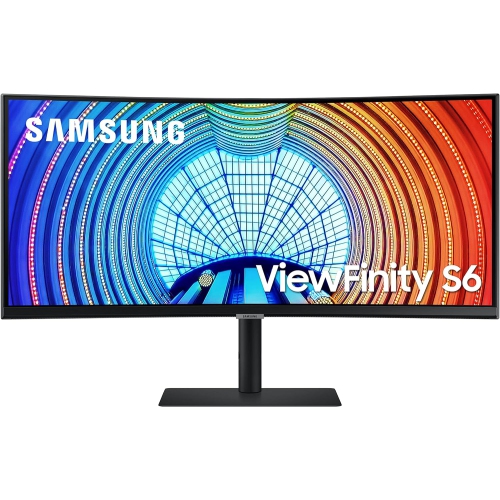
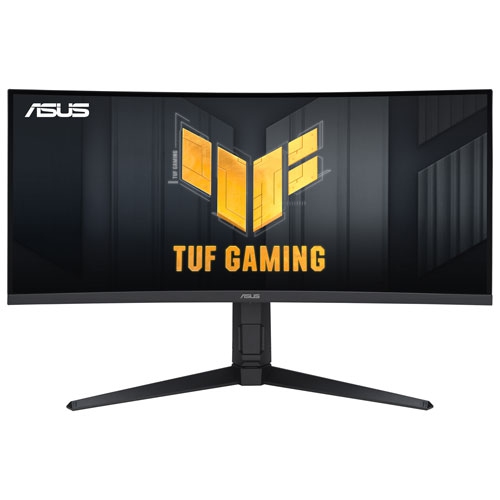
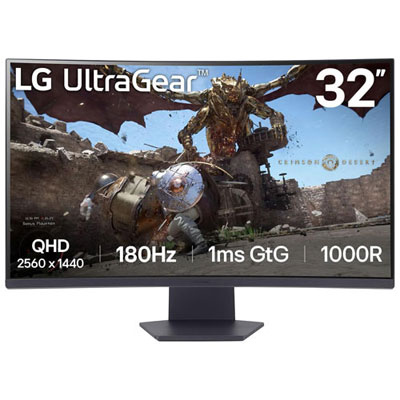
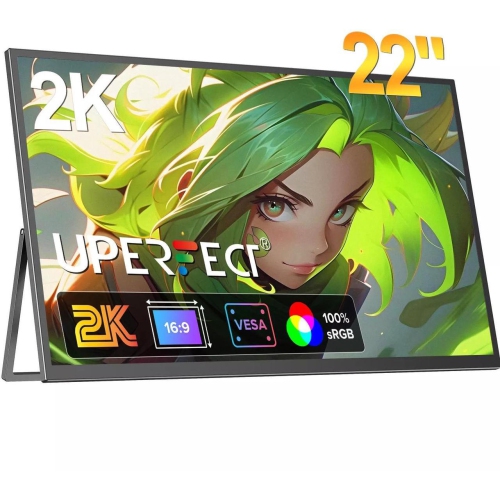
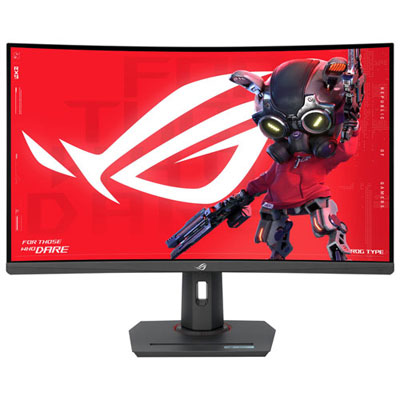
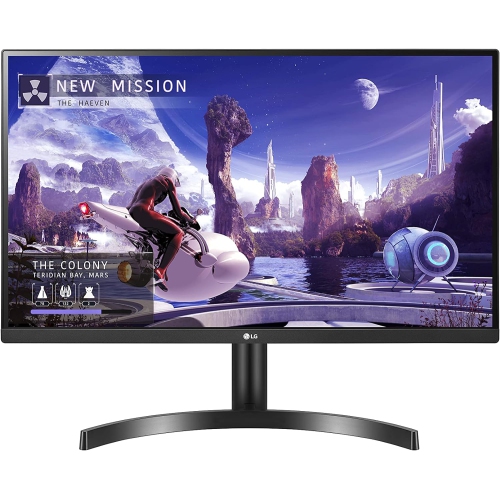
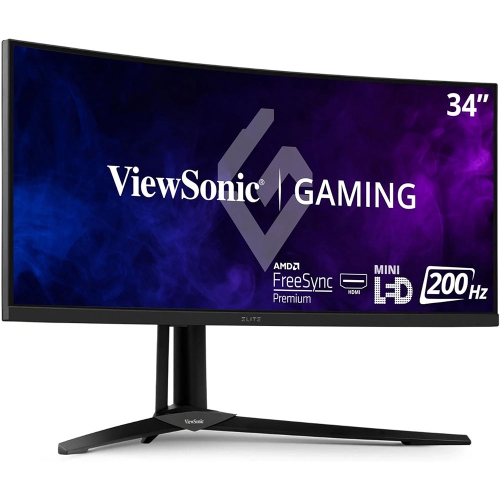
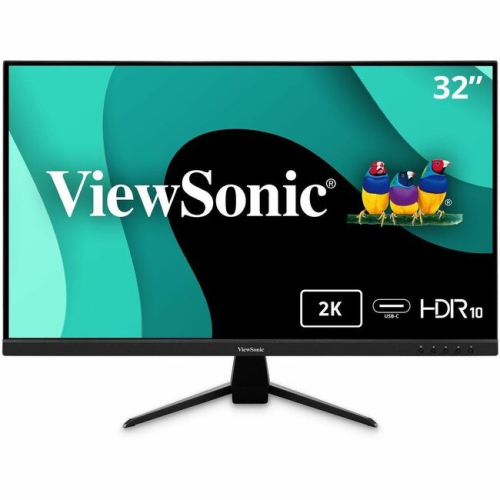
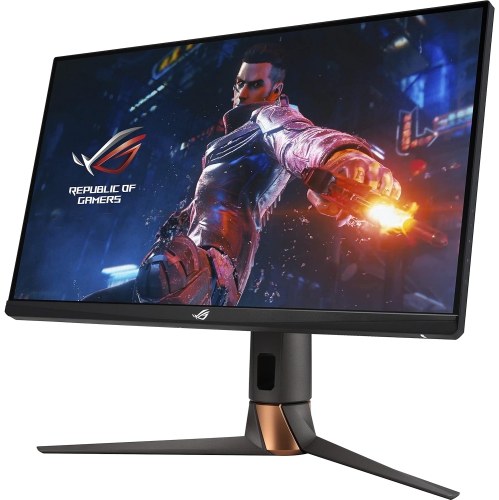

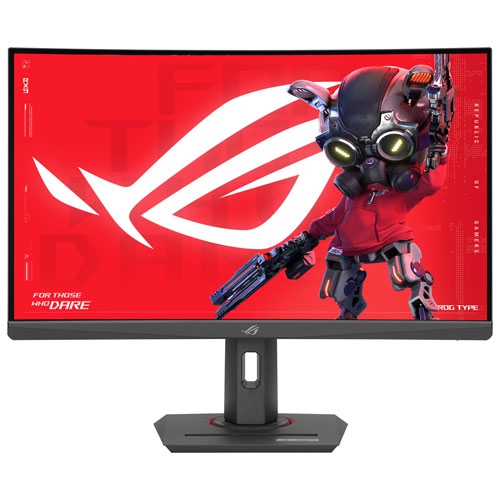
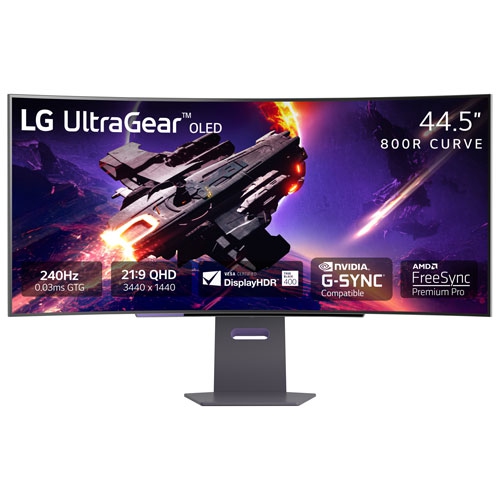
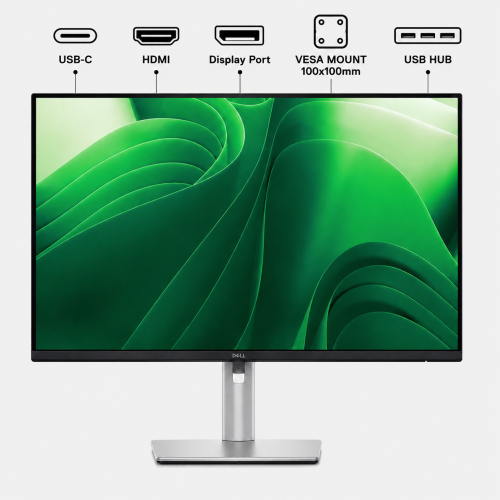
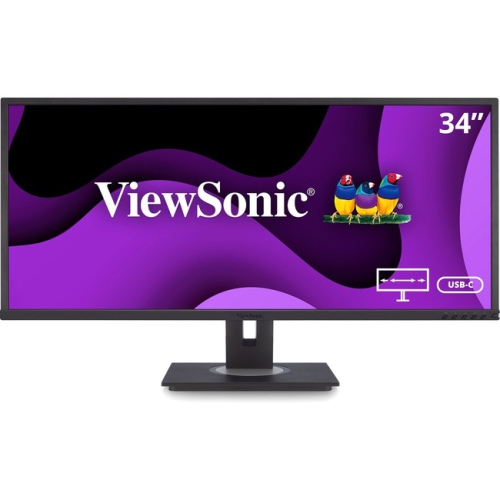
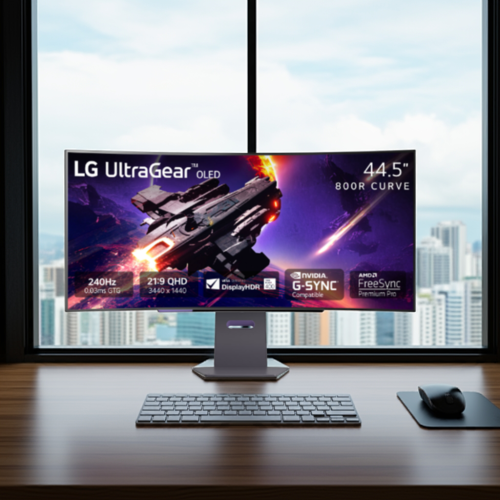
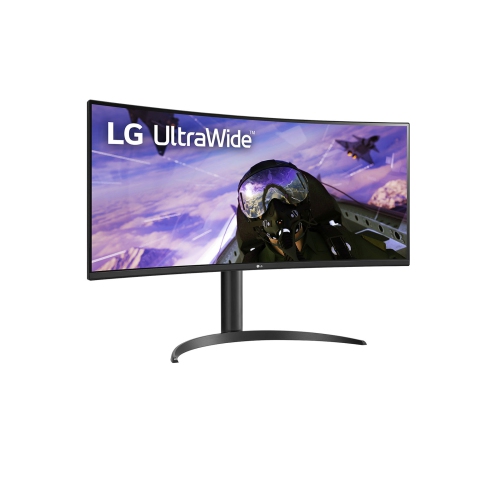
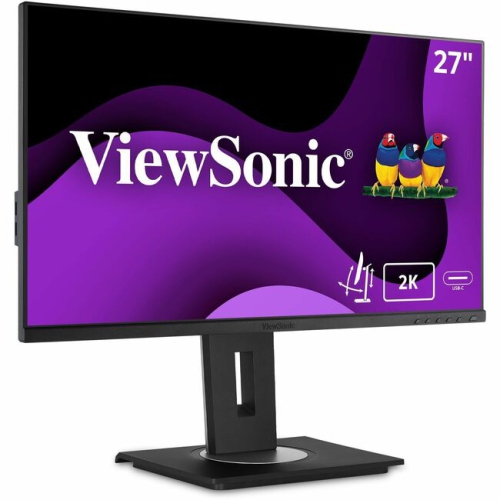
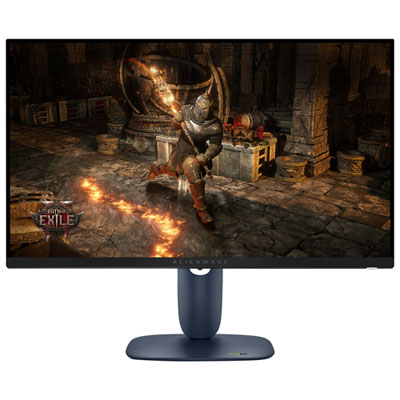
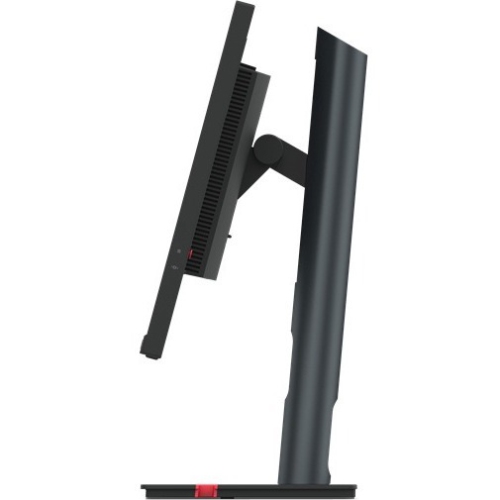
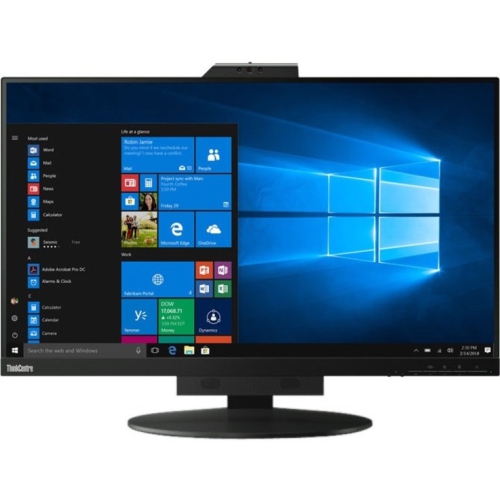
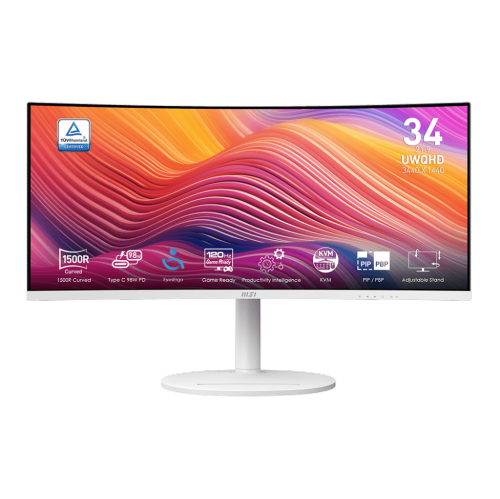
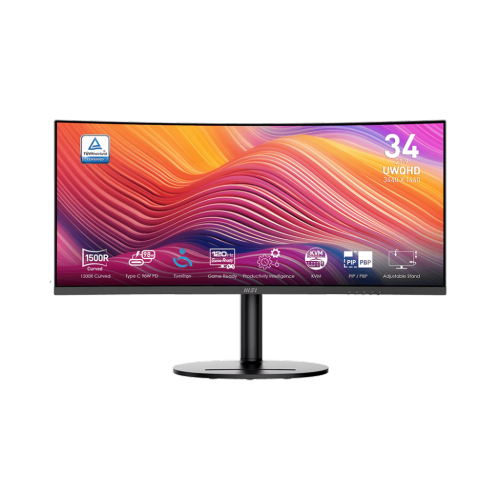
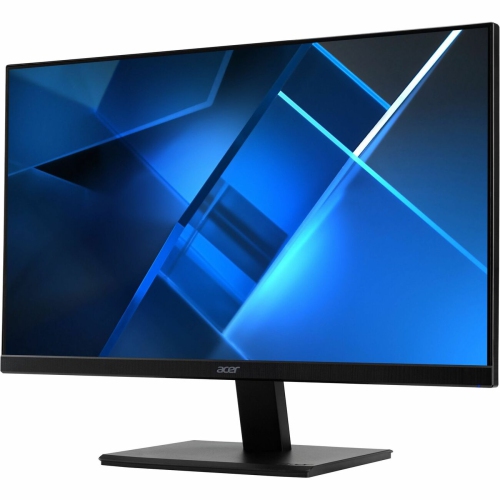
More room and sharper detail for work and play
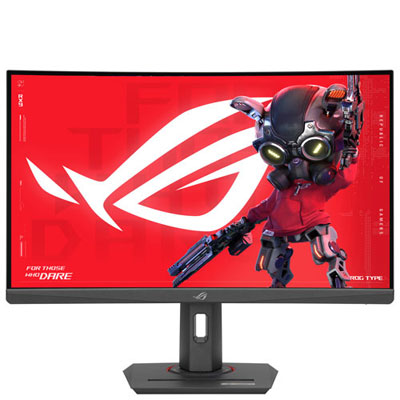
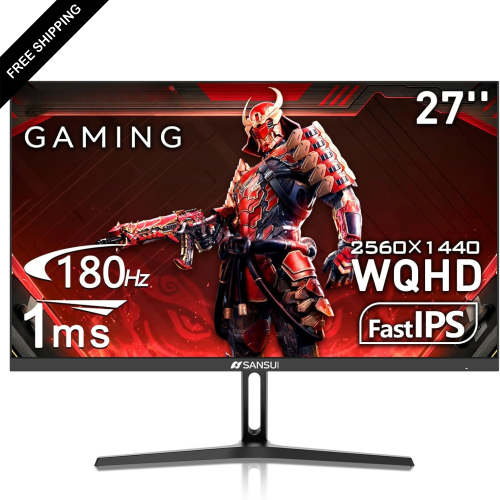
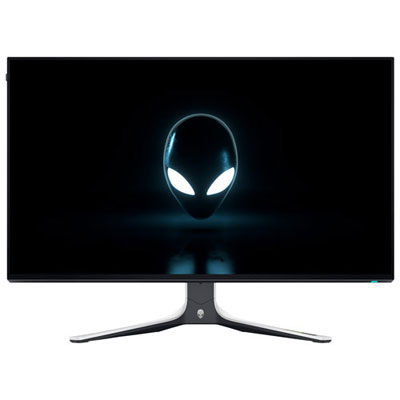
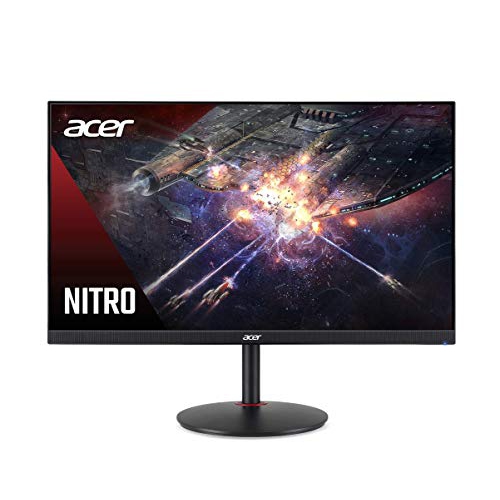
A 1440p monitor offers a useful balance between sharp detail, spacious screen real estate, and practical performance for everyday computing. Also called Quad HD or QHD, 1440p typically refers to a resolution of 2560 x 1440 pixels, giving text, images, games, and video more definition than a standard 1080p display without demanding the same level of graphics hardware as a 4K screen. That combination makes these monitors a versatile choice for home offices, gaming setups, schoolwork, creative projects, and general entertainment. The extra vertical space can make a noticeable difference when working with long documents, spreadsheets, timelines, or web pages, while the wider desktop helps keep reference material, chat windows, and primary applications visible at the same time. A 1440p monitor can also help bring more depth to games, particularly on screens with higher refresh rates that make movement feel fluid during fast-paced play. During the cooler months, when more time is often spent indoors, a comfortable and capable display can become the centre of a desk setup, whether it is used for evening gaming, remote work, watching films, or staying connected with friends and family. For anyone replacing an older monitor, moving up to 1440p can feel like a clear improvement without requiring a complete overhaul of their computer. It is still important to check the capabilities of the computer or game console being used, since the available resolution and refresh rate depend on the graphics hardware, connection type, and software settings.
When comparing 1440p monitors, begin with the way the display will be used most often. A monitor for competitive gaming may benefit from a high refresh rate and a quick response time, helping on-screen action appear smooth and responsive when characters, vehicles, or camera views move rapidly. Adaptive sync support can help reduce visible tearing and stuttering when the frame rate changes, and shoppers looking for that type of performance can also explore 1440p G Sync Monitors. For office work, studying, or long creative sessions, other details may matter just as much as speed. Consider the panel type, viewing angles, brightness, contrast, and colour reproduction, along with whether the screen has a matte finish that helps reduce reflections from lamps or windows. A larger screen can make multitasking easier, while a compact option may suit a smaller desk or a shared workspace. Curved displays can create a more enveloping viewing experience, especially at wider sizes, whereas a flat screen may be preferable for design work, wall mounting, or a straightforward multi-monitor arrangement. An adjustable stand is another practical feature that is easy to overlook: height, tilt, swivel, and pivot adjustments make it easier to position the screen so the top edge sits near eye level and the viewing distance feels natural. Check the available ports as well, including HDMI, DisplayPort, USB connections, and audio options, particularly if the monitor will be connected to more than one device. Built-in speakers may be convenient for casual use, but headphones or separate speakers can offer a fuller experience. Features such as blue-light reduction, flicker control, and preset viewing modes may also be helpful when a screen is used throughout the day, although comfort still depends on sensible brightness, regular breaks, and a well-arranged workspace.
A 1440p monitor can be a thoughtful gift for a student setting up a first serious study area, a gamer upgrading a desk, or someone working from home who wants more room than a laptop display provides. It can also suit a family computer used for homework, browsing, streaming, and creative hobbies, provided the size and connections match the existing setup. Before choosing, measure the desk and consider how far away the viewer will sit; a screen that looks impressive in a spacious showroom may feel overwhelming when placed close to a shallow desk. Think about the computer’s graphics card and outputs, too, since a higher refresh rate may require the right cable and a capable system to take full advantage of it. Users who regularly edit photos or video should pay close attention to colour accuracy and coverage, while those who mainly read, write, and manage documents may place greater value on sharp text, ergonomic adjustment, and a comfortable viewing mode. A monitor arm or compatible mounting pattern can be useful when desk space is limited, and tidy cable routing can make the whole area feel calmer and easier to maintain. During the transition from warmer weather to indoor routines, a few small adjustments—raising the display, reducing glare, and positioning the screen directly ahead rather than off to one side—can make long sessions feel much more relaxed. With the right combination of resolution, size, refresh rate, connectivity, and ergonomics, a 1440p monitor can support everything from focused work in the morning to immersive entertainment in the evening, while leaving enough flexibility for the setup to grow with changing needs.
When comparing 1440p monitors, begin with the way the display will be used most often. A monitor for competitive gaming may benefit from a high refresh rate and a quick response time, helping on-screen action appear smooth and responsive when characters, vehicles, or camera views move rapidly. Adaptive sync support can help reduce visible tearing and stuttering when the frame rate changes, and shoppers looking for that type of performance can also explore 1440p G Sync Monitors. For office work, studying, or long creative sessions, other details may matter just as much as speed. Consider the panel type, viewing angles, brightness, contrast, and colour reproduction, along with whether the screen has a matte finish that helps reduce reflections from lamps or windows. A larger screen can make multitasking easier, while a compact option may suit a smaller desk or a shared workspace. Curved displays can create a more enveloping viewing experience, especially at wider sizes, whereas a flat screen may be preferable for design work, wall mounting, or a straightforward multi-monitor arrangement. An adjustable stand is another practical feature that is easy to overlook: height, tilt, swivel, and pivot adjustments make it easier to position the screen so the top edge sits near eye level and the viewing distance feels natural. Check the available ports as well, including HDMI, DisplayPort, USB connections, and audio options, particularly if the monitor will be connected to more than one device. Built-in speakers may be convenient for casual use, but headphones or separate speakers can offer a fuller experience. Features such as blue-light reduction, flicker control, and preset viewing modes may also be helpful when a screen is used throughout the day, although comfort still depends on sensible brightness, regular breaks, and a well-arranged workspace.
A 1440p monitor can be a thoughtful gift for a student setting up a first serious study area, a gamer upgrading a desk, or someone working from home who wants more room than a laptop display provides. It can also suit a family computer used for homework, browsing, streaming, and creative hobbies, provided the size and connections match the existing setup. Before choosing, measure the desk and consider how far away the viewer will sit; a screen that looks impressive in a spacious showroom may feel overwhelming when placed close to a shallow desk. Think about the computer’s graphics card and outputs, too, since a higher refresh rate may require the right cable and a capable system to take full advantage of it. Users who regularly edit photos or video should pay close attention to colour accuracy and coverage, while those who mainly read, write, and manage documents may place greater value on sharp text, ergonomic adjustment, and a comfortable viewing mode. A monitor arm or compatible mounting pattern can be useful when desk space is limited, and tidy cable routing can make the whole area feel calmer and easier to maintain. During the transition from warmer weather to indoor routines, a few small adjustments—raising the display, reducing glare, and positioning the screen directly ahead rather than off to one side—can make long sessions feel much more relaxed. With the right combination of resolution, size, refresh rate, connectivity, and ergonomics, a 1440p monitor can support everything from focused work in the morning to immersive entertainment in the evening, while leaving enough flexibility for the setup to grow with changing needs.
Top selling and popular products
-
 Your price for this item is $299
 -
 Your price for this item is $599
 -
 Your price for this item is $94.99
 -
 Your price for this item is $329.99
 -
 Your price for this item is $499
 -
 Your price for this item is $265.99
 -
 Your price for this item is $1299.97
 -
 Your price for this item is $249.99
Discover more categories related to 1440p Monitors

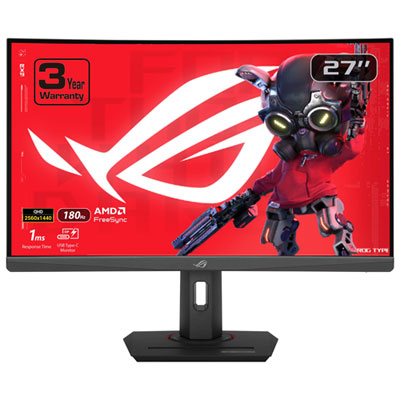
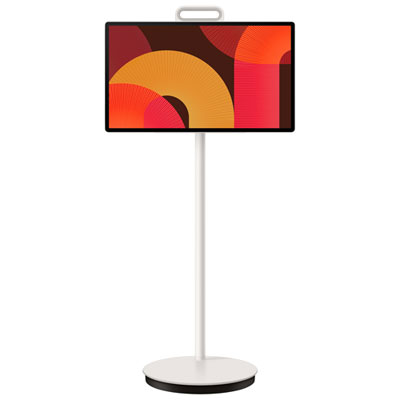
Top Collections:
Pokemon Centers, Kindle Devices, Best Budget Office Chairs, Apple iPhones 16, Best Laptops for Writers, iPhone 15 Apple, Canon G7X Cameras, Refurbished Apple Laptops, Alarm Clock, Motorola Razr Phones
Some products may be subject to Environmental Handling Fees
(EHF) depending on your province.
Learn more about EHFs.