Multi-Material 3D Printers
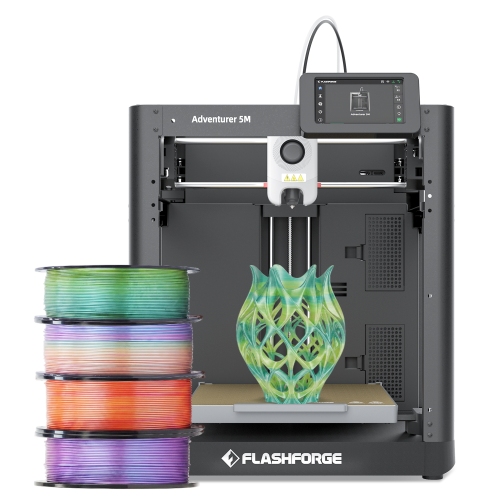
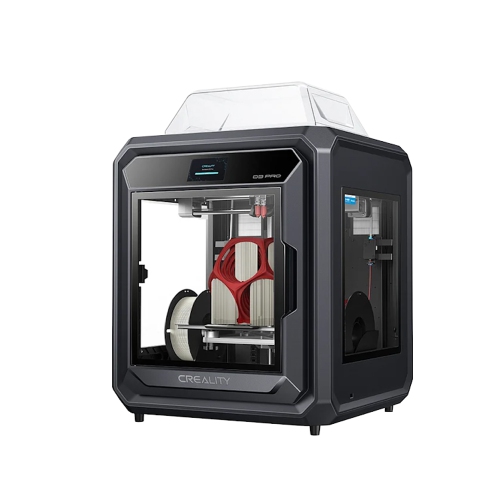
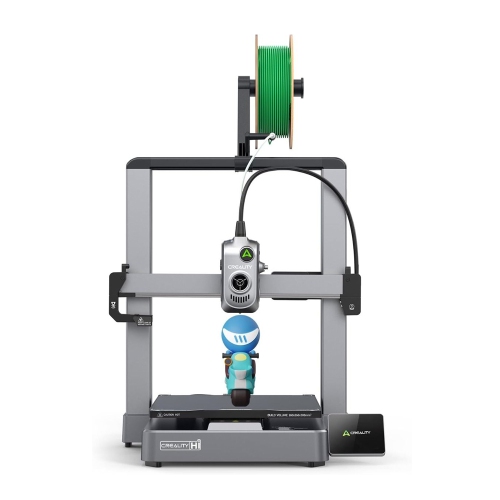
Multi-material 3D printers let you use more than one printing material in a single project. Compare models by filament compatibility, material-switching setup, and build volume to find the right fit for your designs. Check whether each printer supports your intended material combinations, such as rigid and flexible filaments or dedicated support material, and whether any additional accessories are required.
FAQ
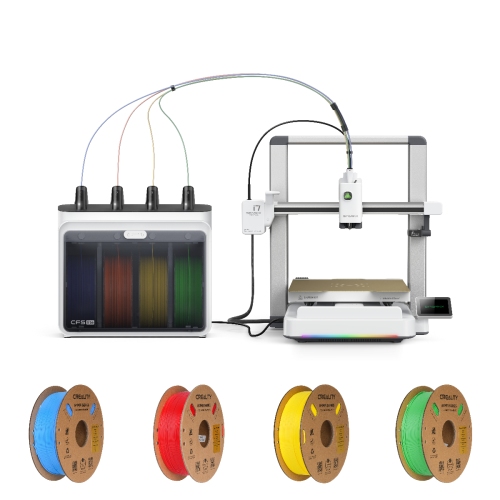
A multi-material 3D printer can use more than one printing material within a single print job. Depending on its design, it may use multiple print heads, a tool-changing system, or an automated filament feeder. This allows a model to include different material properties, colours, or dedicated support material.
Multicolour 3D printing uses different colours, often within the same type of filament. Multi-material printing uses distinct materials, such as rigid and flexible filaments or a model filament paired with soluble supports. Some printers offer both capabilities, but multicolour functionality alone does not mean a printer supports different material types in the same print.
The switching process depends on the printer. Some systems feed different filaments through a shared nozzle, unloading one before loading another. Others use separate nozzles or exchange entire print heads. Slicing software assigns materials to parts of the model and generates the instructions for each change.
Supported filaments vary by printer and feeding system. Options may include PLA, PETG, ABS, flexible TPU, and dedicated support filaments. A printer that accepts two materials individually may not support combining them in one print, since temperature requirements, material adhesion, and feeder compatibility also matter.
Multi-material printing typically uses slicing software that supports the printer’s material-switching hardware. You can assign materials to separate model components or selected regions, depending on the software. A 3MF project can store multiple components and material assignments, while STL workflows generally require those assignments to be added in the slicer.
Top selling and popular products
Discover more categories related to Multi-Material 3D Printers
Some products may be subject to Environmental Handling Fees (EHF) depending on your province. Learn more about EHFs.