Super Mario Makers
Super Mario Maker is a game where you can make your own levels for Super Mario Bros. It lets you play as Mario and Luigi, and it also lets you play as other characters from the Super Mario universe. Here are some great Super Mario Maker games.
Sort
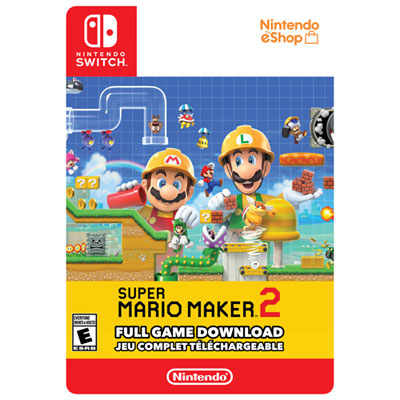
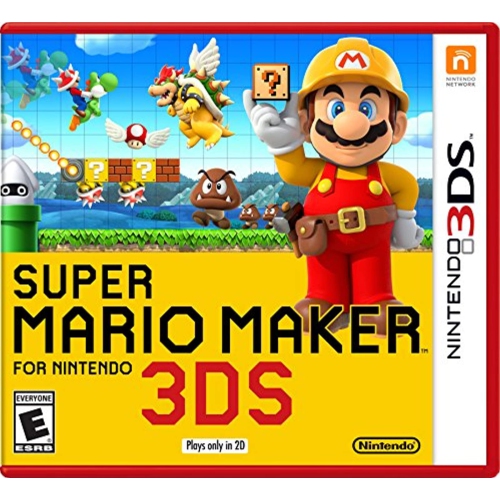
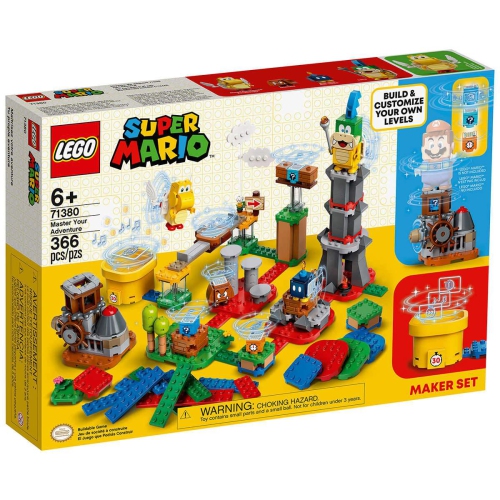
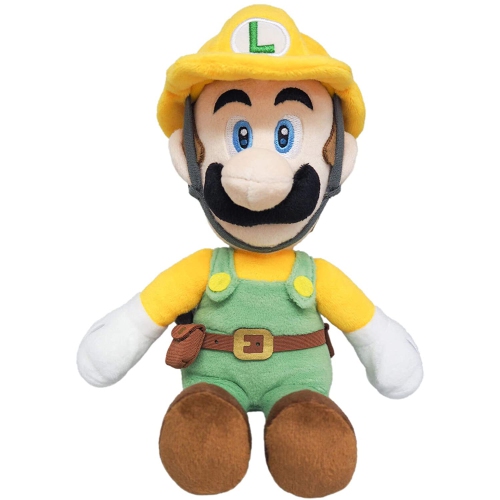


Every platform placement shapes a new playable challenge
Course-building platform games bring two kinds of play together: navigating side-scrolling challenges and designing new ones from a set of interactive building blocks. Instead of only following a fixed route from a starting point to a finish line, players can arrange platforms, position enemies, add obstacles, and test how each choice changes the experience. A short stretch of ground can become a gentle introduction to jumping, a tightly timed obstacle course, or a puzzle that rewards a careful look before moving forward. That mix of making and playing is the central appeal of this category, especially for anyone who enjoys imagining what belongs beyond the next screen. Familiar platform-game elements provide a starting point, while editing tools give players room to experiment with spacing, movement, and difficulty. Depending on the release, course themes and visual styles can change both the appearance of a level and the mechanics available within it. Different styles are not always interchangeable, so the creative possibilities depend on the particular game rather than its artwork alone. Players interested in a wider range of platforming adventures can also explore Super Mario Games, where course creation sits alongside other approaches to running, jumping, and exploring. For a game centred on building, the important distinction is how much freedom it offers and how comfortably its tools fit the player’s interests. Some people want to construct a quick challenge and pass the controller to someone beside them; others enjoy spending an entire session adjusting a single sequence until it feels right. Built-in courses, tutorials, and solo activities can offer useful starting points, but their scope varies by release. A game with both ready-made challenges and an accessible editor can suit a player who likes switching between following a designer’s ideas and developing their own. The result is a form of interactive entertainment that can support short bursts of play as well as longer creative projects.
The most useful features are often the ones that make an idea easy to test. A clear editing layout, responsive controls, and a straightforward way to switch between building and playing can make a greater difference than a long list of decorative choices. Consider a player creating a jumping challenge over a gap: moving the landing platform slightly closer may make the course welcoming to a beginner, while adding a moving obstacle can turn the same section into a test of timing. Placing a reward along a safe route can draw attention to the intended path without spelling out every step. These small adjustments are part of the pleasure of course design, and repeated play-testing helps reveal problems that are difficult to spot in the editor. A jump that seems obvious to its creator may confuse a friend who sees it for the first time. Checkpoints, clear sightlines, and space to practise a new mechanic can make demanding courses feel fair, where those tools are supported. For players who mainly want to play rather than build, the range of included challenges and the ability to access additional courses deserve equal attention. Online sharing, community-made levels, rankings, and multiplayer are separate features, not standard functions across every release. Some may require an internet connection, a compatible account, or a paid membership, and older releases may no longer support their original online services. The ability to create courses offline does not necessarily mean that downloading or sharing them remains possible. Local play also needs a closer look: taking turns on one course, building together, and playing simultaneously are different experiences with different hardware requirements. A household hoping to play together should match the supported modes to the number of players and compatible controllers. For younger users, age ratings, reading demands, and parental controls matter alongside the difficulty of the platforming itself. Community features may introduce user-created names, comments, or content, so account settings and supervision should reflect how the game will actually be used.
As purchases or gifts, course-building games are particularly well suited to people who enjoy both hands-on experimentation and the satisfaction of completing a challenge. A player who sketches obstacle courses on paper may appreciate the chance to make those ideas playable, while a platforming fan may prefer testing carefully designed routes and gradually improving their timing. Shared play can be as simple as siblings exchanging short levels or a parent trying a course built by a child, provided the game supports the intended setup. There is no need for every creation to be difficult: a generous trail of rewards, a playful sequence of moving platforms, or a hidden passage can be just as memorable as a demanding finish. Before choosing a game, compatibility is the practical starting point. Console generation, supported play modes, controller requirements, and the physical or digital format should all match the recipient’s equipment. Similar names or familiar characters do not establish compatibility, and a game made for one system should not be assumed to work on another. Physical editions also require the appropriate cartridge or disc reader, while digital editions depend on compatible account access and sufficient storage space. Updates and additional content can require extra storage regardless of format. For a gift, checking these details discreetly can help avoid handing over something the recipient cannot use. Care is straightforward but still important for keeping physical media ready for repeated play: cartridges belong in protective cases when not in use, exposed contacts should be kept clean and dry, and discs should be handled by their edges and stored away from abrasive surfaces. Controllers benefit from sensible handling and cleaning according to the manufacturer’s directions, especially when several people share them. Comfort matters during longer building sessions, too, whether the player works on a television or a supported portable screen. Readable menus, a comfortable grip, and an uncluttered play area help keep attention on the course itself. Matching these everyday details to the player’s habits makes the creative tools easier to enjoy, from the first placed platform to a finished challenge worth playing again.
The most useful features are often the ones that make an idea easy to test. A clear editing layout, responsive controls, and a straightforward way to switch between building and playing can make a greater difference than a long list of decorative choices. Consider a player creating a jumping challenge over a gap: moving the landing platform slightly closer may make the course welcoming to a beginner, while adding a moving obstacle can turn the same section into a test of timing. Placing a reward along a safe route can draw attention to the intended path without spelling out every step. These small adjustments are part of the pleasure of course design, and repeated play-testing helps reveal problems that are difficult to spot in the editor. A jump that seems obvious to its creator may confuse a friend who sees it for the first time. Checkpoints, clear sightlines, and space to practise a new mechanic can make demanding courses feel fair, where those tools are supported. For players who mainly want to play rather than build, the range of included challenges and the ability to access additional courses deserve equal attention. Online sharing, community-made levels, rankings, and multiplayer are separate features, not standard functions across every release. Some may require an internet connection, a compatible account, or a paid membership, and older releases may no longer support their original online services. The ability to create courses offline does not necessarily mean that downloading or sharing them remains possible. Local play also needs a closer look: taking turns on one course, building together, and playing simultaneously are different experiences with different hardware requirements. A household hoping to play together should match the supported modes to the number of players and compatible controllers. For younger users, age ratings, reading demands, and parental controls matter alongside the difficulty of the platforming itself. Community features may introduce user-created names, comments, or content, so account settings and supervision should reflect how the game will actually be used.
As purchases or gifts, course-building games are particularly well suited to people who enjoy both hands-on experimentation and the satisfaction of completing a challenge. A player who sketches obstacle courses on paper may appreciate the chance to make those ideas playable, while a platforming fan may prefer testing carefully designed routes and gradually improving their timing. Shared play can be as simple as siblings exchanging short levels or a parent trying a course built by a child, provided the game supports the intended setup. There is no need for every creation to be difficult: a generous trail of rewards, a playful sequence of moving platforms, or a hidden passage can be just as memorable as a demanding finish. Before choosing a game, compatibility is the practical starting point. Console generation, supported play modes, controller requirements, and the physical or digital format should all match the recipient’s equipment. Similar names or familiar characters do not establish compatibility, and a game made for one system should not be assumed to work on another. Physical editions also require the appropriate cartridge or disc reader, while digital editions depend on compatible account access and sufficient storage space. Updates and additional content can require extra storage regardless of format. For a gift, checking these details discreetly can help avoid handing over something the recipient cannot use. Care is straightforward but still important for keeping physical media ready for repeated play: cartridges belong in protective cases when not in use, exposed contacts should be kept clean and dry, and discs should be handled by their edges and stored away from abrasive surfaces. Controllers benefit from sensible handling and cleaning according to the manufacturer’s directions, especially when several people share them. Comfort matters during longer building sessions, too, whether the player works on a television or a supported portable screen. Readable menus, a comfortable grip, and an uncluttered play area help keep attention on the course itself. Matching these everyday details to the player’s habits makes the creative tools easier to enjoy, from the first placed platform to a finished challenge worth playing again.
Top selling and popular products
-
![NINTENDO Super Smash Bros. for Wii U [ Wii U]](https://multimedia.bbycastatic.ca/multimedia/products/500x500/148/14828/14828259.jpeg) Your price for this item is $80.49
Your price for this item is $80.49 -
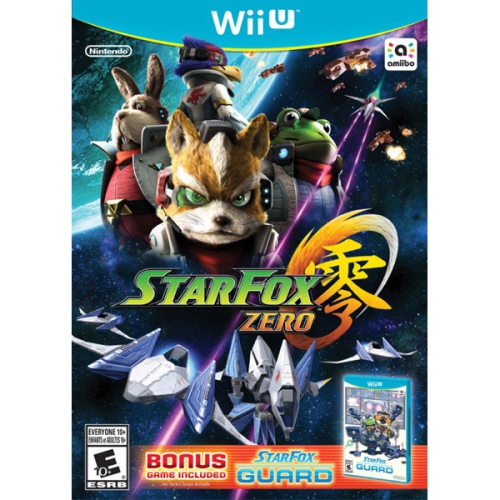 Your price for this item is $79.99
 -
![NINTENDO Pikmin 3 [ Wii U]](https://multimedia.bbycastatic.ca/multimedia/products/500x500/147/14763/14763854.png) Your price for this item is $51.74
Your price for this item is $51.74 -
![SHOPVILLE Animal Crossing: Amiibo Festival + Isabelle & Digby Amiibos + Goldie, Rosie And Stitches [Nintendo Wii U]](https://multimedia.bbycastatic.ca/multimedia/products/500x500/148/14828/14828540.jpeg) Your price for this item is $69.99
Your price for this item is $69.99 -
 Your price for this item is $53.49
 -
![NINTENDO Shovel Knight [ Wii U]](https://multimedia.bbycastatic.ca/multimedia/products/500x500/148/14865/14865440.jpeg) Your price for this item is $63.24
Your price for this item is $63.24 -
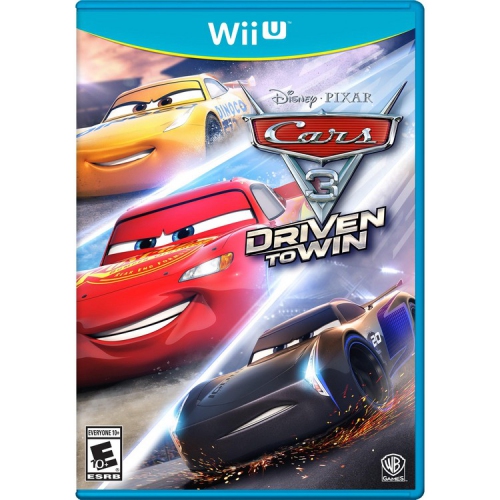 Your price for this item is $26.44
 -
![NINTENDO Mario Party 10 + Bowser Amiibo [ Wii U]](https://multimedia.bbycastatic.ca/multimedia/products/500x500/148/14828/14828254.jpeg) Your price for this item is $166.74
Your price for this item is $166.74
Discover more categories related to Super Mario Makers
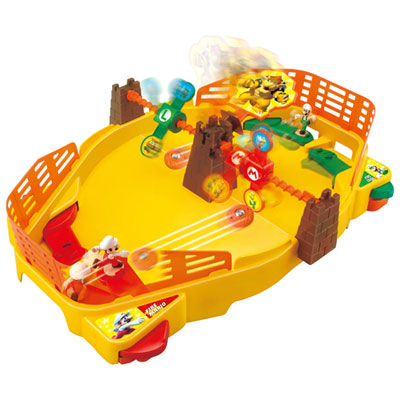
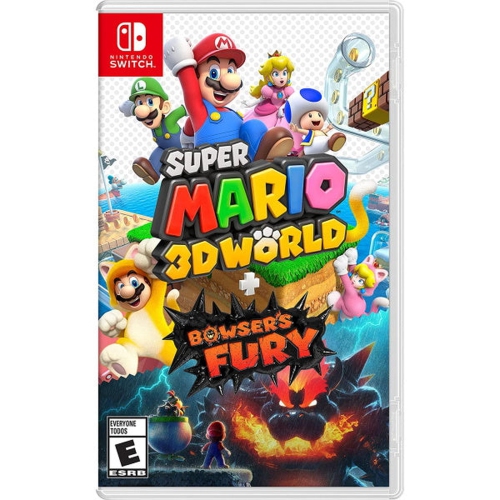

Top Collections:
Pokemon Centers, Kindle Devices, Best Budget Office Chairs, Apple iPhones 16, Best Laptops for Writers, iPhone 15 Apple, Canon G7X Cameras, Refurbished Apple Laptops, Alarm Clock, Motorola Razr Phones
Some products may be subject to Environmental Handling Fees
(EHF) depending on your province.
Learn more about EHFs.