NVMe M.2

Find NVMe M.2 SSDs to add storage or upgrade a compatible desktop or laptop. Compare solid-state drives by capacity, PCIe generation, and read and write speeds, then check your device’s supported M.2 size and interface to choose a drive that fits.

Read More

Sort

A faster storage upgrade starts with system compatibility

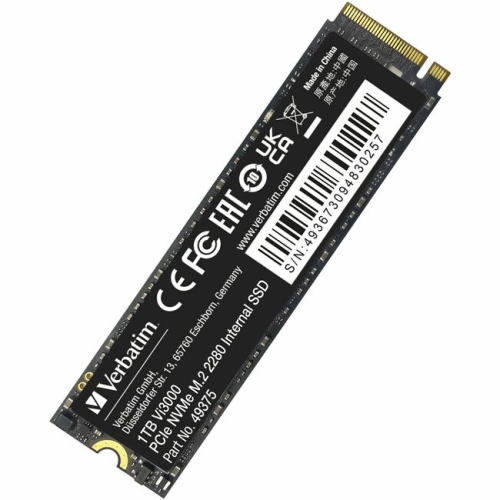
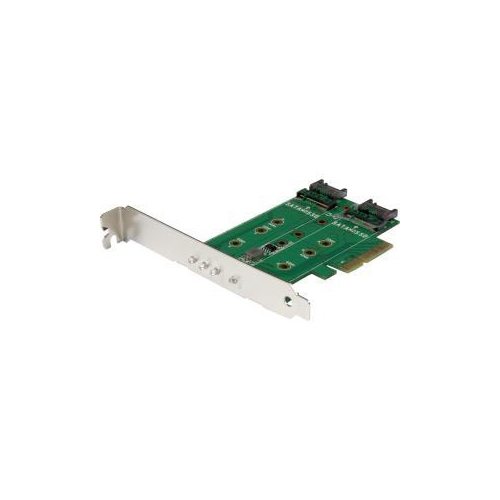
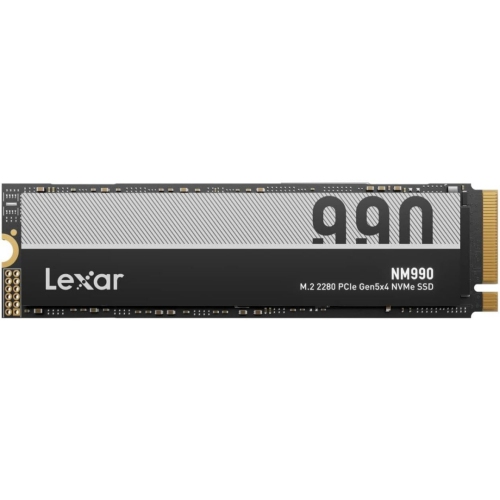
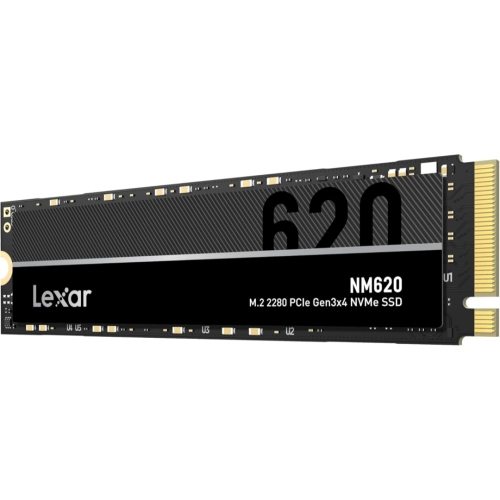
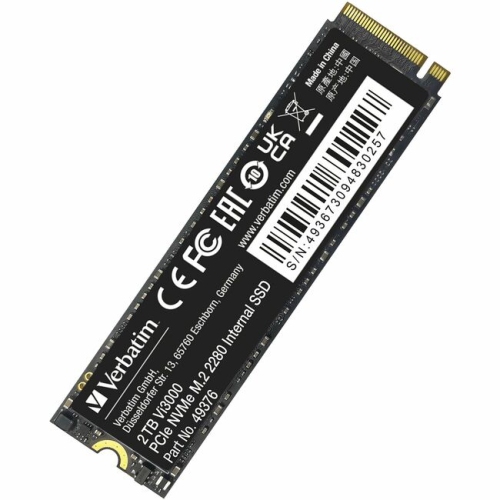
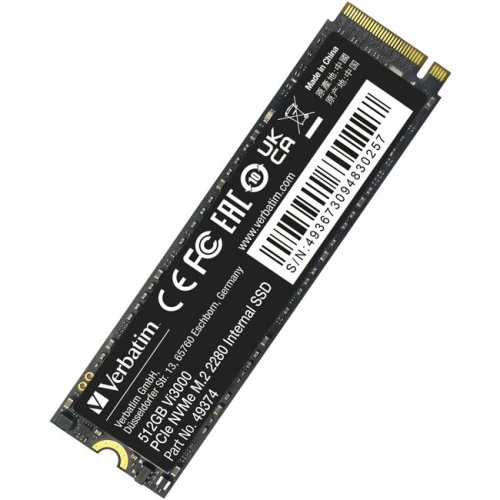
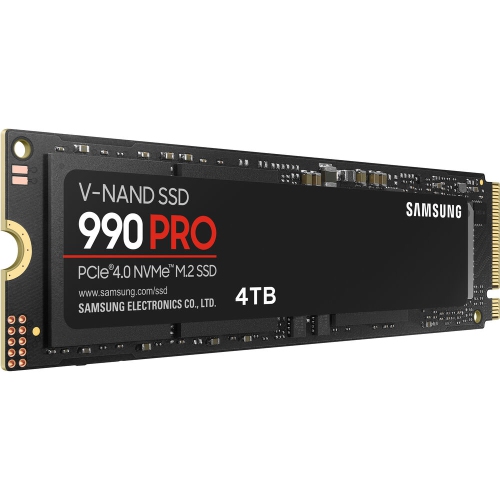
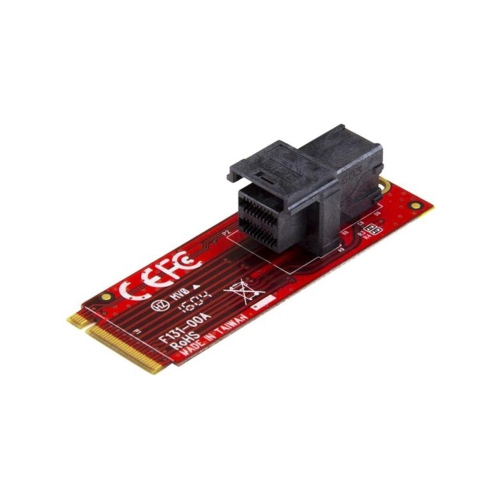
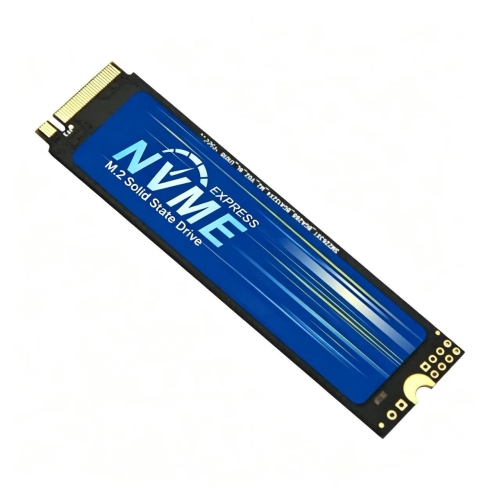
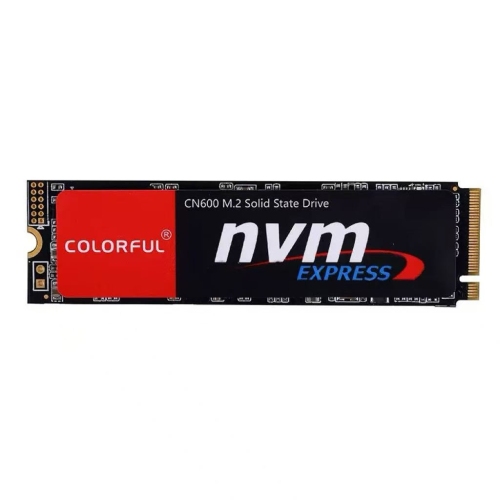
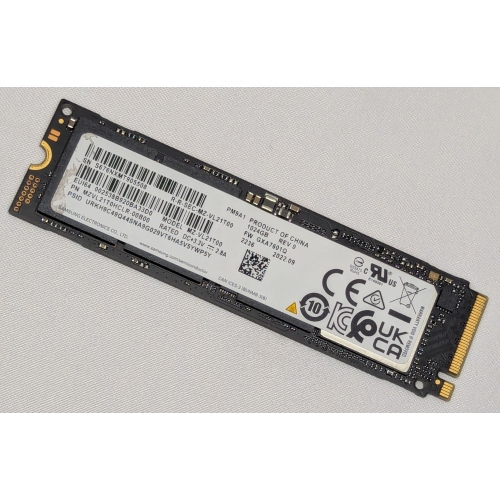
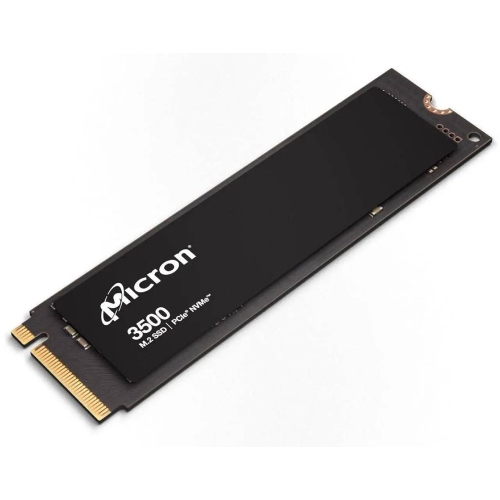
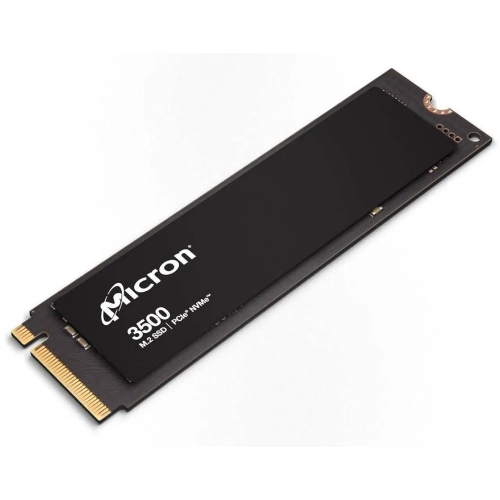
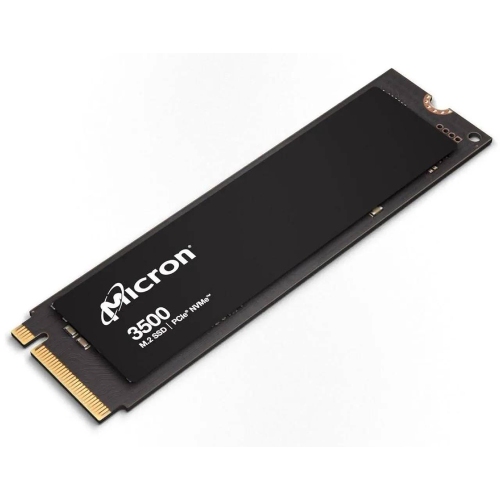
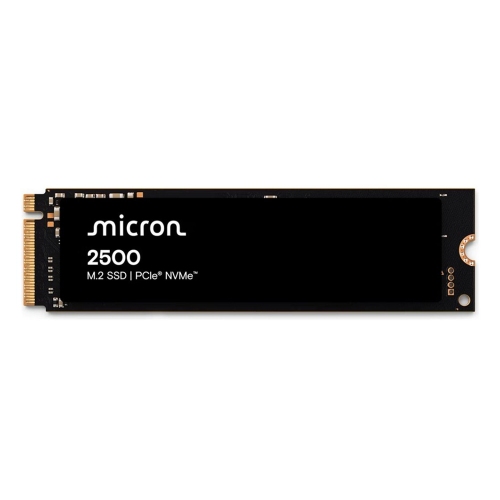
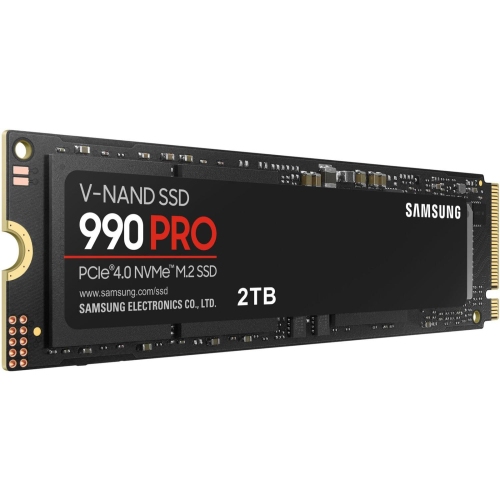
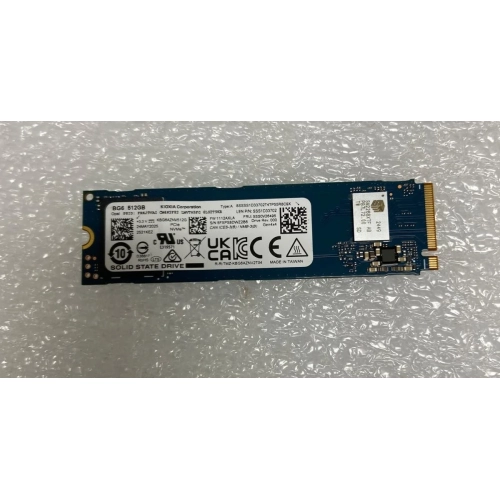
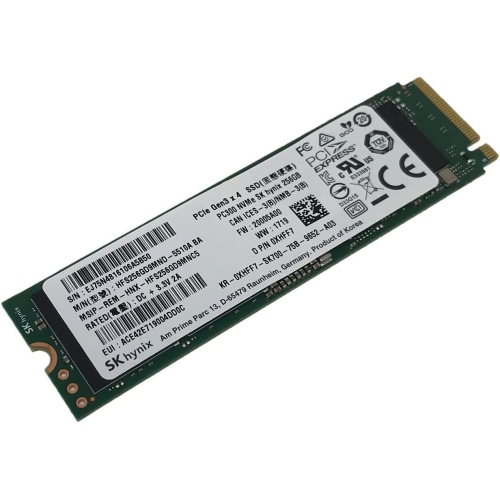
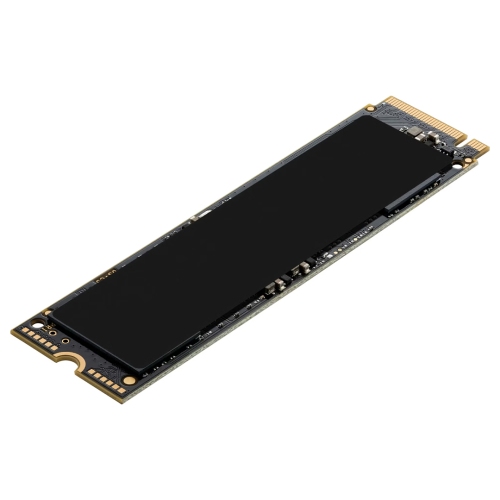
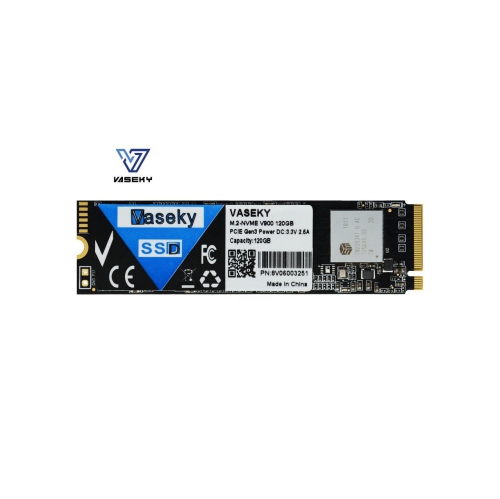
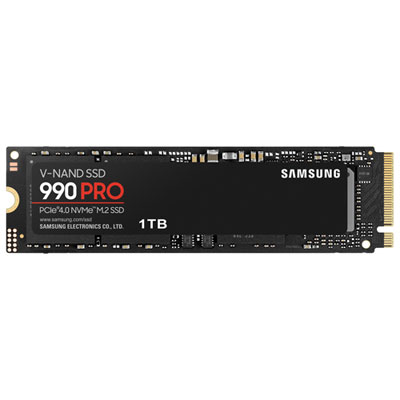
NVMe M.2 SSDs offer compact, high-speed storage for compatible desktop PCs and laptops, with capacity options suited to everyday computing, gaming, and demanding creative work. NVMe is a storage protocol that uses a PCIe connection, while M.2 describes the drive’s physical form factor. That distinction matters when comparing drives: an M.2 SSD may use either NVMe or SATA, and the two are not automatically interchangeable in every slot. For a compatible system, an NVMe M.2 drive can provide fast access to operating system files, applications, games, and large project folders without the data and power cables used by many 2.5-inch internal drives. Performance gains depend on the drive, the computer, and the task, but this type of storage is particularly relevant for people replacing a slower drive, expanding a game library, or adding space for photos, video, and other large files.
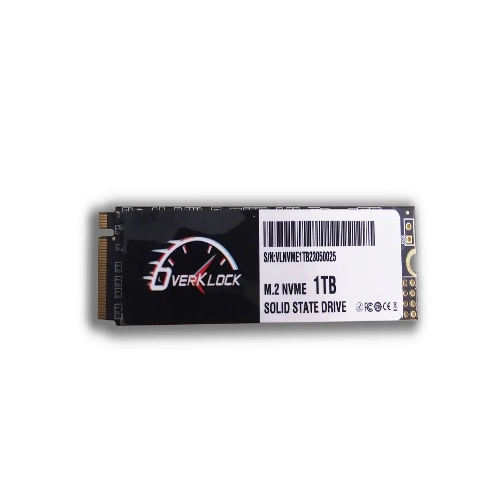
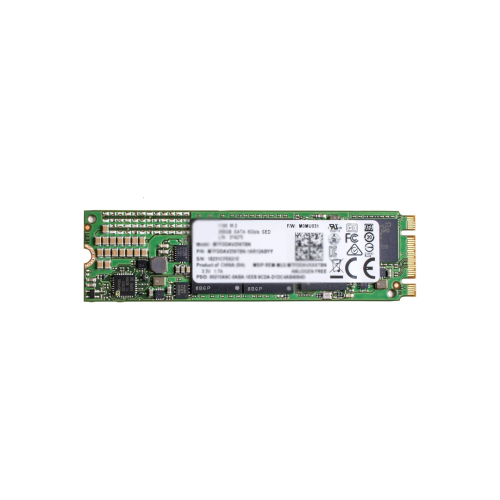
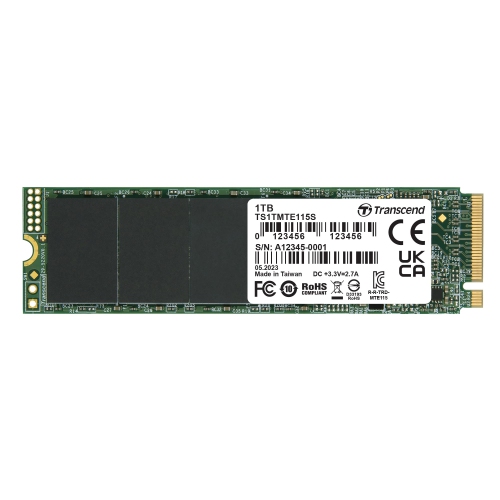
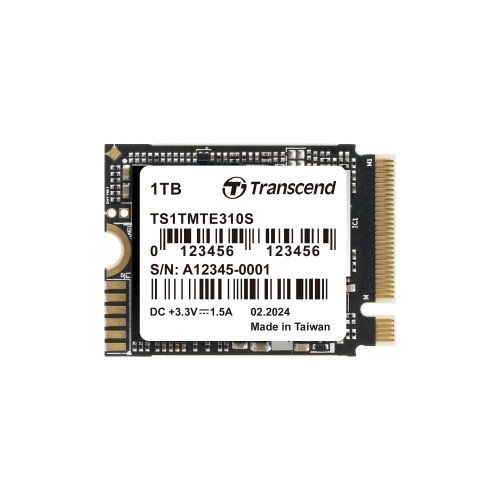
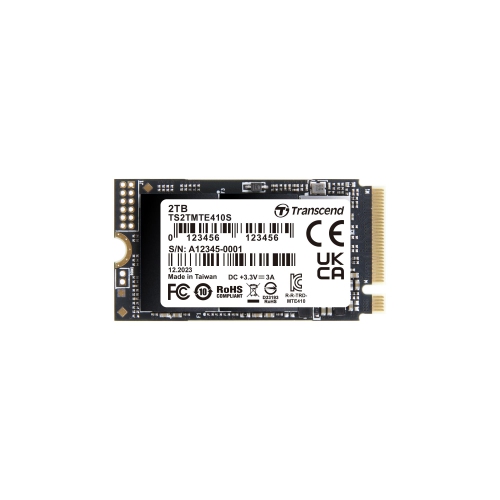
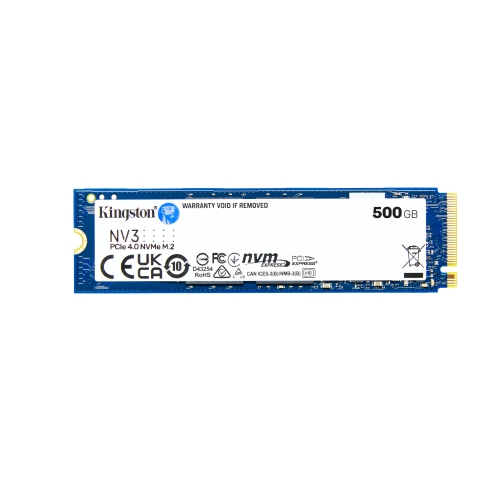
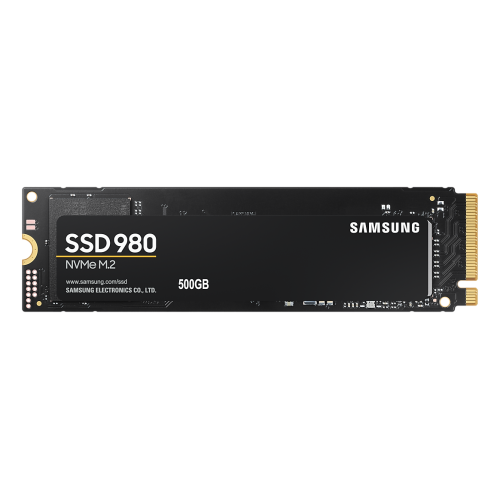
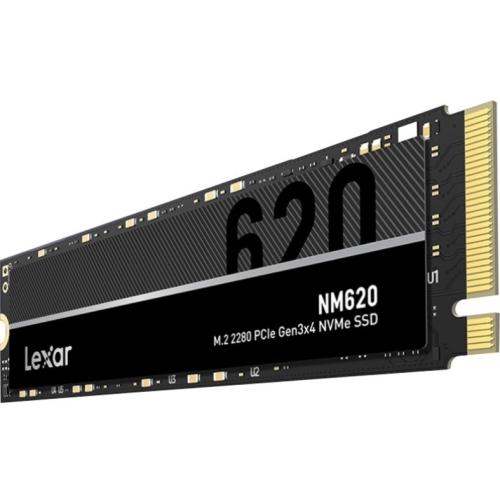
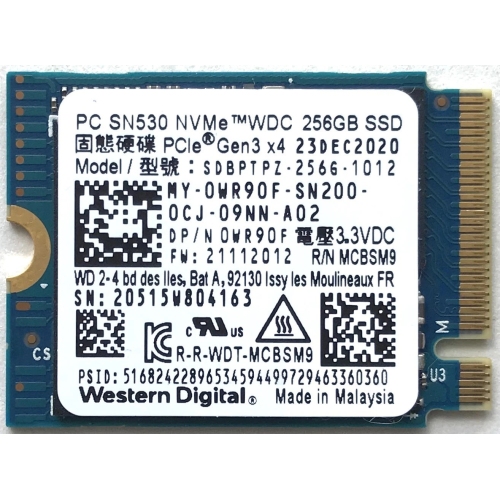
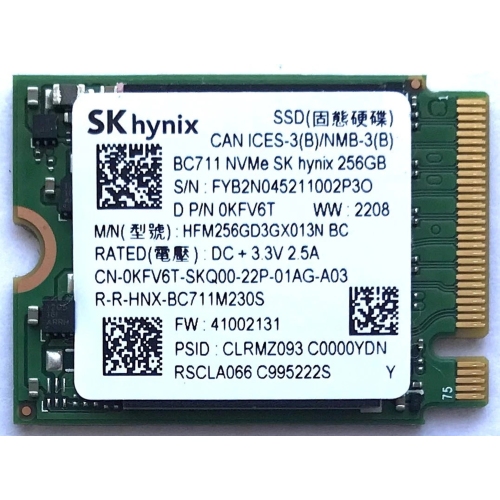
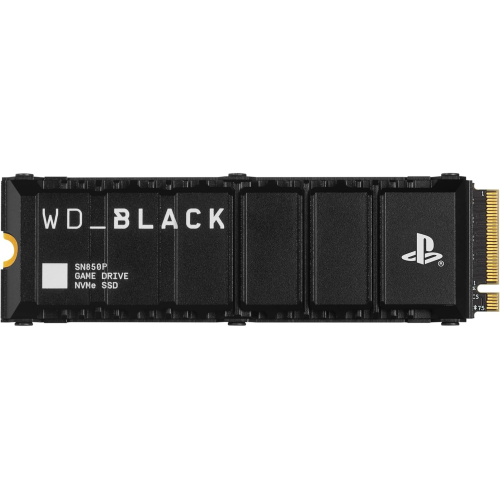
Compatibility is a central consideration when choosing among NVMe M.2 storage options. The computer or motherboard needs an M.2 slot that supports PCIe NVMe storage, along with support for the drive’s dimensions and capacity. A common size is M.2 2280, which measures 22 mm wide by 80 mm long, though some compact devices require shorter drives. PCIe generation and lane support also affect the speeds a system can achieve. A newer-generation drive may work in an older compatible PCIe slot, but its transfer speeds will be limited by the connection available. Laptop chassis and desktop motherboard layouts can introduce additional restrictions, including clearance for double-sided drives or attached heatsinks. For compatible gaming consoles and handheld gaming PCs, the device’s storage specifications are especially important, since physical fit alone does not establish compatibility. Checking those requirements helps narrow the selection to drives that suit the intended device rather than simply choosing the highest advertised speed.
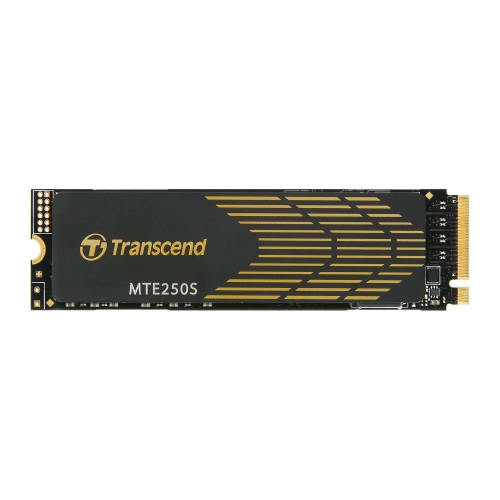
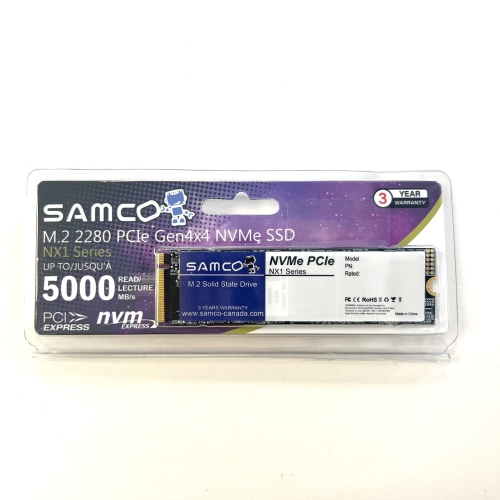
Capacity and workload help distinguish the right NVMe M.2 SSD for each setup. A system used mainly for browsing, office applications, and a modest collection of files may need less storage than one used for large game installations, high-resolution media, or video editing. Allowing room for updates, temporary files, and future additions can make a higher-capacity drive a practical choice. Advertised sequential read and write speeds are useful for comparing large-file transfer potential, while random-access performance is more relevant to the many small operations involved in launching applications and navigating an operating system. Sustained write performance can differ from peak speed figures, particularly during lengthy transfers after a drive’s high-speed cache fills. Endurance ratings, often expressed as terabytes written, can also help put a drive’s suitability for write-heavy work into context, though they are not a guarantee of a specific service life.

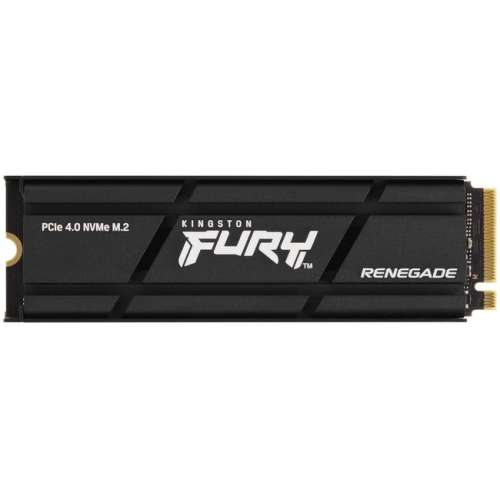
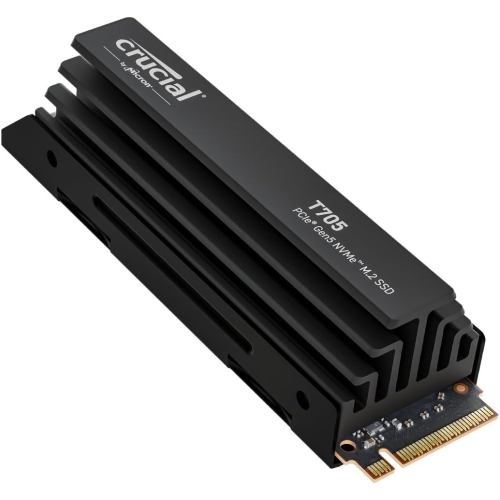
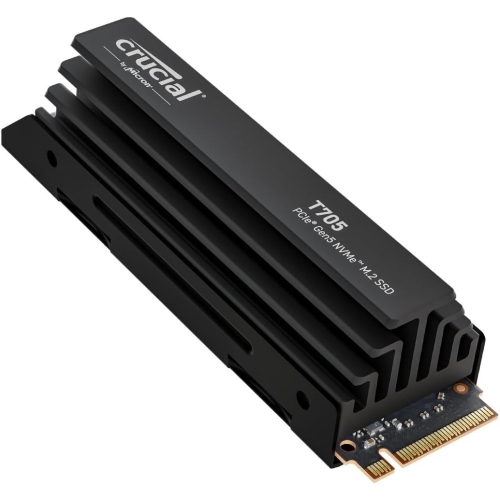
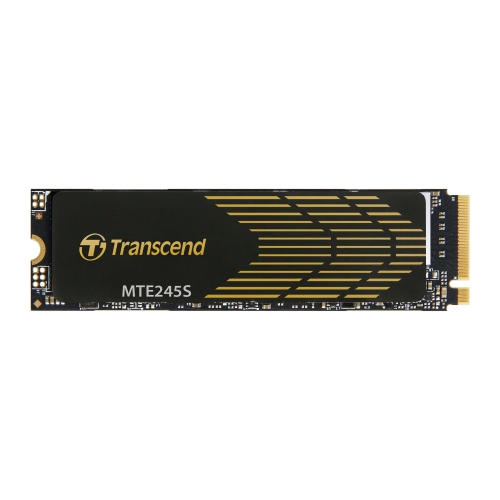
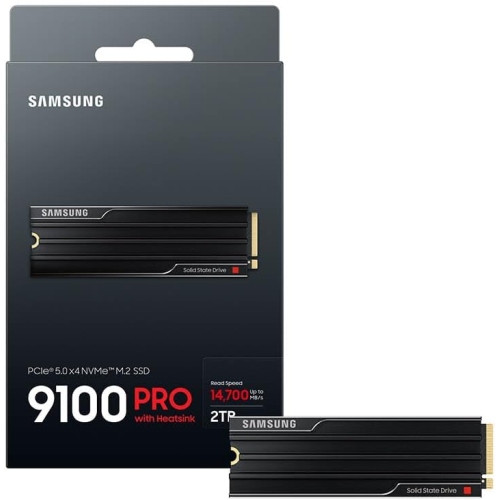
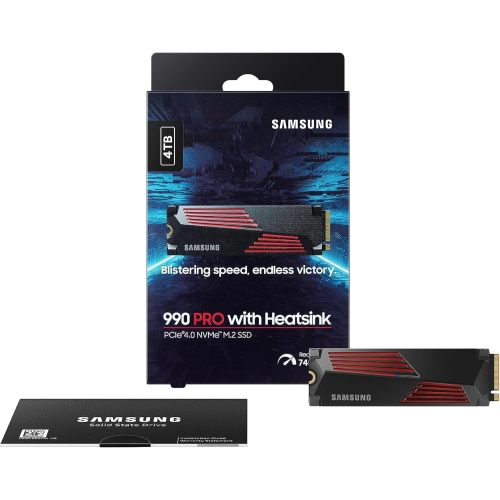
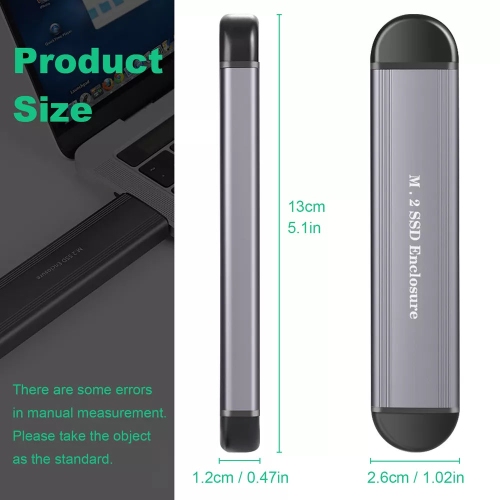
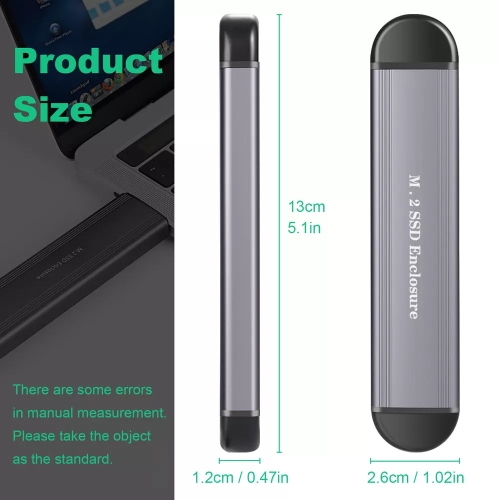
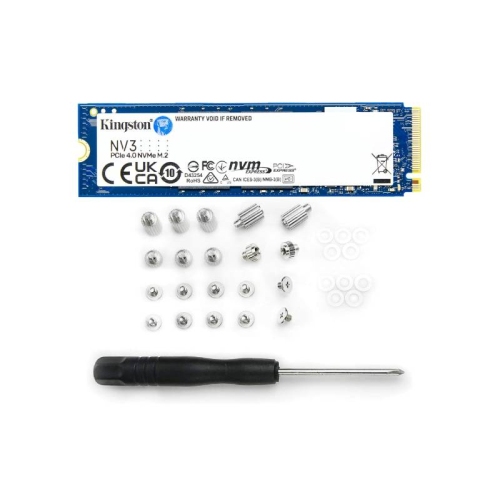
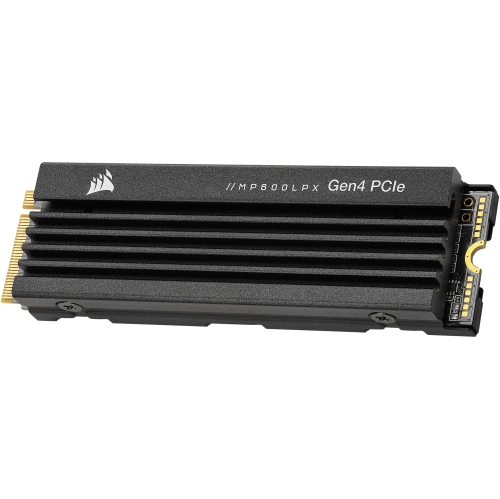
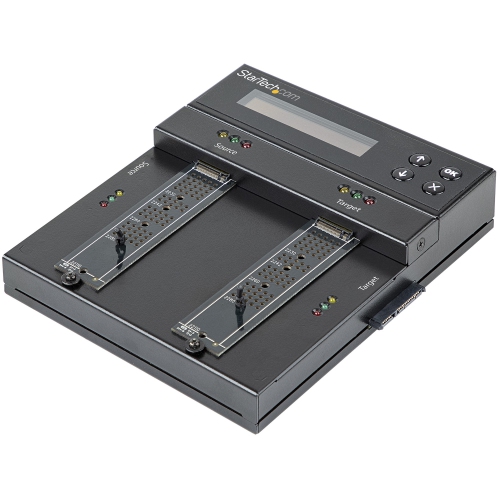
Thermal design and installation needs are worth considering alongside capacity and performance. Some NVMe M.2 SSDs include a heatsink, while others are intended to fit beneath a motherboard’s heat spreader or within the tighter space of a laptop. A suitable cooling arrangement can help maintain performance during extended activity, but an attached heatsink must fit the device and should not be assumed to work with every existing cover. When replacing a primary drive, transferring an operating system and files may require compatible cloning software, an NVMe-compatible USB enclosure, or a fresh installation; these should not be assumed to be included. Adding a secondary drive can be simpler when a supported slot is available, although mounting hardware and initial formatting may still be needed. For a storage upgrade purchased as a gift, knowing the recipient’s exact computer or device model is more useful than choosing by capacity alone. Matching the drive’s interface, dimensions, cooling requirements, and performance to the intended system supports a more useful upgrade, while a separate backup remains important for protecting valuable files.

Read More

FAQ

Some products may be subject to Environmental Handling Fees (EHF) depending on your province. Learn more about EHFs.