Computer Cart
A computer cart is a rolling desk that allows you to move your computer from room to room or from workstation to workstation. It's a great way to keep your workstation neat and tidy, and it frees up floor space for other uses. Whether you want to wheel your computer around the office or just need something to set it on while you work at your desk, we've got options for you.
Sort

There’s more to a mobile workstation than wheels
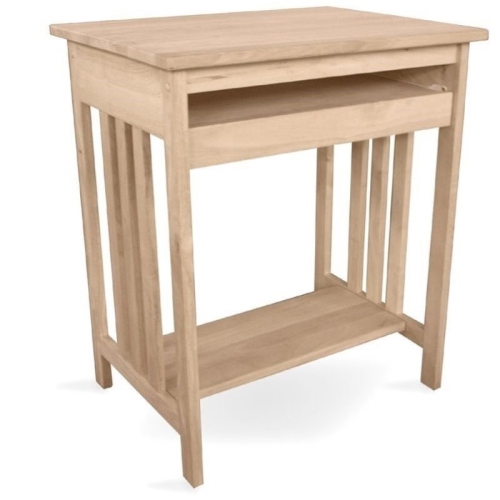
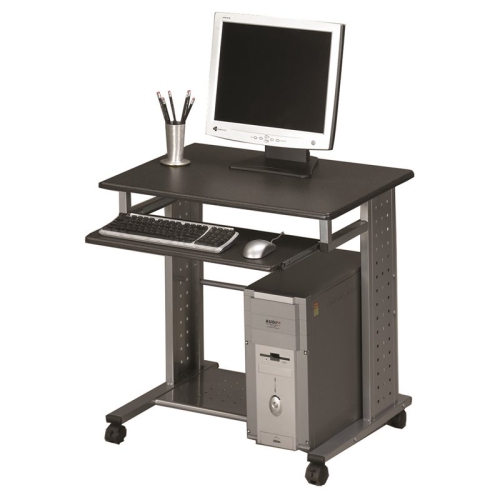
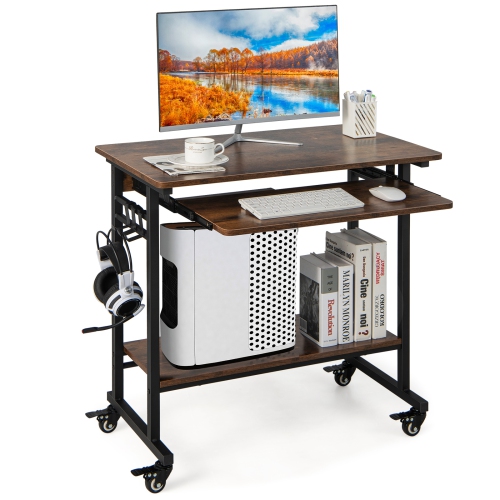
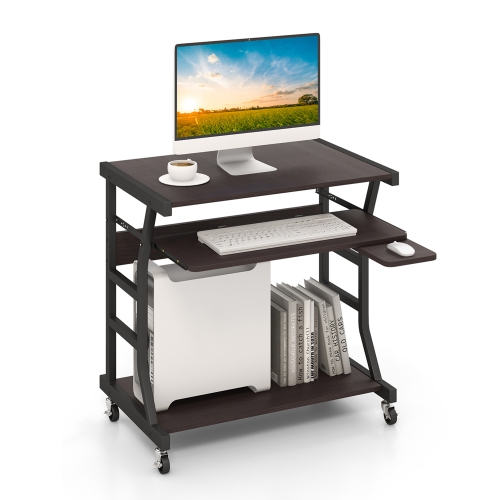
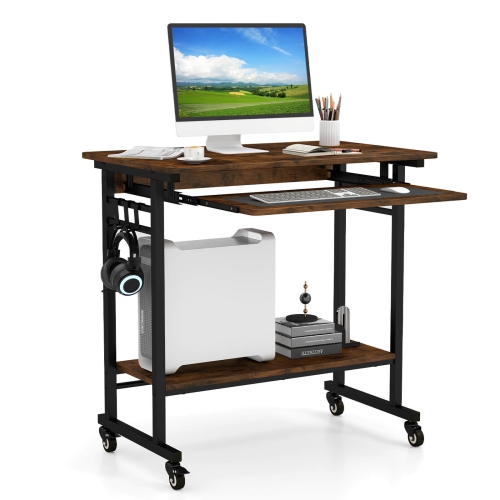
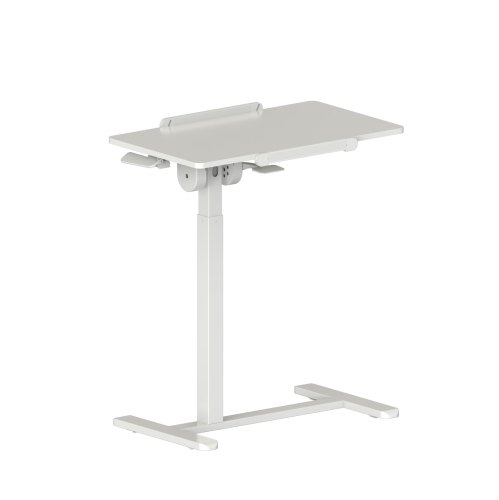
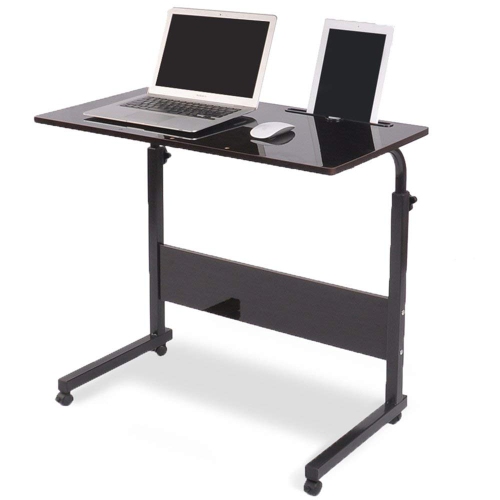
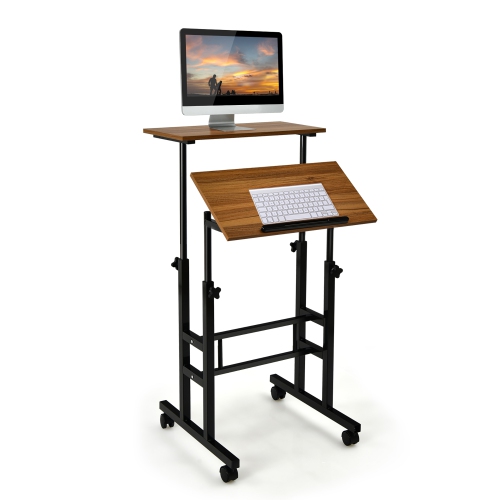
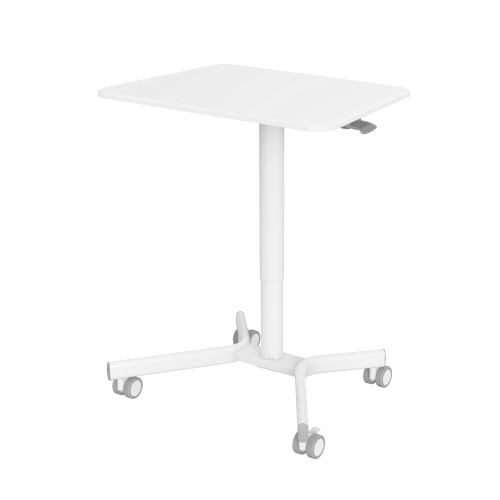
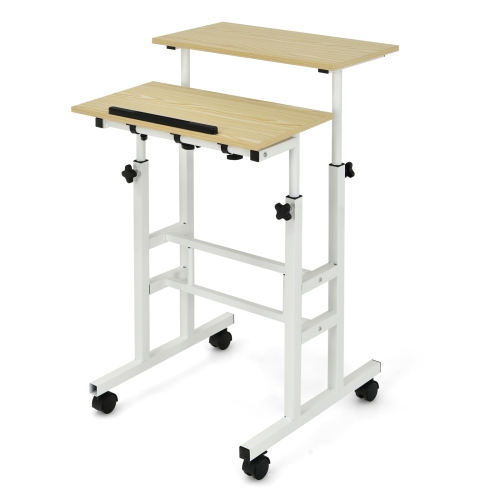
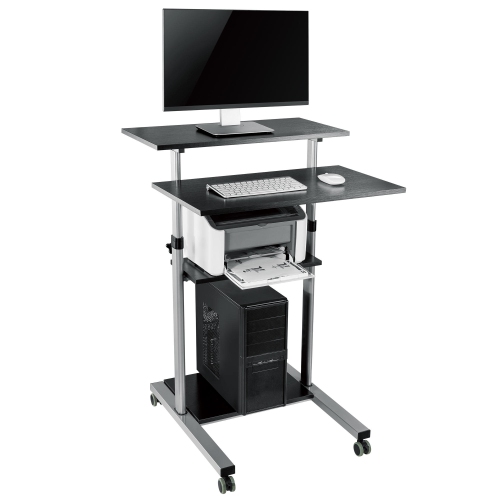
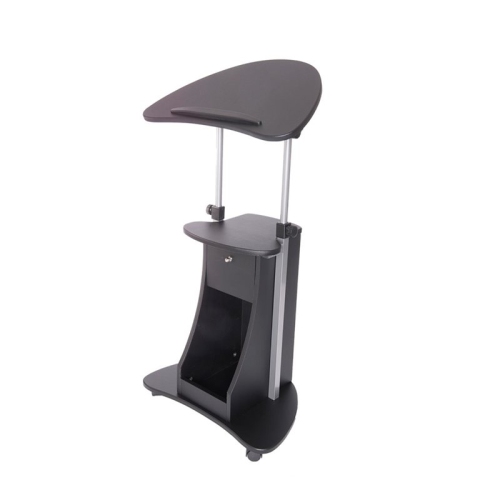
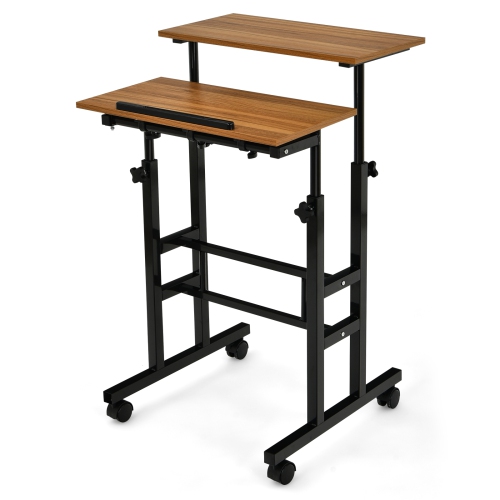
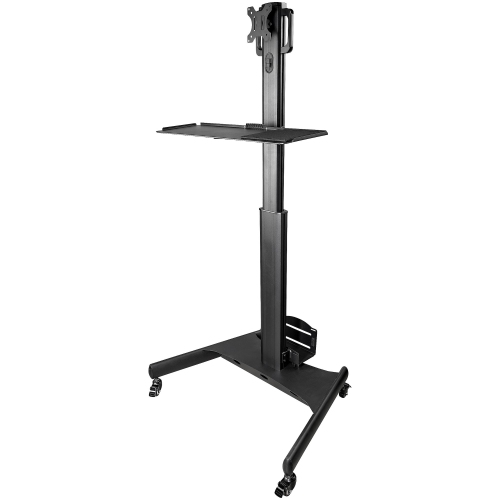
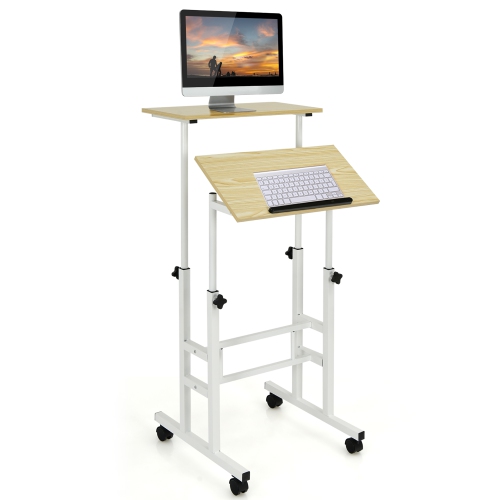
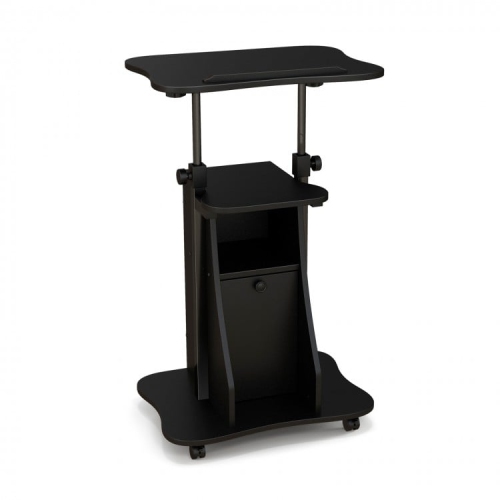
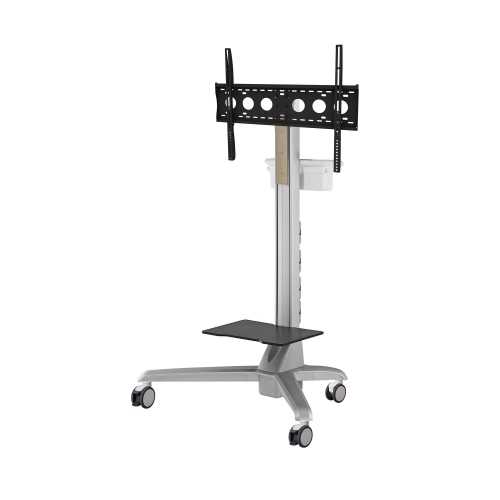
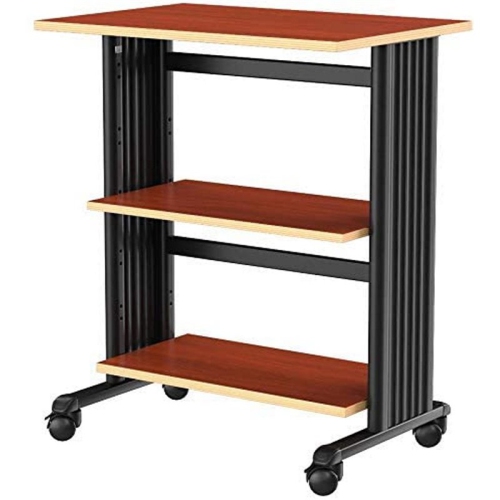
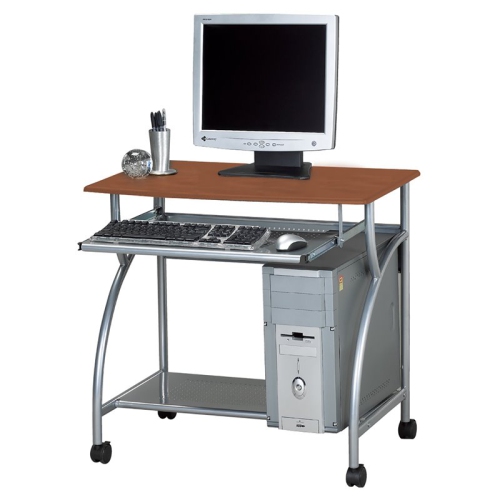
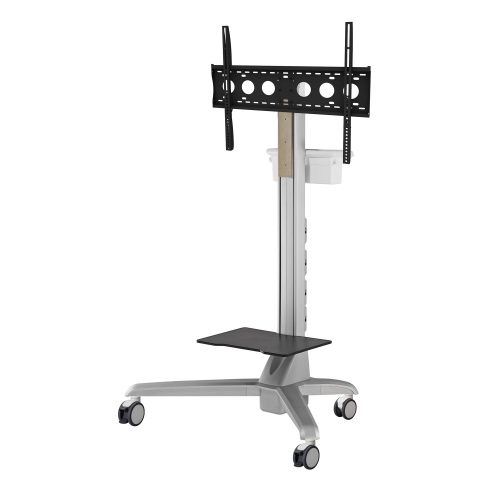
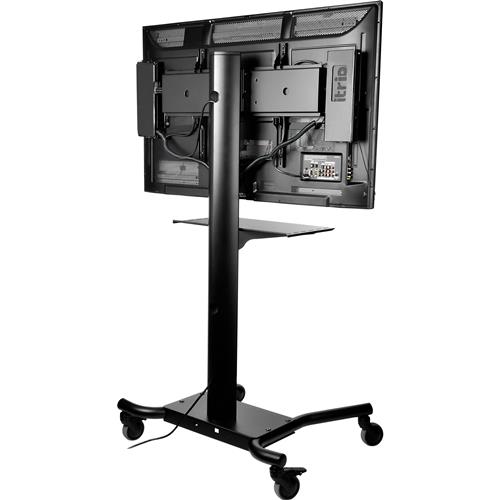
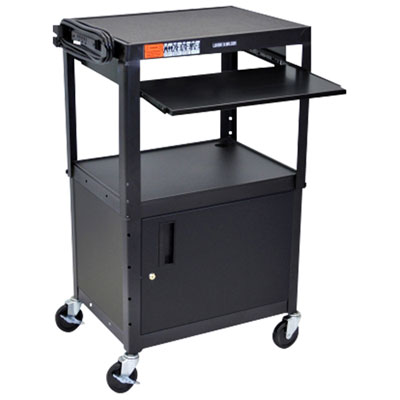
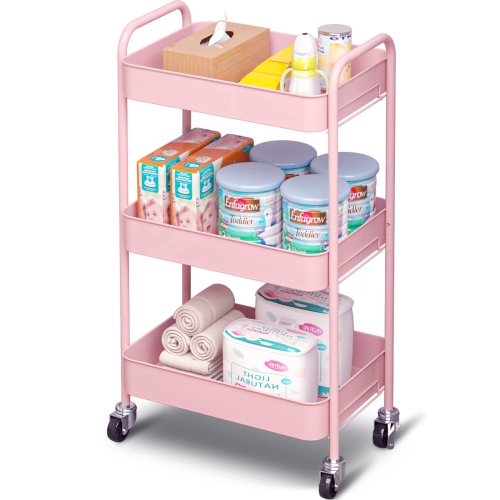
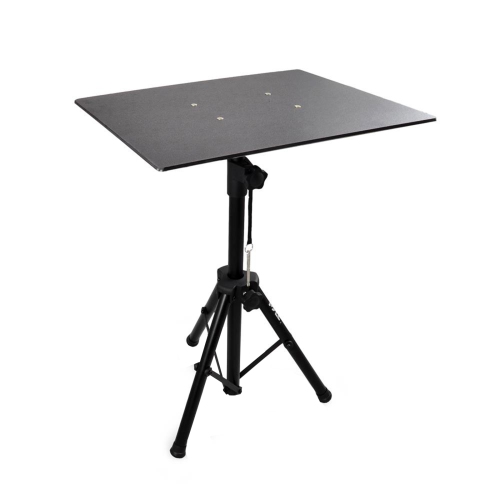
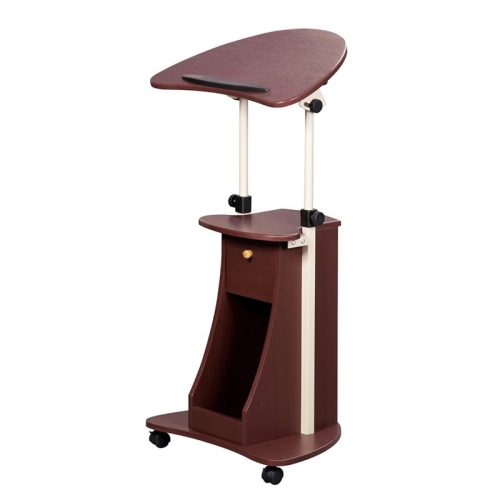
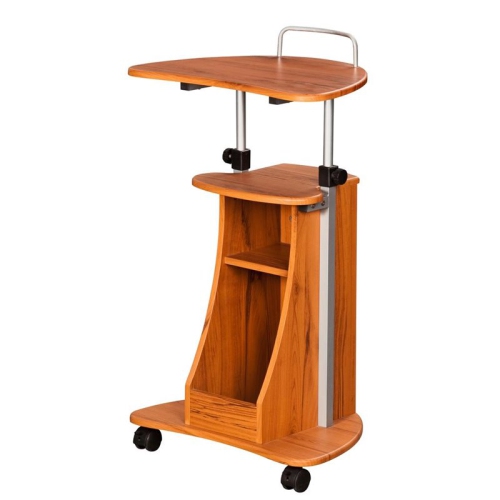
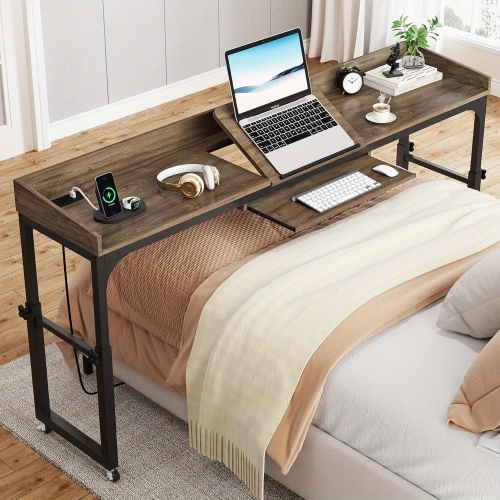
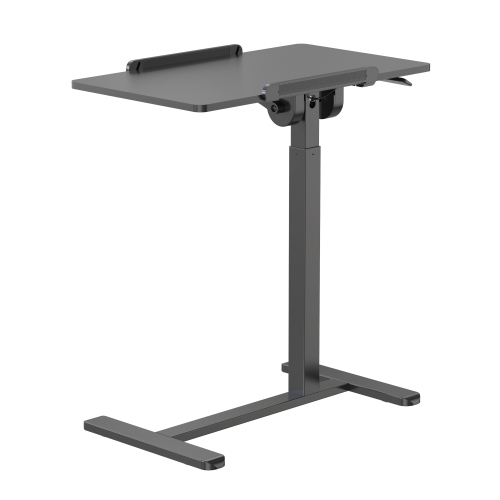
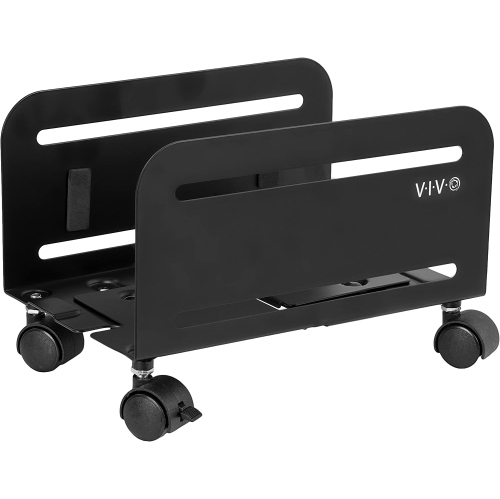
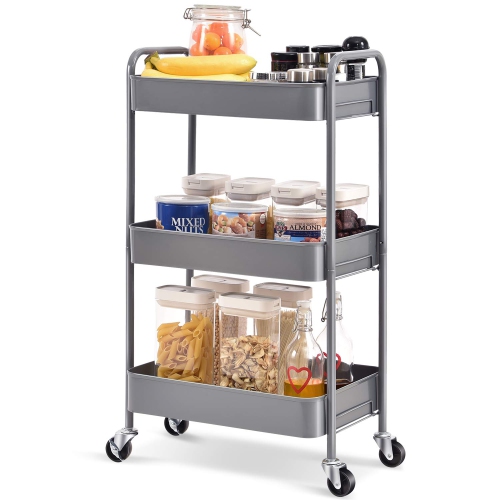
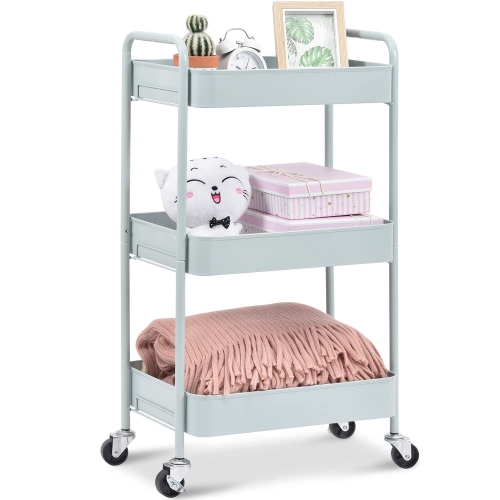
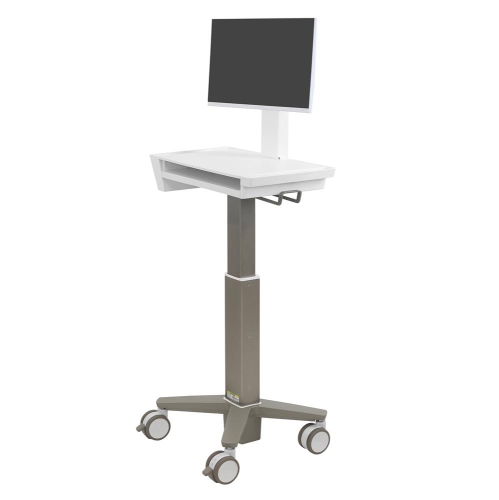
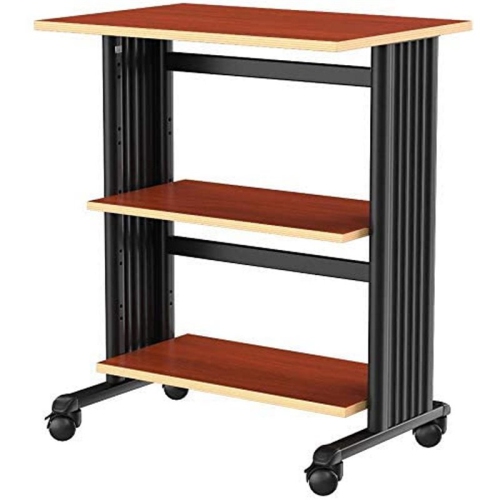
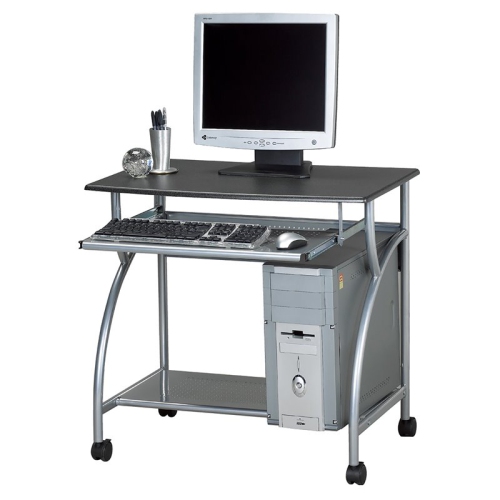
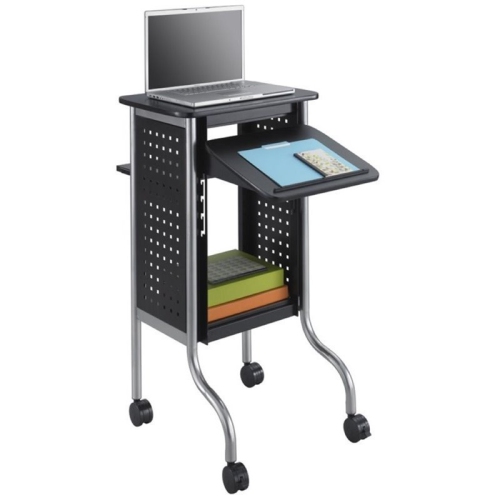
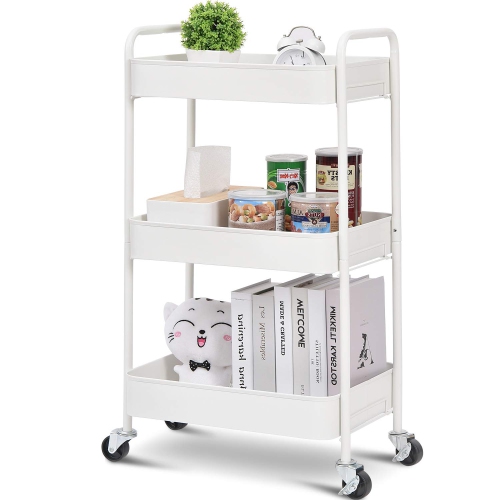
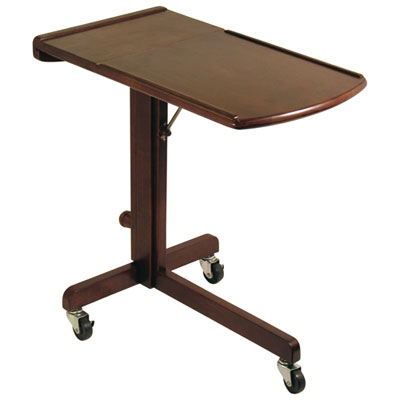
A computer cart is a mobile workstation or wheeled support designed to hold computing equipment and make it easier to reposition within a room or move between work areas. The term covers several distinct formats, from a compact laptop cart with a single work surface to a full desktop workstation with shelves, a keyboard tray, and space for a tower. Mobile standing desks add height adjustment, allowing the work surface to suit seated or standing tasks within the cart’s adjustment range. A tower cart serves a narrower purpose: it supports the computer case near floor level rather than providing a surface for typing or viewing a monitor. Understanding these differences helps match the cart to the equipment and the way it will be used. Someone working on a laptop in a shared living room may need a slim base that fits beside a chair, while a teacher moving a computer between teaching spaces may benefit from a larger surface, secure equipment placement, and accessible storage. In a home office, a rolling computer desk can keep a workstation together while allowing the room to serve other purposes after work. A desktop setup usually needs more planning because the monitor, keyboard, mouse, tower, and connecting cables must all fit without crowding the work surface. Some full workstation designs include monitor mounting points or separate equipment shelves, while others rely on a broad tabletop. Laptop carts tend to be lighter and more compact, though their smaller surfaces may leave limited room for an external mouse or notebook. For spaces that also need movable storage for paperwork, supplies, or shared equipment, office carts include formats that complement a dedicated computer station. The practical distinction is whether the main purpose is supporting active computer use, moving a tower, or organizing equipment that is only used occasionally.
Fit involves more than checking whether a laptop or monitor will sit on the top shelf. The usable surface should accommodate the equipment’s footprint, with enough space for comfortable mouse movement and a safe margin around the edges. A monitor stand can take up a substantial portion of a shallow tabletop, and a keyboard tray needs sufficient width for the intended keyboard and any mouse area it is expected to provide. For carts with an integrated monitor mount, the mounting pattern, supported screen weight, and adjustment limits need to match the display. Tower supports should fit the case dimensions without covering ventilation openings or making ports difficult to reach. Raising a tower off carpet can help keep bottom vents clear when the support leaves those vents unobstructed, but elevation alone does not guarantee better cooling. Overall cart dimensions matter just as much in daily use: a base that looks compact may still catch on chair legs, and a wide handle or projecting shelf can complicate passage through a doorway. Under-chair or bedside designs need enough clearance for the base, including the height of the castors, not just space for the tabletop. Steel frames can provide a sturdy structure, while aluminium frames may reduce the effort needed to reposition the cart; stability still depends on the design, construction, and load placement. Wood and engineered-wood surfaces offer a familiar desk-like finish, often paired with laminate or another protective coating. Smooth, sealed surfaces are convenient for routine wiping, while exposed edges and joints deserve attention in areas where bumps or spills are likely. Weight capacity should cover everything carried on the cart, including accessories, with individual shelf limits observed as well as the overall rating. Larger castors generally handle small floor transitions more easily than very small wheels, but floor compatibility, wheel material, and the loaded cart’s handling all matter. Locking castors help limit movement while typing, although a parked cart still needs a level surface and should not be treated as a support for leaning or standing.
Comfort and tidy cable routing make a computer cart more useful once it is in place. For seated work, the surface or keyboard tray should allow relaxed shoulders and comfortable elbow positioning, with room beneath for knees and feet. For standing tasks, the available height range needs to suit the person using it; a cart described as adjustable may not rise high enough for every adult. Adjustment mechanisms also differ, and some require the surface to be cleared or supported before its height changes. A laptop’s attached screen and keyboard can make comfortable positioning difficult during longer sessions, so a separate keyboard and mouse may be useful when the screen is raised, provided the cart has room for them. On a shared workstation, accessible adjustment controls can make the transition between users less awkward. Cable clips, routing channels, and accessible shelves help keep charging leads and peripheral connections organized without allowing loose loops to trail near wheels. Cables need enough slack for any height adjustment, but they should not drag across the floor or pull against ports. Before moving between rooms, disconnect external leads as needed and secure loose accessories; a cart does not make a desktop computer independent of its power connection. Heavier equipment belongs low on the frame where the design permits, and monitors or towers should use any retaining features provided. Everyday care is straightforward but important for lasting performance. A soft cloth and a cleaner suitable for the surface can remove fingerprints and dust, while prompt attention to spills helps protect edges, joints, and nearby electronics. Cleaning should avoid excess moisture around connected equipment. Castors can collect hair and debris, making a once-smooth cart harder to steer, so periodic cleaning and checks of fasteners, brakes, and adjustment hardware help maintain dependable movement. In a small home office, these details can mean the difference between a workstation that rolls neatly aside and one that is troublesome to relocate. For shared offices, classrooms, reception areas, or flexible study spaces, a well-matched computer cart keeps the tools needed for the task close at hand without requiring a permanent desk in every location.
Fit involves more than checking whether a laptop or monitor will sit on the top shelf. The usable surface should accommodate the equipment’s footprint, with enough space for comfortable mouse movement and a safe margin around the edges. A monitor stand can take up a substantial portion of a shallow tabletop, and a keyboard tray needs sufficient width for the intended keyboard and any mouse area it is expected to provide. For carts with an integrated monitor mount, the mounting pattern, supported screen weight, and adjustment limits need to match the display. Tower supports should fit the case dimensions without covering ventilation openings or making ports difficult to reach. Raising a tower off carpet can help keep bottom vents clear when the support leaves those vents unobstructed, but elevation alone does not guarantee better cooling. Overall cart dimensions matter just as much in daily use: a base that looks compact may still catch on chair legs, and a wide handle or projecting shelf can complicate passage through a doorway. Under-chair or bedside designs need enough clearance for the base, including the height of the castors, not just space for the tabletop. Steel frames can provide a sturdy structure, while aluminium frames may reduce the effort needed to reposition the cart; stability still depends on the design, construction, and load placement. Wood and engineered-wood surfaces offer a familiar desk-like finish, often paired with laminate or another protective coating. Smooth, sealed surfaces are convenient for routine wiping, while exposed edges and joints deserve attention in areas where bumps or spills are likely. Weight capacity should cover everything carried on the cart, including accessories, with individual shelf limits observed as well as the overall rating. Larger castors generally handle small floor transitions more easily than very small wheels, but floor compatibility, wheel material, and the loaded cart’s handling all matter. Locking castors help limit movement while typing, although a parked cart still needs a level surface and should not be treated as a support for leaning or standing.
Comfort and tidy cable routing make a computer cart more useful once it is in place. For seated work, the surface or keyboard tray should allow relaxed shoulders and comfortable elbow positioning, with room beneath for knees and feet. For standing tasks, the available height range needs to suit the person using it; a cart described as adjustable may not rise high enough for every adult. Adjustment mechanisms also differ, and some require the surface to be cleared or supported before its height changes. A laptop’s attached screen and keyboard can make comfortable positioning difficult during longer sessions, so a separate keyboard and mouse may be useful when the screen is raised, provided the cart has room for them. On a shared workstation, accessible adjustment controls can make the transition between users less awkward. Cable clips, routing channels, and accessible shelves help keep charging leads and peripheral connections organized without allowing loose loops to trail near wheels. Cables need enough slack for any height adjustment, but they should not drag across the floor or pull against ports. Before moving between rooms, disconnect external leads as needed and secure loose accessories; a cart does not make a desktop computer independent of its power connection. Heavier equipment belongs low on the frame where the design permits, and monitors or towers should use any retaining features provided. Everyday care is straightforward but important for lasting performance. A soft cloth and a cleaner suitable for the surface can remove fingerprints and dust, while prompt attention to spills helps protect edges, joints, and nearby electronics. Cleaning should avoid excess moisture around connected equipment. Castors can collect hair and debris, making a once-smooth cart harder to steer, so periodic cleaning and checks of fasteners, brakes, and adjustment hardware help maintain dependable movement. In a small home office, these details can mean the difference between a workstation that rolls neatly aside and one that is troublesome to relocate. For shared offices, classrooms, reception areas, or flexible study spaces, a well-matched computer cart keeps the tools needed for the task close at hand without requiring a permanent desk in every location.
Top selling and popular products
-
 Your price for this item is $304.99
 -
 Your price for this item is $93.99
 -
 Your price for this item is $248.99
 -
 Your price for this item is $83.99
 -
 Your price for this item is $108.99
 -
 Your price for this item is $94.99
 -
 Your price for this item is $74.97
 -
 Your price for this item is $83.95
Discover more categories related to Computer Cart
Top Collections:
Pokemon Centers, Kindle Devices, Best Budget Office Chairs, Apple iPhones 16, Best Laptops for Writers, iPhone 15 Apple, Canon G7X Cameras, Refurbished Apple Laptops, Alarm Clock, Motorola Razr Phones
Some products may be subject to Environmental Handling Fees
(EHF) depending on your province.
Learn more about EHFs.