Office Gaming Laptops
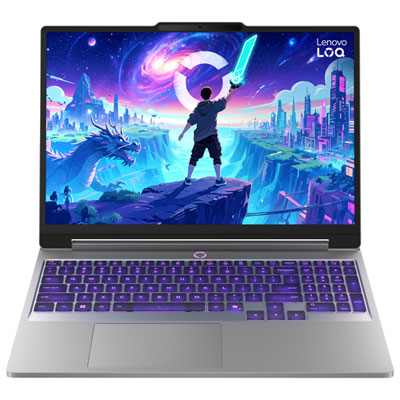
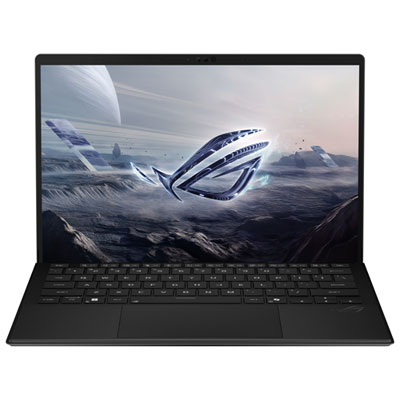
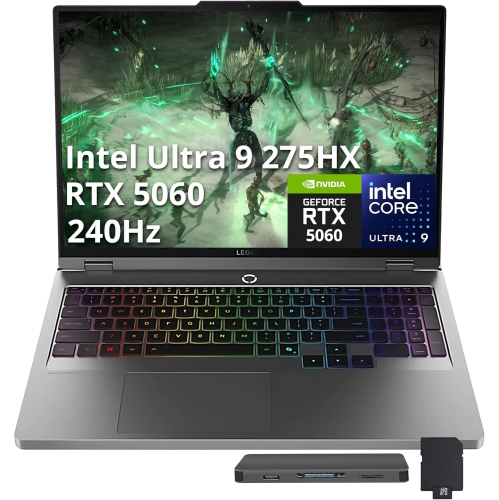
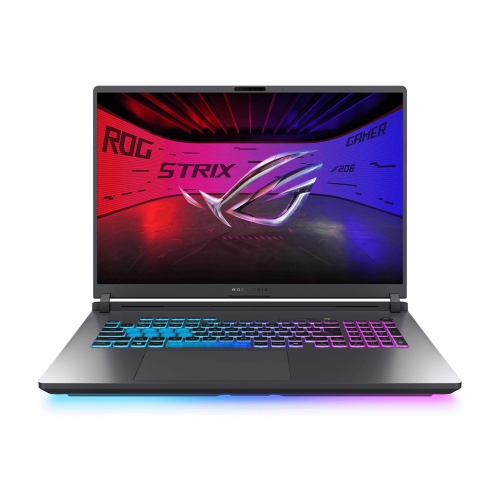
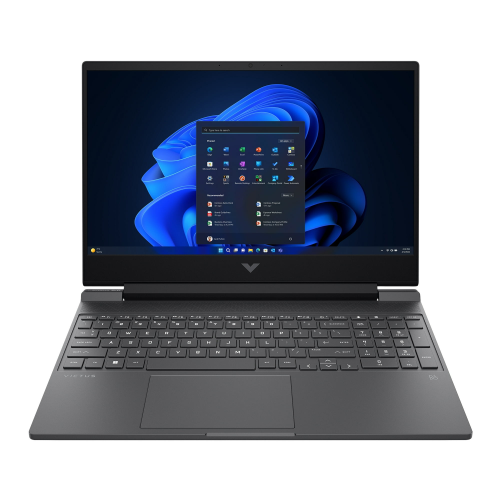
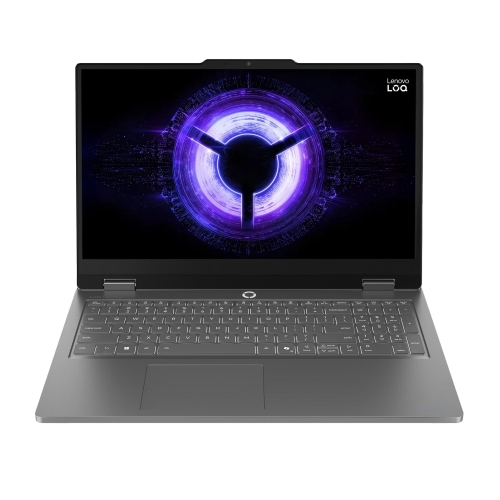
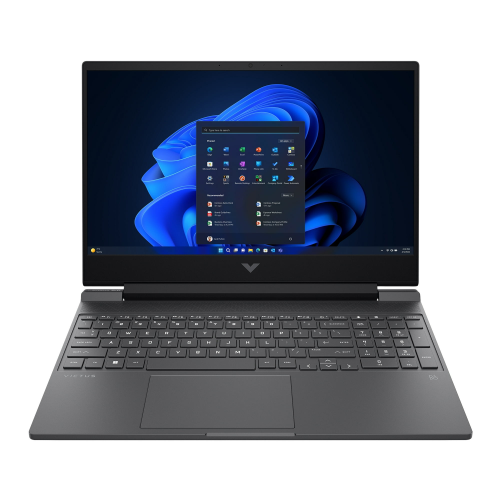
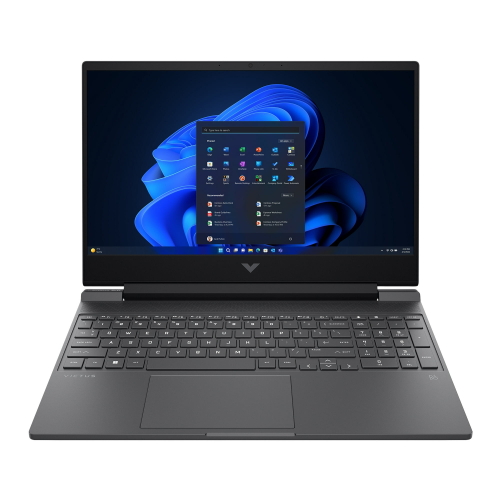
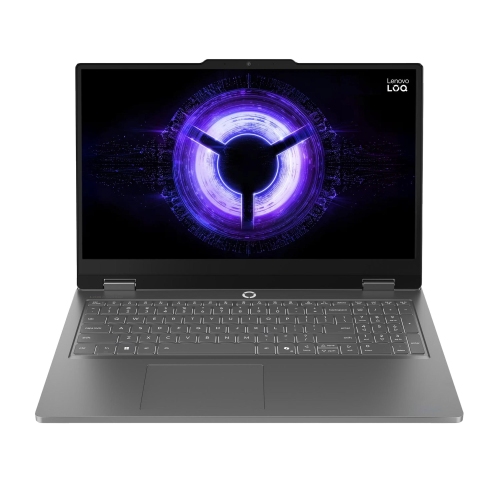
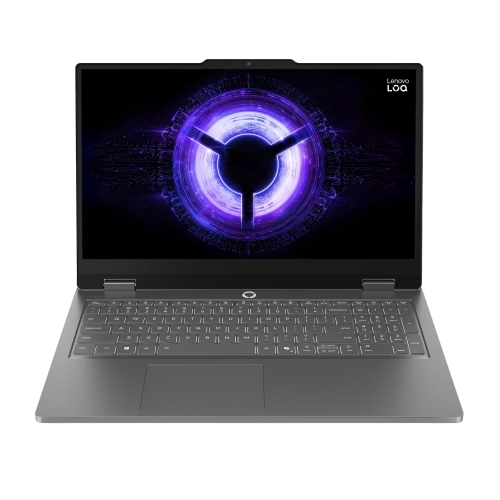
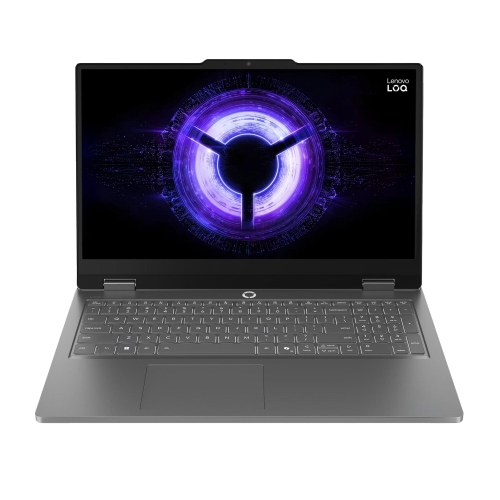
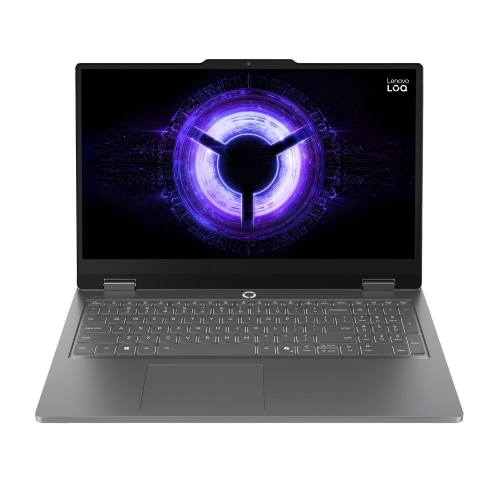
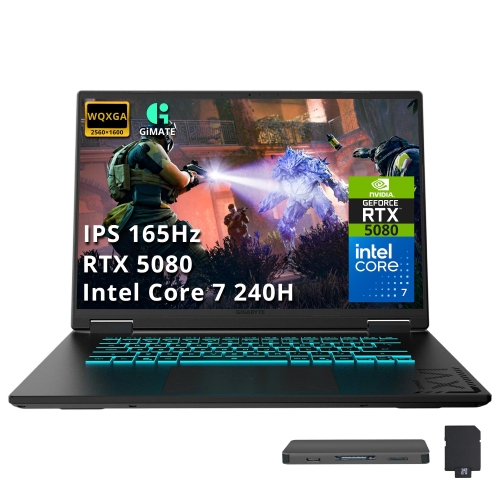
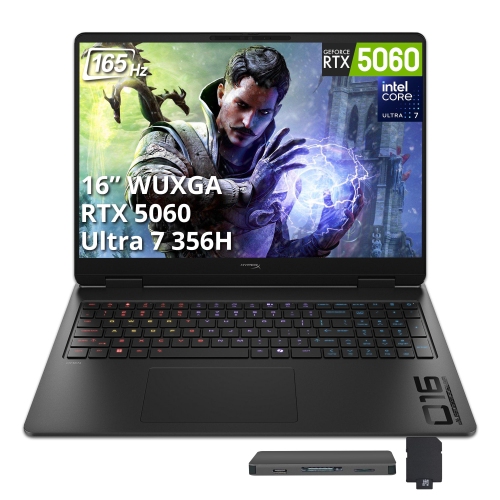
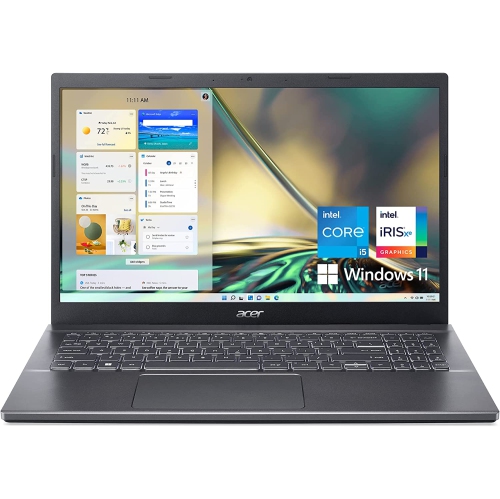
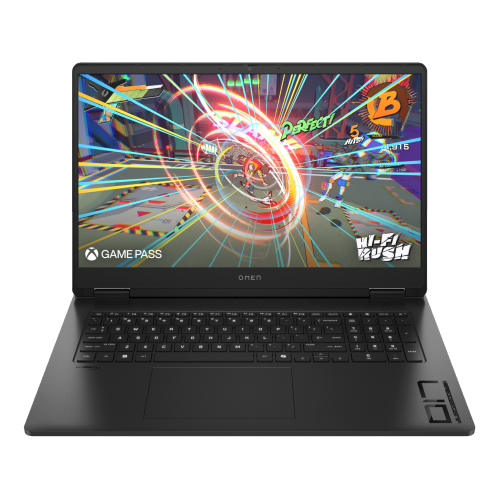
Explore office gaming laptops for productivity during the workday and gaming after hours. Compare options by processor, graphics, memory, and storage to suit your work software and favourite games, then consider screen size, portability, and connections for your desk setup.


FAQ
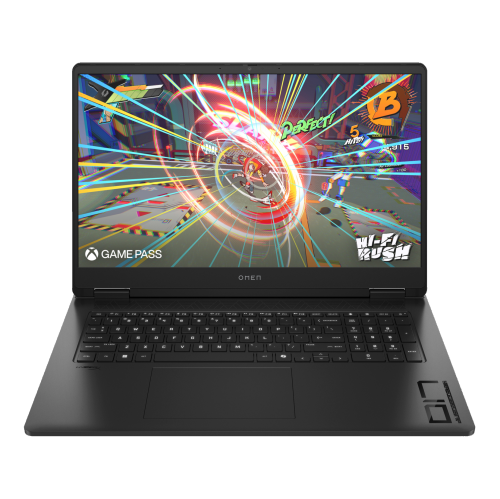
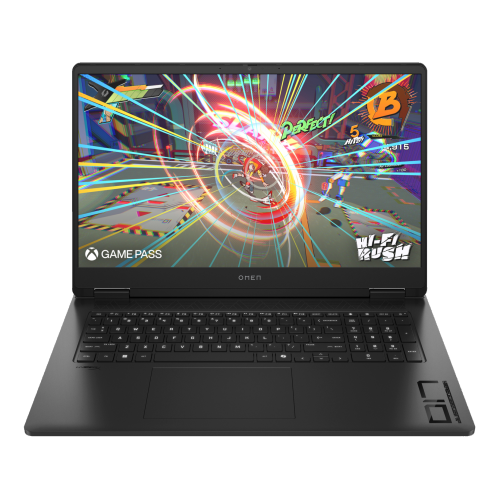
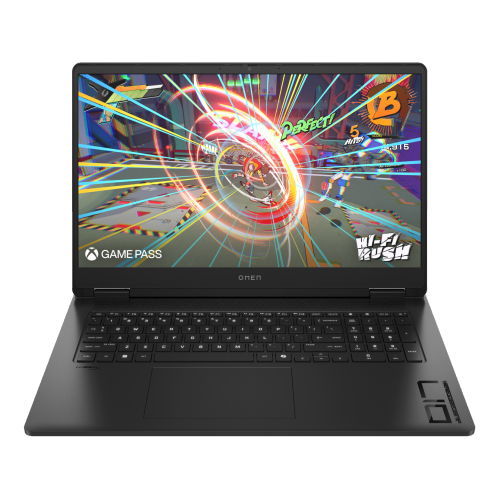
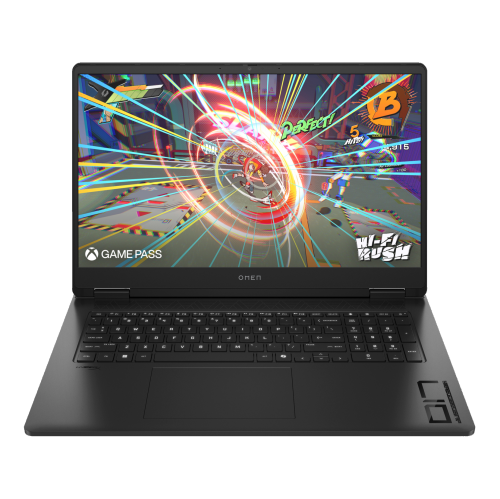
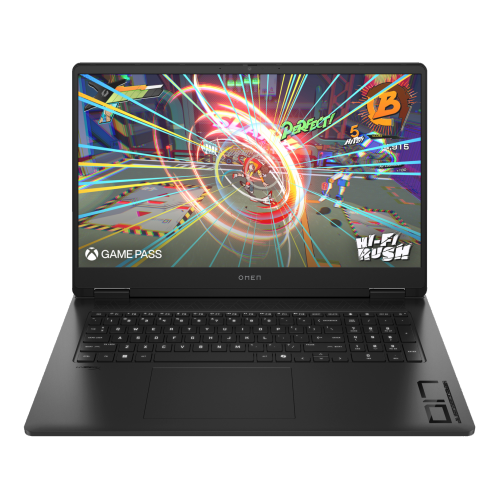
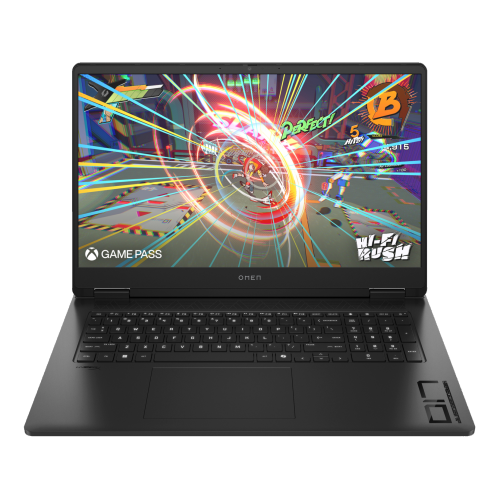
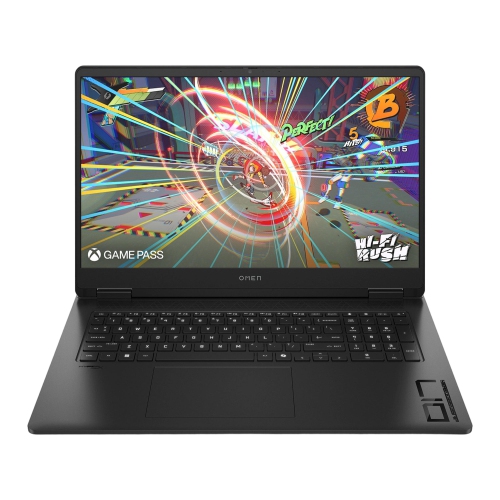
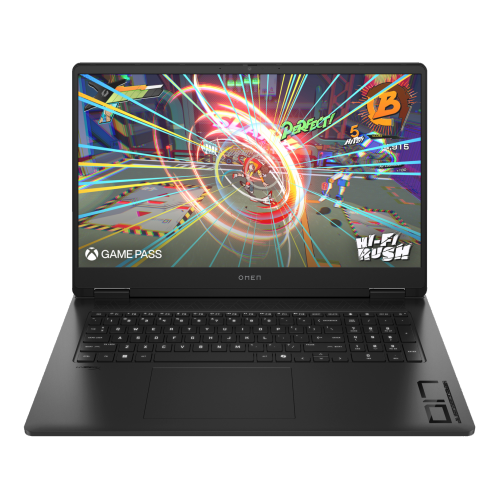
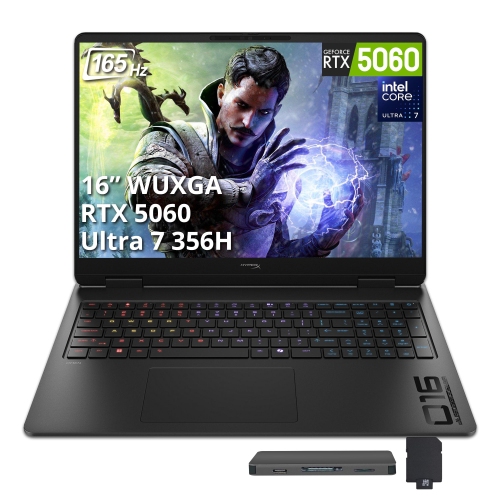
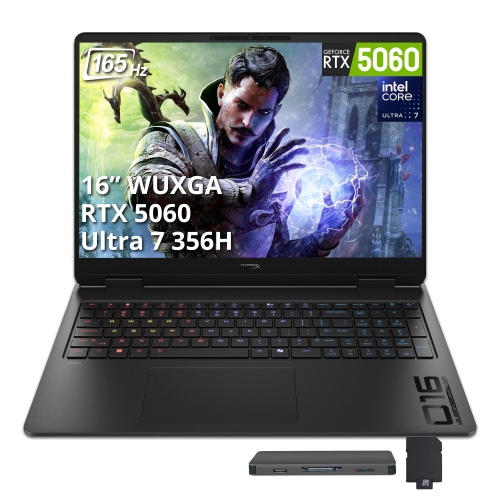
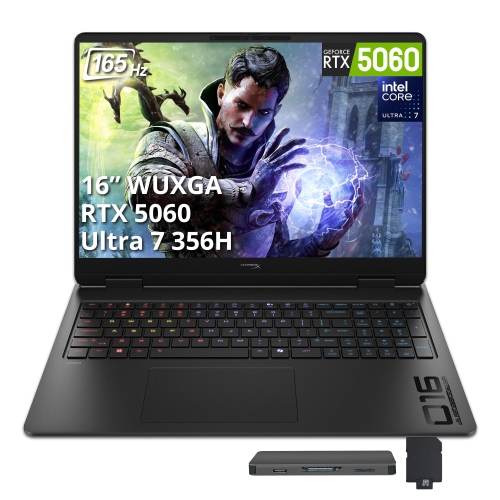
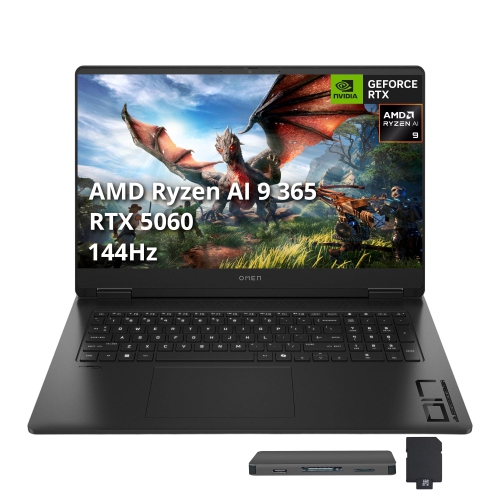
An office gaming laptop is a laptop chosen for both workplace tasks and PC gaming, rather than a separate technical category. It combines features relevant to both uses, such as gaming-oriented graphics hardware, connections for office accessories, and support for productivity software.
Consider a discreet exterior, a keyboard layout that suits your work habits, and adjustable keyboard lighting. Some models let you turn off lighting effects or choose a single colour for a more understated appearance.
Look for connections that match your accessories, such as USB-A for peripherals, USB-C for compatible docks, and HDMI for an external display. Wi-Fi and Bluetooth support are also worth checking. USB-C capabilities vary, so confirm whether a port supports video output or charging.
Check the operating system requirements for your workplace applications, game launchers, and games. If you use the laptop for an employer, confirm any requirements for device management, VPN access, and software installation permissions.
Separate user accounts, browser profiles, and folders can keep work documents distinct from personal games and files. You can also organize shortcuts into separate virtual desktops and adjust notifications for work sessions. On an employer-managed laptop, follow your organization’s rules for personal software.
Top selling and popular products
Discover more categories related to Office Gaming Laptops
Some products may be subject to Environmental Handling Fees (EHF) depending on your province. Learn more about EHFs.