3D Cards
Delve into the enchanting world of 3D cards, where creativity and innovation come together to transform traditional greetings into memorable experiences. These captivating cards offer a delightful surprise with their intricate designs that pop up to reveal stunning three-dimensional scenes. Perfect for any occasion, 3D cards add an extra layer of thoughtfulness and charm, making them an ideal choice for birthdays, anniversaries, holidays, or just because. Explore a variety of themes and styles that cater to every taste and sentiment, ensuring your message stands out in a truly unique way. Elevate your greetings with these artistic masterpieces that are sure to leave a lasting impression.
Sort




![VIA VISION Abbott & Costello Horror Collection (1948-1955) [Import] - (Limited Edition, Lenticular Cover, Australia - Import) - [Blu-Ray]](https://multimedia.bbycastatic.ca/multimedia/products/500x500/191/19164/19164720.jpeg)
How graphics power shapes gaming and creative work
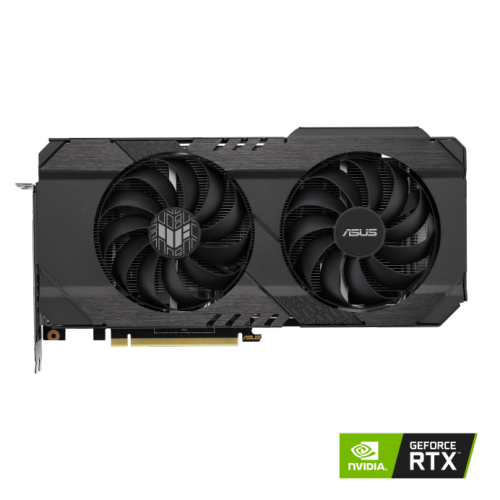
3D cards give a computer the graphics processing power to turn digital models, textures, lighting, and motion into the images shown on a screen. Often called graphics cards or video cards, these components handle many visual tasks separately from the main processor, making them an important part of a desktop built for gaming, animation, design, or other demanding graphics work. Their role is especially noticeable in a detailed game scene, where reflective windows, distant scenery, and moving characters all need to appear smoothly as the viewpoint changes. They can also help a designer rotate a complex model, an artist work with a richly textured scene, or a video editor apply supported effects with less interruption. Not every application uses graphics hardware in the same way, however, so the right match depends on the software and the work it performs. A card suited to high-resolution gaming may have different strengths from one chosen for a professional modelling application that requires certified drivers. For everyday browsing, email, and simple documents, graphics built into a compatible processor may already be sufficient; a dedicated card makes more sense when a particular workload calls for additional capability. Screen resolution is another useful starting point. Drawing an image across more pixels generally increases the graphics workload, while a higher refresh rate creates an opportunity to show more frames when the computer can produce them. Someone playing fast-paced games on a high-refresh-rate display may place more value on consistent frame delivery, while someone building detailed architectural scenes may focus on software compatibility and graphics memory. Shoppers comparing Modern Graphics Cards alongside 3D cards can keep those intended uses in mind rather than treating a single specification as a complete measure of performance. The most useful upgrade is one that suits the whole computer, the display, and the tasks that matter most.
Graphics memory, also known as video memory or VRAM, holds information such as textures and other data needed for graphics processing. More demanding scenes, larger creative projects, and higher display resolutions can increase memory requirements, but memory capacity alone does not determine how quickly a card performs. The graphics processor’s design, memory bandwidth, cooling system, and software support all contribute to the experience. Features such as hardware-accelerated ray tracing can support more realistic lighting and reflections in compatible games and applications, though enabling demanding visual effects can reduce frame rates. Supported image reconstruction or upscaling features may help balance image quality and performance, with results that vary by software and settings. For creative work, compatibility with an application’s rendering engine or acceleration features can matter more than gaming performance figures. Physical fit deserves just as much attention as those capabilities. A desktop graphics card needs a suitable motherboard expansion slot, enough room inside the case, and a power supply that meets its requirements. Length, height, and thickness all matter: a long card may run into front-mounted cooling hardware, while a thick cooler can occupy several expansion-slot positions and limit access to nearby connections. Clearance beside the card is also important for routing power cables without forcing a sharp bend against the side panel. Power supply compatibility involves both adequate capacity for the complete system and the correct connectors for the card, not simply a matching wattage figure. Display connections should suit the intended monitor arrangement, including the resolution and refresh rate supported through each connection. Adapters do not necessarily preserve every display feature, so a direct, compatible connection can make setup simpler. Most laptops cannot accept a standard desktop graphics card internally, and external graphics setups require explicit support from the computer and a compatible enclosure. These practical details are particularly valuable when choosing a card as a gift for a gamer, student, or digital artist. Knowing the recipient’s computer specifications and preferred applications helps avoid a thoughtful upgrade that cannot be installed or used as intended.
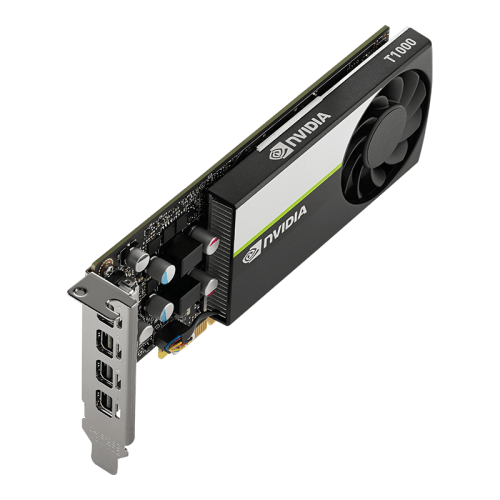
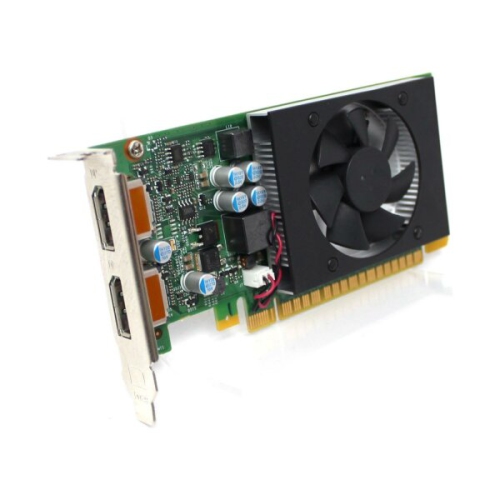
The construction of a 3D card affects how it fits into daily life as well as how it manages heat. Many designs combine a printed circuit board with a metal heatsink, heat pipes, one or more fans, and a protective outer shroud. Aluminium fins provide a large surface area for heat transfer, while copper is commonly used in parts of the cooling assembly to move heat away from hot components. Some cards also have a backplate, although its structural or cooling role varies by design. A larger cooler can offer more heat-dissipating area, but it also adds bulk and may add weight. Heavier cards may need a suitable support bracket, particularly in cases where the card extends horizontally from the motherboard. For a computer on a desk beside a study area or in a shared living space, fan noise can be a meaningful consideration. Noise depends on the cooling design, workload, case airflow, and fan settings; the number of fans alone does not reveal how quiet a card will be. Good airflow helps the cooler draw in fresh air and release heat, while a cramped case or dust-covered intake can make that job harder. Care is generally straightforward: keep case vents unobstructed, check dust filters regularly, and follow the hardware manufacturer’s cleaning instructions. Shut the computer down and disconnect power before internal maintenance, handle the card by its edges, and avoid touching exposed contacts or circuitry. Installation should include secure mounting and fully seated power connections, with qualified help where needed. Keeping graphics drivers compatible with the operating system and applications can help maintain stability, while checking software requirements before an upgrade can prevent unnecessary troubleshooting. For someone who spends evenings exploring expansive game worlds, creating short animations, or refining a detailed interior model, the appeal of a well-matched graphics card is practical: smoother interaction, suitable visual quality, and fewer hardware limitations getting in the way of the task. Balanced with the processor, system memory, storage, and display, it becomes a useful part of a computer built around how its owner actually works and plays.
Graphics memory, also known as video memory or VRAM, holds information such as textures and other data needed for graphics processing. More demanding scenes, larger creative projects, and higher display resolutions can increase memory requirements, but memory capacity alone does not determine how quickly a card performs. The graphics processor’s design, memory bandwidth, cooling system, and software support all contribute to the experience. Features such as hardware-accelerated ray tracing can support more realistic lighting and reflections in compatible games and applications, though enabling demanding visual effects can reduce frame rates. Supported image reconstruction or upscaling features may help balance image quality and performance, with results that vary by software and settings. For creative work, compatibility with an application’s rendering engine or acceleration features can matter more than gaming performance figures. Physical fit deserves just as much attention as those capabilities. A desktop graphics card needs a suitable motherboard expansion slot, enough room inside the case, and a power supply that meets its requirements. Length, height, and thickness all matter: a long card may run into front-mounted cooling hardware, while a thick cooler can occupy several expansion-slot positions and limit access to nearby connections. Clearance beside the card is also important for routing power cables without forcing a sharp bend against the side panel. Power supply compatibility involves both adequate capacity for the complete system and the correct connectors for the card, not simply a matching wattage figure. Display connections should suit the intended monitor arrangement, including the resolution and refresh rate supported through each connection. Adapters do not necessarily preserve every display feature, so a direct, compatible connection can make setup simpler. Most laptops cannot accept a standard desktop graphics card internally, and external graphics setups require explicit support from the computer and a compatible enclosure. These practical details are particularly valuable when choosing a card as a gift for a gamer, student, or digital artist. Knowing the recipient’s computer specifications and preferred applications helps avoid a thoughtful upgrade that cannot be installed or used as intended.
The construction of a 3D card affects how it fits into daily life as well as how it manages heat. Many designs combine a printed circuit board with a metal heatsink, heat pipes, one or more fans, and a protective outer shroud. Aluminium fins provide a large surface area for heat transfer, while copper is commonly used in parts of the cooling assembly to move heat away from hot components. Some cards also have a backplate, although its structural or cooling role varies by design. A larger cooler can offer more heat-dissipating area, but it also adds bulk and may add weight. Heavier cards may need a suitable support bracket, particularly in cases where the card extends horizontally from the motherboard. For a computer on a desk beside a study area or in a shared living space, fan noise can be a meaningful consideration. Noise depends on the cooling design, workload, case airflow, and fan settings; the number of fans alone does not reveal how quiet a card will be. Good airflow helps the cooler draw in fresh air and release heat, while a cramped case or dust-covered intake can make that job harder. Care is generally straightforward: keep case vents unobstructed, check dust filters regularly, and follow the hardware manufacturer’s cleaning instructions. Shut the computer down and disconnect power before internal maintenance, handle the card by its edges, and avoid touching exposed contacts or circuitry. Installation should include secure mounting and fully seated power connections, with qualified help where needed. Keeping graphics drivers compatible with the operating system and applications can help maintain stability, while checking software requirements before an upgrade can prevent unnecessary troubleshooting. For someone who spends evenings exploring expansive game worlds, creating short animations, or refining a detailed interior model, the appeal of a well-matched graphics card is practical: smoother interaction, suitable visual quality, and fewer hardware limitations getting in the way of the task. Balanced with the processor, system memory, storage, and display, it becomes a useful part of a computer built around how its owner actually works and plays.
Top selling and popular products
-
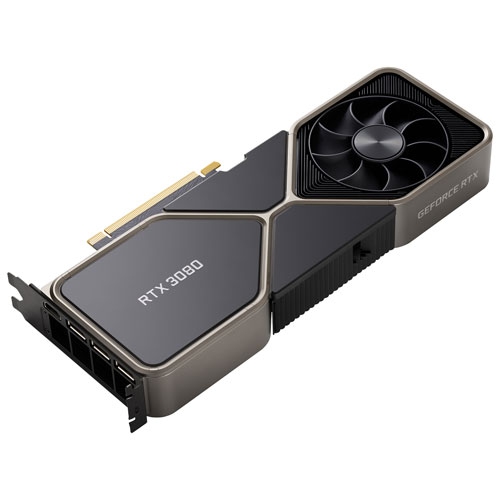 Your price for this item is $1399.99
 -
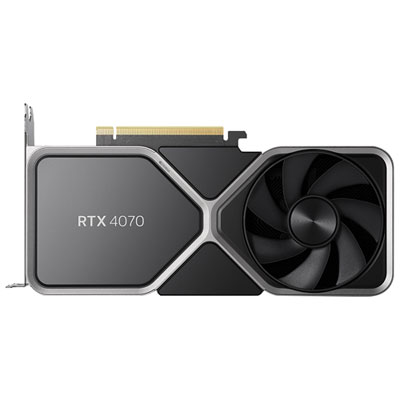 Your price for this item is $739.99
 -
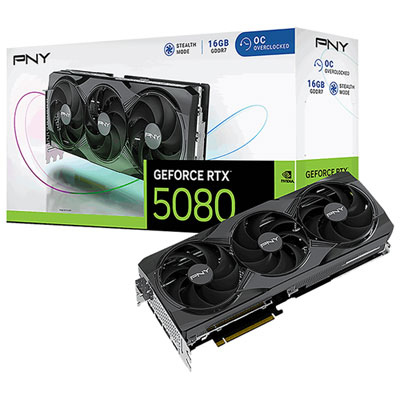 Your price for this item is $2399.99
 -
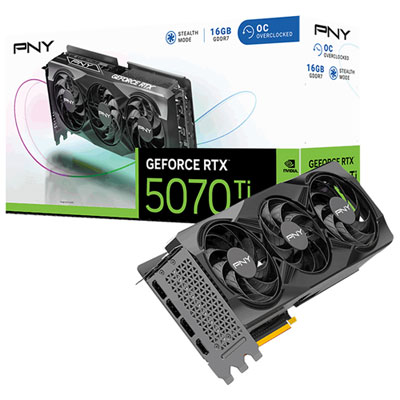 Your price for this item is $1769.99
 -
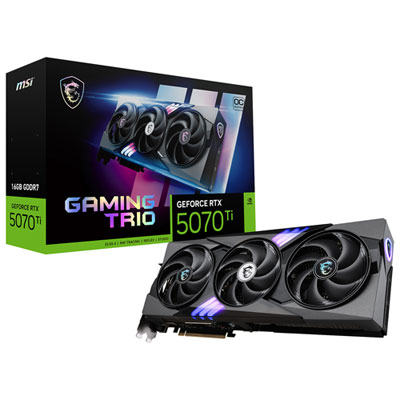 Your price for this item is $1799.99
 -
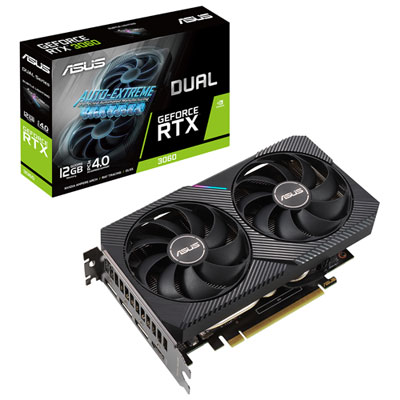 Your price for this item is $699.99
 -
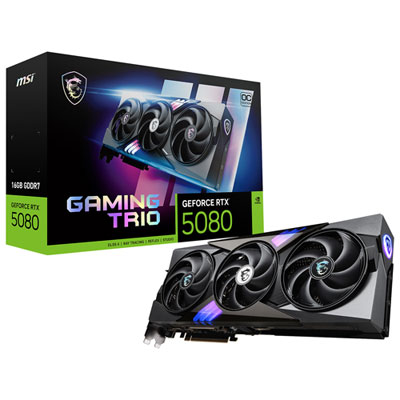 Your price for this item is $2749.99
 -
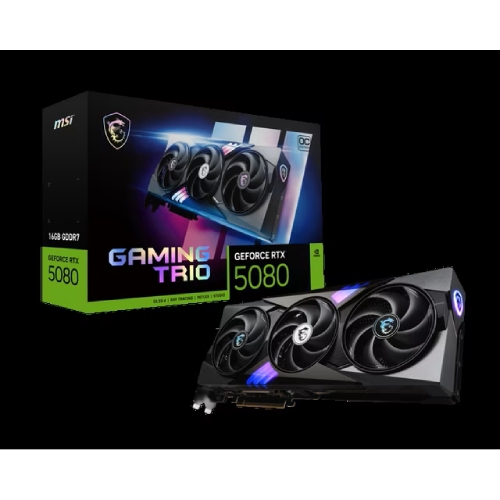 Your price for this item is $5699.99
Discover more categories related to 3D Cards

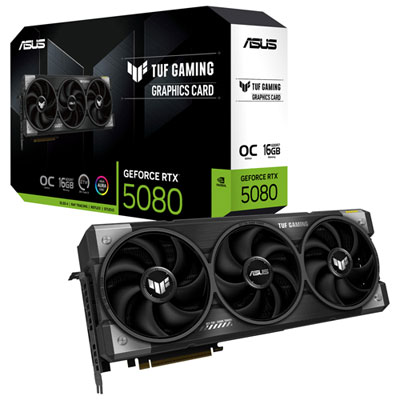
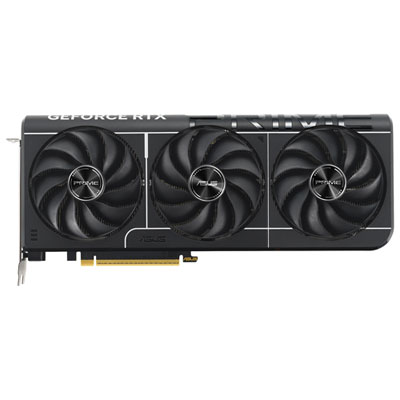
Top Collections:
Pokemon Centers, Kindle Devices, Best Budget Office Chairs, Apple iPhones 16, Best Laptops for Writers, iPhone 15 Apple, Canon G7X Cameras, Refurbished Apple Laptops, Alarm Clock, Motorola Razr Phones
Some products may be subject to Environmental Handling Fees
(EHF) depending on your province.
Learn more about EHFs.