Back To School Creative Digital Pens

Find back-to-school creative digital pens for taking notes, sketching ideas, and annotating class materials on compatible devices. Explore stylus options for schoolwork and digital art, and compare device compatibility, grip, and writing features to find a pen that suits your study routine.


Read More

Sort

Back To School Creative Digital Pens

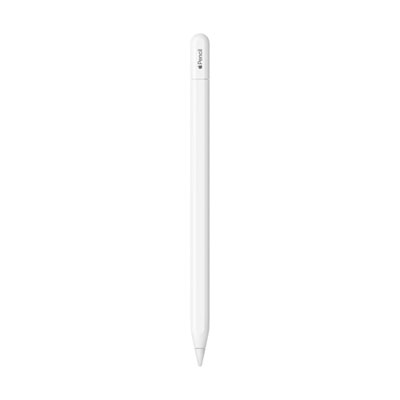
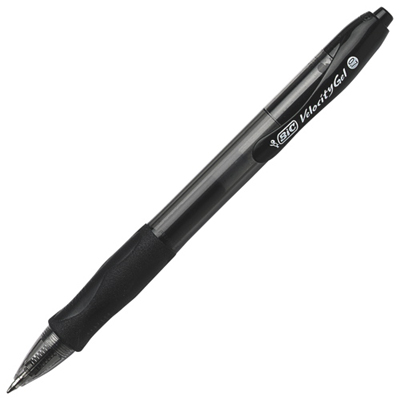
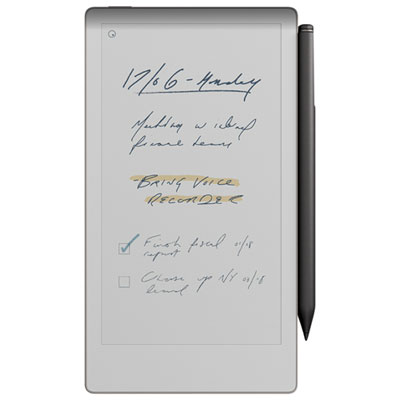
A handwritten equation in the margin, a quick character sketch between classes, a colour-coded diagram that finally makes a tricky concept click—digital pens give students room to think in their own way. The Back To School Creative Digital Pens selection brings together tools for adding handwriting, drawing, and precise input to a compatible digital setup. For students who prefer writing to typing, a suitable pen can make it easier to annotate readings, work through calculations, or keep lecture notes alongside class materials. For budding illustrators and design students, it can offer finer control than a fingertip when shaping lines, shading a portrait, or adjusting small details in a layout. These pens can also be a thoughtful back-to-school gift for someone starting a creative course or simply filling every spare notebook page with drawings. The most useful choice is one that suits both the student’s device and the work they actually enjoy doing, whether that means carefully lettering a project title or capturing an idea before the next class begins.

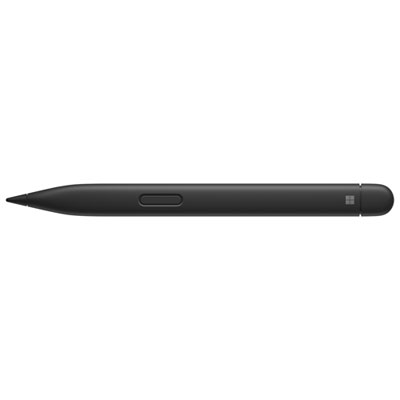
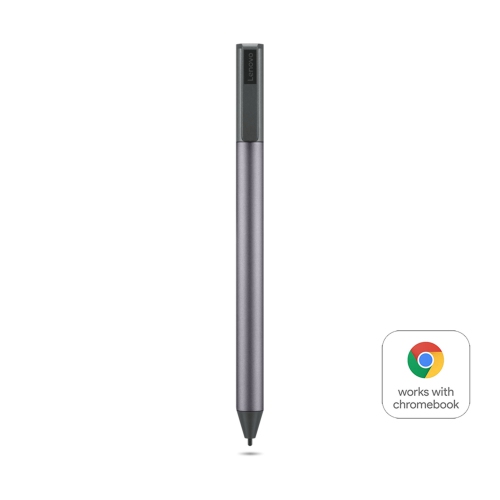
Compatibility deserves a close look before choosing a digital pen. A touchscreen alone does not guarantee support for every stylus, and some pens work only with particular devices, display technologies, or generations of hardware. Check the exact model of the intended tablet, laptop, or drawing device, along with the pen’s supported features and any app requirements. A basic capacitive stylus may suit simple tapping and light sketching, while a compatible active pen can provide more precise input and features such as pressure sensitivity, palm rejection, or tilt support. Those capabilities vary by pen, device, and software, so it is worth checking the whole setup rather than judging by appearance alone. Pressure sensitivity can help an artist move from delicate outlines to heavier strokes, while supported palm rejection lets a student rest their hand on the screen more naturally as they write. Tilt support can be useful for expressive shading in compatible drawing apps. For everyday schoolwork, reliable handwriting and a comfortable grip may matter more than advanced drawing controls; for an art portfolio, nuanced line work may take priority.

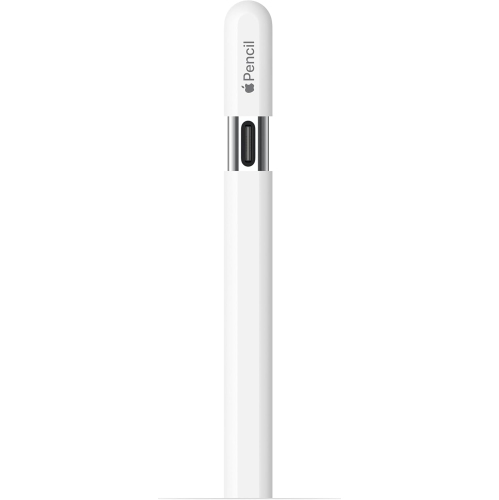
Small design details become much more noticeable during a full day of classes. Consider the pen’s weight, thickness, balance, and grip, especially for a student who spends long stretches taking notes or refining illustrations. A slim pen may tuck neatly into a case, while a broader shape may feel more comfortable in some hands. Tip design and screen surface also affect how writing feels: some combinations glide smoothly, while others offer more resistance. Check whether replacement tips are available and whether any accessories require a separate purchase. Power arrangements are another practical consideration, since digital pens may use replaceable batteries, rechargeable batteries, compatible device charging, or no battery at all, depending on their design. For powered models, look at the charging method and stated battery life with a typical school day in mind. Supported shortcut buttons or an eraser function can help keep attention on the page, and a secure storage option can prevent a pen from disappearing into the bottom of a backpack. For gift-givers, confirming the recipient’s device model and preferred creative apps helps turn a well-meant present into something they can put to use—from the first handwritten timetable of the term to the final touches on a year-end project.

Read More

FAQ

Some products may be subject to Environmental Handling Fees (EHF) depending on your province. Learn more about EHFs.