Back To School Stylus Pens For Digital Note-Taking
Find back-to-school stylus pens for digital note-taking to jot down lecture notes, annotate readings, and work through equations on a compatible tablet or touchscreen device. Compare options based on device compatibility, writing precision, and comfort, and check whether features such as palm rejection are supported by your device and note-taking app.




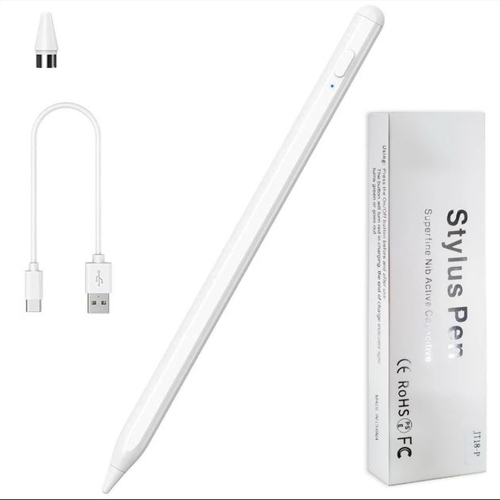
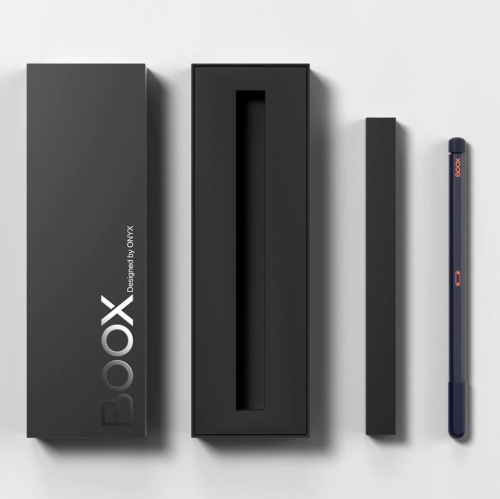
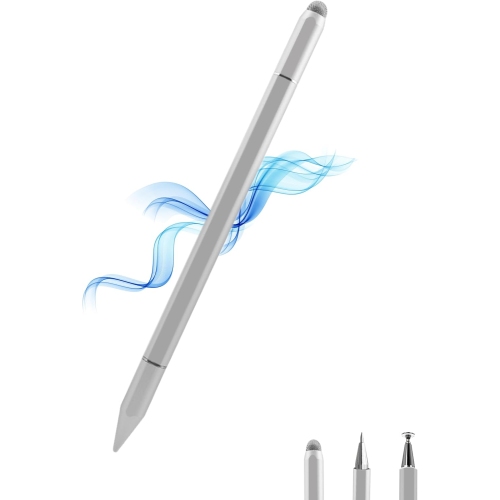
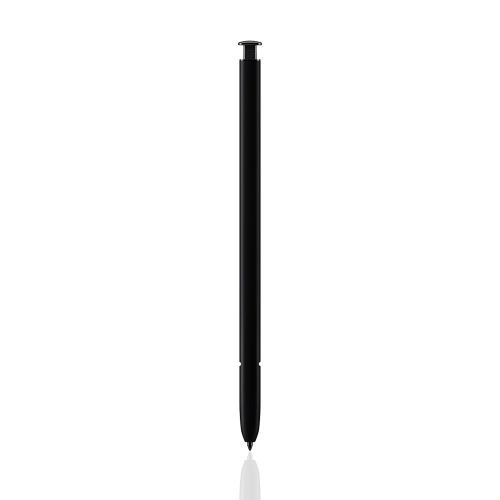
FAQ
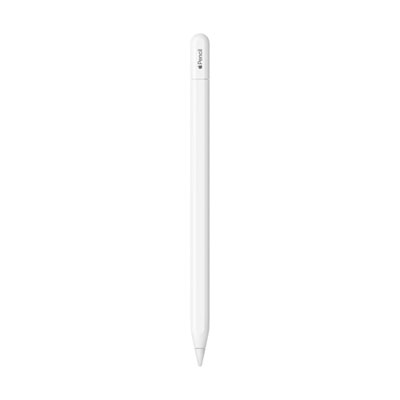
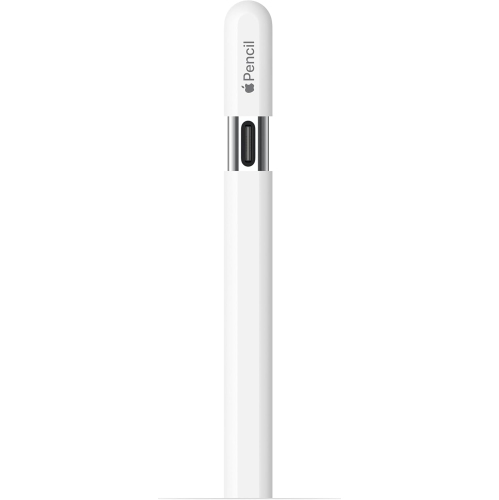
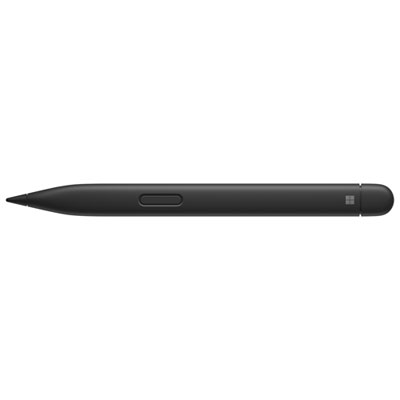
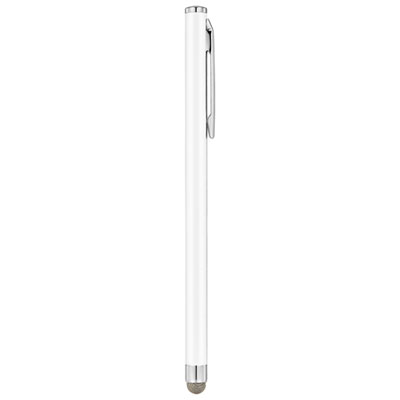
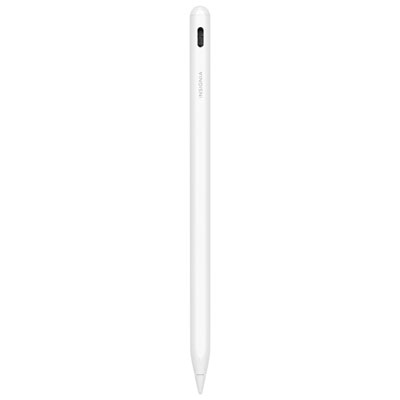
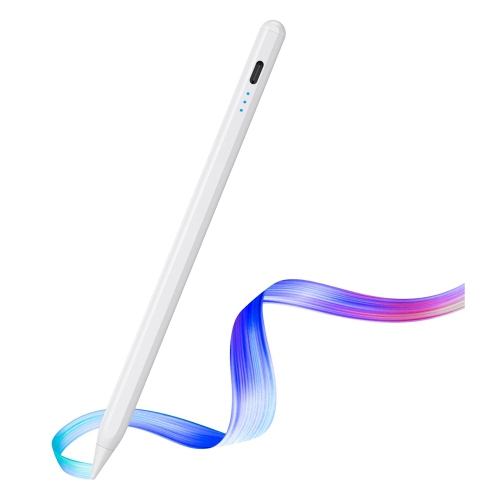
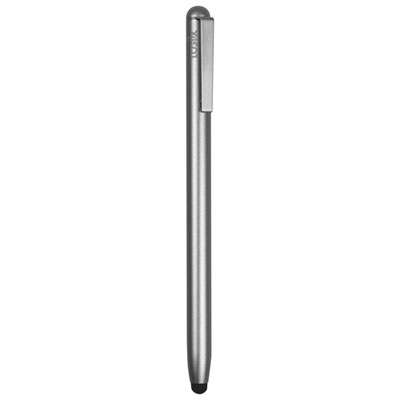
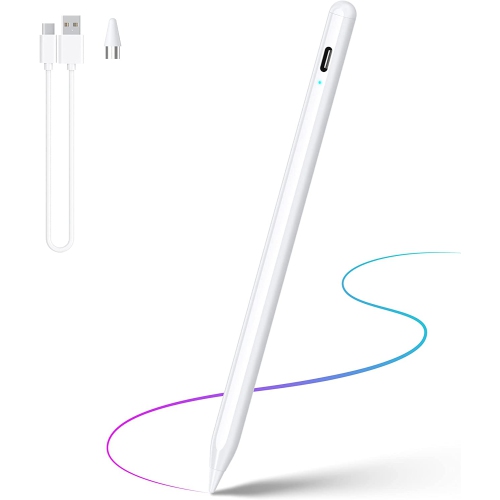
An active stylus uses electronic components to communicate with a compatible device and may support features such as pressure sensitivity, palm rejection and shortcut buttons. A passive stylus interacts with a capacitive touchscreen much like a fingertip and typically does not require charging or pairing.
Check your device’s exact model and its supported stylus technology, then compare those details with the stylus manufacturer’s compatibility list. A touchscreen alone does not guarantee support for an active stylus, and compatibility can vary between generations of the same device.
Palm rejection is a feature that lets a compatible device distinguish stylus input from contact with your hand while you write. Support depends on the combination of stylus, device and note-taking app, and some apps include settings for how touch input is handled.
Common features include ruled or grid page templates, folders for different subjects, PDF annotation and handwriting-to-text conversion. You may also want to check which file formats the app can import and export, whether notes are available offline, and whether it supports your school’s preferred cloud storage service.
It depends on the stylus. Passive models generally need neither, while active models may use replaceable batteries, USB charging or charging through a compatible device. Some active styluses require Bluetooth pairing for shortcut buttons or other functions, even when basic writing works without pairing.
Top selling and popular products
Discover more categories related to Back To School Stylus Pens For Digital Note-Taking
Some products may be subject to Environmental Handling Fees (EHF) depending on your province. Learn more about EHFs.