Batteries for Remote Controls
Find the right batteries for remote controls and keep your devices working seamlessly. Whether you're replacing worn-out batteries or stocking up for future use, having a reliable supply ensures your remotes are always ready when you need them. Explore a wide range of options designed to suit various remote control models, so you can enjoy uninterrupted convenience and control throughout your home.
Sort
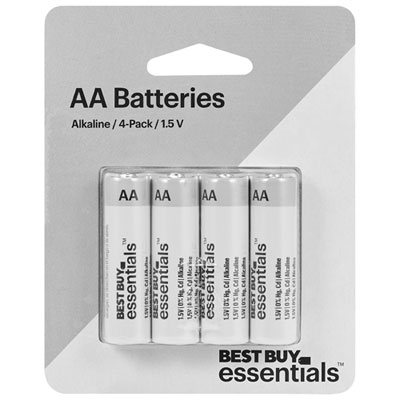
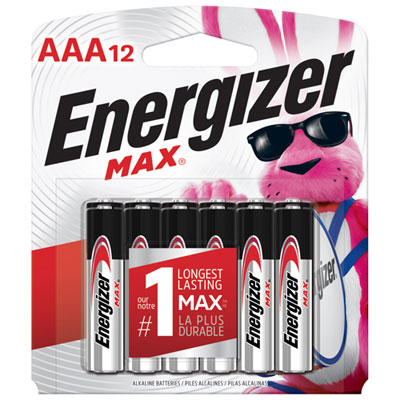
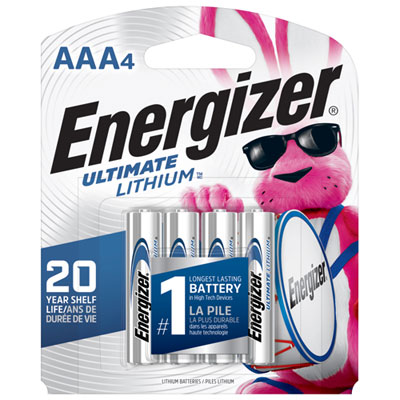
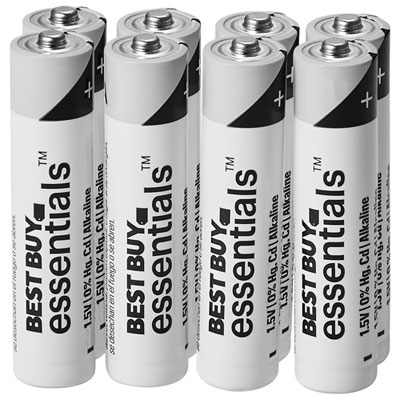
From AA batteries to coin cells and safe replacement
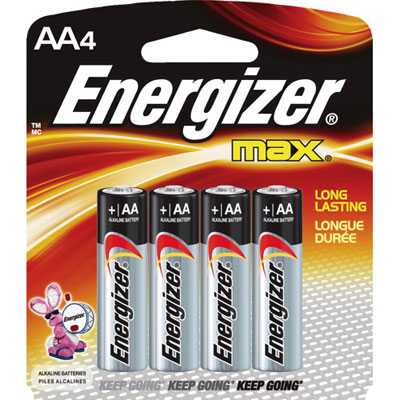
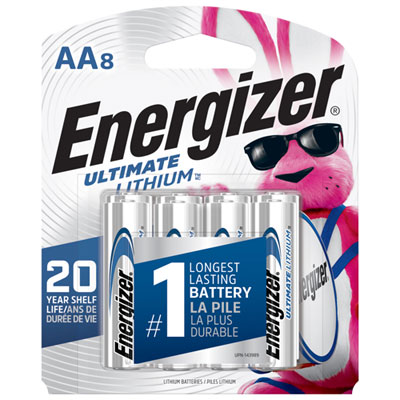
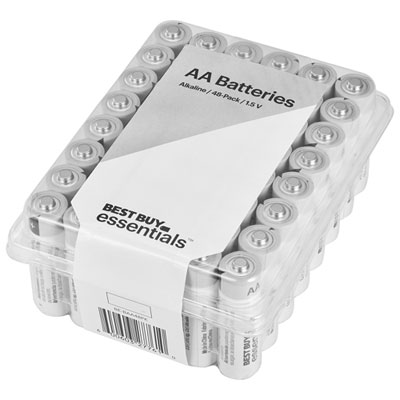
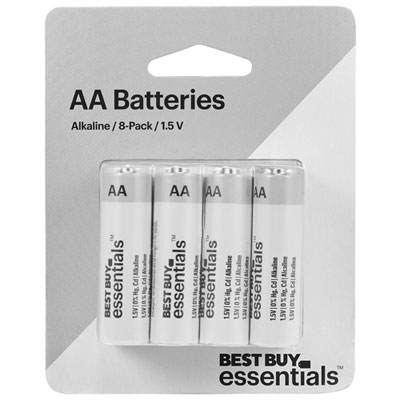
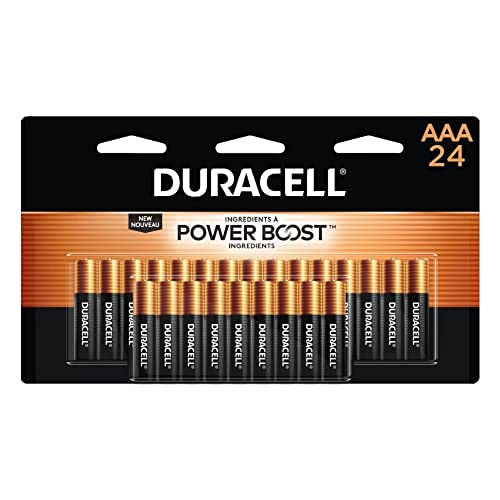
Finding the right batteries for remote controls helps keep everyday devices ready when you need them, whether you are settling in for a film, adjusting the volume during a game, opening a garage door, or managing lights and other connected equipment around the home. Most standard television, streaming, audio, air conditioner, and fan remotes use AA or AAA alkaline batteries, typically rated at 1.5 volts. AAA batteries are slimmer and are common in compact remotes, while AA batteries are slightly larger and may be used in remotes with more space or higher power demands. Before choosing a replacement, open the battery compartment or check the markings inside the cover to confirm the required size, quantity, and voltage. The information may also appear in the remote’s instruction manual or on the manufacturer’s support page. Keeping a few spare batteries in a drawer, media cabinet, or home office can be useful when a remote suddenly stops responding, especially during the cooler months when the television, sound system, heating controls, and other household electronics may see more frequent use. Multi-packs can be convenient for households with several remotes, while smaller packs may suit occasional use or a single replacement need. For the most reliable operation, select batteries with a clearly marked expiry date and store unused batteries in their original packaging in a cool, dry place away from loose metal objects.
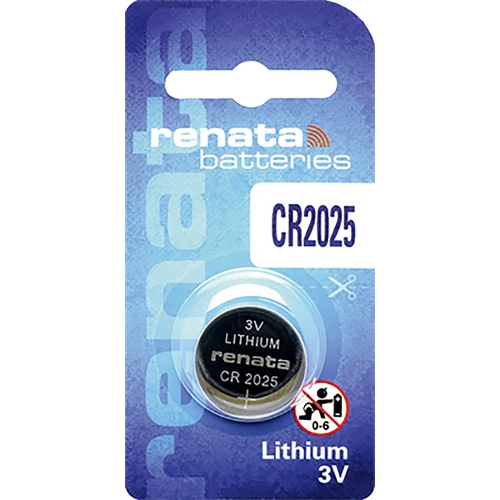
Not every remote control takes AA or AAA batteries. Compact key fobs, vehicle remotes, smart tags, calculators, watches, and some specialty controllers often use flat lithium coin cells, including common 3-volt sizes such as CR2032, CR2025, or CR2016. These batteries may look similar, but their thickness and capacity can differ, so matching the exact code printed on the old battery or inside the compartment is important. Garage door openers, alarm remotes, and other miniature transmitters may use 12-volt specialty batteries, often identified by codes such as A23 or similar designations. A battery that fits physically is not necessarily the correct replacement, and using the wrong voltage can prevent the remote from working properly or cause damage. For vehicle fobs and similar devices, the battery compartment may be secured with a small screw or require careful separation along a seam. A flat plastic tool can help reduce the risk of scratching or cracking the casing, but avoid forcing the housing if it does not open easily. If you are shopping for a vehicle fob, entry transmitter, or another small access device, the selection of Keyless Remote Batteries can help you focus on the compact battery formats commonly used for these applications. These batteries can also make a practical addition to a household essentials basket or a useful gift for someone moving into a new home, buying a vehicle, setting up a home theatre, or organizing a busy family room.
Replacing remote control batteries is usually straightforward, but careful handling helps avoid common mistakes. Start by sliding or lifting off the back cover and taking note of the direction of the positive (+) and negative (-) ends before removing the old batteries. Insert each replacement so its polarity matches the symbols inside the compartment; reversing the orientation can stop the remote from working even when the batteries are new. Replace all batteries in a compartment at the same time, and avoid mixing old and new batteries or combining different battery types. Once the cover is secure, point the remote toward the device and test several functions, including power, volume, navigation, and any frequently used shortcut buttons. If the remote still does not respond, check that the batteries are seated correctly, inspect the contacts for dirt or corrosion, and confirm that the remote is paired or aimed properly when required. Coin cells and small specialty batteries should be kept out of reach of young children and pets, as they can be dangerous if swallowed; store unused batteries securely and follow local disposal guidance for spent cells. Having the correct replacements nearby means less interruption when a familiar remote begins showing signs of weak power, such as delayed commands, reduced range, or buttons that work only after repeated presses.
Not every remote control takes AA or AAA batteries. Compact key fobs, vehicle remotes, smart tags, calculators, watches, and some specialty controllers often use flat lithium coin cells, including common 3-volt sizes such as CR2032, CR2025, or CR2016. These batteries may look similar, but their thickness and capacity can differ, so matching the exact code printed on the old battery or inside the compartment is important. Garage door openers, alarm remotes, and other miniature transmitters may use 12-volt specialty batteries, often identified by codes such as A23 or similar designations. A battery that fits physically is not necessarily the correct replacement, and using the wrong voltage can prevent the remote from working properly or cause damage. For vehicle fobs and similar devices, the battery compartment may be secured with a small screw or require careful separation along a seam. A flat plastic tool can help reduce the risk of scratching or cracking the casing, but avoid forcing the housing if it does not open easily. If you are shopping for a vehicle fob, entry transmitter, or another small access device, the selection of Keyless Remote Batteries can help you focus on the compact battery formats commonly used for these applications. These batteries can also make a practical addition to a household essentials basket or a useful gift for someone moving into a new home, buying a vehicle, setting up a home theatre, or organizing a busy family room.
Replacing remote control batteries is usually straightforward, but careful handling helps avoid common mistakes. Start by sliding or lifting off the back cover and taking note of the direction of the positive (+) and negative (-) ends before removing the old batteries. Insert each replacement so its polarity matches the symbols inside the compartment; reversing the orientation can stop the remote from working even when the batteries are new. Replace all batteries in a compartment at the same time, and avoid mixing old and new batteries or combining different battery types. Once the cover is secure, point the remote toward the device and test several functions, including power, volume, navigation, and any frequently used shortcut buttons. If the remote still does not respond, check that the batteries are seated correctly, inspect the contacts for dirt or corrosion, and confirm that the remote is paired or aimed properly when required. Coin cells and small specialty batteries should be kept out of reach of young children and pets, as they can be dangerous if swallowed; store unused batteries securely and follow local disposal guidance for spent cells. Having the correct replacements nearby means less interruption when a familiar remote begins showing signs of weak power, such as delayed commands, reduced range, or buttons that work only after repeated presses.
Top selling and popular products
-
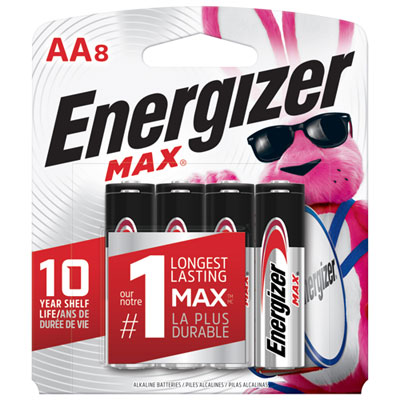 Your price for this item is $11.99
 -
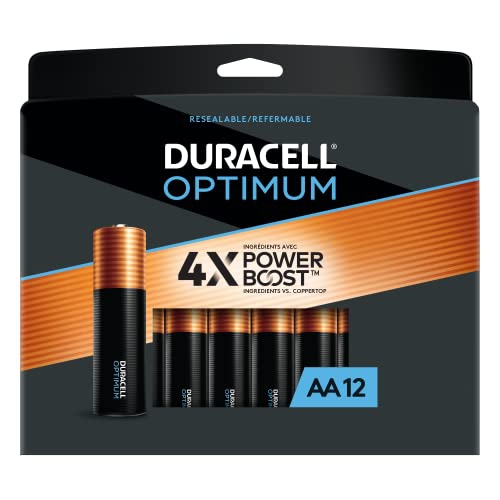 Your price for this item is $57.97
 -
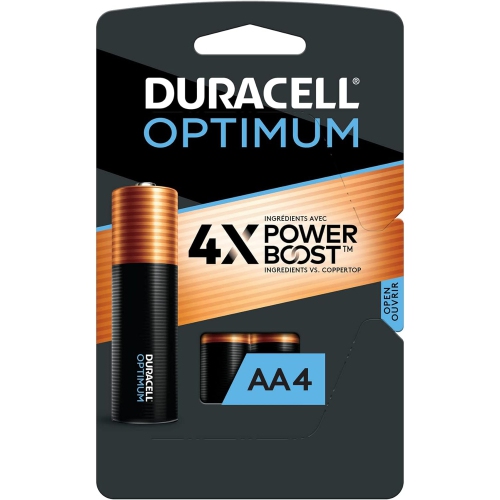 Your price for this item is $19.97
 -
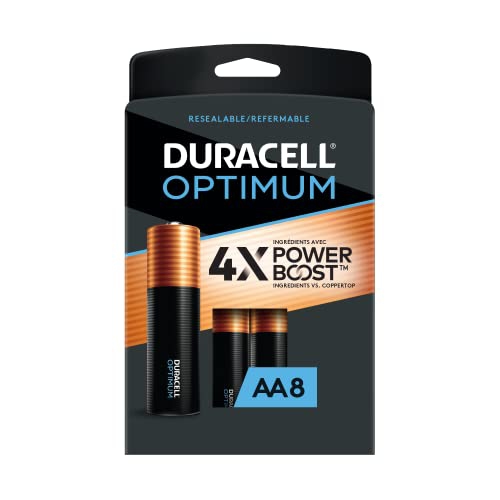 Your price for this item is $38.97
 -
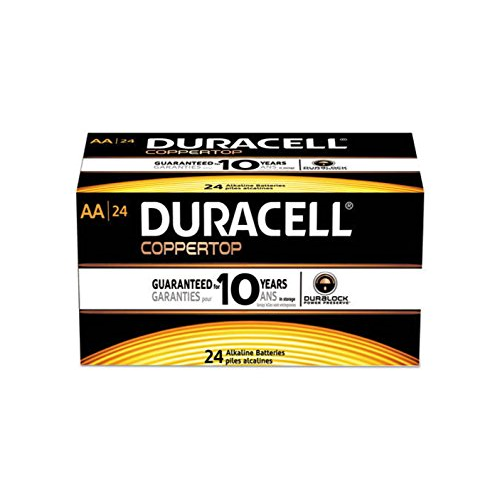 Your price for this item is $38.97
 -
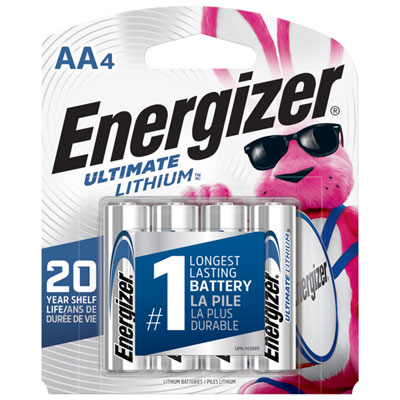 Your price for this item is $17.99
 -
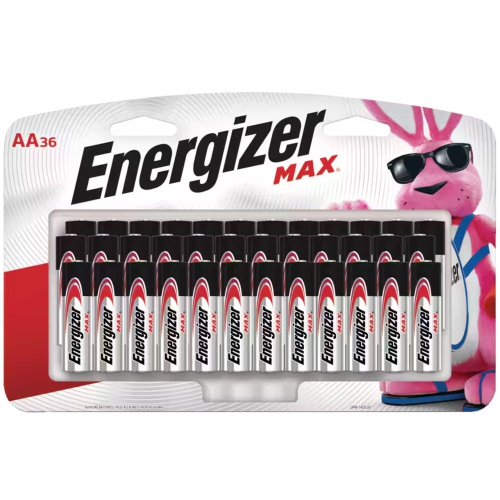 Your price for this item is $19.99
 -
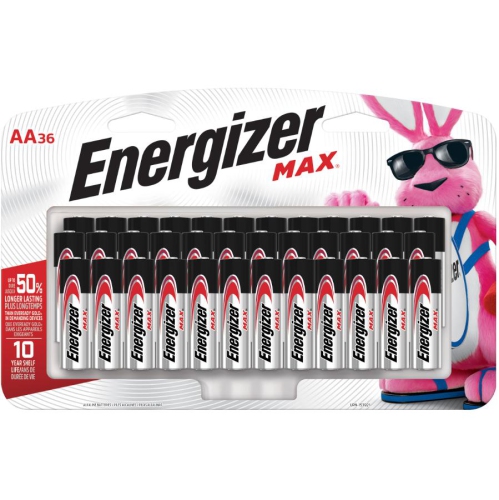 Your price for this item is $27.99
Discover more categories related to Batteries for Remote Controls
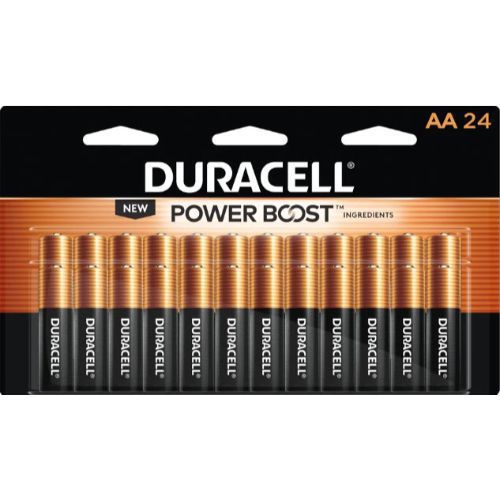
Top Collections:
Pokemon Centers, Kindle Devices, Best Budget Office Chairs, Apple iPhones 16, Best Laptops for Writers, iPhone 15 Apple, Canon G7X Cameras, Refurbished Apple Laptops, Alarm Clock, Motorola Razr Phones
Some products may be subject to Environmental Handling Fees
(EHF) depending on your province.
Learn more about EHFs.