Brother TN450 Toners
Looking to keep your printer running smoothly and producing high-quality prints? Look no further than our selection of toner cartridges. Brother TN450 toners are a reliable and efficient option that will ensure your documents and images come out crisp and clear every time. They are designed to be compatible with a variety of Brother printers, making them a great choice for both home and office use.
Sort
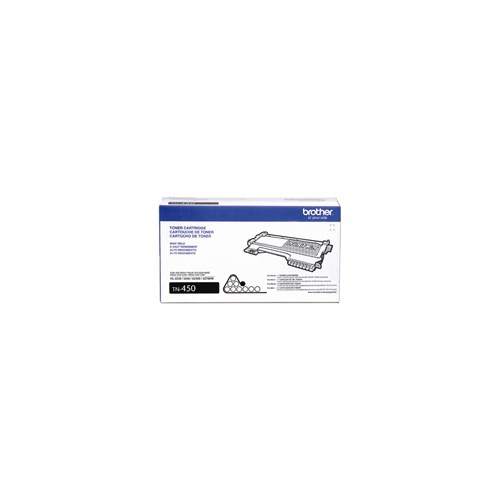
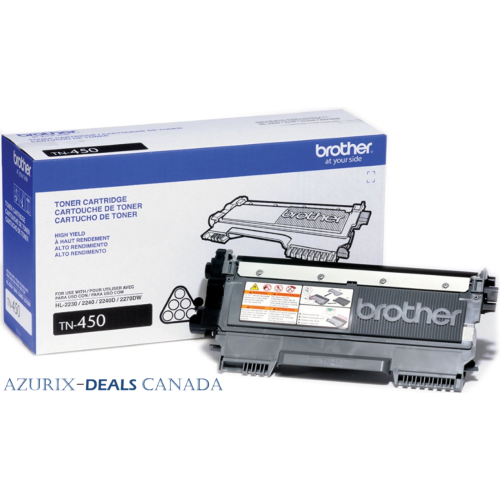
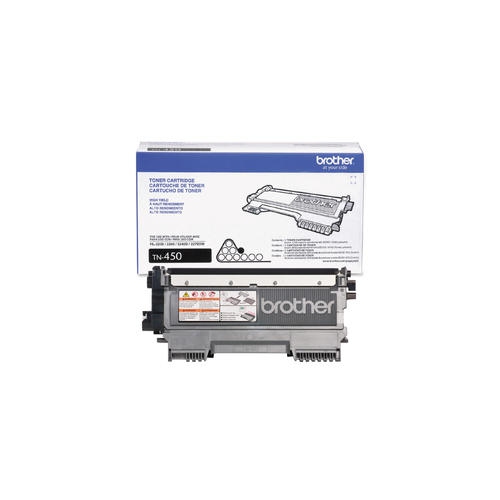
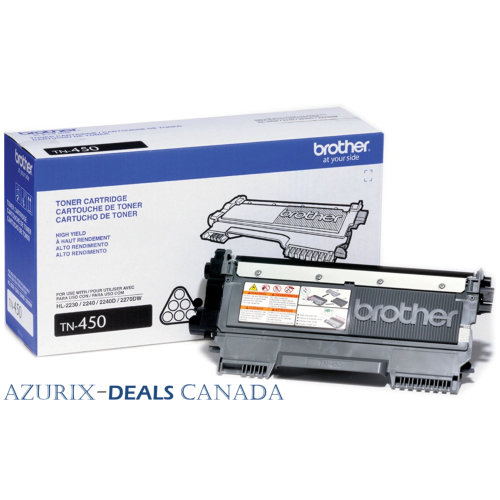
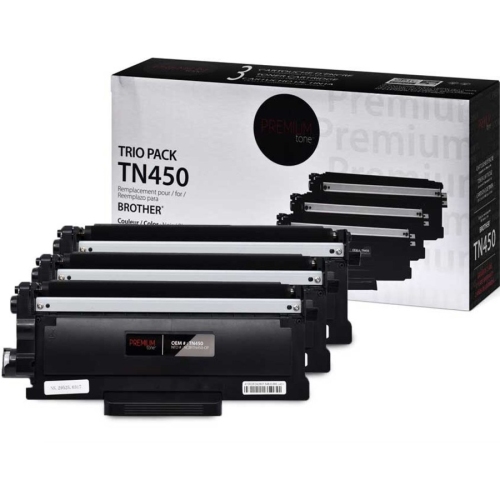
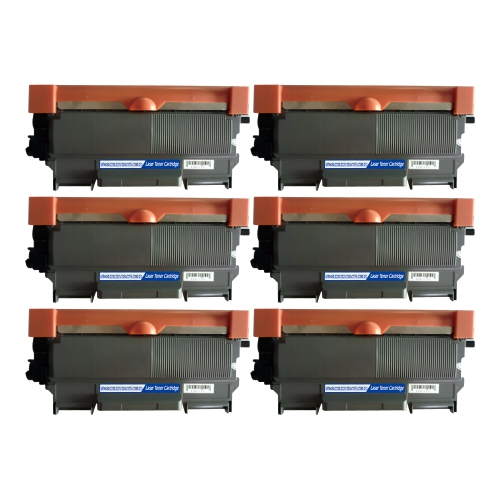
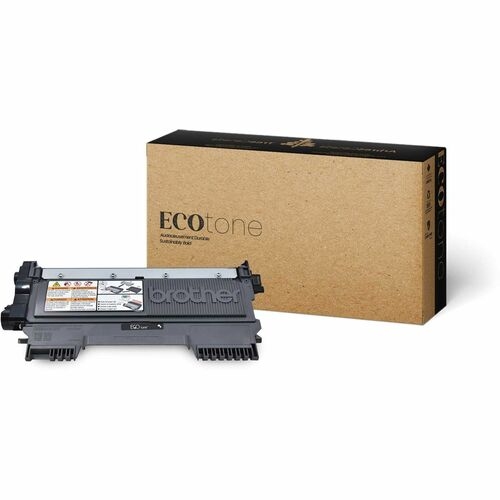
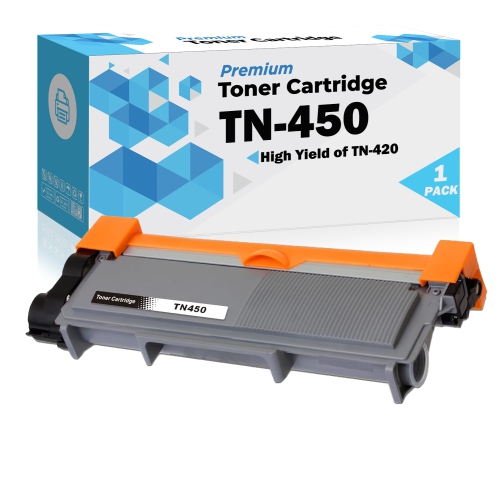
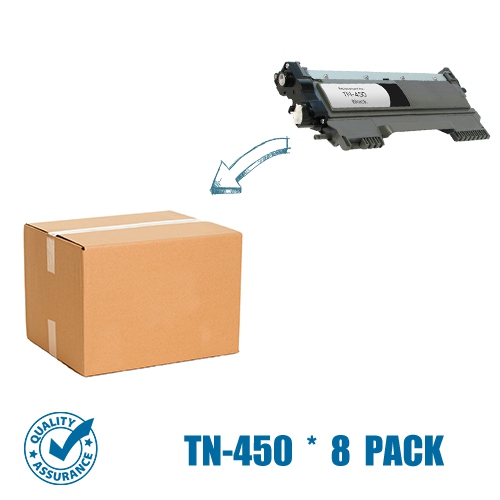

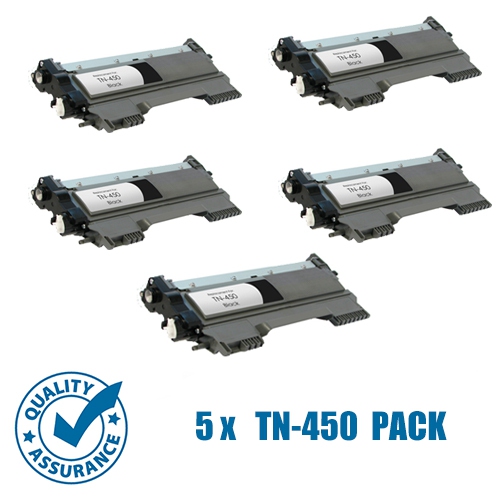
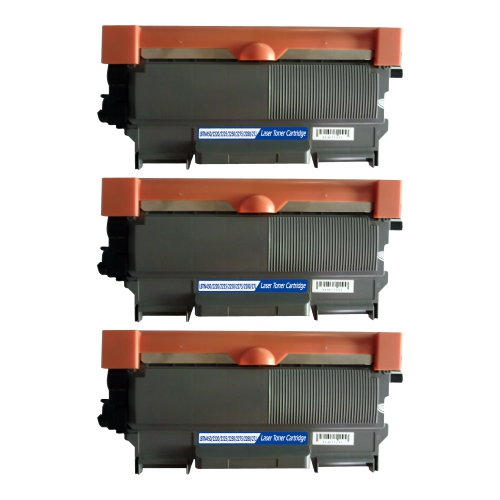
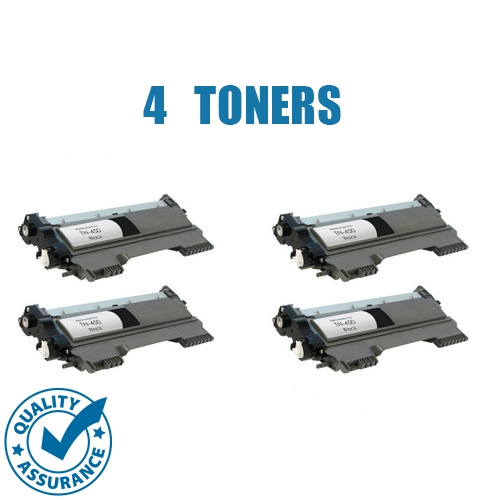
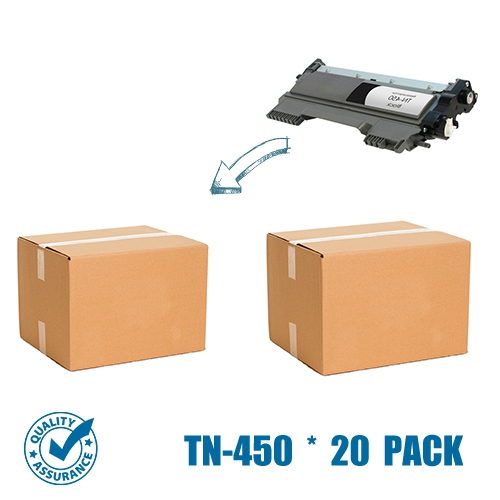
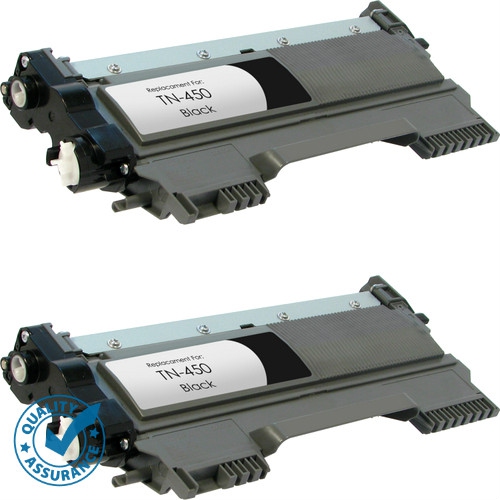
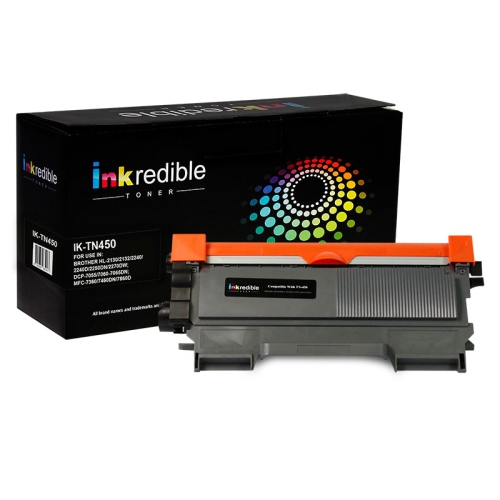
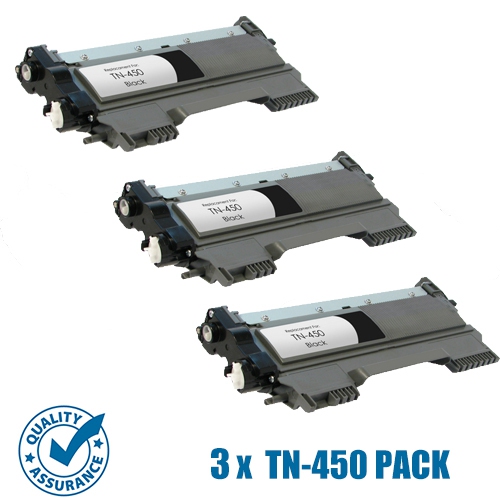
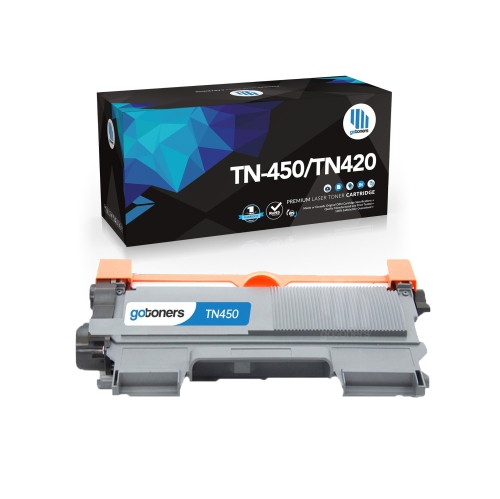
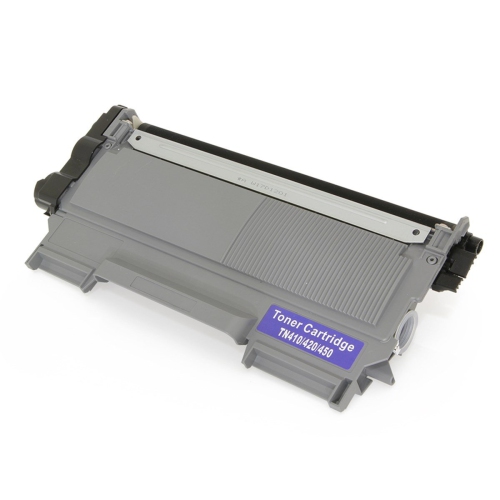
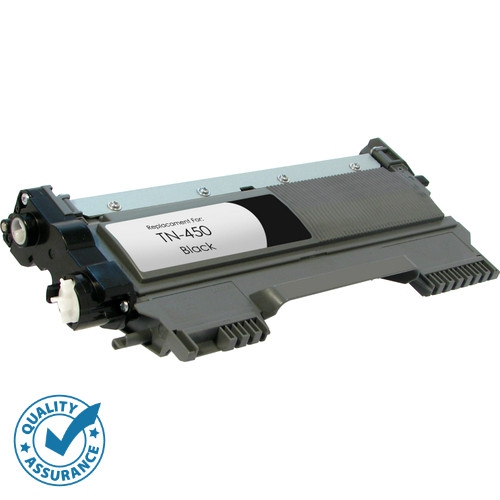
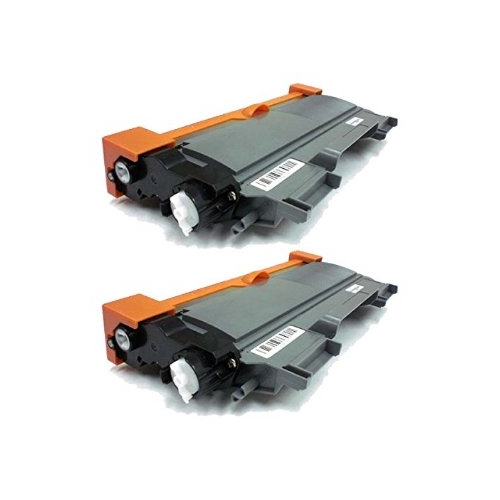
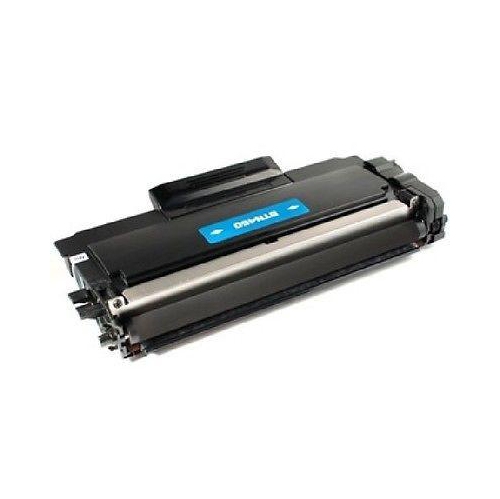
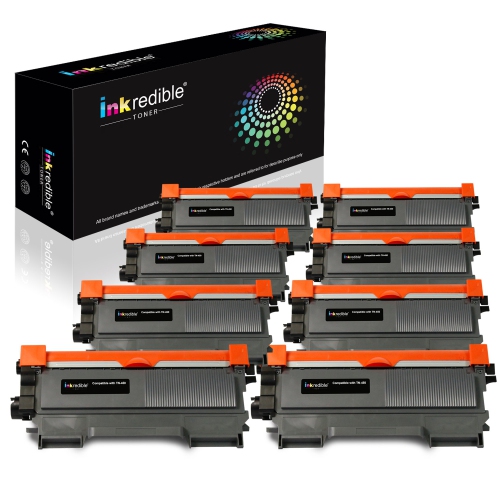
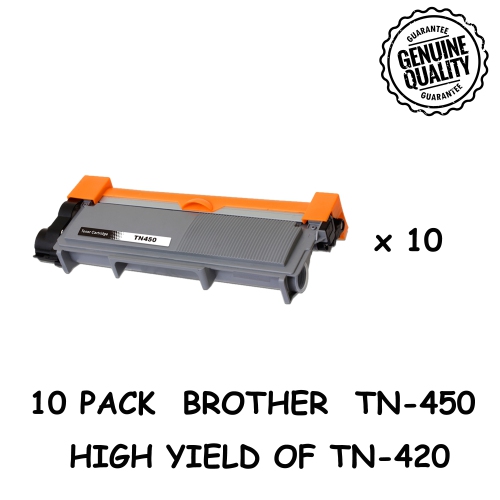
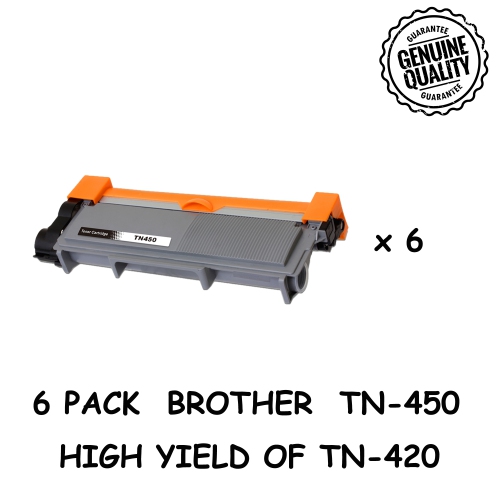
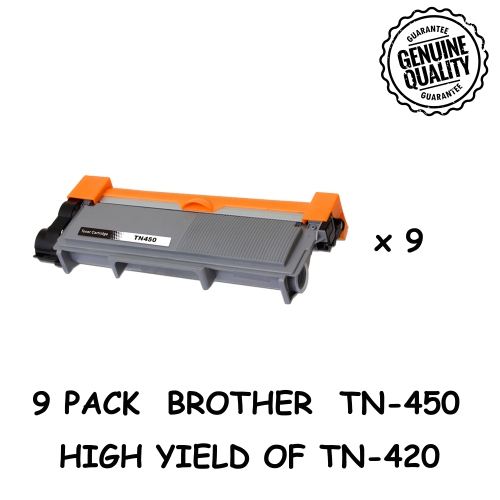
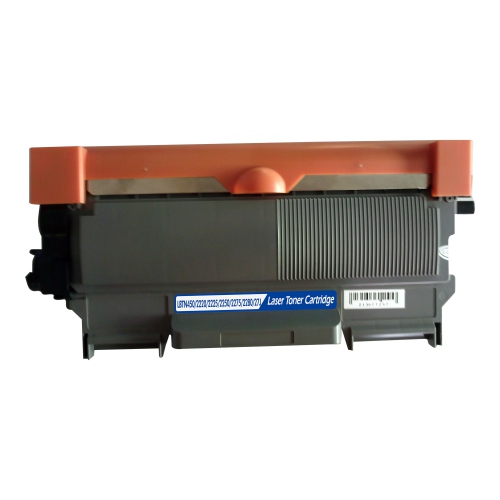
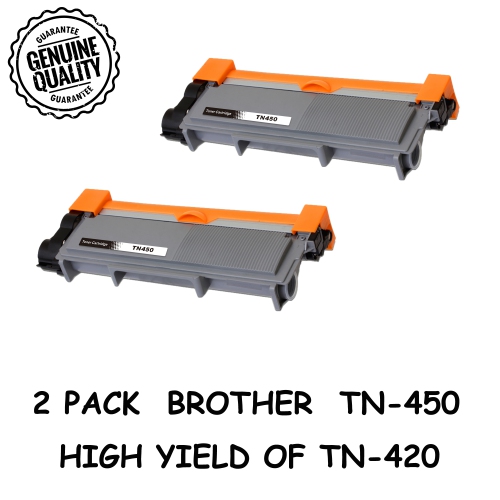
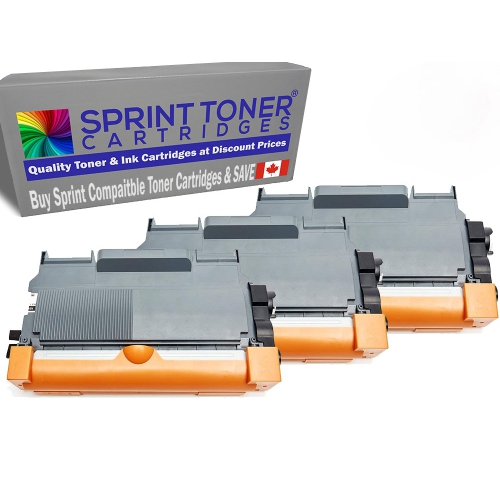
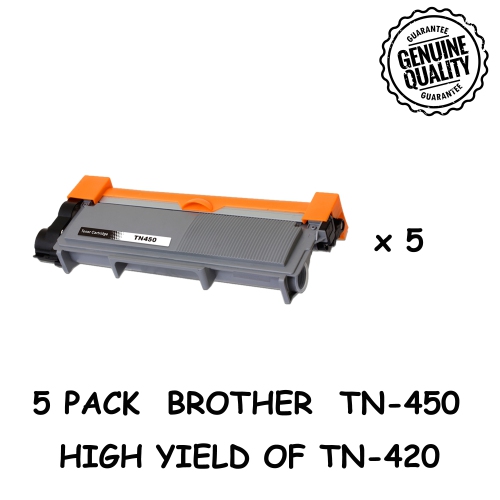
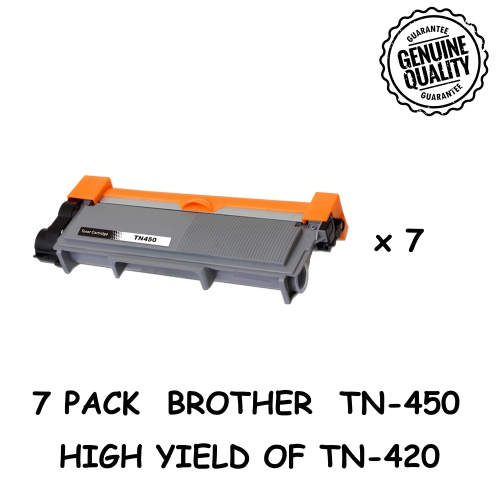
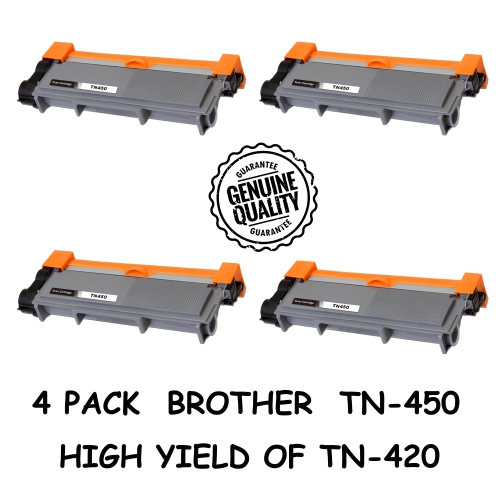
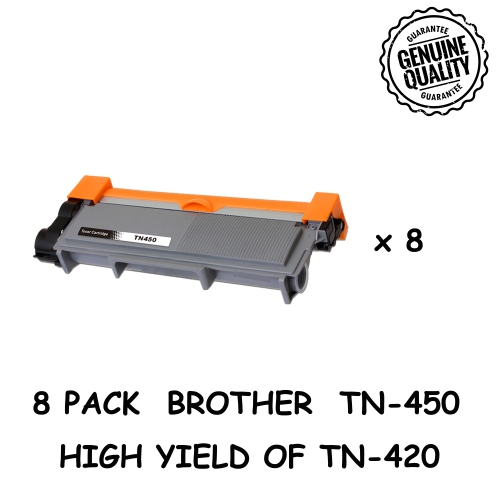
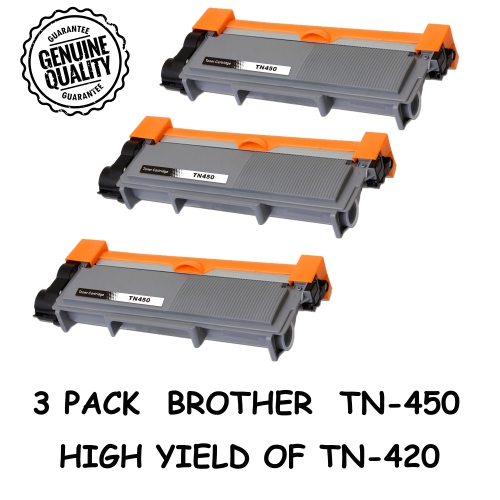
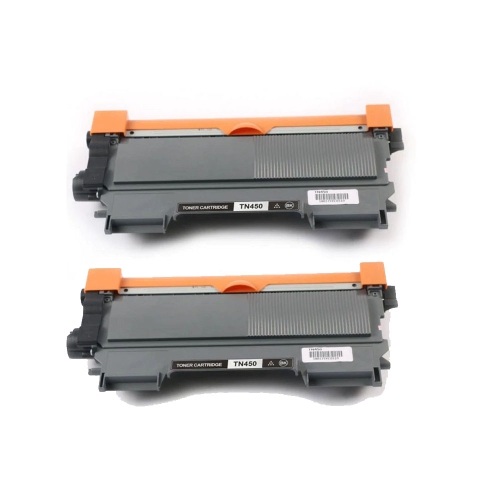
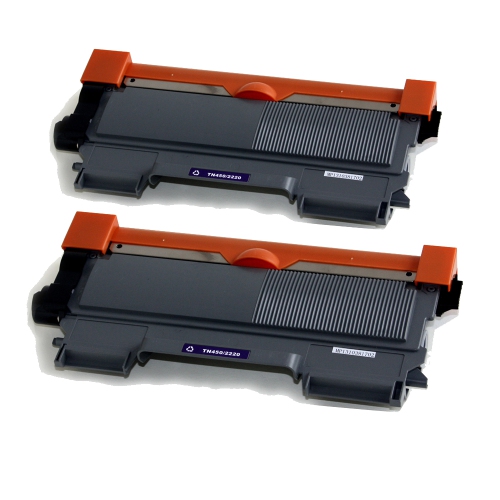
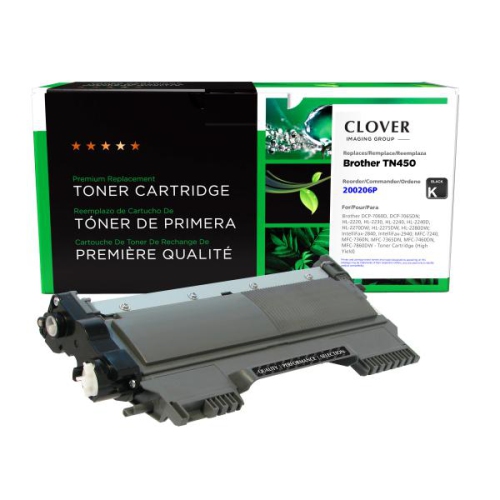
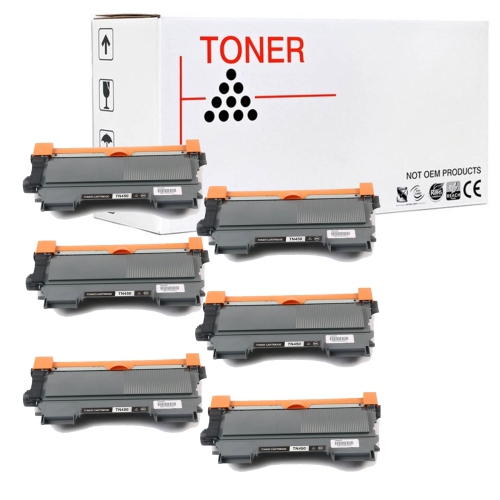
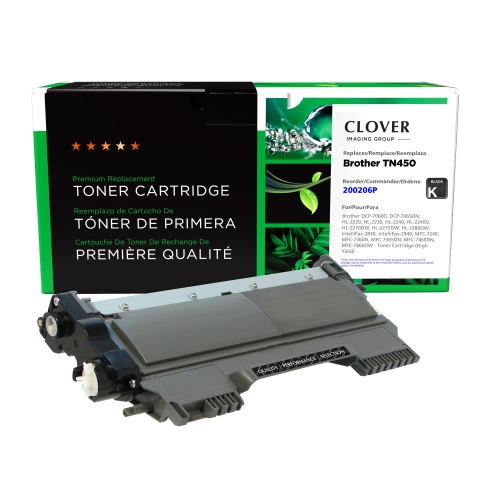
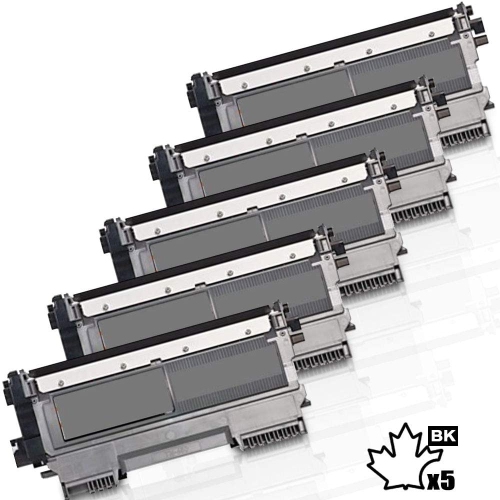
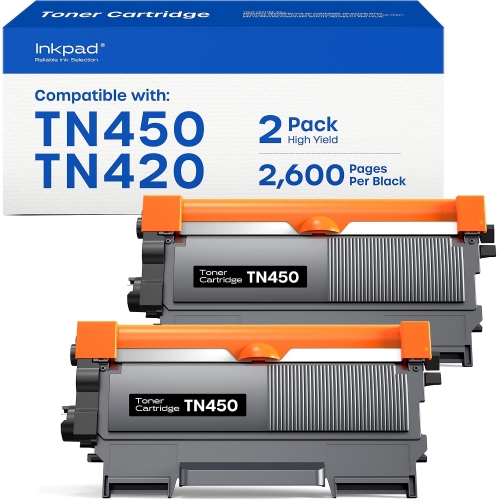
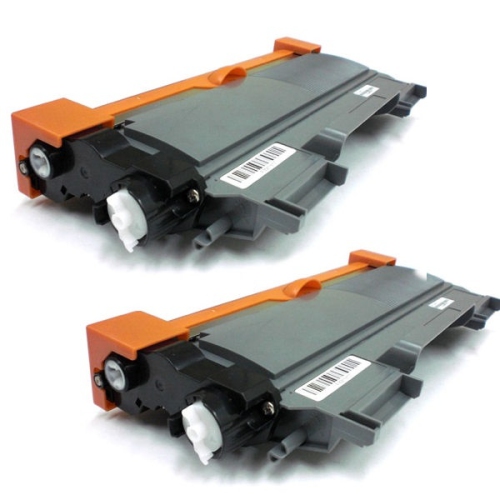
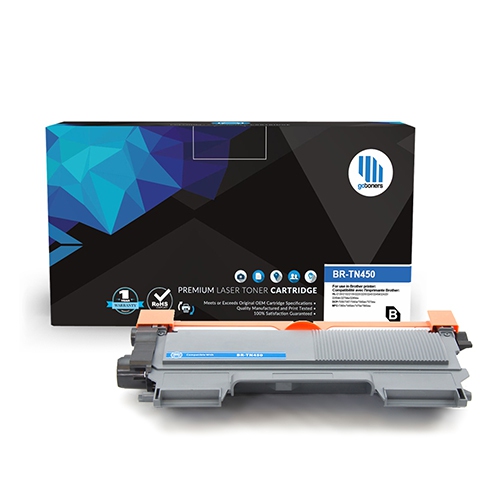
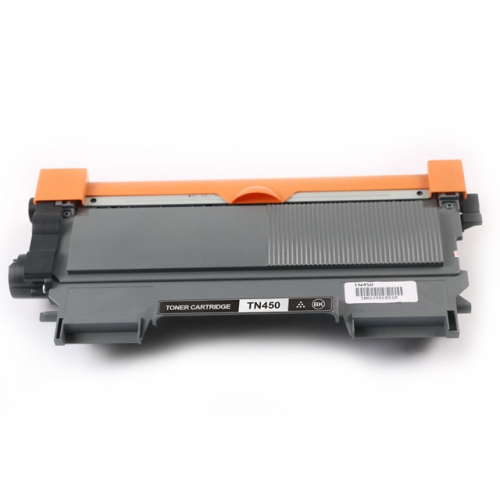
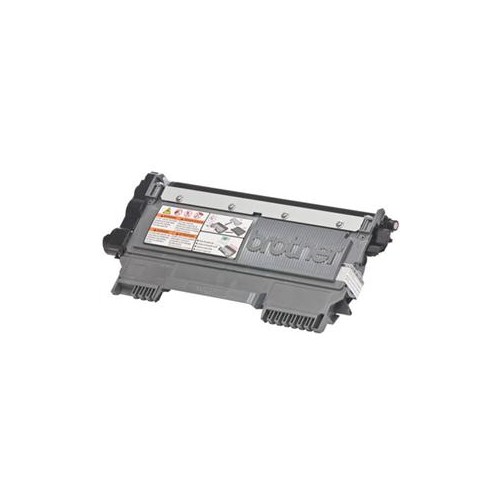
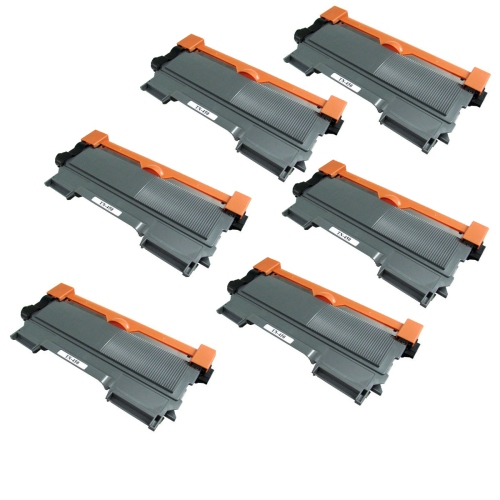
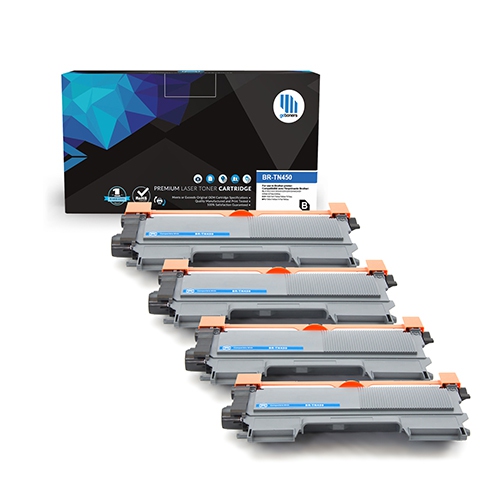
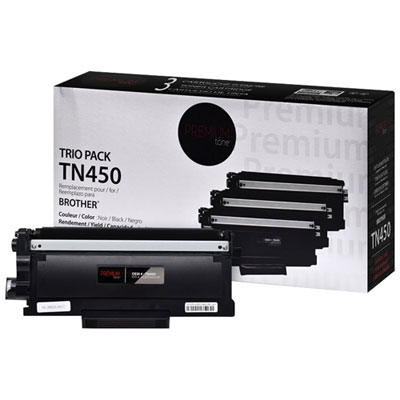
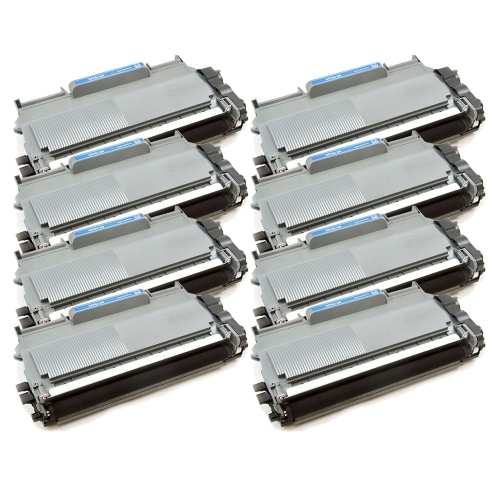
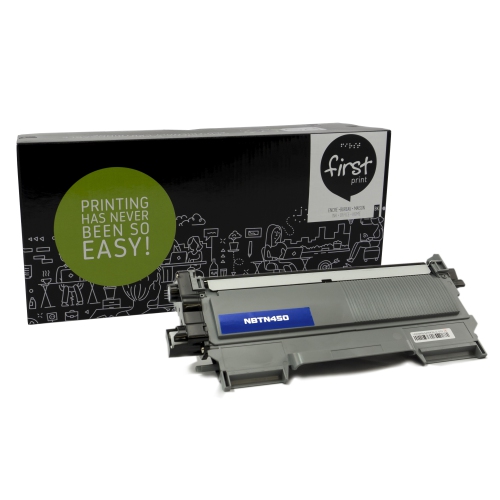
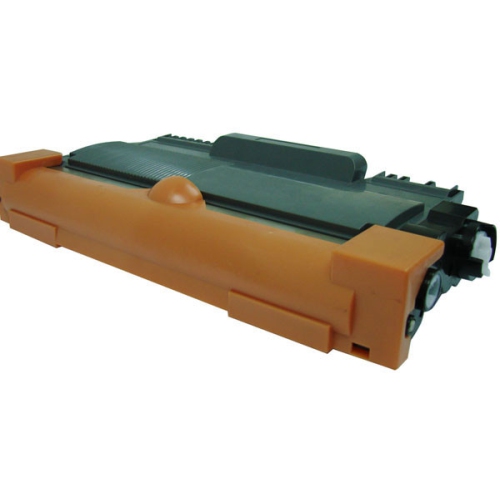
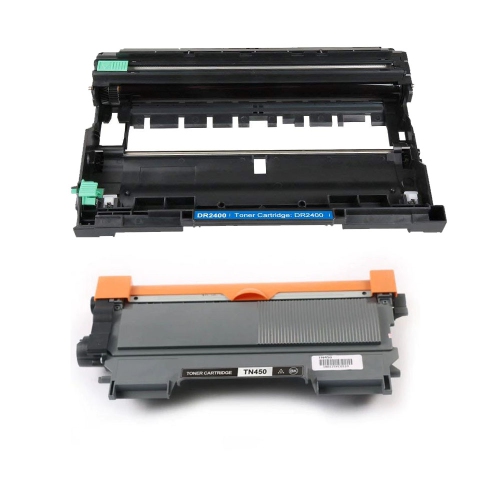
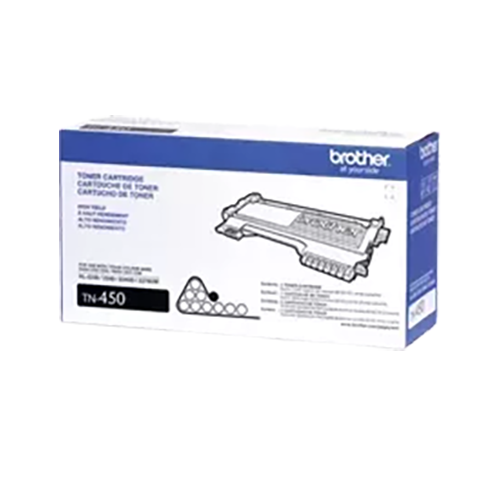
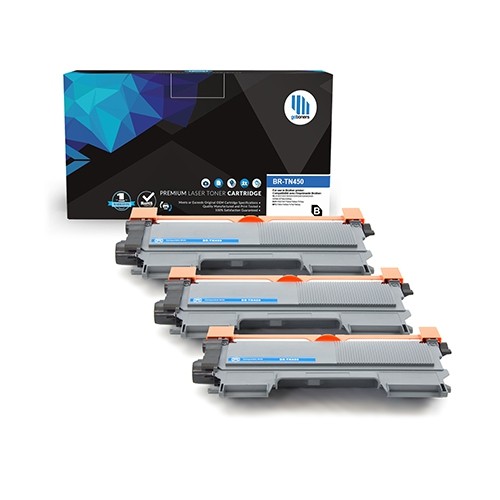
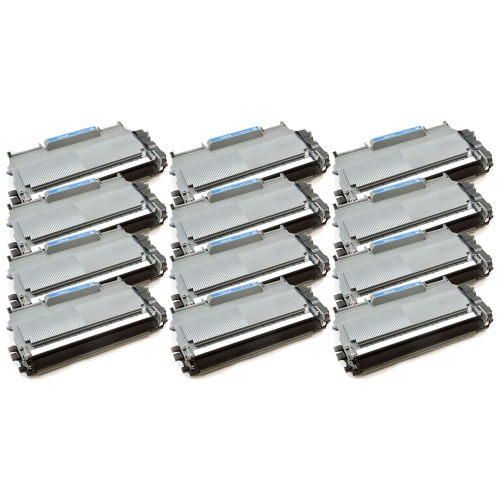
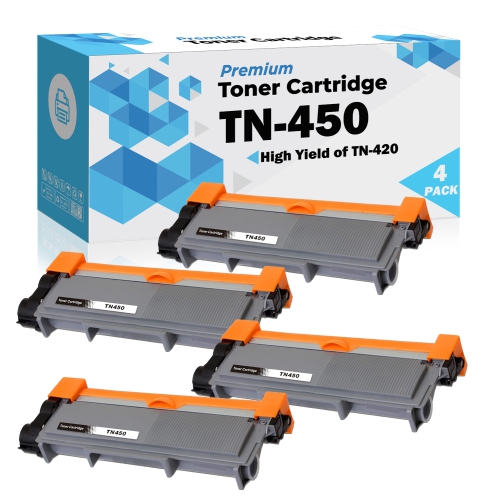
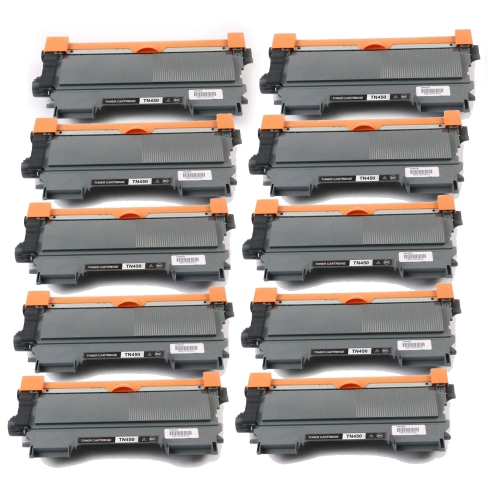
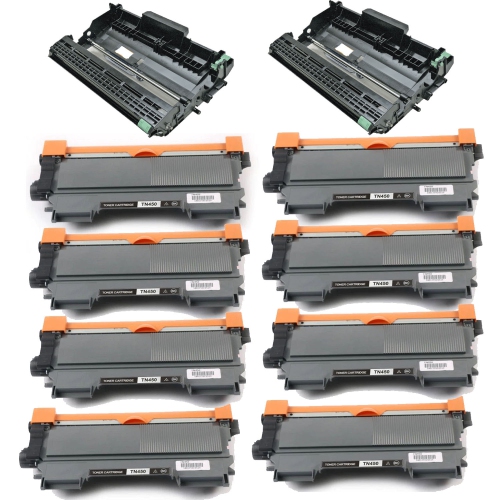
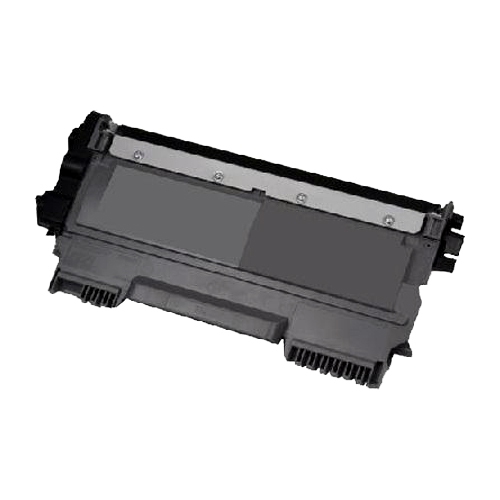
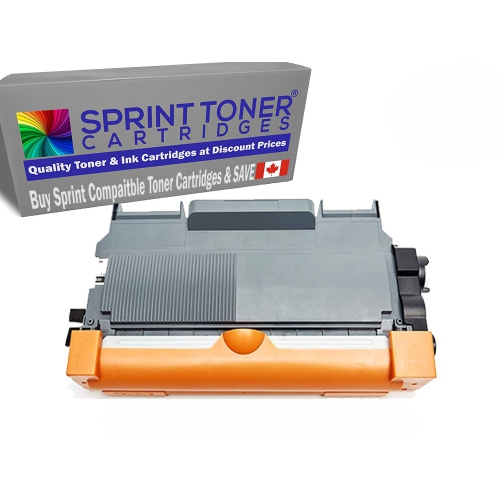
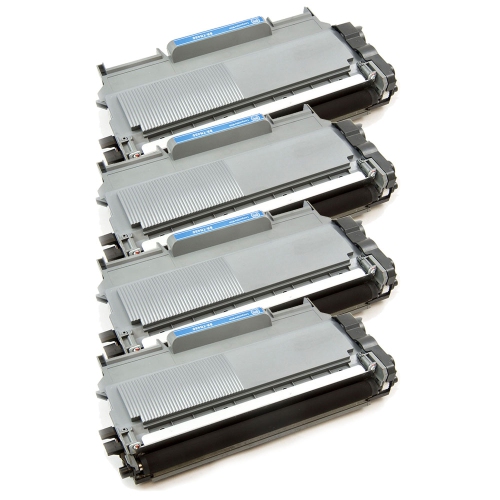
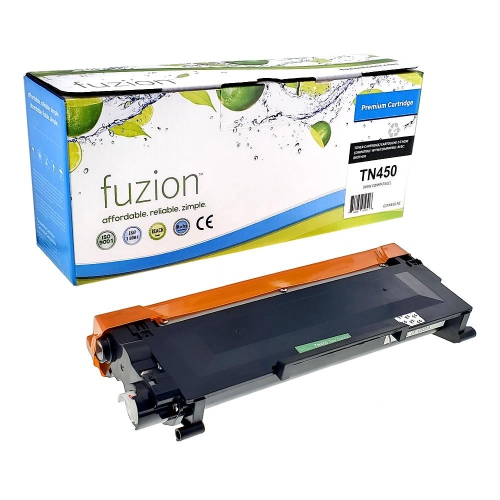

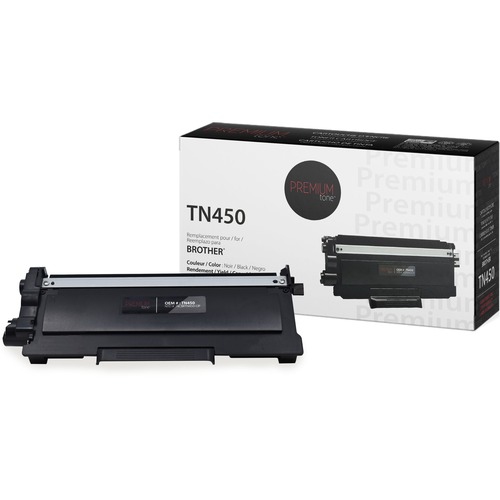
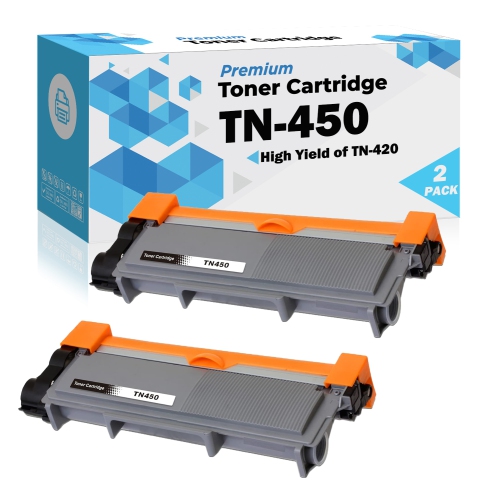
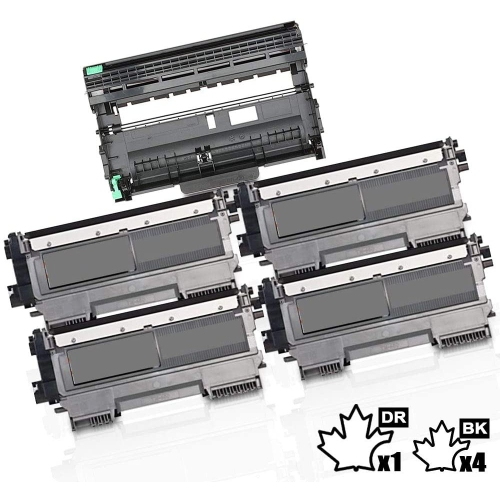
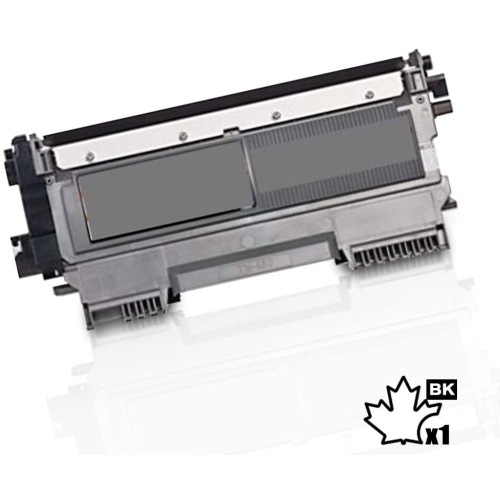
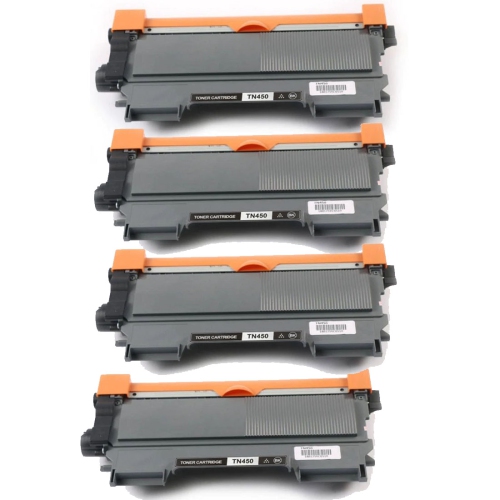
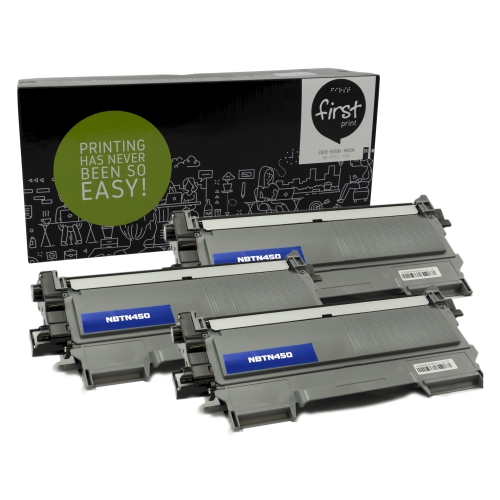
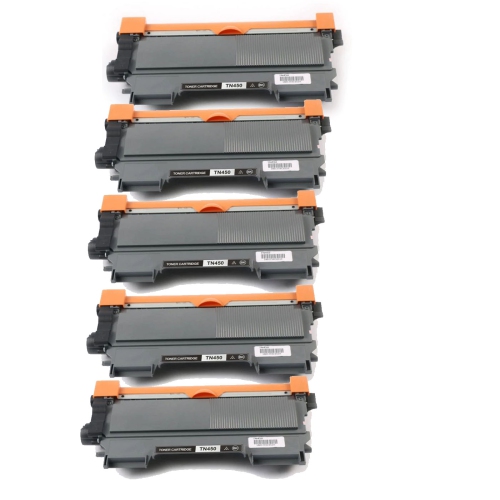
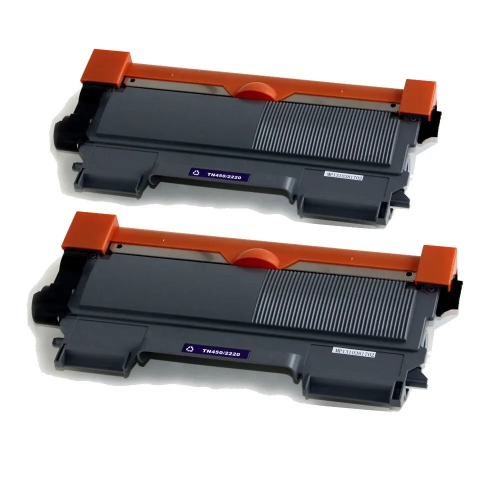
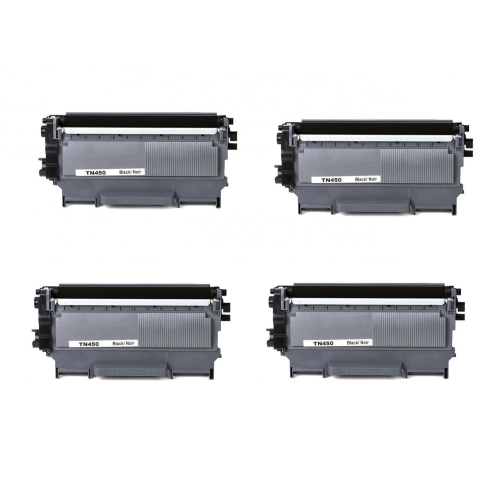
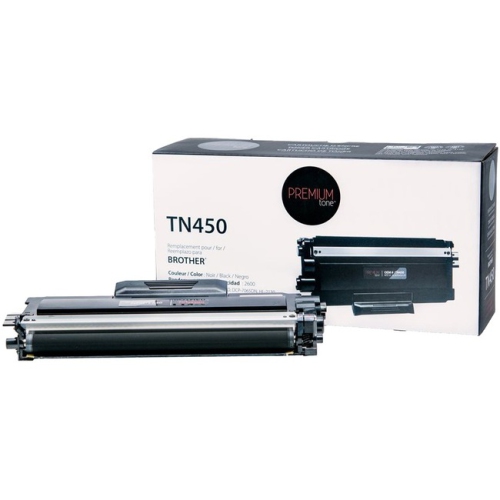
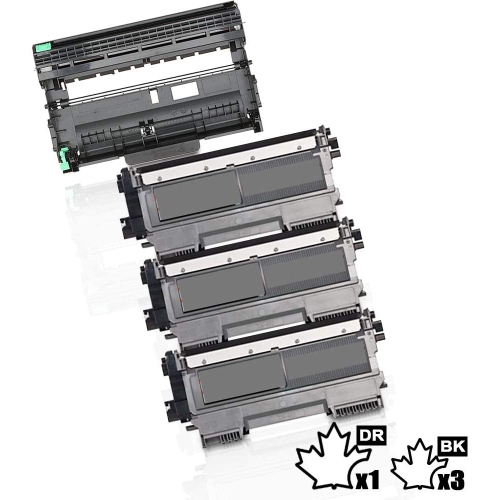
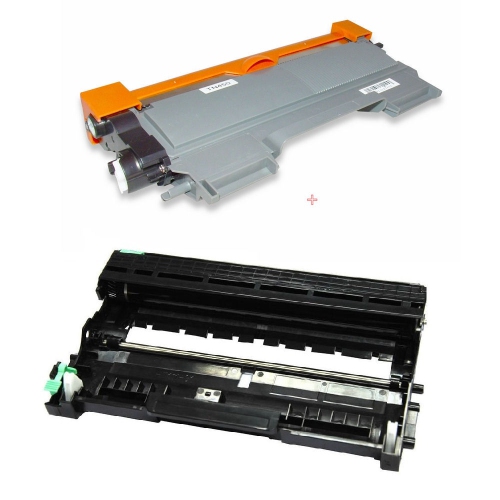
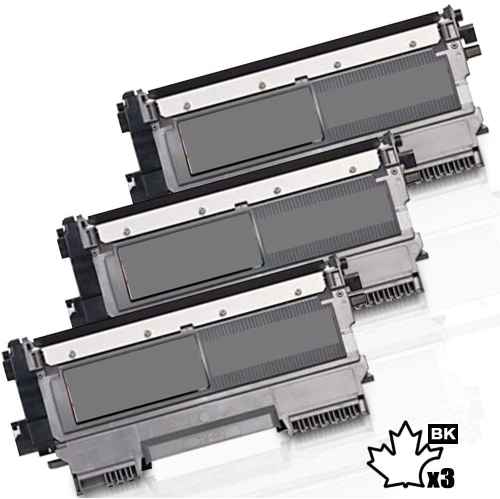
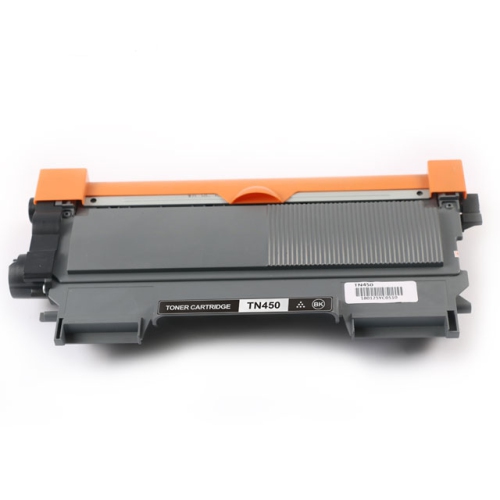
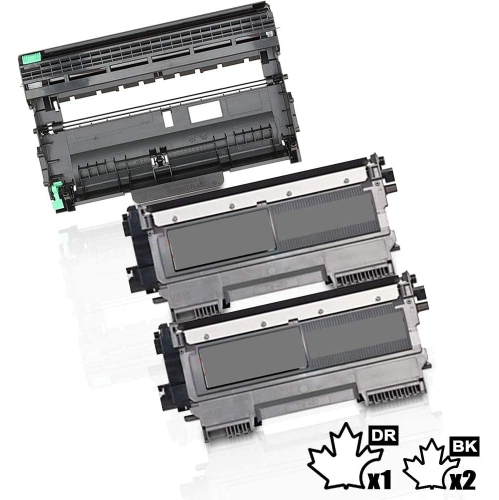
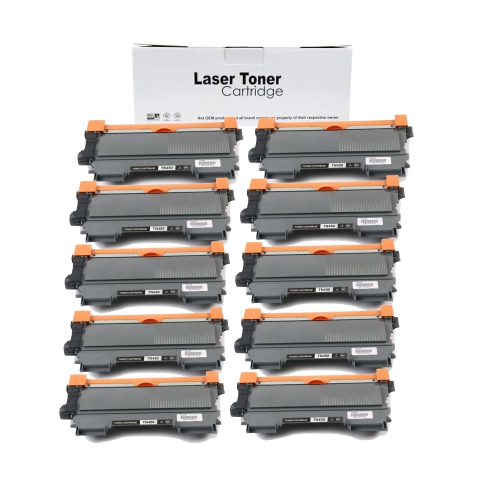
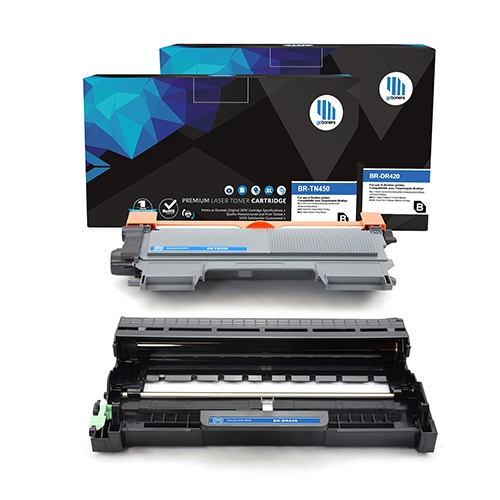

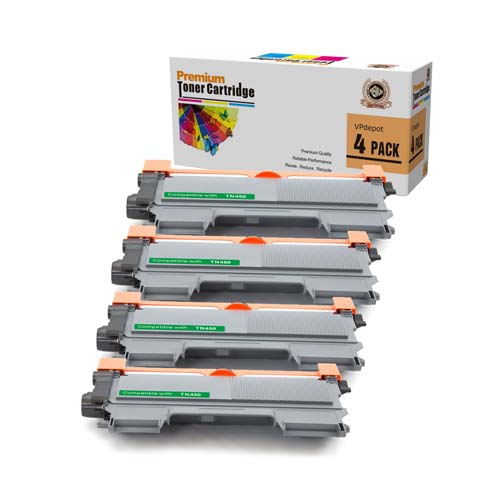
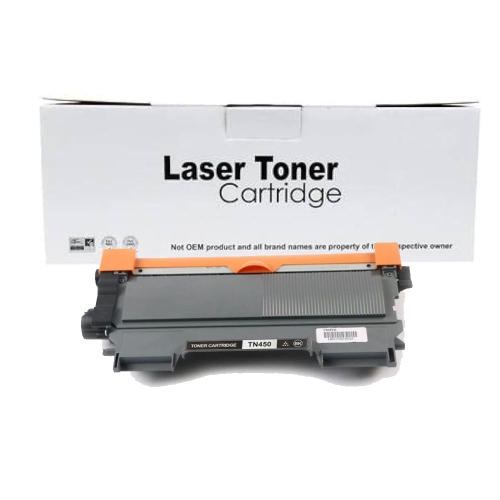
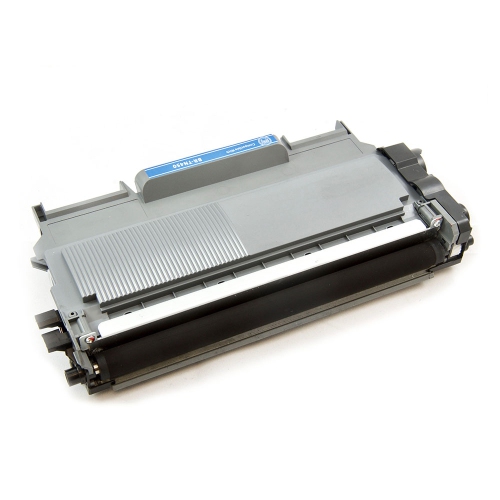
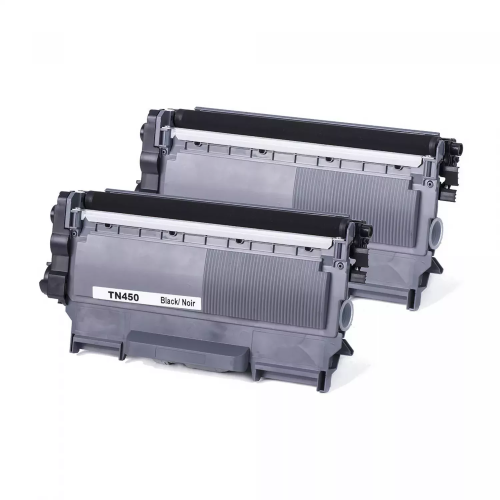
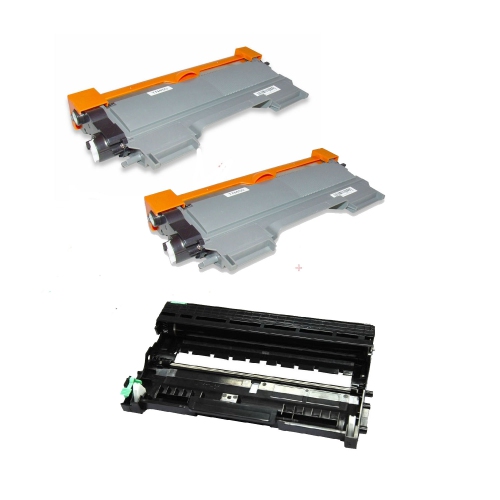
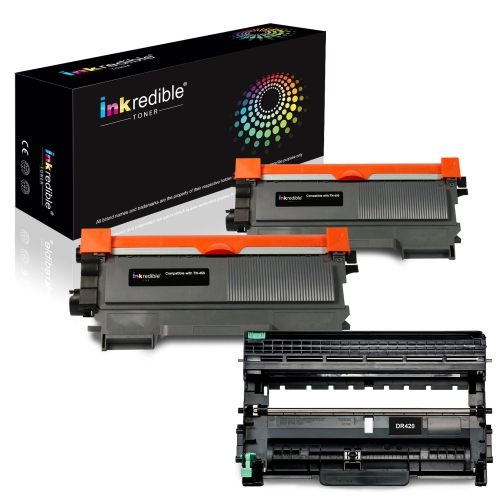
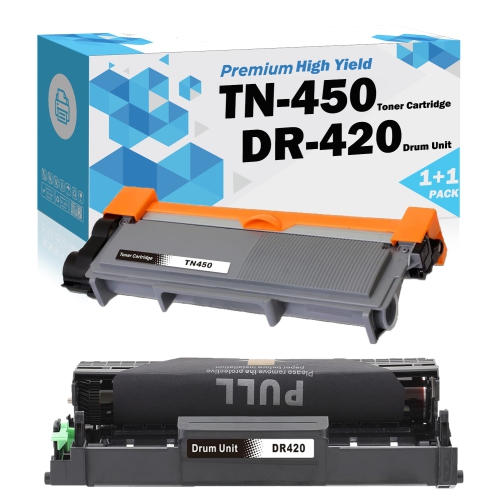
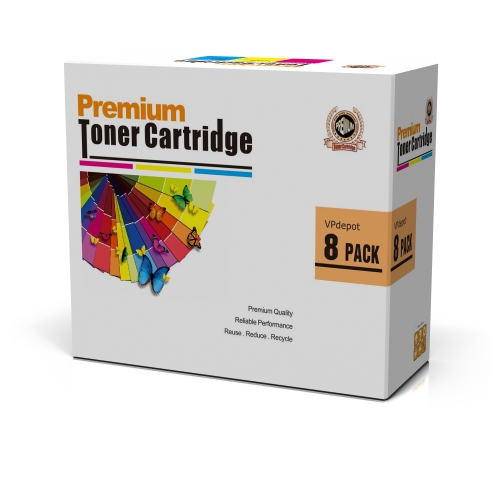
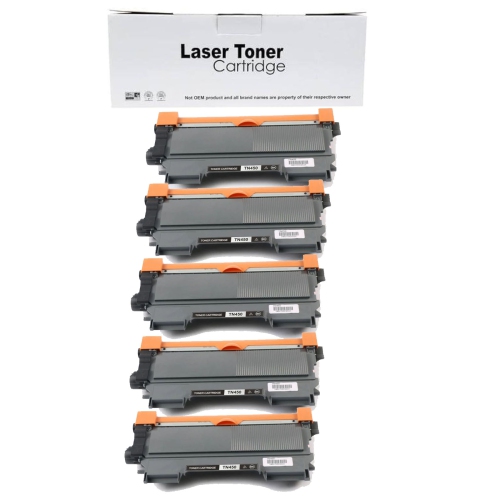
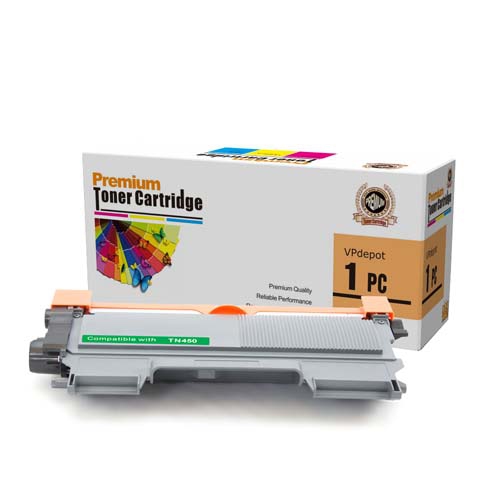
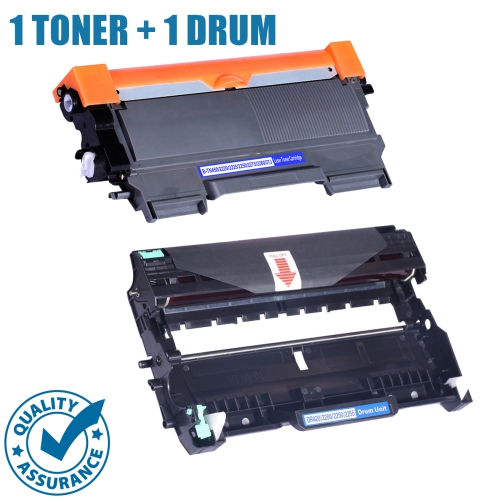
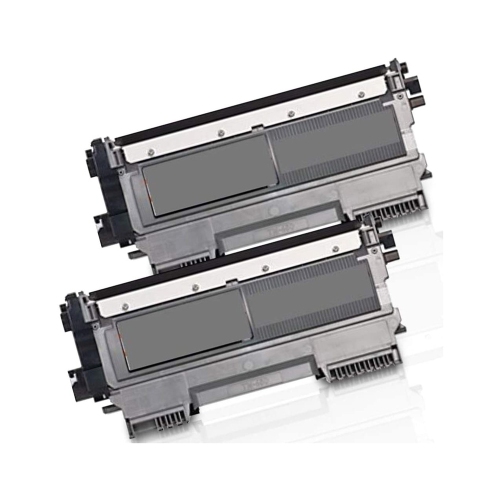

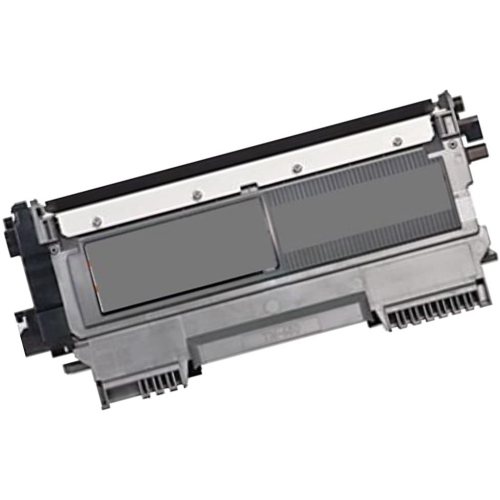
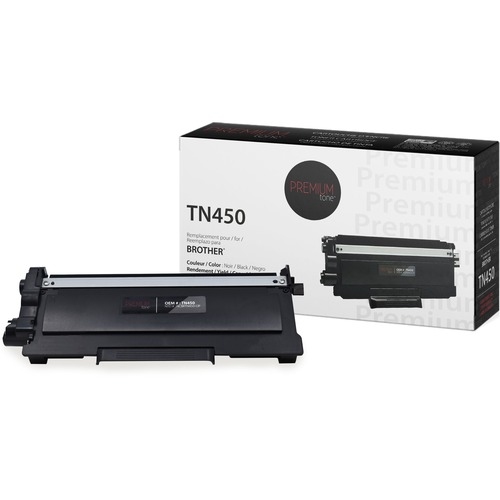
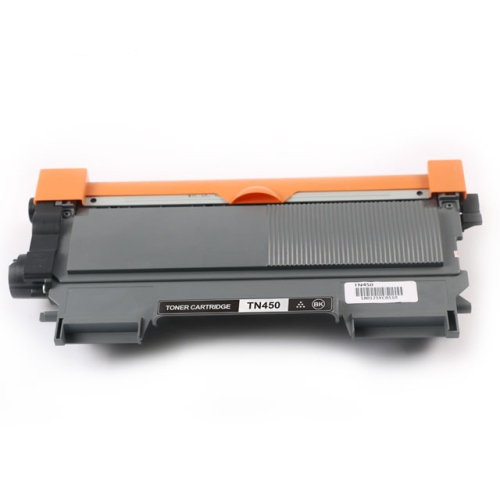
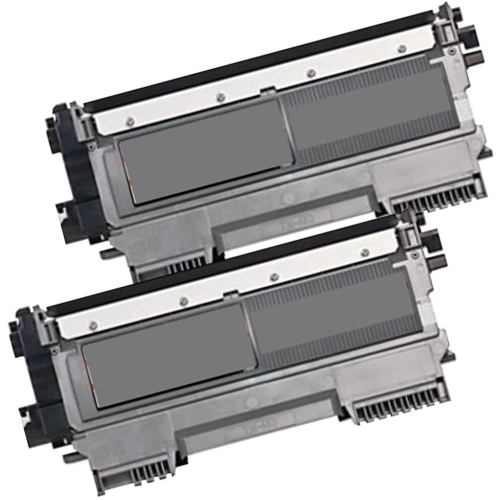
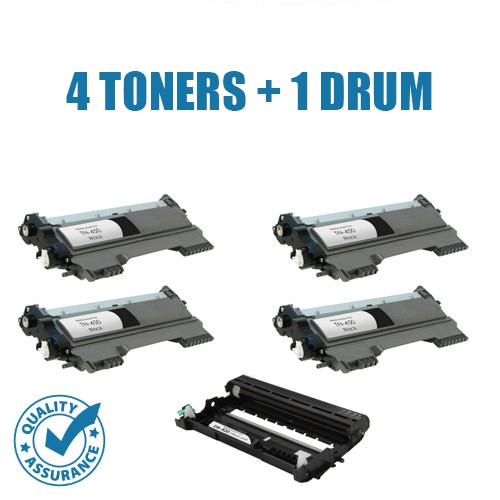
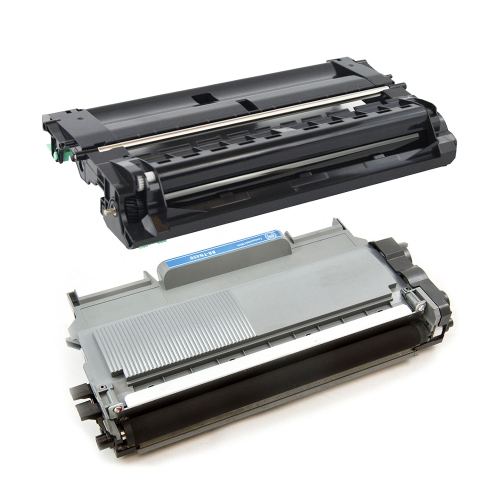
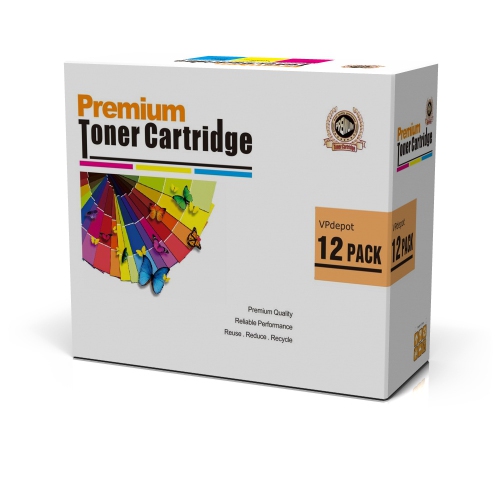
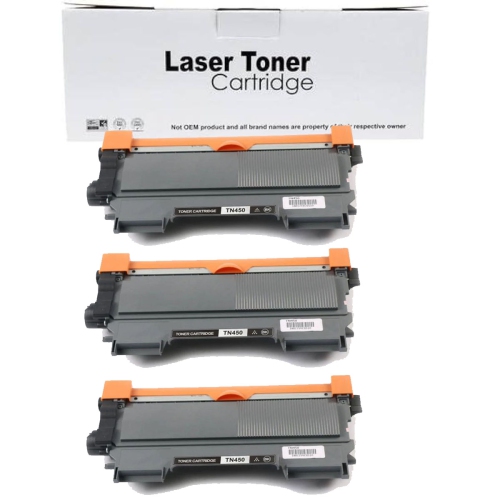
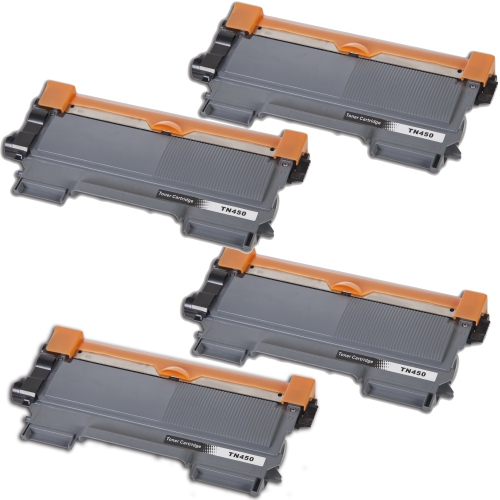
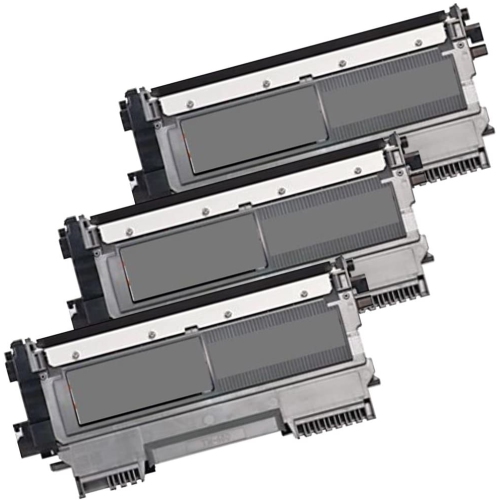
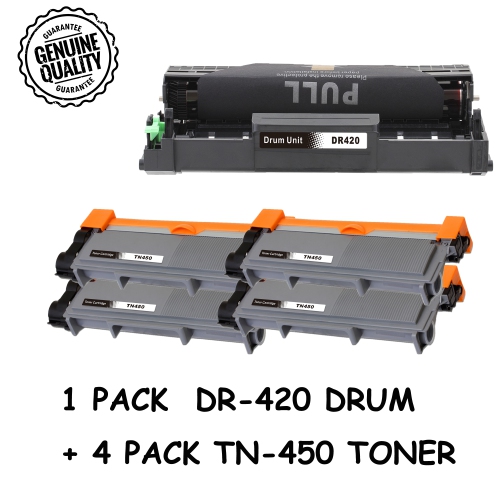
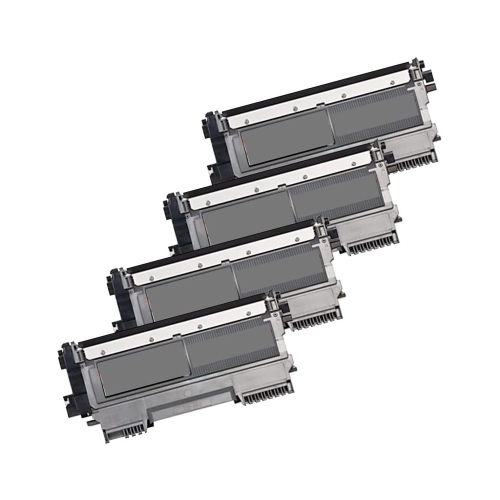

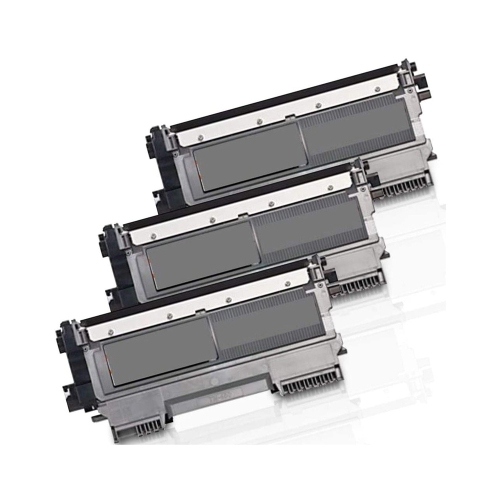

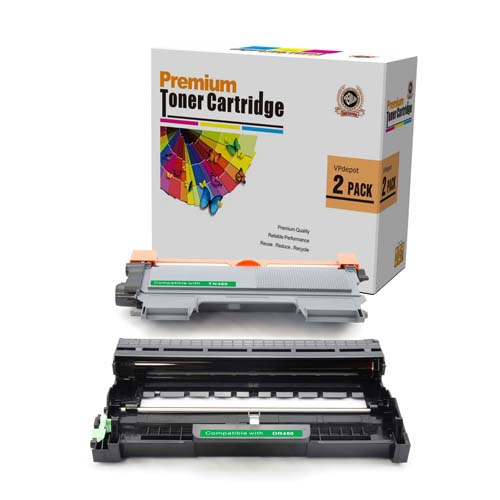
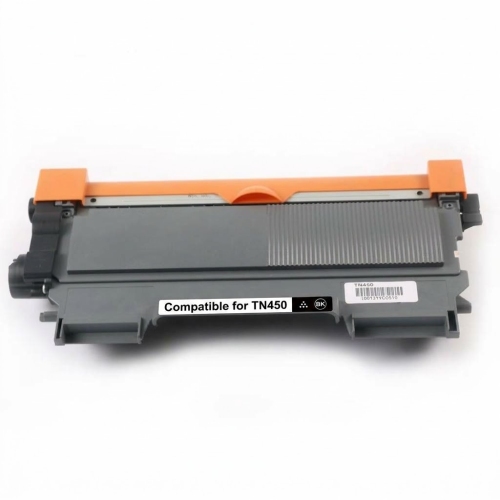
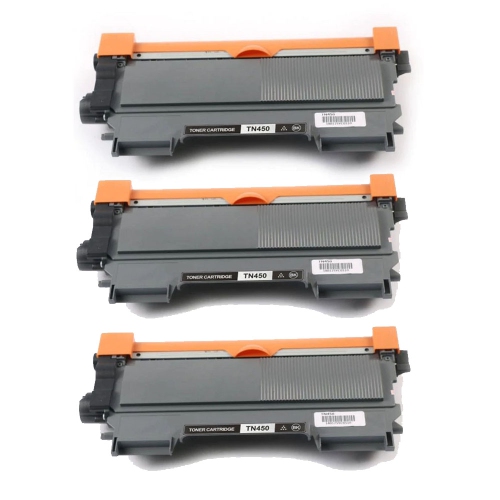
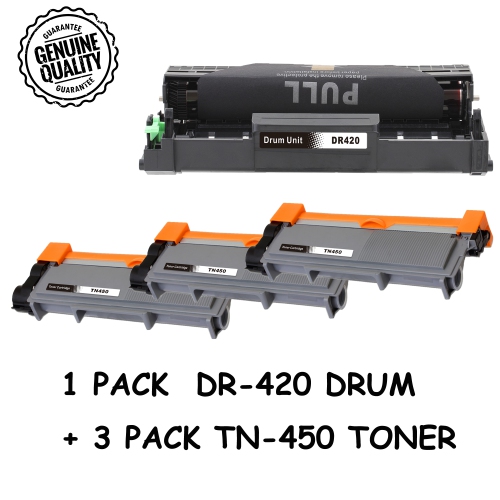
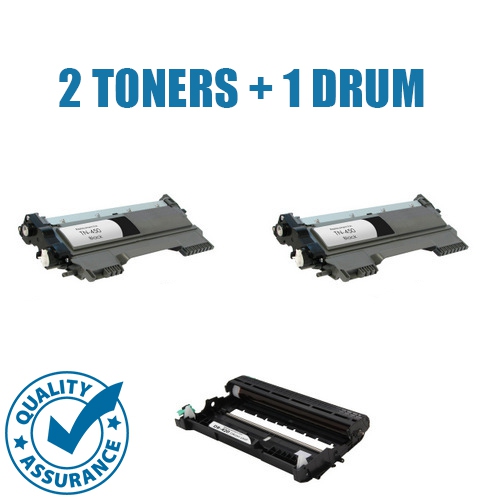

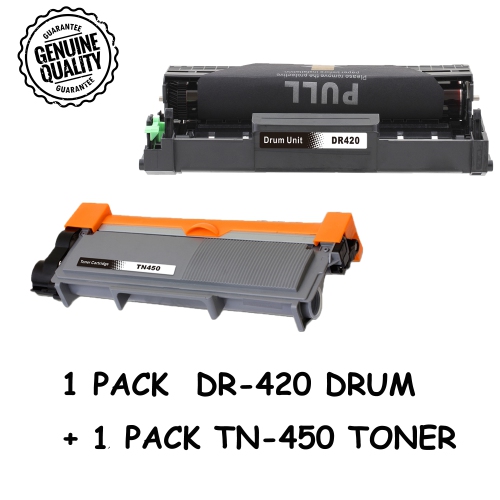


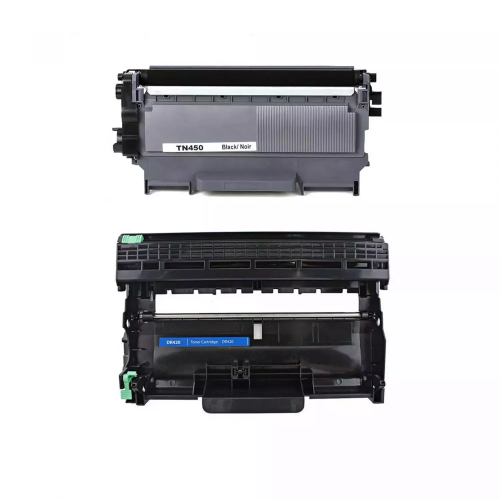
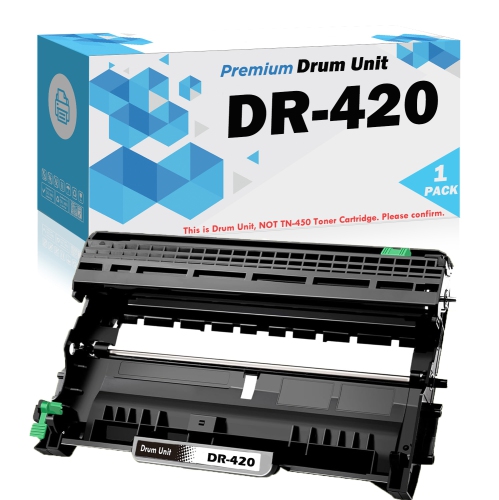
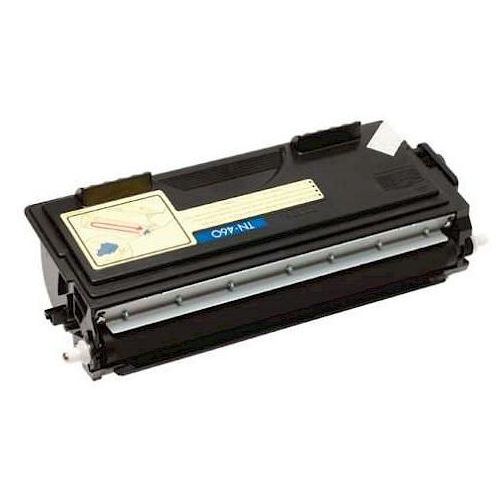
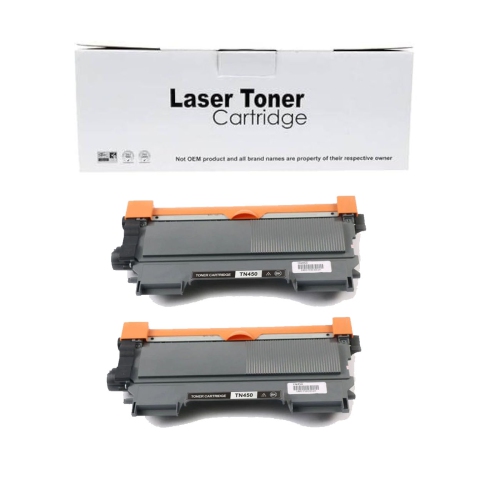
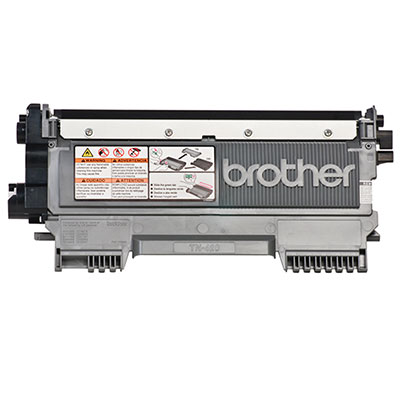
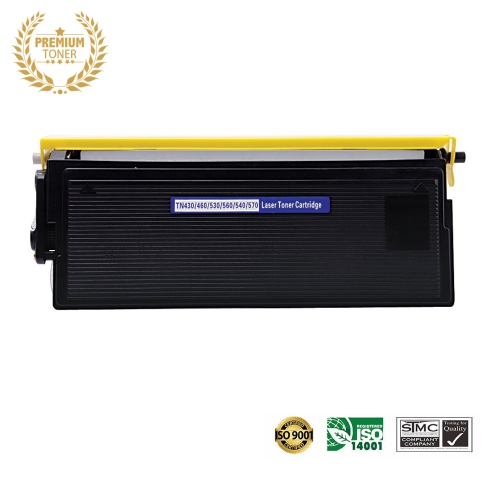
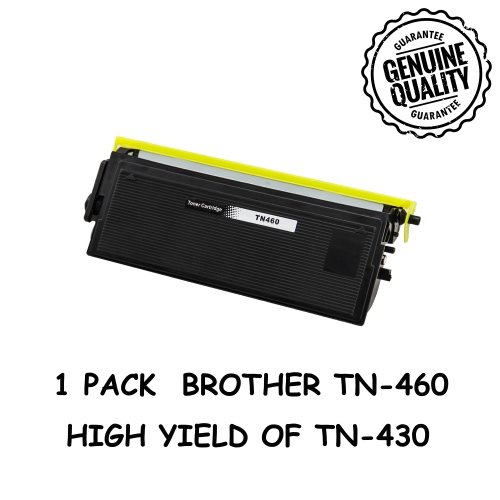
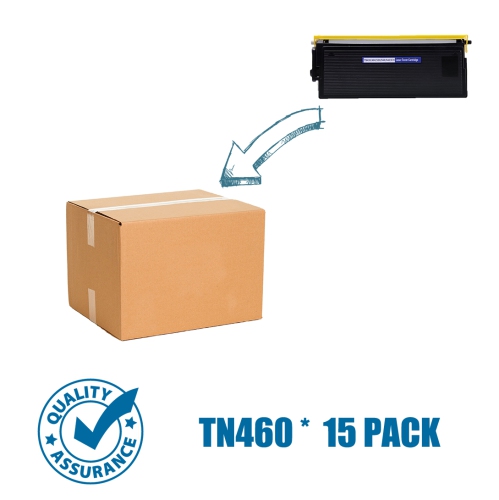
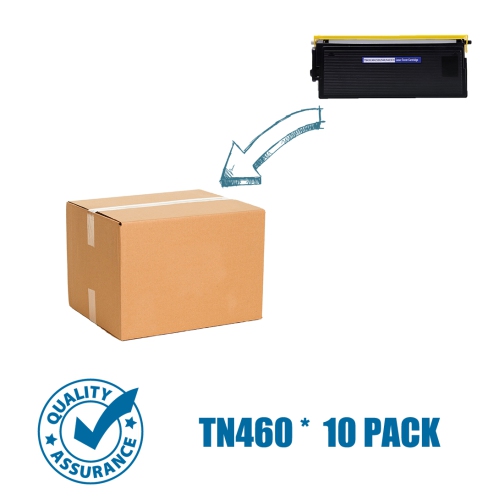
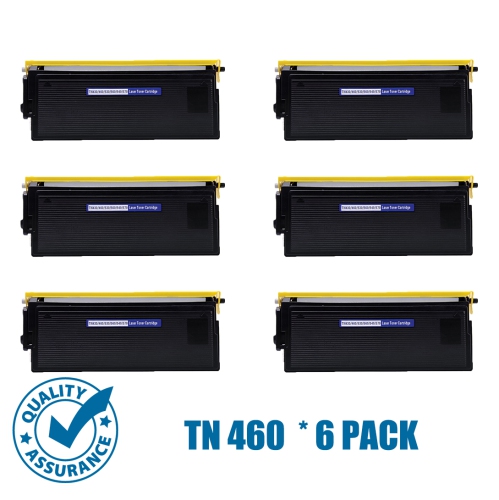
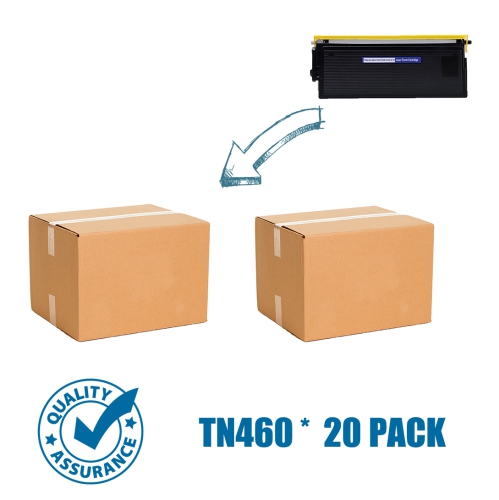
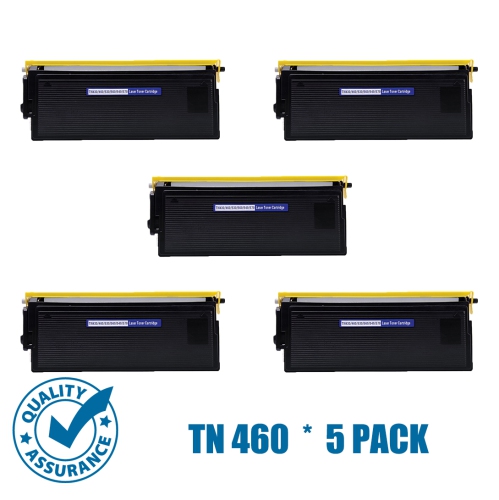
Clear black printing with high-yield performance for compatible printers
Brother TN450 Toners are black laser toner cartridges designed for clear, consistent printing in compatible Brother laser printers and multifunction devices. The high-yield TN450 format can print up to 2,600 pages, making it a practical choice for households, home offices, classrooms, small businesses, and busy work areas where documents are printed regularly. It is well suited to everyday black-and-white output such as invoices, shipping labels, forms, reports, lesson plans, meeting notes, application documents, and reference material. Laser toner produces crisp text and sharp lines, so it is particularly useful when readability matters, whether you are preparing a stack of client paperwork at the kitchen table or printing several pages for a work meeting. Before ordering, check the model number printed on your printer or multifunction centre and compare it with the compatibility information listed for each cartridge. TN450 Toners are commonly associated with select HL, MFC, DCP, and FAX series devices, but compatibility can vary by model and region. Matching the cartridge to the exact printer is the best way to avoid installation problems, unexpected print quality issues, or a cartridge that does not fit. It is also helpful to consider how often your household or workplace prints. A high-yield cartridge generally means fewer interruptions for people who print often, while a standard-yield option may suit occasional users who primarily print a few pages at a time. Keep in mind that page-yield estimates are based on standard testing conditions; actual results can change depending on the amount of text, graphics, shading, and formatting on each page.
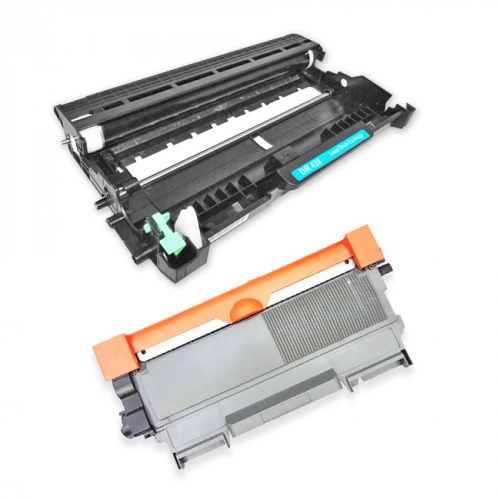
When selecting Brother TN450 Toners, compare cartridge type, page yield, package quantity, and the return or replacement terms offered with the listing. Original cartridges are manufactured for the printer line, while compatible cartridges are made to fit the same equipment and can provide another option for shoppers comparing features and value. Regardless of cartridge type, look for clear information about compatibility, yield, installation, and included components. The TN450 cartridge works with a separate drum unit in compatible laser printers, so replacing the toner does not usually mean replacing the drum at the same time. This distinction can help explain why a printer may continue using the same drum while the toner cartridge is changed. When the print begins to look faint, uneven, or streaked, check the printer’s display and maintenance instructions before ordering; the issue may be low toner, a drum that needs attention, or another maintenance requirement. Installing a new cartridge is generally straightforward: open the printer, remove the toner-and-drum assembly, release the empty cartridge from the drum, and click the replacement into position according to the manufacturer’s instructions. Handle the cartridge carefully, keep it level, and avoid touching the imaging surfaces. Gently rocking a new cartridge from side to side before installation can help distribute toner evenly, provided the instructions supplied with the cartridge allow it. After reinserting the assembly, print a test page and allow a few pages for the output to settle. Storing an unopened cartridge in its original packaging, away from heat, moisture, and direct sunlight, can help protect it until it is needed.
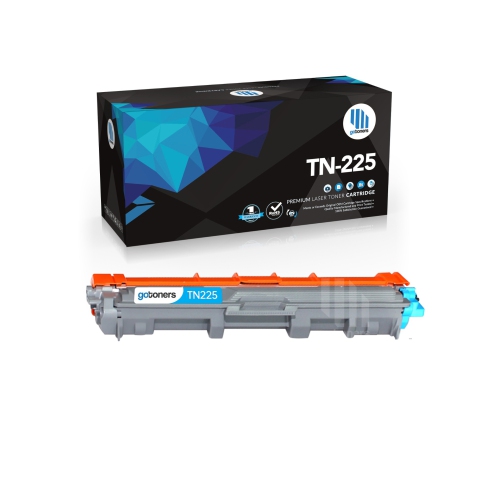
A spare toner cartridge is a thoughtful and practical addition to a home office, shared workspace, student study area, or small business supply cabinet. It can also be a useful gift for someone setting up a new workspace, managing paperwork from home, or preparing for a busy period of printing during the cooler months, when more administrative work often moves indoors. Rather than waiting until pages begin fading during an important task, many regular printer users keep one replacement cartridge nearby so they can continue printing without a last-minute trip to the store. This is especially convenient for people who print shipping documents, school materials, appointment forms, receipts, or business records on a recurring basis. For occasional users, reviewing the cartridge’s storage guidance and checking the printer model before purchasing helps prevent a spare from sitting unused or being ordered incorrectly. Shoppers comparing related toner formats can also browse Brother TN225 Toners when their device requires a different cartridge family. Whether the goal is maintaining a reliable home printer, keeping a small office prepared, or replacing an empty cartridge with minimal disruption, the most important considerations remain exact printer compatibility, expected page volume, black text quality, cartridge type, and the convenience of a high-yield format.
When selecting Brother TN450 Toners, compare cartridge type, page yield, package quantity, and the return or replacement terms offered with the listing. Original cartridges are manufactured for the printer line, while compatible cartridges are made to fit the same equipment and can provide another option for shoppers comparing features and value. Regardless of cartridge type, look for clear information about compatibility, yield, installation, and included components. The TN450 cartridge works with a separate drum unit in compatible laser printers, so replacing the toner does not usually mean replacing the drum at the same time. This distinction can help explain why a printer may continue using the same drum while the toner cartridge is changed. When the print begins to look faint, uneven, or streaked, check the printer’s display and maintenance instructions before ordering; the issue may be low toner, a drum that needs attention, or another maintenance requirement. Installing a new cartridge is generally straightforward: open the printer, remove the toner-and-drum assembly, release the empty cartridge from the drum, and click the replacement into position according to the manufacturer’s instructions. Handle the cartridge carefully, keep it level, and avoid touching the imaging surfaces. Gently rocking a new cartridge from side to side before installation can help distribute toner evenly, provided the instructions supplied with the cartridge allow it. After reinserting the assembly, print a test page and allow a few pages for the output to settle. Storing an unopened cartridge in its original packaging, away from heat, moisture, and direct sunlight, can help protect it until it is needed.
A spare toner cartridge is a thoughtful and practical addition to a home office, shared workspace, student study area, or small business supply cabinet. It can also be a useful gift for someone setting up a new workspace, managing paperwork from home, or preparing for a busy period of printing during the cooler months, when more administrative work often moves indoors. Rather than waiting until pages begin fading during an important task, many regular printer users keep one replacement cartridge nearby so they can continue printing without a last-minute trip to the store. This is especially convenient for people who print shipping documents, school materials, appointment forms, receipts, or business records on a recurring basis. For occasional users, reviewing the cartridge’s storage guidance and checking the printer model before purchasing helps prevent a spare from sitting unused or being ordered incorrectly. Shoppers comparing related toner formats can also browse Brother TN225 Toners when their device requires a different cartridge family. Whether the goal is maintaining a reliable home printer, keeping a small office prepared, or replacing an empty cartridge with minimal disruption, the most important considerations remain exact printer compatibility, expected page volume, black text quality, cartridge type, and the convenience of a high-yield format.
Top selling and popular products
-
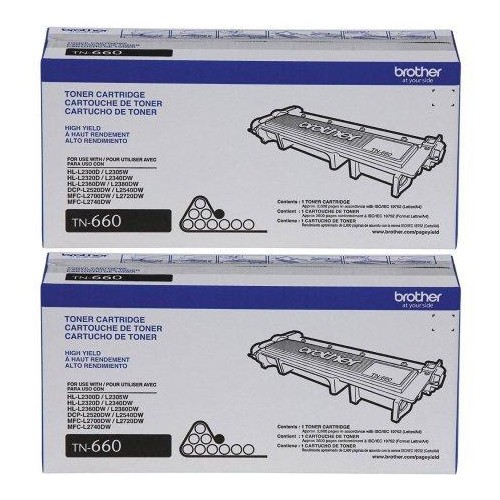 Your price for this item is $157.94
 -
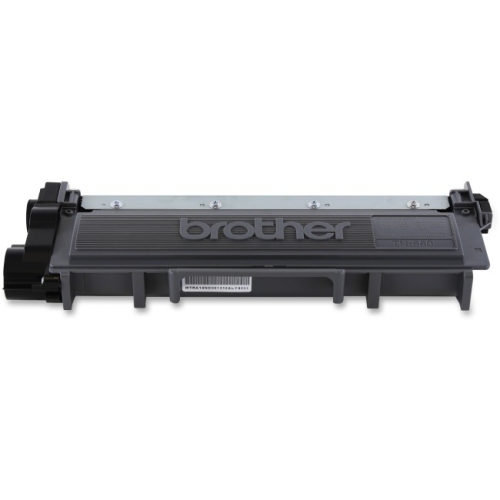 Your price for this item is $74.99
 -
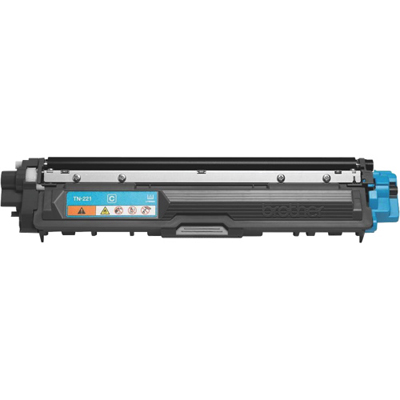 Your price for this item is $102.99
 -
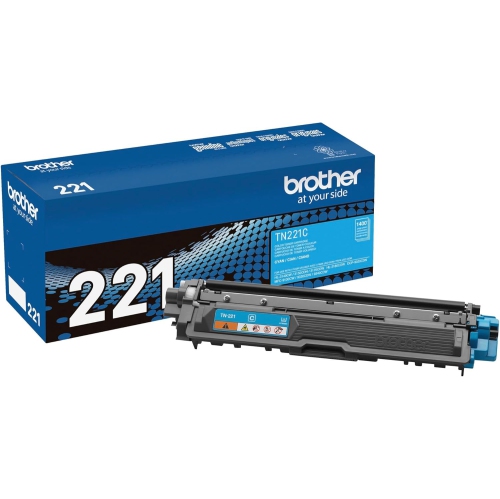 Your price for this item is $115.02
 -
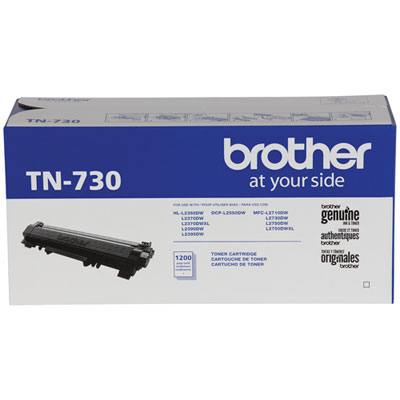 Your price for this item is $72.99
 -
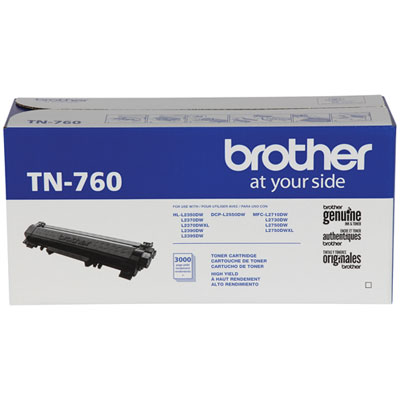 Your price for this item is $115.99
 -
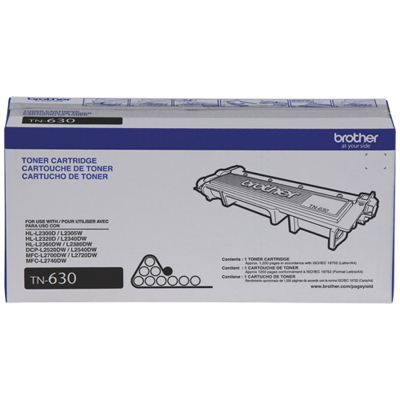 Your price for this item is $72.99
 -
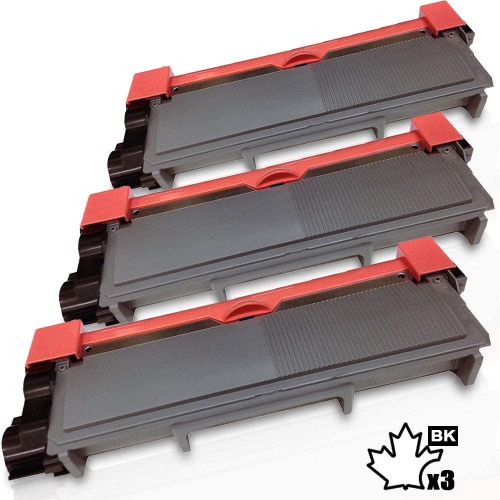 Your price for this item is $58.2
Discover more categories related to Brother TN450 Toners
Top Collections:
Pokemon Centers, Kindle Devices, Best Budget Office Chairs, Canon G7X Cameras, Apple iPhones 16, Samsung Galaxy Phones, Refurbished Apple Laptops, Laptops for Students, iPhone 15 Apple, Budget Smartphones
Some products may be subject to Environmental Handling Fees
(EHF) depending on your province.
Learn more about EHFs.