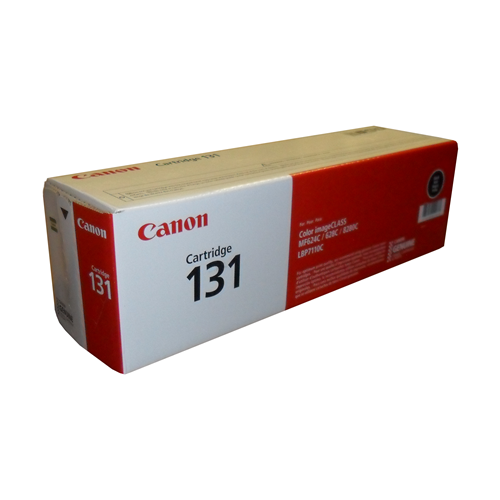
Canon 131 Toner Cartridges
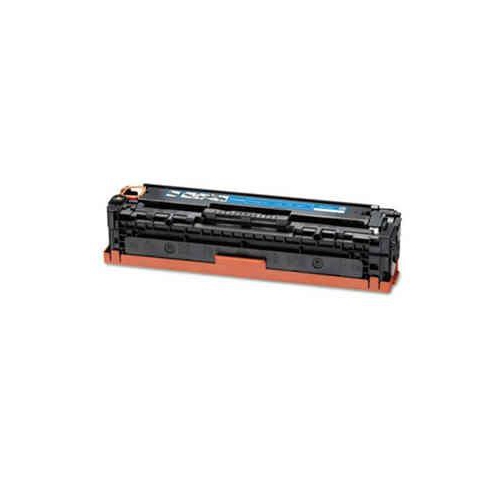
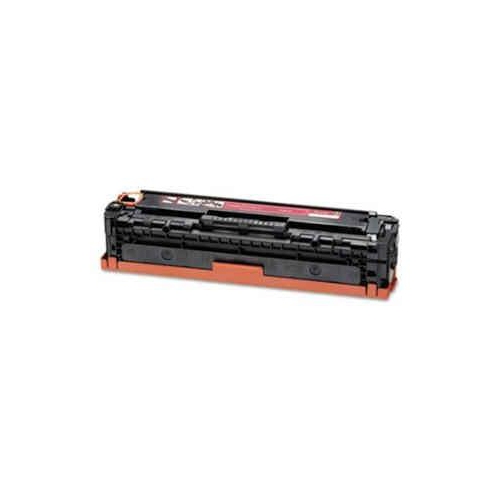
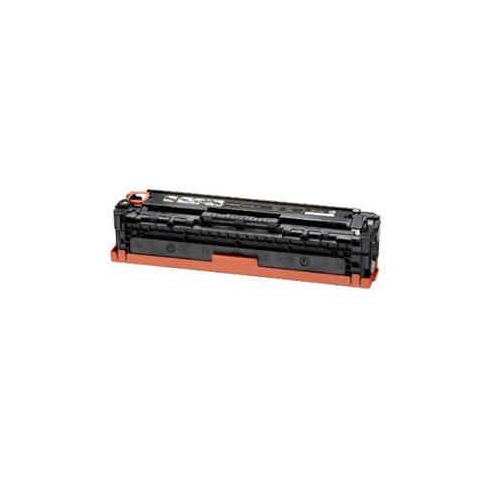
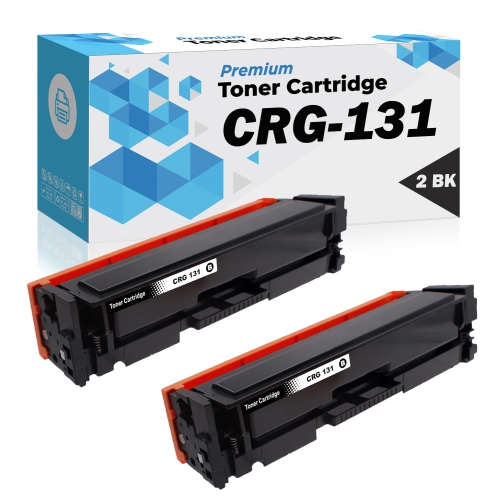
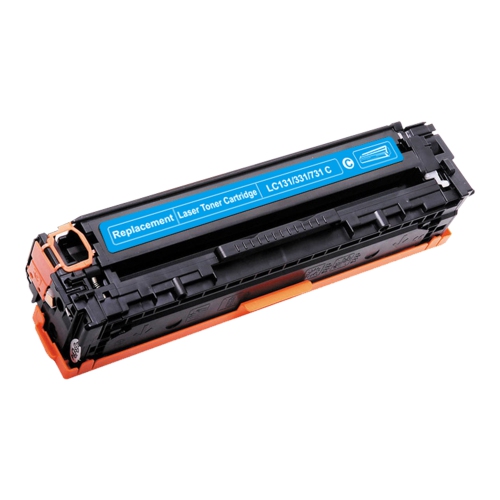
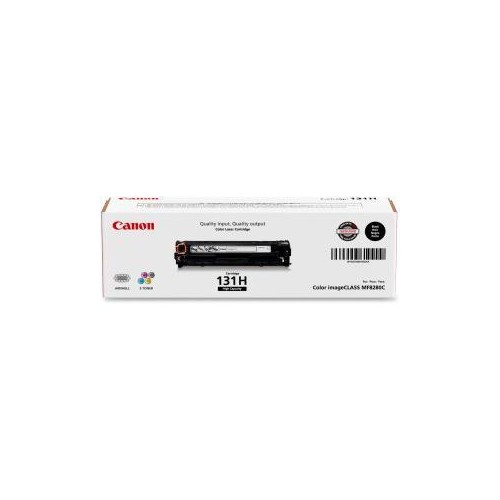
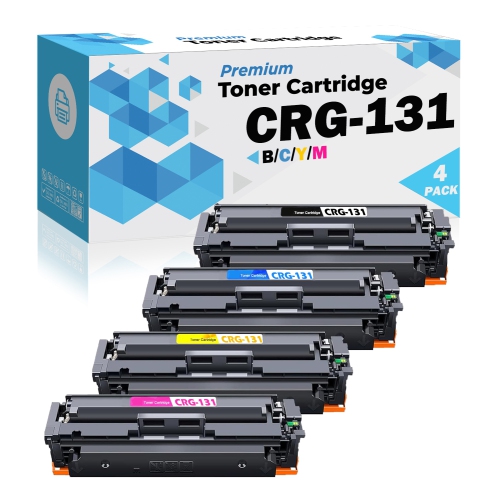
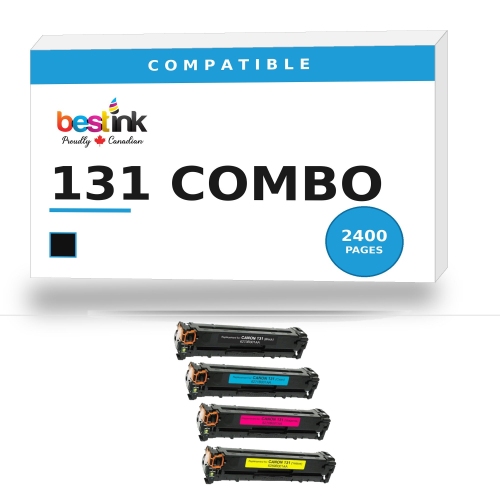
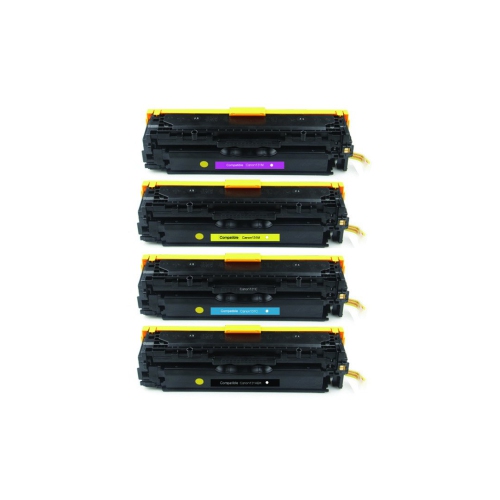
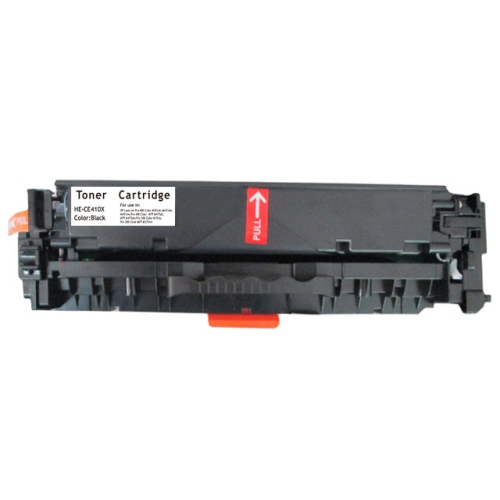
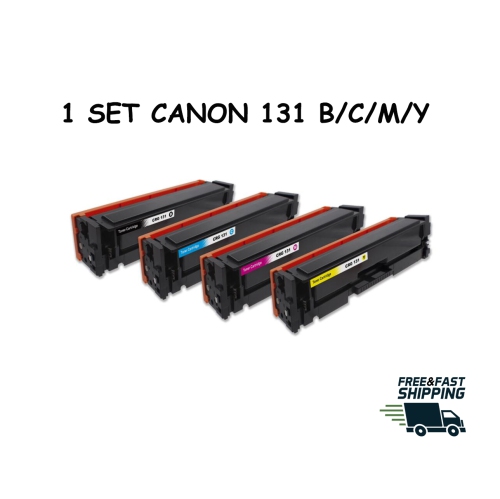
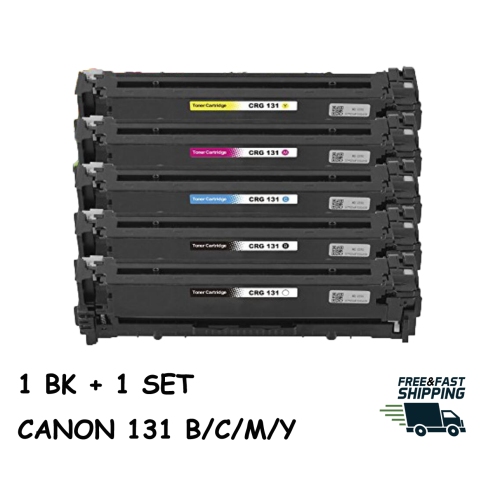
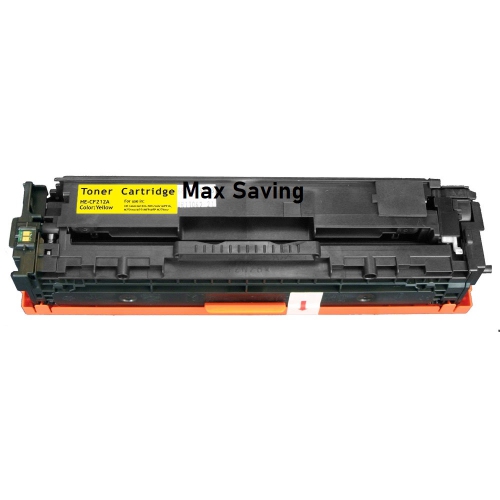
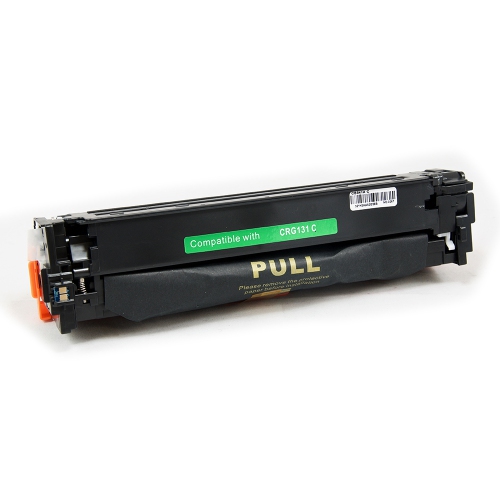
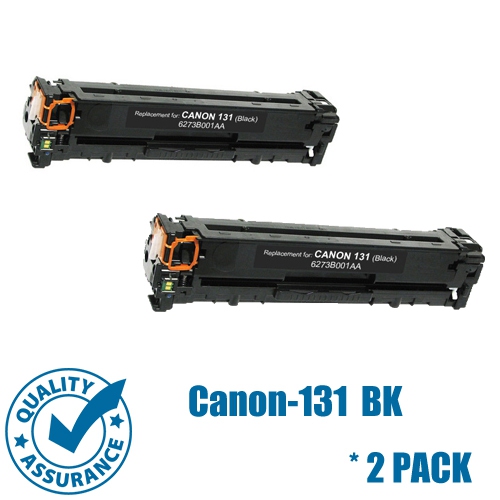
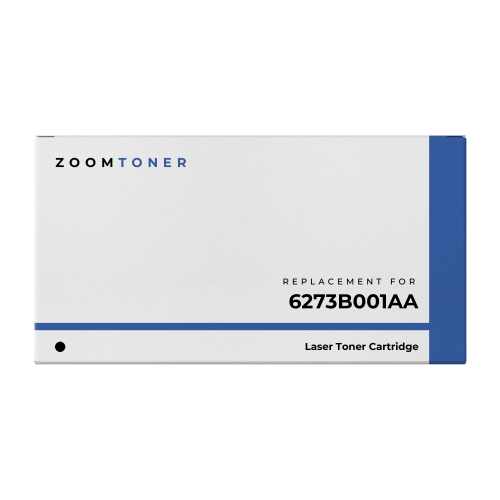
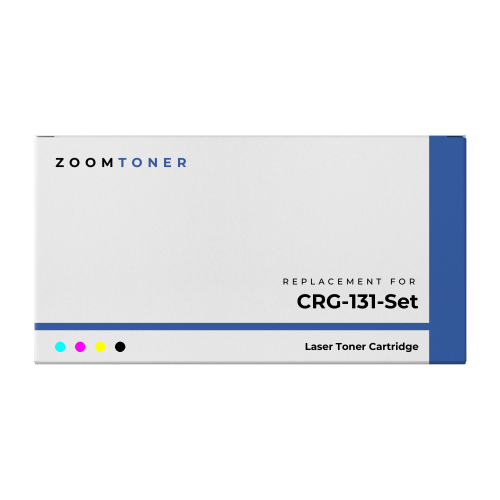
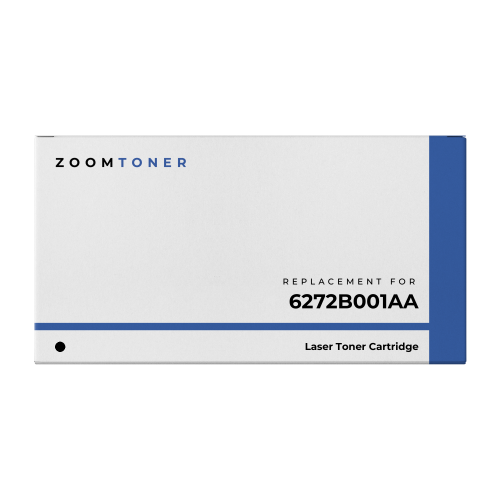
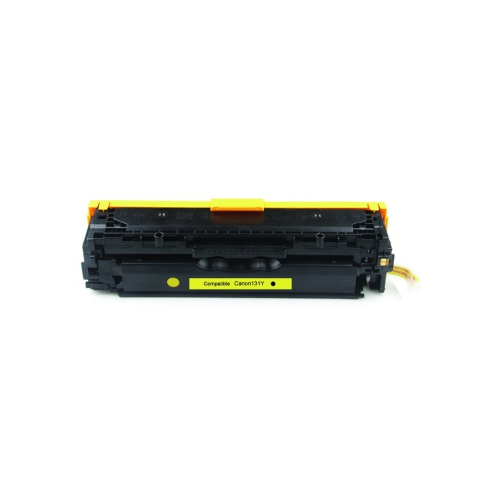
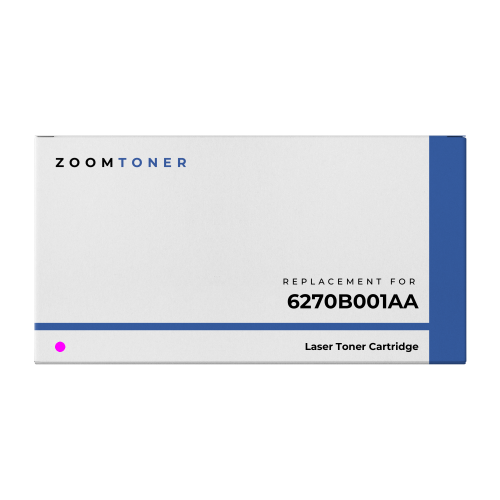
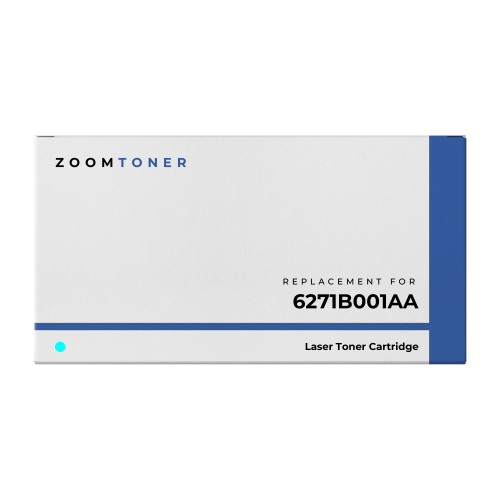
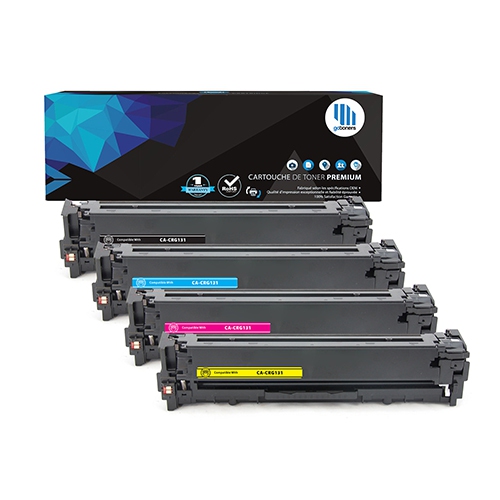
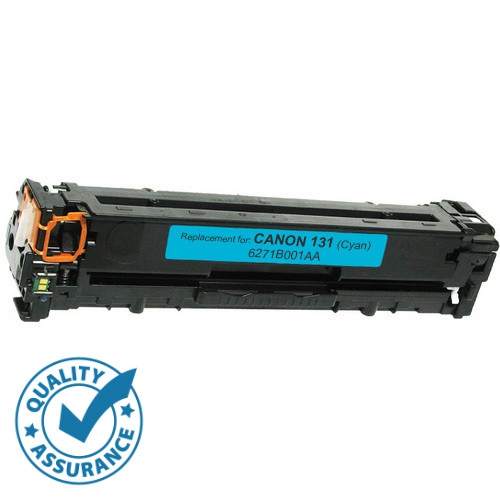
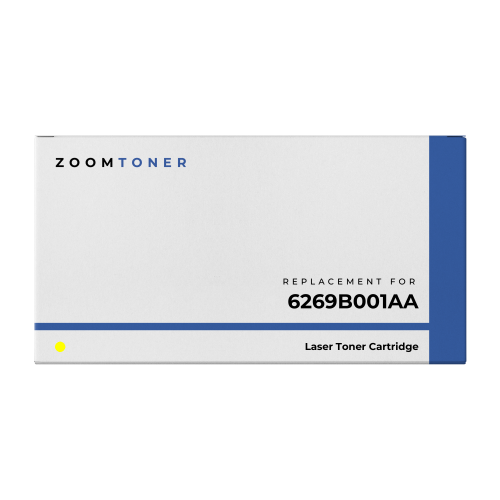
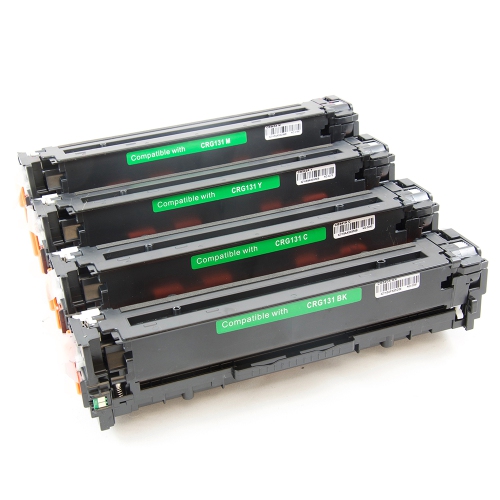
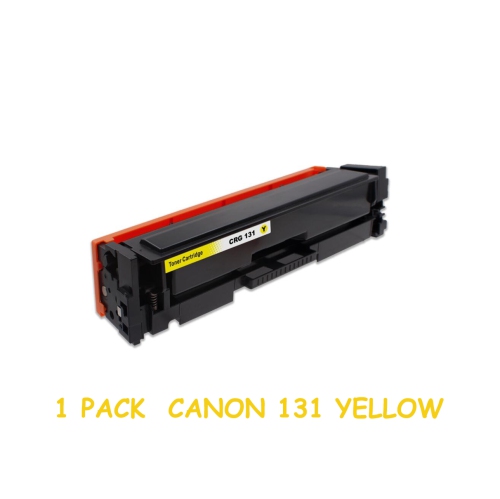
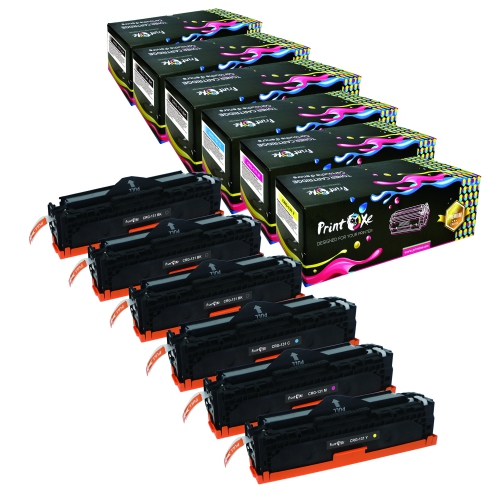
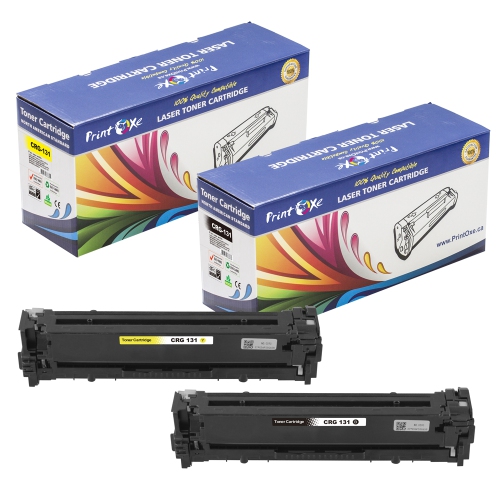
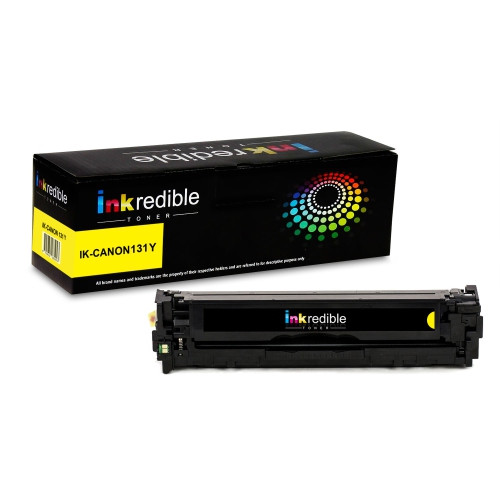
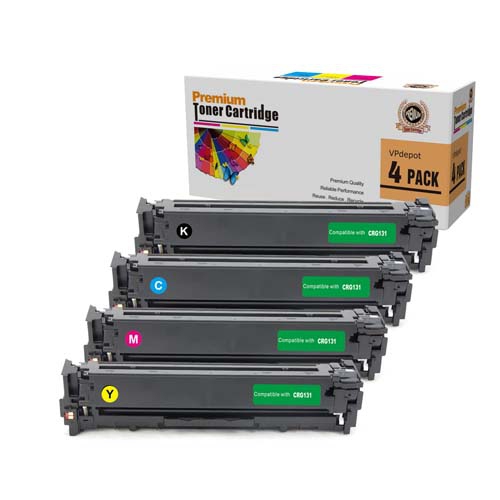
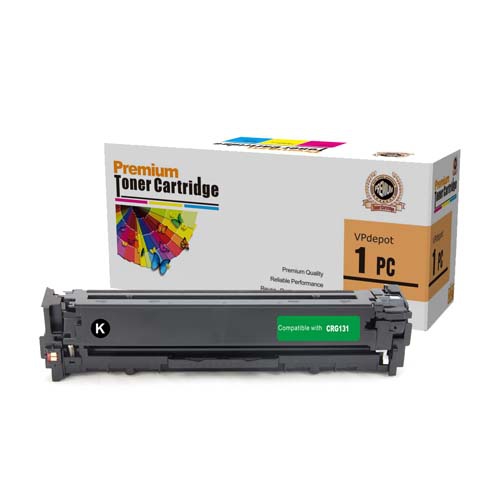
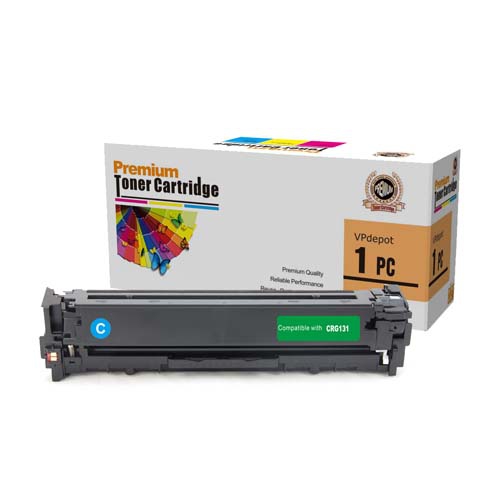
Looking for high-quality toner cartridges to keep your printer running smoothly? Look no further than our wide selection of Canon 131 toner cartridges. Designed to deliver exceptional performance and professional-looking prints, these cartridges are a must-have for any office or home setup. Whether you need to print important documents, crisp black and white text, or vibrant color graphics, our Canon 131 toner cartridges have got you covered.
Sort
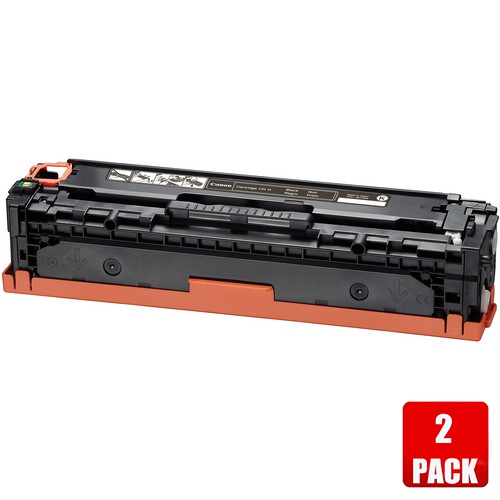
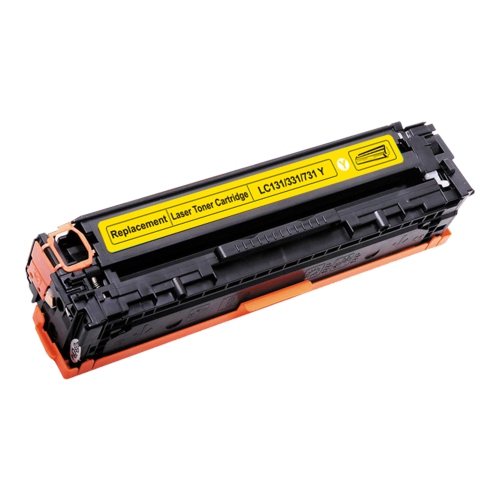
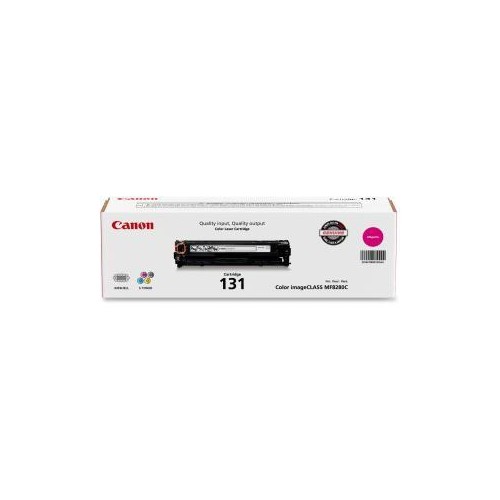
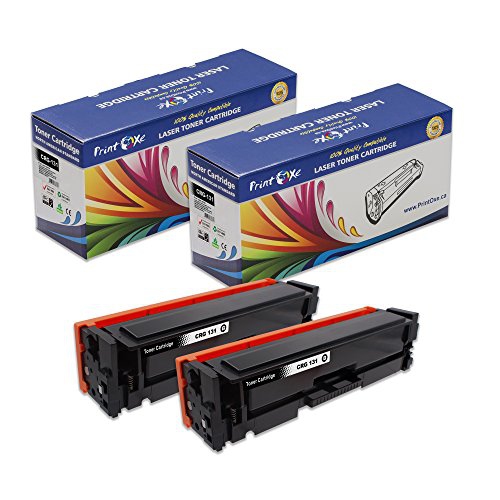






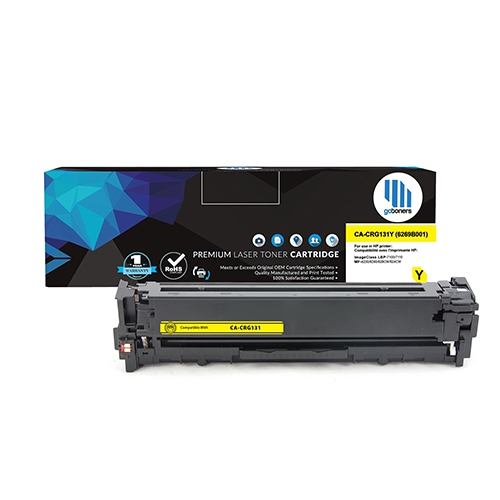
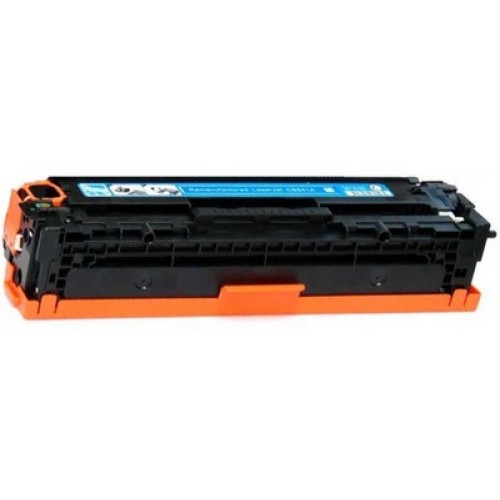
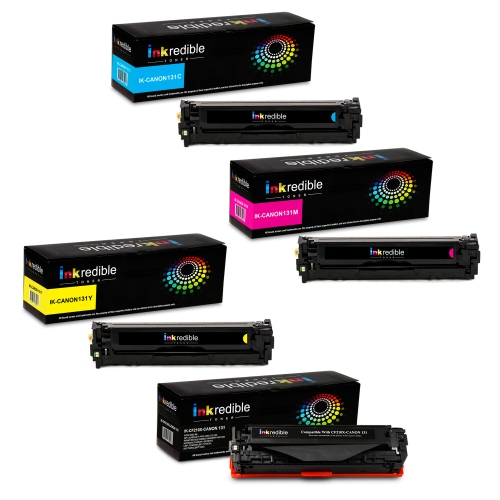
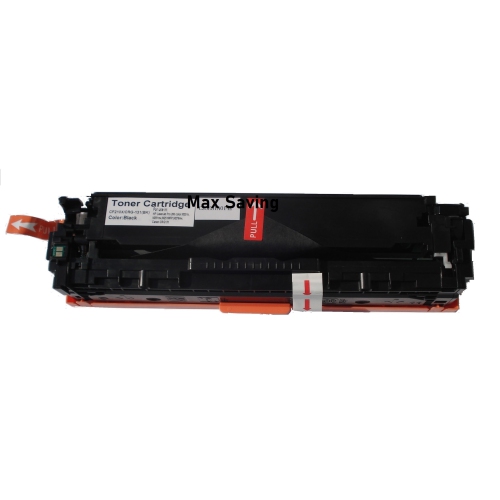

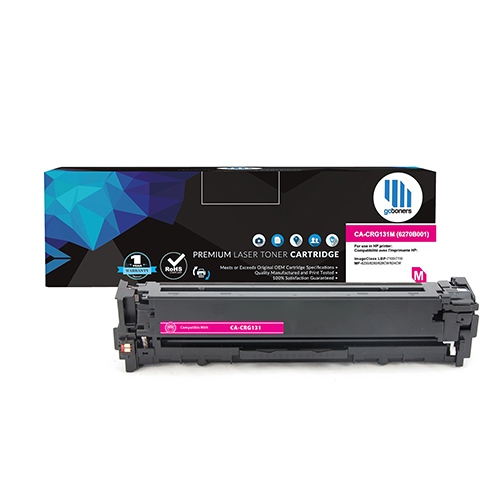
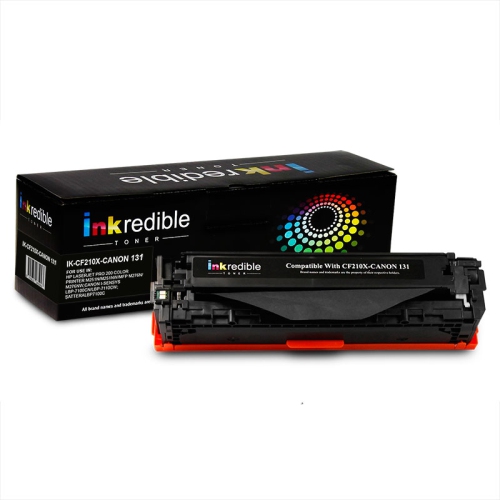
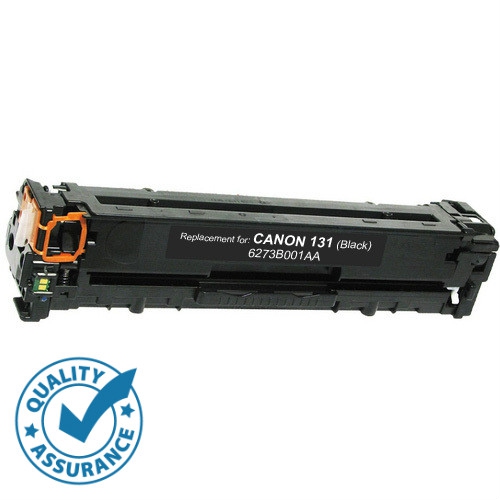
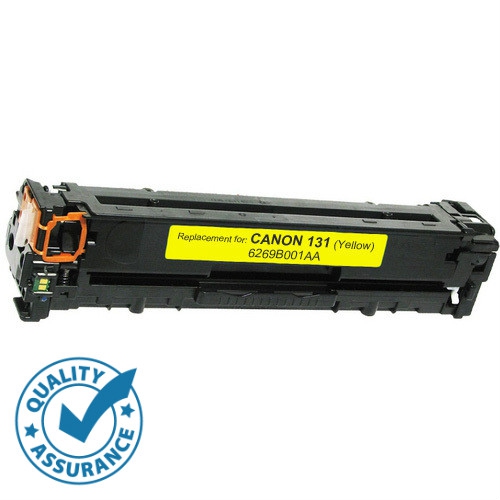
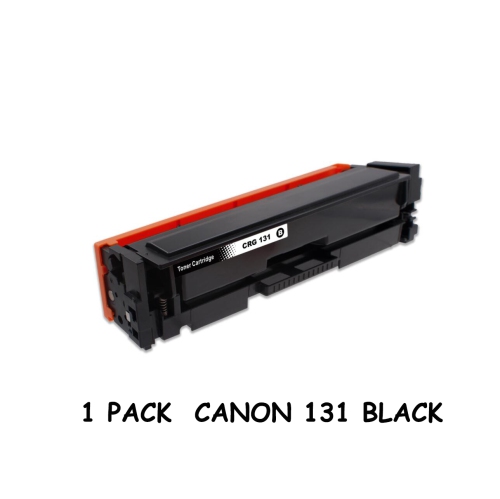
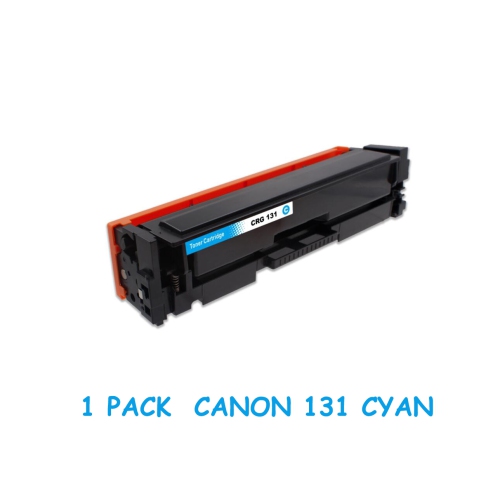
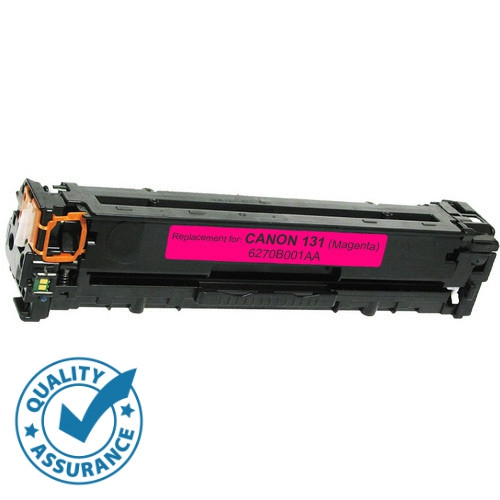
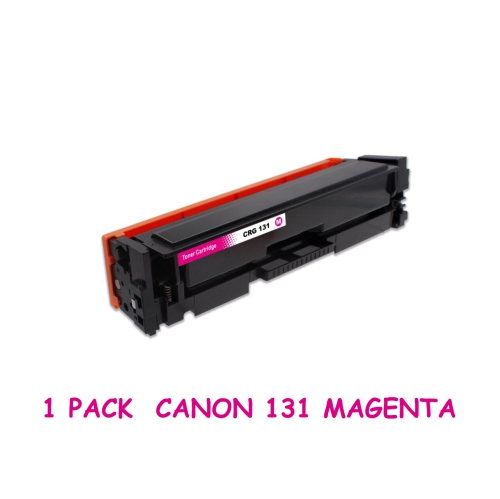
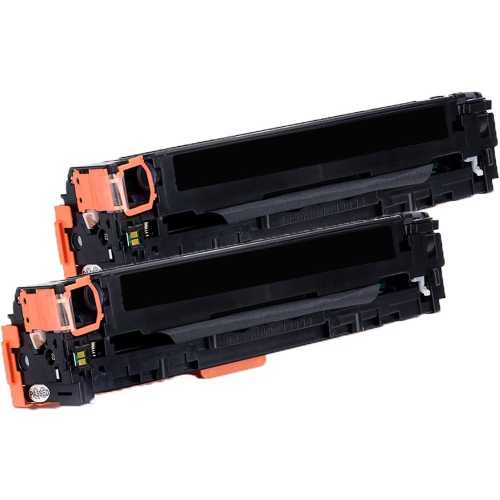
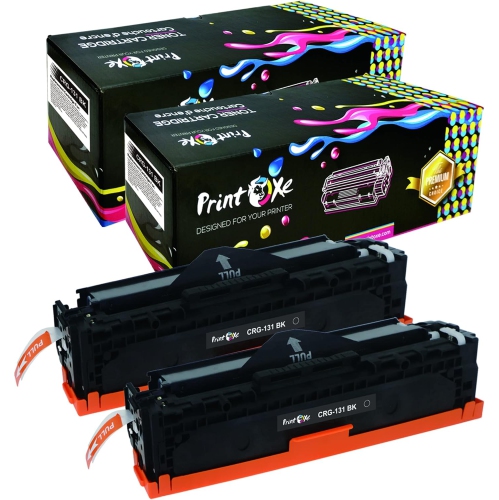
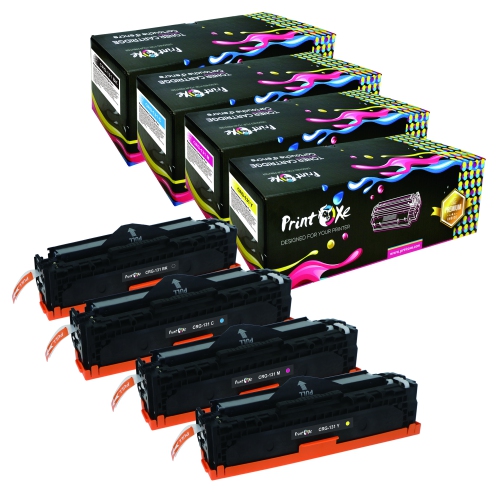

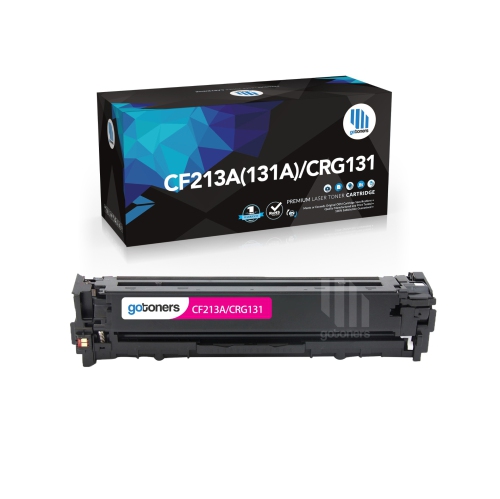
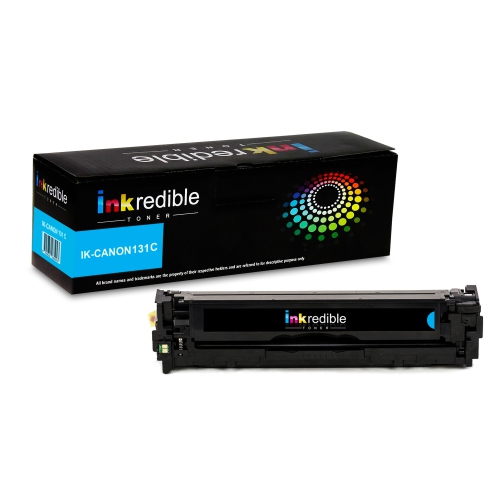
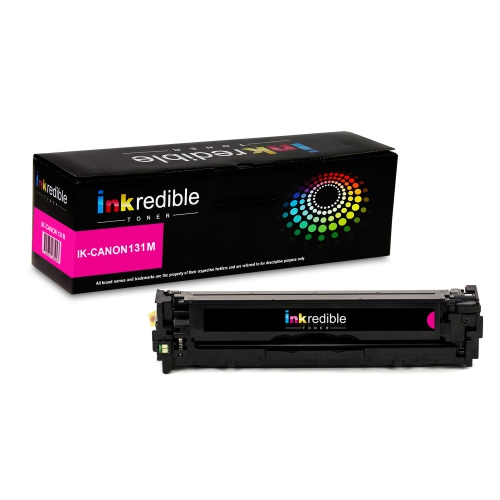
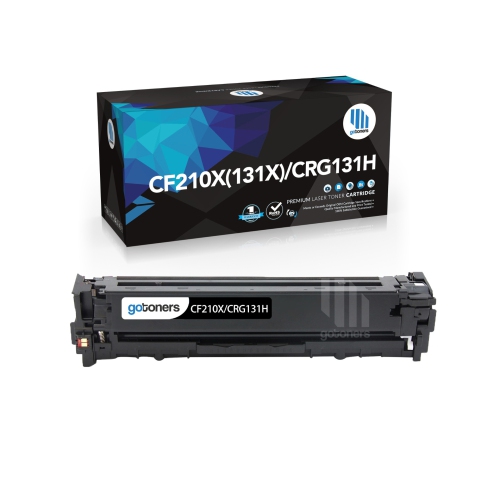
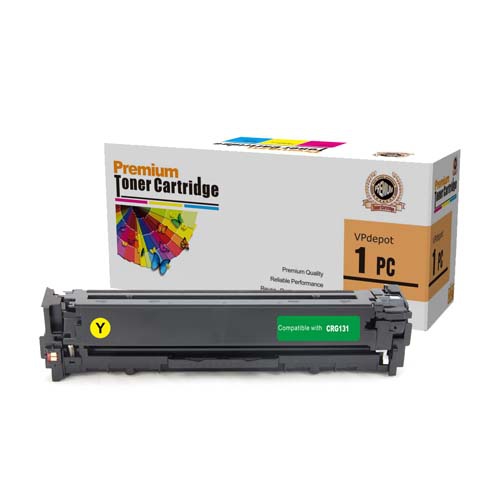
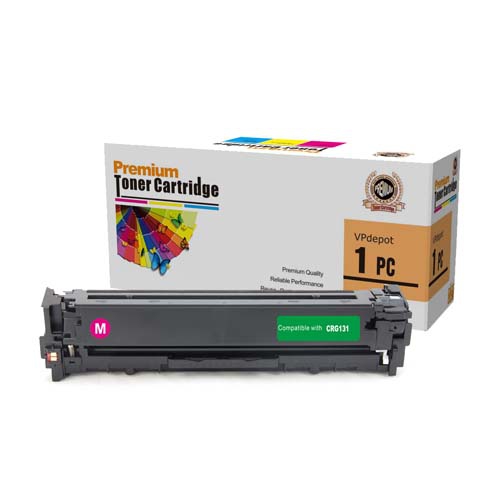
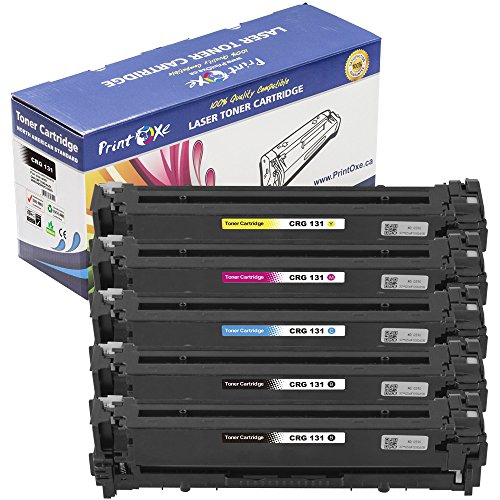

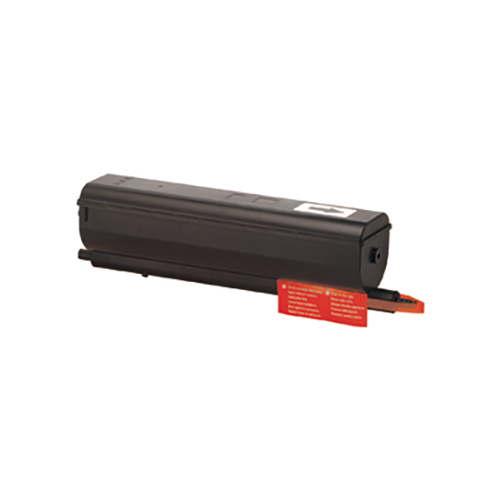
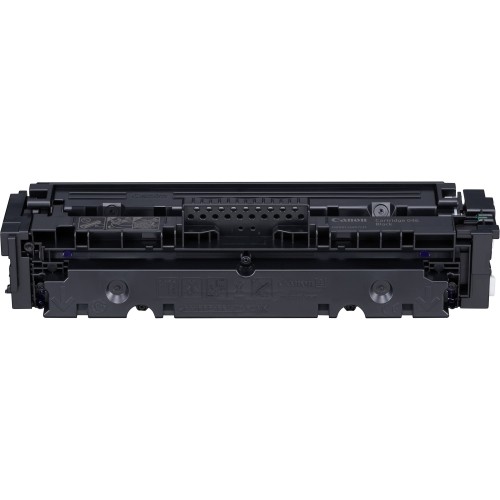
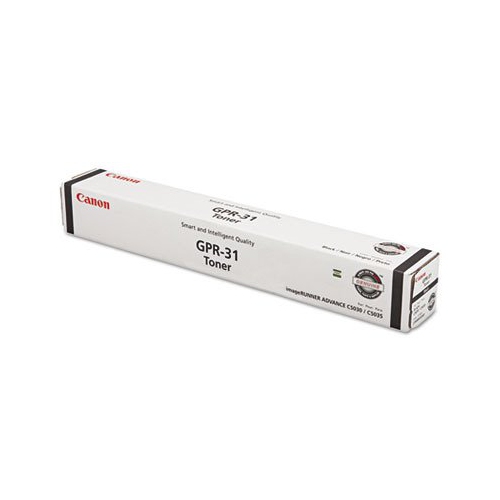
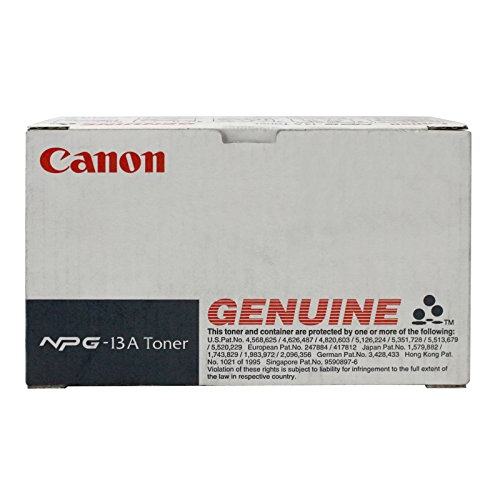
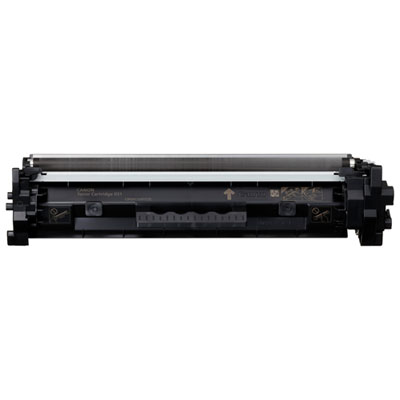
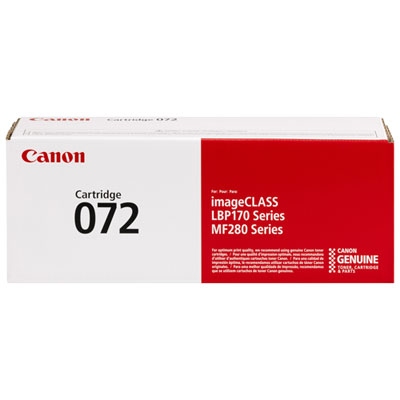
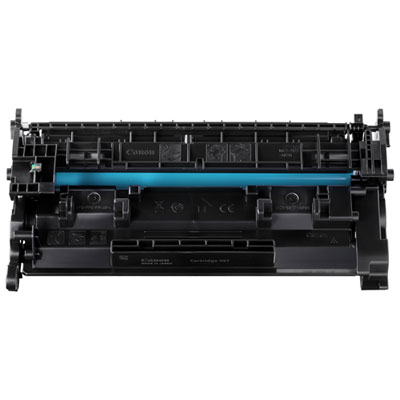
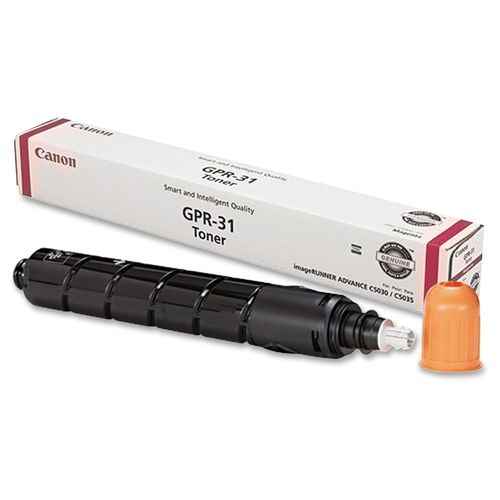
The right toner starts with your printer model
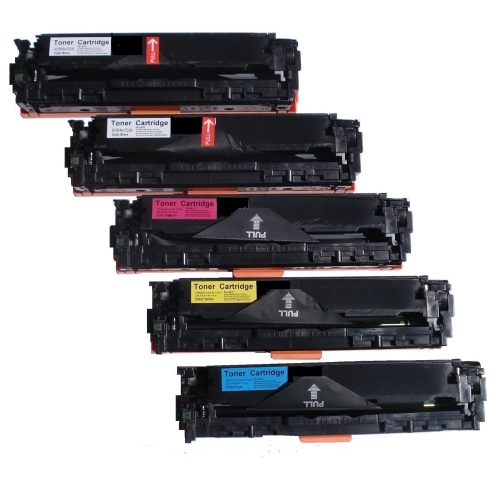
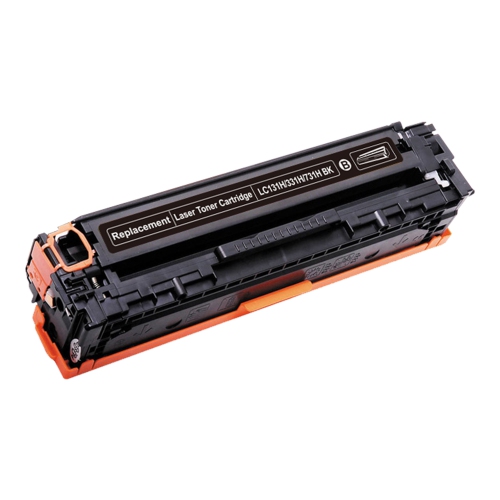
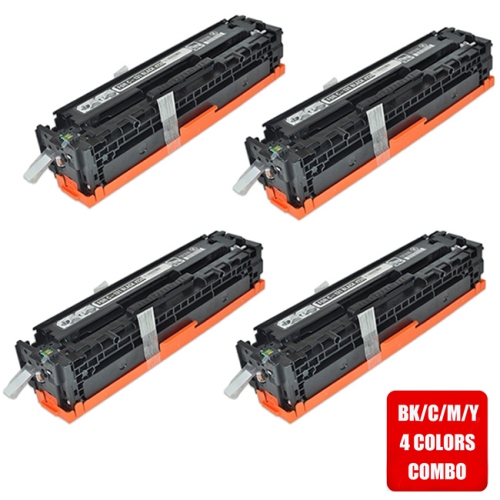
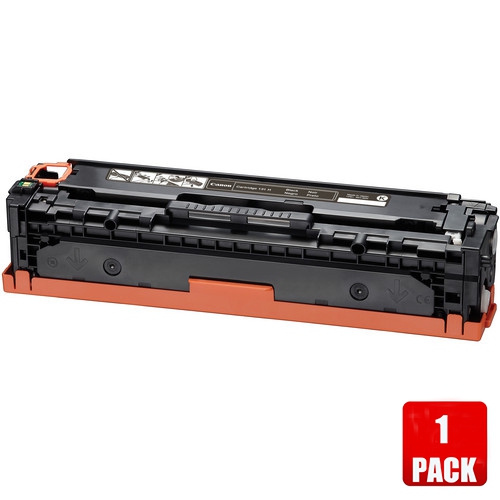
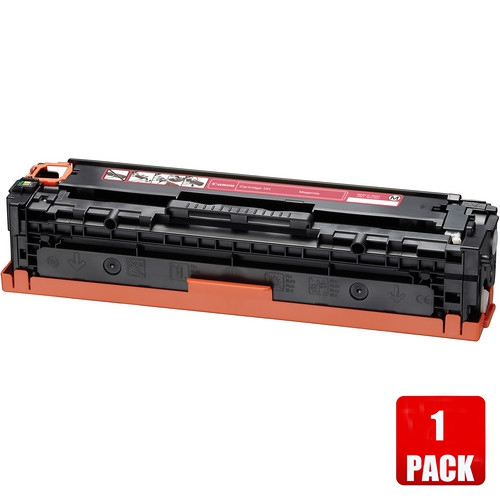
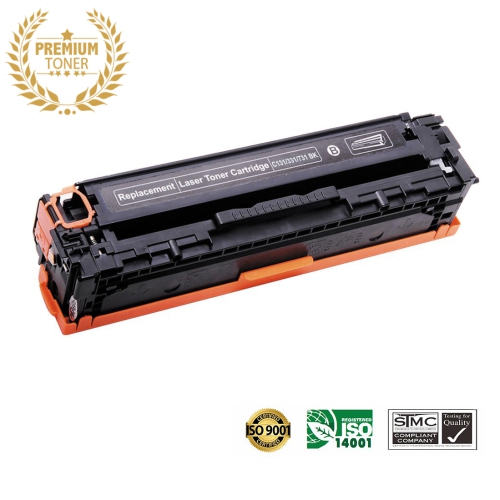
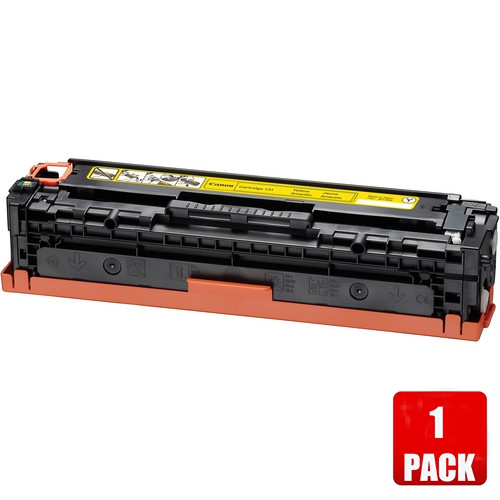
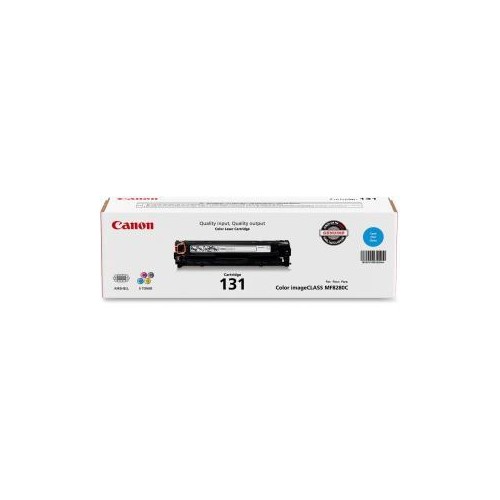
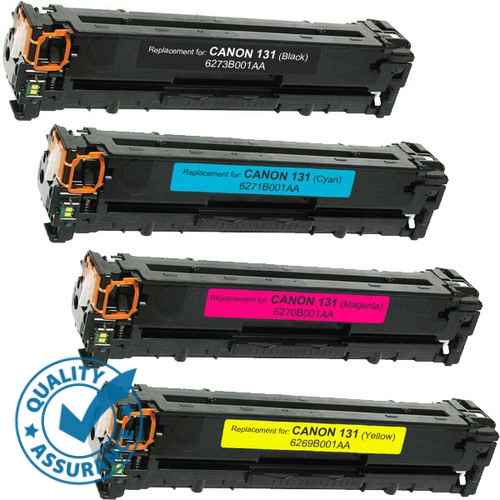
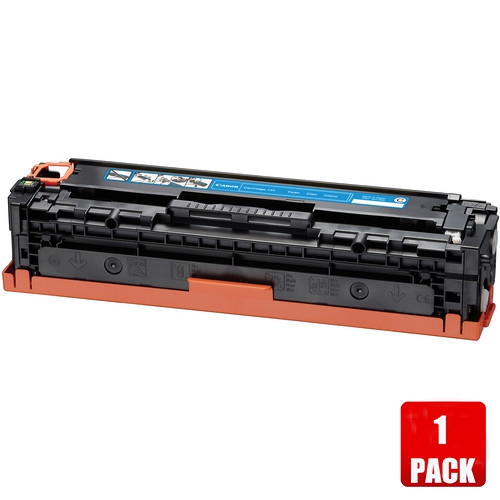
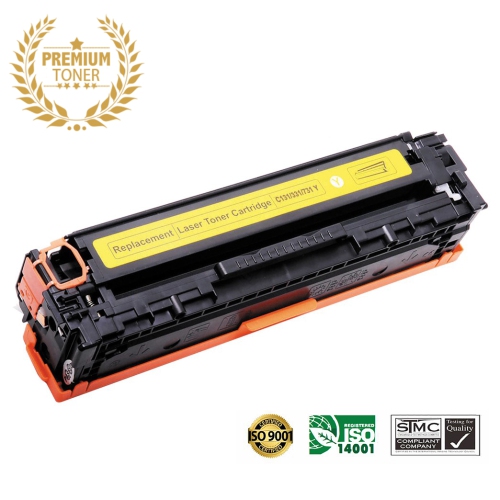
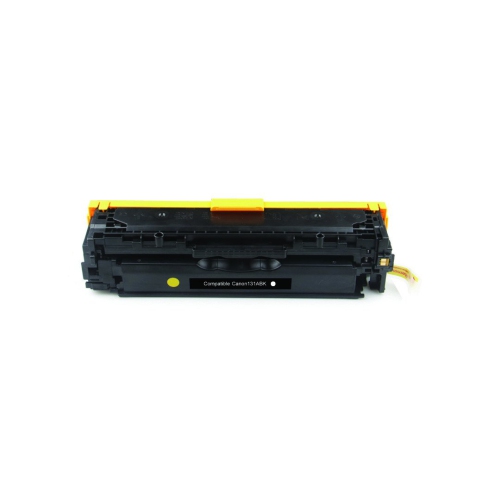
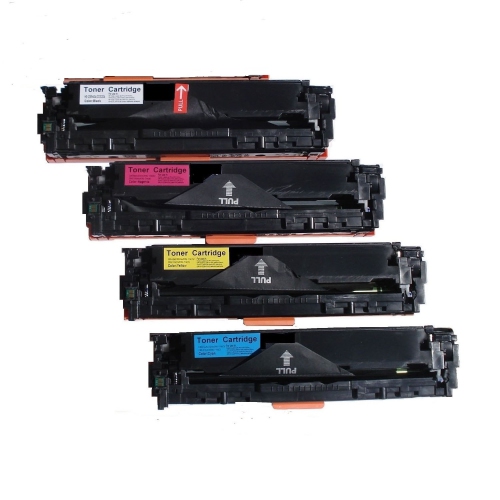
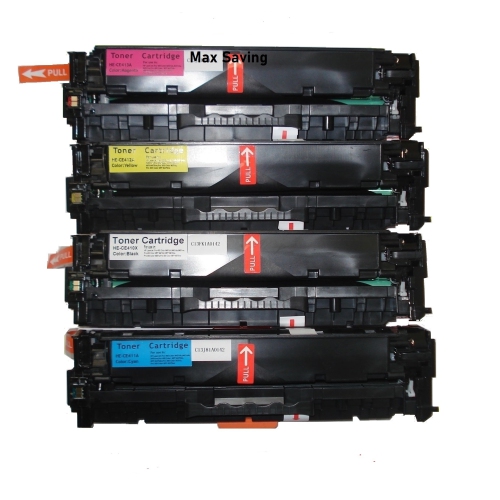
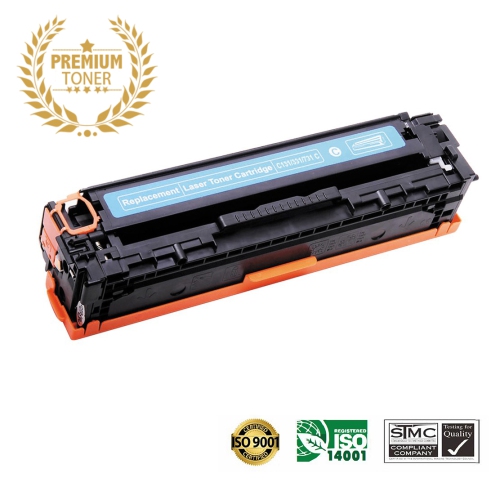
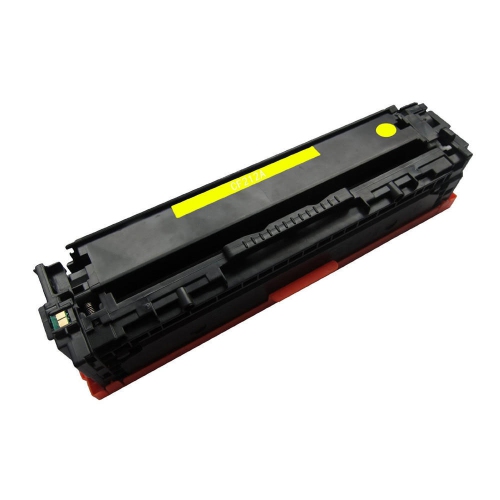
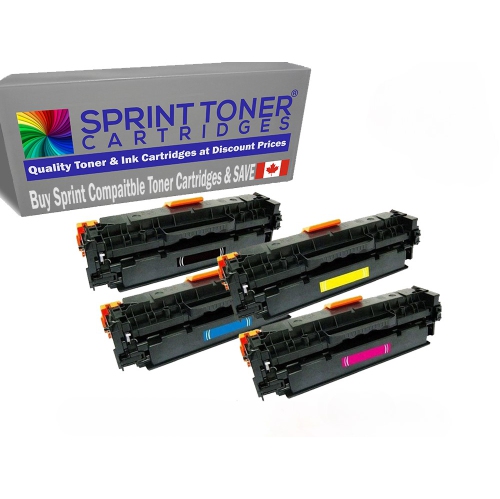
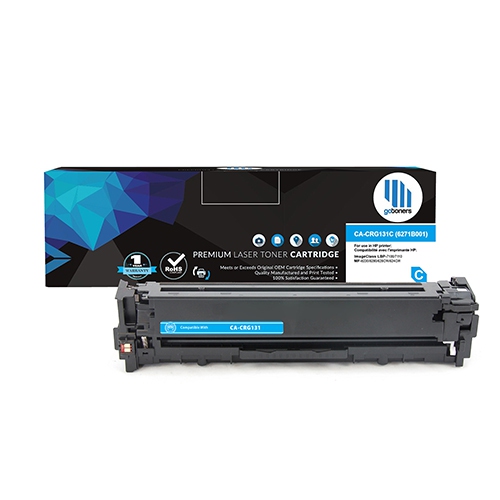
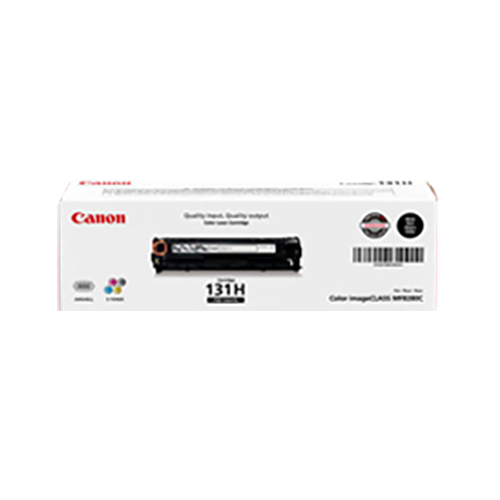
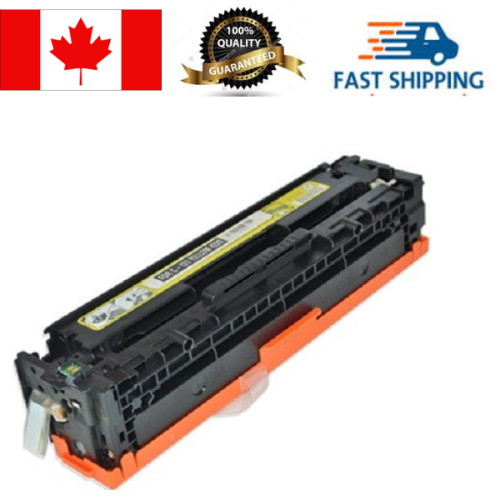
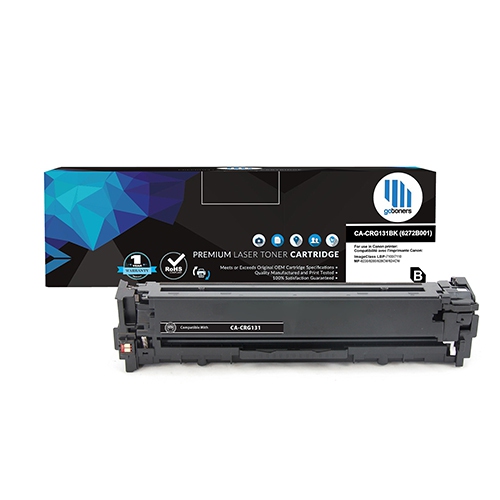
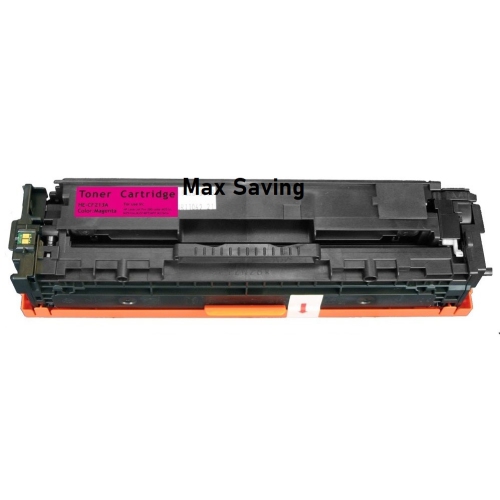
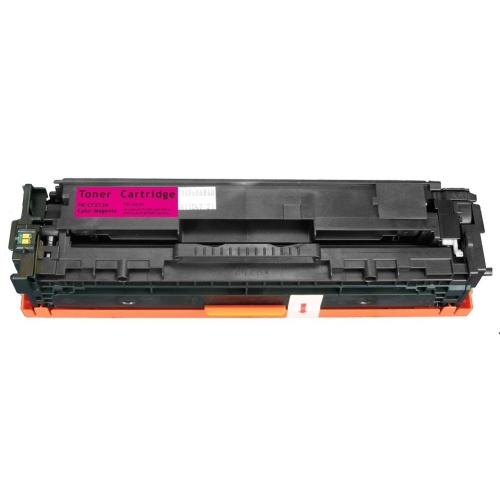
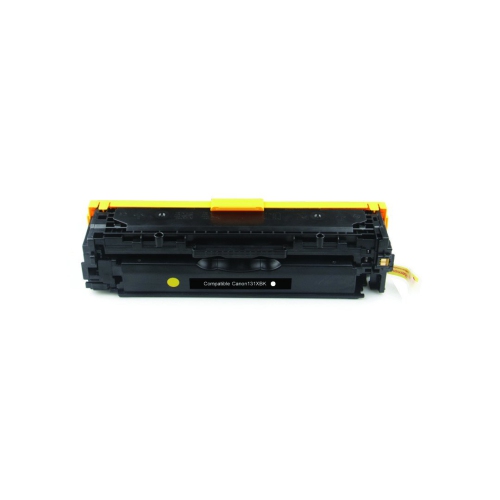
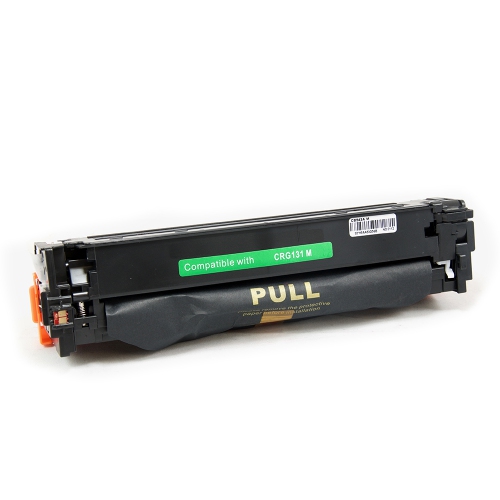
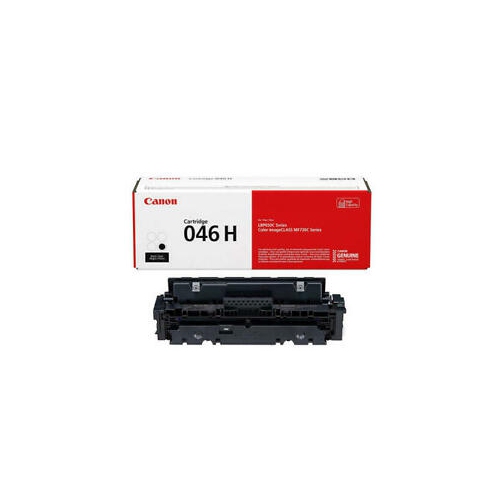
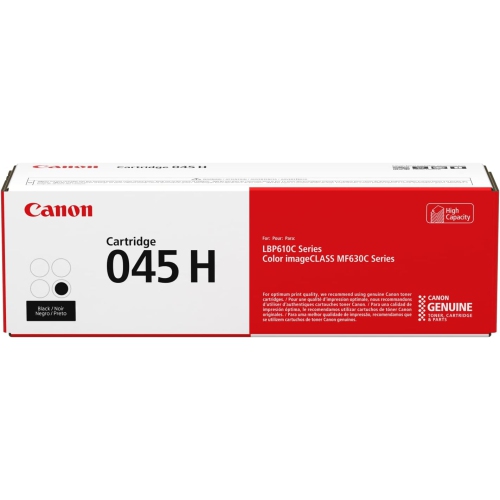
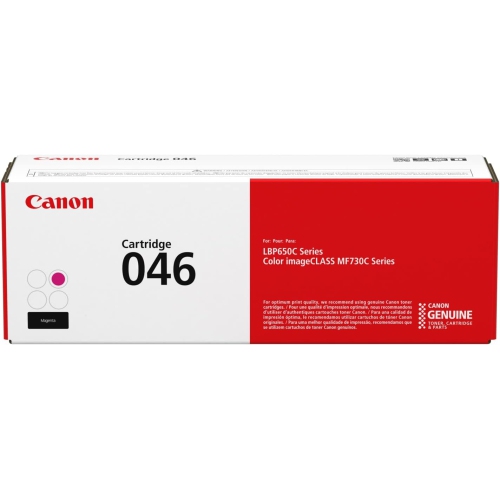
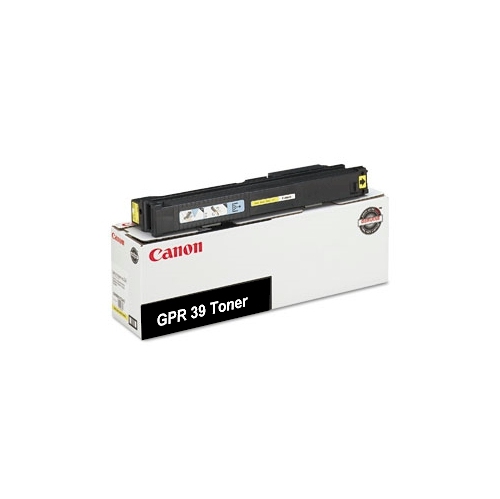
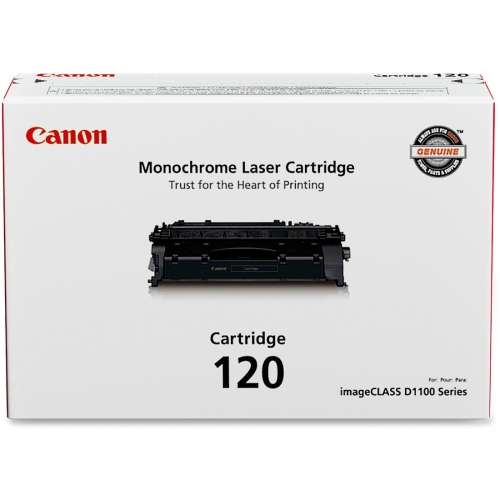
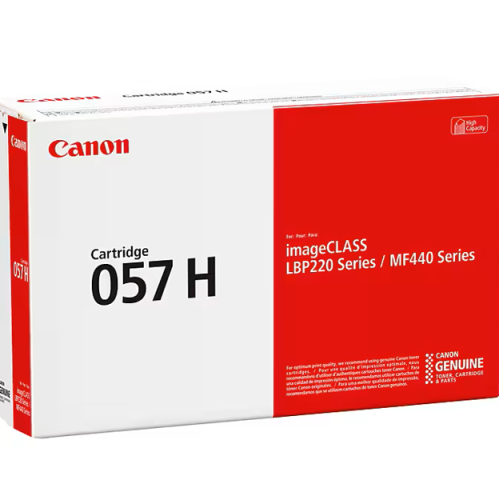
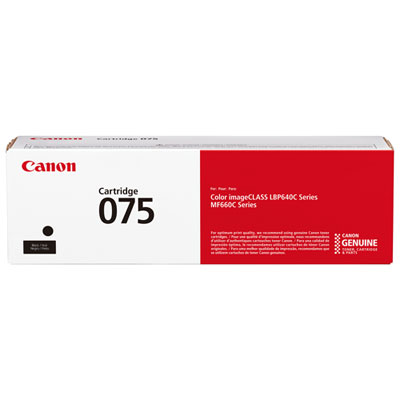
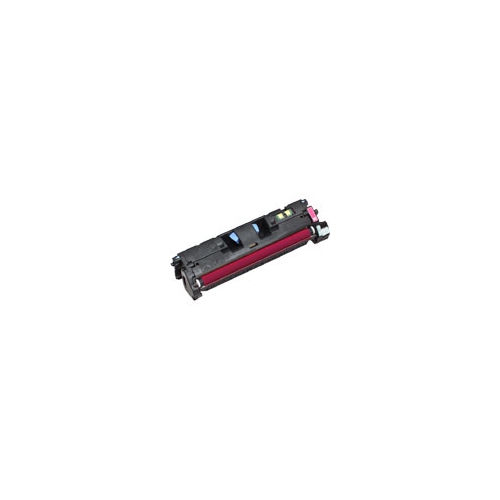
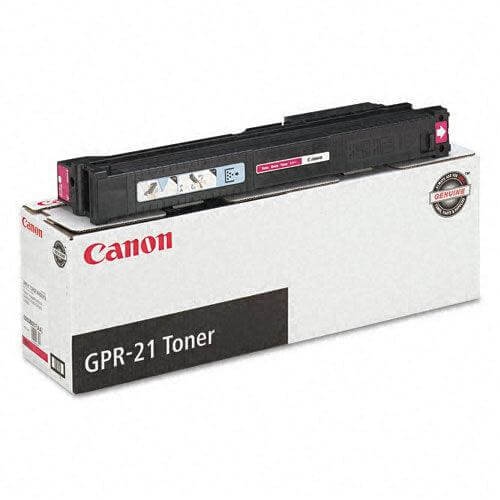
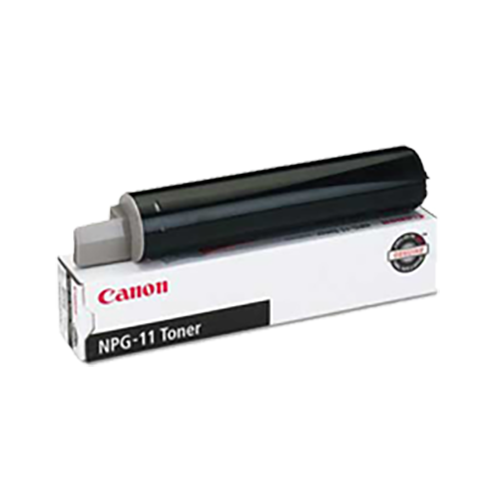
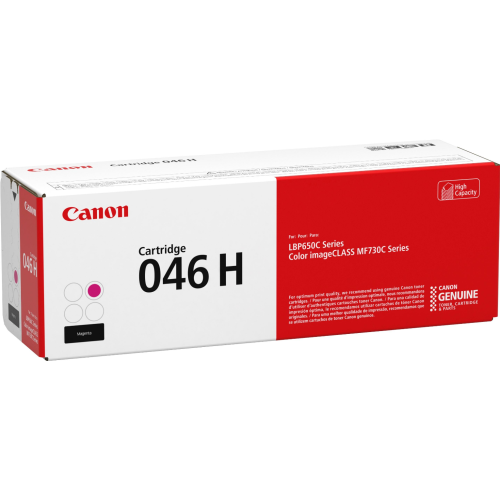
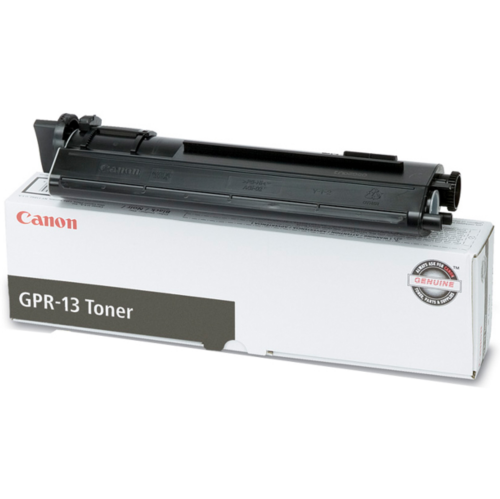
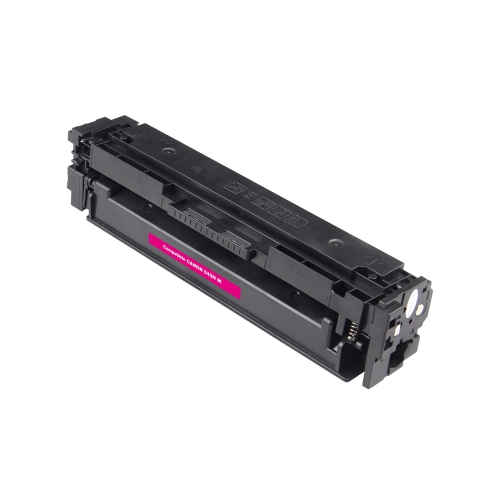
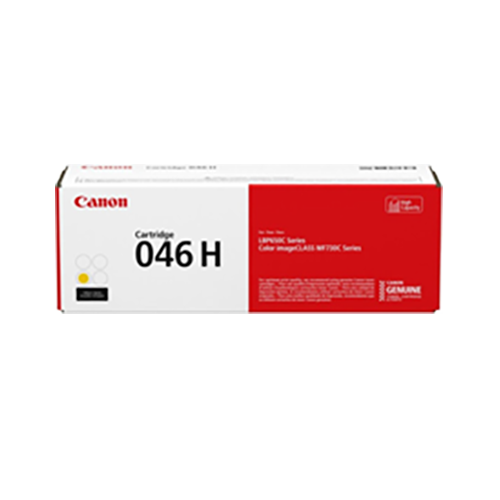
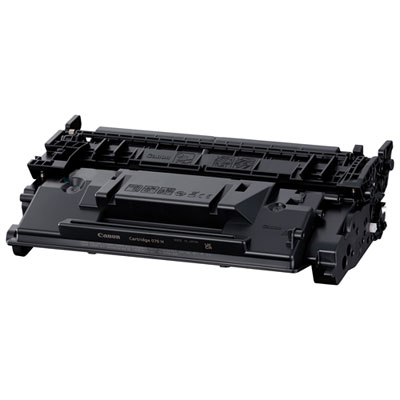
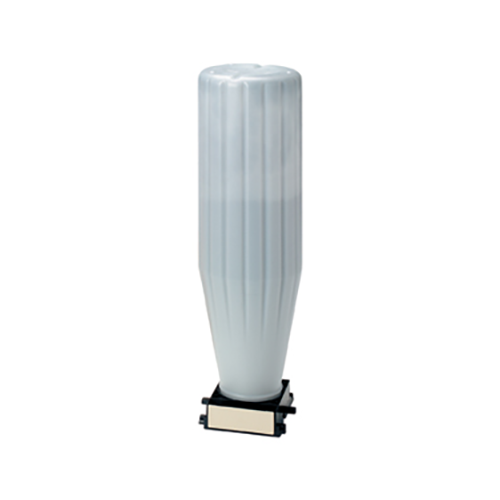
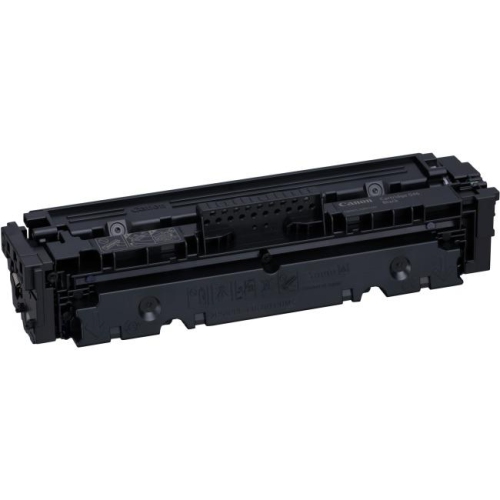
Colour laser toner cartridges support everyday printing that needs crisp text, clear diagrams, and readable colour detail, from invoices and shipping documents to classroom handouts and client presentations. Unlike liquid ink, toner is a fine powder that a laser printer transfers to paper and bonds using heat and pressure. Black toner handles text and dark elements, while cyan, magenta, and yellow contribute to full-colour output. In printers with separate cartridges for these four colours, each cartridge can be replaced independently as its supply runs low. That arrangement is useful for a home office that prints mostly correspondence but occasionally needs a colour chart, or a small business producing appointment cards, menus, and illustrated instructions. The most important consideration is the cartridge family specified for the printer. Similar-looking housings, matching colours, or closely related cartridge numbers do not establish compatibility. The full printer model, including any letters at the end, should appear in the cartridge’s compatibility information. A matching cartridge must fit the printer’s internal layout and work with its toner delivery and recognition systems; physical resemblance alone is not enough. The cartridge body is generally a rigid plastic housing containing toner and mechanical components, with sensitive surfaces that need protection during handling. Depending on the design, the cartridge may also include imaging components, so replacement and maintenance requirements vary between printer families. For shoppers comparing replacements, the practical starting point is the exact printer model and the colour identified by the printer’s supply status. A black cartridge cannot take the place of a cyan cartridge, and a colour cartridge does not function as a universal refill for the other colours. Someone printing legal correspondence may use black more heavily, while a tutor preparing illustrated worksheets may draw more consistently on all four colours. Understanding those patterns helps distinguish a straightforward replacement for one depleted colour from a broader set intended to support regular colour printing. It also keeps the choice centred on the documents the printer actually produces rather than on the appearance of the packaging.
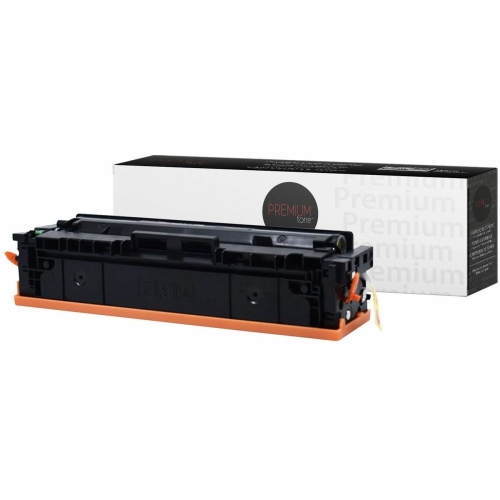
Page yield provides another useful point of comparison, but it is an estimate based on standardized test conditions rather than a promise that every household or office will print the same number of pages. A page containing a short letter uses toner differently from a full-page photograph, a presentation slide with a coloured background, or a worksheet filled with shaded illustrations. Print settings, document coverage, and the balance of black and colour content all influence how quickly individual cartridges are used. Where standard- and higher-yield versions are specified for the same printer, the distinction concerns their rated output, not permission to use a cartridge from another family. Comparing yield alongside compatibility gives a clearer picture of how a replacement suits a particular workload. For a consultant preparing a few contracts each week, clean text and dependable occasional printing may matter most. For a reception desk producing forms throughout the day, replacement frequency and consistent output become more noticeable. Print quality also depends on more than toner alone. Paper intended for laser printing, the correct paper setting, and a printer in good working order all contribute to sharp lettering and even colour. Toner is well suited to business graphics, colour-coded schedules, and documents that need to remain legible through repeated handling, although the finished result still depends on the paper and printing conditions. Manufacturer-made cartridges and third-party replacements may differ in construction, stated yield, and printer recognition, making the compatibility details and installation information important parts of the comparison. Where a replacement uses an electronic chip, compatibility may also depend on the printer’s firmware, so any stated limitations deserve attention. For recurring work such as branded forms or illustrated teaching materials, keeping document settings and paper consistent makes it easier to assess colour and text quality from one print run to the next. A cartridge replacement can restore a depleted supply, but it will not necessarily resolve streaking caused by another worn or dirty printer component.
Careful handling helps protect a replacement cartridge before installation and supports reliable operation once it is fitted. Unopened cartridges are best kept in their protective packaging in a clean, dry storage area, away from direct sunlight and sources of heat. The original packaging helps shield sensitive parts from light, dust, and accidental contact, while the storage directions on the carton provide the appropriate conditions for that cartridge. A cupboard near the printer can be convenient, provided the cartridge is not squeezed beneath heavy office supplies or left where its packaging may be damaged. During replacement, handles and designated grip areas provide safer contact points than exposed imaging surfaces or electrical contacts. Protective seals, clips, and covers vary by design, so the instructions supplied with the cartridge determine what needs to be removed before use. Some cartridges call for gentle movement to distribute the toner before installation; that step is appropriate only when the supplied directions specify it. Forcing a cartridge into position can damage both the housing and the printer, whereas a correctly matched replacement should seat as described in the printer documentation. After installation, a test page can help confirm that text is clear and each colour is printing as expected. If a colour is missing or the printer reports an error, checking the cartridge seating and any remaining protective material is more useful than repeatedly sending a large document to print. Routine care also includes keeping loose paper dust out of accessible areas and following the printer manufacturer’s cleaning directions rather than applying household cleaners to internal parts. For another printer in a home or workplace, the Canon 137 Toner Cartridges collection relates to a different cartridge family and is relevant only when the printer specifies that type. Keeping replacement supplies labelled by printer model and colour helps prevent mix-ups in shared workspaces. With the right fit, appropriate handling, and a yield suited to the workload, replacement toner supports everything from a single signed form to a neatly collated stack of colour handouts.
Page yield provides another useful point of comparison, but it is an estimate based on standardized test conditions rather than a promise that every household or office will print the same number of pages. A page containing a short letter uses toner differently from a full-page photograph, a presentation slide with a coloured background, or a worksheet filled with shaded illustrations. Print settings, document coverage, and the balance of black and colour content all influence how quickly individual cartridges are used. Where standard- and higher-yield versions are specified for the same printer, the distinction concerns their rated output, not permission to use a cartridge from another family. Comparing yield alongside compatibility gives a clearer picture of how a replacement suits a particular workload. For a consultant preparing a few contracts each week, clean text and dependable occasional printing may matter most. For a reception desk producing forms throughout the day, replacement frequency and consistent output become more noticeable. Print quality also depends on more than toner alone. Paper intended for laser printing, the correct paper setting, and a printer in good working order all contribute to sharp lettering and even colour. Toner is well suited to business graphics, colour-coded schedules, and documents that need to remain legible through repeated handling, although the finished result still depends on the paper and printing conditions. Manufacturer-made cartridges and third-party replacements may differ in construction, stated yield, and printer recognition, making the compatibility details and installation information important parts of the comparison. Where a replacement uses an electronic chip, compatibility may also depend on the printer’s firmware, so any stated limitations deserve attention. For recurring work such as branded forms or illustrated teaching materials, keeping document settings and paper consistent makes it easier to assess colour and text quality from one print run to the next. A cartridge replacement can restore a depleted supply, but it will not necessarily resolve streaking caused by another worn or dirty printer component.
Careful handling helps protect a replacement cartridge before installation and supports reliable operation once it is fitted. Unopened cartridges are best kept in their protective packaging in a clean, dry storage area, away from direct sunlight and sources of heat. The original packaging helps shield sensitive parts from light, dust, and accidental contact, while the storage directions on the carton provide the appropriate conditions for that cartridge. A cupboard near the printer can be convenient, provided the cartridge is not squeezed beneath heavy office supplies or left where its packaging may be damaged. During replacement, handles and designated grip areas provide safer contact points than exposed imaging surfaces or electrical contacts. Protective seals, clips, and covers vary by design, so the instructions supplied with the cartridge determine what needs to be removed before use. Some cartridges call for gentle movement to distribute the toner before installation; that step is appropriate only when the supplied directions specify it. Forcing a cartridge into position can damage both the housing and the printer, whereas a correctly matched replacement should seat as described in the printer documentation. After installation, a test page can help confirm that text is clear and each colour is printing as expected. If a colour is missing or the printer reports an error, checking the cartridge seating and any remaining protective material is more useful than repeatedly sending a large document to print. Routine care also includes keeping loose paper dust out of accessible areas and following the printer manufacturer’s cleaning directions rather than applying household cleaners to internal parts. For another printer in a home or workplace, the Canon 137 Toner Cartridges collection relates to a different cartridge family and is relevant only when the printer specifies that type. Keeping replacement supplies labelled by printer model and colour helps prevent mix-ups in shared workspaces. With the right fit, appropriate handling, and a yield suited to the workload, replacement toner supports everything from a single signed form to a neatly collated stack of colour handouts.
Top selling and popular products
-
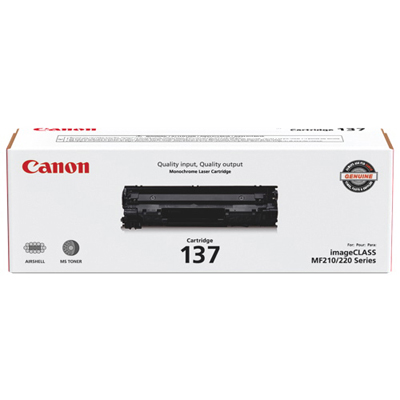 Your price for this item is $144.99
 -
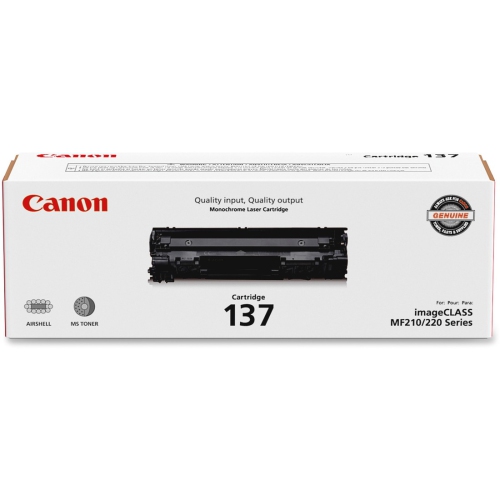 Your price for this item is $119.99
 -
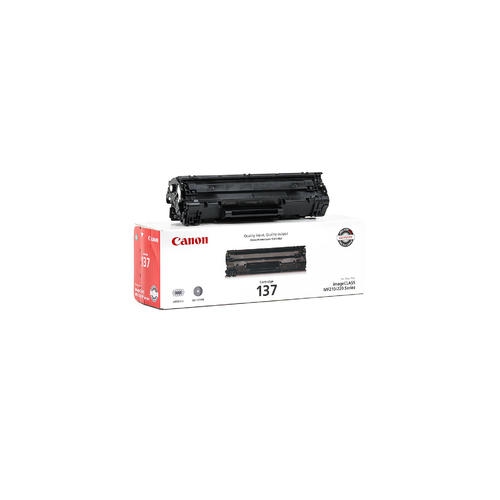 Your price for this item is $137.98
 -
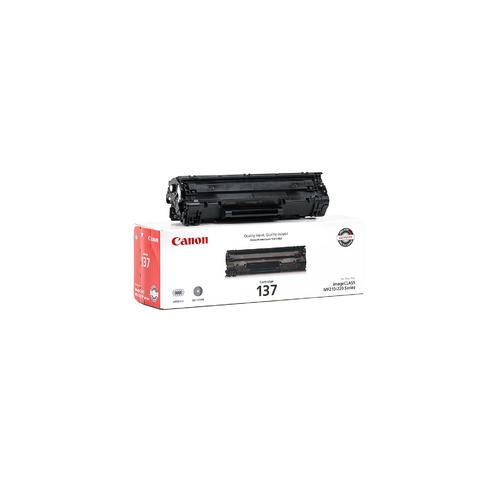 Your price for this item is $123.98
 -
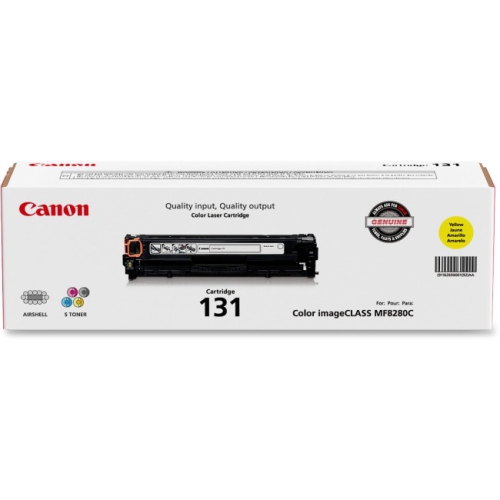 Your price for this item is $154.37
 -
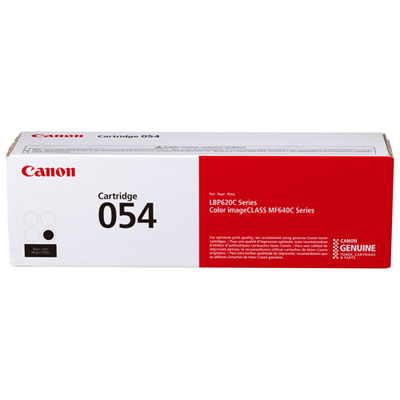 Your price for this item is $129.99
 -
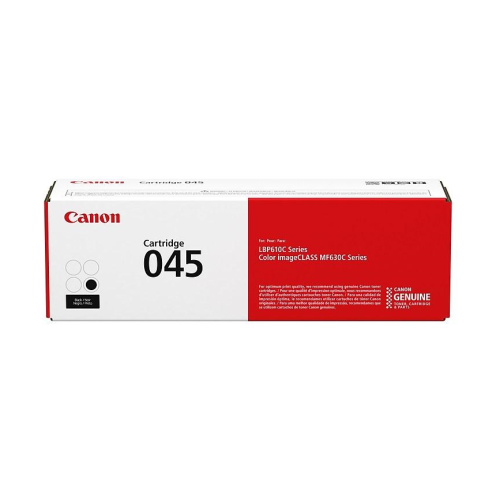 Your price for this item is $145.68
 -
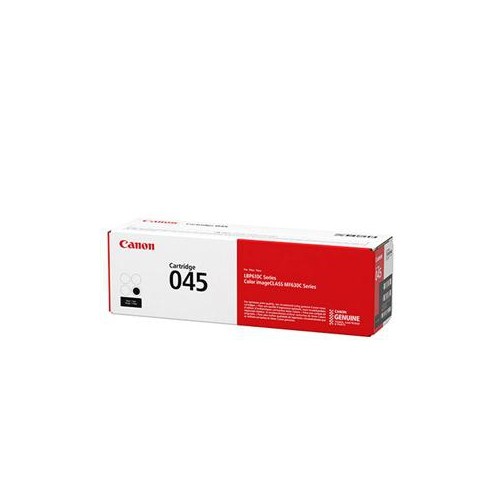 Your price for this item is $145.68
Discover more categories related to Canon 131 Toner Cartridges
Top Collections:
Pokemon Centers, Kindle Devices, Best Budget Office Chairs, Canon G7X Cameras, Apple iPhones 16, Samsung Galaxy Phones, Refurbished Apple Laptops, Laptops for Students, iPhone 15 Apple, Budget Smartphones
Some products may be subject to Environmental Handling Fees
(EHF) depending on your province.
Learn more about EHFs.