Compatible Cartridges for Canon
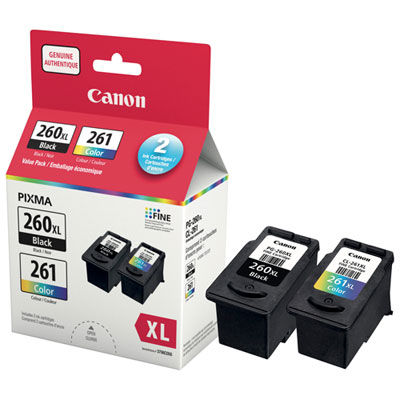
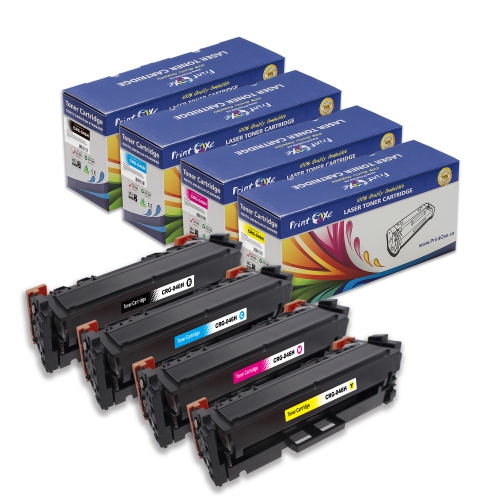
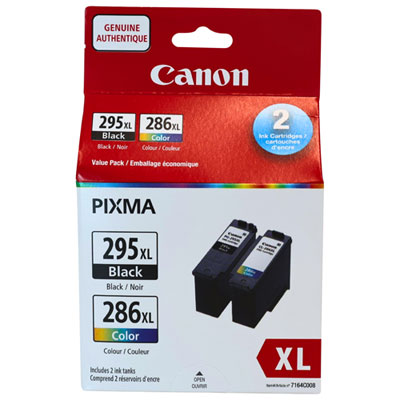
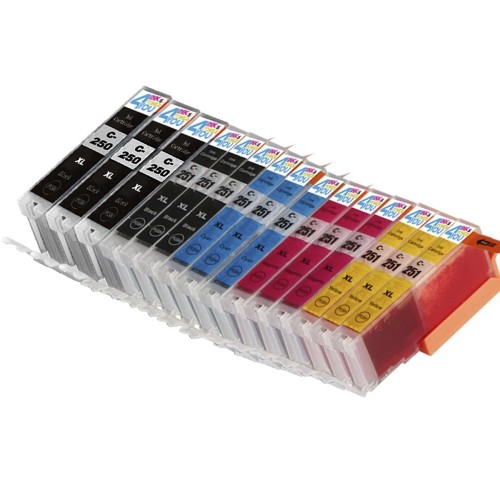
Looking to find compatible cartridges for your Canon printer? Look no further! At Best Buy, we offer a range of quality printer cartridges that are specifically designed to work seamlessly with your Canon printer. Our selection includes a variety of options to suit different printing needs and budgets, so you can find the perfect cartridge for your Canon printer. Our compatible cartridges are designed to match the performance of your Canon cartridge, and they are sure to provide you with optimal printing results.
Sort
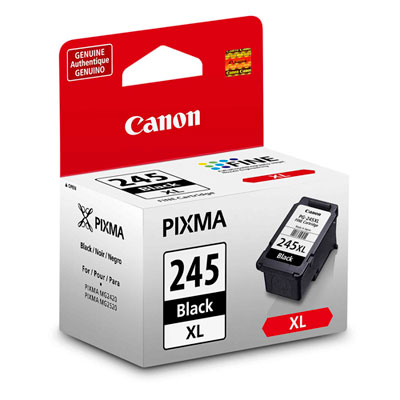
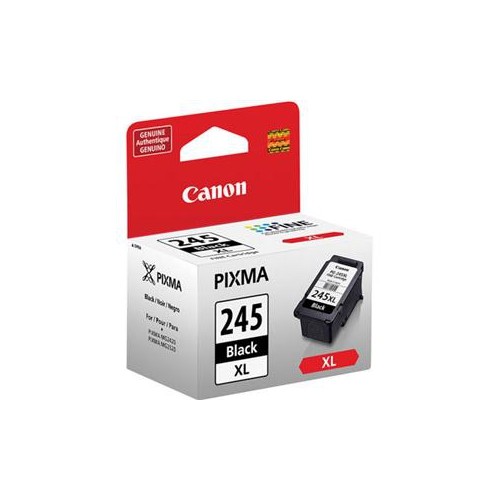
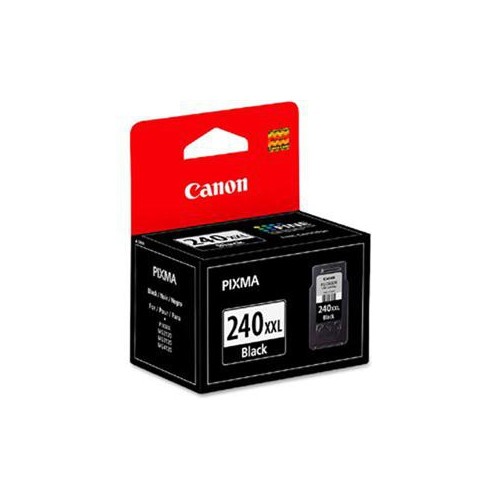
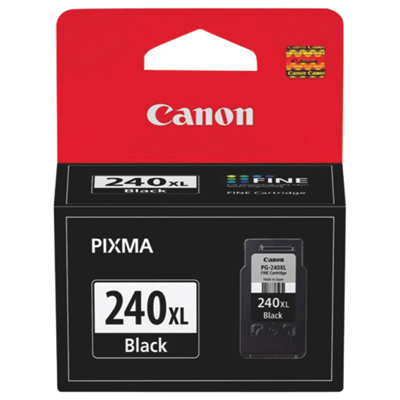
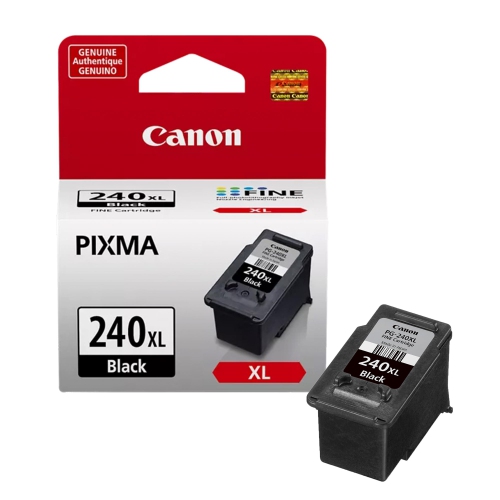
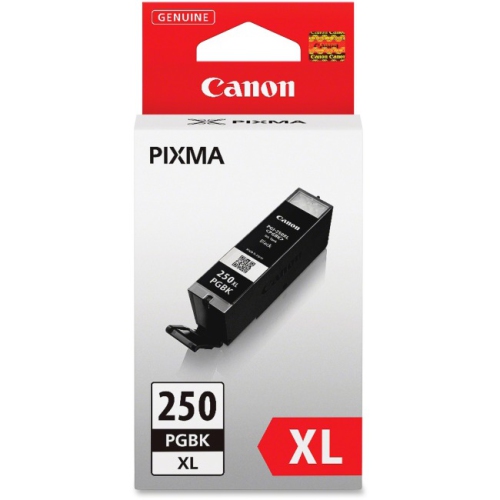
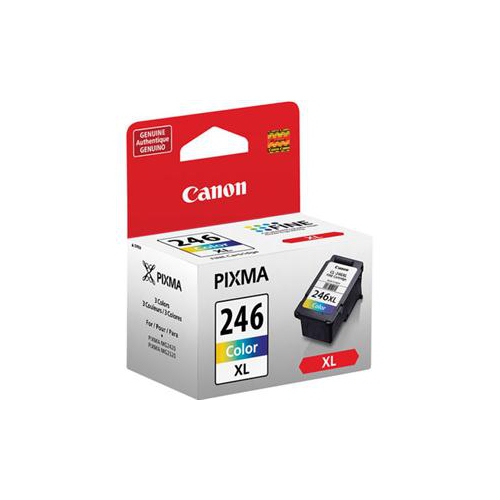
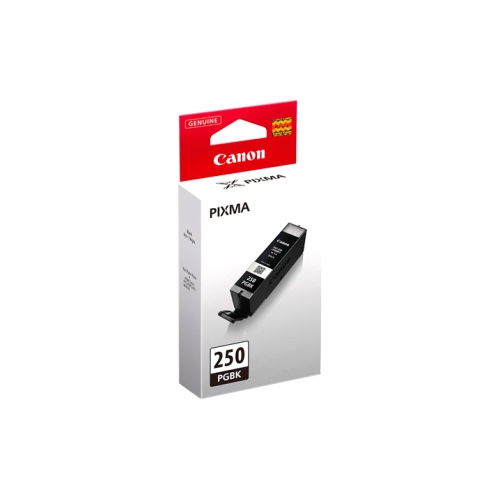
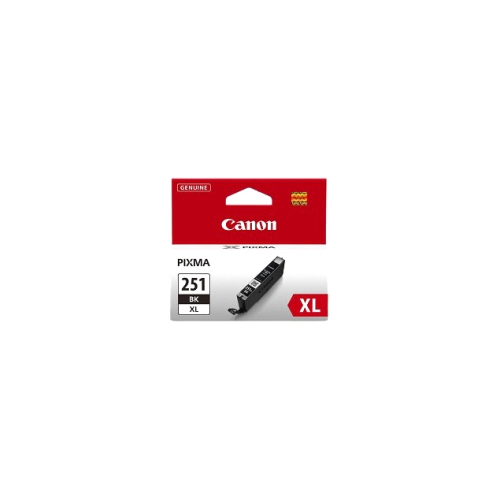
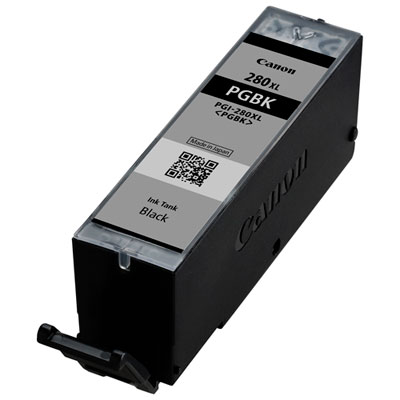
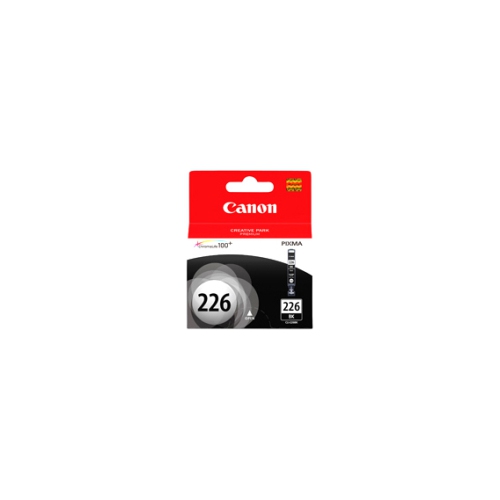
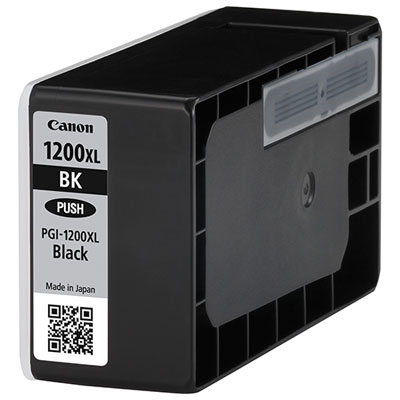
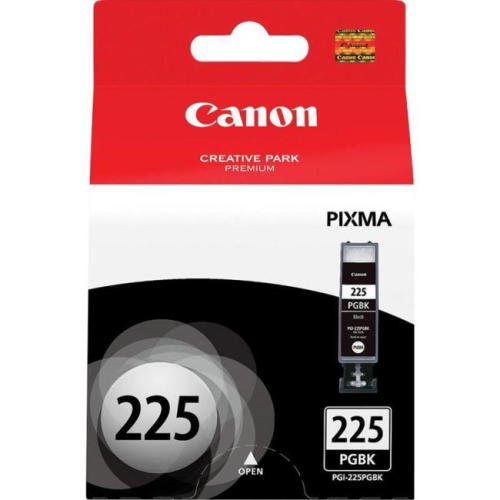
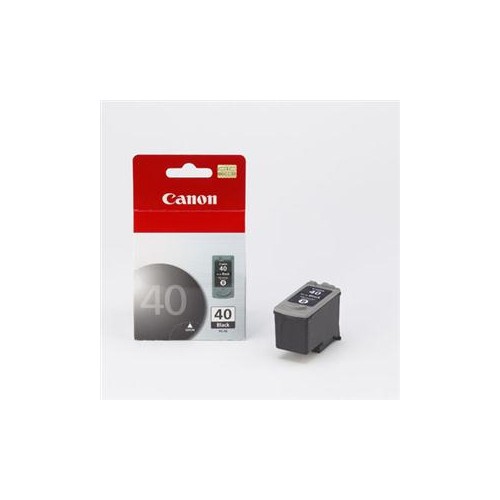
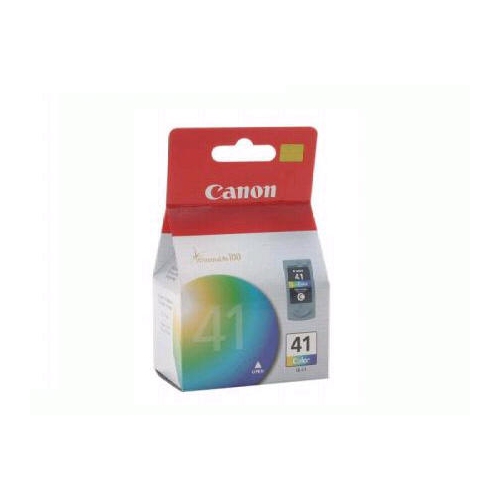
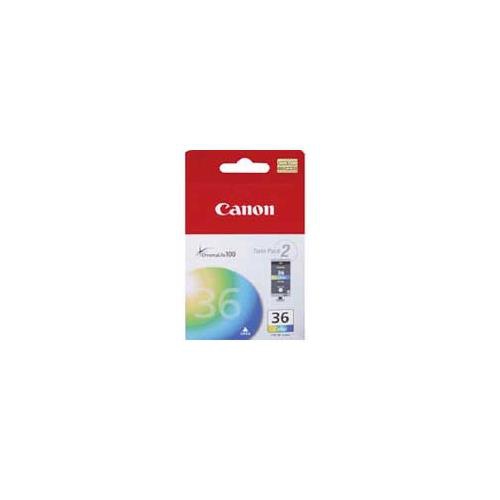
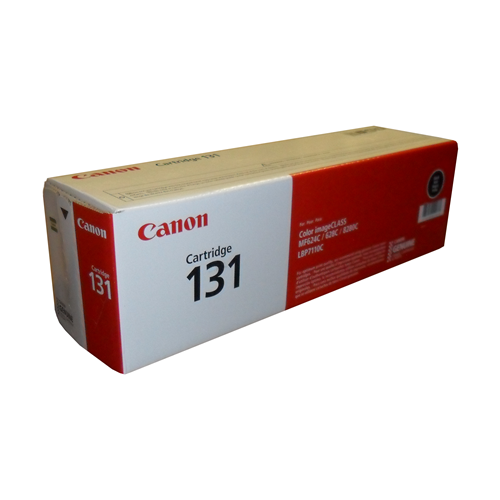
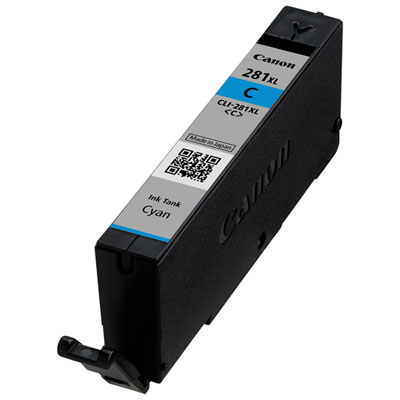
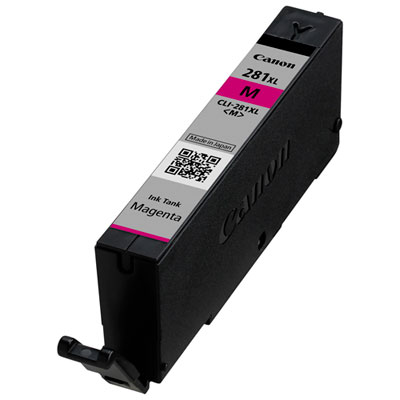
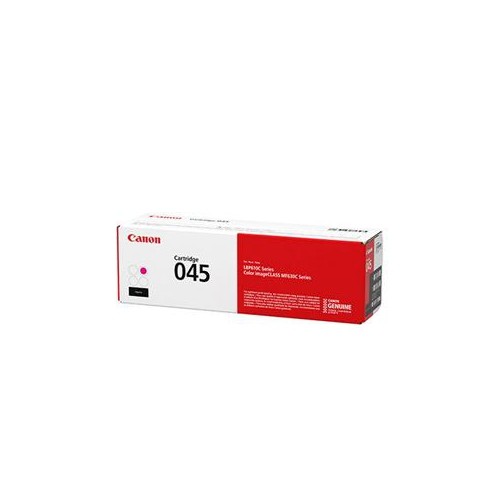
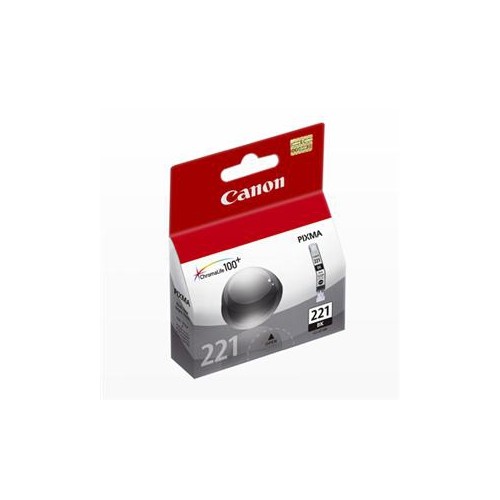
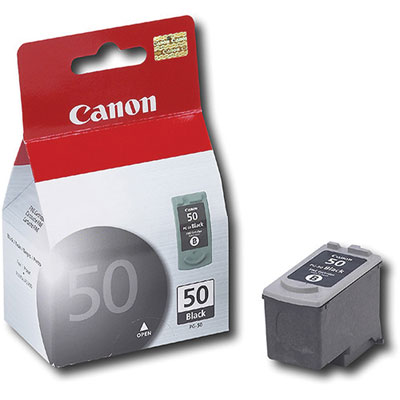

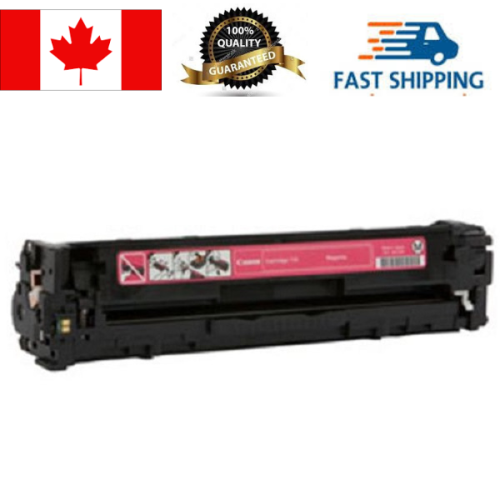
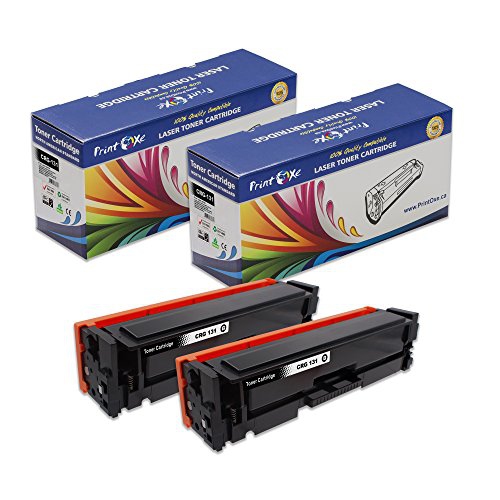
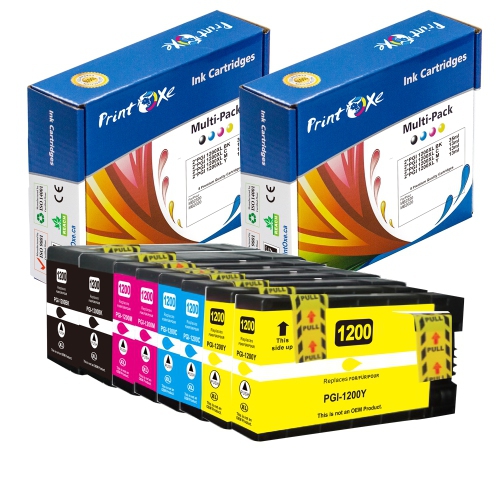
![ULTMAX [New Chip] Ultra Toner® Compatible Canon 067 Toner Cartridge Canon 067H Canon 067 High Yield -Imageclass Lbp632CDw Lbp633CDw Mf652Cw](https://multimedia.bbycastatic.ca/multimedia/products/500x500/191/19186/19186164.jpeg)
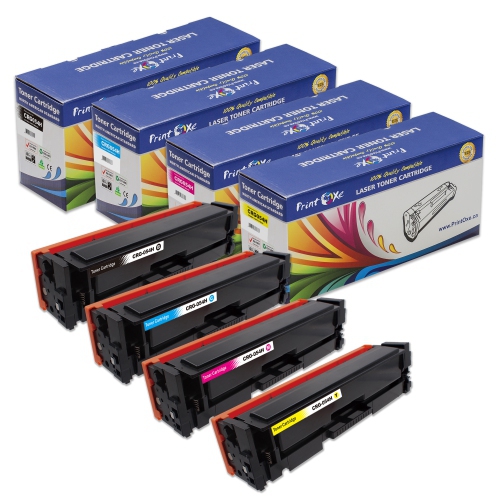
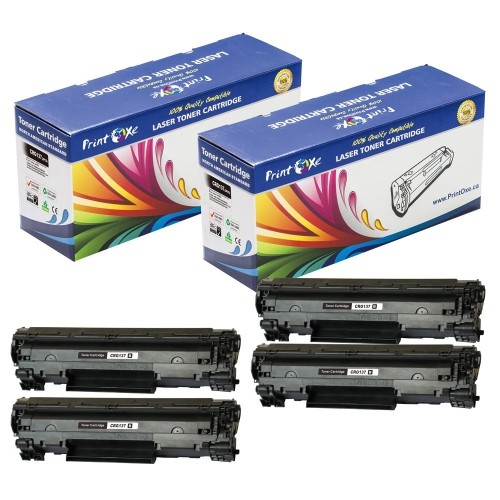
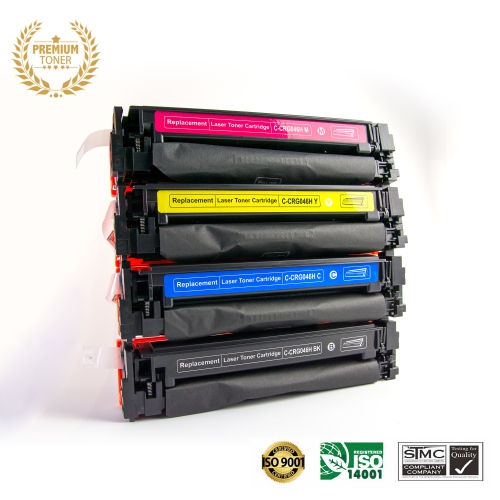
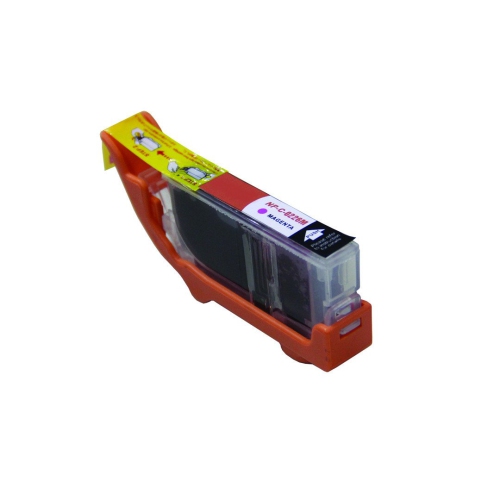

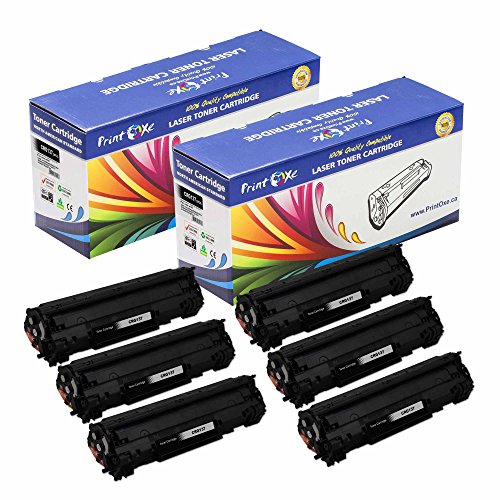
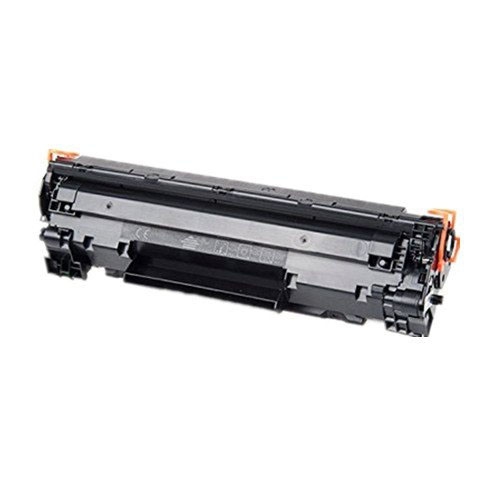
![ULTMAX [New Chip] Ultra Toner® Compatible Canon 067 Toner Cartridge Canon 067H Canon 067 High Yield -Imageclass Lbp632CDw Lbp633CDw Mf652Cw](https://multimedia.bbycastatic.ca/multimedia/products/500x500/191/19186/19186165.jpeg)
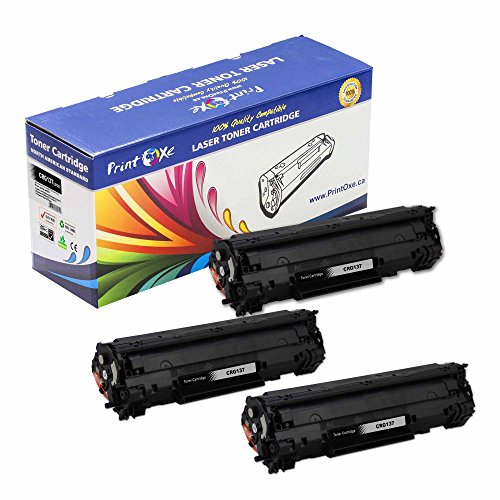
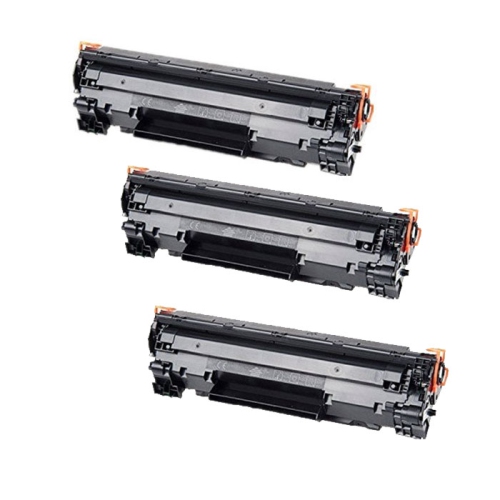
![ULTMAX [New Chip] Ultra Toner® Compatible Canon 067 Toner Cartridge Canon 067H Canon 067 High Yield -Imageclass Lbp632CDw Lbp633CDw Mf652Cw](https://multimedia.bbycastatic.ca/multimedia/products/500x500/191/19186/19186163.jpeg)
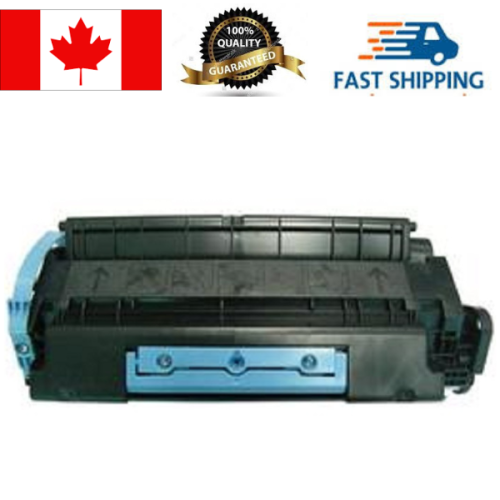
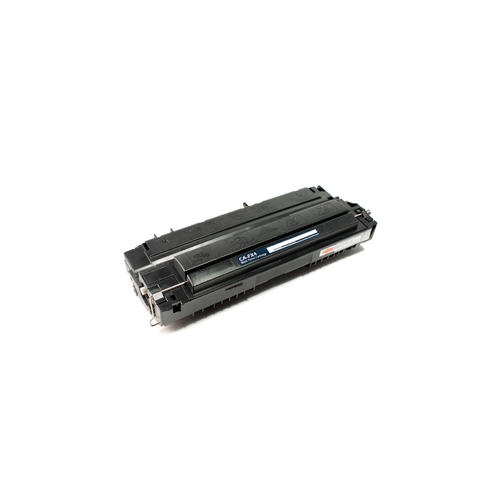
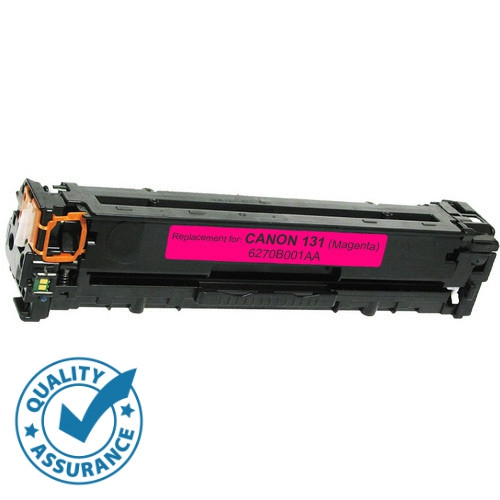
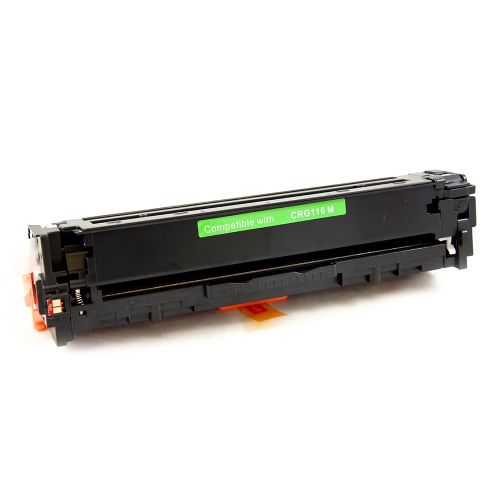
![SPRINT TONER Compatible Canon Gpr-57, Gpr57 High Yield Compatible Toner 42, 100 Pages. Cartridge 0473C003 [Canadian Company]](https://multimedia.bbycastatic.ca/multimedia/products/500x500/191/19187/19187774.png)


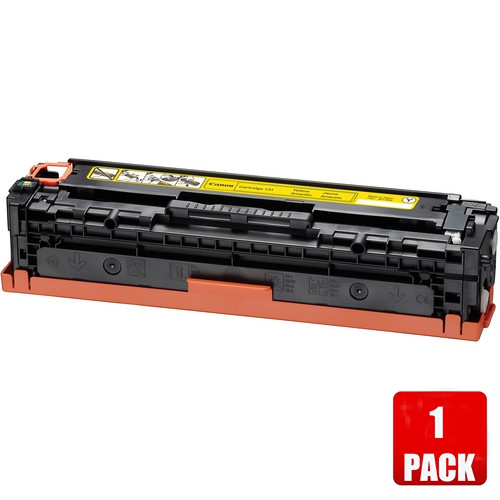
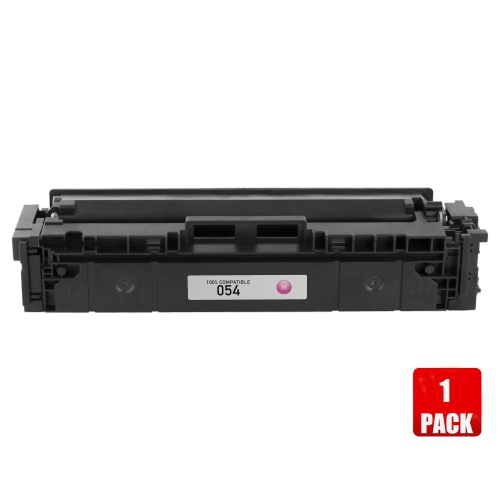
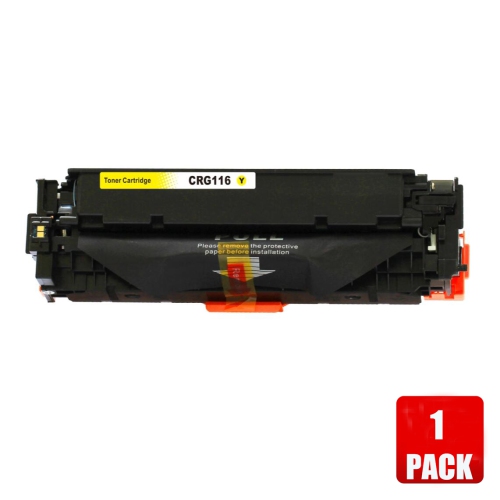
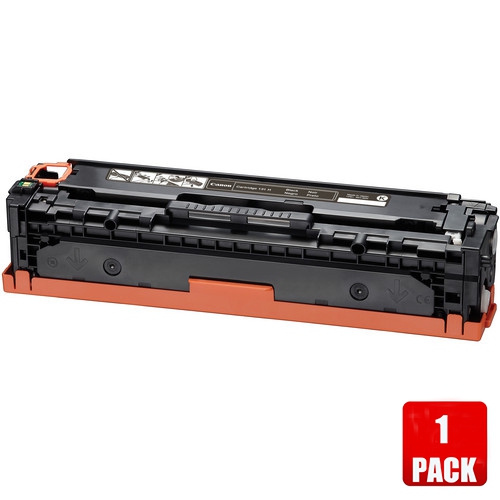





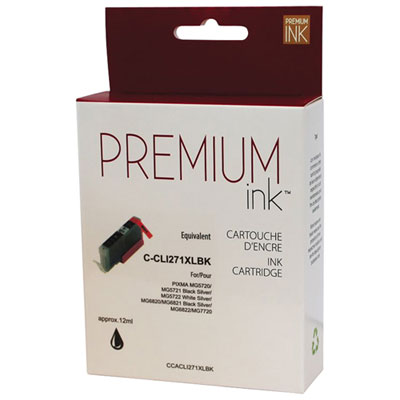
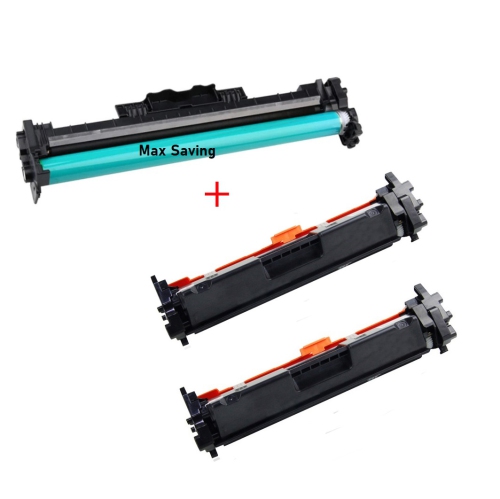

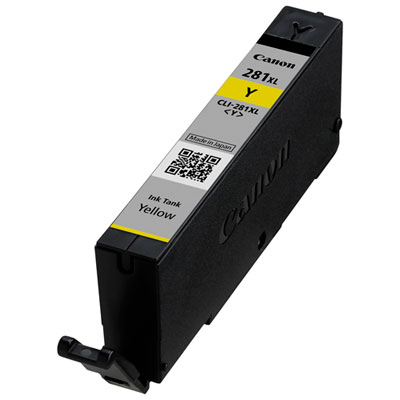
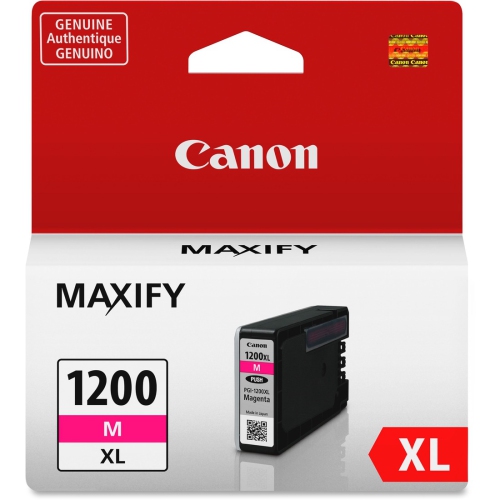


Why cartridge compatibility and yield matter for printing
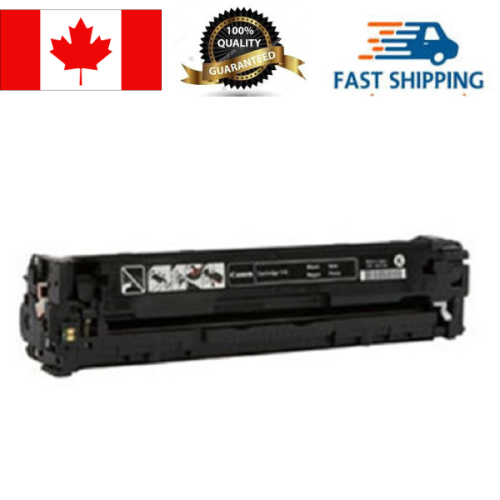
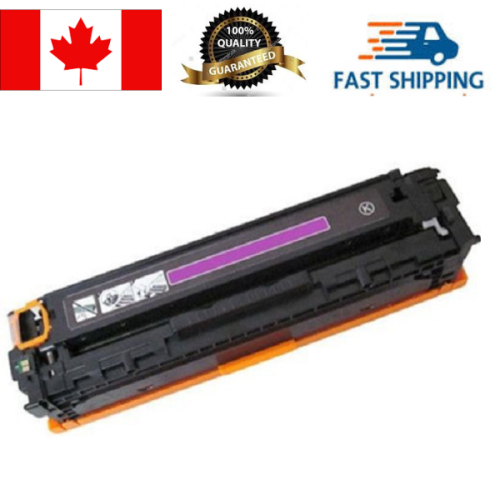
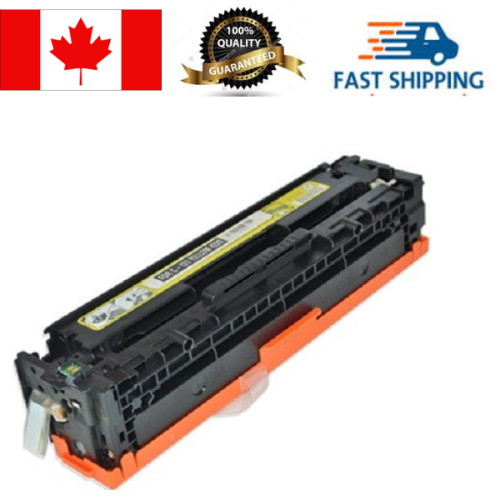
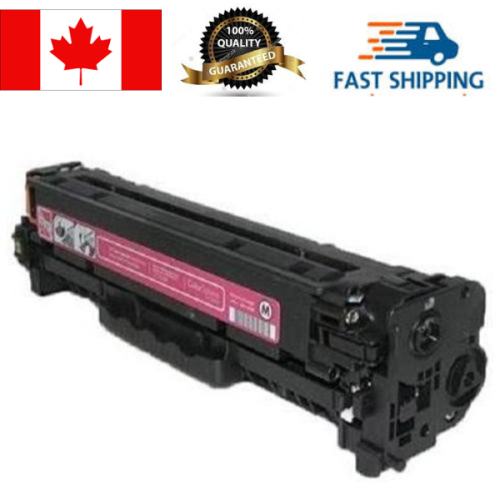
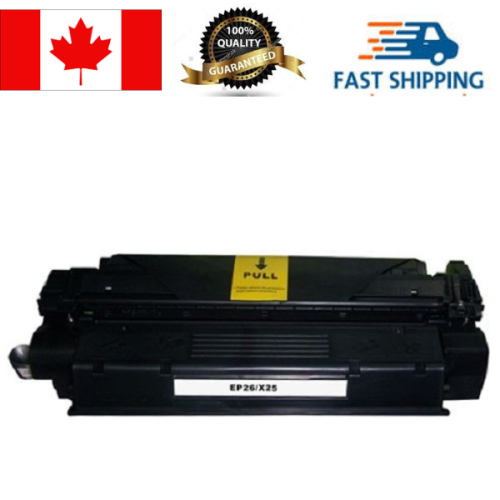
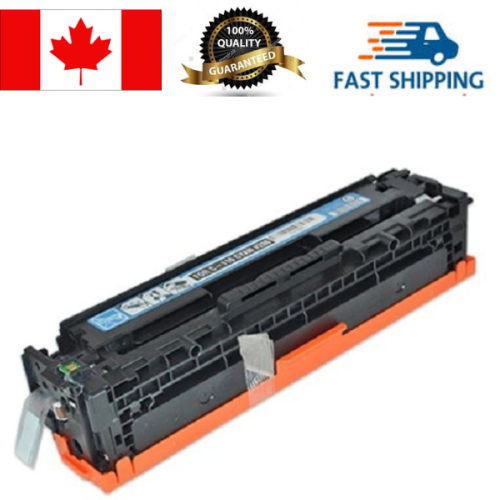
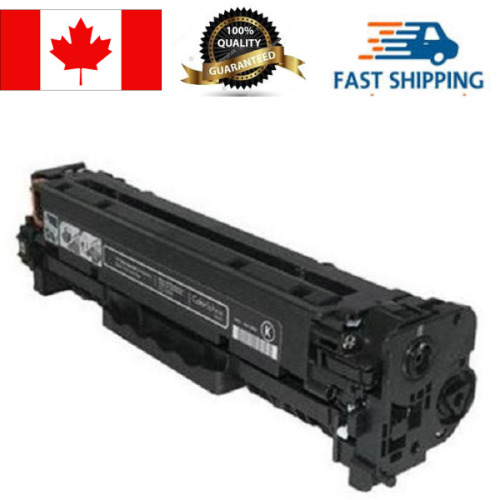
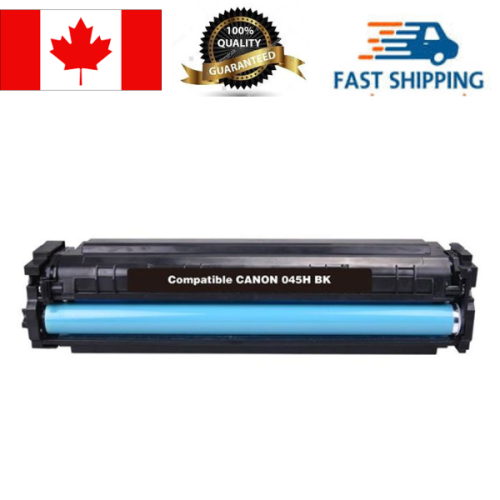
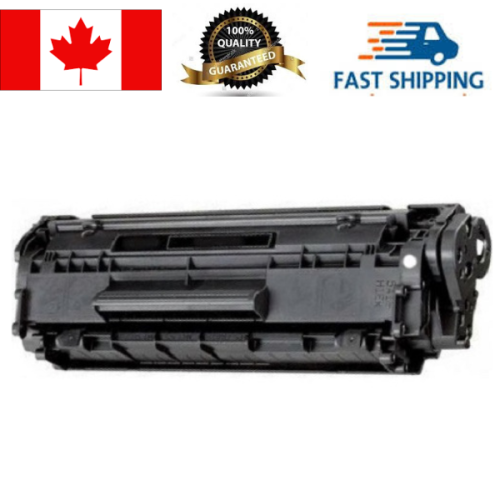
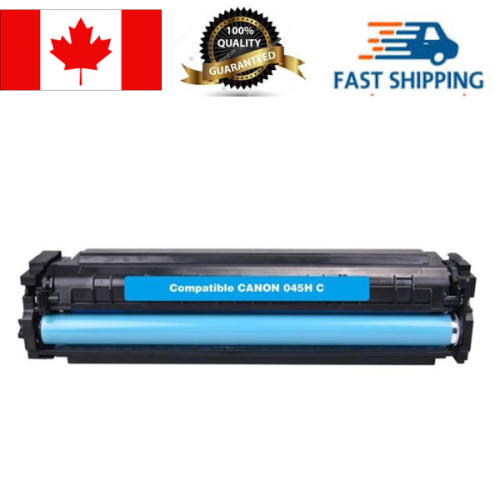
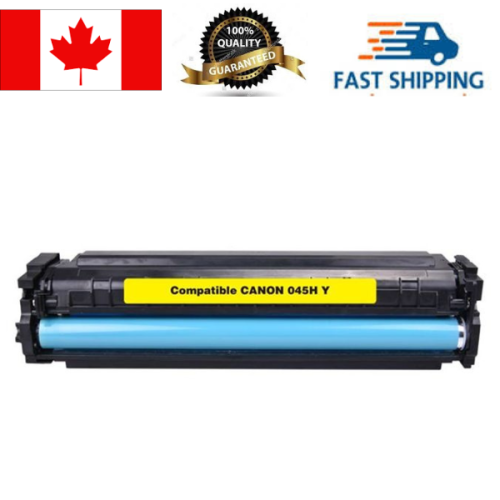
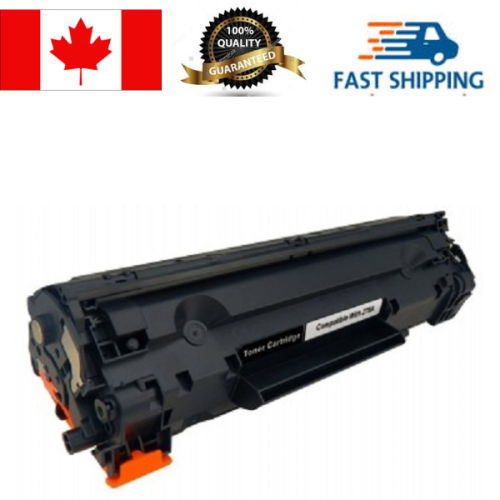
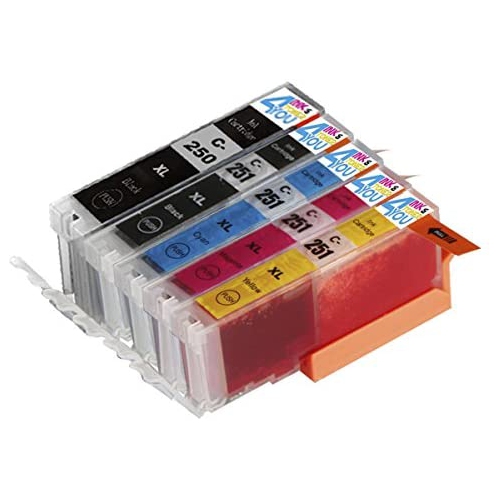
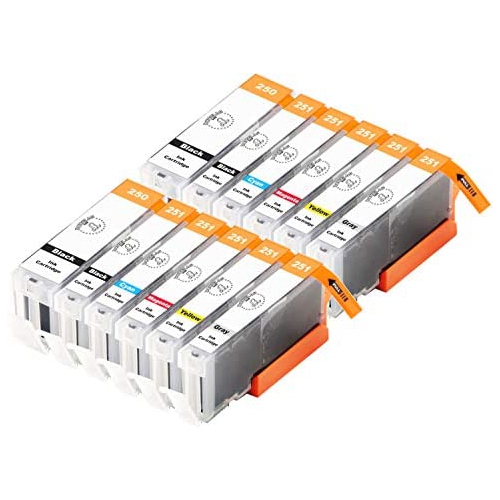
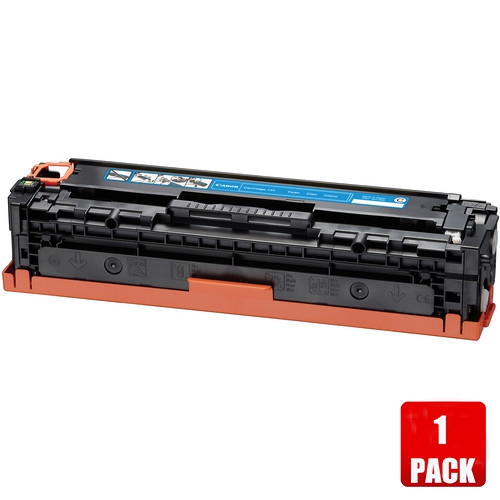
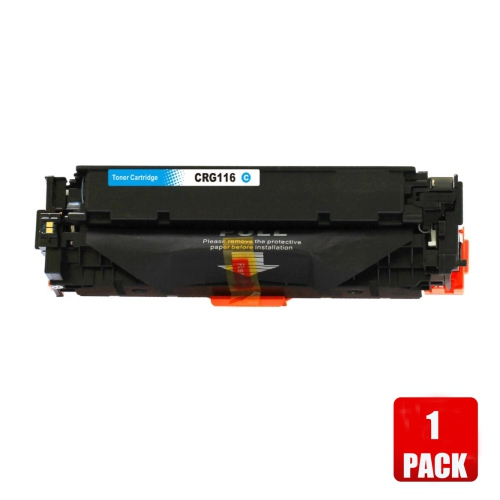
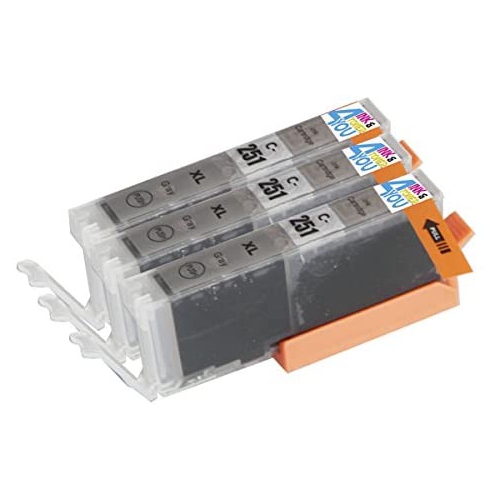
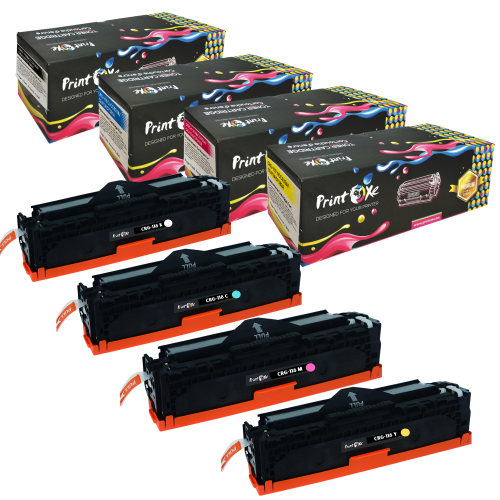
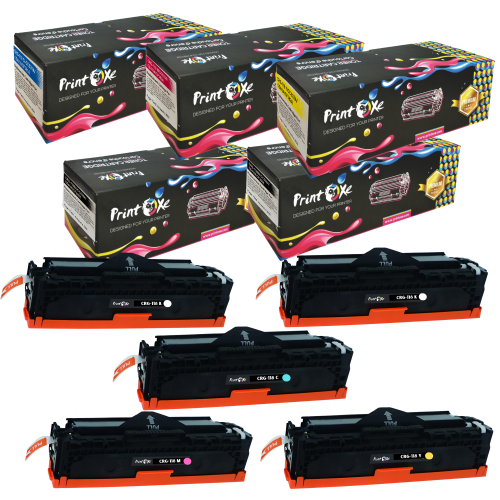
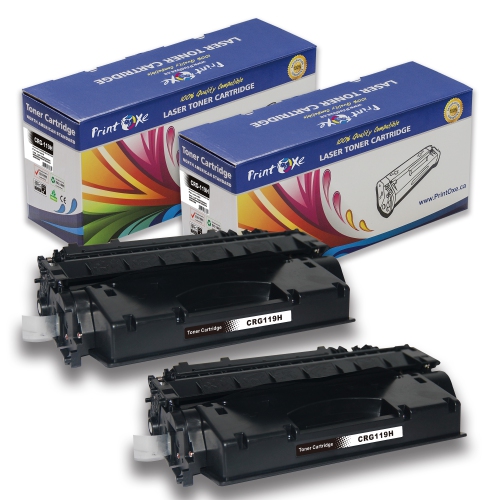
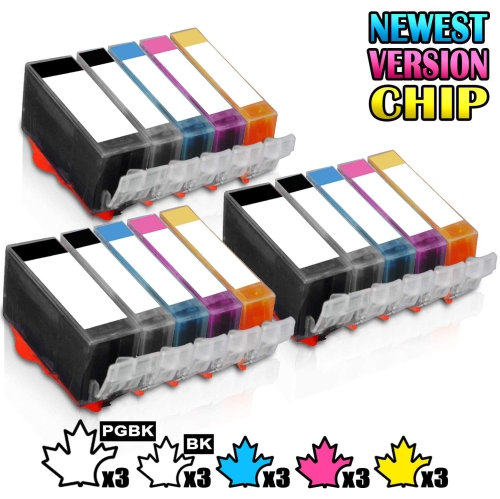
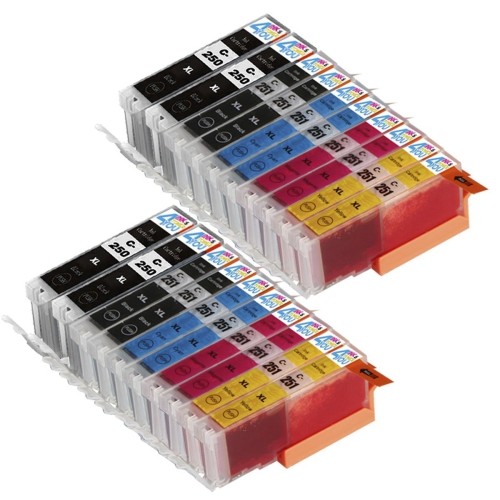
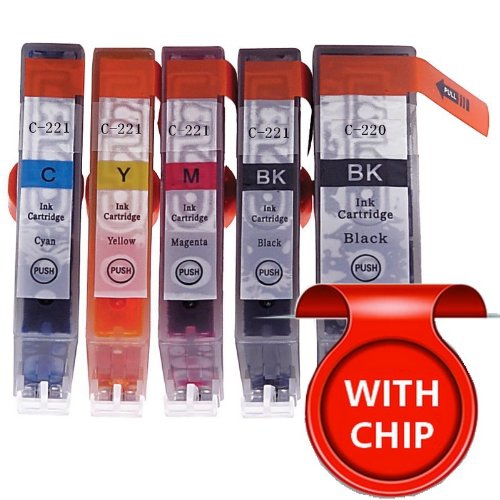
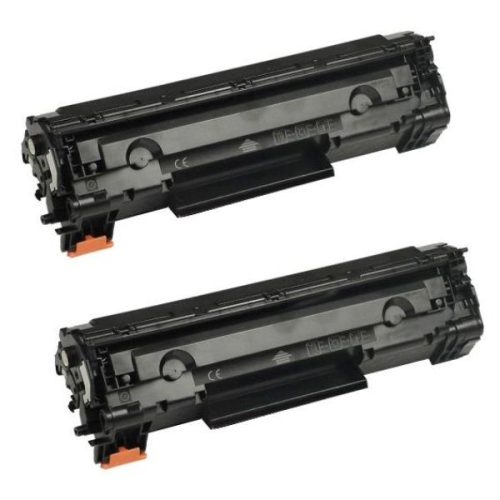
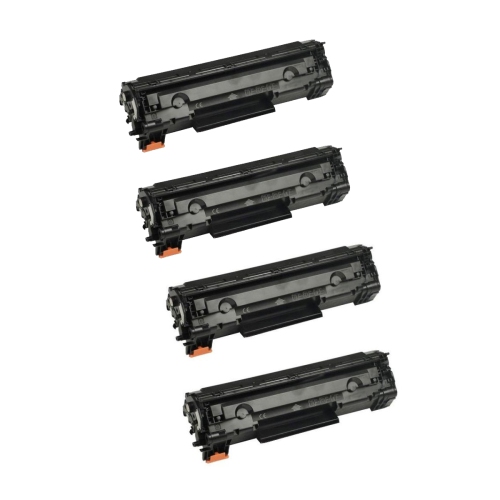
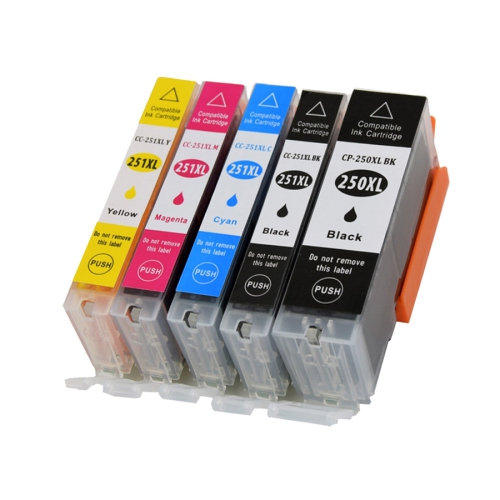
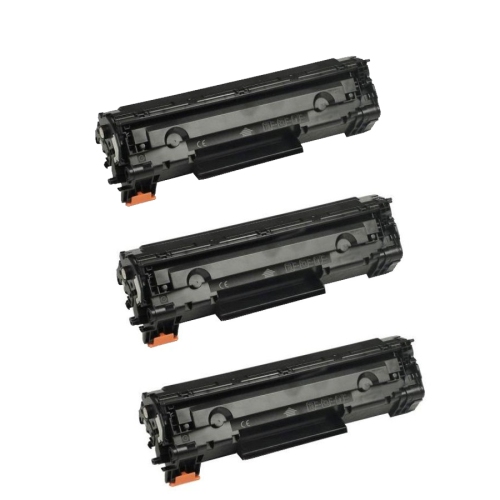
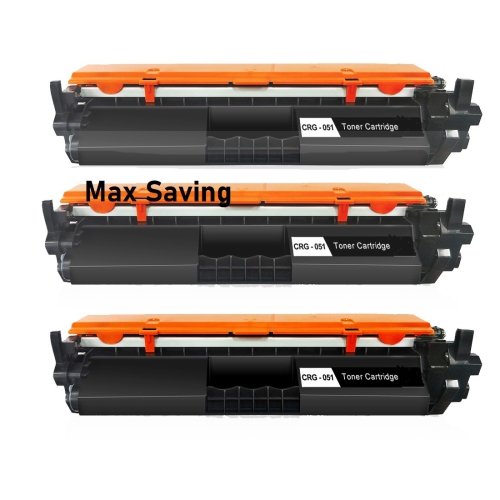
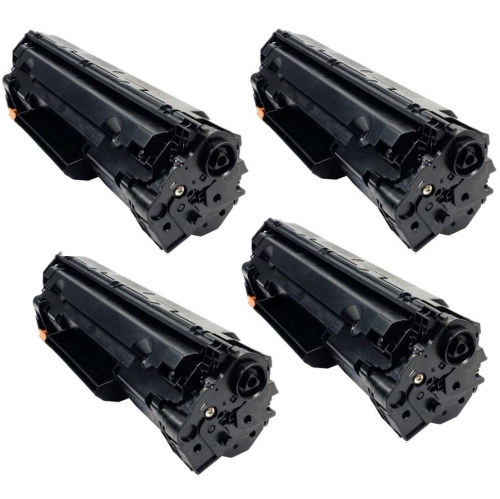
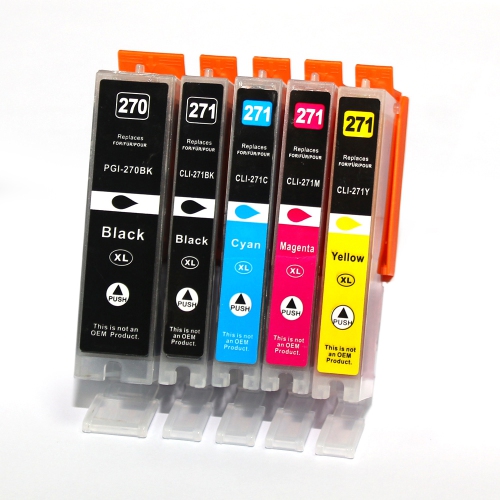
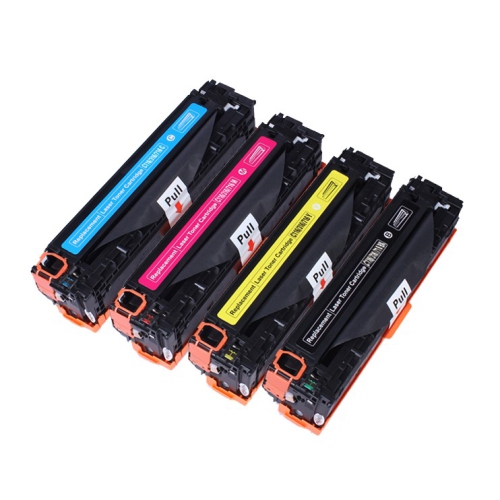
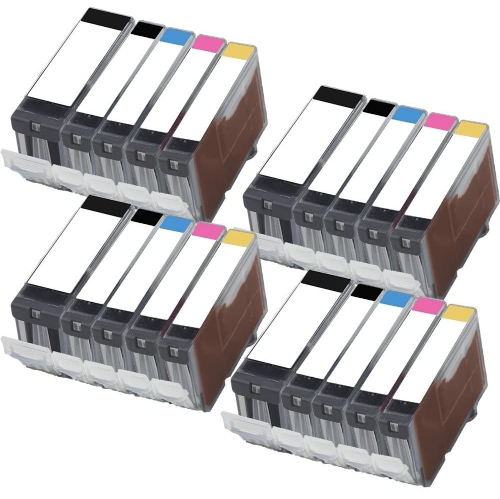
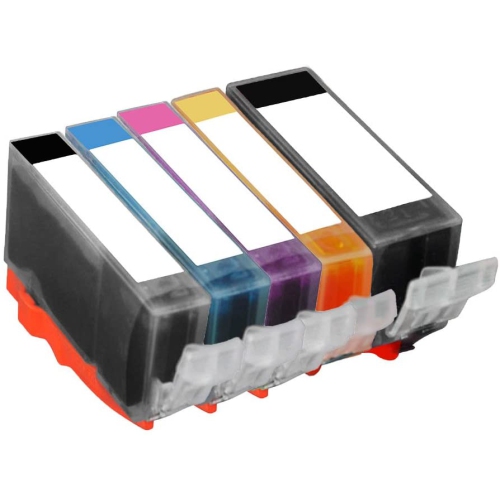
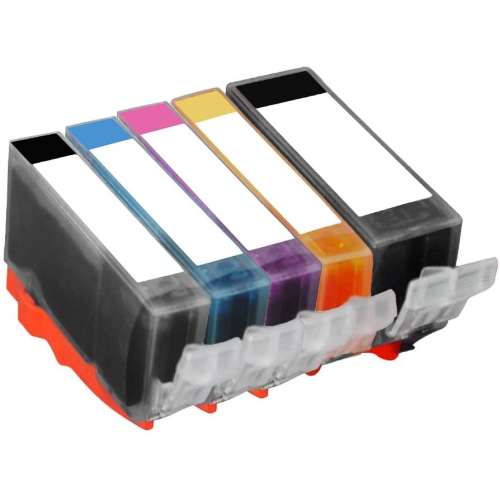
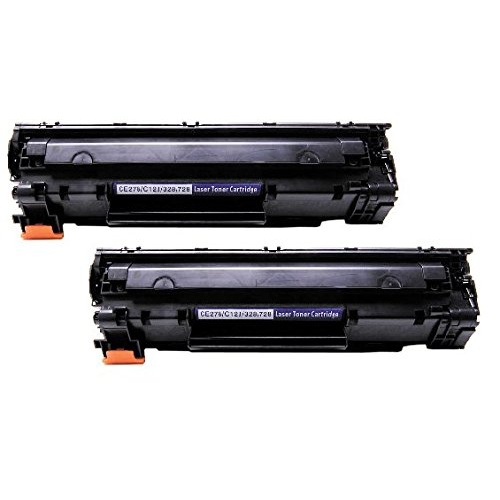
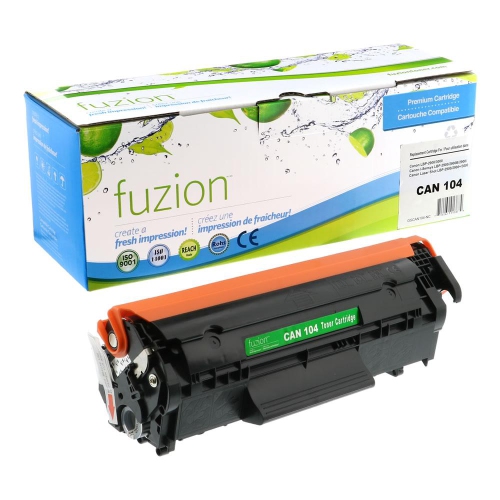
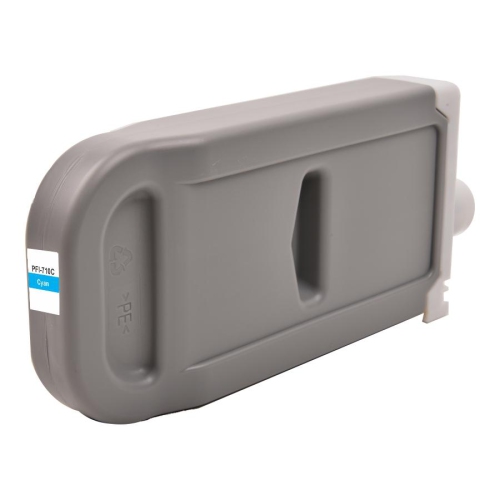
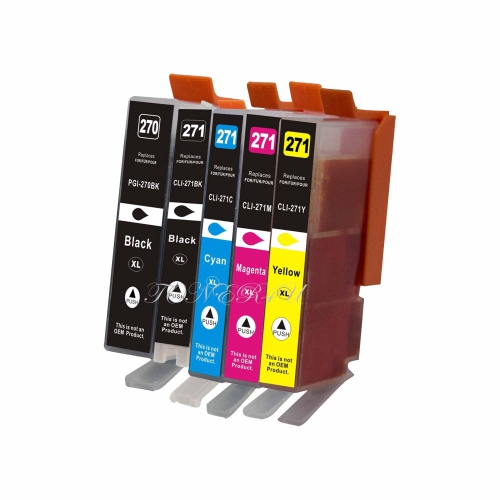
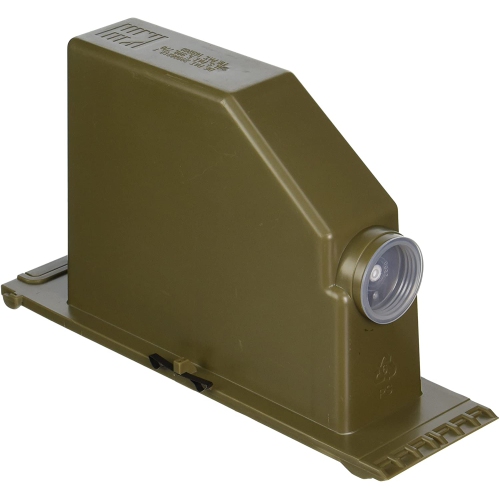
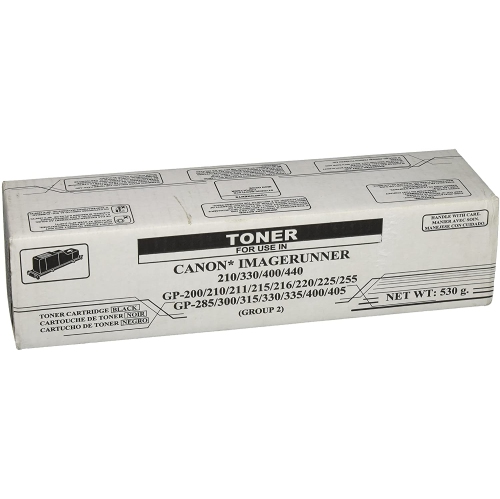
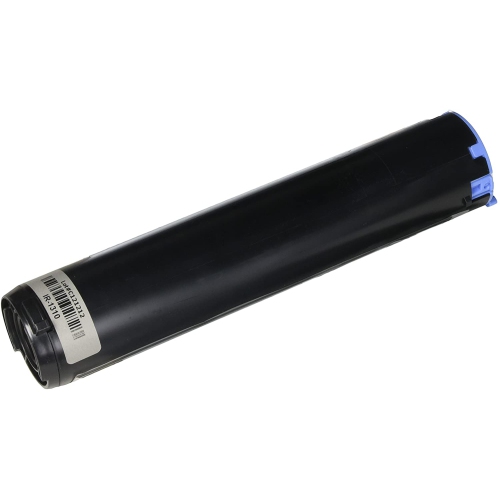
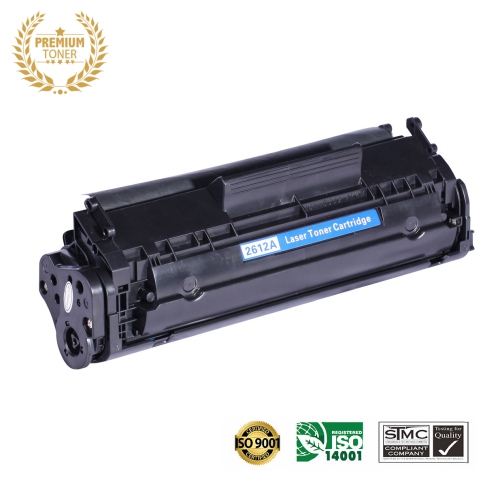
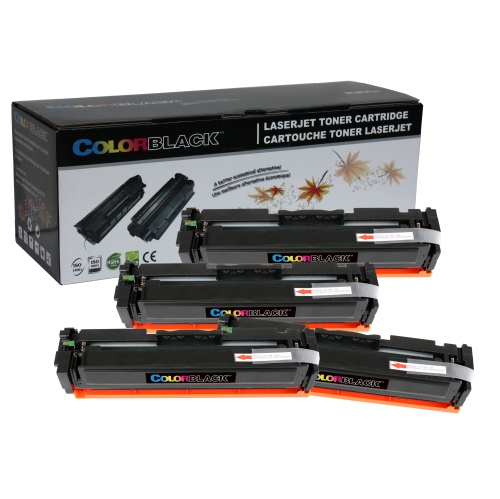
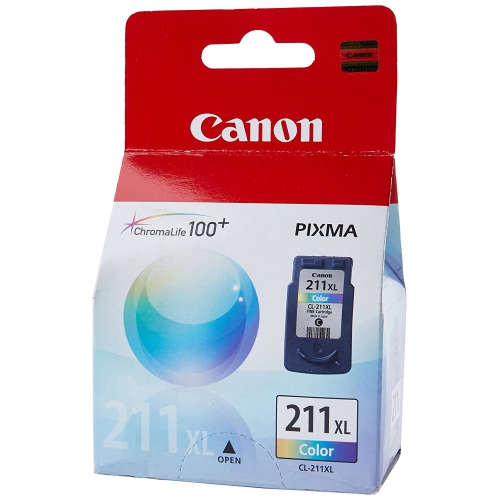
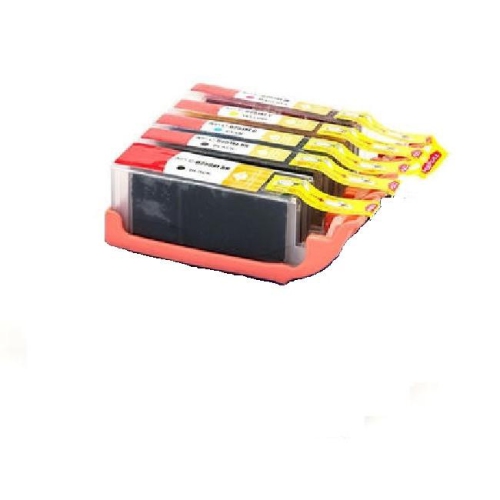
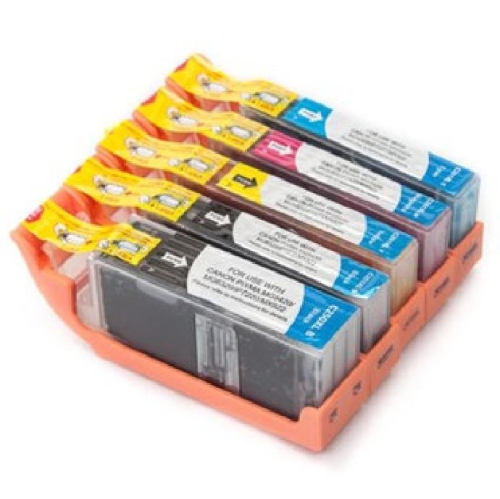
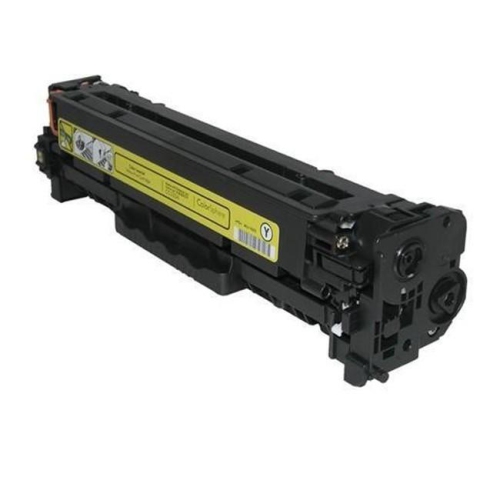
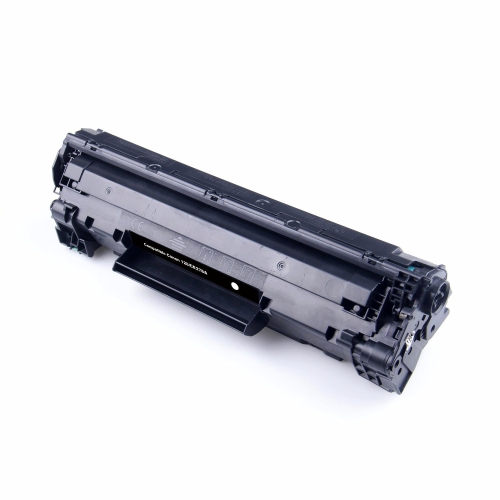
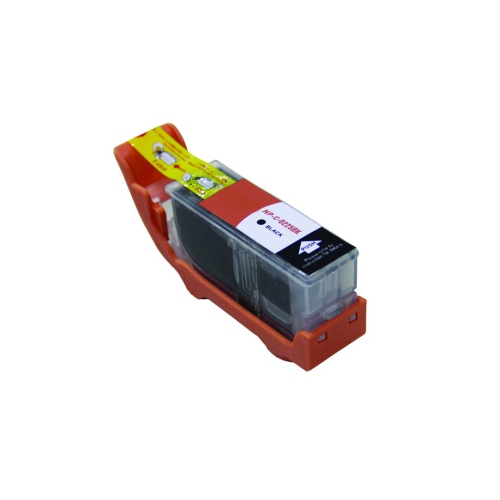
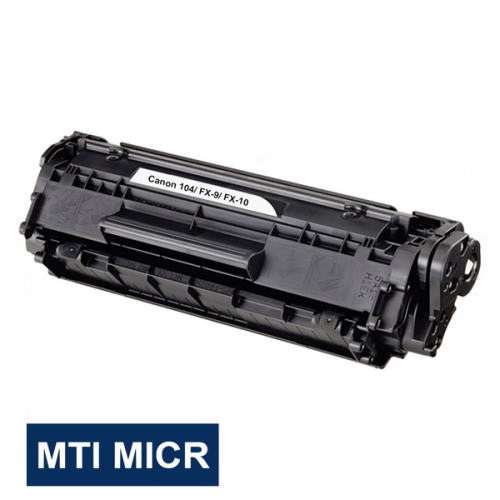
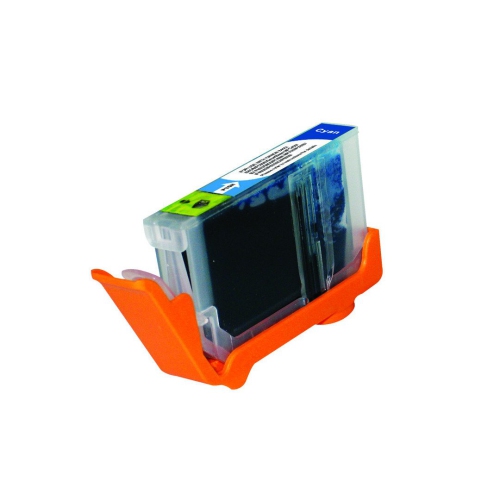
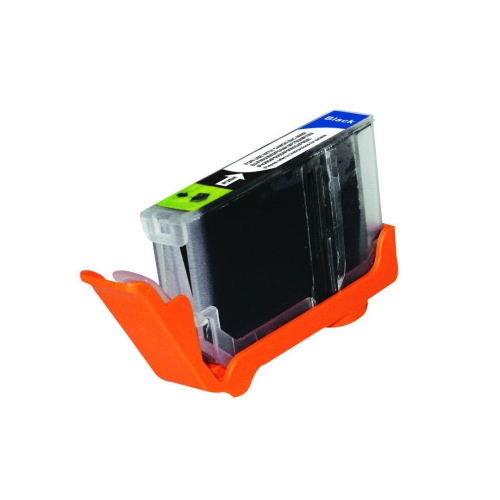
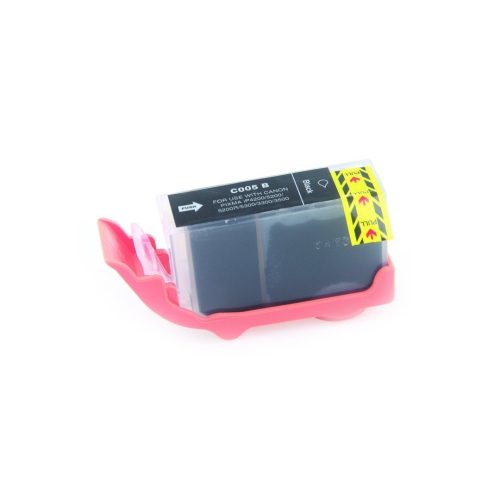
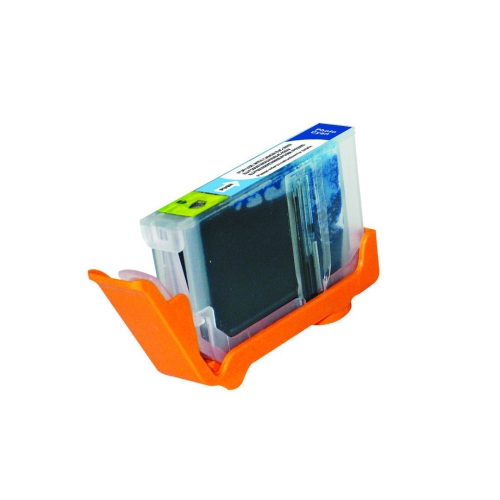
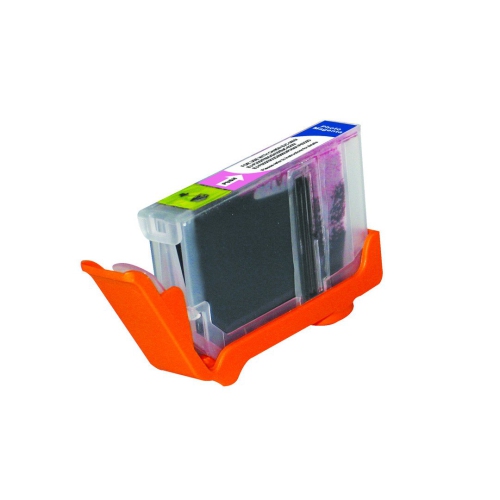
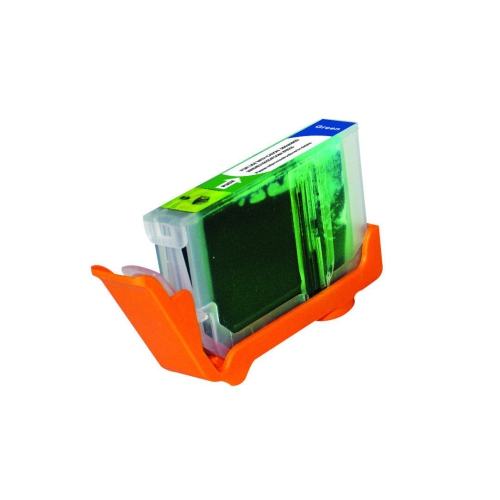
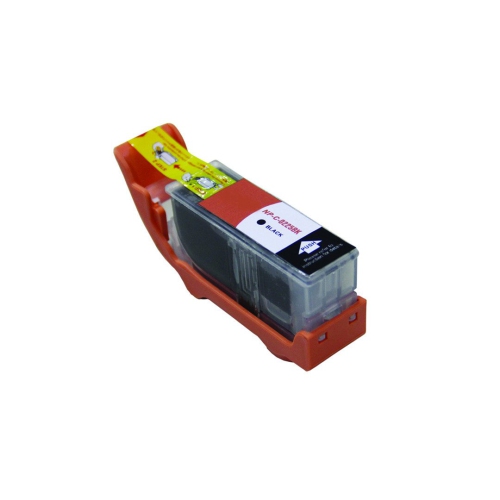
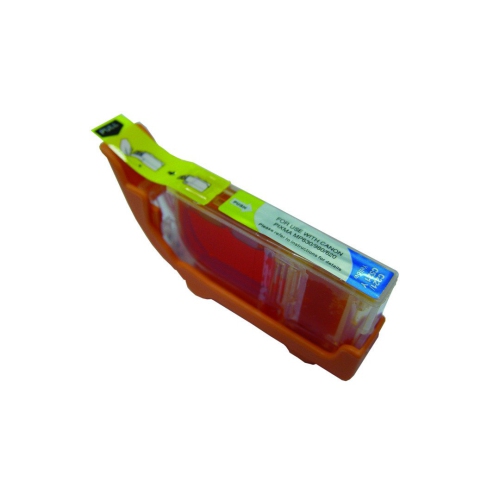
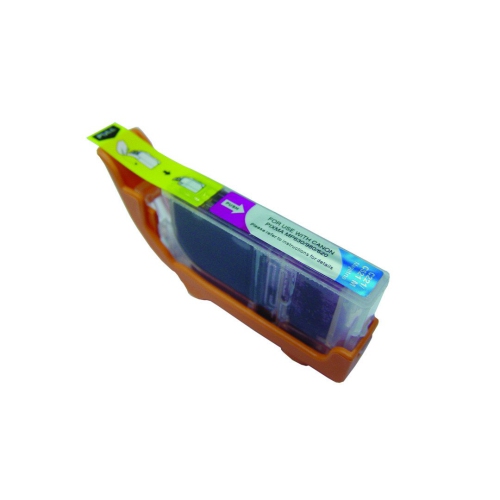
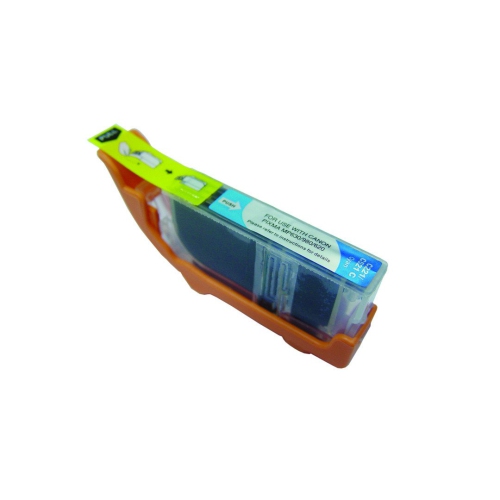
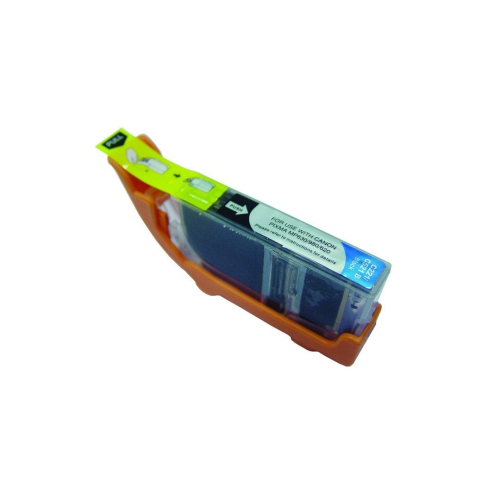
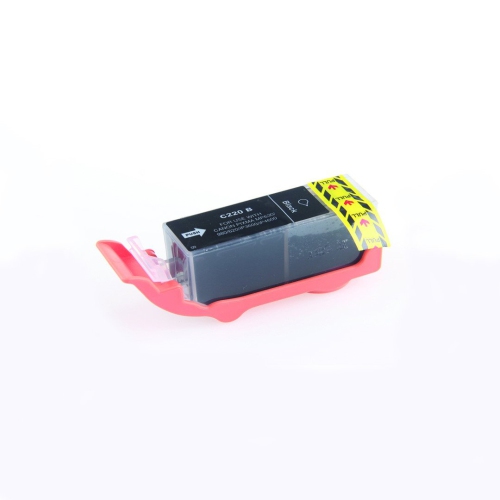
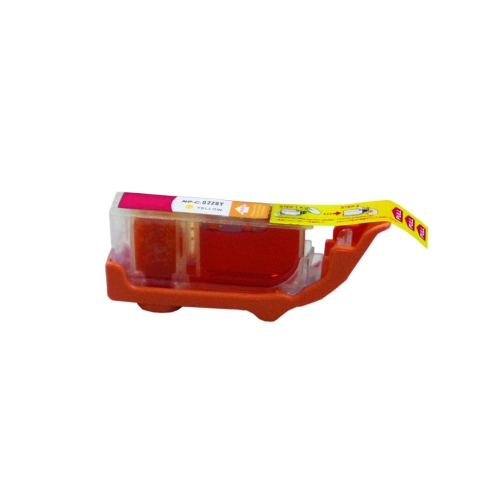
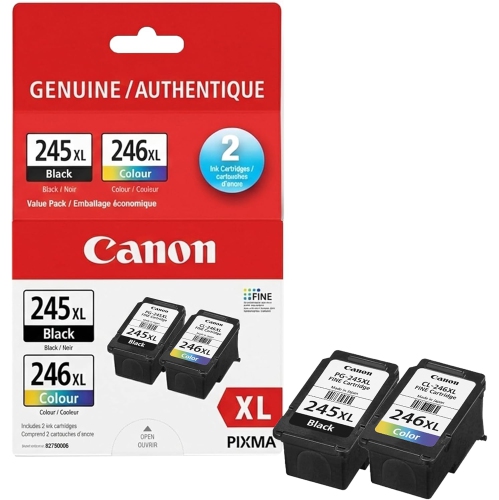
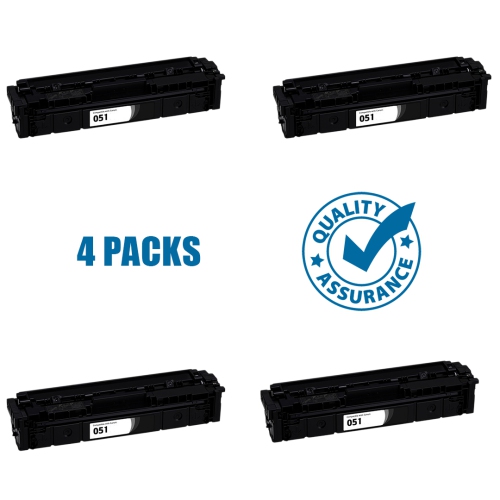
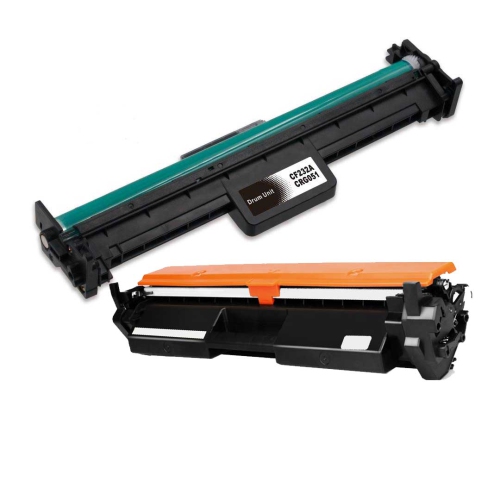
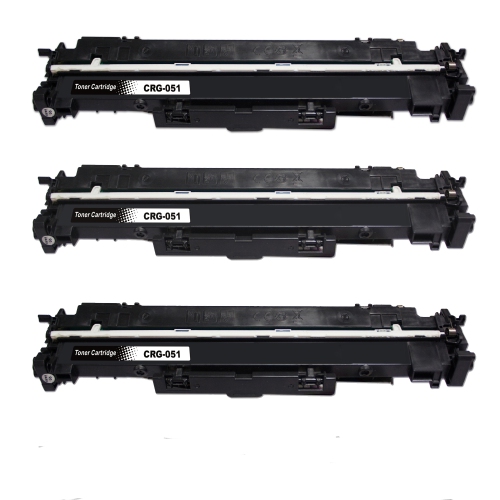
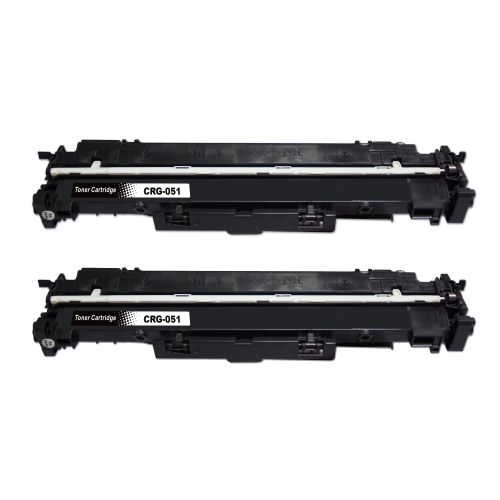
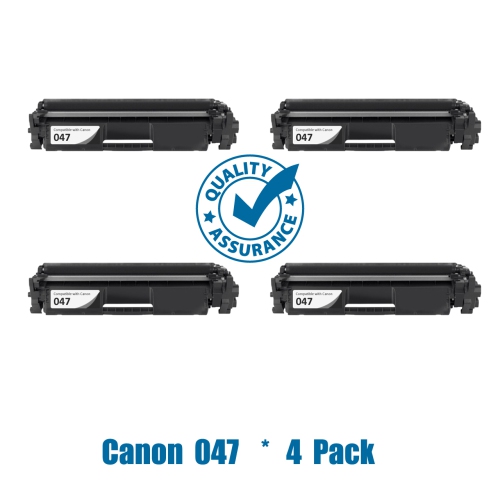
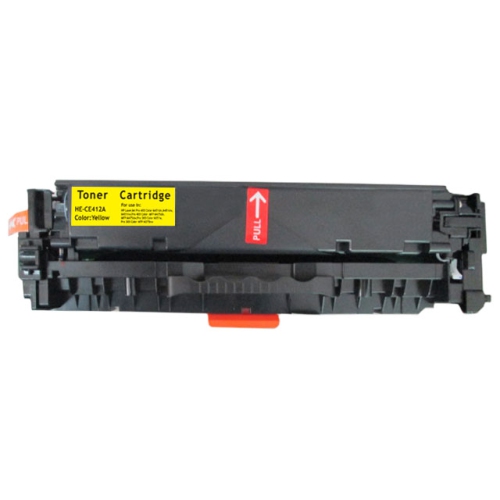
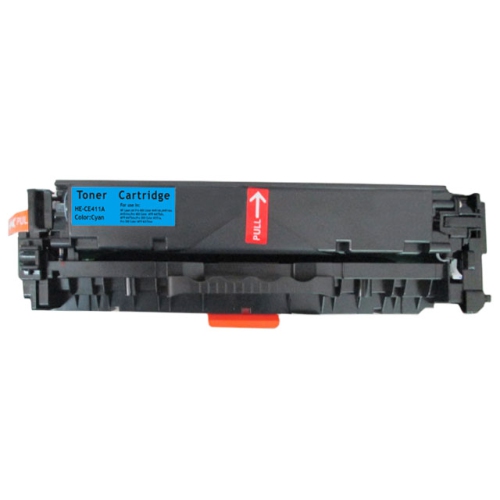
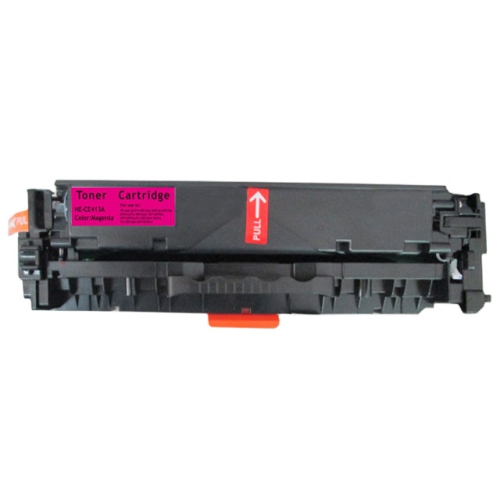
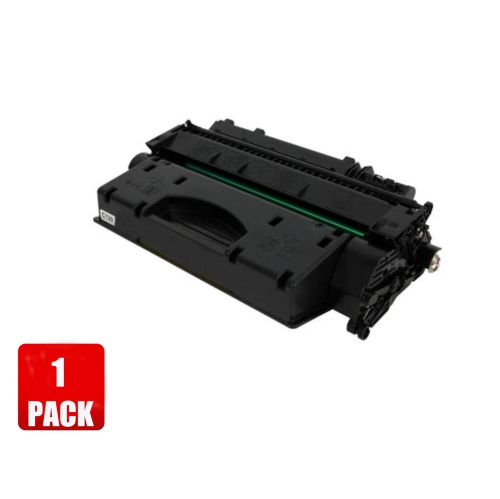
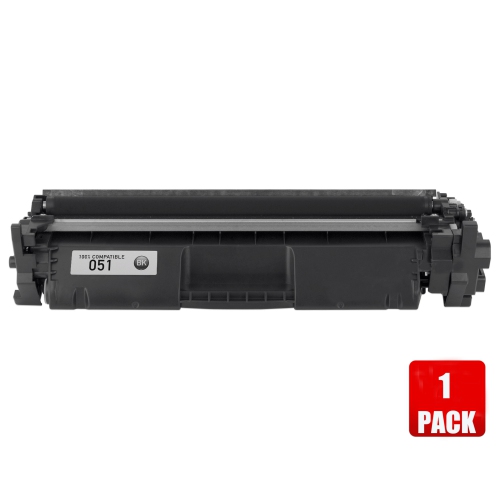
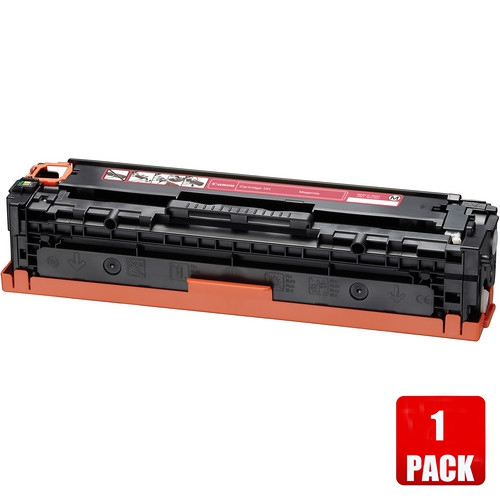
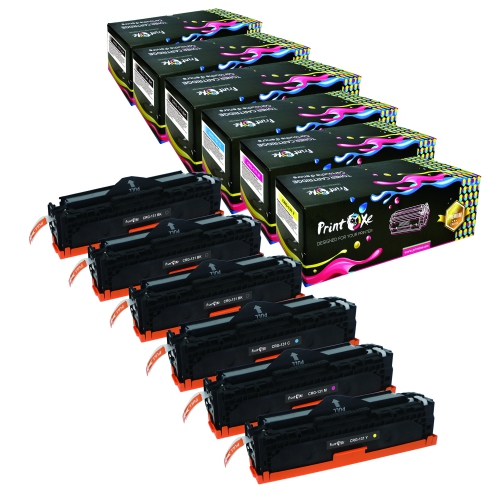
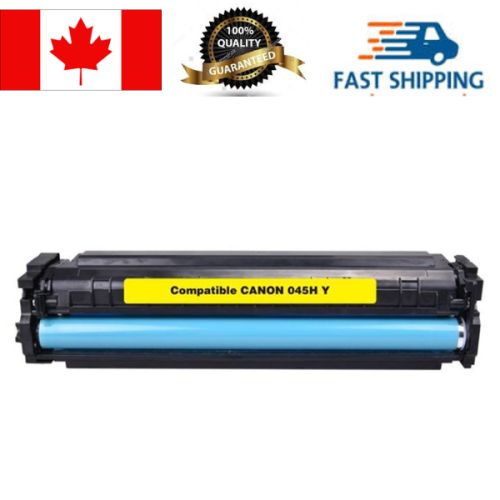
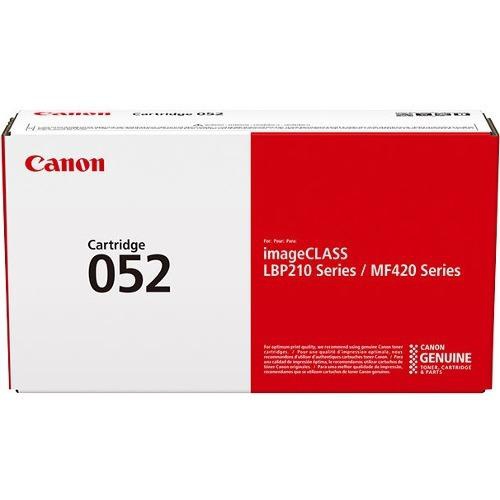
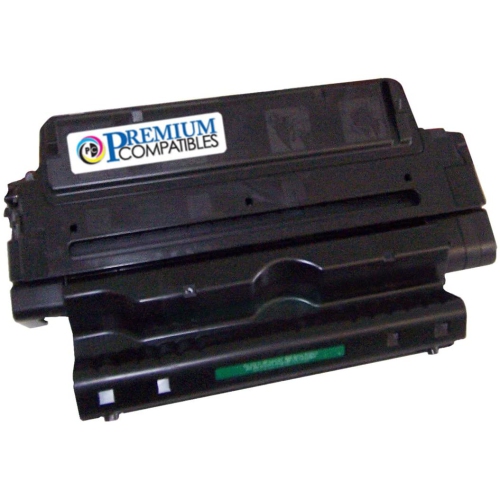
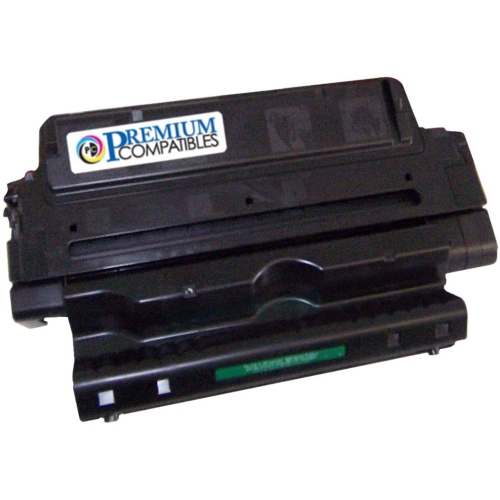
Compatible cartridges for Canon printers can make it easier to keep documents, schoolwork, photos, forms, and household records moving through your printer without having to replace the entire machine. These replacement cartridges are made to work with selected Canon inkjet and laser printer families, but compatibility depends on the exact printer model and cartridge series rather than the brand name alone. Before placing an order, check the model number printed on the printer, shown on its display, or listed in the printer settings and user manual. It is also helpful to remove the existing cartridge and compare its number with the replacement listing, since two printers that look similar may use different cartridge designs. Inkjet cartridges are commonly available in black, colour, or multi-colour configurations, while laser printers generally use toner cartridges designed for crisp text and consistent coverage. Some listings include a complete set for replacing several colours at once, and others focus on a single black or colour cartridge. Selecting the right format from the start helps prevent delays, installation problems, and the frustration of discovering that a cartridge does not fit after opening the package. For shoppers comparing options, Cheap Ink Cartridges for Canon Printers can be a useful place to review available choices by printer compatibility and cartridge type.
One of the most important decisions is choosing between standard-yield and high-yield cartridges. Standard cartridges can suit occasional printing, such as a few forms, recipes, travel documents, or homework pages each week. They may be a practical choice for a printer that spends much of its time stored in a home office or on a shelf near the family computer. High-yield, XL, or XXL cartridges contain more ink and can produce substantially more pages before replacement, making them useful for busy households, students, home offices, and anyone who prints long reports or frequent colour pages. The number of pages a cartridge produces varies according to the document, print settings, coverage, and whether black-and-white or colour printing is used, so page-yield information should be treated as an estimate rather than a guarantee. Heavy colour coverage, full-page images, labels, and presentation materials use ink more quickly than ordinary text. It is worth comparing the listed yield with the cartridge price and the type of work you usually print. A family preparing school projects may value a multi-colour set that keeps each shade available, while someone printing invoices or shipping labels may use mostly black cartridges and prefer to keep an extra black replacement nearby. Buying a compatible set as a spare can also be convenient before a busy period, particularly when the printer is shared by several people and an empty cartridge could interrupt an important task.
Compatible cartridges are used by a wide range of people, from students printing assignments at a kitchen table to remote workers preparing forms, meeting notes, and signed documents at home. They can also be a thoughtful, practical gift for someone setting up a home office, moving into a new apartment, returning to school, or managing a small side business. A cartridge set is especially useful when the recipient already owns a compatible Canon printer, although checking the exact model before purchasing is essential. Installation is generally straightforward: turn on the printer, open the access panel, remove the empty cartridge, take the protective packaging off the replacement, and place it into the matching slot until it clicks into position. Follow the printer’s on-screen instructions if it asks to align the print head or run a test page. Some printers may display a message indicating that the cartridge is not an original manufacturer cartridge or may ask whether you want to continue. These prompts can occur with compatible replacements and do not necessarily mean the cartridge cannot be used; follow the printer’s instructions and consult the cartridge documentation if the message remains. If print quality appears uneven after installation, run the printer’s cleaning or alignment routine, check that the protective tape has been removed, and allow the cartridge a short moment to settle. Keeping cartridges sealed until needed, storing them upright in a moderate indoor space, and avoiding prolonged exposure to heat or direct sunlight can help protect print quality. During the cooler months, a printer used more often for forms, study materials, indoor projects, and household paperwork benefits from having the correct replacement cartridges ready to go. By matching the cartridge number carefully, choosing a yield that fits your printing habits, and considering whether you need black, colour, ink, or toner, you can make a confident choice for reliable everyday printing.
One of the most important decisions is choosing between standard-yield and high-yield cartridges. Standard cartridges can suit occasional printing, such as a few forms, recipes, travel documents, or homework pages each week. They may be a practical choice for a printer that spends much of its time stored in a home office or on a shelf near the family computer. High-yield, XL, or XXL cartridges contain more ink and can produce substantially more pages before replacement, making them useful for busy households, students, home offices, and anyone who prints long reports or frequent colour pages. The number of pages a cartridge produces varies according to the document, print settings, coverage, and whether black-and-white or colour printing is used, so page-yield information should be treated as an estimate rather than a guarantee. Heavy colour coverage, full-page images, labels, and presentation materials use ink more quickly than ordinary text. It is worth comparing the listed yield with the cartridge price and the type of work you usually print. A family preparing school projects may value a multi-colour set that keeps each shade available, while someone printing invoices or shipping labels may use mostly black cartridges and prefer to keep an extra black replacement nearby. Buying a compatible set as a spare can also be convenient before a busy period, particularly when the printer is shared by several people and an empty cartridge could interrupt an important task.
Compatible cartridges are used by a wide range of people, from students printing assignments at a kitchen table to remote workers preparing forms, meeting notes, and signed documents at home. They can also be a thoughtful, practical gift for someone setting up a home office, moving into a new apartment, returning to school, or managing a small side business. A cartridge set is especially useful when the recipient already owns a compatible Canon printer, although checking the exact model before purchasing is essential. Installation is generally straightforward: turn on the printer, open the access panel, remove the empty cartridge, take the protective packaging off the replacement, and place it into the matching slot until it clicks into position. Follow the printer’s on-screen instructions if it asks to align the print head or run a test page. Some printers may display a message indicating that the cartridge is not an original manufacturer cartridge or may ask whether you want to continue. These prompts can occur with compatible replacements and do not necessarily mean the cartridge cannot be used; follow the printer’s instructions and consult the cartridge documentation if the message remains. If print quality appears uneven after installation, run the printer’s cleaning or alignment routine, check that the protective tape has been removed, and allow the cartridge a short moment to settle. Keeping cartridges sealed until needed, storing them upright in a moderate indoor space, and avoiding prolonged exposure to heat or direct sunlight can help protect print quality. During the cooler months, a printer used more often for forms, study materials, indoor projects, and household paperwork benefits from having the correct replacement cartridges ready to go. By matching the cartridge number carefully, choosing a yield that fits your printing habits, and considering whether you need black, colour, ink, or toner, you can make a confident choice for reliable everyday printing.
Top selling and popular products
-
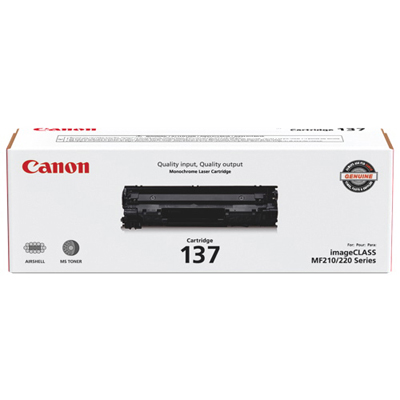 Your price for this item is $144.99
 -
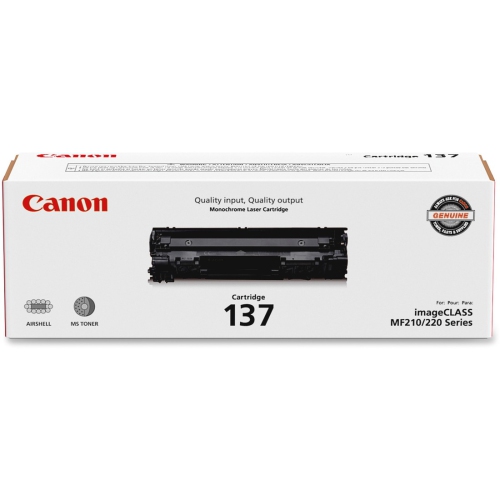 Your price for this item is $142
 -
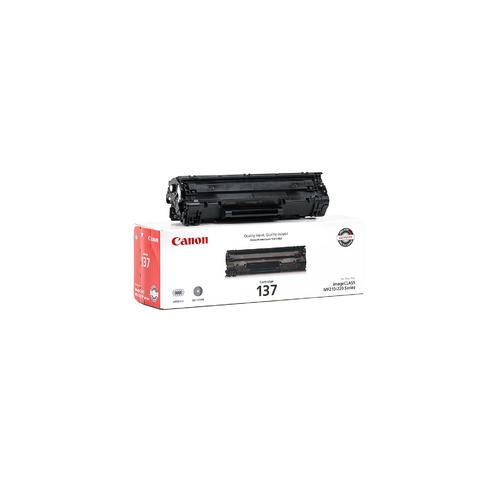 Your price for this item is $123.98
 -
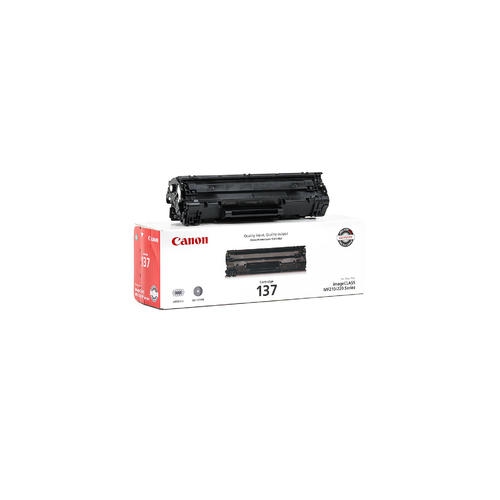 Your price for this item is $137.98
 -
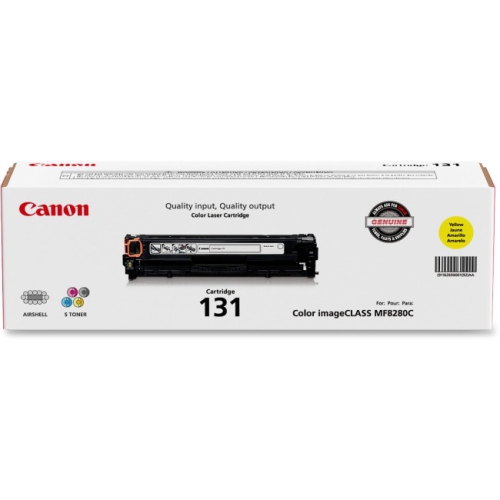 Your price for this item is $144.68
 -
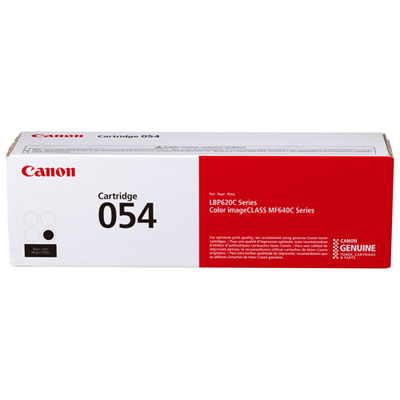 Your price for this item is $129.99
 -
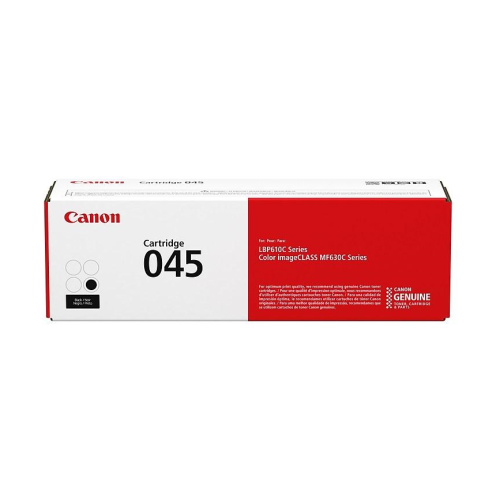 Your price for this item is $145.68
 -
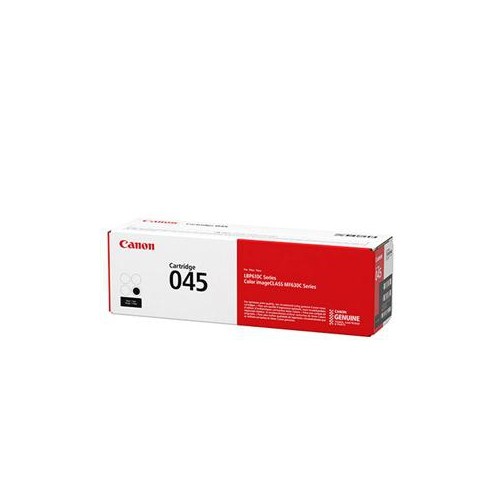 Your price for this item is $145.68
Discover more categories related to Compatible Cartridges for Canon

Top Collections:
Pokemon Centers, Kindle Devices, Best Budget Office Chairs, Apple iPhones 16, Best Laptops for Writers, iPhone 15 Apple, Canon G7X Cameras, Refurbished Apple Laptops, Alarm Clock, Motorola Razr Phones
Some products may be subject to Environmental Handling Fees
(EHF) depending on your province.
Learn more about EHFs.