Lcd Calculators
Looking to simplify your calculations and streamline your work? Look no further than our collection of LCD calculators. These sleek and efficient devices are designed to provide accurate results with ease. Whether you're a student, professional, or simply someone who needs a reliable calculator for everyday tasks, our LCD calculators offer the perfect blend of functionality and convenience. With their clear displays and user-friendly interfaces, these calculators are sure to become your go-to tool for all your mathematical needs. Explore our wide range of handheld and Scientific Calculators today and discover the perfect one for you.
Sort
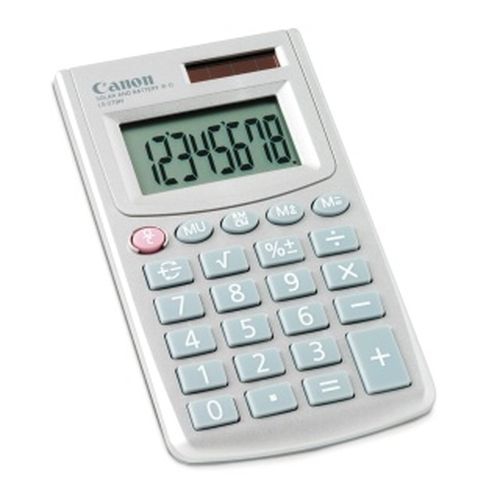
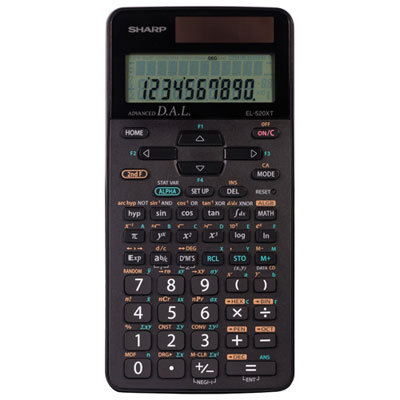
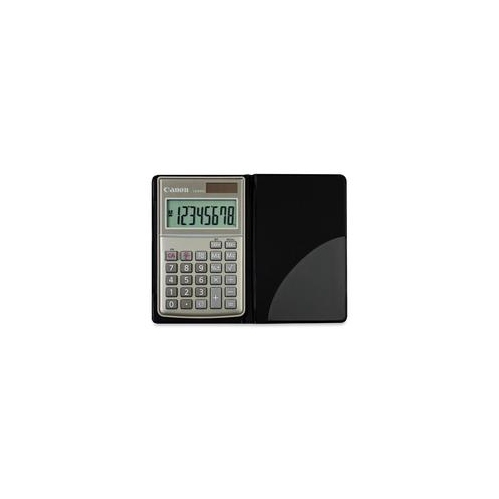
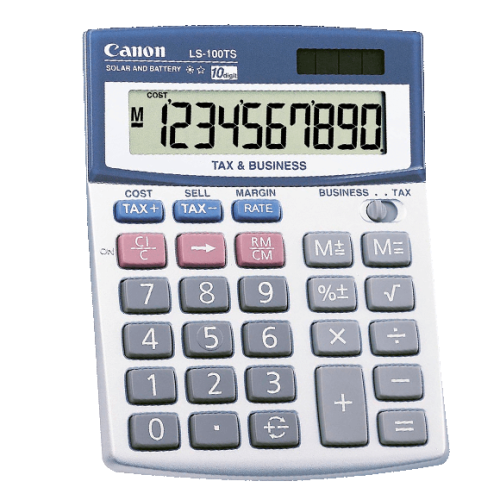
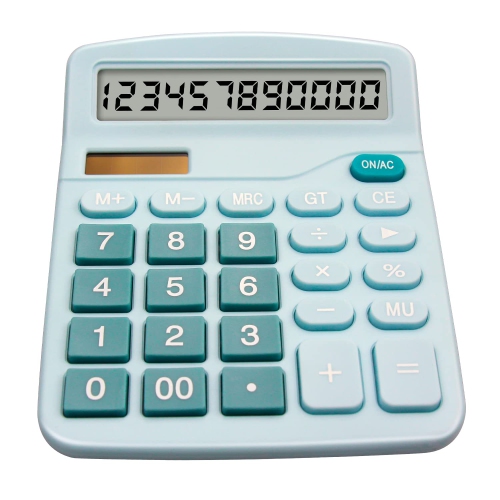
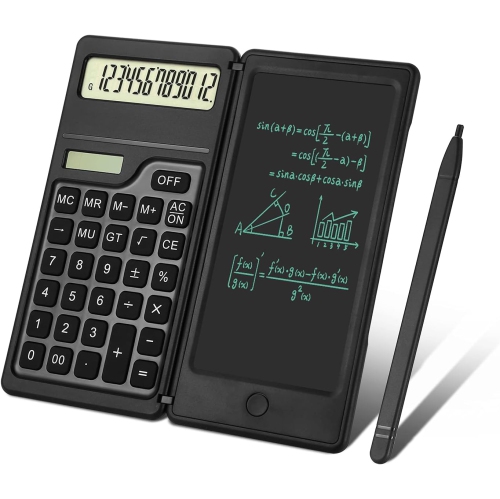
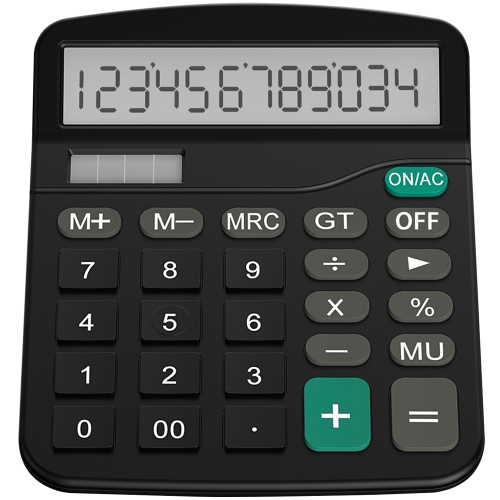
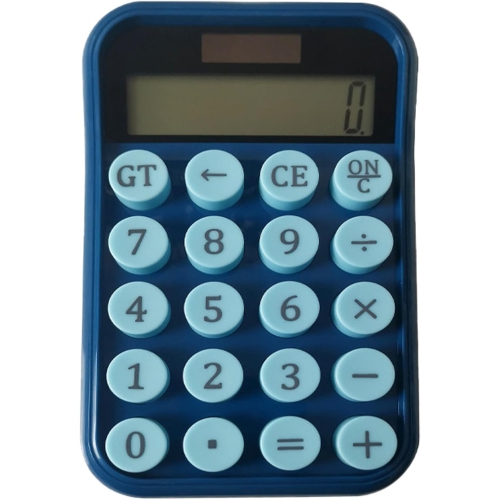
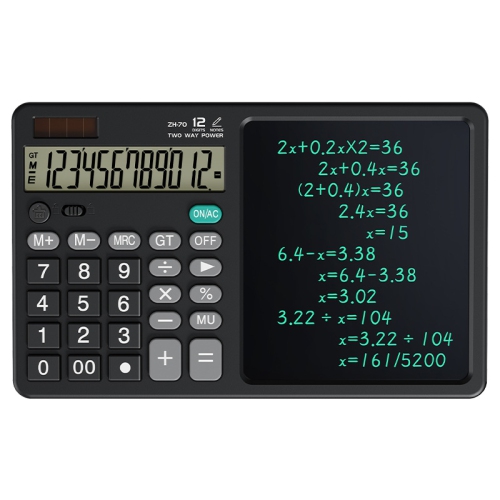
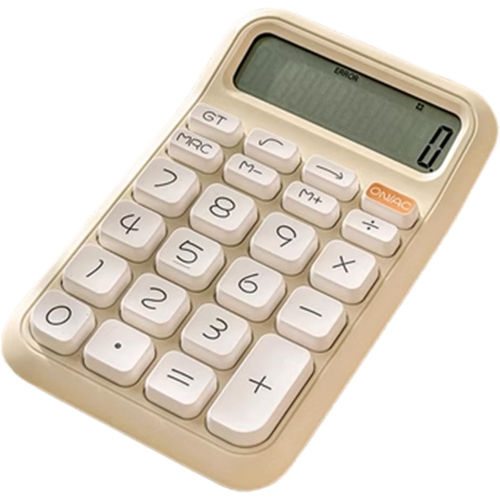
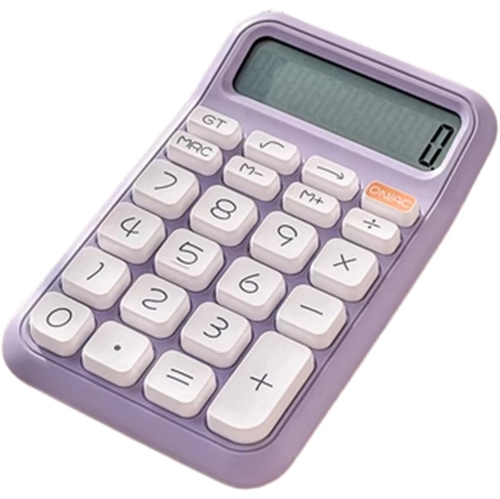
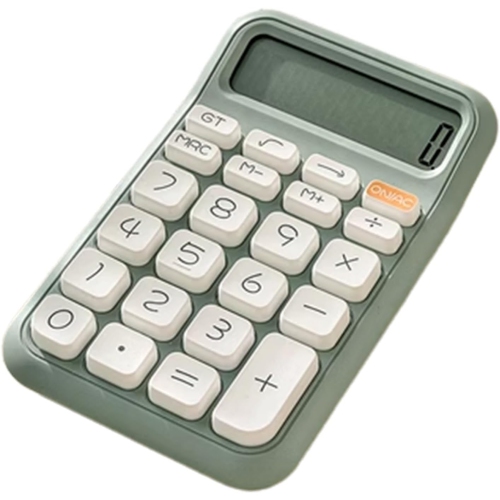
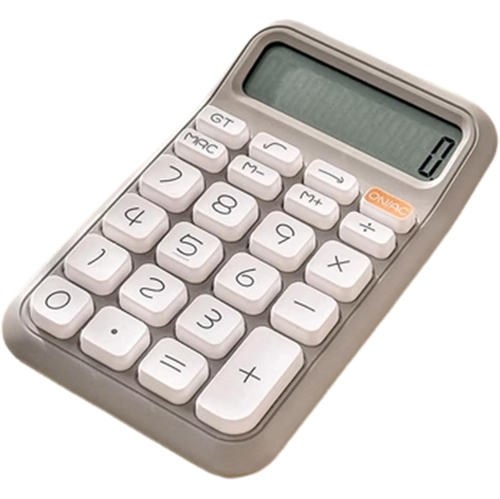
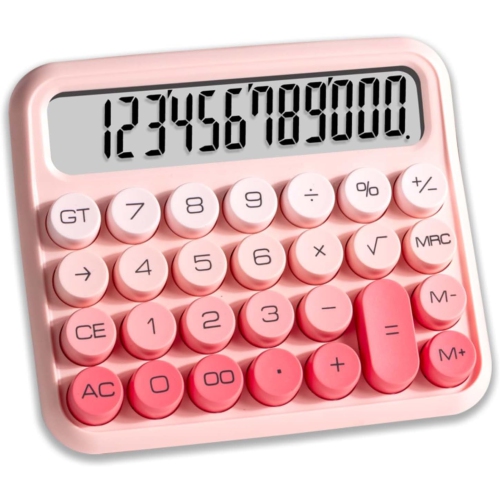
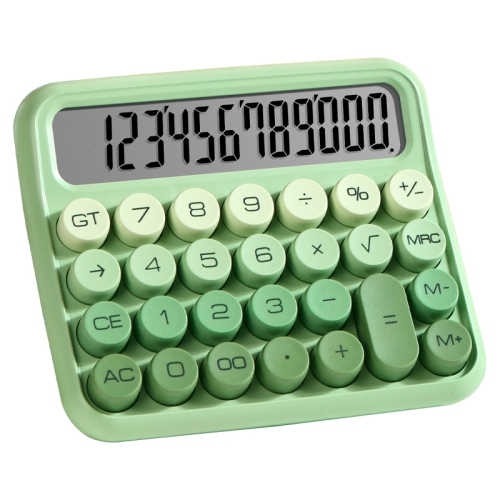
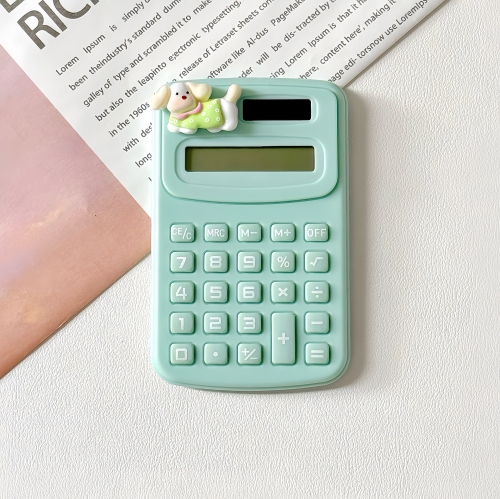
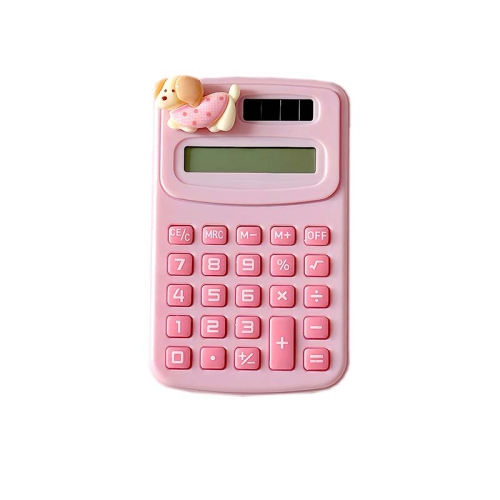
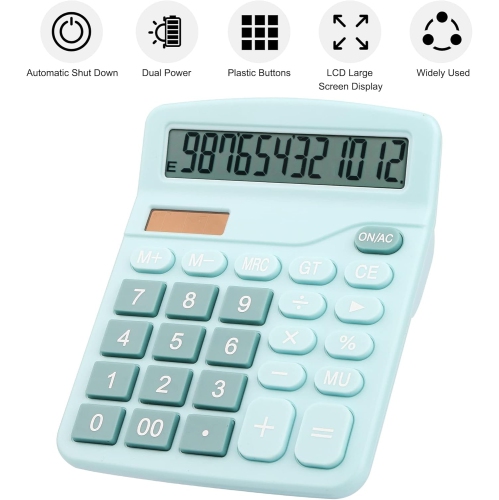
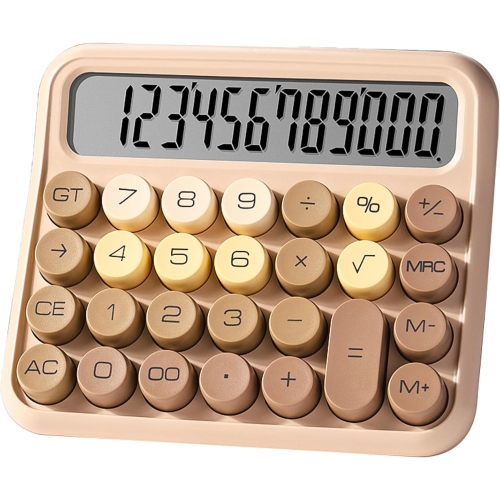
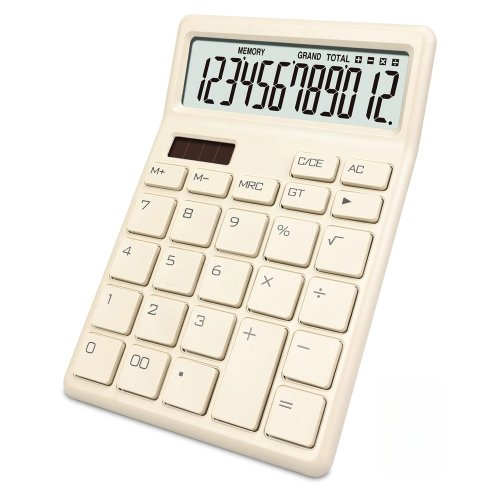

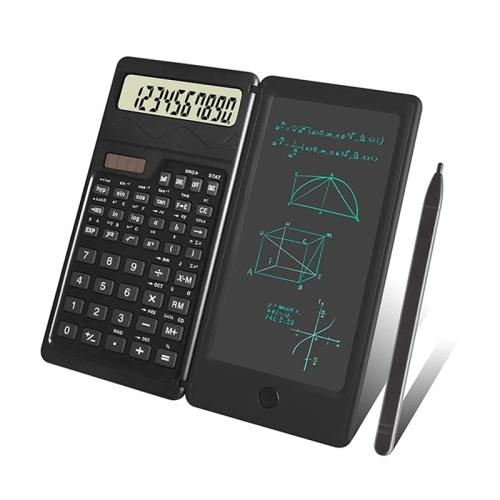

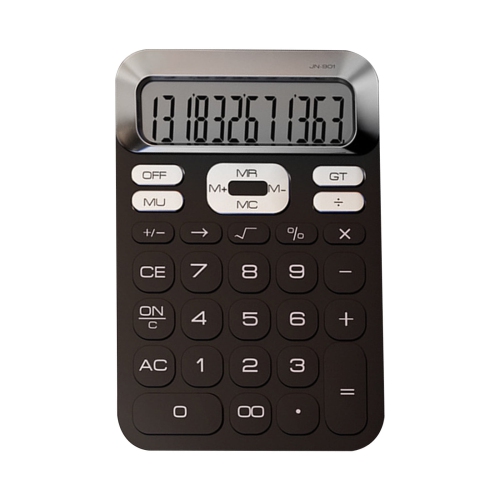
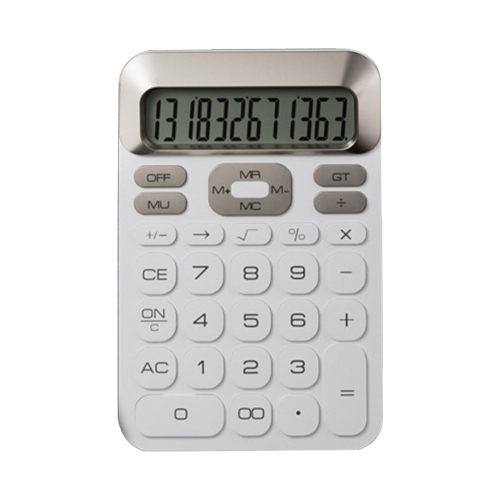
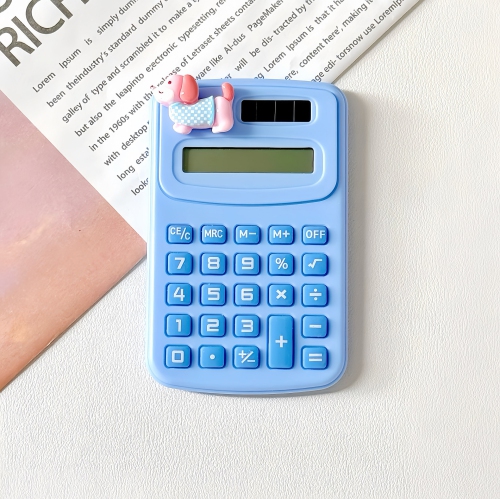
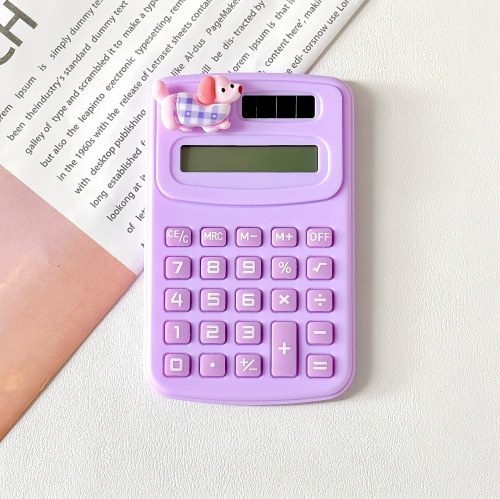
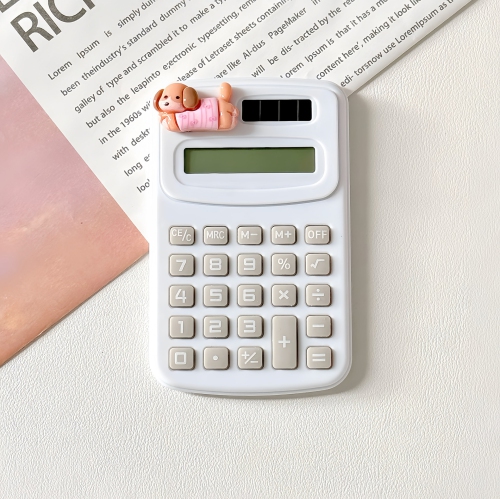
Everyday calculations without phone distractions or crowded screens
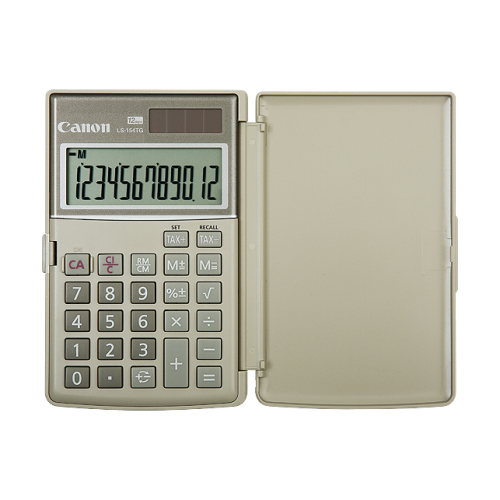
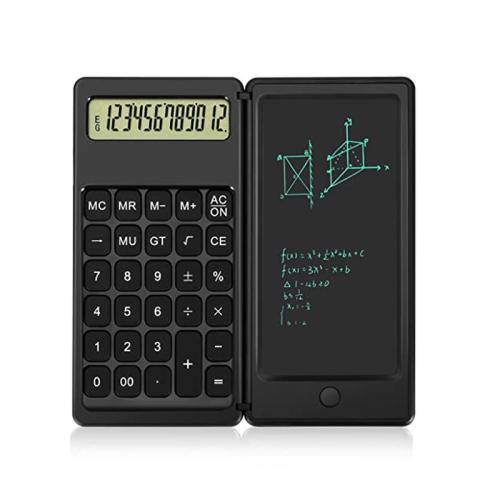
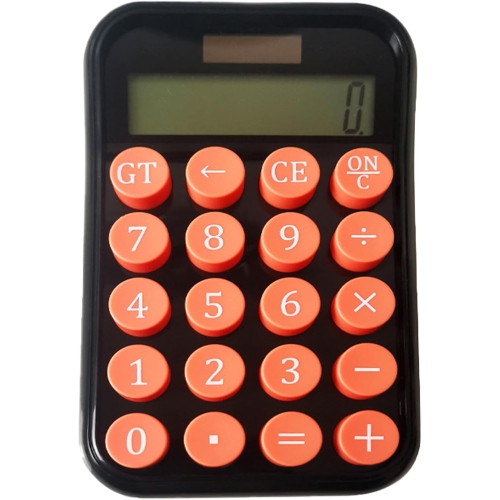
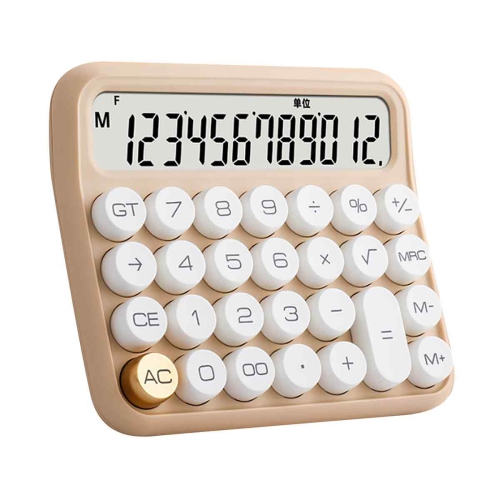
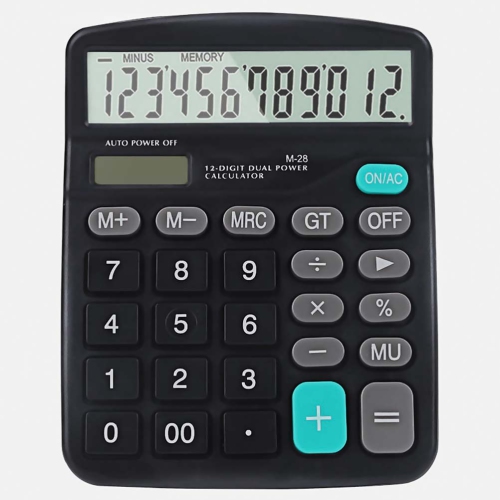
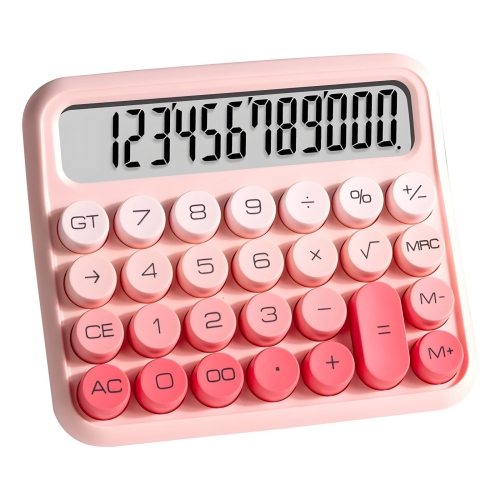
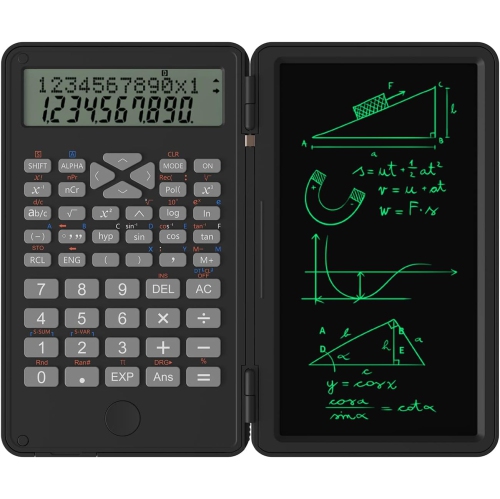
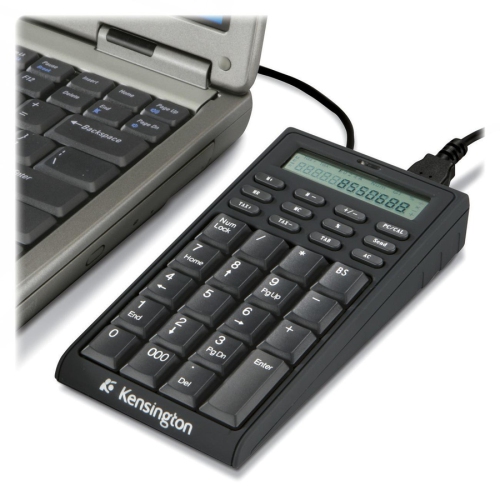
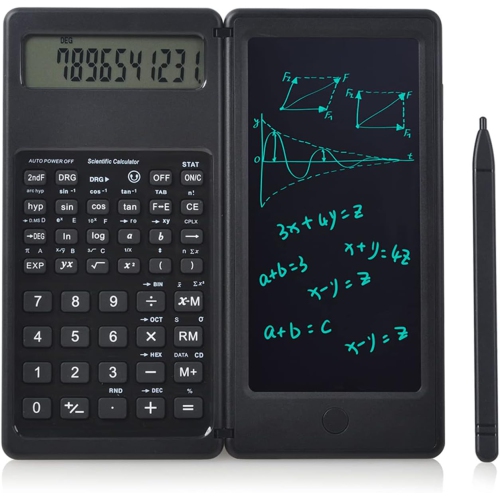
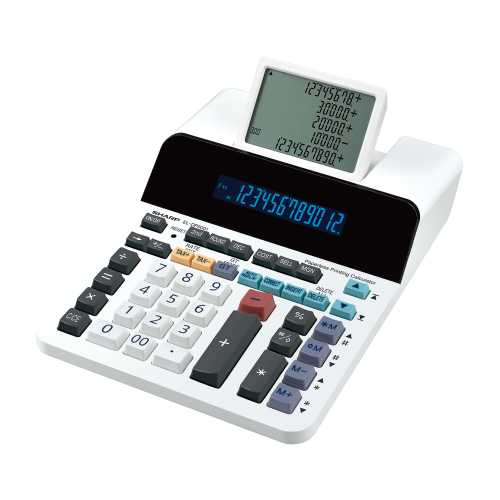
LCD calculators bring clear, dedicated number entry to everyday arithmetic, schoolwork, and office tasks. LCD stands for liquid-crystal display, a screen technology that uses little power to show digits and symbols. Unlike a phone or computer, a standalone calculator keeps the calculation in front of you without messages, open tabs, or a touchscreen keyboard competing for attention. That simplicity is useful when checking a grocery total, dividing shared expenses, adding measurements for a home project, or working through a stack of receipts. Basic LCD calculators typically handle addition, subtraction, multiplication, and division, with percentage, square root, and memory functions included on some models. Scientific calculators extend that functionality to tasks such as fractions, powers, logarithms, and trigonometry, while financial calculators may support calculations involving interest, payments, and cash flow. The display type alone does not determine those capabilities, so the function set matters as much as the screen. An eight-digit display can suit many routine household calculations, while a 10- or 12-digit display leaves more room for larger totals and longer entries. Display capacity is not the same as calculation accuracy: rounding settings, internal precision, and the way results are presented also affect the answer shown. A single-line screen keeps basic arithmetic uncluttered, whereas a multi-line display can make it easier to view an expression alongside its result. For someone checking a worksheet or entering a lengthy formula, seeing more of the calculation can help reveal a misplaced digit or bracket. Digit height, contrast, and viewing angle are equally practical considerations. A large screen is most helpful when its numbers remain easy to distinguish from a comfortable seated position. Many basic LCD screens are not backlit, so room lighting matters. A tilted desktop display can improve readability beside a keyboard or notebook, while a flatter pocket design makes sense for quick calculations away from a desk. The best fit depends on the work being done, rather than the number of functions alone.
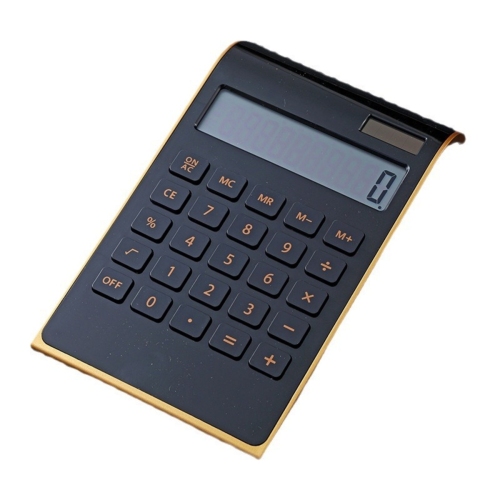
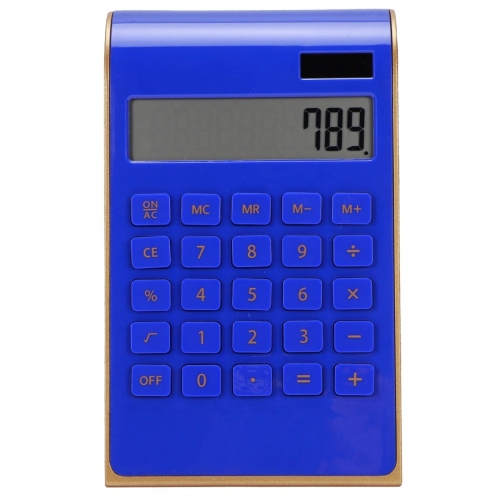
The way an LCD calculator feels in use often matters most during repeated calculations. Desktop calculators generally provide a wider keypad and a steadier base, giving fingers room to move when entering columns of figures. Larger, well-spaced keys can help reduce accidental presses, especially when moving between a paper invoice and the keypad without looking down at every entry. Clear operation symbols, distinct key groupings, and a responsive press make the layout easier to follow. The position of the clear, clear-entry, and backspace keys deserves attention because these functions behave differently: one may reset a calculation, another may remove the current entry, and another may delete only the last digit. A familiar arrangement can make routine work smoother for bookkeepers, small-business owners, and anyone managing household paperwork. Memory keys are useful for storing a subtotal while calculating another amount, and a sign-change key simplifies working with negative values. Where included, decimal selectors and rounding controls can support consistent presentation of figures, although their settings should match the task. Pocket calculators trade some keypad space for portability, fitting more easily into a pencil case, work bag, or desk drawer. Slim housings are convenient to carry, while a protective cover helps shield the screen and keys from contact with other belongings. Plastic housings keep many calculators lightweight; models with metal faceplates may offer a different feel and finish, but casing material alone does not establish impact resistance. Solid assembly, stable feet, legible key markings, and a cover that closes securely are useful details for frequent use. On a smooth desk, non-slip feet can keep the calculator from shifting as numbers are entered. For shared workspaces, a quieter keypad may also be welcome. Someone adding figures throughout the day may prefer a substantial desktop layout, while a student carrying supplies between classrooms may value compact dimensions and protected keys. Physical size, screen readability, and hand comfort should work together, particularly when the calculator will be used for more than occasional sums.
Power options and everyday care help determine how comfortably an LCD calculator fits into a routine. Solar-powered calculators use a small photovoltaic panel to draw energy from suitable light, while battery-powered designs rely on an installed battery. Dual-power calculators combine light-powered operation with battery support, which can be useful when moving between a bright kitchen table and a more softly lit office. That arrangement does not guarantee uninterrupted operation: lighting conditions, battery condition, and the calculator’s design still matter. Automatic shut-off can help limit battery use when the device is left idle, and an accessible battery compartment can make maintenance simpler when replacement is needed. Follow the manufacturer’s battery specifications and handling directions rather than assuming that similar-looking batteries are interchangeable. For cleaning, a soft, dry cloth is usually suitable for removing surface dust and fingerprints; any further cleaning should follow the care instructions. Keep liquids away from the keys and avoid spraying cleaner directly onto the screen or casing. A calculator carried in a bag benefits from a separate pocket or cover, where sharp objects and heavy books are less likely to press against its display. Avoid prolonged exposure to excessive heat, moisture, or strong pressure, and remember that an ordinary desktop calculator should not be assumed to be water-resistant or suitable for a workshop without appropriate protection. For school use, the required mathematical functions and any classroom or examination restrictions take priority over appearance. A basic calculator may be enough for everyday arithmetic, but advanced coursework can call for a particular scientific or graphing function set. For home use, readable digits and straightforward controls may be more valuable than specialised features. An LCD calculator can also make a practical gift for a student, someone setting up a home office, or a family member who prefers physical buttons when checking figures. The display technology appears in other everyday accessories, including an LCD Wristwatch, though readability and features vary by device. With calculators, the lasting value is in the match between clear digits, comfortable controls, appropriate functions, and the calculations that fill an ordinary day.
The way an LCD calculator feels in use often matters most during repeated calculations. Desktop calculators generally provide a wider keypad and a steadier base, giving fingers room to move when entering columns of figures. Larger, well-spaced keys can help reduce accidental presses, especially when moving between a paper invoice and the keypad without looking down at every entry. Clear operation symbols, distinct key groupings, and a responsive press make the layout easier to follow. The position of the clear, clear-entry, and backspace keys deserves attention because these functions behave differently: one may reset a calculation, another may remove the current entry, and another may delete only the last digit. A familiar arrangement can make routine work smoother for bookkeepers, small-business owners, and anyone managing household paperwork. Memory keys are useful for storing a subtotal while calculating another amount, and a sign-change key simplifies working with negative values. Where included, decimal selectors and rounding controls can support consistent presentation of figures, although their settings should match the task. Pocket calculators trade some keypad space for portability, fitting more easily into a pencil case, work bag, or desk drawer. Slim housings are convenient to carry, while a protective cover helps shield the screen and keys from contact with other belongings. Plastic housings keep many calculators lightweight; models with metal faceplates may offer a different feel and finish, but casing material alone does not establish impact resistance. Solid assembly, stable feet, legible key markings, and a cover that closes securely are useful details for frequent use. On a smooth desk, non-slip feet can keep the calculator from shifting as numbers are entered. For shared workspaces, a quieter keypad may also be welcome. Someone adding figures throughout the day may prefer a substantial desktop layout, while a student carrying supplies between classrooms may value compact dimensions and protected keys. Physical size, screen readability, and hand comfort should work together, particularly when the calculator will be used for more than occasional sums.
Power options and everyday care help determine how comfortably an LCD calculator fits into a routine. Solar-powered calculators use a small photovoltaic panel to draw energy from suitable light, while battery-powered designs rely on an installed battery. Dual-power calculators combine light-powered operation with battery support, which can be useful when moving between a bright kitchen table and a more softly lit office. That arrangement does not guarantee uninterrupted operation: lighting conditions, battery condition, and the calculator’s design still matter. Automatic shut-off can help limit battery use when the device is left idle, and an accessible battery compartment can make maintenance simpler when replacement is needed. Follow the manufacturer’s battery specifications and handling directions rather than assuming that similar-looking batteries are interchangeable. For cleaning, a soft, dry cloth is usually suitable for removing surface dust and fingerprints; any further cleaning should follow the care instructions. Keep liquids away from the keys and avoid spraying cleaner directly onto the screen or casing. A calculator carried in a bag benefits from a separate pocket or cover, where sharp objects and heavy books are less likely to press against its display. Avoid prolonged exposure to excessive heat, moisture, or strong pressure, and remember that an ordinary desktop calculator should not be assumed to be water-resistant or suitable for a workshop without appropriate protection. For school use, the required mathematical functions and any classroom or examination restrictions take priority over appearance. A basic calculator may be enough for everyday arithmetic, but advanced coursework can call for a particular scientific or graphing function set. For home use, readable digits and straightforward controls may be more valuable than specialised features. An LCD calculator can also make a practical gift for a student, someone setting up a home office, or a family member who prefers physical buttons when checking figures. The display technology appears in other everyday accessories, including an LCD Wristwatch, though readability and features vary by device. With calculators, the lasting value is in the match between clear digits, comfortable controls, appropriate functions, and the calculations that fill an ordinary day.
Top selling and popular products
-
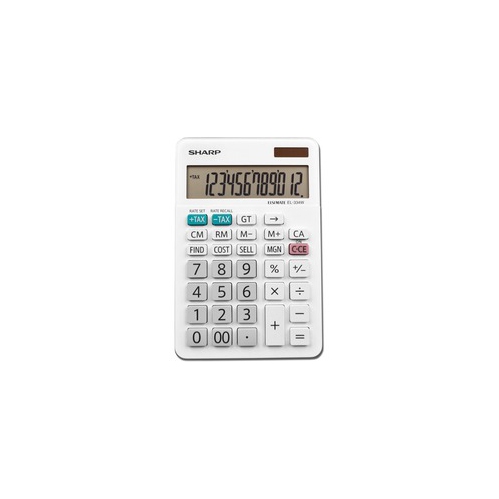 Your price for this item is $17.99
 -
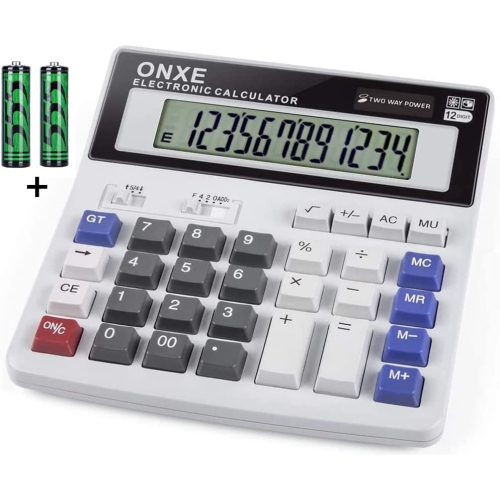 Your price for this item is $49.96
 -
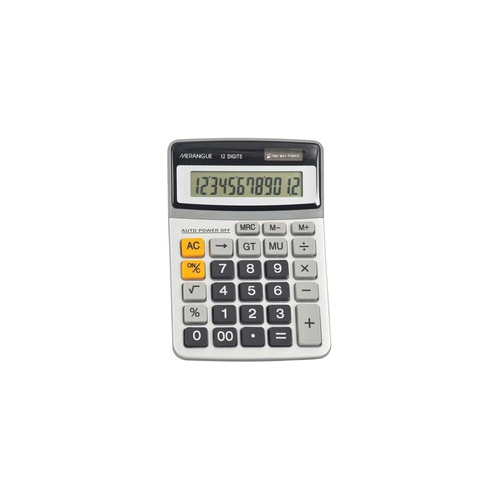 Your price for this item is $6.99
 -
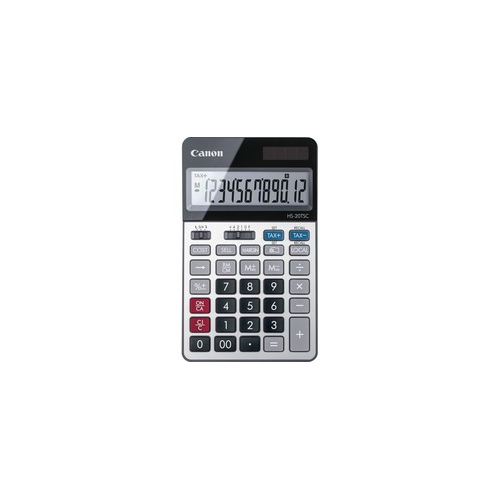 Your price for this item is $16.99
 -
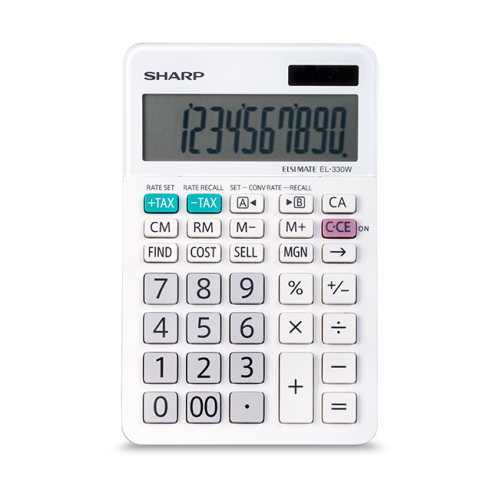 Your price for this item is $28.68
 -
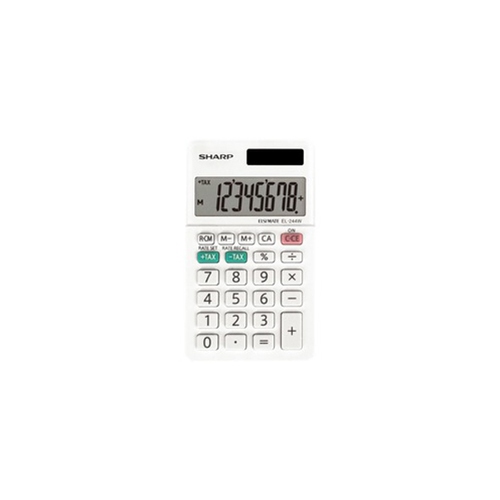 Your price for this item is $7.99
 -
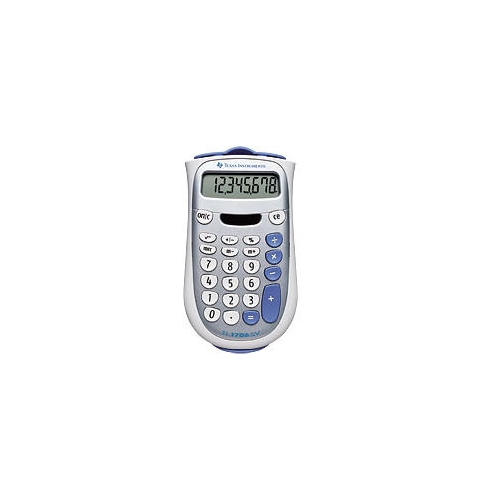 Your price for this item is $19.99
 -
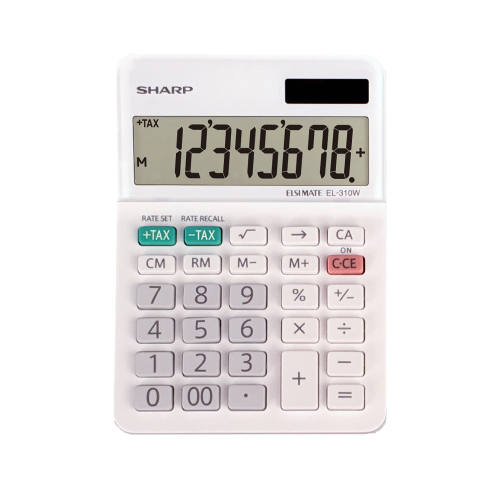 Your price for this item is $11.99
Discover more categories related to Lcd Calculators

Top Collections:
Pokemon Centers, Kindle Devices, Best Budget Office Chairs, Apple iPhones 16, Best Laptops for Writers, iPhone 15 Apple, Canon G7X Cameras, Refurbished Apple Laptops, Alarm Clock, Motorola Razr Phones
Some products may be subject to Environmental Handling Fees
(EHF) depending on your province.
Learn more about EHFs.