Printer Parts
Looking to keep your printer running smoothly and efficiently? Look no further than our extensive selection of printer parts. Whether you're in need of replacement ink cartridges, maintenance kits, or paper trays, we've got you covered. With our wide variety of options, you can find the perfect printer parts to suit your specific model and requirements. Here are some great options available.
Sort




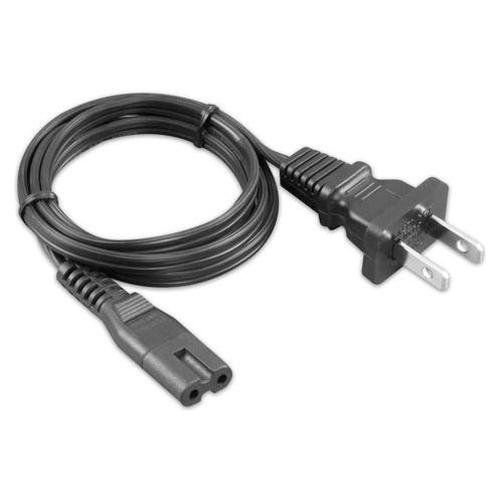
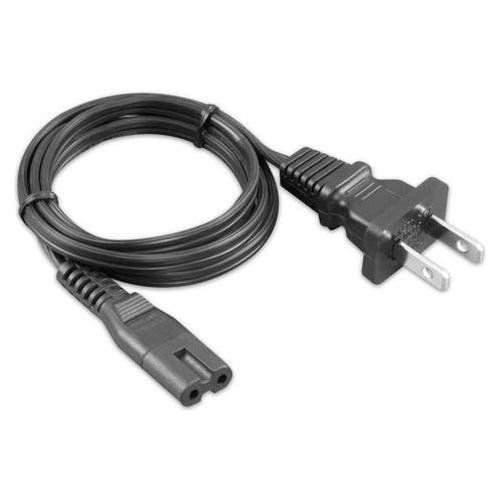
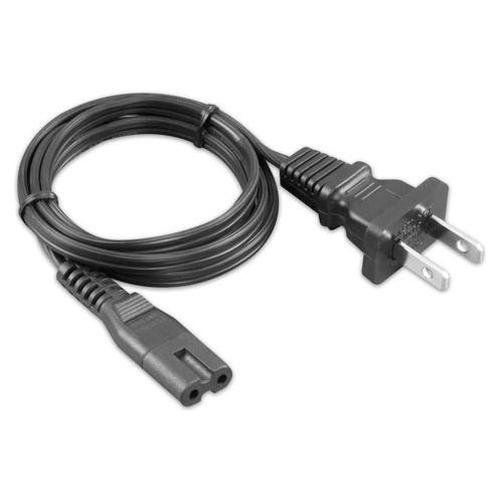
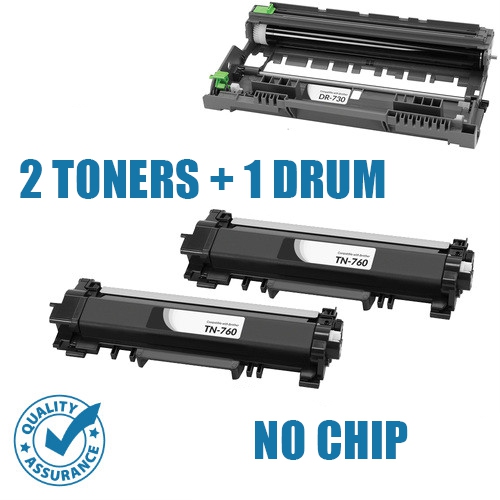
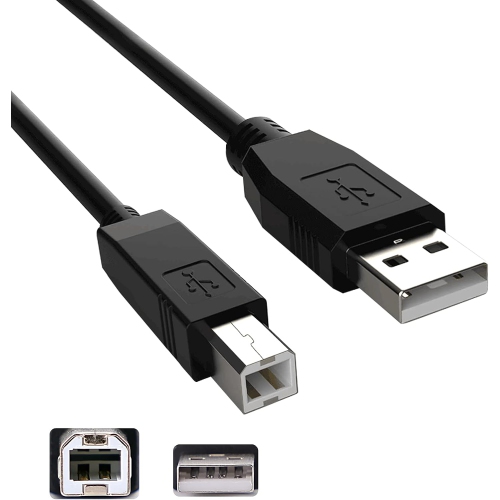
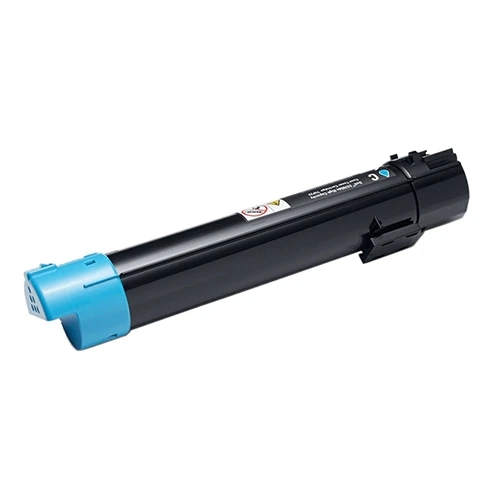
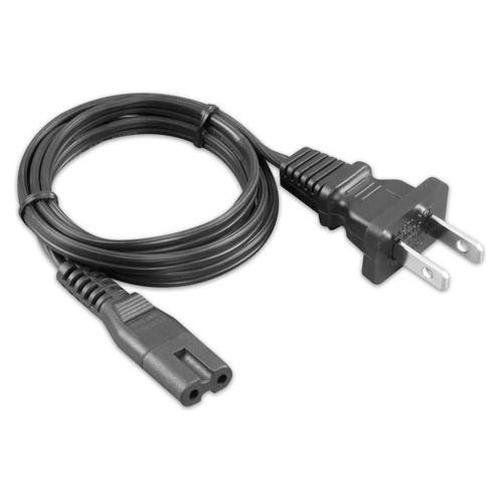
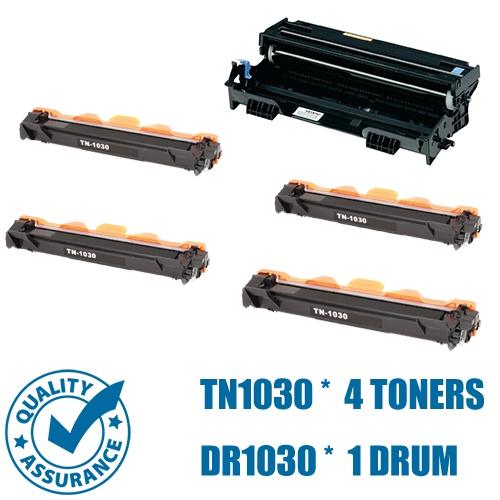
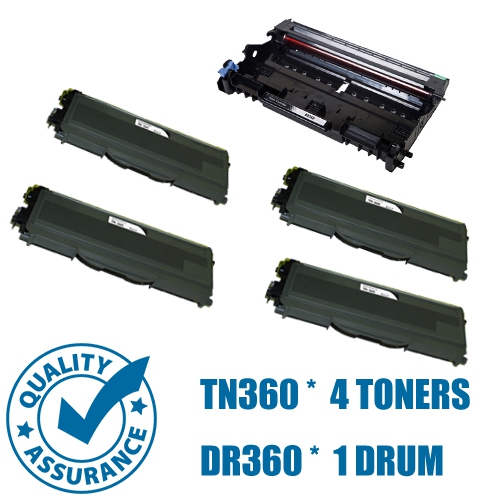
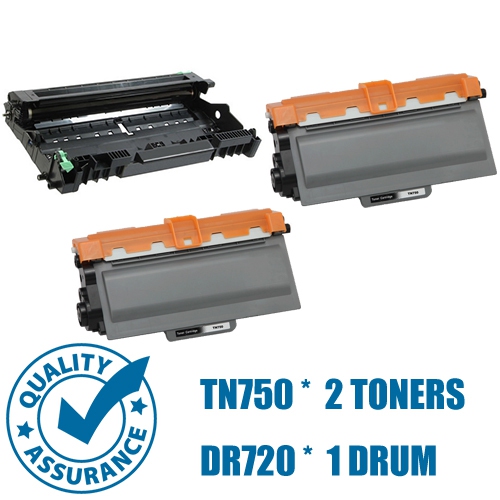
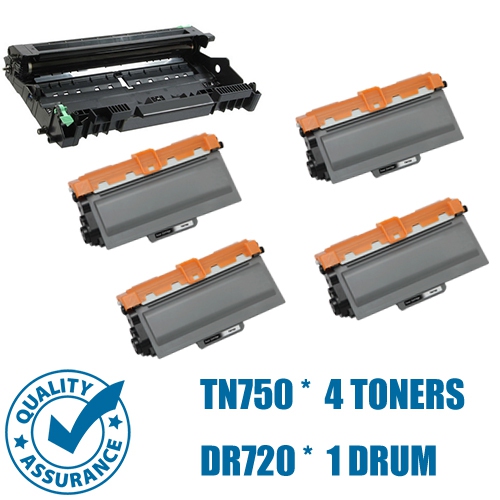
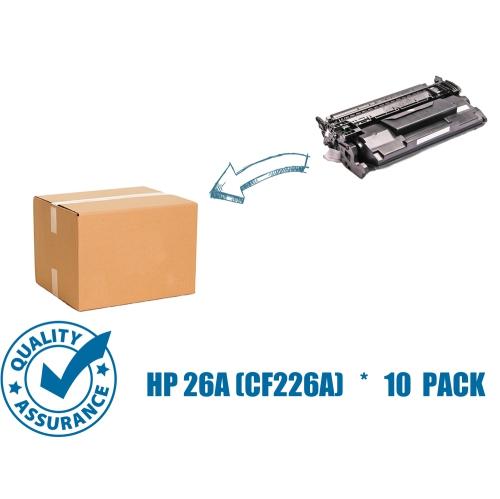
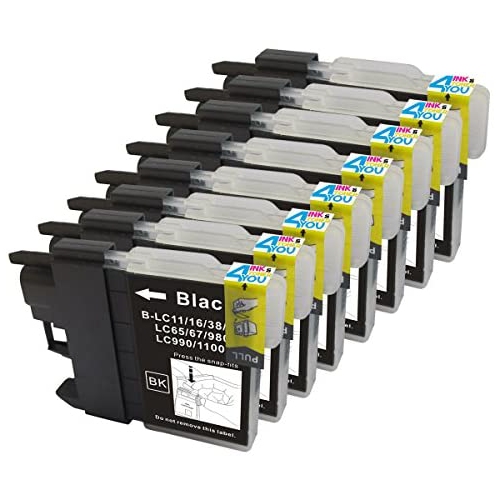
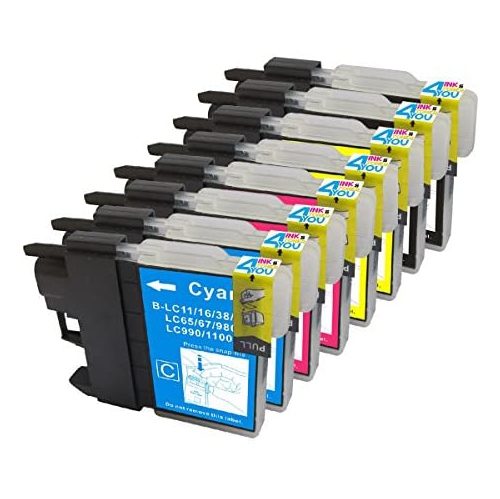

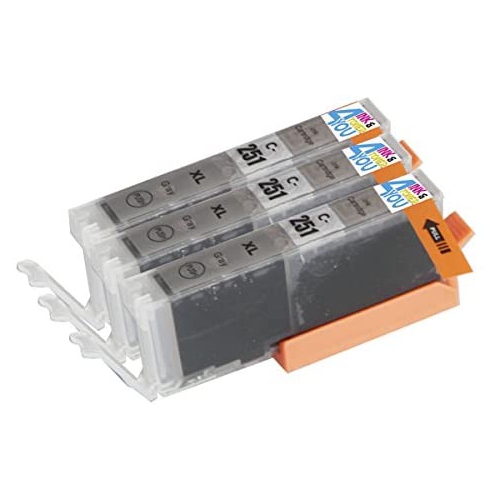
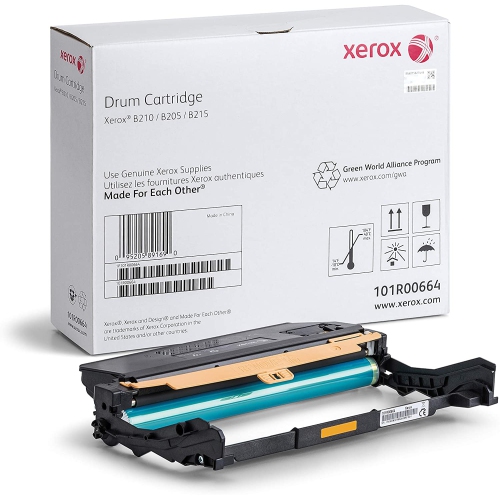
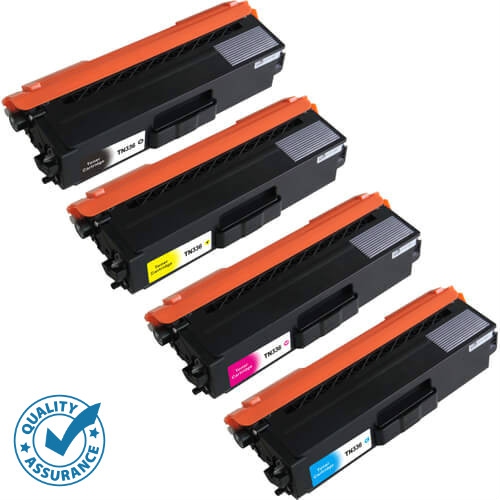
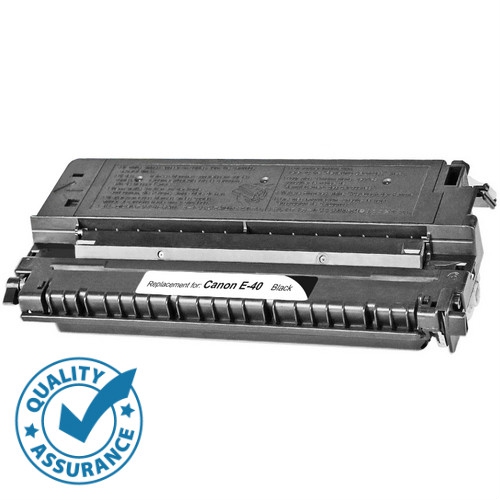
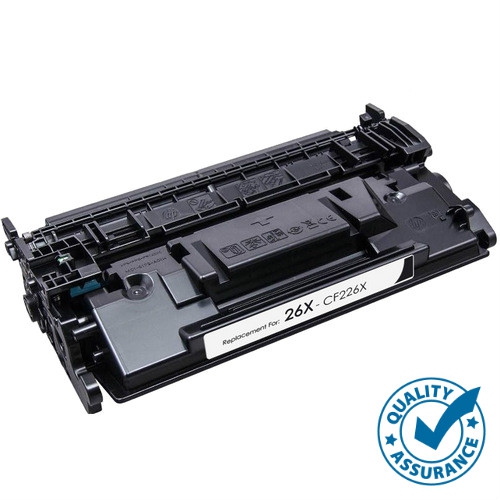
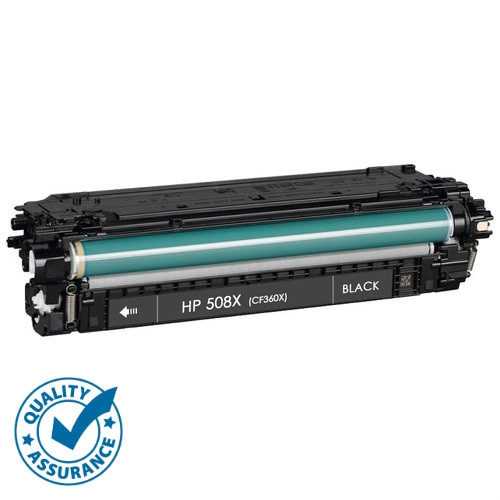
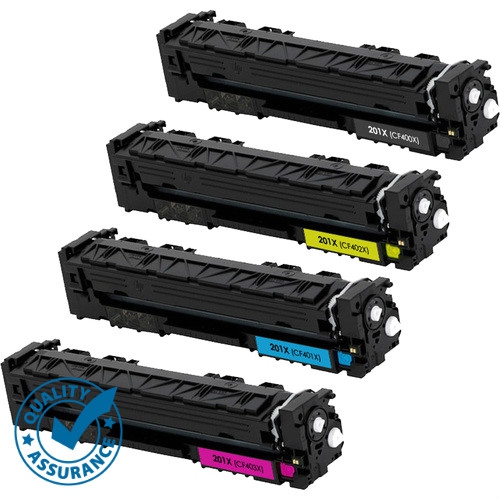
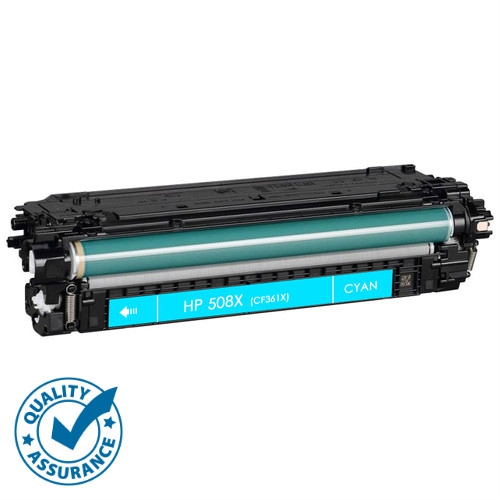
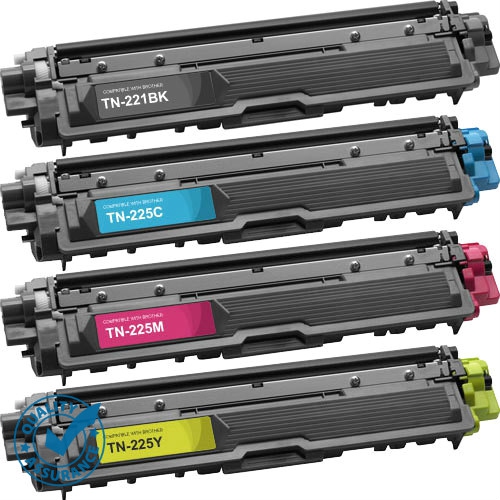
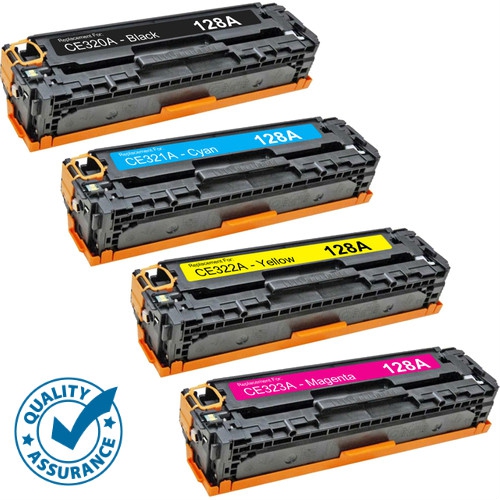
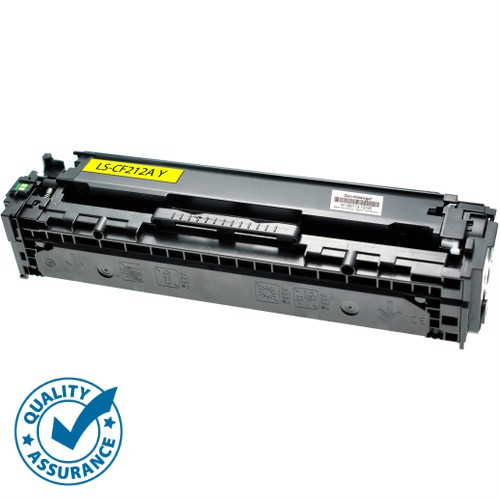
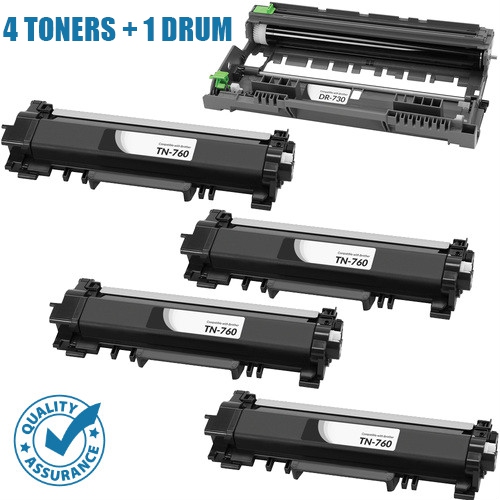
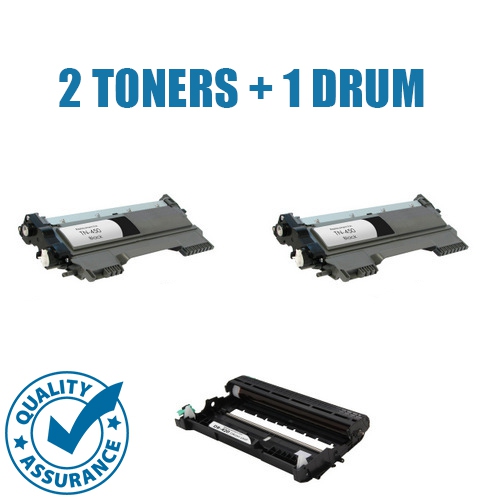
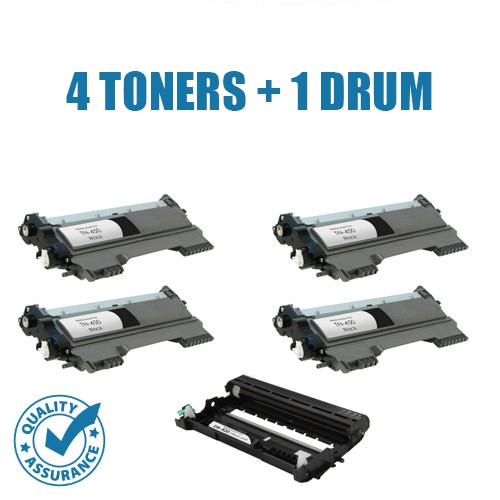
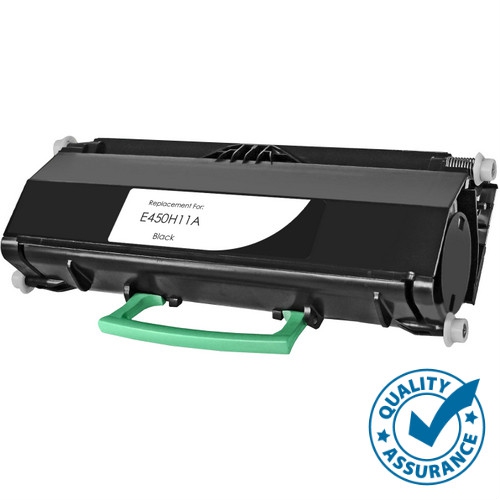
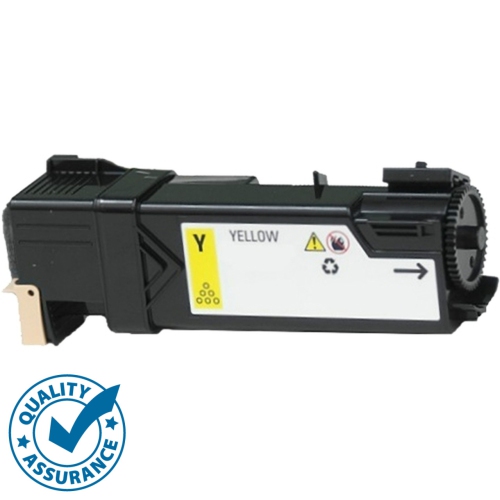
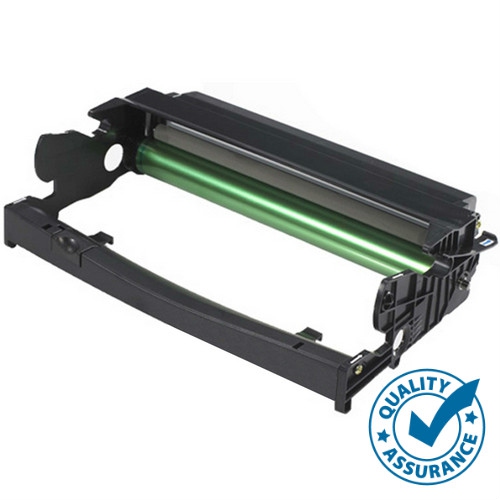
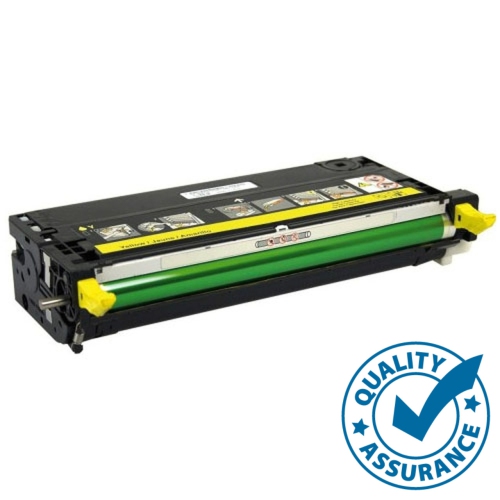

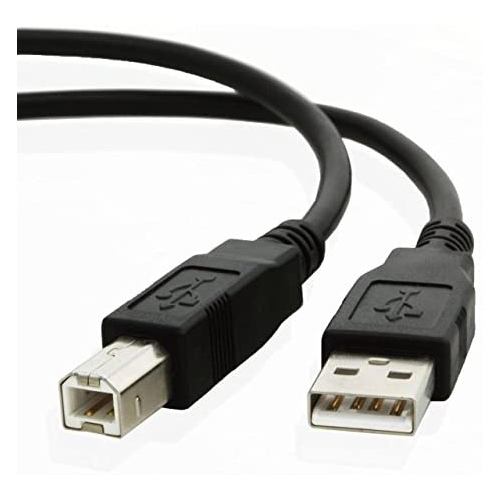
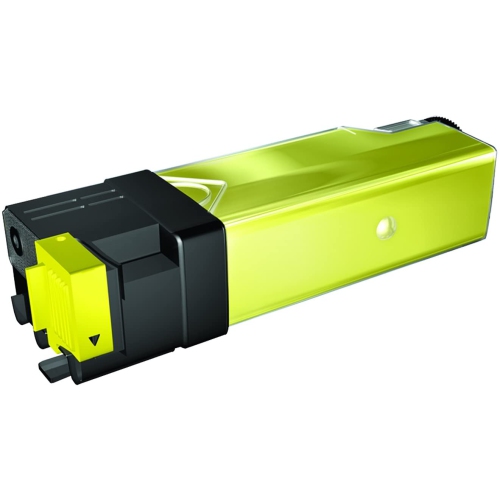
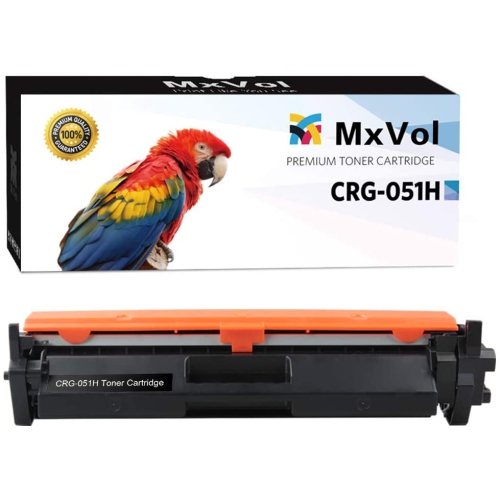
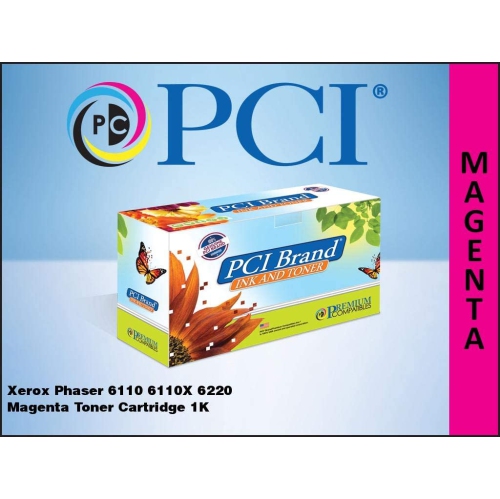


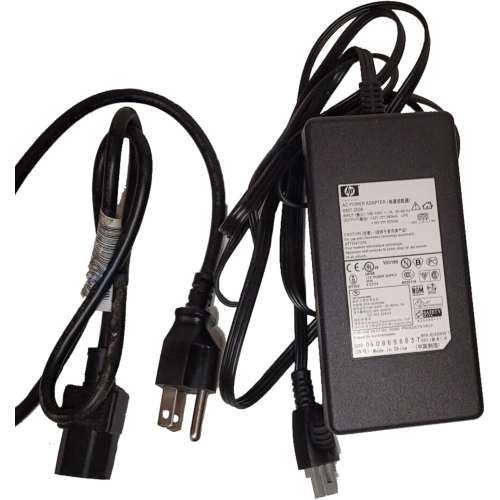
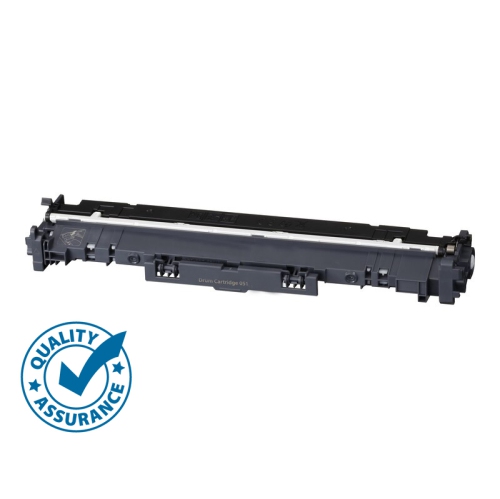
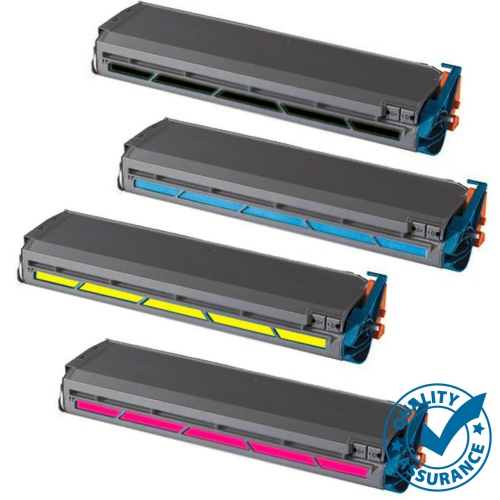
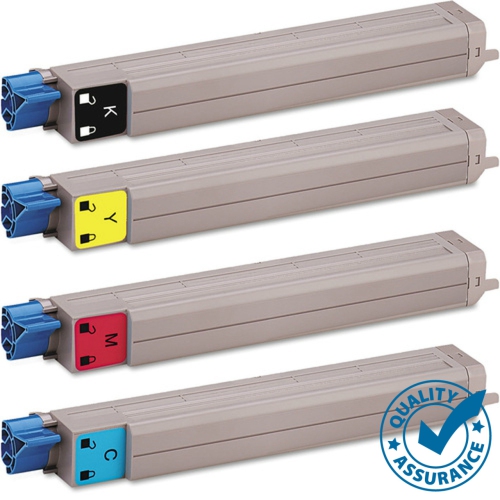
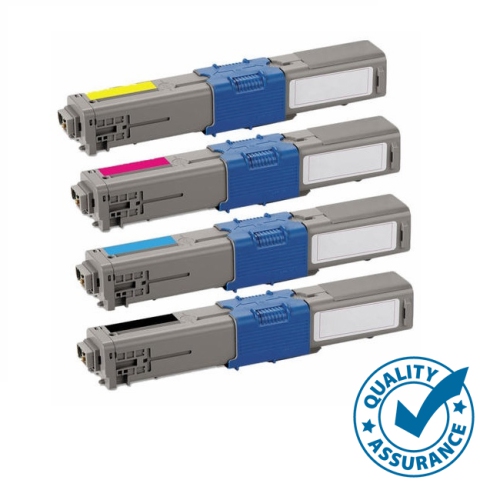
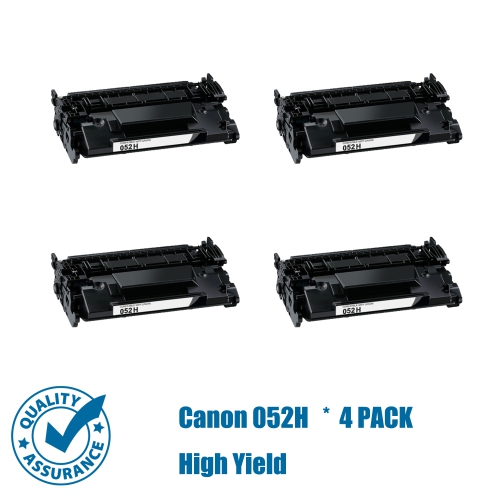
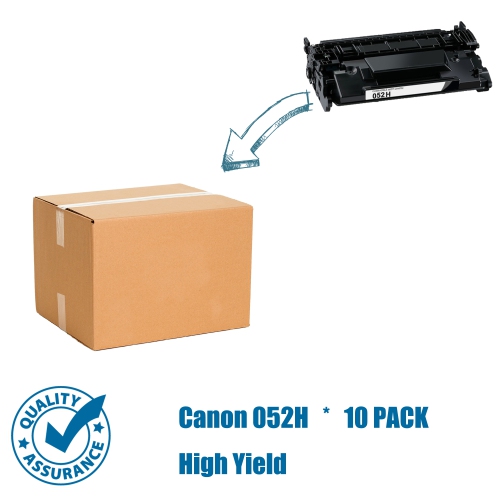
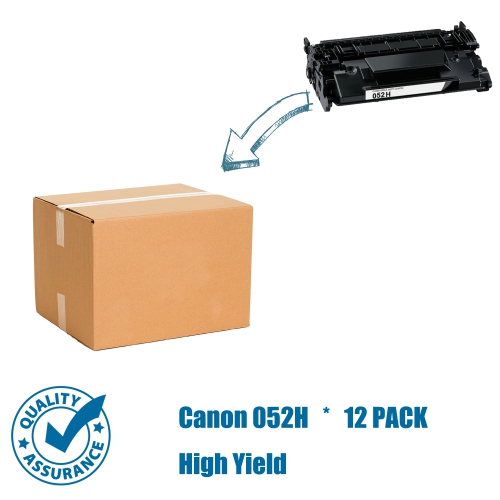
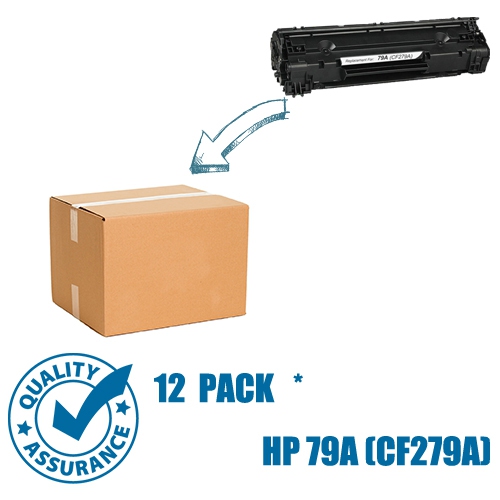
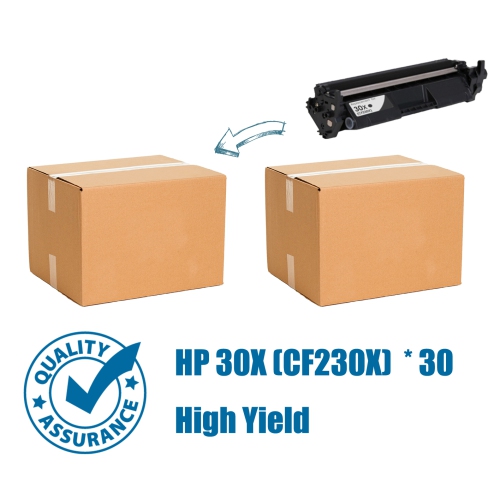
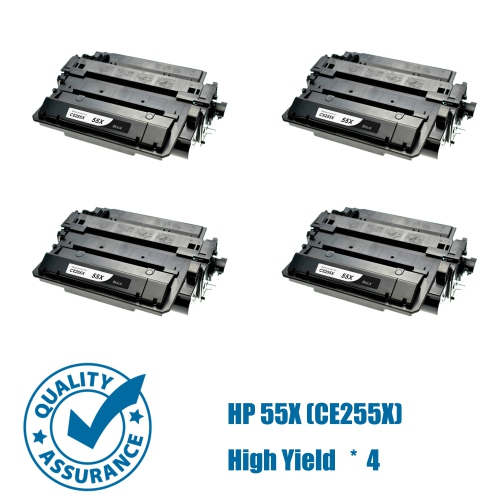
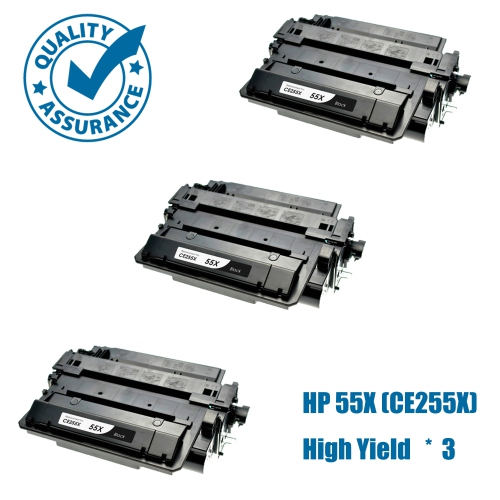
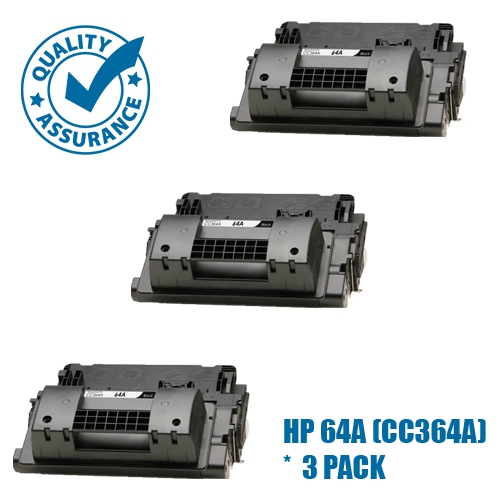
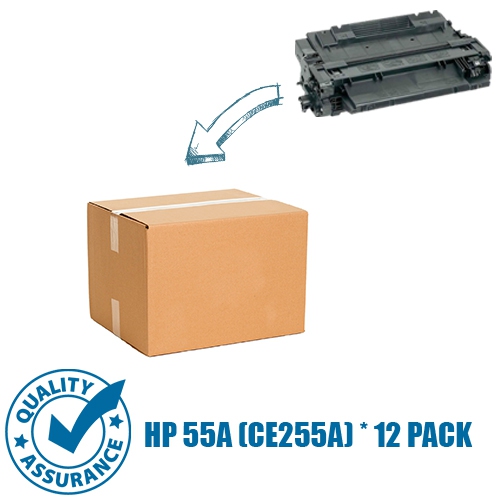
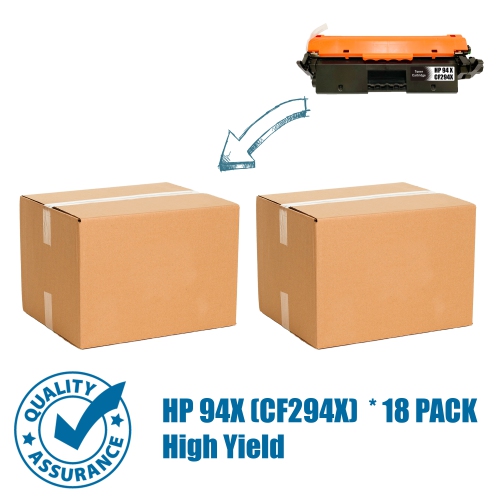
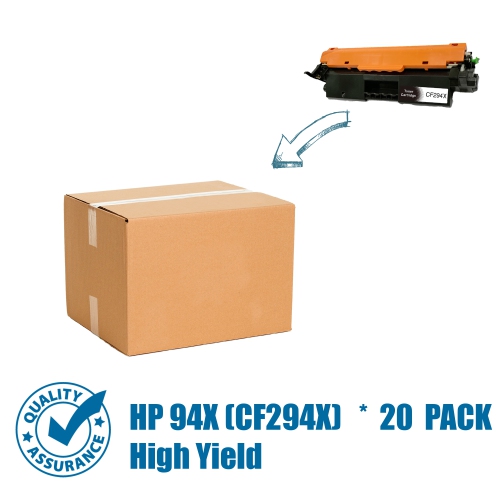
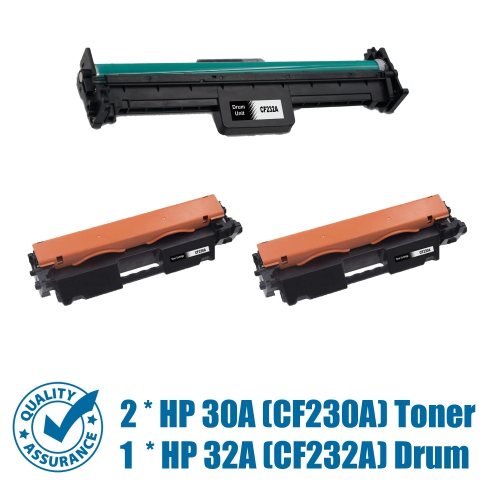

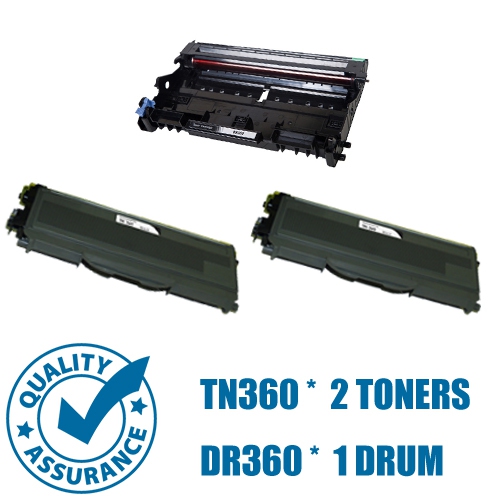
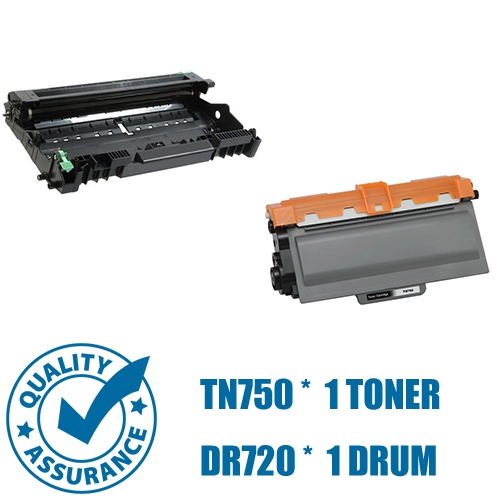
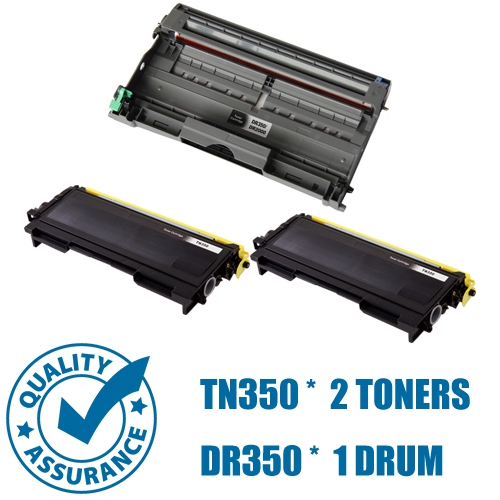
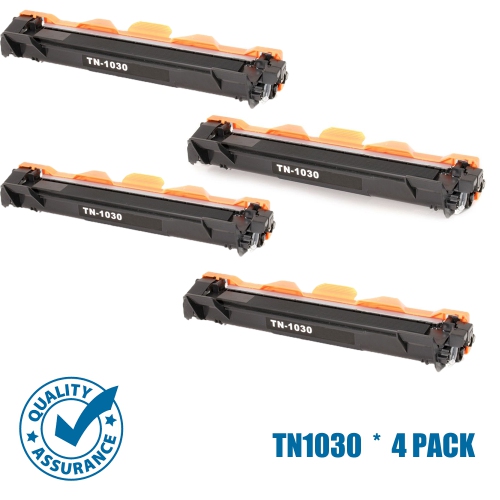
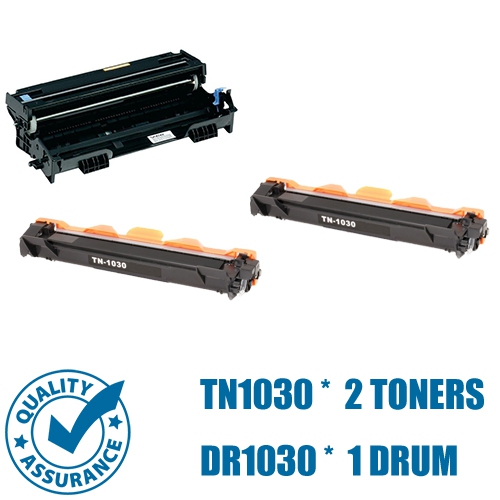
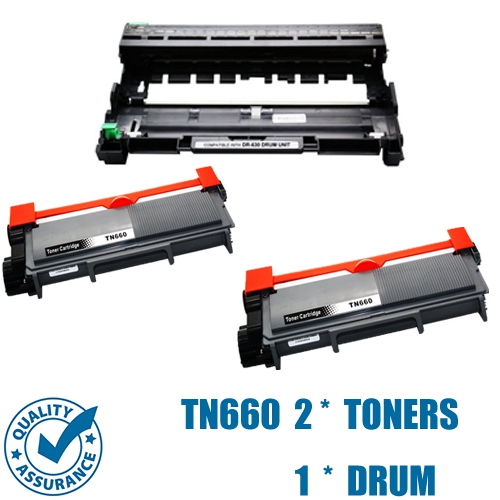

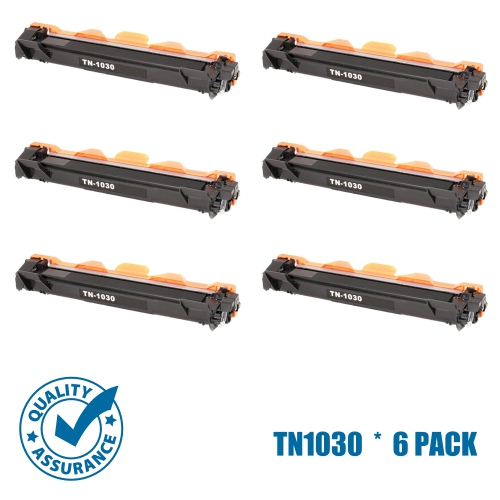
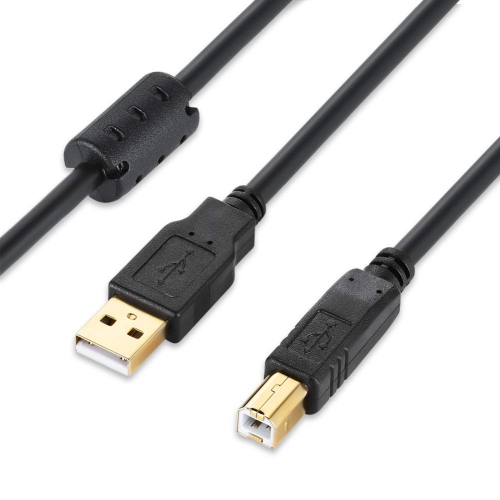

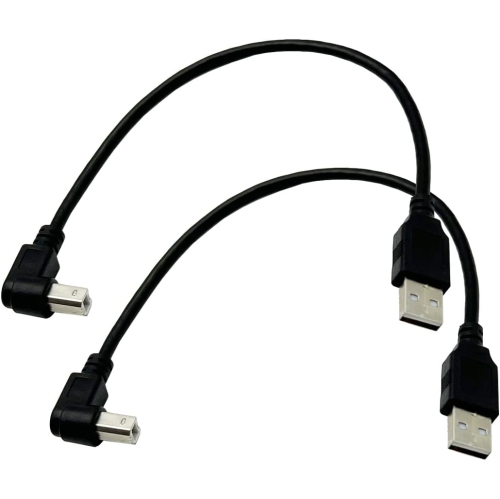
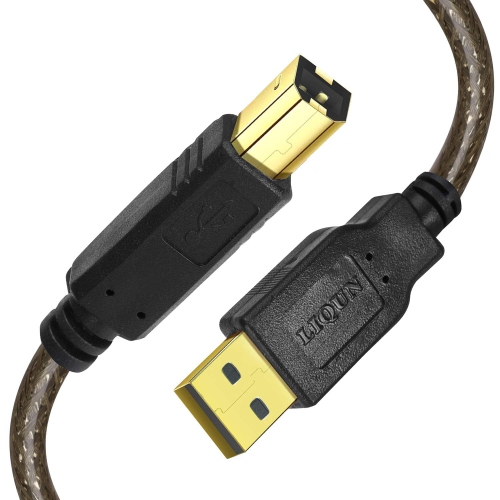
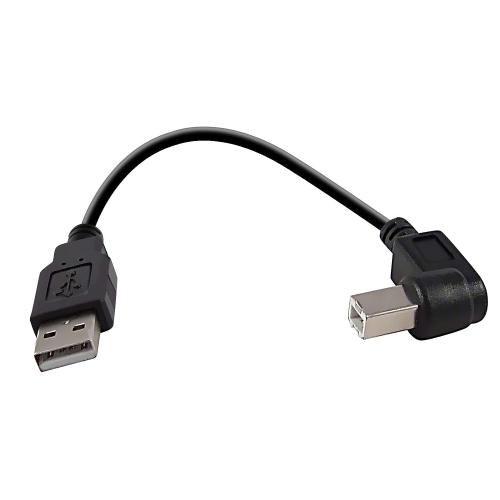
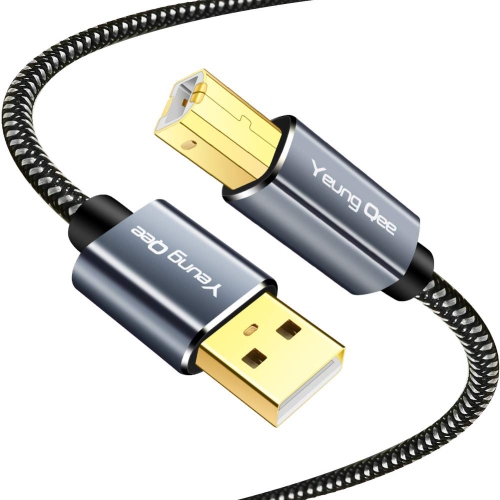

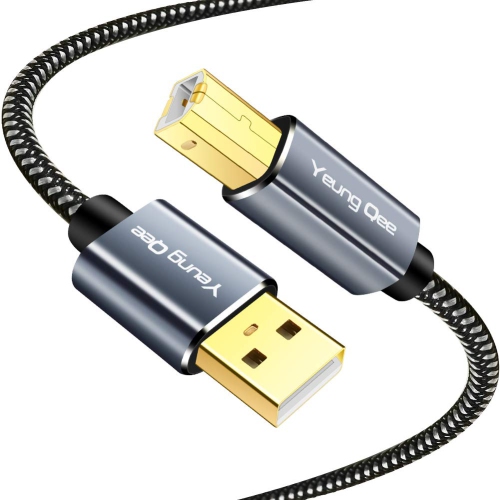
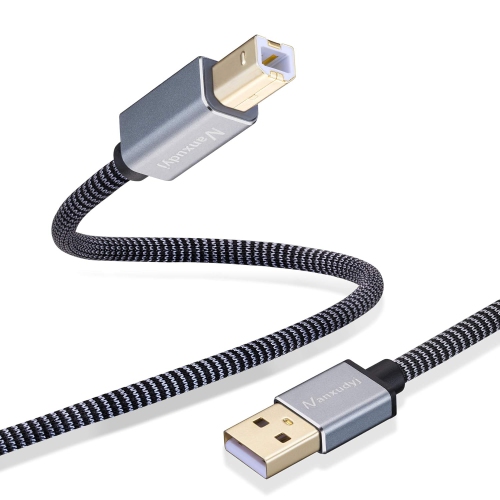
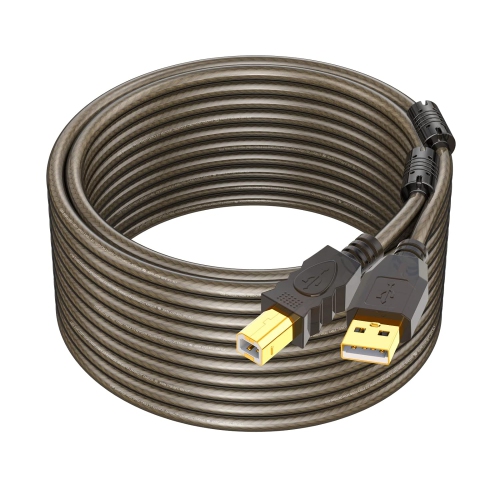

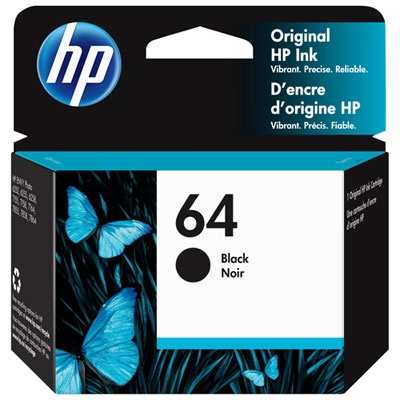
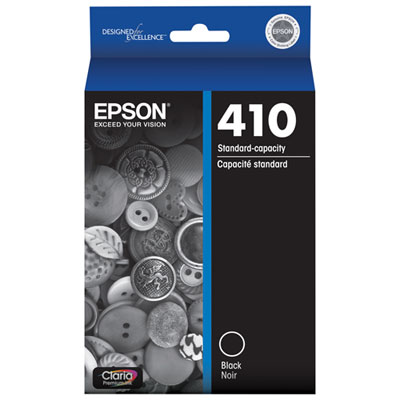
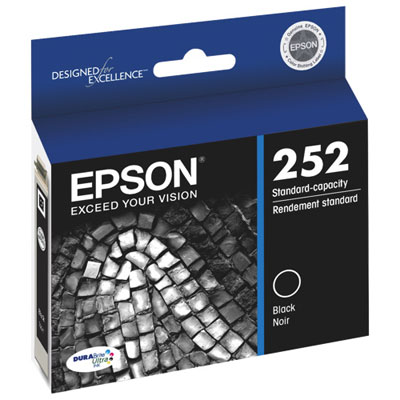
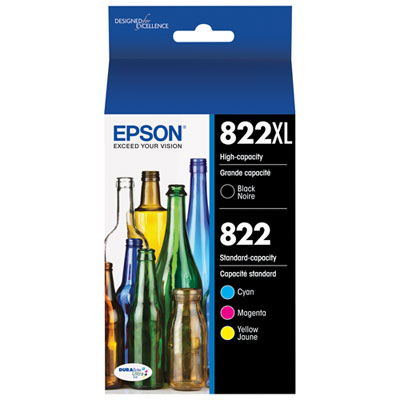
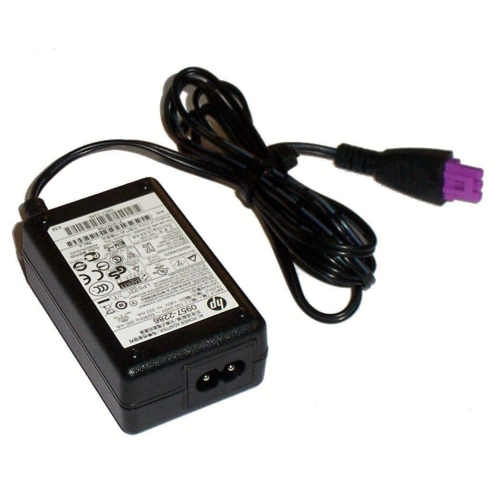

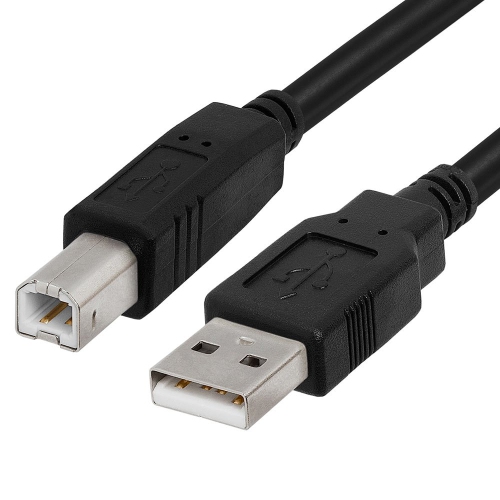
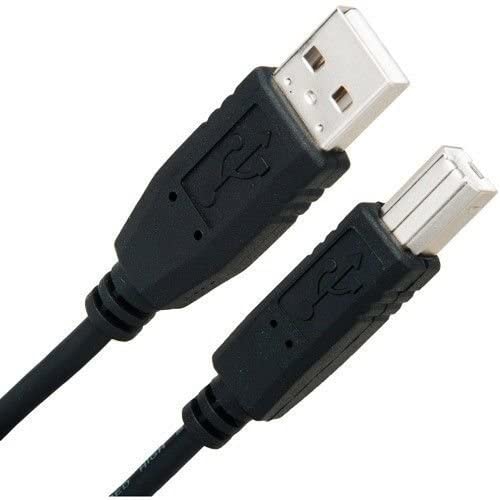
![UNKNOWN Printer Cable - USB Printer Cable 20 Feet Printer Cable to USB [Aluminum Shell, Nylon Braided] High-Speed Printer](https://multimedia.bbycastatic.ca/multimedia/products/500x500/181/18144/18144236.jpeg)


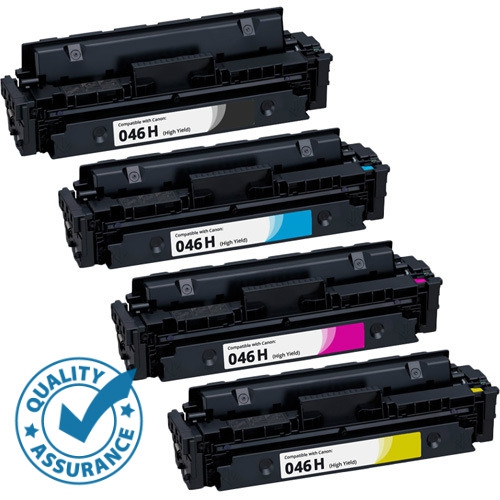
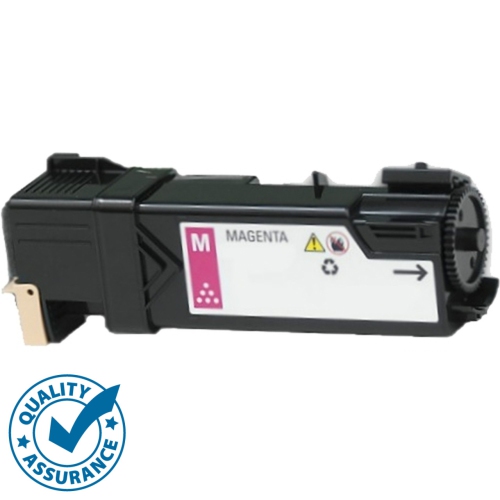
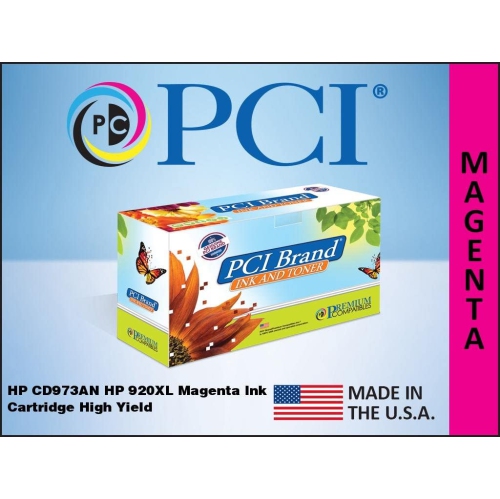

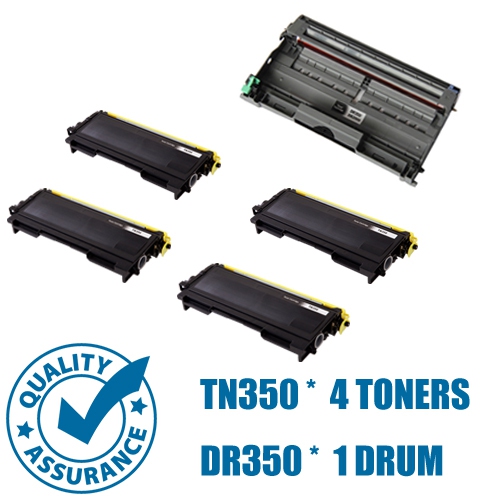


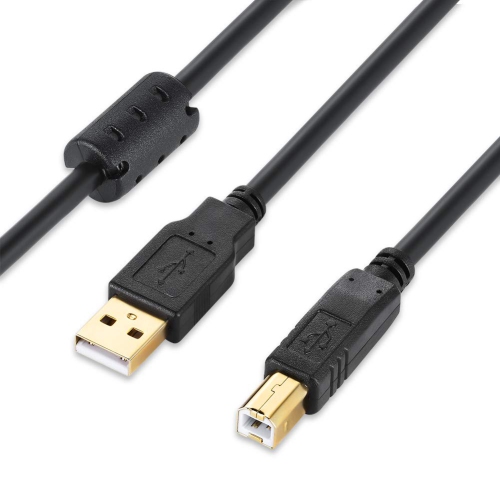

![UNKNOWN [2-Pack] USB Printer Cable 10 Feet, USB 2.0 Printer Cable to Computer, USB A to B Printer Cord](https://multimedia.bbycastatic.ca/multimedia/products/500x500/181/18144/18144237.jpeg)
Worn components can affect feeding, print quality, and performance
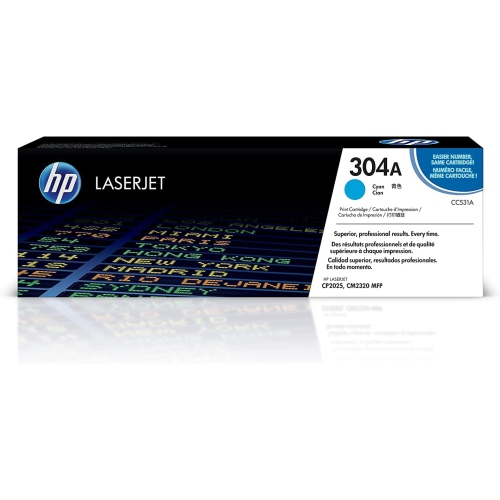
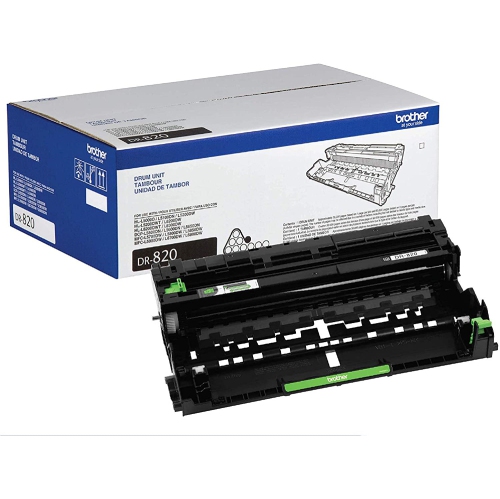
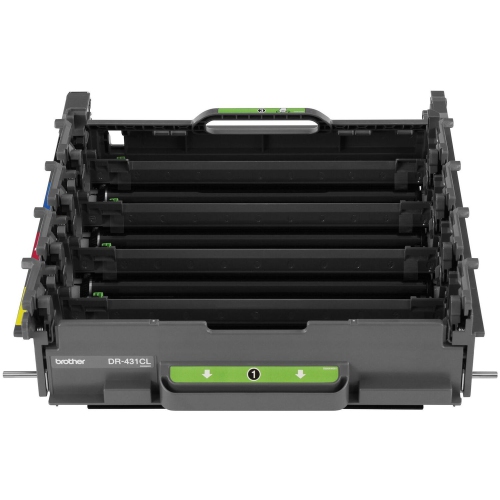
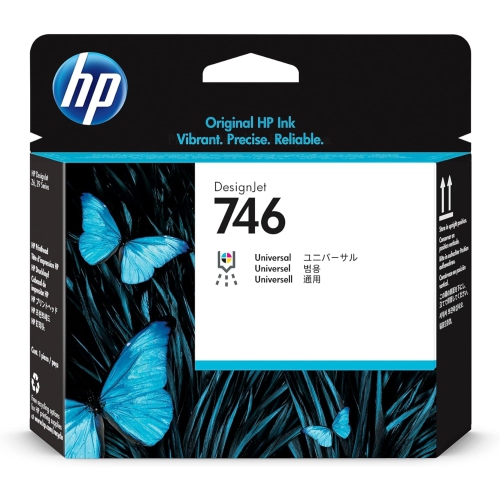
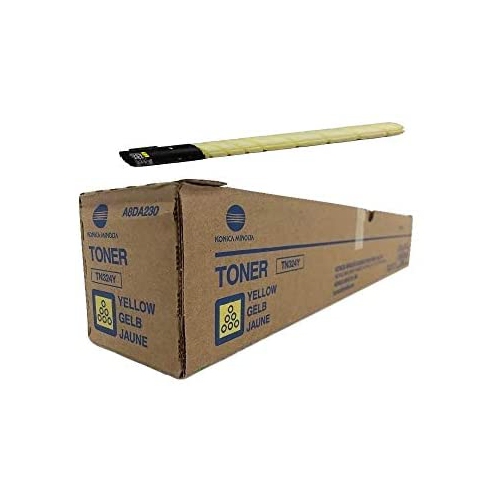
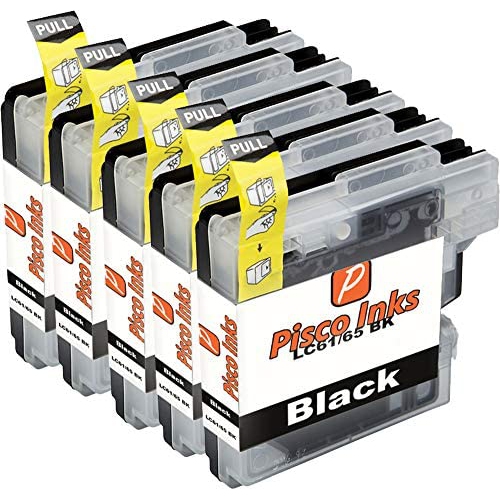
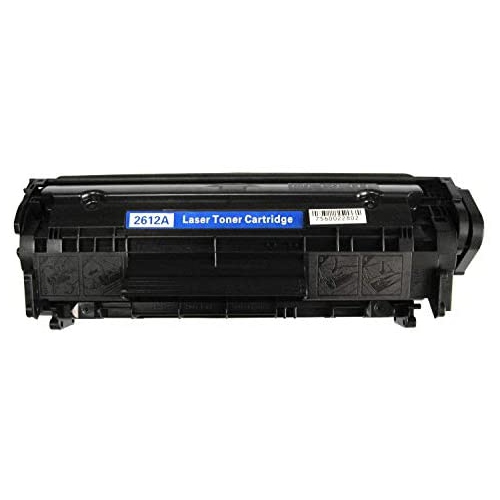
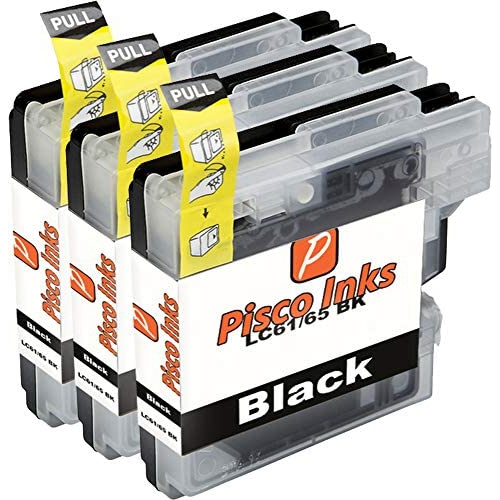
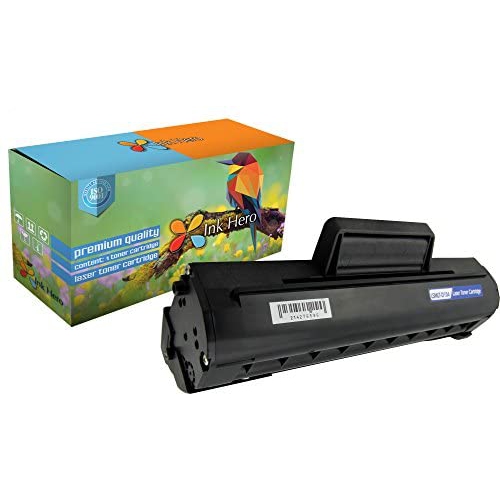
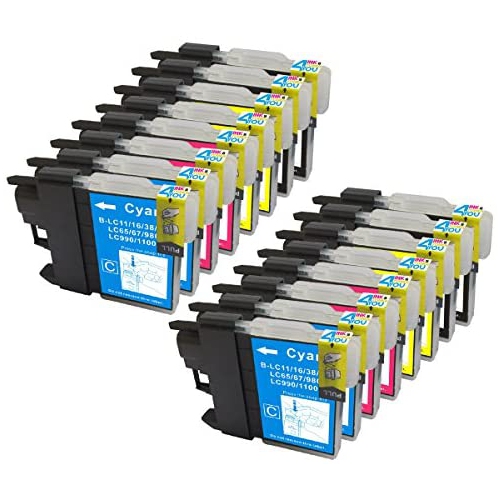
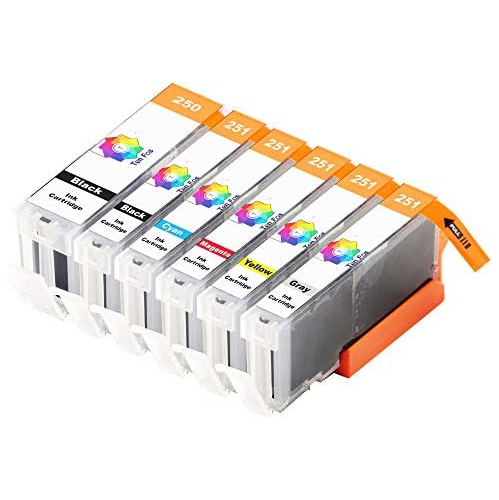
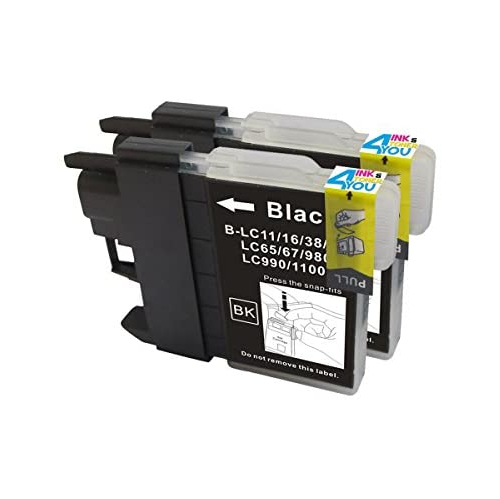
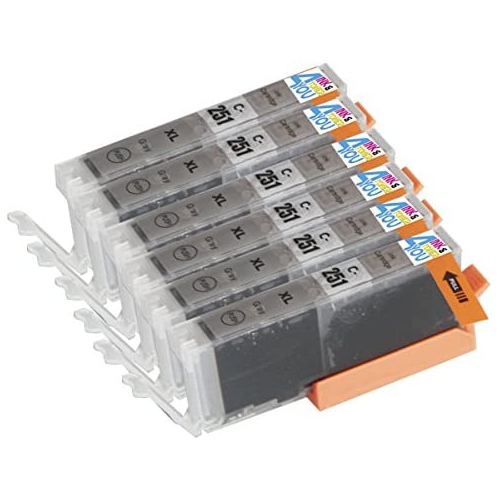
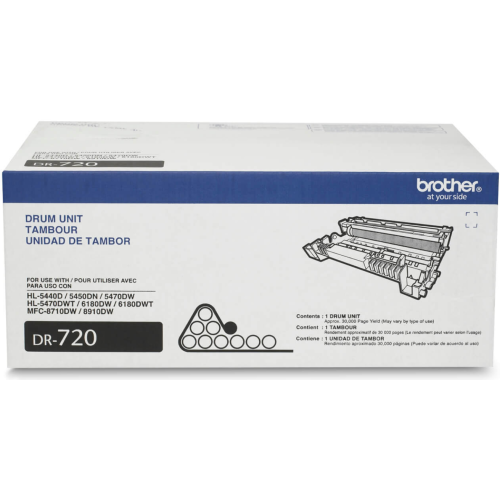
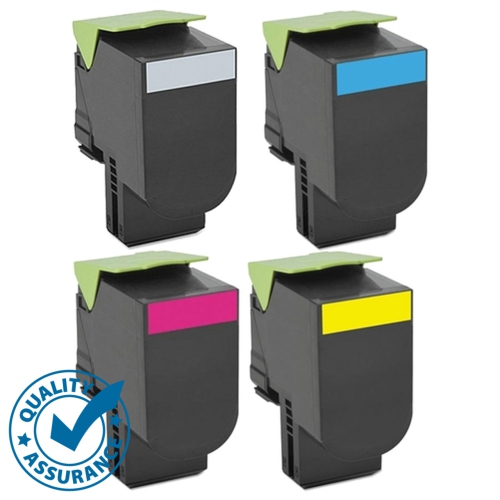
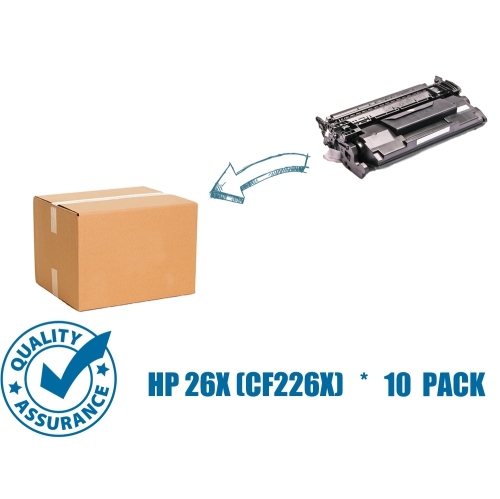
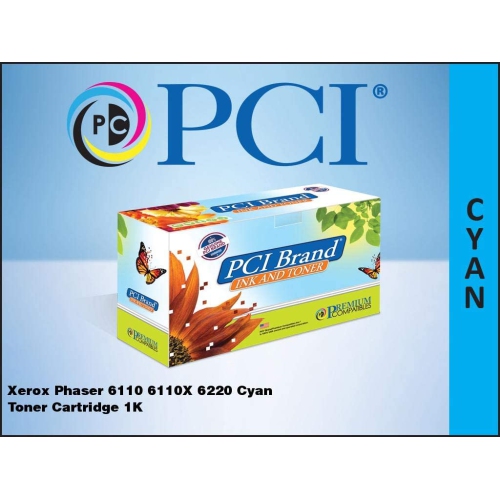
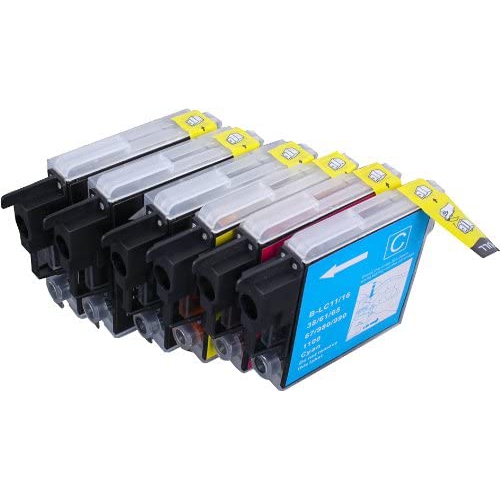
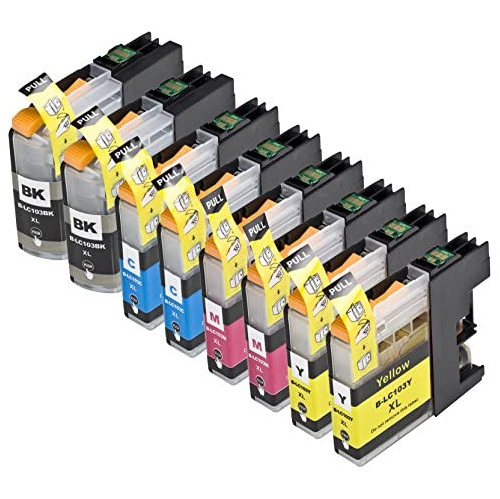
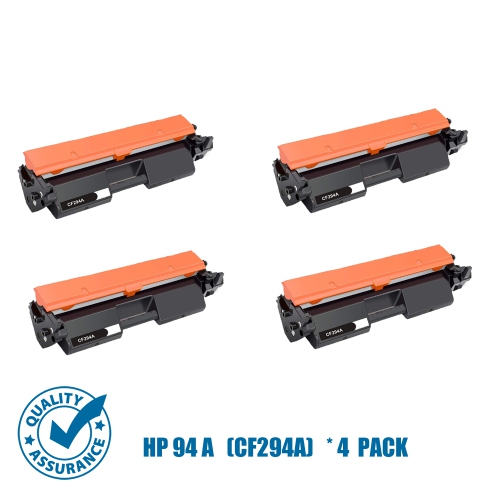
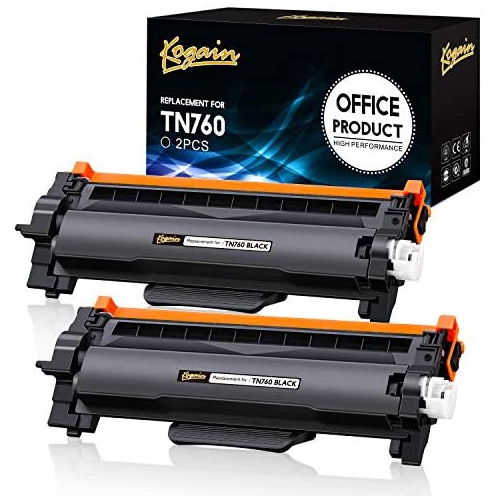
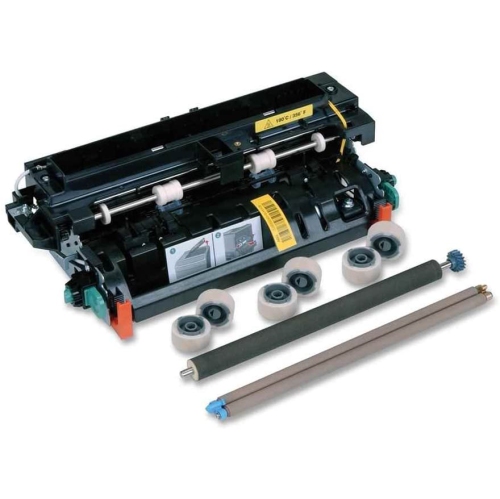
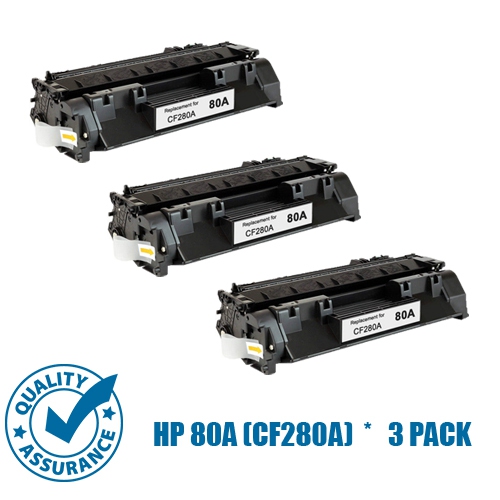
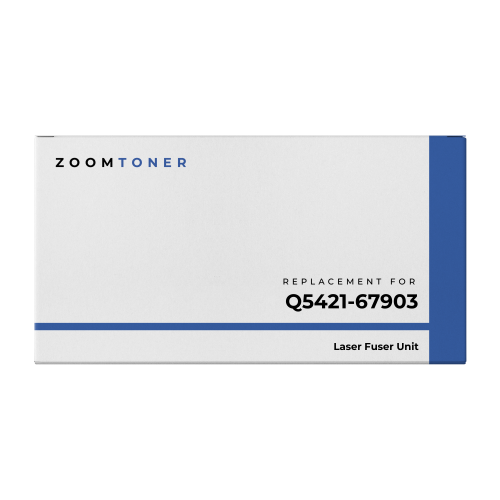
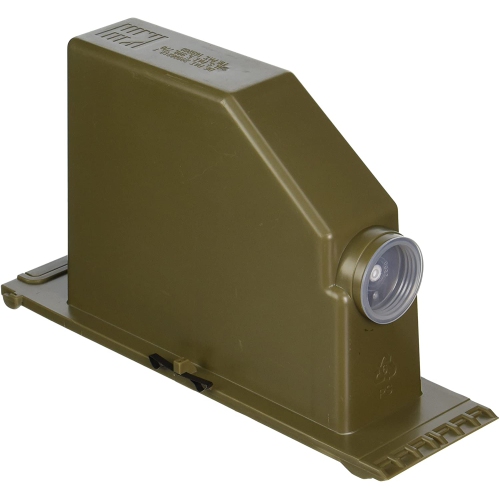
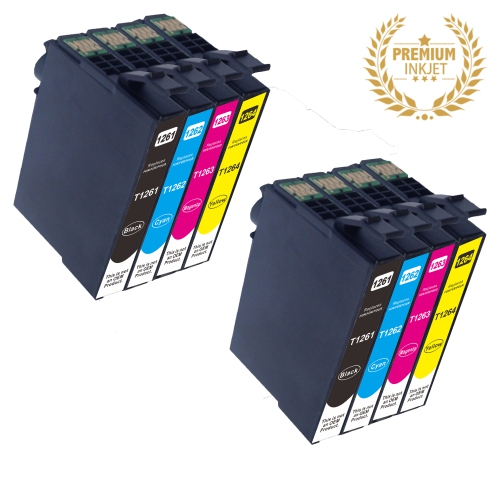
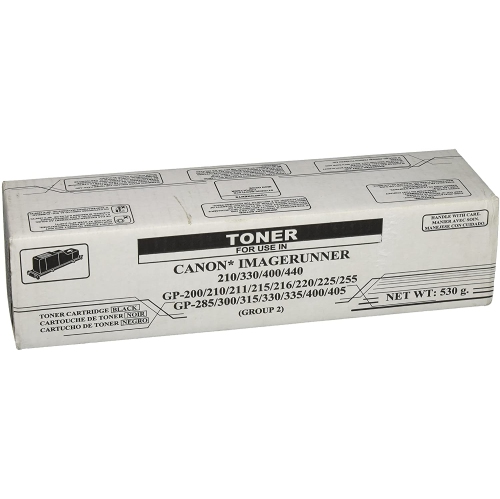
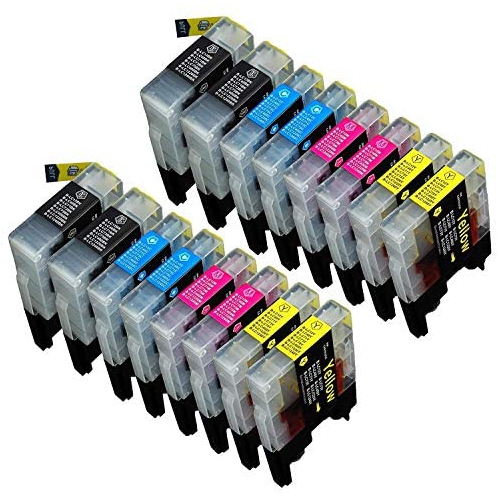
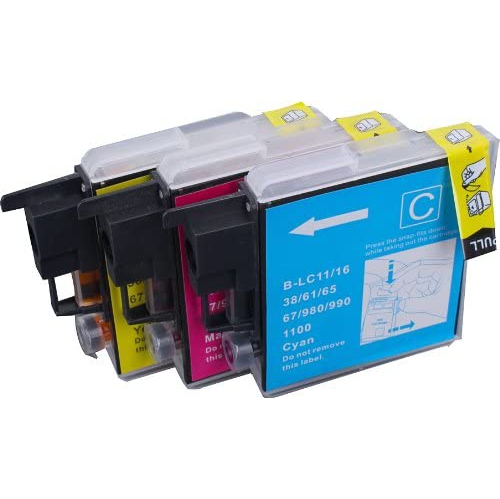
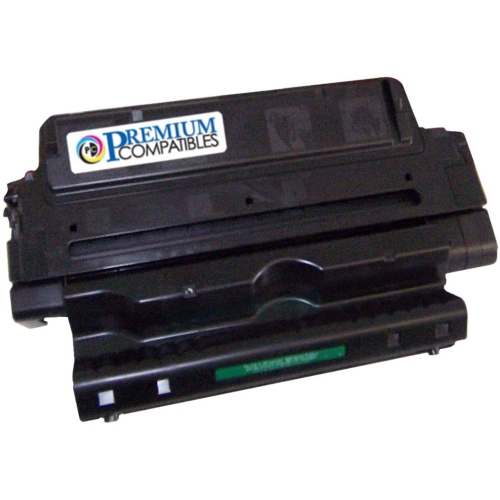
Printer parts help keep a home, school, studio, or workplace printer operating smoothly when a worn component begins to affect paper handling, print quality, or overall performance. Common replacement parts include feed rollers and pickup assemblies, which grip sheets and move them through the printer’s paper path. When these parts become worn, glazed, dusty, or unable to maintain a firm grip, the printer may pull multiple sheets at once, leave paper behind, or produce frequent jams. A fuser assembly is another important component found in laser printers. It uses heat and pressure to melt and seal toner onto the page, so a damaged or ageing fuser can contribute to smudging, uneven coverage, wrinkled pages, or toner that rubs off easily. Inkjet printers use a printhead assembly to place tiny droplets of liquid ink with precision. If the printhead becomes clogged, misaligned, or damaged, documents may show missing lines, streaks, faded areas, or inaccurate colours even when the ink supply is adequate. Carriage belts and carriage motors also play a role in inkjet printing by moving the printhead across the page in a controlled, repeatable motion. These parts work together behind the scenes, and replacing the affected component can help restore consistent feeding, accurate movement, and dependable output.
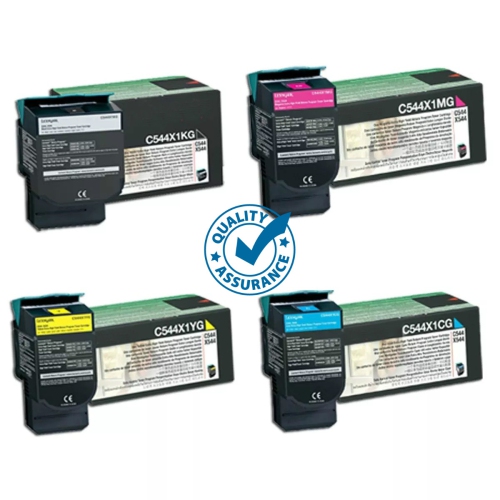
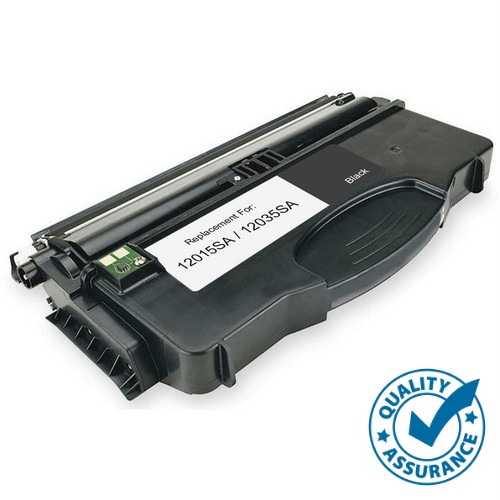
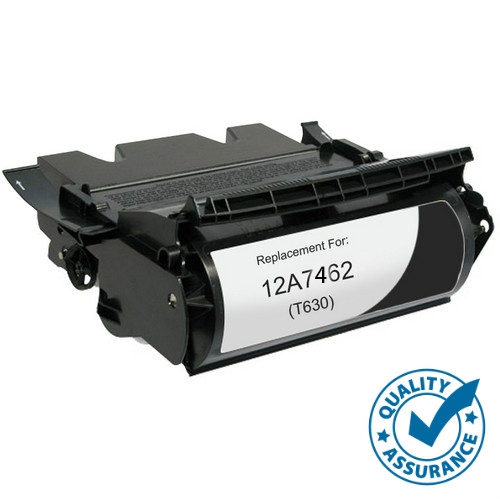
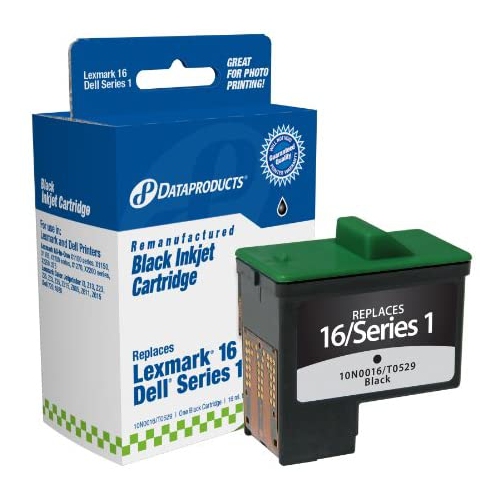
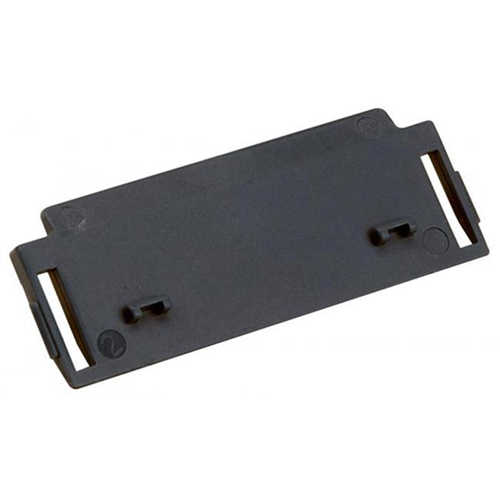
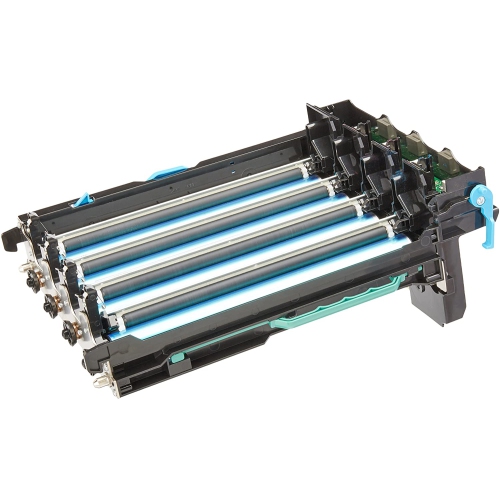
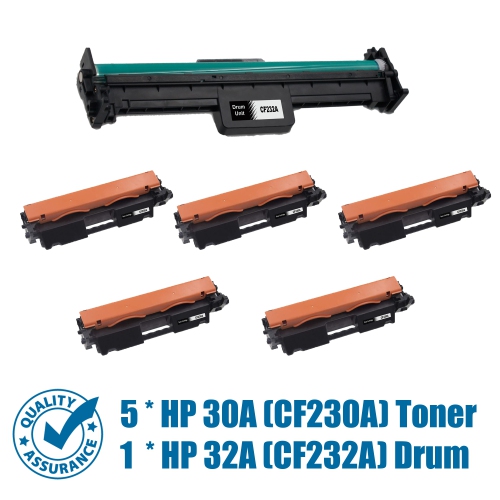
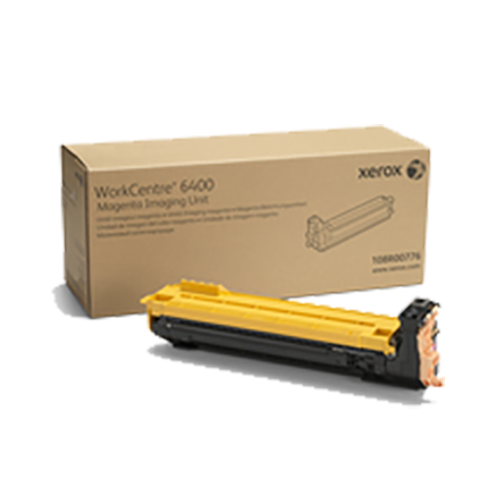
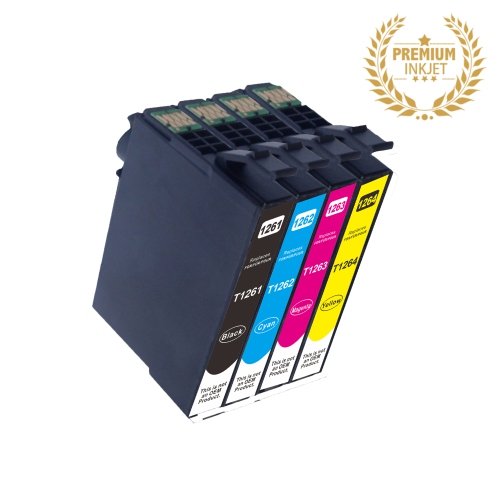
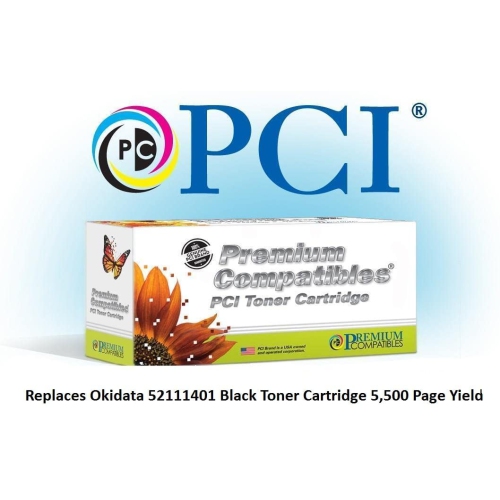
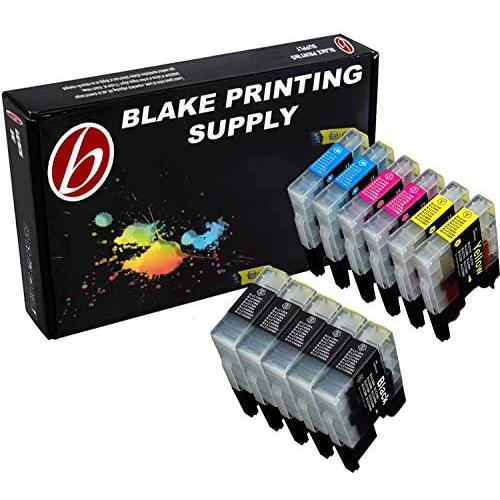
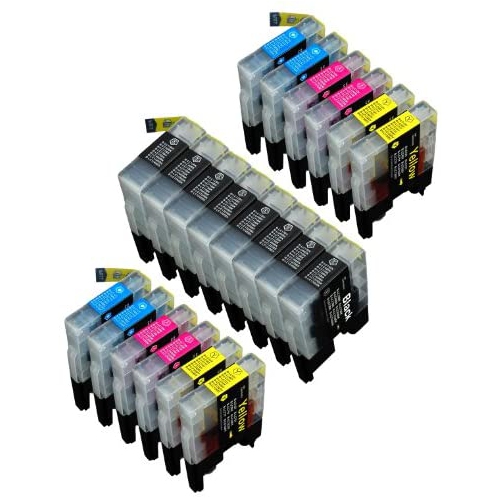
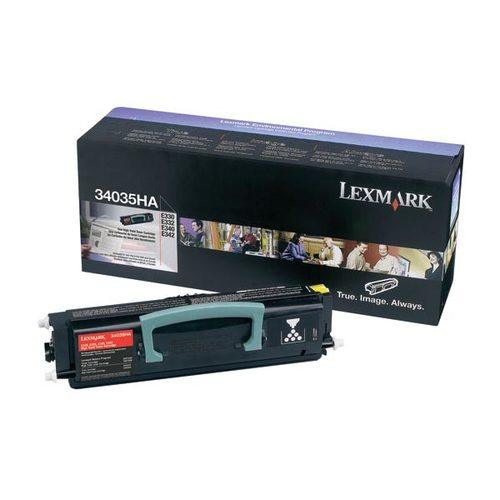
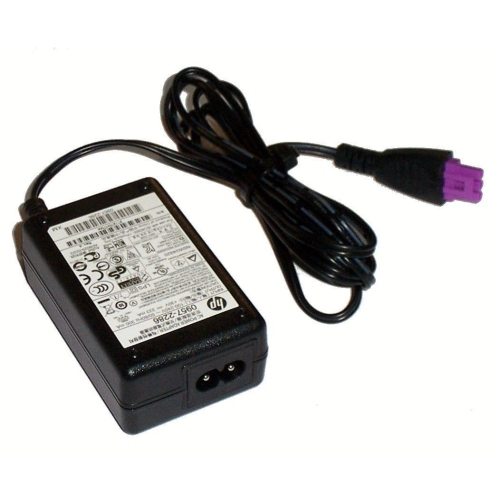
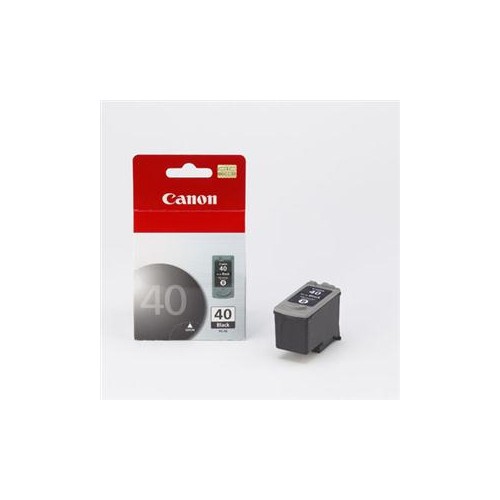
Choosing the right printer part starts with confirming the exact printer type, model number, and part number. Similar-looking components can differ in shape, connection points, dimensions, voltage, or programming requirements, even when they serve the same general function. Check the information printed on the printer, inside the access panel, in the settings menu, or in the original documentation before ordering. It is also helpful to identify the symptoms first. Repeated paper jams near the tray or entry point can indicate a feed roller or pickup assembly issue, while marks that repeat at regular intervals may point to a roller, drum-related component, or fuser concern. Faint lines, missing colours, and uneven ink coverage may be associated with a printhead, ink delivery path, cartridge, or damper. Carriage errors, grinding sounds, and printheads that stop moving smoothly can indicate a carriage belt or motor problem. Waste ink pads and maintenance boxes absorb excess ink produced during cleaning and calibration cycles; once they are full, the printer may display an alert or stop printing until the appropriate maintenance component is replaced or reset. Toner cartridges supply powdered toner to laser printers, while ink cartridges and dampers hold and channel liquid ink in inkjet systems. These consumable parts are often replaced more frequently than mechanical components, particularly in households, classrooms, small offices, and creative workspaces that print regularly. Keeping the printer’s technology in mind—inkjet or laser—helps narrow the selection and prevents purchasing a part that cannot work with the printer’s internal design.
Printer parts can be useful for anyone who depends on reliable paper output, from a student preparing assignments to a home-based professional printing invoices, labels, forms, or reference materials. They can also suit makers, photographers, teachers, administrative teams, and families who want to extend the practical life of a familiar printer instead of replacing the entire unit when one component wears out. During the cooler months, when more work, study, and household planning takes place indoors, a dependable printer can be especially convenient for producing schoolwork, travel documents, recipes, schedules, craft templates, and important records. For people comparing replacement components, look for clear compatibility details, accurate part descriptions, installation guidance, and return information. Some parts are designed for straightforward replacement, while others may require careful disassembly, electrical safety precautions, alignment steps, or a qualified technician. Turn the printer off and disconnect it before working inside, allow heated components such as fusers to cool fully, and handle ink, toner, belts, and delicate printhead assemblies with care. It is wise to keep the printer clean, use the correct paper size and type, avoid forcing jammed sheets, and follow the maintenance prompts provided by the printer. Those small habits can reduce strain on moving parts and help new components perform as intended. If a complete printer is needed rather than an individual replacement, browsing Paper Printers can provide a broader look at printing solutions. Whether the goal is to resolve a stubborn paper jam, improve faded output, replace a depleted ink or toner supply, or restore smooth internal movement, the right printer part should match the printer precisely and address the specific source of the problem.
Choosing the right printer part starts with confirming the exact printer type, model number, and part number. Similar-looking components can differ in shape, connection points, dimensions, voltage, or programming requirements, even when they serve the same general function. Check the information printed on the printer, inside the access panel, in the settings menu, or in the original documentation before ordering. It is also helpful to identify the symptoms first. Repeated paper jams near the tray or entry point can indicate a feed roller or pickup assembly issue, while marks that repeat at regular intervals may point to a roller, drum-related component, or fuser concern. Faint lines, missing colours, and uneven ink coverage may be associated with a printhead, ink delivery path, cartridge, or damper. Carriage errors, grinding sounds, and printheads that stop moving smoothly can indicate a carriage belt or motor problem. Waste ink pads and maintenance boxes absorb excess ink produced during cleaning and calibration cycles; once they are full, the printer may display an alert or stop printing until the appropriate maintenance component is replaced or reset. Toner cartridges supply powdered toner to laser printers, while ink cartridges and dampers hold and channel liquid ink in inkjet systems. These consumable parts are often replaced more frequently than mechanical components, particularly in households, classrooms, small offices, and creative workspaces that print regularly. Keeping the printer’s technology in mind—inkjet or laser—helps narrow the selection and prevents purchasing a part that cannot work with the printer’s internal design.
Printer parts can be useful for anyone who depends on reliable paper output, from a student preparing assignments to a home-based professional printing invoices, labels, forms, or reference materials. They can also suit makers, photographers, teachers, administrative teams, and families who want to extend the practical life of a familiar printer instead of replacing the entire unit when one component wears out. During the cooler months, when more work, study, and household planning takes place indoors, a dependable printer can be especially convenient for producing schoolwork, travel documents, recipes, schedules, craft templates, and important records. For people comparing replacement components, look for clear compatibility details, accurate part descriptions, installation guidance, and return information. Some parts are designed for straightforward replacement, while others may require careful disassembly, electrical safety precautions, alignment steps, or a qualified technician. Turn the printer off and disconnect it before working inside, allow heated components such as fusers to cool fully, and handle ink, toner, belts, and delicate printhead assemblies with care. It is wise to keep the printer clean, use the correct paper size and type, avoid forcing jammed sheets, and follow the maintenance prompts provided by the printer. Those small habits can reduce strain on moving parts and help new components perform as intended. If a complete printer is needed rather than an individual replacement, browsing Paper Printers can provide a broader look at printing solutions. Whether the goal is to resolve a stubborn paper jam, improve faded output, replace a depleted ink or toner supply, or restore smooth internal movement, the right printer part should match the printer precisely and address the specific source of the problem.
Top selling and popular products
-
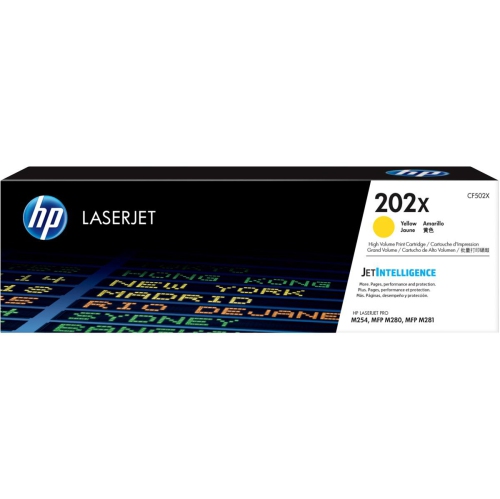 Your price for this item is $184.99
 -
 Your price for this item is $184.99
 -
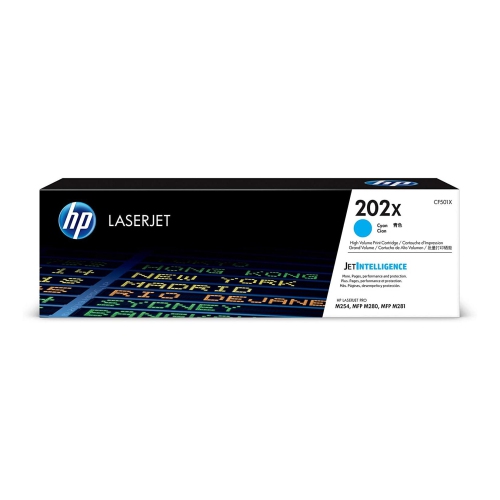 Your price for this item is $184.99
 -
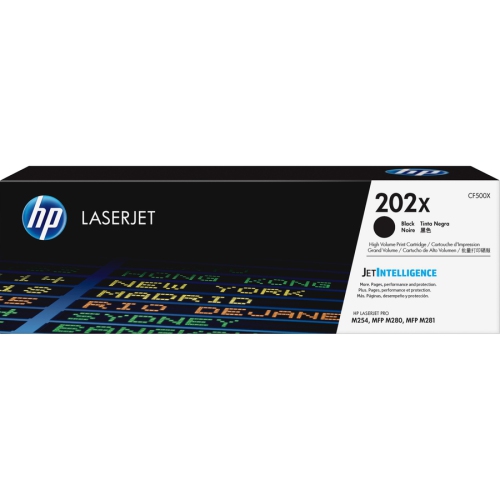 Your price for this item is $176.99
 -
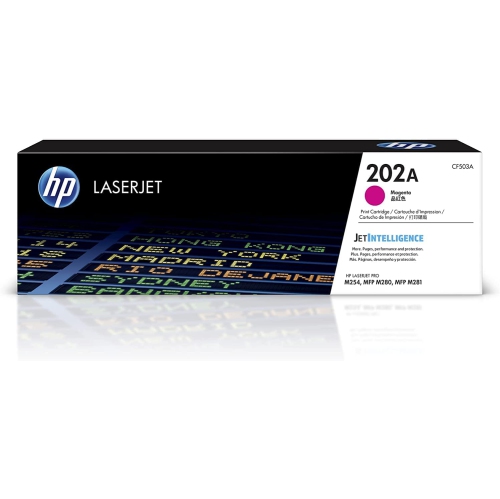 Your price for this item is $139.99
 -
 Your price for this item is $139.99
 -
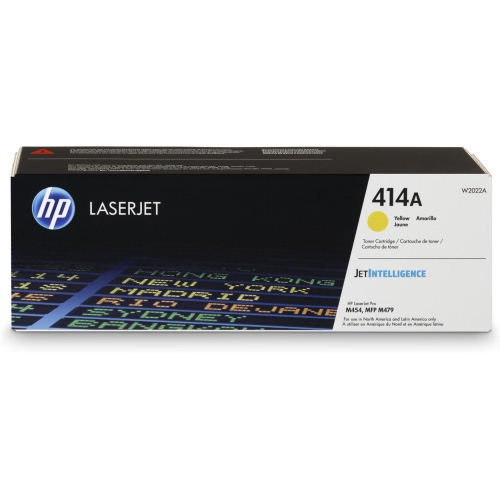 Your price for this item is $230.82
 -
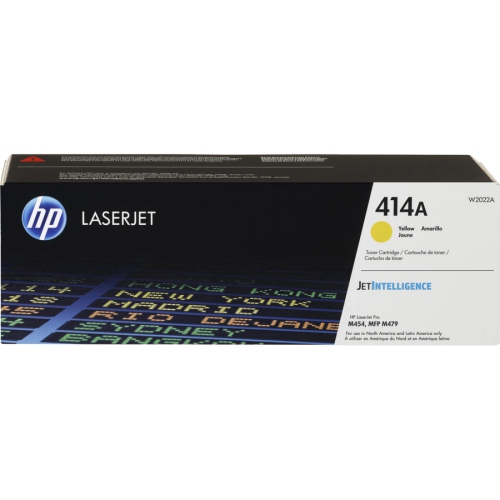 Your price for this item is $197.99
Discover more categories related to Printer Parts


Top Collections:
Pokemon Centers, Kindle Devices, Best Budget Office Chairs, Apple iPhones 16, Best Laptops for Writers, iPhone 15 Apple, Canon G7X Cameras, Refurbished Apple Laptops, Alarm Clock, Motorola Razr Phones
Some products may be subject to Environmental Handling Fees
(EHF) depending on your province.
Learn more about EHFs.