Sharp Scientific Calculators
Sharp Scientific Calculator options are designed to support a wide range of mathematical and scientific tasks, making them an essential tool for students, professionals, and anyone tackling complex calculations. Whether you’re preparing for exams, working on engineering projects, or managing advanced equations, these calculators offer reliable performance and user-friendly operation. Explore the selection of Sharp Scientific Calculators to find the perfect match for your academic or professional needs.
Sort
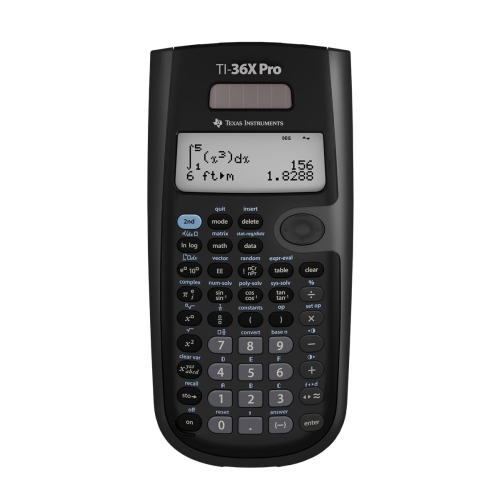
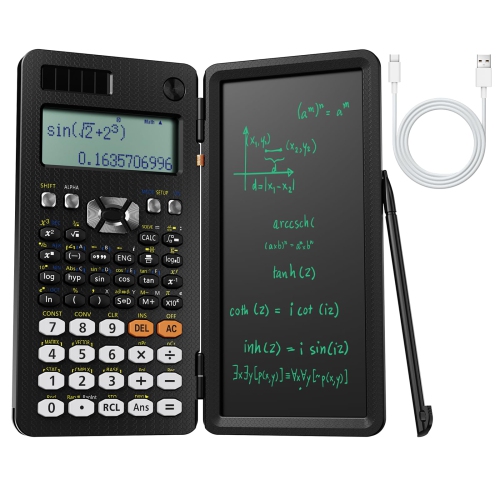
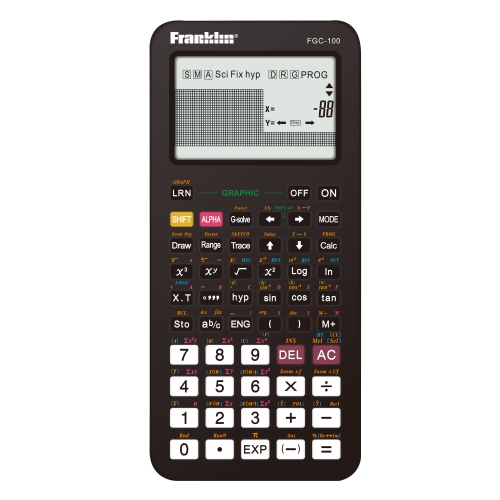
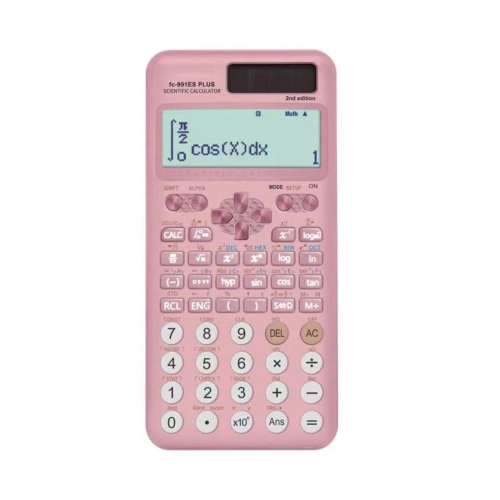

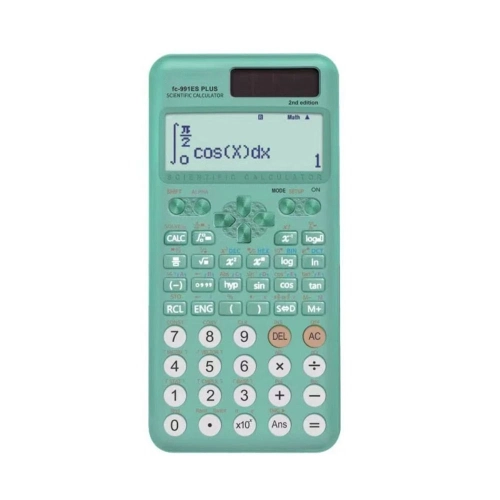
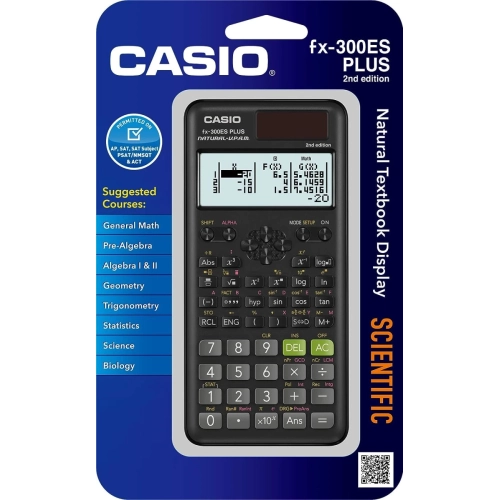
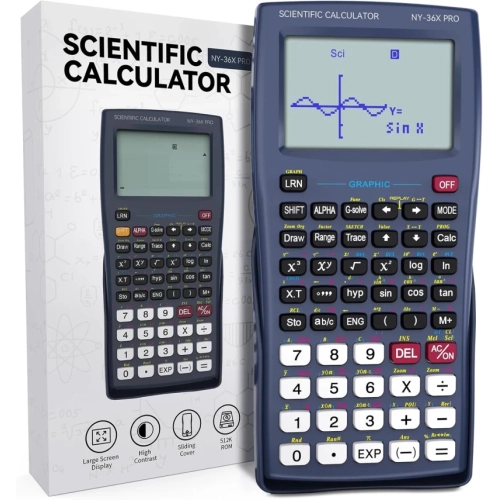
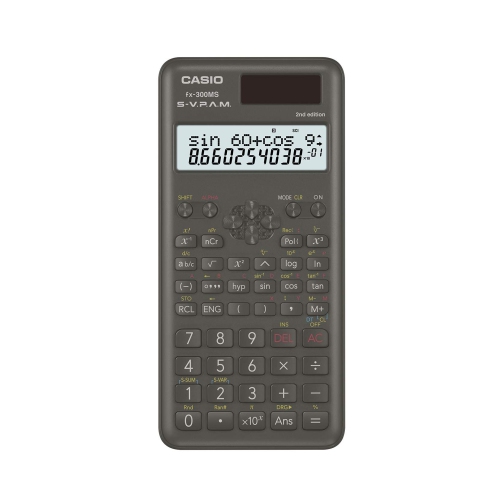
More functions don’t always mean a better calculator
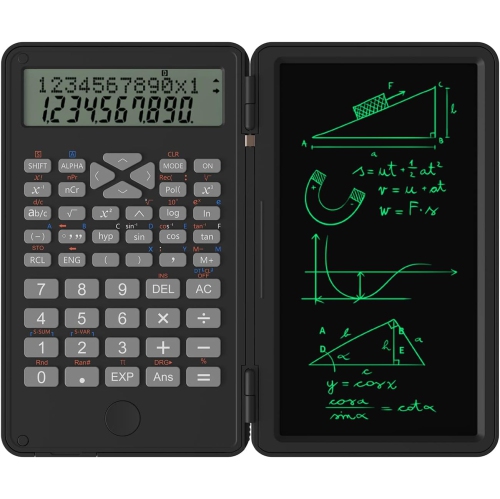
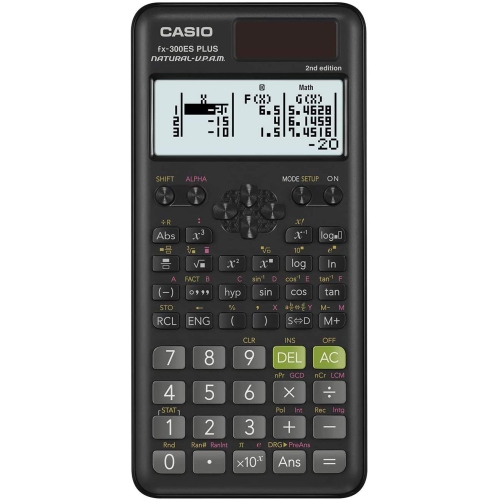
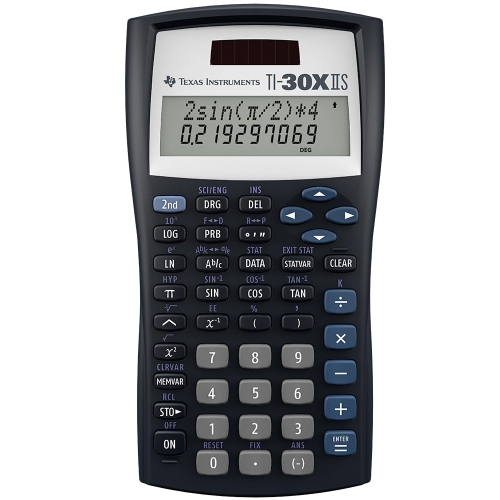
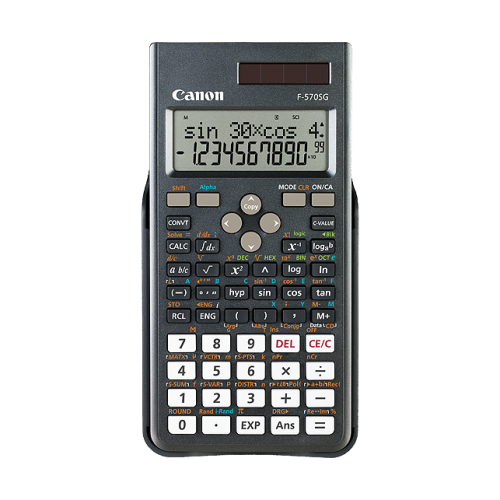
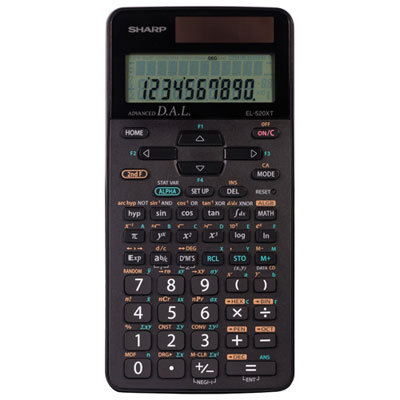
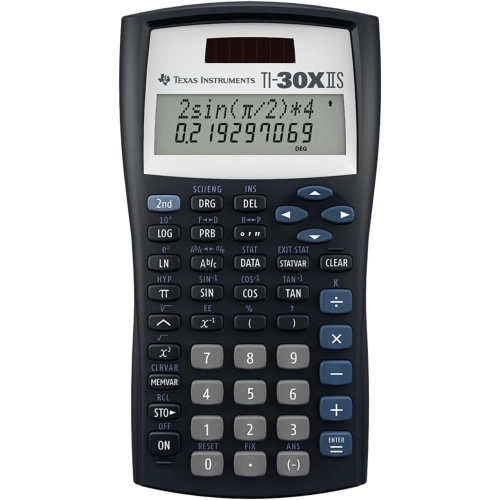
Scientific calculators bring together the everyday arithmetic of a standard calculator and the mathematical functions used in algebra, geometry, trigonometry, statistics, and science. They are designed for calculations that go beyond addition and division, such as evaluating powers and roots, working with logarithms, and finding angles from trigonometric ratios. For a secondary school student, that might mean checking the length of a triangle’s missing side or expressing a very small measurement in scientific notation. For a college student or someone working through technical training, it could mean calculating electrical relationships, reviewing laboratory results, or solving a formula with several nested brackets. A dedicated keypad keeps these operations close at hand without requiring a phone or computer, although permission to use a calculator in a classroom or examination always depends on the applicable rules. The most useful range of functions is the one that matches the work: a long function list does not necessarily make a calculator easier to use or more suitable for a particular course. Fractions, percentages, exponents, and trigonometric functions cover many common tasks, while certain models add capabilities such as equation solving, complex numbers, matrices, or more extensive statistical calculations. Those advanced features vary and should not be assumed from the scientific calculator label alone. Scientific calculators also differ from graphing calculators, which are designed to plot and display graphs; a multi-line screen does not automatically provide graphing capability. For learners, tutors, and technical users alike, a suitable calculator supports accurate entry and clear interpretation rather than replacing an understanding of the calculation. When comparing options, the course requirements, familiar notation, and ease of locating frequently used keys often matter more than the total number of functions. A student repeatedly moving between fractions and decimals, for example, may value an accessible conversion key more than a specialist operation they rarely need.
The display and keypad have a noticeable effect on how comfortable a scientific calculator feels during a full page of exercises. Some displays separate the entered expression from the answer, making it easier to spot a missed bracket or an incorrect sign before carrying the result into the next step. Other designs can present fractions, powers, and roots in a layout that more closely resembles printed mathematics. This can be particularly helpful when an expression contains a fraction within another fraction or an exponent that applies to an entire bracketed term. Screen layout, however, is only part of readability: character size, contrast, viewing angle, and the amount of an expression visible at once also deserve attention. A longer calculation may still require scrolling, even on a multi-line display. Where editing and calculation history are supported, they can reduce repetitive entry when changing one value in a formula or checking a previous result. Key spacing and labelling are just as practical. Distinct primary and alternate function labels help users find operations without repeatedly consulting the manual, while a clear directional pad can make navigating an expression less awkward. Compact bodies fit neatly into pencil cases, whereas larger designs may provide more room between keys and a display that is easier to read from a seated position. Shoppers who prefer a roomier layout can also explore Large Scientific Calculators, while comparing the actual dimensions and screen design rather than relying on size descriptions alone. Comfort is personal: someone with larger hands may appreciate a broader keypad, while a student carrying several textbooks may prefer a lighter, narrower body. Consistent key response helps during repeated calculations, especially when entering long numbers. Clearly marked brackets, sign-change controls, memory functions, and delete keys can make the difference between a smooth sequence of entries and frequent corrections. A layout that feels straightforward for daily assignments is often more valuable than extra functions hidden behind unfamiliar key combinations.
Construction, power options, and everyday handling also influence how well a scientific calculator fits into a study routine. Lightweight plastic housings are common, offering a practical balance between portability and rigidity, while a fitted cover can help shield the keypad and display from contact with pens, notebooks, and other contents of a bag. A cover is not a guarantee against drops or crushing, so a calculator is better carried where heavy books will not press directly against it. Battery-powered designs and designs that combine a solar cell with a battery are both found in this category. Their operating requirements differ, making the stated battery type, replacement method, and lighting requirements worth checking before regular use. A solar cell should not be treated as proof that a calculator never needs a battery. Automatic shut-off, where included, can help preserve battery life between sessions. For care, a soft, dry cloth is generally appropriate for removing fingerprints and dust; cleaning liquids should not be sprayed into the keys or onto the display, and the manufacturer’s care directions take priority. Keeping drinks away from the work area and replacing the protective cover after use are simple habits that help protect the device. Familiarity with settings matters, too. Degree and radian modes can produce different trigonometric results, and rounding or display settings can affect how an answer appears. Before an important assessment, users benefit from knowing how to check these settings and restore the required setup without searching through unfamiliar menus. Examination policies may distinguish between scientific, programmable, and graphing calculators, so the permitted model requirements should be confirmed with the school, instructor, or testing organization. As a gift for a student beginning a mathematics course or an adult returning to study, a scientific calculator is most useful when it matches an actual course list and the recipient’s preferred layout. With appropriate functions, readable notation, and comfortable controls, it becomes a dependable tool for homework, practice problems, and numerical tasks throughout a course and beyond.
The display and keypad have a noticeable effect on how comfortable a scientific calculator feels during a full page of exercises. Some displays separate the entered expression from the answer, making it easier to spot a missed bracket or an incorrect sign before carrying the result into the next step. Other designs can present fractions, powers, and roots in a layout that more closely resembles printed mathematics. This can be particularly helpful when an expression contains a fraction within another fraction or an exponent that applies to an entire bracketed term. Screen layout, however, is only part of readability: character size, contrast, viewing angle, and the amount of an expression visible at once also deserve attention. A longer calculation may still require scrolling, even on a multi-line display. Where editing and calculation history are supported, they can reduce repetitive entry when changing one value in a formula or checking a previous result. Key spacing and labelling are just as practical. Distinct primary and alternate function labels help users find operations without repeatedly consulting the manual, while a clear directional pad can make navigating an expression less awkward. Compact bodies fit neatly into pencil cases, whereas larger designs may provide more room between keys and a display that is easier to read from a seated position. Shoppers who prefer a roomier layout can also explore Large Scientific Calculators, while comparing the actual dimensions and screen design rather than relying on size descriptions alone. Comfort is personal: someone with larger hands may appreciate a broader keypad, while a student carrying several textbooks may prefer a lighter, narrower body. Consistent key response helps during repeated calculations, especially when entering long numbers. Clearly marked brackets, sign-change controls, memory functions, and delete keys can make the difference between a smooth sequence of entries and frequent corrections. A layout that feels straightforward for daily assignments is often more valuable than extra functions hidden behind unfamiliar key combinations.
Construction, power options, and everyday handling also influence how well a scientific calculator fits into a study routine. Lightweight plastic housings are common, offering a practical balance between portability and rigidity, while a fitted cover can help shield the keypad and display from contact with pens, notebooks, and other contents of a bag. A cover is not a guarantee against drops or crushing, so a calculator is better carried where heavy books will not press directly against it. Battery-powered designs and designs that combine a solar cell with a battery are both found in this category. Their operating requirements differ, making the stated battery type, replacement method, and lighting requirements worth checking before regular use. A solar cell should not be treated as proof that a calculator never needs a battery. Automatic shut-off, where included, can help preserve battery life between sessions. For care, a soft, dry cloth is generally appropriate for removing fingerprints and dust; cleaning liquids should not be sprayed into the keys or onto the display, and the manufacturer’s care directions take priority. Keeping drinks away from the work area and replacing the protective cover after use are simple habits that help protect the device. Familiarity with settings matters, too. Degree and radian modes can produce different trigonometric results, and rounding or display settings can affect how an answer appears. Before an important assessment, users benefit from knowing how to check these settings and restore the required setup without searching through unfamiliar menus. Examination policies may distinguish between scientific, programmable, and graphing calculators, so the permitted model requirements should be confirmed with the school, instructor, or testing organization. As a gift for a student beginning a mathematics course or an adult returning to study, a scientific calculator is most useful when it matches an actual course list and the recipient’s preferred layout. With appropriate functions, readable notation, and comfortable controls, it becomes a dependable tool for homework, practice problems, and numerical tasks throughout a course and beyond.
Top selling and popular products
-
 Your price for this item is $23.99
 -
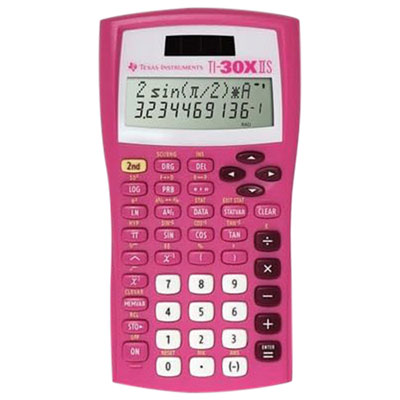 Your price for this item is $25.99
 -
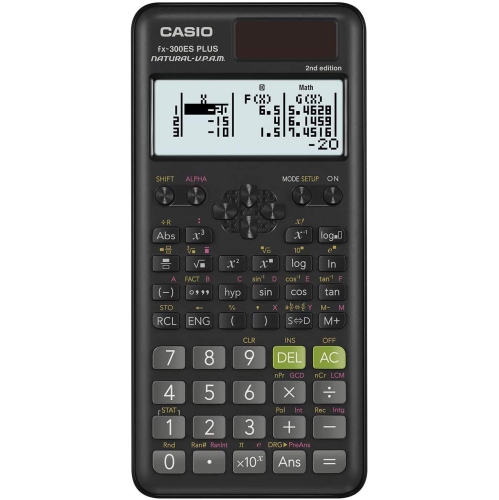 Your price for this item is $26.99
 -
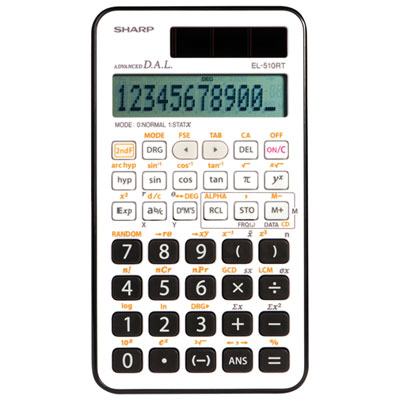 Your price for this item is $16.99
 -
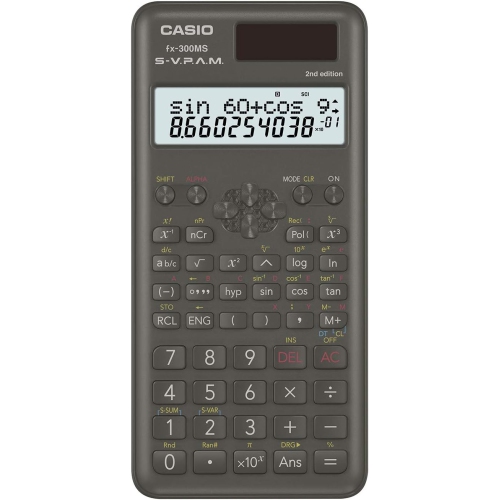 Your price for this item is $24.95
 -
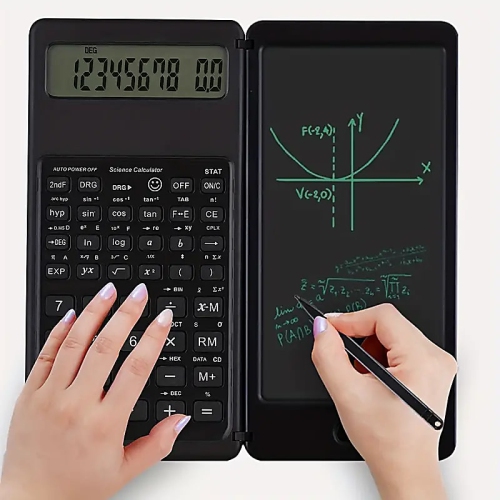 Your price for this item is $29.98
 -
 Your price for this item is $19.99
 -
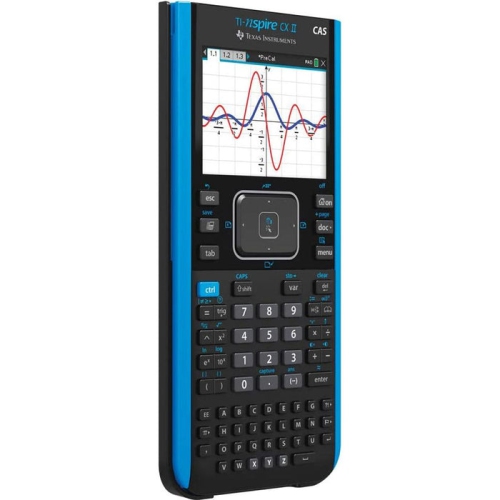 Your price for this item is $1822.99
Discover more categories related to Sharp Scientific Calculators
Top Collections:
Pokemon Centers, Kindle Devices, Best Budget Office Chairs, Apple iPhones 16, Best Laptops for Writers, iPhone 15 Apple, Canon G7X Cameras, Refurbished Apple Laptops, Alarm Clock, Motorola Razr Phones
Some products may be subject to Environmental Handling Fees
(EHF) depending on your province.
Learn more about EHFs.