Portable Monitor Stands

Find portable monitor stands to support your screen at a comfortable viewing height while keeping your workspace easy to pack up. Compare stands by monitor compatibility, size, weight, and adjustment options to find a fit for your desk setup or work on the go.
Read More

Sort

A better screen position without a permanent desk

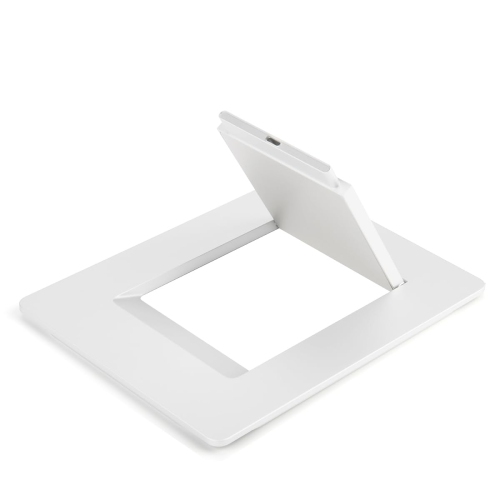
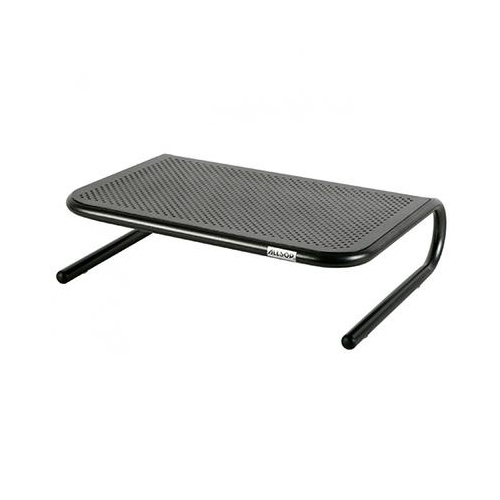
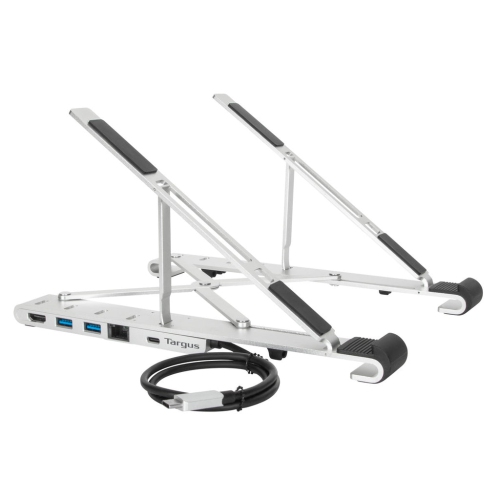
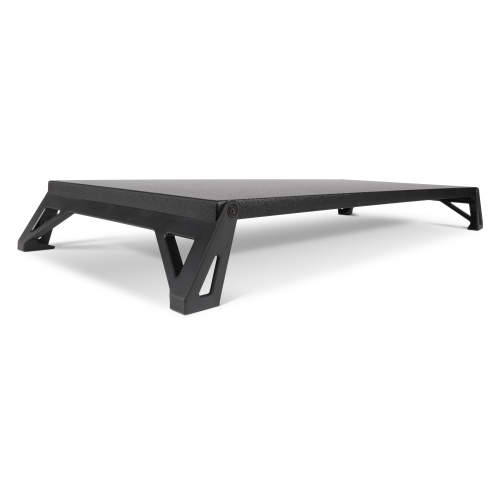
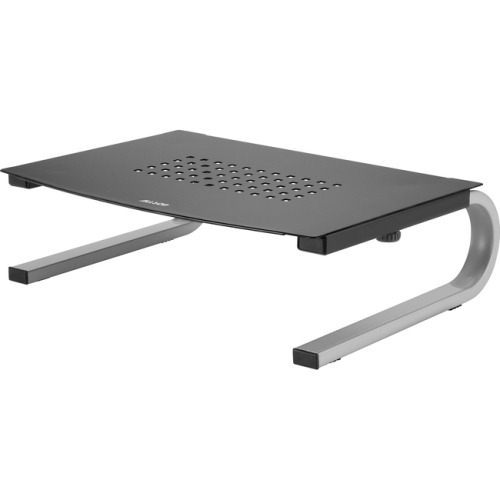
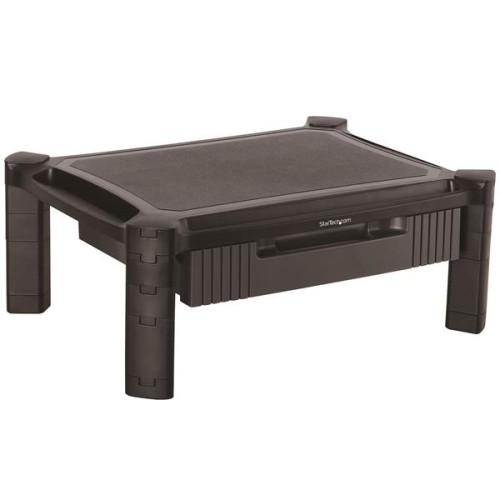
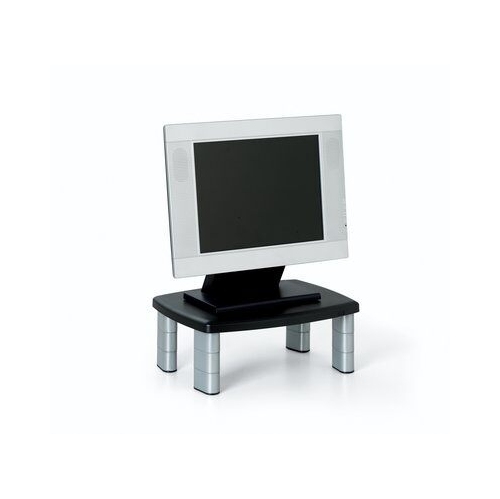
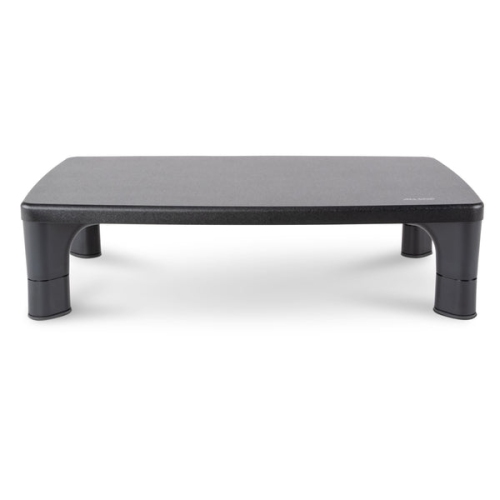
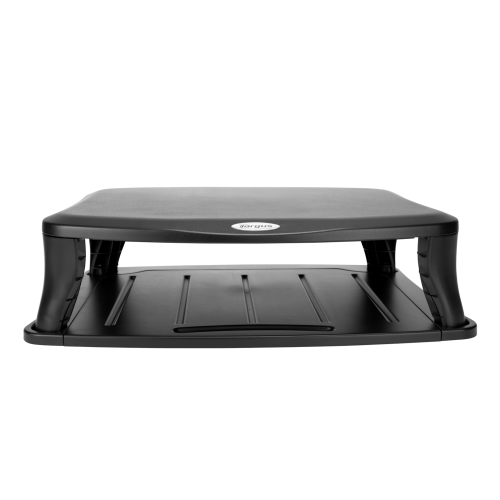
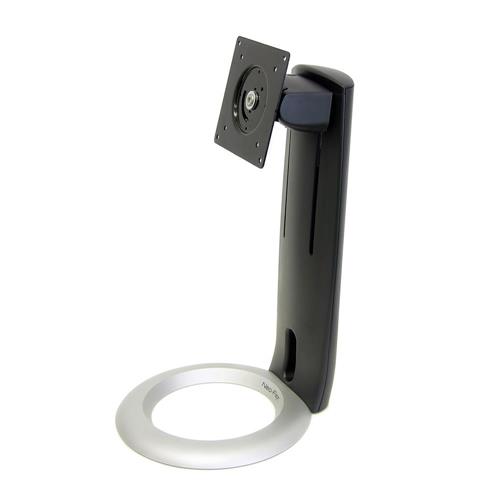
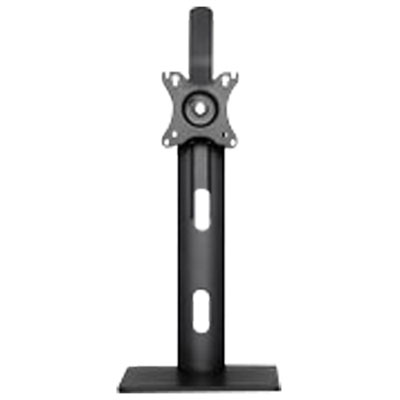
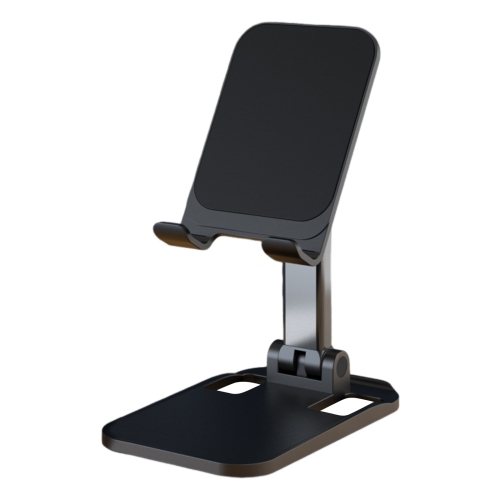
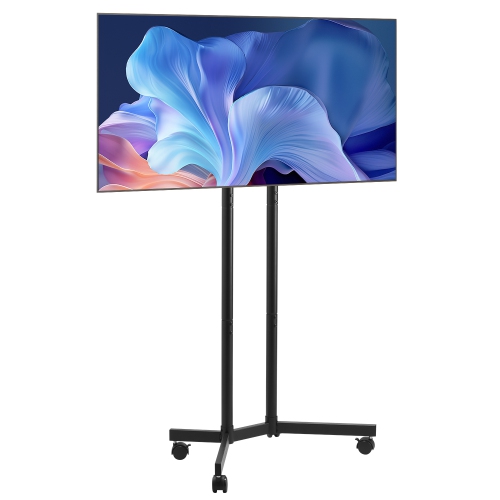
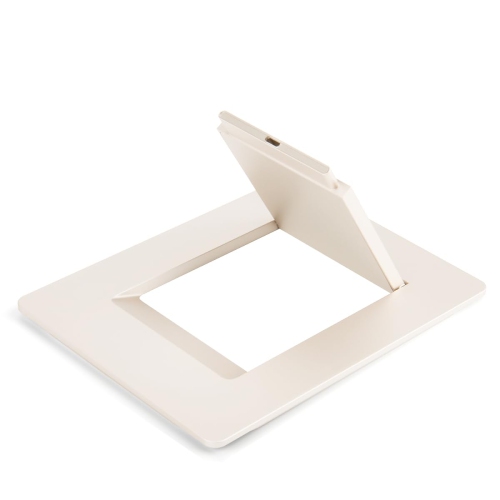
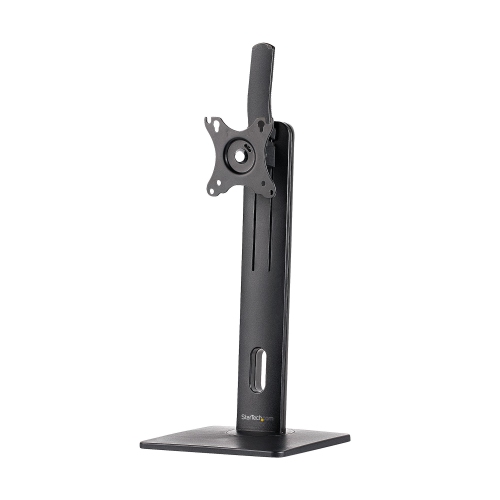
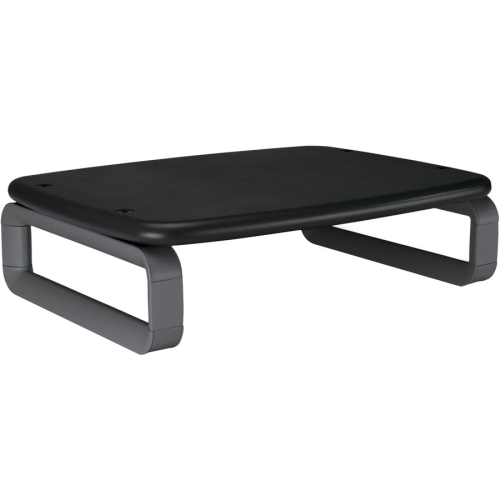
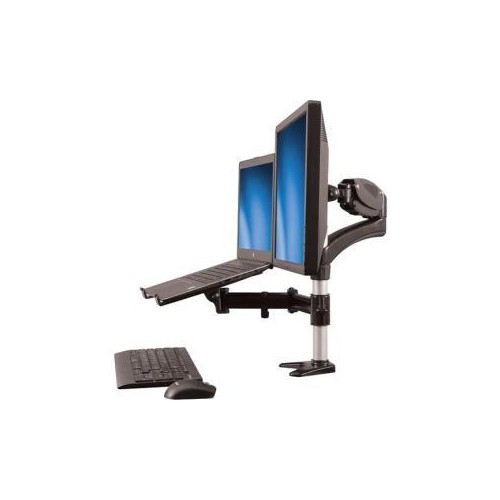
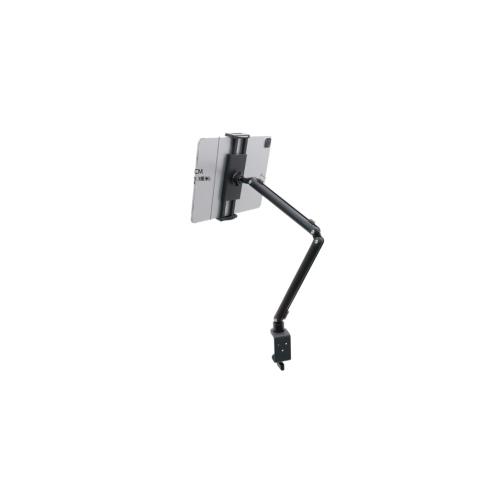
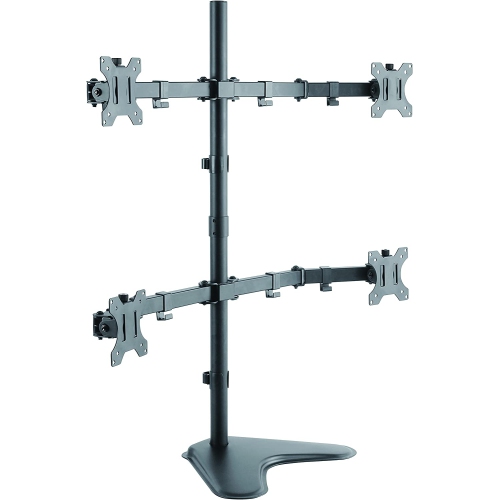
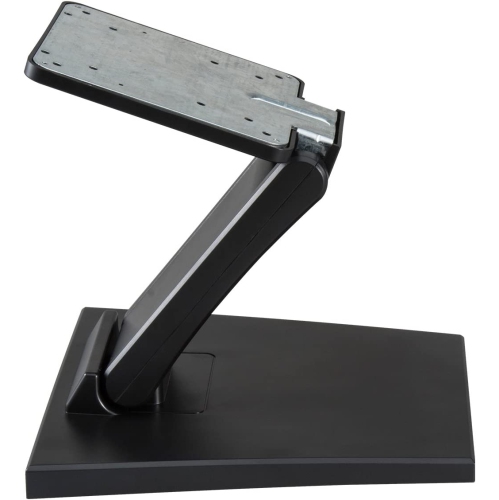
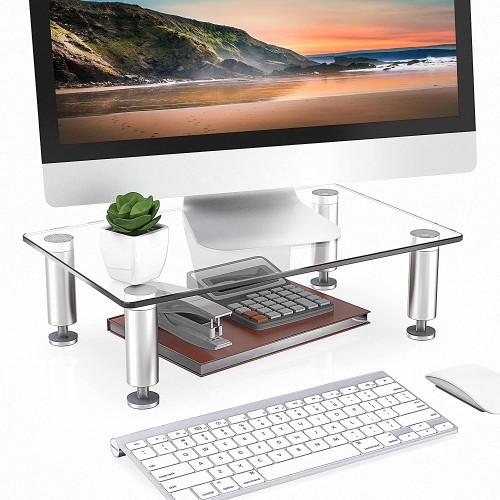
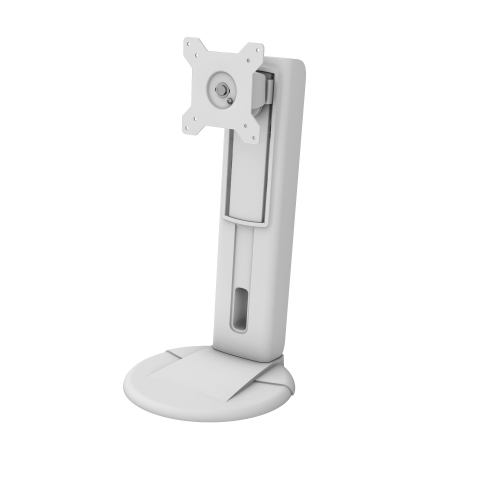
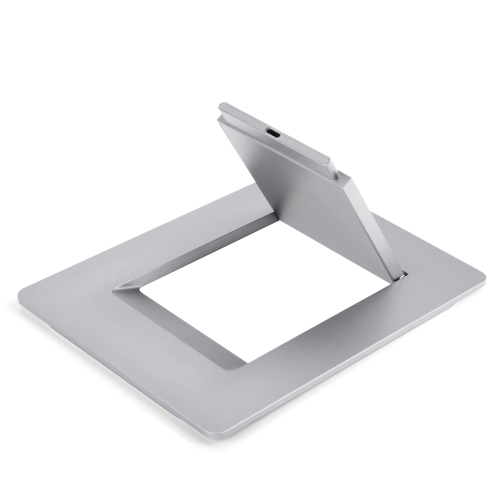
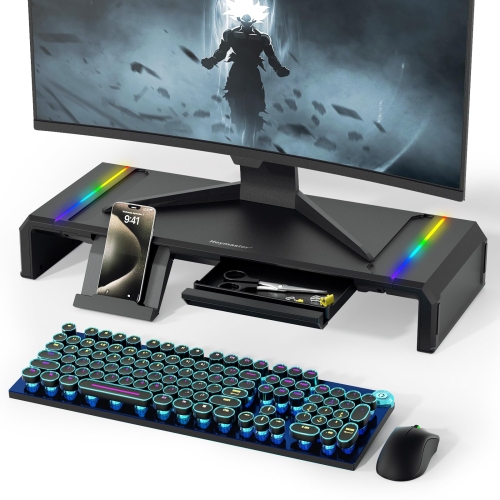
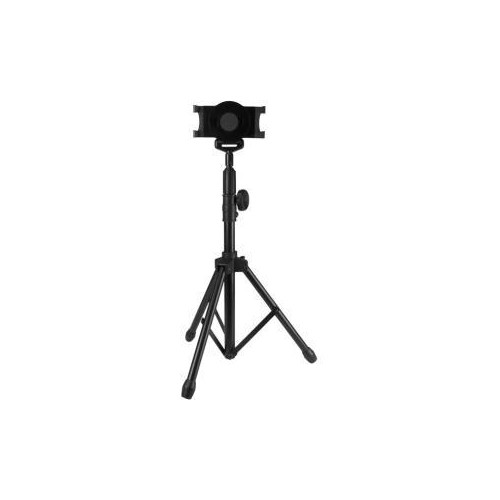
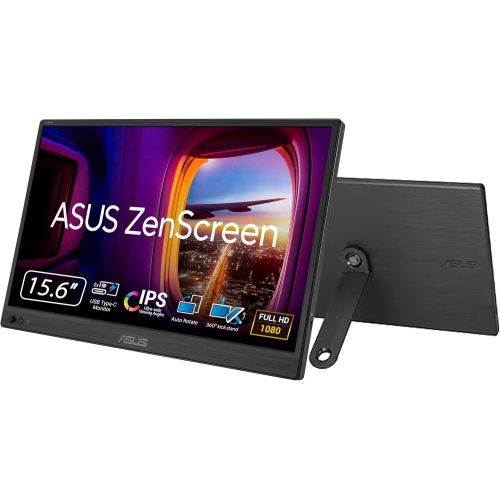
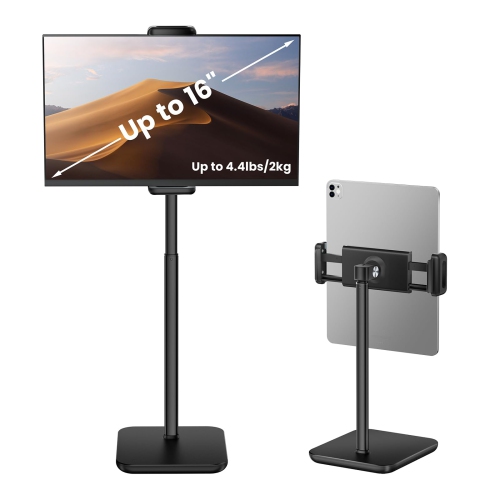
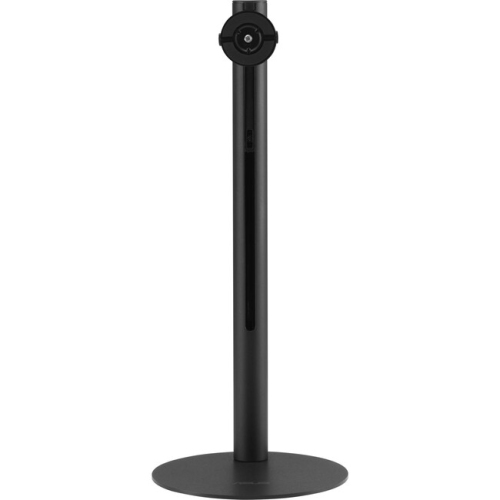
Portable monitor stands support an extra screen at a useful height and angle while keeping a mobile workspace easy to pack away. A dedicated stand can lift a display above a crowded tabletop, bring it closer to the height of a laptop screen, or hold it upright beside a keyboard without relying on a folding cover. That flexibility suits people who move between home and shared offices, students working at library tables, and travellers setting up a temporary desk. It also makes a difference in smaller spaces, where the same table might serve as a workstation during the day and a dining surface later. The main distinction between stand styles is how they hold the monitor: a cradle supports its lower edge, a mounting plate attaches to compatible holes on the back, and a magnetic attachment works with a supported display or an approved adapter. Some stands sit directly on the desk, while others use a clamp to secure an adjustable arm to a suitable edge. Folding designs prioritize quick setup and compact storage; taller supports offer more positioning flexibility but may need a wider base to stay steady. For anyone pairing a stand with Portable Monitors, the most useful match depends on both the display and the places it will be used. A low-profile support may be enough for checking reference documents beside a laptop, whereas a height-adjustable design can make it easier to position a screen for longer writing or spreadsheet sessions. Portrait rotation is useful for reading lengthy documents, reviewing code, or displaying a full page, provided the monitor and stand support that orientation. The stand holds the screen physically; it does not add image rotation, power, or connectivity unless those functions are specifically included. A well-matched setup leaves room for the keyboard and mouse, keeps the display within comfortable viewing distance, and allows cables to reach without pulling against their ports.
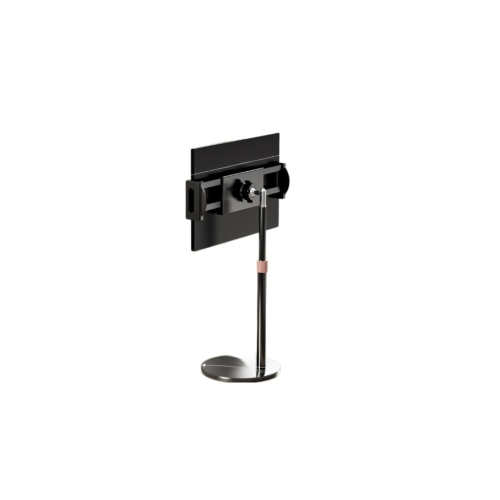
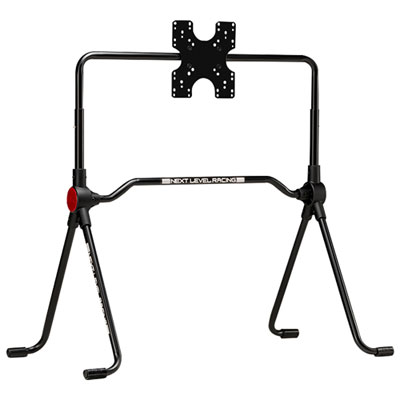
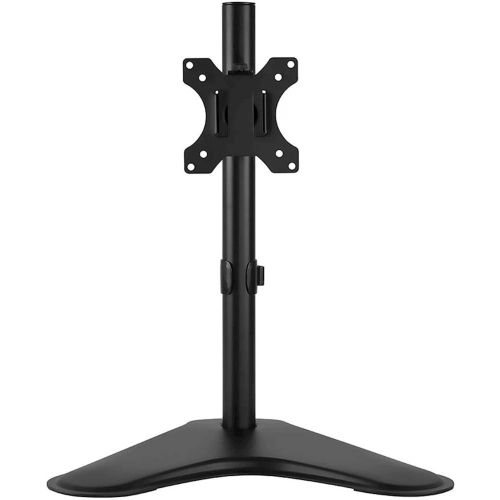
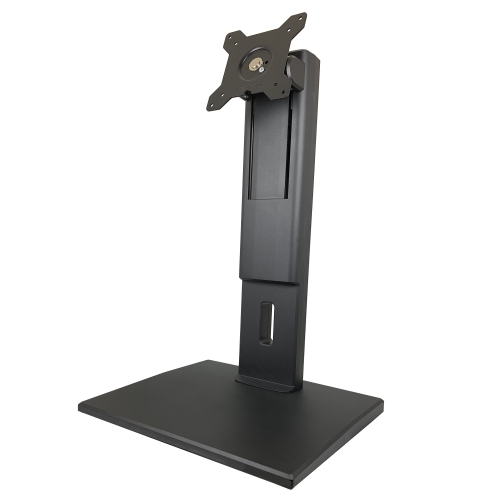
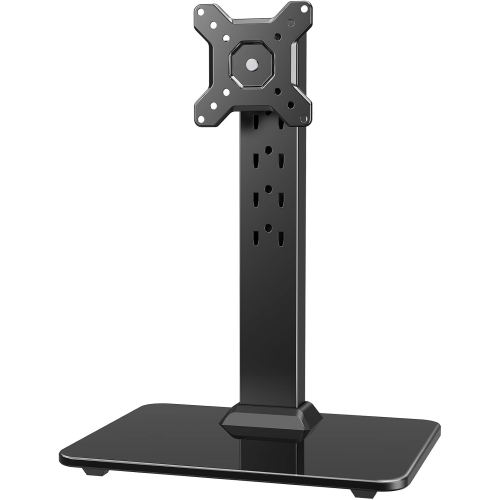
Compatibility involves more than matching the screen’s diagonal measurement. Monitor weight, body thickness, mounting hardware, and the position of ports all affect whether a portable monitor stand will fit properly. A stand’s stated screen-size range is a starting point, but its load capacity and attachment requirements are equally important. For a cradle-style support, the lower ledge needs enough depth to hold the monitor securely without covering controls or pressing against the visible screen. A protective case can change that fit, particularly when it adds thickness around the corners. Rubber or silicone contact pads can help limit slipping and protect the casing, although they should sit against a suitable part of the monitor rather than apply pressure to the display panel. For screw-mounted designs, the mounting-hole pattern must match, and the screws must have the correct diameter and length for the monitor. Not every portable display has VESA mounting holes or a threaded socket, so a desktop monitor mount is not automatically compatible. Magnetic stands also require a supported attachment method; a metal-looking back panel alone does not establish compatibility. Adjustment matters once the screen is attached. Tilt helps position the display to reduce distracting reflections, height adjustment changes the viewing level, and swivel can make it easier to share a document across a desk. The available movement may vary with screen size and orientation, especially if an edge approaches the base during rotation. Touchscreen users benefit from a support that resists movement when the screen is tapped, since a stand that holds still for reading may wobble during touch input. Clamp-mounted designs need a desk edge with suitable thickness, clearance, and strength, and they should only be used on surfaces permitted by the manufacturer. Wherever the stand sits, leaving a little slack in the power and video cables helps prevent accidental tugging when the screen is raised, tilted, or turned.

Materials and construction influence how a portable monitor stand feels in daily use and how comfortably it travels. Aluminium is common in folding supports because it combines relatively low weight with rigidity, while steel components can add strength and useful weight at the base. Plastic designs can be light and easy to carry, though hinge construction, bracing, and load ratings matter more than material alone. A heavier base may improve steadiness on a desk, but it also adds weight to a bag; a broad footprint can help support a raised display while taking up more tabletop space. Folded dimensions are worth considering alongside weight, especially when the stand needs to fit in the same sleeve or compartment as a monitor. Protruding knobs, fixed mounting plates, and loose hardware can make an otherwise compact support awkward to pack. For frequent moves, a design with captive fasteners or tool-free adjustments can simplify the routine of unfolding the stand, attaching the display, and connecting cables. At a regular workstation, firmer joints and a greater adjustment range may matter more than the smallest folded size. Durability often comes down to how well hinges, locking mechanisms, and padded contact points hold up to repeated handling. Adjustments should stay in place under the monitor’s weight without needing excessive force, and any fasteners should be tightened only as directed. Basic care is straightforward: remove the monitor before packing the stand, wipe surfaces with a soft cloth, and follow the manufacturer’s cleaning instructions for pads and coated finishes. Keeping grit out of hinges and away from contact surfaces helps prevent scratches and rough movement. A separate pouch can also keep metal edges from rubbing against the screen in transit. As a gift, a portable monitor stand can be a thoughtful choice for a student, remote worker, or frequent presenter who already uses an extra display, as long as the attachment and weight requirements are known. The right fit makes a familiar workspace easier to recreate, whether that means two screens aligned for focused work or a compact display positioned to share a presentation across a table.
Read More

FAQ

Some products may be subject to Environmental Handling Fees (EHF) depending on your province. Learn more about EHFs.