1080p Native Resolution Projectors
Discover the ultimate in home entertainment with our selection of 1080p native resolution projectors, designed to bring your favorite movies, games, and presentations to life with stunning clarity and detail. Whether you're setting up a cozy home theater or enhancing your business presentations, these projectors offer a perfect combination of high-definition visuals and versatility. Explore a range of models that cater to various needs and preferences, ensuring you find the ideal projector to elevate your viewing experience. Dive into the world of crisp, vibrant imagery and transform almost any space into an immersive visual wonderland with 1080p native resolution projectors.
Sort
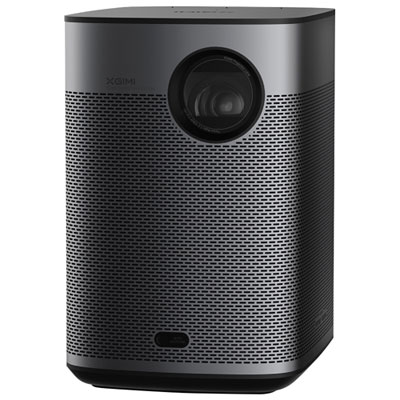
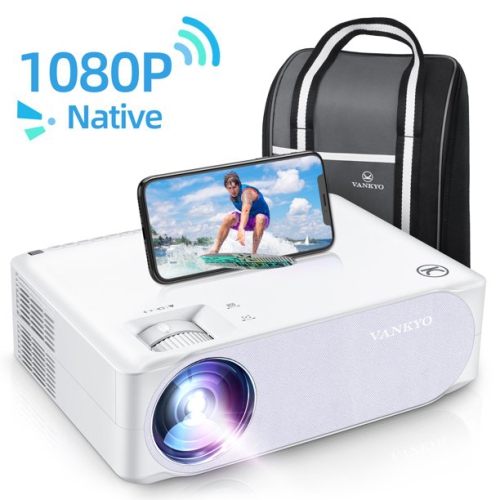
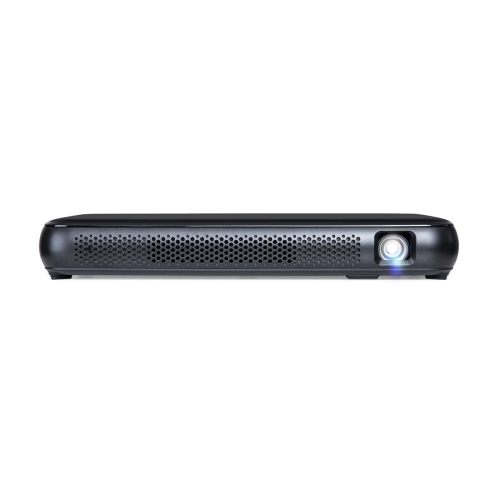
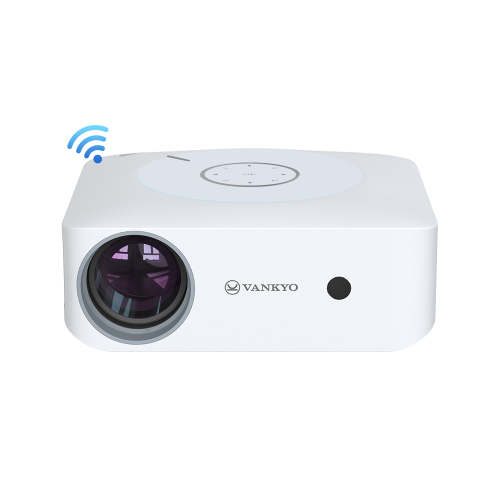
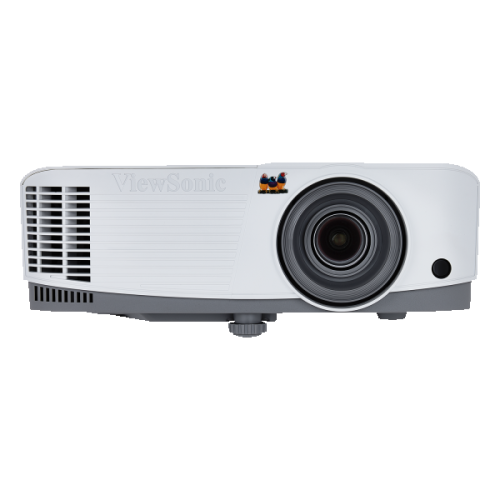

What native 1080p means for sharper Full HD viewing
1080p native resolution projectors create images using a physical grid of 1,920 by 1,080 pixels, also known as Full HD. This means each pixel in the incoming 1080p signal can be represented directly on the display chip, preserving fine details in films, sports, games, presentations, and photographs without downscaling. It is useful to distinguish native resolution from terms such as “4K supported,” “4K compatible,” or “4K decoding.” Those labels generally mean the projector can accept a higher-resolution signal, but the image is then converted to the projector’s actual display resolution. A native 1080p model can therefore be a practical choice when clear Full HD detail matters more than processing a 4K image. Text can appear cleaner, faces and scenery retain convincing definition, and the picture can remain impressively detailed on a properly sized screen. These projectors are well suited to movie nights, living-room entertainment, sports viewing, gaming, classroom lessons, home offices, and backyard gatherings when conditions allow. They can also make a thoughtful gift for someone setting up a first home theatre, a student who needs a flexible presentation display, or a family that enjoys turning an ordinary room into a shared viewing space during the cooler months. For shoppers comparing options, the native 1080p specification should be the starting point, followed by brightness, contrast, placement flexibility, connectivity, built-in audio, and operating noise. Exploring High Quality 1080P Projectors can help narrow the selection to models that suit different home entertainment and display needs.
Room conditions have a major effect on the image. A darker room usually delivers the richest blacks and most satisfying contrast, while a projector used with lamps, ceiling lights, or daylight coming through windows needs sufficient brightness to keep colours and details visible. Brightness is often listed in ANSI lumens, a standardized measurement that makes comparisons more meaningful; many compact home models fall in the general range of 600 to 900 ANSI lumens, although the right level depends on the room, screen size, wall colour, and amount of ambient light. More brightness is not automatically better if the image is too large for the available light, and a smaller picture in a controlled room may look more impressive than a very large picture in a bright space. Screen size should also match viewing distance and projector performance. Native 1080p models can look excellent on screens up to about 100 inch when the lens, screen surface, and room lighting are well matched. Before ordering, measure the distance from the planned projector position to the screen and review the throw ratio or recommended image size. Short-throw designs can create a large picture from a nearby shelf or table, whereas standard-throw models may need more space behind the seating area. Lens shift offers physical image adjustment without changing the shape of the picture, while vertical or horizontal keystone correction can compensate for angled placement; however, excessive digital correction may reduce the effective detail slightly. Auto-focus and automatic screen alignment can make setup easier, especially when the projector is moved between rooms, but manual controls remain valuable for precise positioning.
Connectivity and everyday usability are just as important as resolution. HDMI inputs are useful for connecting a streaming device, game console, computer, Blu-ray player, or cable receiver, while USB ports may support media playback or power a compatible accessory. Check the format requirements of the content being played, because a projector’s ability to accept a signal does not guarantee that every audio, video, or high-dynamic-range format will display as intended. Built-in speakers are convenient for casual viewing, presentations, or a temporary setup, but an external soundbar, powered speaker, or home theatre receiver can provide fuller dialogue and more involving sound for films and games. Gamers should review input lag, refresh-rate support, and available game modes, particularly when quick reactions matter in racing, sports, or action titles. Streaming features can reduce the need for additional devices, although a separate streaming player may offer a broader selection of apps and more consistent updates. Portability is another consideration: a lightweight projector can move from a bedroom shelf to a family room or a covered outdoor area, while a larger home theatre unit may provide stronger optics, quieter operation, and more placement options. Keep outdoor use protected from moisture, dust, and temperature changes, and bring the projector indoors after viewing. With careful attention to native resolution, brightness, screen size, throw distance, sound, and connections, 1080p native resolution projectors can provide a flexible Full HD viewing experience for everyday entertainment and shared occasions throughout the seasons.
Room conditions have a major effect on the image. A darker room usually delivers the richest blacks and most satisfying contrast, while a projector used with lamps, ceiling lights, or daylight coming through windows needs sufficient brightness to keep colours and details visible. Brightness is often listed in ANSI lumens, a standardized measurement that makes comparisons more meaningful; many compact home models fall in the general range of 600 to 900 ANSI lumens, although the right level depends on the room, screen size, wall colour, and amount of ambient light. More brightness is not automatically better if the image is too large for the available light, and a smaller picture in a controlled room may look more impressive than a very large picture in a bright space. Screen size should also match viewing distance and projector performance. Native 1080p models can look excellent on screens up to about 100 inch when the lens, screen surface, and room lighting are well matched. Before ordering, measure the distance from the planned projector position to the screen and review the throw ratio or recommended image size. Short-throw designs can create a large picture from a nearby shelf or table, whereas standard-throw models may need more space behind the seating area. Lens shift offers physical image adjustment without changing the shape of the picture, while vertical or horizontal keystone correction can compensate for angled placement; however, excessive digital correction may reduce the effective detail slightly. Auto-focus and automatic screen alignment can make setup easier, especially when the projector is moved between rooms, but manual controls remain valuable for precise positioning.
Connectivity and everyday usability are just as important as resolution. HDMI inputs are useful for connecting a streaming device, game console, computer, Blu-ray player, or cable receiver, while USB ports may support media playback or power a compatible accessory. Check the format requirements of the content being played, because a projector’s ability to accept a signal does not guarantee that every audio, video, or high-dynamic-range format will display as intended. Built-in speakers are convenient for casual viewing, presentations, or a temporary setup, but an external soundbar, powered speaker, or home theatre receiver can provide fuller dialogue and more involving sound for films and games. Gamers should review input lag, refresh-rate support, and available game modes, particularly when quick reactions matter in racing, sports, or action titles. Streaming features can reduce the need for additional devices, although a separate streaming player may offer a broader selection of apps and more consistent updates. Portability is another consideration: a lightweight projector can move from a bedroom shelf to a family room or a covered outdoor area, while a larger home theatre unit may provide stronger optics, quieter operation, and more placement options. Keep outdoor use protected from moisture, dust, and temperature changes, and bring the projector indoors after viewing. With careful attention to native resolution, brightness, screen size, throw distance, sound, and connections, 1080p native resolution projectors can provide a flexible Full HD viewing experience for everyday entertainment and shared occasions throughout the seasons.
Top selling and popular products
-
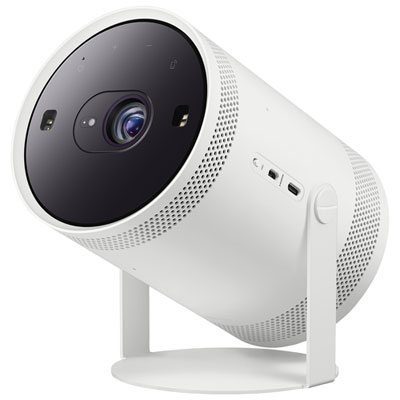 Your price for this item is $899.97
 -
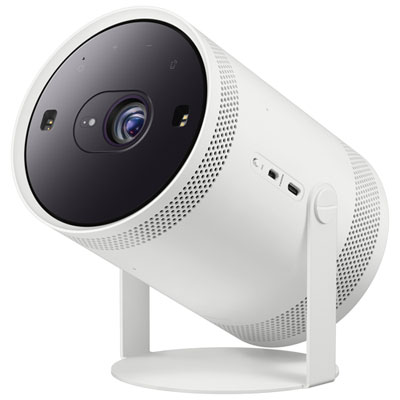 Your price for this item is $699.99
 -
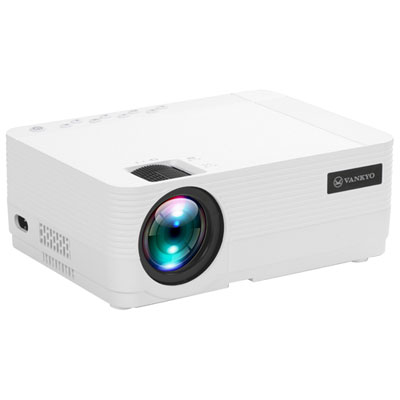 Your price for this item is $229.99
 -
 Your price for this item is $1999.99
 -
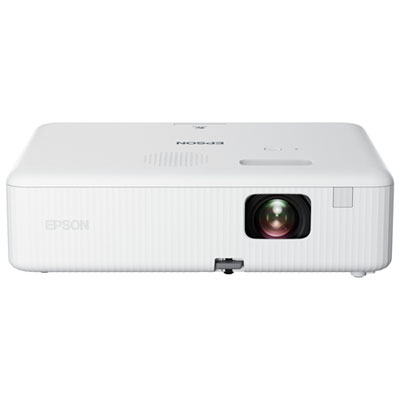 Your price for this item is $419.99
 -
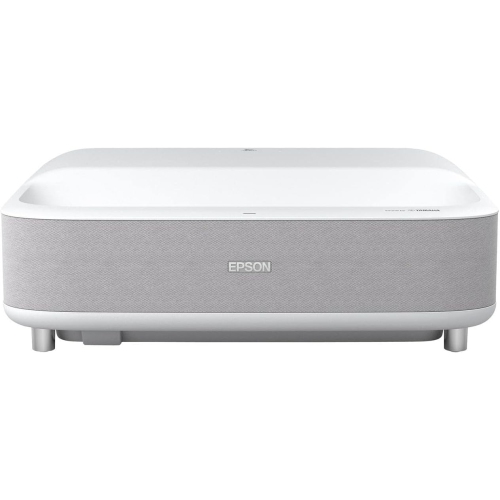 Your price for this item is $2279.05
 -
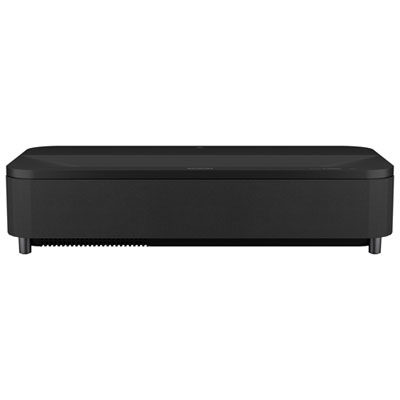 Your price for this item is $4799.99
 -
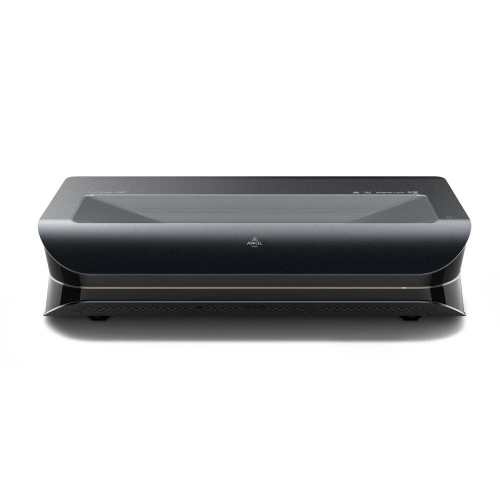 Your price for this item is $2294.15
Discover more categories related to 1080p Native Resolution Projectors
Top Collections:
Pokemon Centers, Kindle Devices, Best Budget Office Chairs, Apple iPhones 16, Best Laptops for Writers, iPhone 15 Apple, Canon G7X Cameras, Refurbished Apple Laptops, Alarm Clock, Motorola Razr Phones
Some products may be subject to Environmental Handling Fees
(EHF) depending on your province.
Learn more about EHFs.