Android Projectors
If you're looking for a way to watch movies or play games in your home, but don't have the space for a large screen, an Android projector can help. These devices are small and portable, so they can be moved around to different locations as needed. And they use the same software and apps as your phone or tablet, so all you need is an internet connection to get started. Here are some of the best Android projectors available today.
Sort
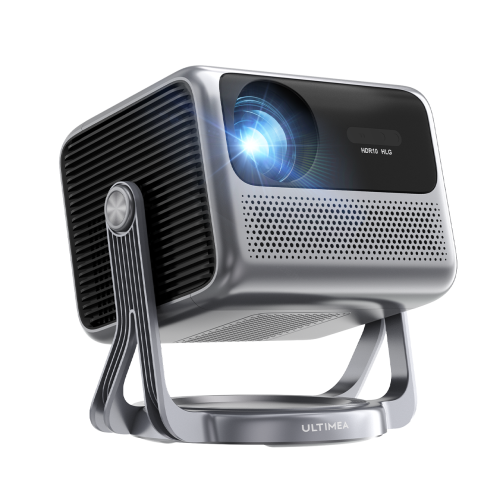
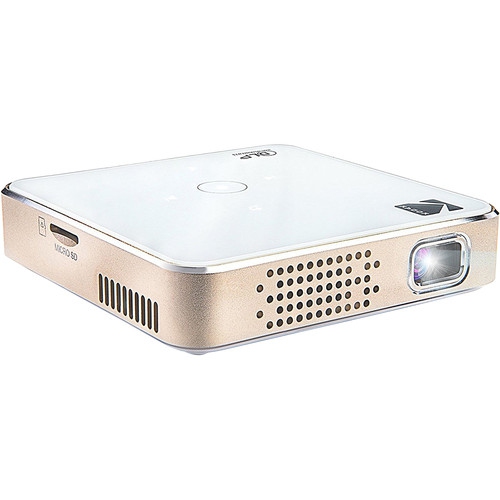
![ULTIMEA [1300 Ansi/android Tv] 4K Projector w Wifi 6, Native 1080P Smart Projector w Auto Focus, Auto Keystone & Dolby Audio, Voice Control The Poseidon E40 is an impressive addition to the home cinema, offering a great balance of sound quality](https://multimedia.bbycastatic.ca/multimedia/products/500x500/181/18196/18196916.jpeg)
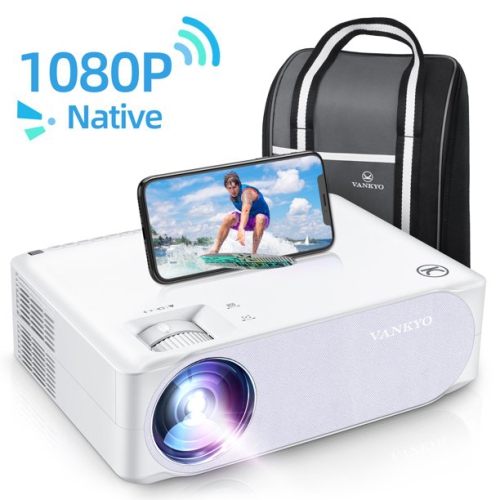
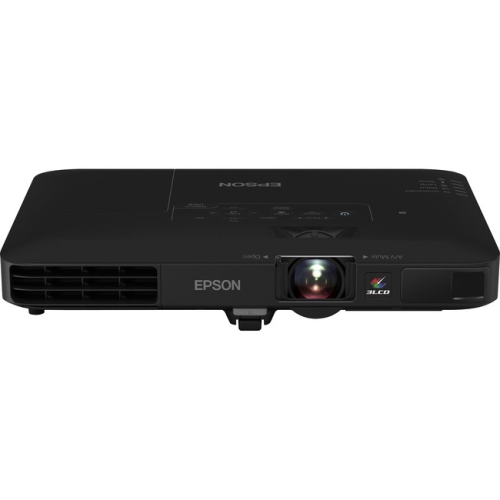
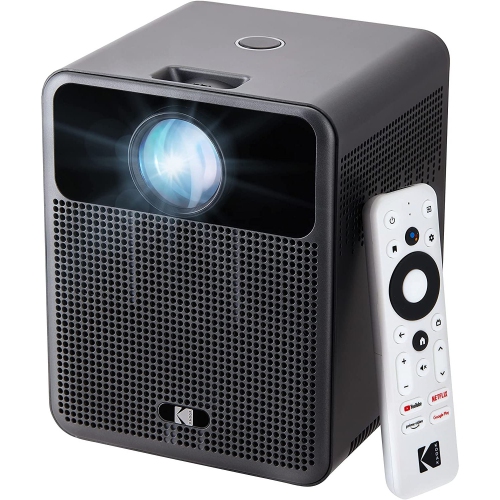
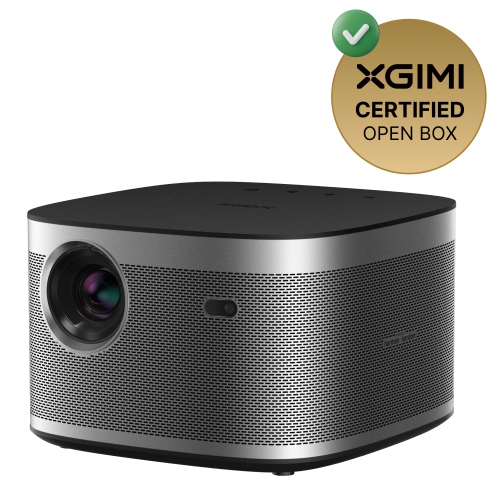
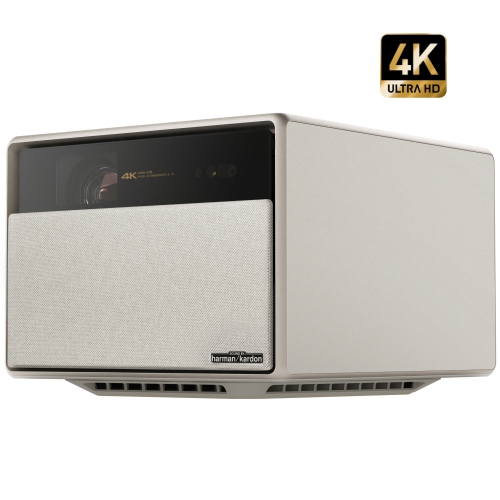
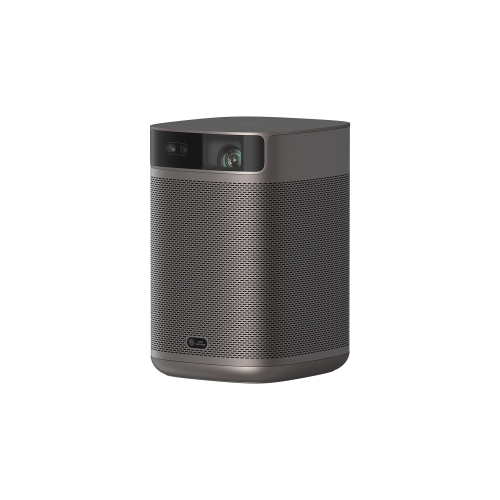
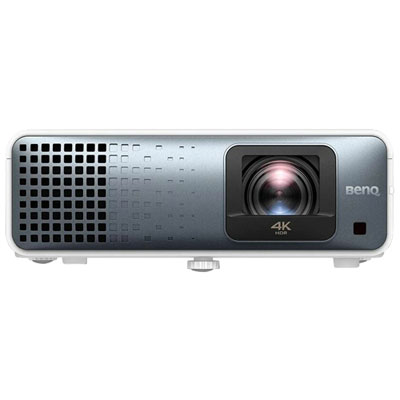
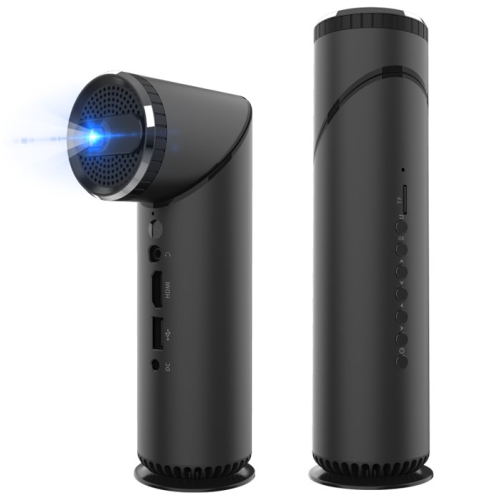
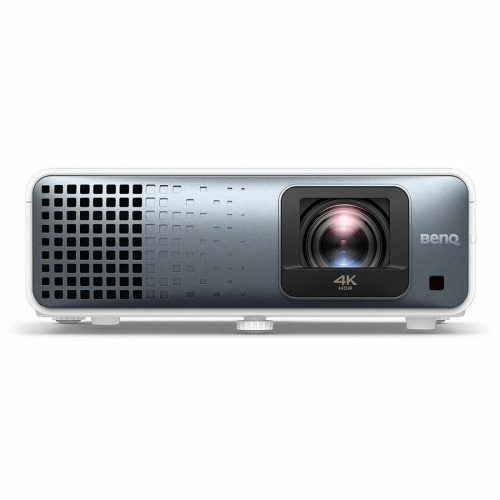
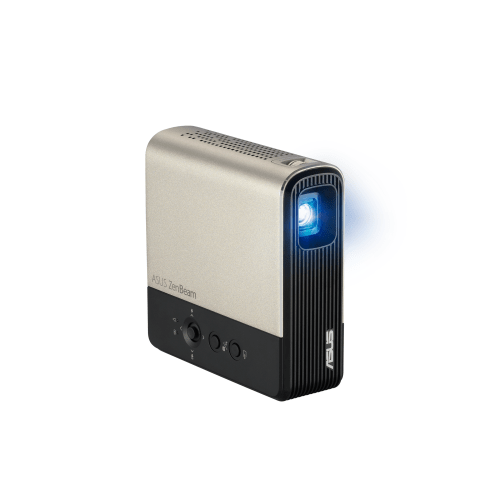
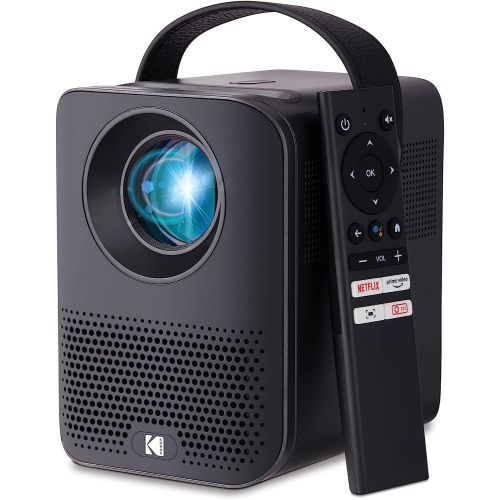
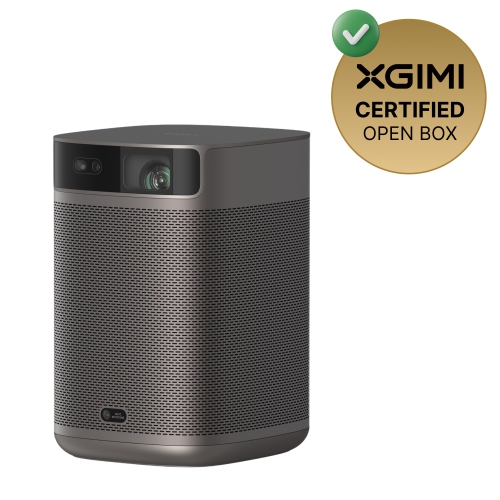
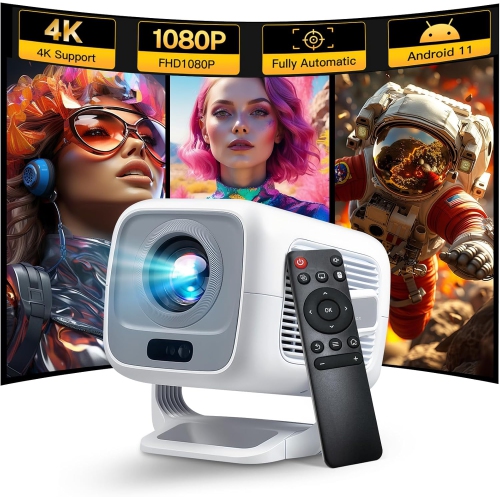
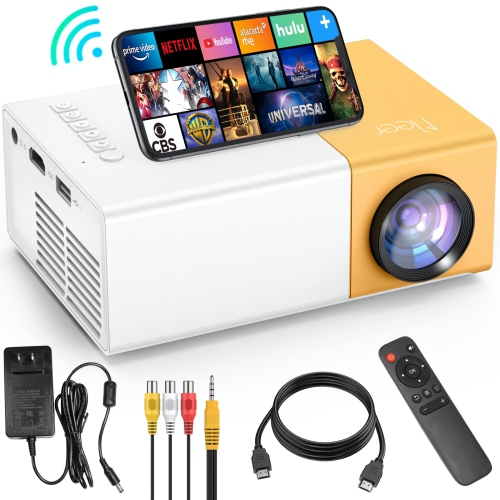
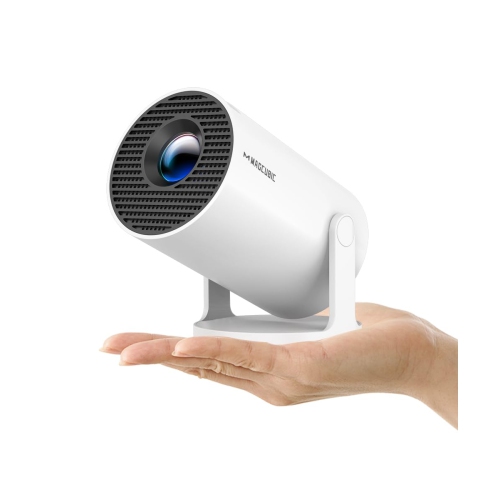
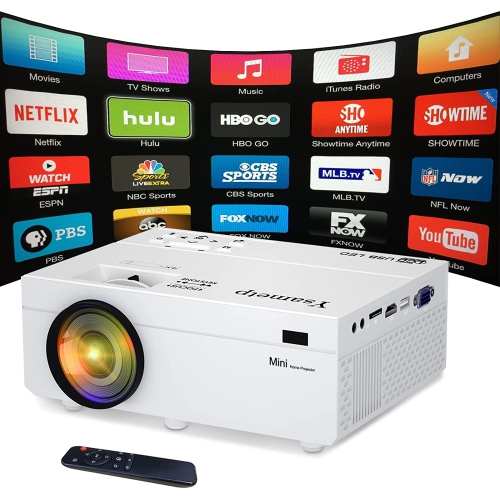
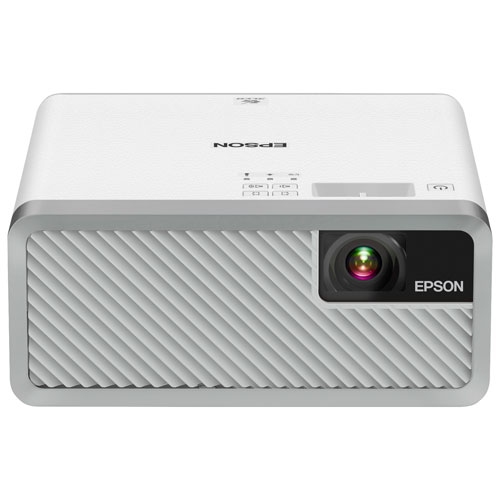
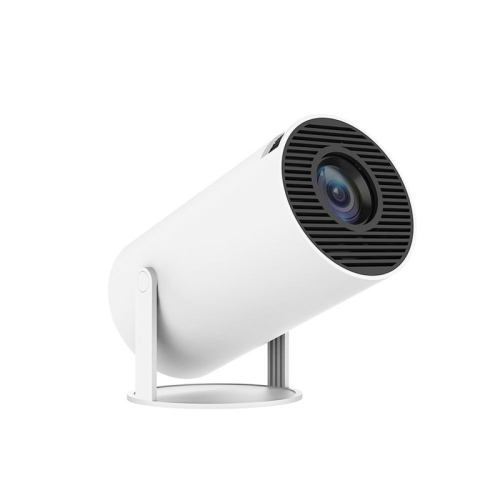
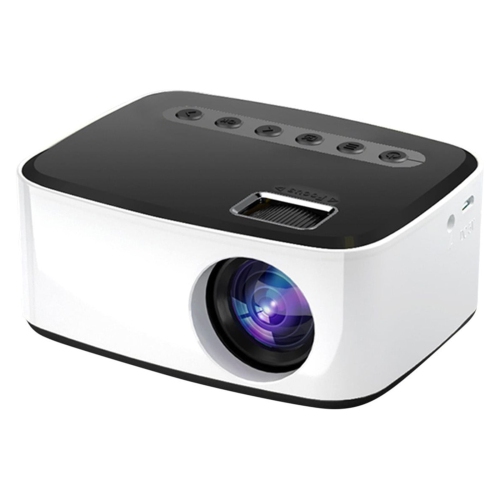
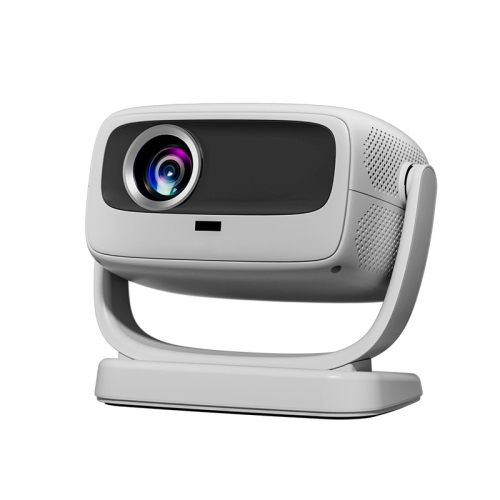
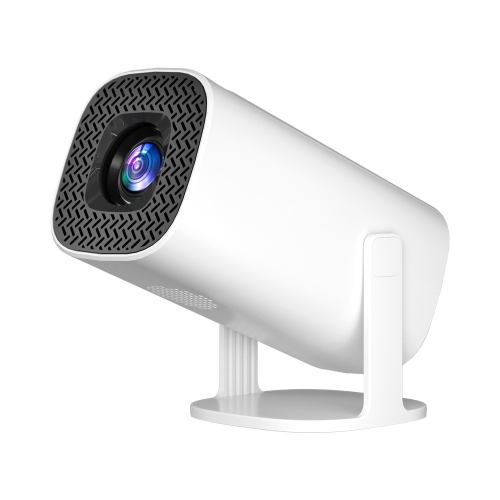
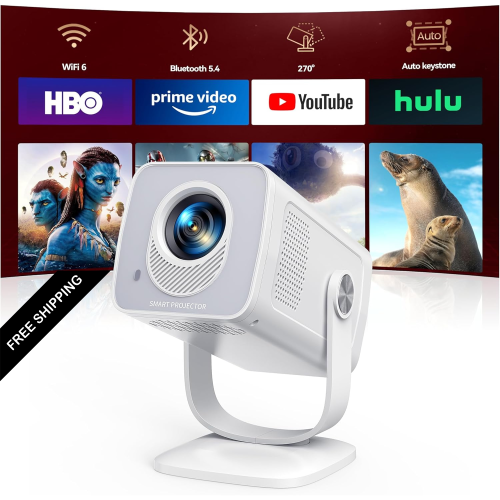

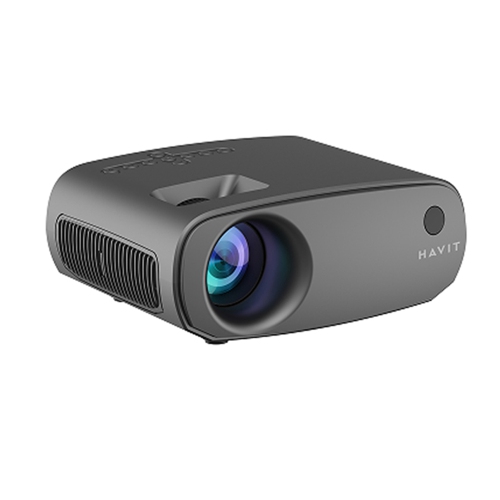
![ULTIMEA [1300 Ansi/android Tv] 4K Projector w Wifi 6, Native 1080P Smart Projector w Auto Focus, Auto Keystone & Dolby Audio, Voice Control](https://multimedia.bbycastatic.ca/multimedia/products/500x500/181/18142/18142088.jpeg)

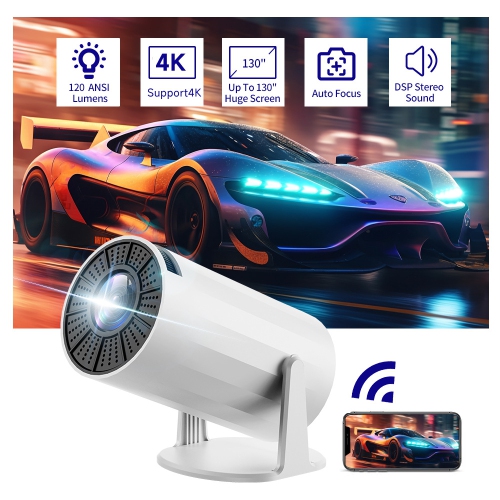
![ULTIMEA Refurbished(Good) - [5G/2.4G Wifi & Electric Focus] Apollo P10 Mini Bluetooth Projector, 300 Ansi Lumens, Compatible w Ios Android / Phone](https://multimedia.bbycastatic.ca/multimedia/products/500x500/181/18196/18196915.png)
![ULTIMEA Refurbished(Good) - [Android Tv 11.0 & Netflix Officially & Dolby Audio & 90° Gimbal Stand] Nova C40 Projector w Wifi, Smart Home Theater](https://multimedia.bbycastatic.ca/multimedia/products/500x500/181/18196/18196917.jpeg)
![WIMIUS [Electric Focus] 1080P Projector, 5G Wifi Bluetooth Projector, Portable Outdoor Projector, Smart Home Movie Projector, Compatible w](https://multimedia.bbycastatic.ca/multimedia/products/500x500/186/18622/18622501.jpeg)
Built-in Android brings streaming convenience to any room
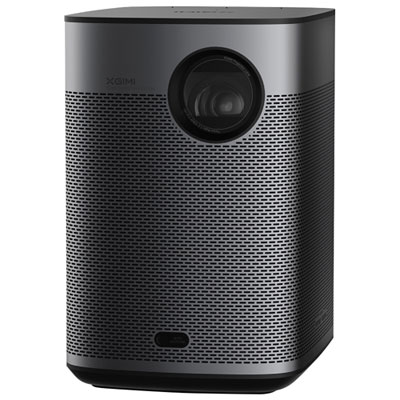
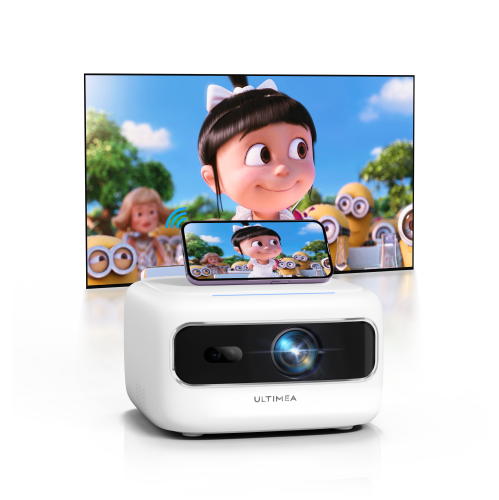
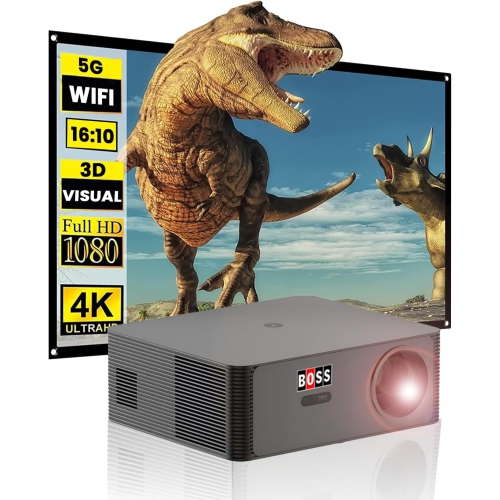
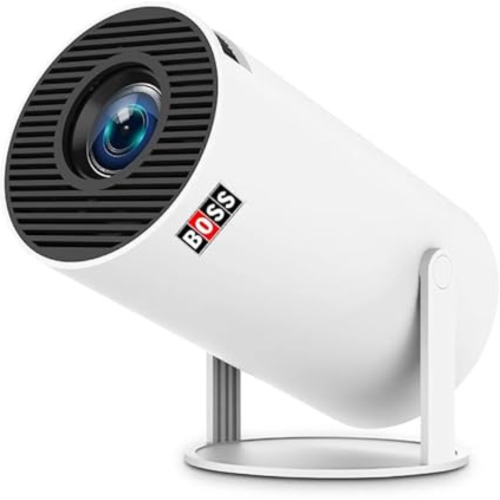
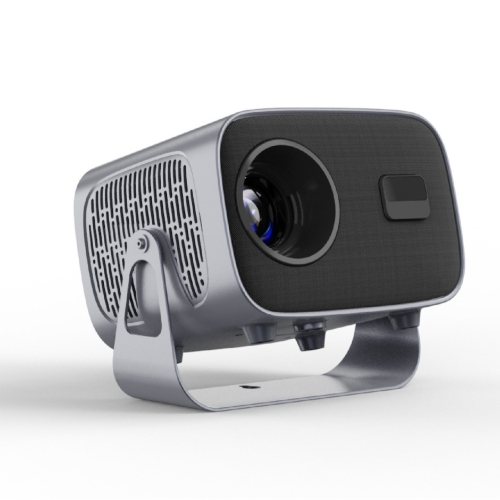
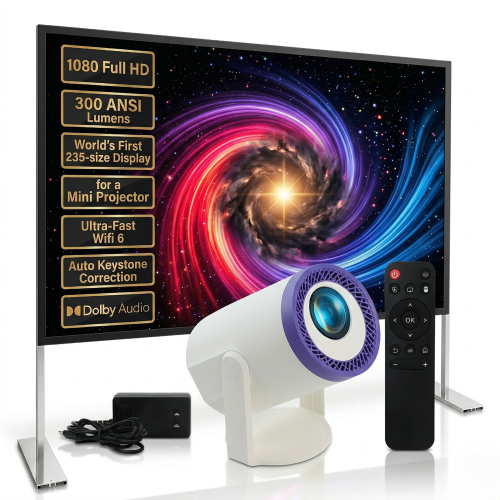
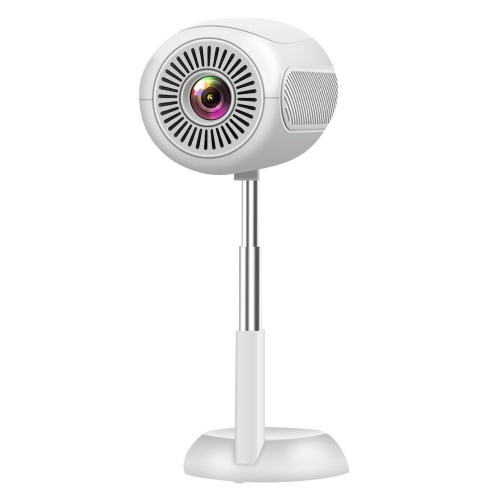
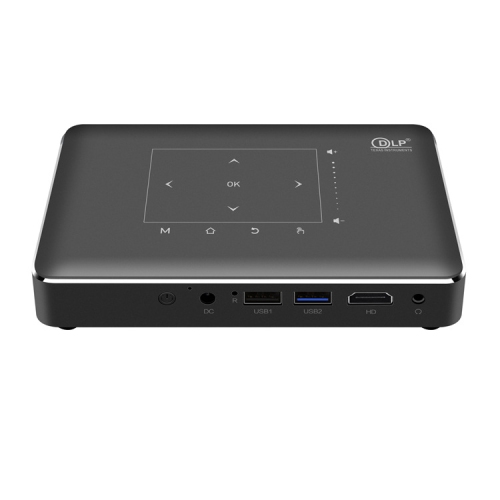
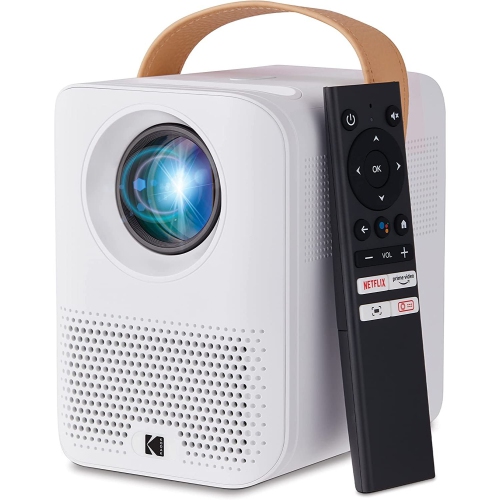
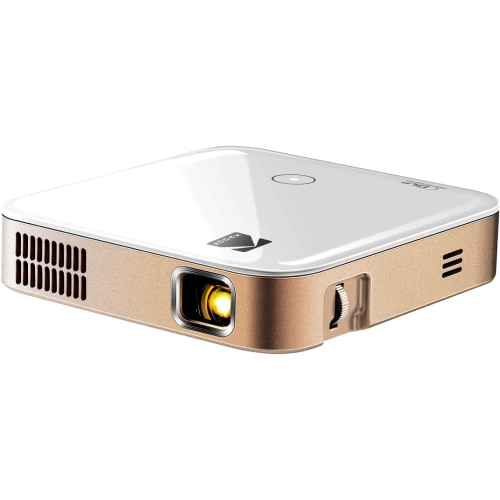
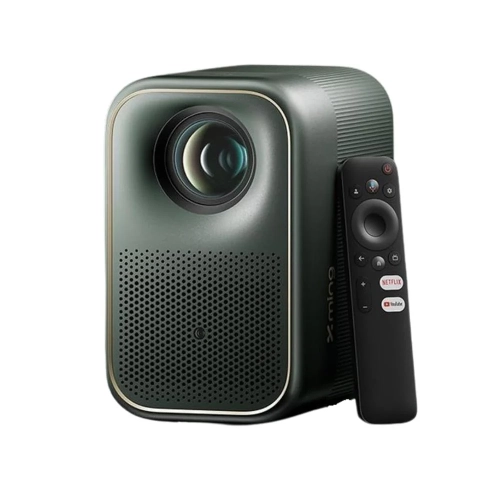
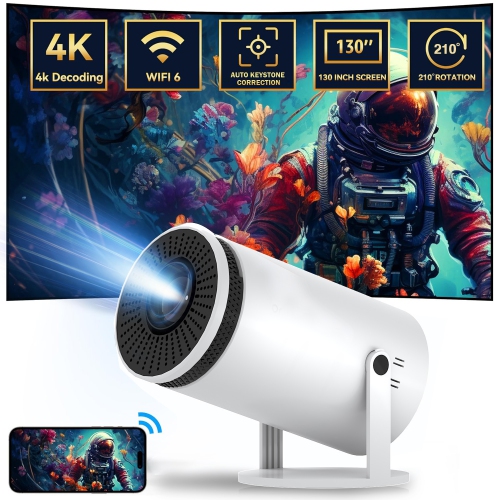
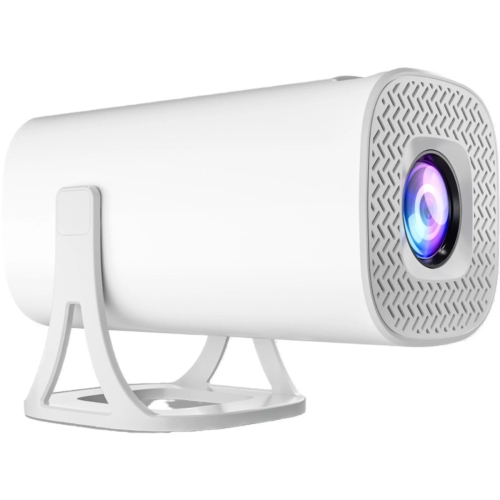
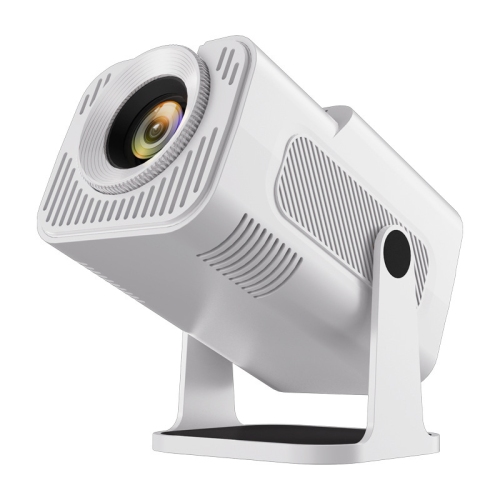
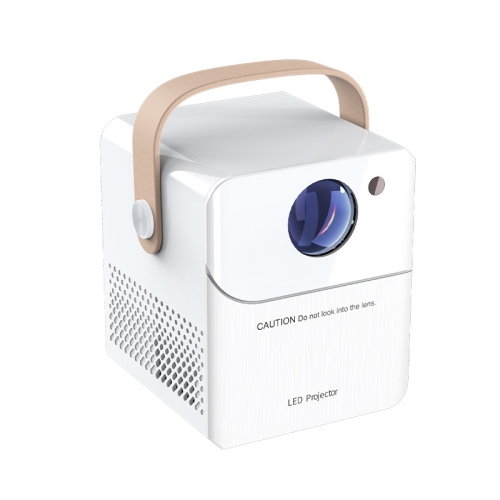
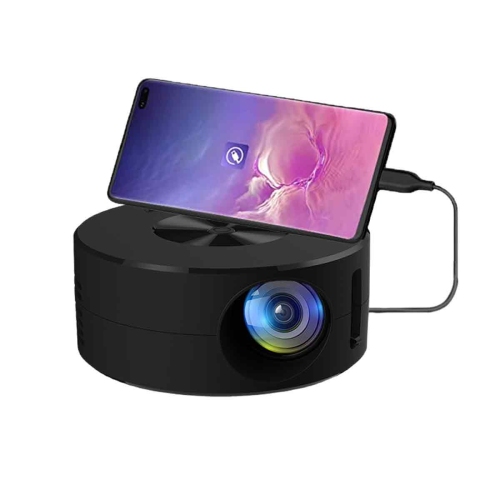
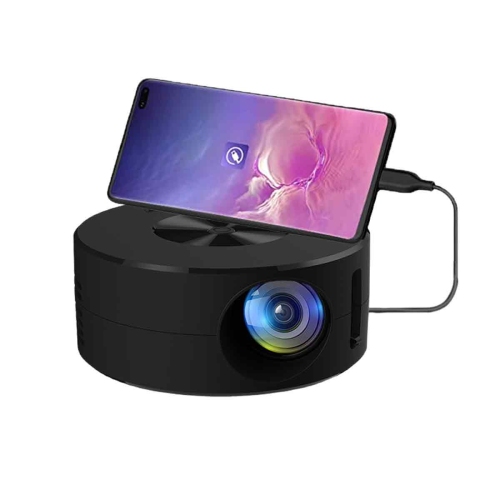
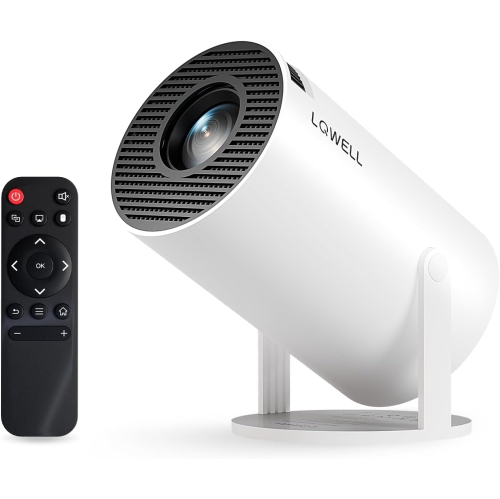
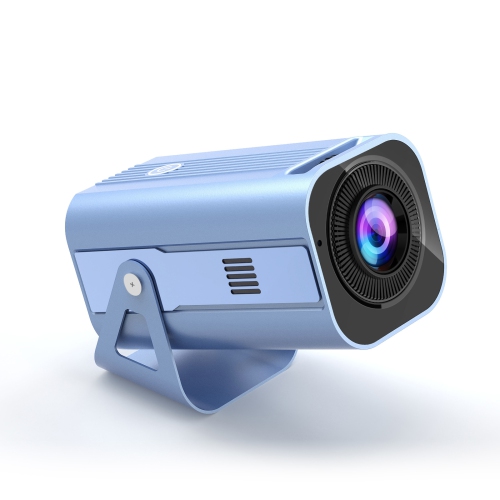
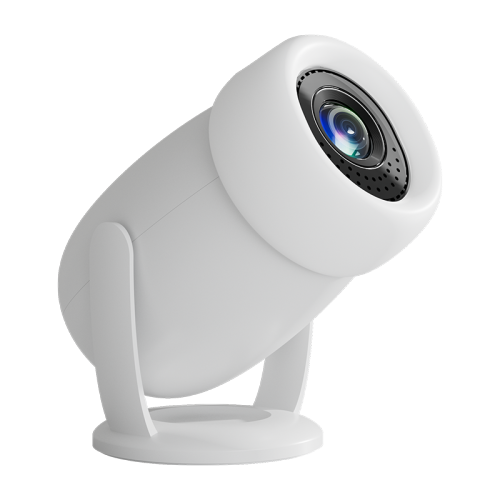
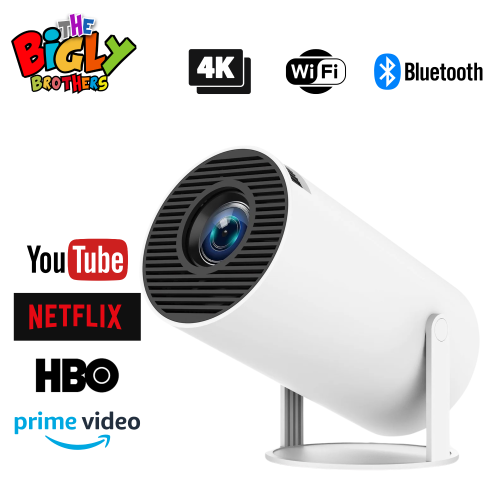
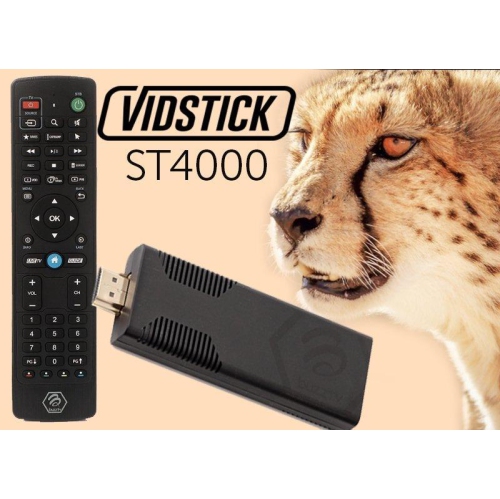
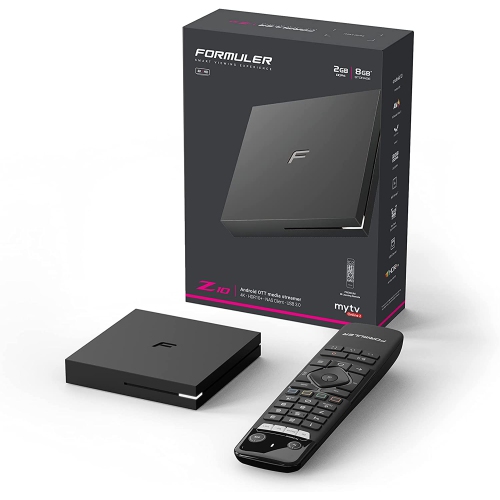
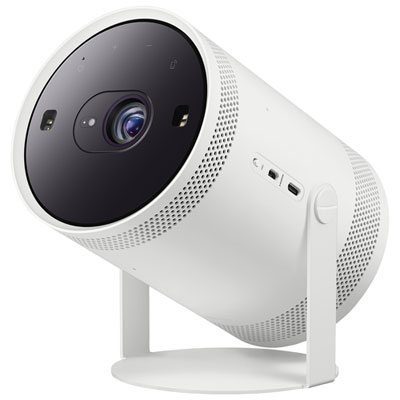
Android projectors combine a projector with a built-in Android or Android TV operating system, giving you a convenient way to stream, cast, and share content on a large screen without relying on a separate laptop, streaming stick, or media box. Depending on the model, you may be able to download compatible apps through the Google Play Store, open services directly from the projector’s home screen, or cast content from a phone or tablet using Chromecast or another supported wireless feature. This all-in-one design makes Android projectors appealing for bedrooms, family rooms, student spaces, cottages, guest rooms, and compact home theatres where reducing cables matters. A small unit can sit on a bedside table for a film before sleep, project a recipe or workout onto a kitchen wall, or turn a blank wall into a shared viewing space during a get-together. Some models include built-in batteries, carrying handles, rotating stands, or flexible positioning features that make it easier to move the projector from room to room. Others are designed for a more permanent setup, with brighter output, higher resolution, stronger speakers, and connection options for game consoles, computers, soundbars, or other home theatre equipment. For shoppers seeking a compact option that is easy to reposition, Mini Projectors for Android can provide a practical starting point. While Android projectors are often associated with streaming, their uses extend beyond films and television. They can display family photos at a gathering, support presentations for school or work, provide a larger screen for casual gaming, or make animated features and bedtime stories more immersive for children. They can also make a thoughtful gift for students moving into a first apartment, movie fans setting up a personal viewing area, or anyone who enjoys flexible technology that does not take up much space.
When comparing Android projectors, resolution is one of the first specifications to review. A projector that supports 720p can be suitable for casual viewing in a darker room, while a native 1080p model generally produces sharper text, clearer subtitles, and more detailed images for films, gaming, and presentations. Some projectors advertise support for higher-resolution content while using a lower native panel resolution, so checking the native resolution can help set realistic expectations. Brightness is equally important. Projectors with lower light output can work well in a dim bedroom or room with blackout curtains, but a brighter model is better suited to family rooms where lamps or daylight may be present. Brightness is commonly listed in ANSI lumens or another measurement, and comparing the same type of rating helps avoid misleading comparisons. Consider the image size and throw distance as well: a short-throw design can create a large picture from a short distance, while a standard model may need more space between the projector and wall. Keystone correction and autofocus can simplify setup when the projector is placed on a shelf or table rather than perfectly centred, although a physically level position typically produces the best image. Built-in speakers are useful for quick viewing, but external speakers or headphones may provide fuller sound for action films, concerts, and gaming. Connectivity also deserves attention. Look for the ports and wireless features you need, such as HDMI for a console or computer, USB for compatible media, Bluetooth for audio accessories, and Wi-Fi for streaming or casting. Android software can make a projector feel remarkably self-contained, but app availability and performance vary by model. Check whether the services you use are officially supported, whether the projector includes access to the Google Play Store, and whether software updates are available. A built-in operating system may eventually receive fewer updates than a separate streaming device, so a projector with dependable HDMI connectivity can offer useful flexibility over time.
The best Android projector for a particular space depends on how and where it will be used. For occasional film nights in a dark room, portability and simple controls may matter more than maximum brightness. For a living room used throughout the day, prioritise stronger light output, clear resolution, quiet operation, and easy focus adjustment. For travel or use in multiple rooms, consider the projector’s size, weight, carrying design, battery life if applicable, and how quickly it can be positioned. A rotating stand can be helpful when projecting onto a wall or ceiling, while automatic screen adjustment can save time when the surface or placement changes. Families may value straightforward menus, built-in parental controls, and reliable wireless casting, while gamers should pay close attention to input lag, refresh rate, and the available connection standard. Students and remote workers may benefit from sharp text, screen mirroring, and a compact shape that fits on a desk. During the warmer seasons, a portable projector can bring a film or sports broadcast to a covered outdoor area when conditions and available power are suitable; during the cooler months, the same unit can create a cosy viewing corner indoors with a blanket, a bowl of popcorn, and a carefully positioned screen. For the clearest image, use a smooth light-coloured wall or a projector screen, reduce nearby lighting where possible, and leave enough ventilation around the projector. Keep the lens clean with the care recommended by the manufacturer, allow the unit to cool properly after use, and place it securely away from walkways or edges. Android projectors offer a balance of streaming convenience, portability, and big-screen impact, making them suitable for everyday entertainment, shared events, presentations, gaming, and memorable gifts.
When comparing Android projectors, resolution is one of the first specifications to review. A projector that supports 720p can be suitable for casual viewing in a darker room, while a native 1080p model generally produces sharper text, clearer subtitles, and more detailed images for films, gaming, and presentations. Some projectors advertise support for higher-resolution content while using a lower native panel resolution, so checking the native resolution can help set realistic expectations. Brightness is equally important. Projectors with lower light output can work well in a dim bedroom or room with blackout curtains, but a brighter model is better suited to family rooms where lamps or daylight may be present. Brightness is commonly listed in ANSI lumens or another measurement, and comparing the same type of rating helps avoid misleading comparisons. Consider the image size and throw distance as well: a short-throw design can create a large picture from a short distance, while a standard model may need more space between the projector and wall. Keystone correction and autofocus can simplify setup when the projector is placed on a shelf or table rather than perfectly centred, although a physically level position typically produces the best image. Built-in speakers are useful for quick viewing, but external speakers or headphones may provide fuller sound for action films, concerts, and gaming. Connectivity also deserves attention. Look for the ports and wireless features you need, such as HDMI for a console or computer, USB for compatible media, Bluetooth for audio accessories, and Wi-Fi for streaming or casting. Android software can make a projector feel remarkably self-contained, but app availability and performance vary by model. Check whether the services you use are officially supported, whether the projector includes access to the Google Play Store, and whether software updates are available. A built-in operating system may eventually receive fewer updates than a separate streaming device, so a projector with dependable HDMI connectivity can offer useful flexibility over time.
The best Android projector for a particular space depends on how and where it will be used. For occasional film nights in a dark room, portability and simple controls may matter more than maximum brightness. For a living room used throughout the day, prioritise stronger light output, clear resolution, quiet operation, and easy focus adjustment. For travel or use in multiple rooms, consider the projector’s size, weight, carrying design, battery life if applicable, and how quickly it can be positioned. A rotating stand can be helpful when projecting onto a wall or ceiling, while automatic screen adjustment can save time when the surface or placement changes. Families may value straightforward menus, built-in parental controls, and reliable wireless casting, while gamers should pay close attention to input lag, refresh rate, and the available connection standard. Students and remote workers may benefit from sharp text, screen mirroring, and a compact shape that fits on a desk. During the warmer seasons, a portable projector can bring a film or sports broadcast to a covered outdoor area when conditions and available power are suitable; during the cooler months, the same unit can create a cosy viewing corner indoors with a blanket, a bowl of popcorn, and a carefully positioned screen. For the clearest image, use a smooth light-coloured wall or a projector screen, reduce nearby lighting where possible, and leave enough ventilation around the projector. Keep the lens clean with the care recommended by the manufacturer, allow the unit to cool properly after use, and place it securely away from walkways or edges. Android projectors offer a balance of streaming convenience, portability, and big-screen impact, making them suitable for everyday entertainment, shared events, presentations, gaming, and memorable gifts.
Top selling and popular products
-
 Your price for this item is $899.97
 -
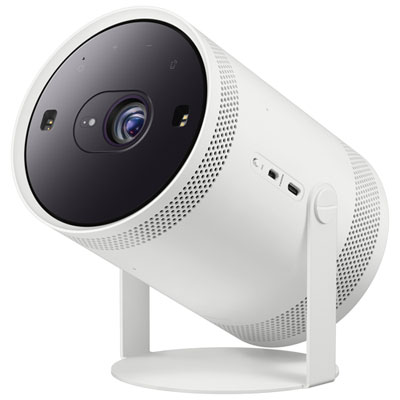 Your price for this item is $699.99
 -
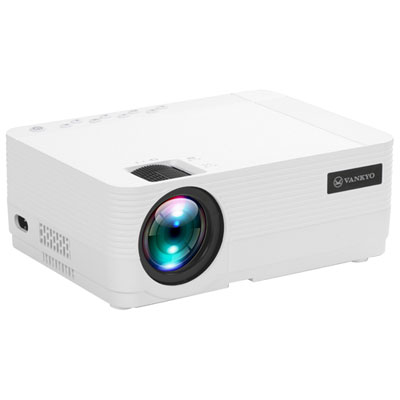 Your price for this item is $229.99
 -
 Your price for this item is $1999.99
 -
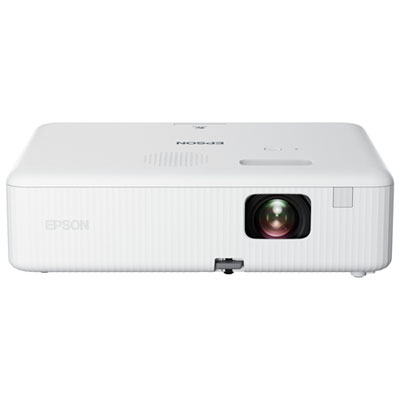 Your price for this item is $419.99
 -
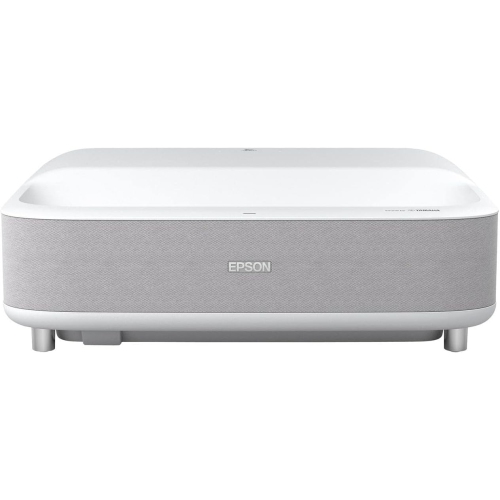 Your price for this item is $2279.05
 -
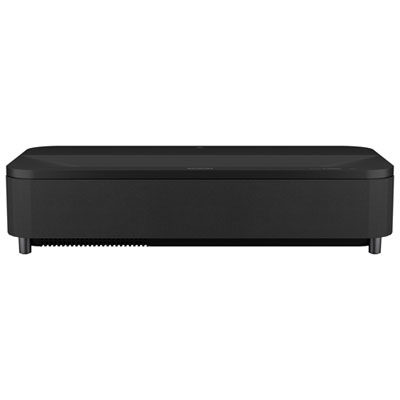 Your price for this item is $4799.99
 -
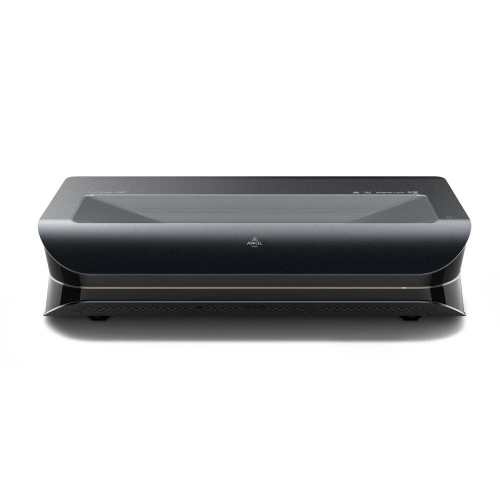 Your price for this item is $2294.15
Discover more categories related to Android Projectors
Top Collections:
Pokemon Centers, Kindle Devices, Best Budget Office Chairs, Apple iPhones 16, Best Laptops for Writers, iPhone 15 Apple, Canon G7X Cameras, Refurbished Apple Laptops, Alarm Clock, Motorola Razr Phones
Some products may be subject to Environmental Handling Fees
(EHF) depending on your province.
Learn more about EHFs.