Mini Projectors for iPad
If you're looking for a way to show off your favorite movies and TV shows but don't have the space or desire to deal with a big screen, a mini projector is the perfect solution. These pocket-sized devices can turn any surface into a screen, and they're easy to use. Here are some of the best mini projectors for iPads available today.
Sort
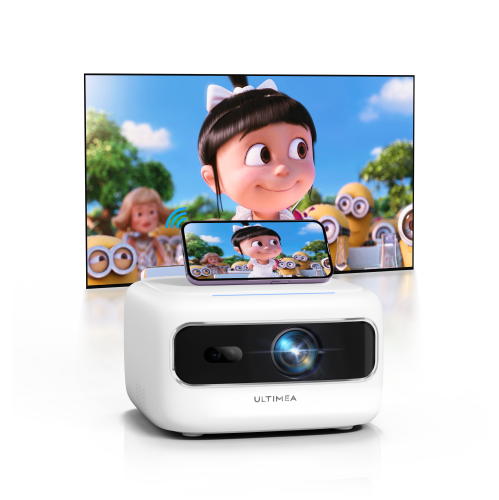
![ULTIMEA Refurbished(Good) - [5G/2.4G Wifi & Electric Focus] Apollo P10 Mini Bluetooth Projector, 300 Ansi Lumens, Compatible w Ios Android / Phone](https://multimedia.bbycastatic.ca/multimedia/products/500x500/181/18196/18196915.png)

How iPad connections shape your portable viewing setup
Mini projectors for iPad make it easy to turn a tablet into a portable viewing, presentation, or gaming setup without committing a room to a permanent screen. Their compact size means they can travel in a backpack beside an iPad, fit neatly on a bedside table, or move from a living room shelf to a backyard table as needed. Depending on the model, you can project onto a blank wall, pull-down screen, ceiling, or other flat, light-coloured surface. They are useful for students presenting a group project, professionals reviewing slides away from the boardroom, families watching films together, and anyone who enjoys a larger image without carrying a full-size home theatre projector. A mini projector can also be a thoughtful gift for a university student, frequent traveller, new homeowner, or movie enthusiast who values flexible entertainment. As the weather warms, a portable setup can bring a film night onto a covered patio or cottage wall; during the cooler months, it can create a cosy indoor viewing area with little more than a table, a power source, and a comfortable place to sit. When browsing, start by checking how the projector connects to the specific iPad being used. Newer iPad models commonly use USB-C, so a projector with USB-C video input may allow a direct connection with the appropriate cable. HDMI is another dependable option, although a USB-C-to-HDMI cable or adapter may be required. iPads with a Lightning port generally need a compatible Lightning-to-Digital AV adapter in addition to a standard HDMI cable. Wired connections are often the simplest choice for presentations and can help reduce delay when showing photos, documents, or games. Wireless projection can provide a cleaner setup, particularly when the projector supports Wi-Fi screen mirroring or a compatible AirPlay function, but compatibility varies between projector, iPad, operating system, and app. Some streaming services may limit wireless mirroring because of content protection, so checking the projector’s supported casting methods before purchase can prevent surprises. For a broader selection, explore Good Mini Projectors and compare connection options alongside the intended use.
Image quality is shaped by more than the resolution printed on the box. A projector with 1080p resolution can display sharper text, presentations, and detailed video than a lower-resolution model, while brightness affects how clearly the image appears in a room with lamps, windows, or ambient outdoor light. Mini projectors are generally most effective in dim or dark surroundings, and a unit with a higher brightness rating may be more flexible when the room cannot be fully darkened. Look for a clearly stated brightness specification and consider the distance between the projector and the viewing surface. Shorter throw distances are helpful in bedrooms, apartments, classrooms, and other compact spaces because they can produce a generous image without placing the projector far across the room. Automatic or manual focus helps keep text and faces sharp, while keystone correction can square up an image when the projector is positioned slightly above, below, or to the side of the screen. These features are convenient, although placing the projector as close to centred and level with the surface will usually provide the best result. A rotating stand or adjustable base can make it easier to project onto a wall or ceiling, but stability still matters; a small bump to a table can shift the image noticeably. Built-in speakers are useful for casual viewing and short presentations, yet sound quality differs considerably among compact models. If the projector will be used for films, gaming, or larger gatherings, check for Bluetooth audio support, a headphone output, or another way to connect external speakers. Audio and video compatibility should be considered together, since wireless speaker connections can sometimes introduce a slight delay. A built-in battery adds freedom for travel, presentations, and rooms without a convenient outlet, but battery life depends on brightness, volume, wireless features, and the type of content being played. Models intended to remain plugged in may offer longer continuous viewing, while battery-powered units are convenient for quick sessions and mobile use. Also review fan noise, operating controls, remote functionality, storage requirements, and whether the projector runs its own smart platform or relies on the connected iPad for apps and content.
The best choice depends on how the iPad and mini projector will work together in everyday life. For school or work, prioritise reliable wired input, readable text, quick setup, and enough brightness for meeting rooms or classrooms. A presenter may also appreciate a compact remote, automatic focus, and a carrying case that protects the projector and cables between locations. For family viewing, consider resolution, built-in sound, flexible placement, and a battery that can handle a complete film or several episodes without interruption. For travel, size and weight become especially important, but do not overlook the charger, cable requirements, wireless compatibility, and access to content when Wi-Fi is limited. Someone who enjoys casual gaming should look for a connection that keeps input lag low, with HDMI or a direct USB-C connection often being a practical choice. A projector used for art, photography, or design work benefits from accurate colour and a sharp image, while a student projecting notes or diagrams should pay close attention to focus uniformity and text clarity around the edges. Before ordering, confirm the iPad’s port, operating system compatibility, required adapters, available power source, and the projector’s supported input formats. It is also wise to measure the available wall or screen area and estimate the viewing distance so the projected image will suit the space rather than overwhelm it. Keep cables close at hand, allow ventilation around the projector, and avoid placing it where people may accidentally block the lens or knock it over. With the right combination of connection, brightness, sound, portability, and placement features, a mini projector can make an iPad far more versatile, shifting smoothly from a presentation screen in the afternoon to a shared entertainment display in the evening.
Image quality is shaped by more than the resolution printed on the box. A projector with 1080p resolution can display sharper text, presentations, and detailed video than a lower-resolution model, while brightness affects how clearly the image appears in a room with lamps, windows, or ambient outdoor light. Mini projectors are generally most effective in dim or dark surroundings, and a unit with a higher brightness rating may be more flexible when the room cannot be fully darkened. Look for a clearly stated brightness specification and consider the distance between the projector and the viewing surface. Shorter throw distances are helpful in bedrooms, apartments, classrooms, and other compact spaces because they can produce a generous image without placing the projector far across the room. Automatic or manual focus helps keep text and faces sharp, while keystone correction can square up an image when the projector is positioned slightly above, below, or to the side of the screen. These features are convenient, although placing the projector as close to centred and level with the surface will usually provide the best result. A rotating stand or adjustable base can make it easier to project onto a wall or ceiling, but stability still matters; a small bump to a table can shift the image noticeably. Built-in speakers are useful for casual viewing and short presentations, yet sound quality differs considerably among compact models. If the projector will be used for films, gaming, or larger gatherings, check for Bluetooth audio support, a headphone output, or another way to connect external speakers. Audio and video compatibility should be considered together, since wireless speaker connections can sometimes introduce a slight delay. A built-in battery adds freedom for travel, presentations, and rooms without a convenient outlet, but battery life depends on brightness, volume, wireless features, and the type of content being played. Models intended to remain plugged in may offer longer continuous viewing, while battery-powered units are convenient for quick sessions and mobile use. Also review fan noise, operating controls, remote functionality, storage requirements, and whether the projector runs its own smart platform or relies on the connected iPad for apps and content.
The best choice depends on how the iPad and mini projector will work together in everyday life. For school or work, prioritise reliable wired input, readable text, quick setup, and enough brightness for meeting rooms or classrooms. A presenter may also appreciate a compact remote, automatic focus, and a carrying case that protects the projector and cables between locations. For family viewing, consider resolution, built-in sound, flexible placement, and a battery that can handle a complete film or several episodes without interruption. For travel, size and weight become especially important, but do not overlook the charger, cable requirements, wireless compatibility, and access to content when Wi-Fi is limited. Someone who enjoys casual gaming should look for a connection that keeps input lag low, with HDMI or a direct USB-C connection often being a practical choice. A projector used for art, photography, or design work benefits from accurate colour and a sharp image, while a student projecting notes or diagrams should pay close attention to focus uniformity and text clarity around the edges. Before ordering, confirm the iPad’s port, operating system compatibility, required adapters, available power source, and the projector’s supported input formats. It is also wise to measure the available wall or screen area and estimate the viewing distance so the projected image will suit the space rather than overwhelm it. Keep cables close at hand, allow ventilation around the projector, and avoid placing it where people may accidentally block the lens or knock it over. With the right combination of connection, brightness, sound, portability, and placement features, a mini projector can make an iPad far more versatile, shifting smoothly from a presentation screen in the afternoon to a shared entertainment display in the evening.
Top selling and popular products
-
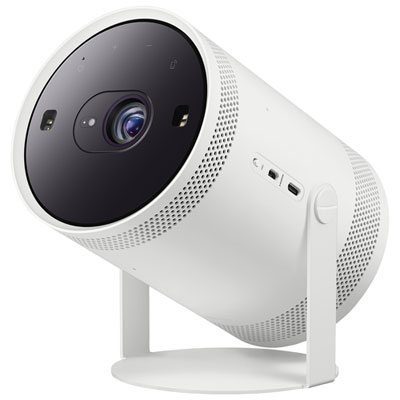 Your price for this item is $899.97
 -
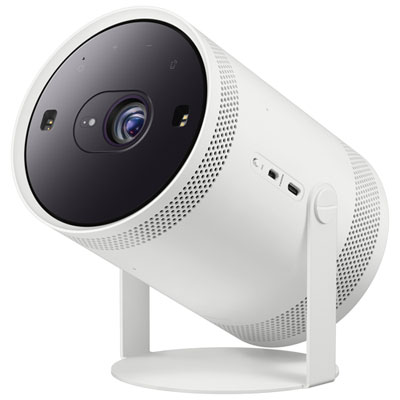 Your price for this item is $699.99
 -
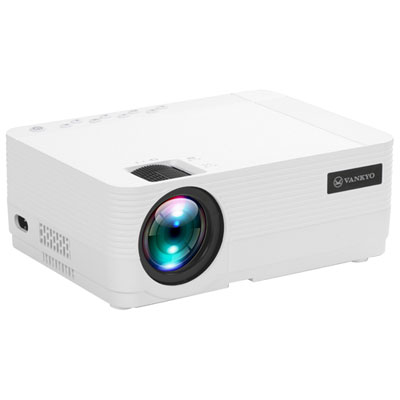 Your price for this item is $229.99
 -
 Your price for this item is $1999.99
 -
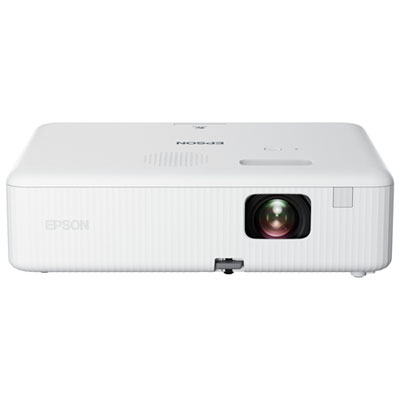 Your price for this item is $419.99
 -
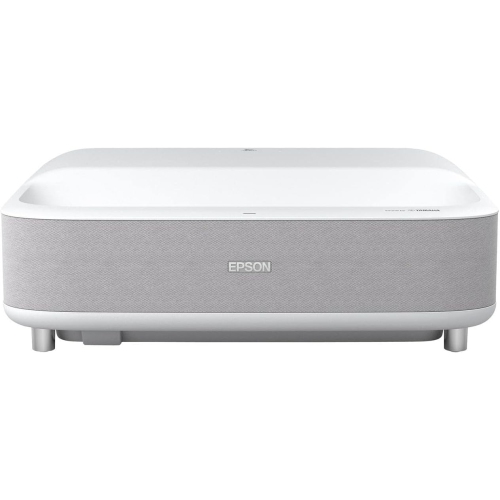 Your price for this item is $2279.05
 -
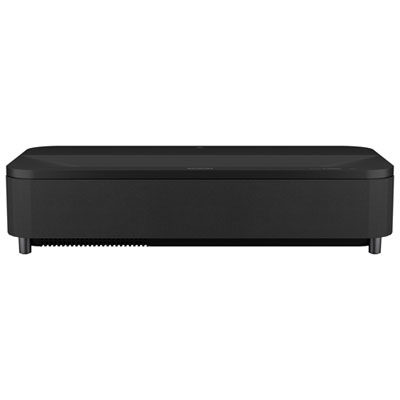 Your price for this item is $4799.99
 -
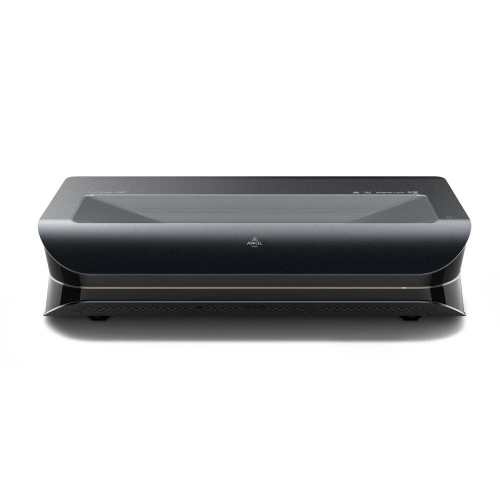 Your price for this item is $2294.15
Discover more categories related to Mini Projectors for iPad
Top Collections:
Pokemon Centers, Kindle Devices, Best Budget Office Chairs, Apple iPhones 16, Best Laptops for Writers, iPhone 15 Apple, Canon G7X Cameras, Refurbished Apple Laptops, Alarm Clock, Motorola Razr Phones
Some products may be subject to Environmental Handling Fees
(EHF) depending on your province.
Learn more about EHFs.