Pico Projectors
Pico Projectors are a type of portable projector that can be used to display anything from business presentations to movie nights with friends and family. They are designed to be small, lightweight, and portable, so they can be used anywhere there's an available wall or screen. Here are some Pico Projectors available on the market today.
Sort
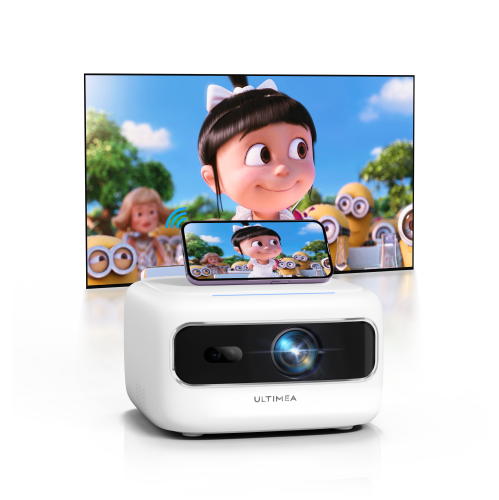

![ULTIMEA Refurbished(Good) - [5G/2.4G Wifi & Electric Focus] Apollo P10 Mini Bluetooth Projector, 300 Ansi Lumens, Compatible w Ios Android / Phone](https://multimedia.bbycastatic.ca/multimedia/products/500x500/181/18196/18196915.png)
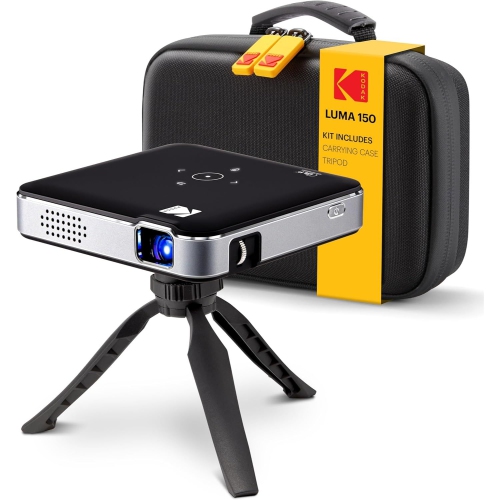
Pocket-sized projection works best with the right setup
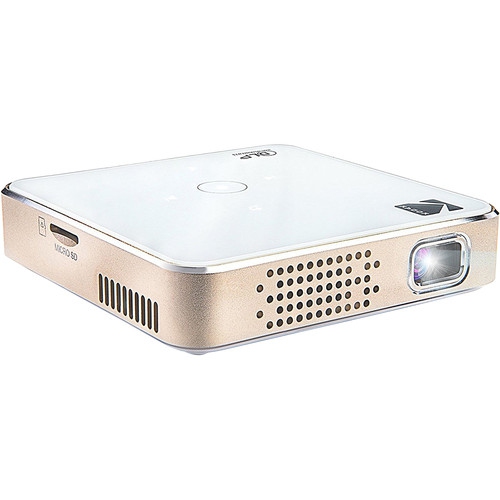
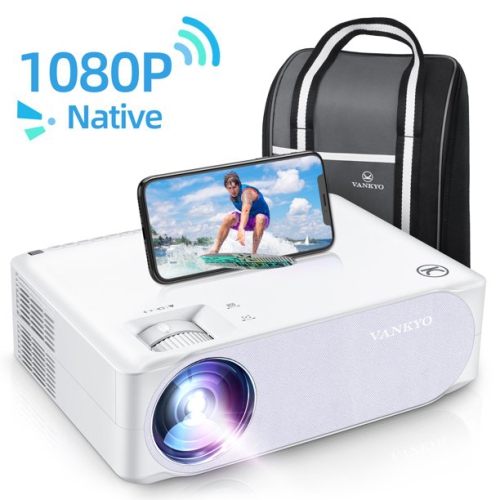
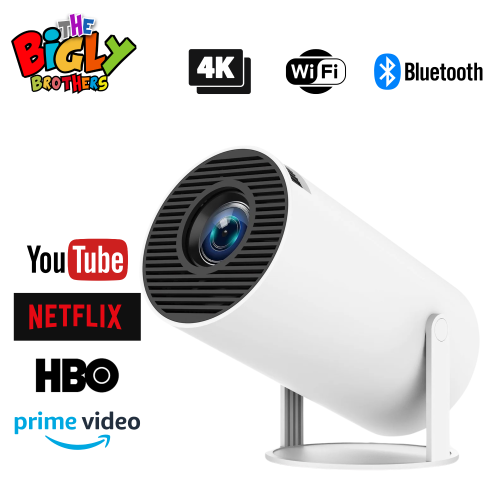
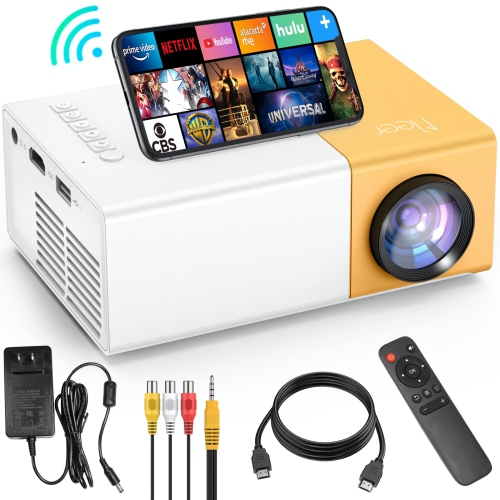
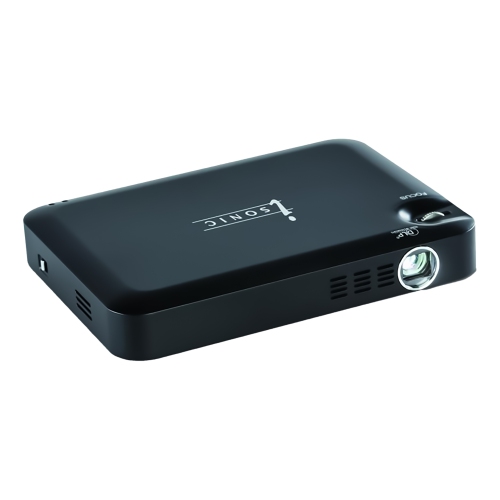
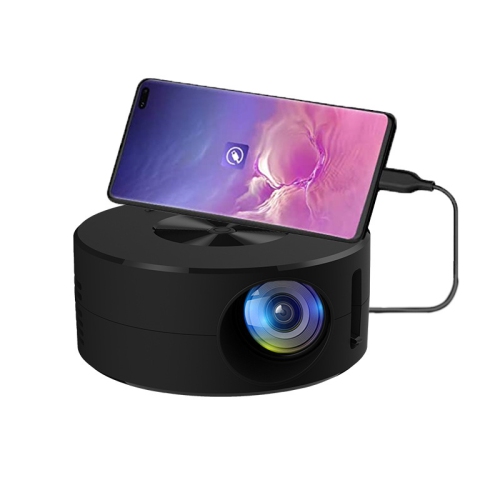
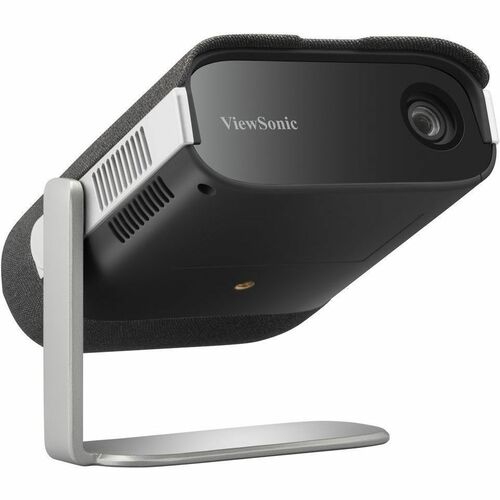
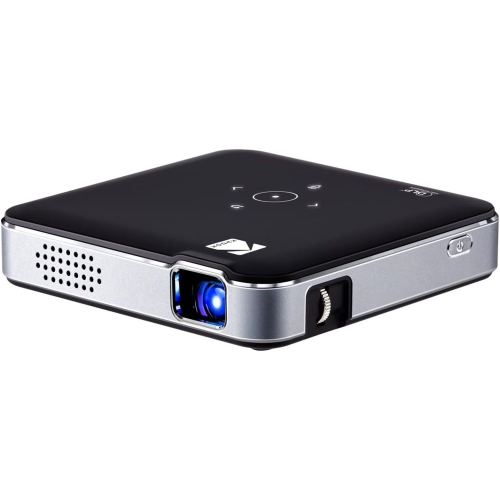
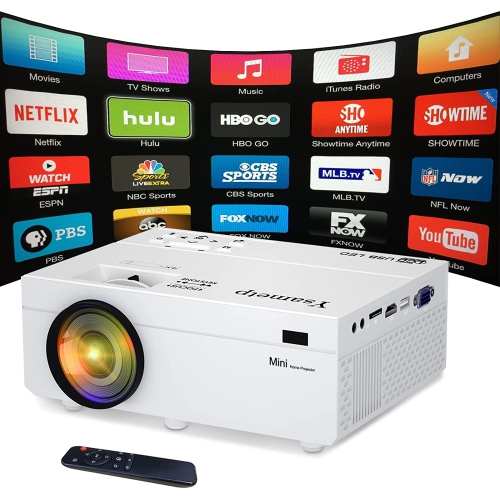
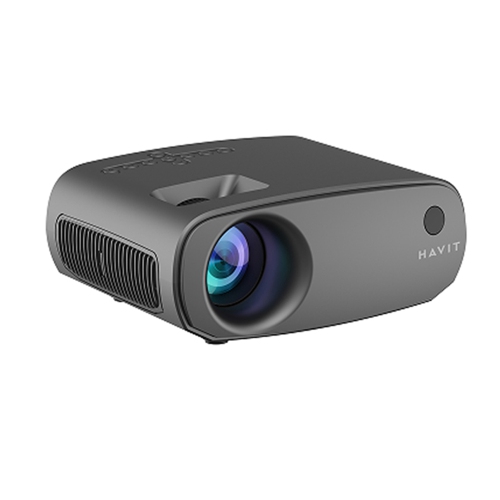
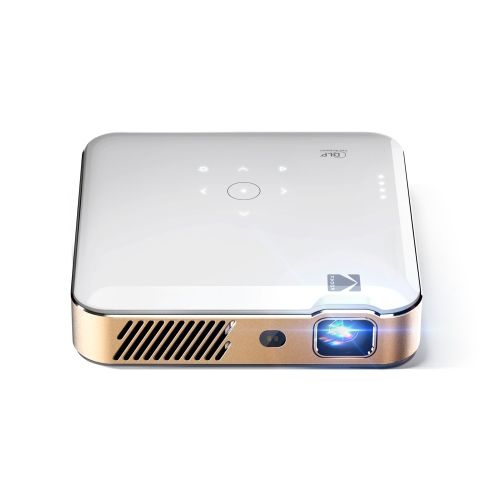
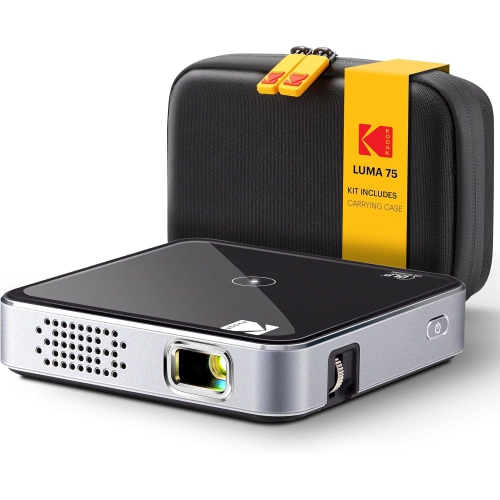
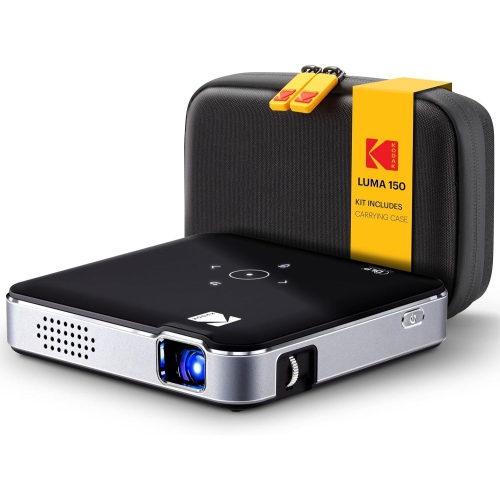
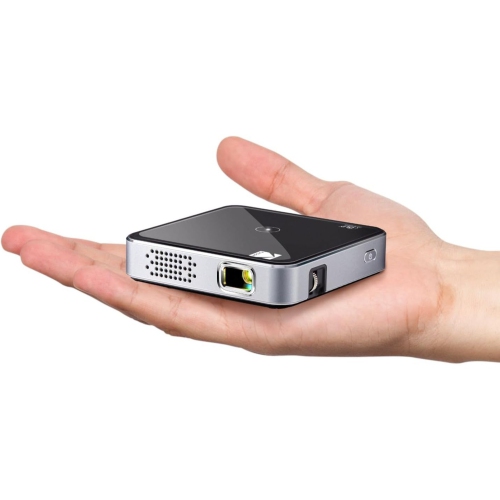
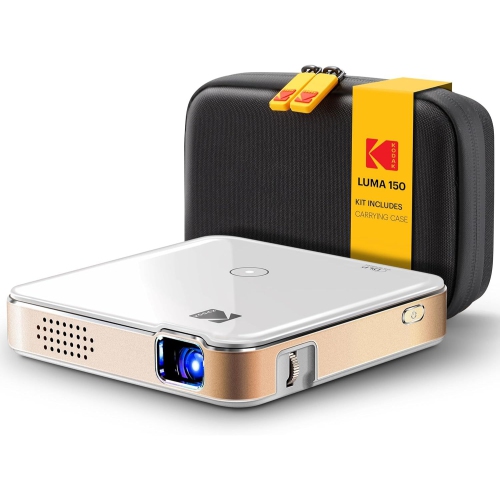
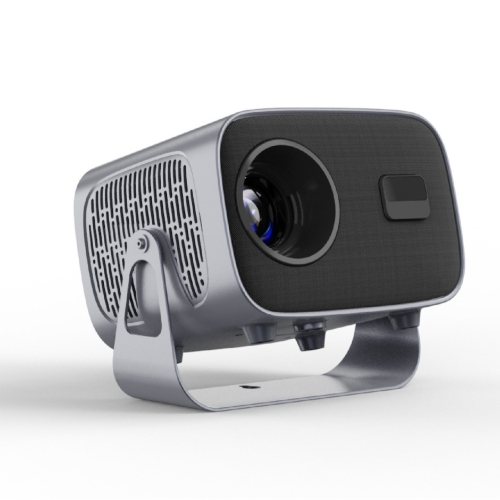
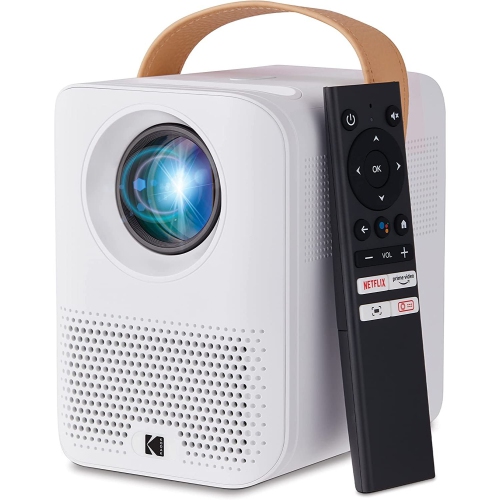
Pico projectors are ultra-compact digital projectors designed to turn a nearby wall or screen into a display for videos, photos, presentations, and other visual content. Often small enough for a jacket pocket or a small compartment in a bag, they put portability ahead of the brightness and extensive connections associated with larger home theatre projectors. Many use an LED light source, while some use laser illumination; the light source alone does not determine image quality. Their appeal is straightforward: a compact device can create a shared picture without requiring a permanent television installation. In an apartment bedroom, that might mean watching a film on a clear section of wall and putting the projector away afterwards. For a travelling presenter, it could mean displaying a few slides during a small meeting, provided the room lighting can be controlled. Artists may also use a projected outline as a reference for tracing, although close-range focus, image stability, and positioning matter for that purpose. Pico projectors belong to the broader family of portable and mini projectors, but those terms are not interchangeable measures of size or performance. Some mini projectors are better suited to moving between rooms than carrying in a pocket. Actual dimensions, weight, and the space needed for a charger, stand, or adapter give a clearer sense of how a projector will fit into daily life. Brightness is especially important with such small devices. A dim room and a modest image size generally produce a more satisfying picture than a large projection beside an uncovered window. Where provided, ANSI or ISO lumen measurements offer a more useful basis for comparison than loosely defined brightness claims, though ratings should still use the same measurement standard. A stated maximum screen size describes a projection capability, not a promise that the picture will look equally bright at every size. For casual viewing, a smaller, well-defined image can be far more enjoyable than an oversized picture with faded colours and hard-to-read subtitles.
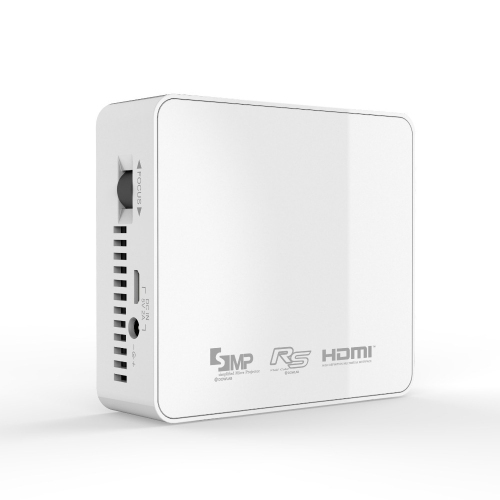
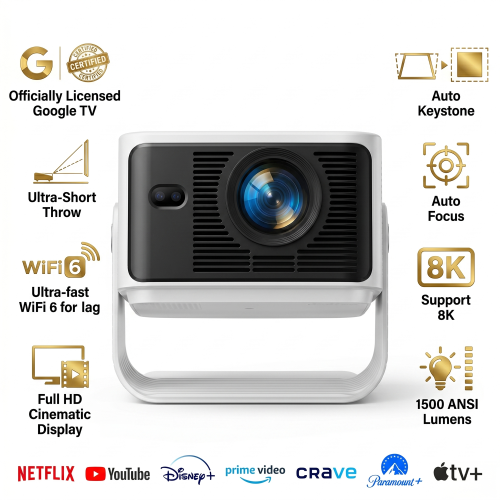
Picture detail depends on native resolution, which is the resolution the projector actually displays, rather than simply the highest-resolution video signal it can accept. A device that accepts a 1080p input may display that content at a lower native resolution. The difference is particularly noticeable in spreadsheet cells, presentation text, game menus, and subtitles. Contrast, focus uniformity, and the projection surface also shape the result. A smooth, neutral-coloured wall can work for informal viewing, but texture, glossy paint, or a strong wall colour can affect fine detail and colour balance. A suitable projection screen provides a more consistent surface. Placement deserves just as much attention as resolution: throw distance is the space between the projector and the wall or screen, and each model needs a particular distance to produce a given image size. A bedside table or narrow shelf may be convenient, but it must leave enough room for the lens to frame the intended area. Keystone correction can straighten a trapezoid-shaped picture when the projector is angled, although digital correction may reduce usable detail. Positioning the lens squarely towards the surface usually gives better results. Automatic focus and automatic image adjustment can simplify setup where included, but they are not standard across all pocket projectors. Connections determine what can be shown and how easily a session begins. HDMI can provide a straightforward wired connection to a compatible laptop, streaming device, or game console. USB ports have different roles depending on the projector: they may supply power, read supported media files, or support video input through a compatible USB-C connection. A USB-C socket alone does not guarantee video compatibility, and a phone may require an appropriate adapter or may not support wired video output at all. For shoppers planning to connect a compatible phone or tablet, Mini Projectors for Android offers a related category to explore. Wireless screen mirroring relies on compatible devices and protocols, and some streaming services restrict mirrored playback of protected content. Built-in apps, where included, also need support for the intended service.
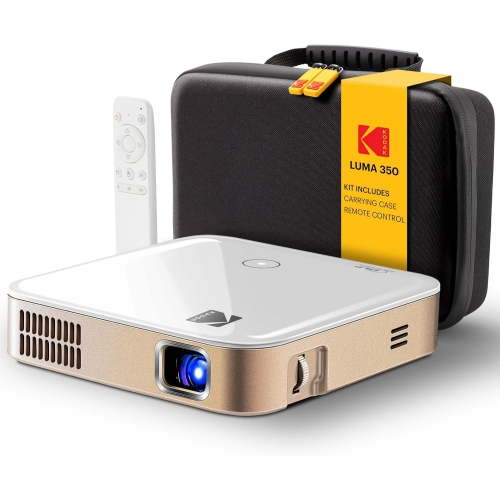
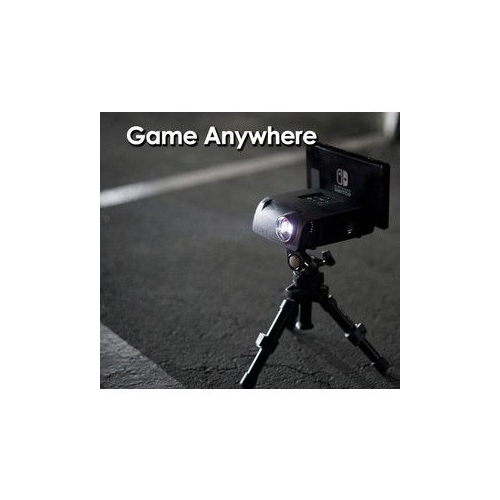
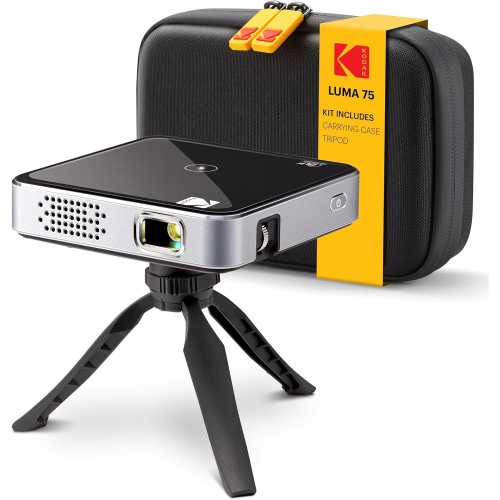
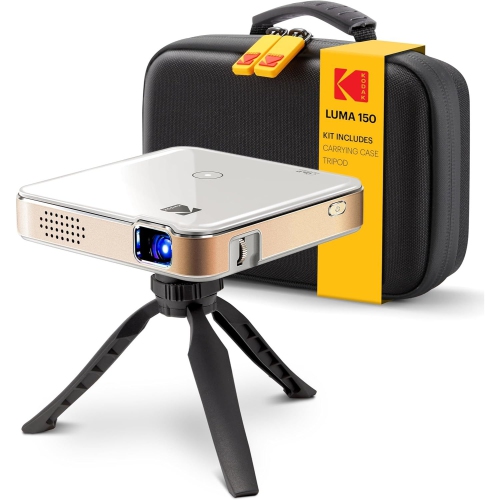
The practical experience of using a pico projector extends beyond the picture. An integrated battery can make it easier to set up away from a power outlet, but not every model has one, and runtime varies with brightness, sound level, wireless use, and battery condition. A quoted runtime may reflect settings that are dimmer than those preferred for watching a film, so playback time and charging requirements are worth considering together. External battery operation also depends on compatible power input and sufficient output from the power source. Sound is another trade-off in a pocket-sized housing. Built-in speakers can be convenient for a short clip or a quiet, close-range presentation, while a compatible external speaker may make dialogue easier to follow during longer viewing. Bluetooth audio, where supported, can introduce a delay; a wired audio connection may be preferable when lip-sync is noticeable. For gaming, input lag matters separately from resolution, since a sharp picture can still feel slow to respond to a controller. Compact casings are commonly made from plastic, metal, or a combination of both, but a solid-feeling shell does not by itself establish resistance to drops, dust, or moisture. A padded carrying case helps protect the lens and housing in transit, especially when chargers and cables share the same bag. A stable base, adjustable stand, or compatible tripod mount makes repeat setup easier and reduces the chance of a cable pulling the projector out of position. Ventilation openings need clear space, so a firm surface is more suitable than bedding or a thick upholstered cushion. Lens care should follow the manufacturer’s directions, using approved cleaning materials rather than household sprays or rough cloths. Letting the device shut down as directed before packing it away and storing it with the lens protected can help preserve its condition. These small projectors can make thoughtful gifts for film fans with limited space, students who share visual projects, or creative hobbyists who want a movable display. The most useful choice matches the recipient’s source device, viewing space, and tolerance for setup, making portability a genuine convenience rather than an extra collection of cables to manage.
Picture detail depends on native resolution, which is the resolution the projector actually displays, rather than simply the highest-resolution video signal it can accept. A device that accepts a 1080p input may display that content at a lower native resolution. The difference is particularly noticeable in spreadsheet cells, presentation text, game menus, and subtitles. Contrast, focus uniformity, and the projection surface also shape the result. A smooth, neutral-coloured wall can work for informal viewing, but texture, glossy paint, or a strong wall colour can affect fine detail and colour balance. A suitable projection screen provides a more consistent surface. Placement deserves just as much attention as resolution: throw distance is the space between the projector and the wall or screen, and each model needs a particular distance to produce a given image size. A bedside table or narrow shelf may be convenient, but it must leave enough room for the lens to frame the intended area. Keystone correction can straighten a trapezoid-shaped picture when the projector is angled, although digital correction may reduce usable detail. Positioning the lens squarely towards the surface usually gives better results. Automatic focus and automatic image adjustment can simplify setup where included, but they are not standard across all pocket projectors. Connections determine what can be shown and how easily a session begins. HDMI can provide a straightforward wired connection to a compatible laptop, streaming device, or game console. USB ports have different roles depending on the projector: they may supply power, read supported media files, or support video input through a compatible USB-C connection. A USB-C socket alone does not guarantee video compatibility, and a phone may require an appropriate adapter or may not support wired video output at all. For shoppers planning to connect a compatible phone or tablet, Mini Projectors for Android offers a related category to explore. Wireless screen mirroring relies on compatible devices and protocols, and some streaming services restrict mirrored playback of protected content. Built-in apps, where included, also need support for the intended service.
The practical experience of using a pico projector extends beyond the picture. An integrated battery can make it easier to set up away from a power outlet, but not every model has one, and runtime varies with brightness, sound level, wireless use, and battery condition. A quoted runtime may reflect settings that are dimmer than those preferred for watching a film, so playback time and charging requirements are worth considering together. External battery operation also depends on compatible power input and sufficient output from the power source. Sound is another trade-off in a pocket-sized housing. Built-in speakers can be convenient for a short clip or a quiet, close-range presentation, while a compatible external speaker may make dialogue easier to follow during longer viewing. Bluetooth audio, where supported, can introduce a delay; a wired audio connection may be preferable when lip-sync is noticeable. For gaming, input lag matters separately from resolution, since a sharp picture can still feel slow to respond to a controller. Compact casings are commonly made from plastic, metal, or a combination of both, but a solid-feeling shell does not by itself establish resistance to drops, dust, or moisture. A padded carrying case helps protect the lens and housing in transit, especially when chargers and cables share the same bag. A stable base, adjustable stand, or compatible tripod mount makes repeat setup easier and reduces the chance of a cable pulling the projector out of position. Ventilation openings need clear space, so a firm surface is more suitable than bedding or a thick upholstered cushion. Lens care should follow the manufacturer’s directions, using approved cleaning materials rather than household sprays or rough cloths. Letting the device shut down as directed before packing it away and storing it with the lens protected can help preserve its condition. These small projectors can make thoughtful gifts for film fans with limited space, students who share visual projects, or creative hobbyists who want a movable display. The most useful choice matches the recipient’s source device, viewing space, and tolerance for setup, making portability a genuine convenience rather than an extra collection of cables to manage.
Top selling and popular products
-
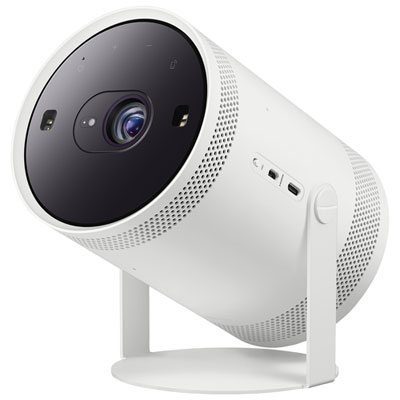 Your price for this item is $899.97
 -
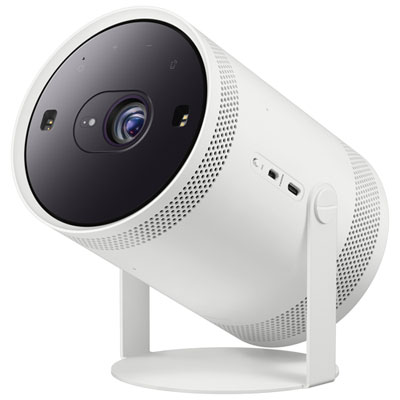 Your price for this item is $699.99
 -
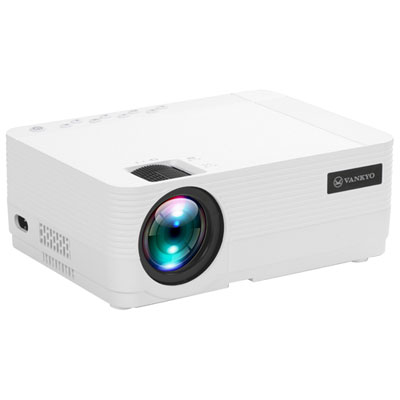 Your price for this item is $229.99
 -
 Your price for this item is $1999.99
 -
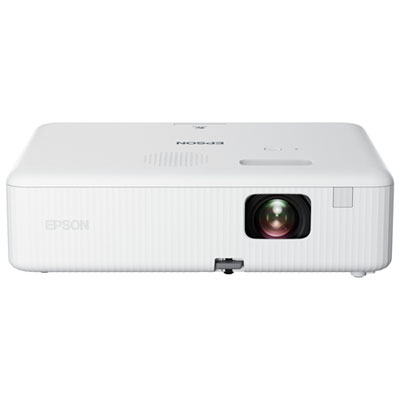 Your price for this item is $419.99
 -
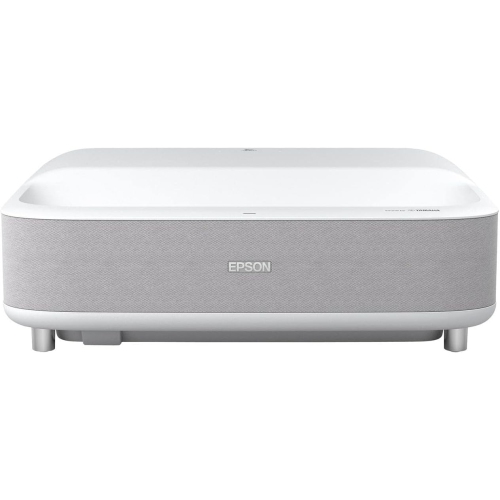 Your price for this item is $2279.05
 -
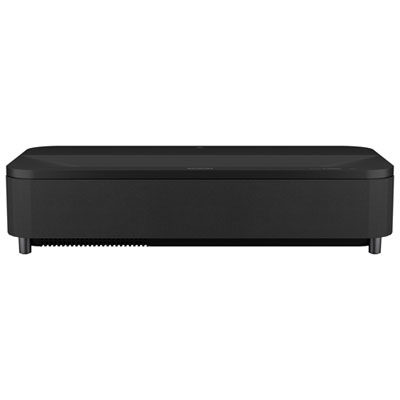 Your price for this item is $4799.99
 -
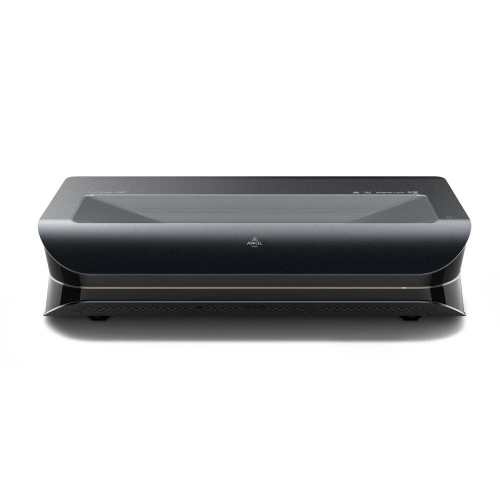 Your price for this item is $2294.15
Discover more categories related to Pico Projectors
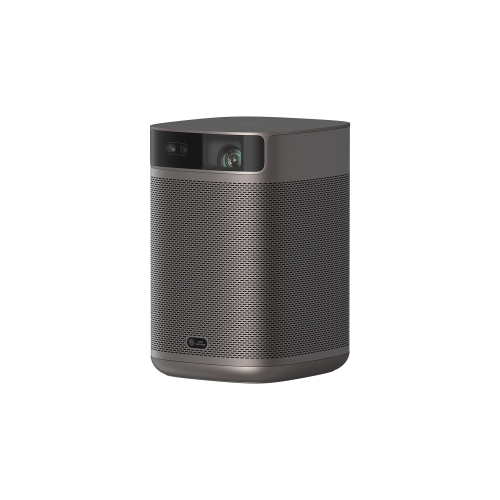
Top Collections:
Pokemon Centers, Kindle Devices, Best Budget Office Chairs, Apple iPhones 16, Best Laptops for Writers, iPhone 15 Apple, Canon G7X Cameras, Refurbished Apple Laptops, Alarm Clock, Motorola Razr Phones
Some products may be subject to Environmental Handling Fees
(EHF) depending on your province.
Learn more about EHFs.