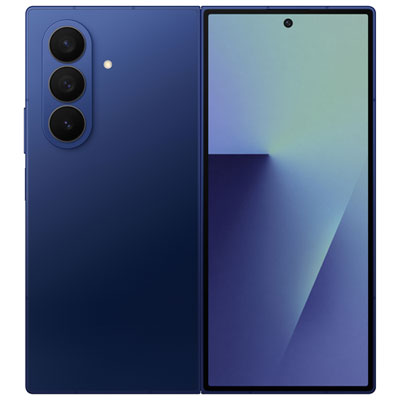
Samsung Z Fold for Productivity and Gaming
Samsung Z Fold For Productivity And Gaming offers a dynamic way to elevate your daily tasks and entertainment experiences. Designed for those who want to seamlessly switch between work and play, these innovative devices provide the versatility needed for multitasking, immersive gaming sessions, and efficient productivity. Explore a range of options that help you stay connected, organized, and entertained wherever you go with Samsung Z Fold For Productivity And Gaming.
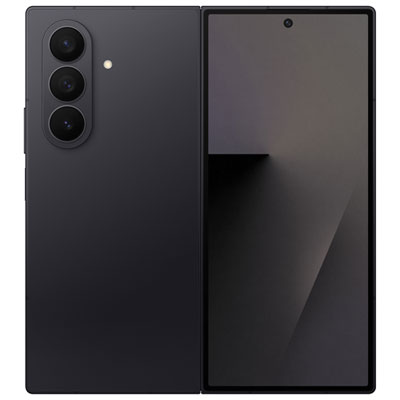
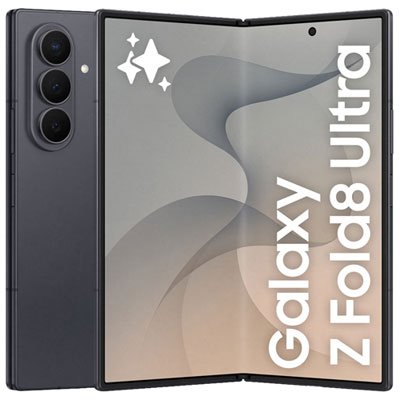

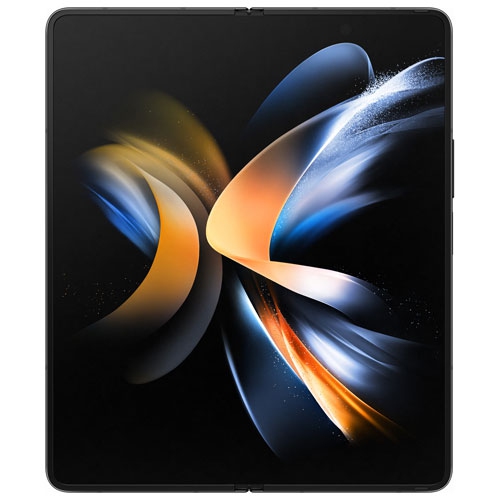
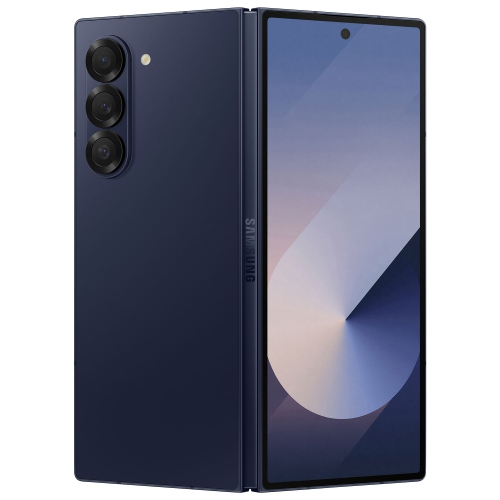

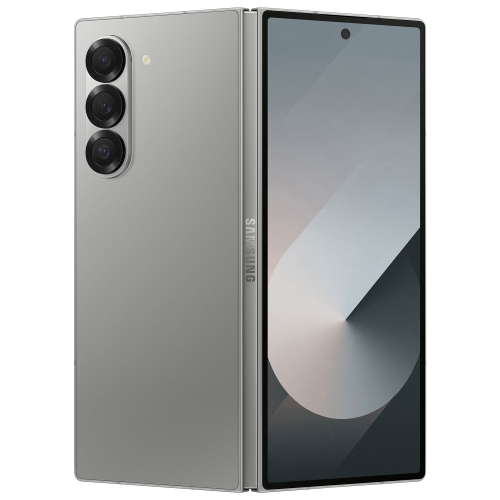
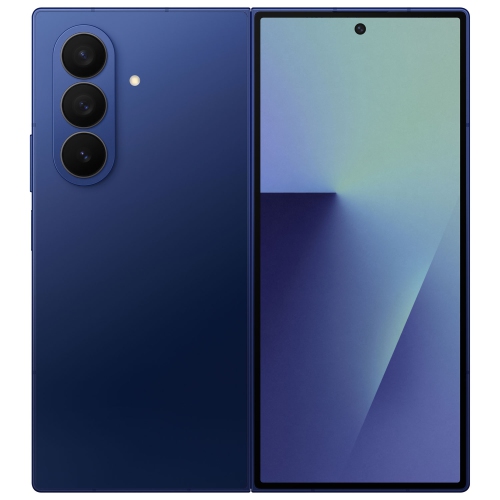
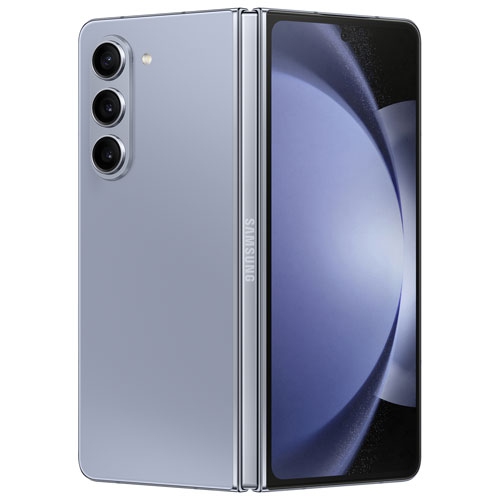
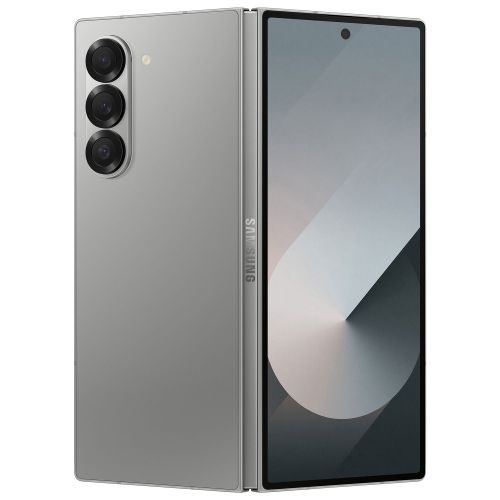
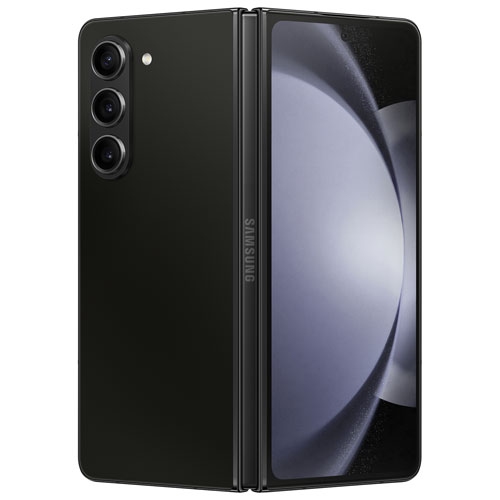
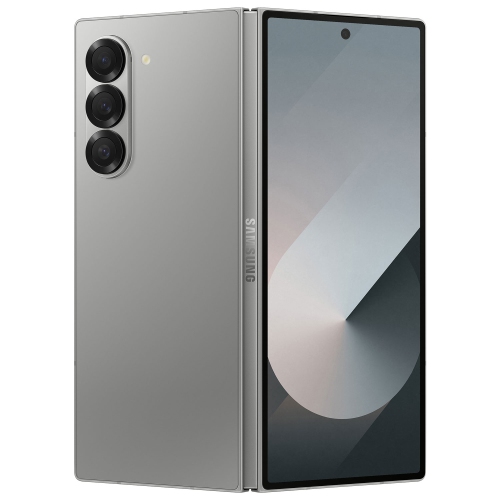
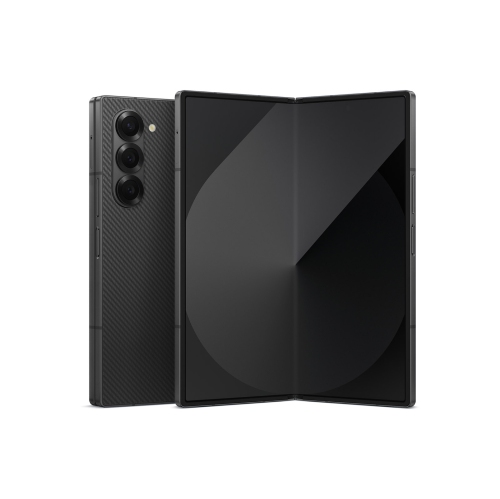
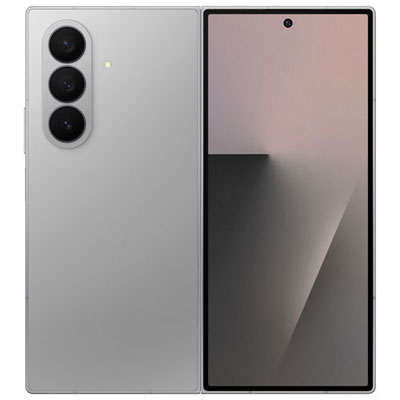
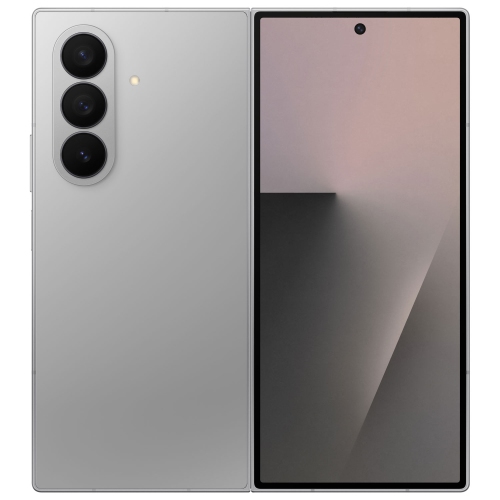
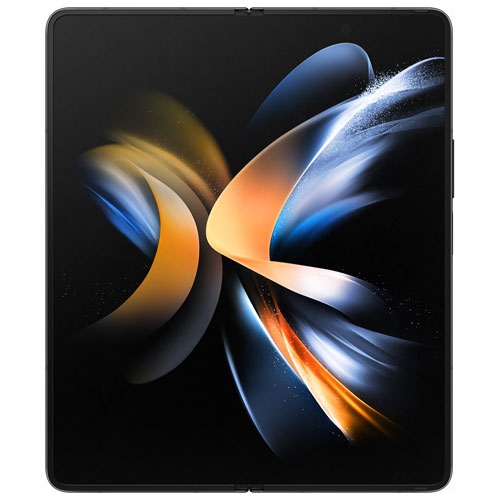
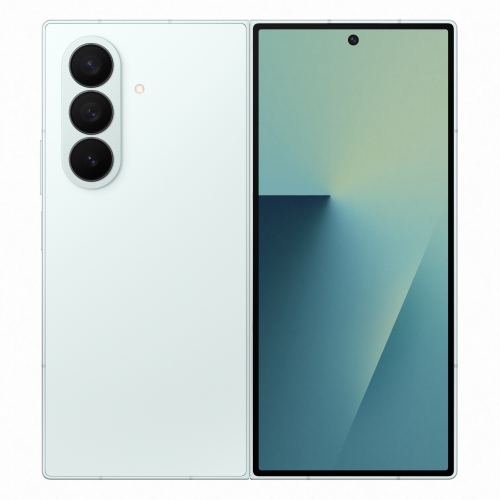
Tablet-like screens support work, play, and life on the go
Foldable smartphones are also a thoughtful gift for tech enthusiasts, gamers, or anyone who values staying connected in innovative ways. They’re ideal for students heading into a new school year, professionals embracing flexible work environments, or family members who love streaming shows and playing games on the go. The immersive display is perfect for enjoying mobile games with rich graphics, while productivity tools help users stay organized and efficient, even during the busiest seasons. Battery life, processing power, and accessory compatibility are important factors to consider when choosing a device, ensuring it can handle everything from intensive gaming marathons to long days of video conferencing. For those interested in exploring the full range of features and options available, the Samsung Z Fold page provides additional details and product listings tailored to both productivity and entertainment needs. Whether you’re upgrading your own device or searching for a memorable gift, these foldable smartphones are designed to fit effortlessly into dynamic lifestyles, offering the flexibility to work, create, and play wherever the season takes you.
FAQ
How does the Samsung Z Fold enhance productivity compared to traditional smartphones?
The Samsung Z Fold features a large, foldable display that allows users to multitask efficiently by running multiple apps side by side. Its expansive screen real estate is ideal for document editing, video conferencing, and note-taking, making it a powerful tool for productivity on the go.
What gaming advantages does the Samsung Z Fold offer?
The Samsung Z Fold's immersive foldable display provides a larger viewing area for games, delivering enhanced visuals and more engaging gameplay. Its high refresh rate and powerful processor ensure smooth performance, while the ability to use the device in Flex Mode can offer unique control options for certain games.
Can I use desktop-like features on the Samsung Z Fold for work tasks?
Yes, the Samsung Z Fold supports Samsung DeX, which enables a desktop-like experience when connected to an external monitor or used directly on the device. This feature allows users to open multiple windows, drag and drop files, and use keyboard shortcuts for increased efficiency.
Is the Samsung Z Fold suitable for mobile content creators?
Absolutely. The large screen makes editing photos and videos easier, while its multitasking capabilities allow content creators to manage social media, edit content, and communicate with collaborators simultaneously. The device's advanced cameras also support high-quality photo and video capture.
How does multitasking work on the Samsung Z Fold?
The Samsung Z Fold supports advanced multitasking features such as Multi-Active Window, which lets users open up to three apps at once on the main screen. Users can easily resize windows, drag and drop content between apps, and customize their workflow for maximum efficiency.
Top selling and popular products
-
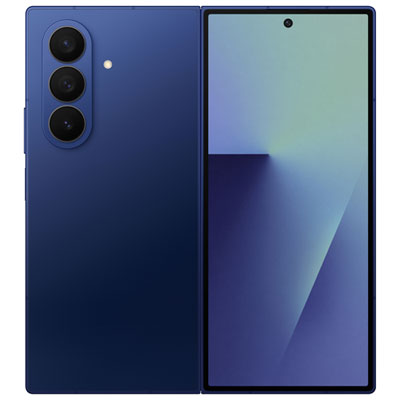 Your price for this item is $2499.99
 -
 Your price for this item is $2399.97
 -
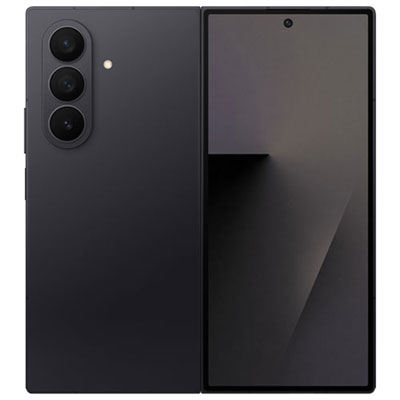 Your price for this item is $2399.97
 -
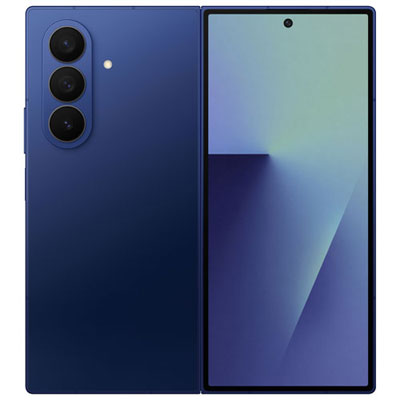 Your price for this item is $1999.99
 -
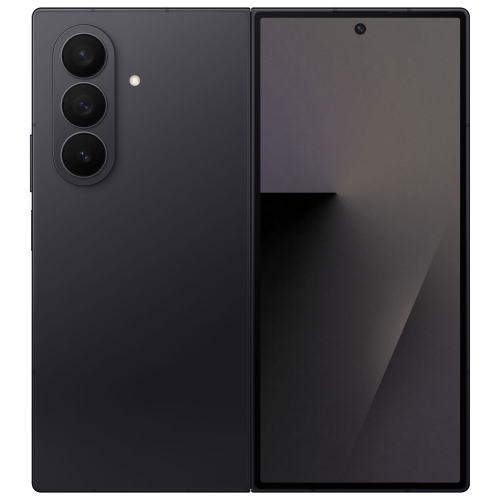 Your price for this item is $1519.99
 -
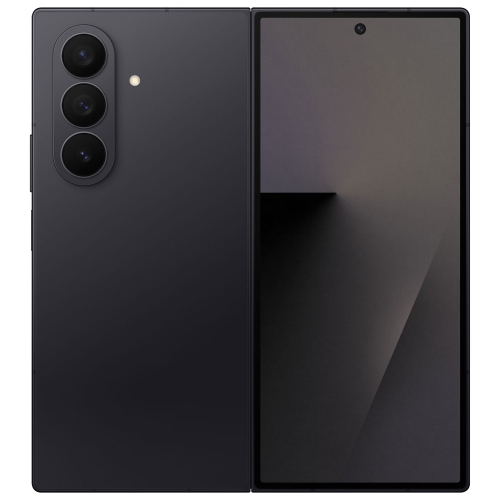 Your price for this item is $1989.99
 -
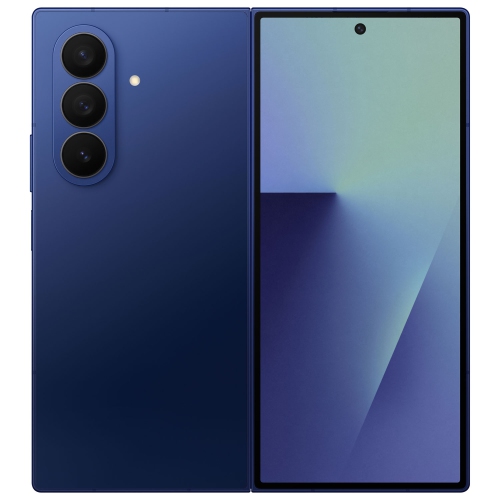 Your price for this item is $1549.99
 -
 Your price for this item is $1999.99