Indoor Security Cameras With Audio
If you're looking for a security camera that can be placed just about anywhere, an indoor security camera with audio is the way to go. These cameras are designed to blend in with their surroundings, so they can be placed in your home or business without drawing attention to themselves. They're also designed to work well in low light, so they won't have issues capturing footage in a bedroom at night or in a kitchen at dawn. Here are some of the best indoor security cameras with audio.
Sort
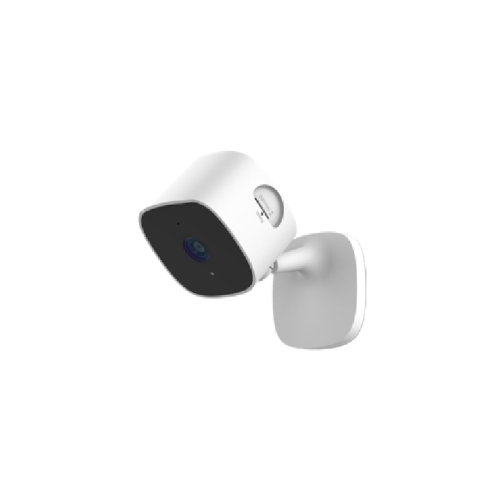
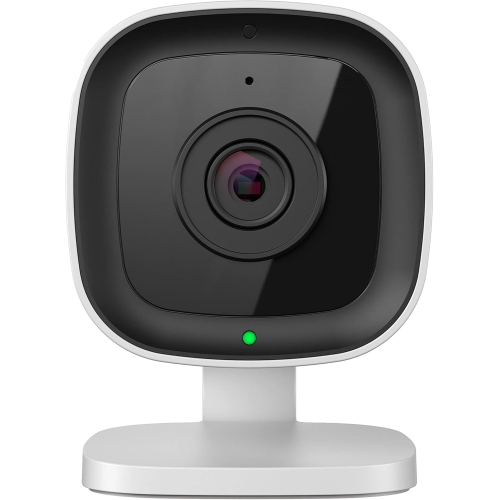
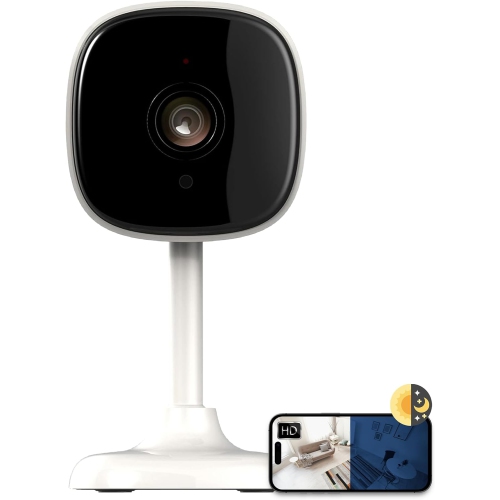
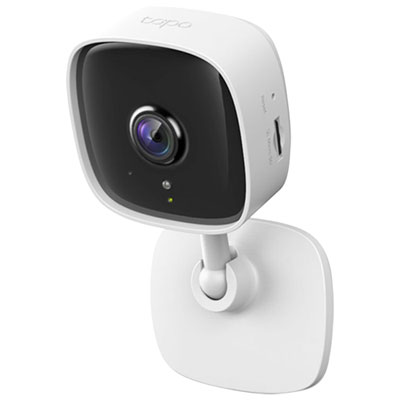
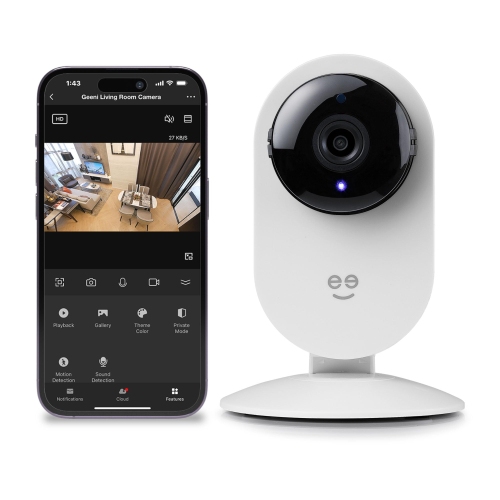
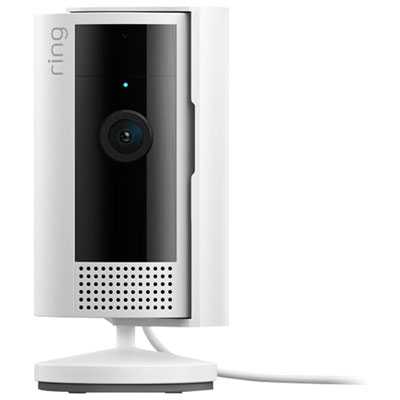
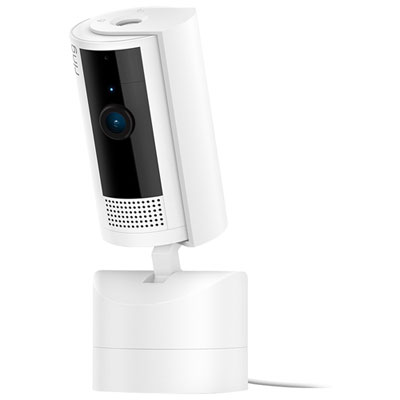
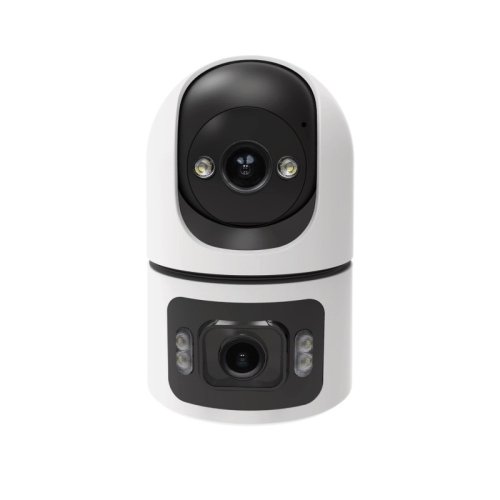
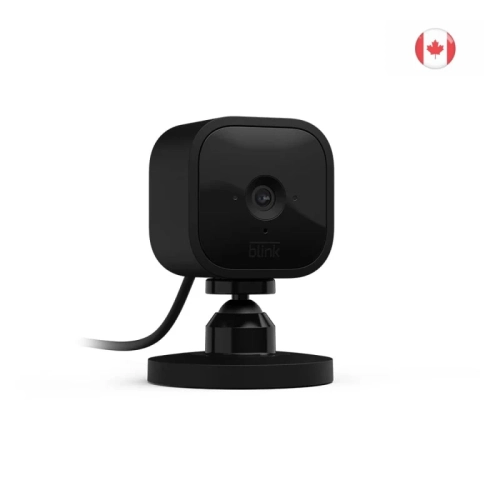
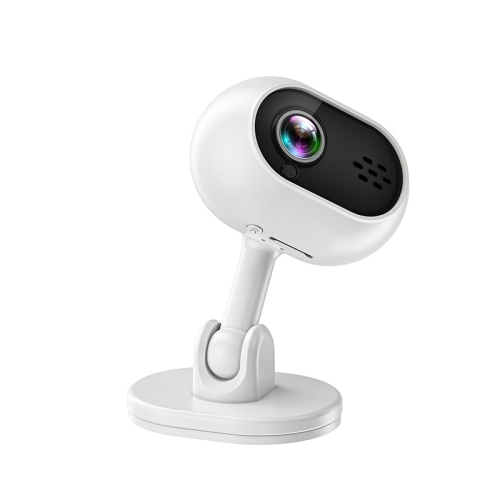
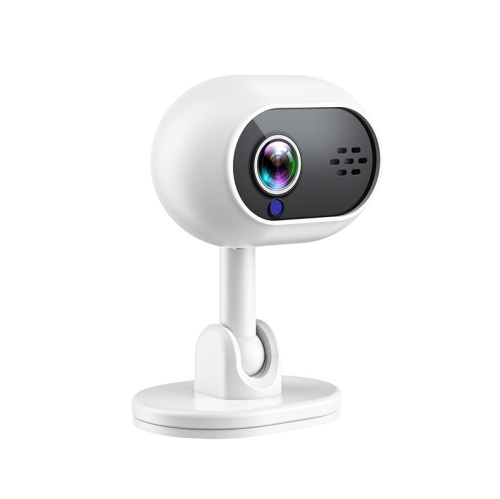
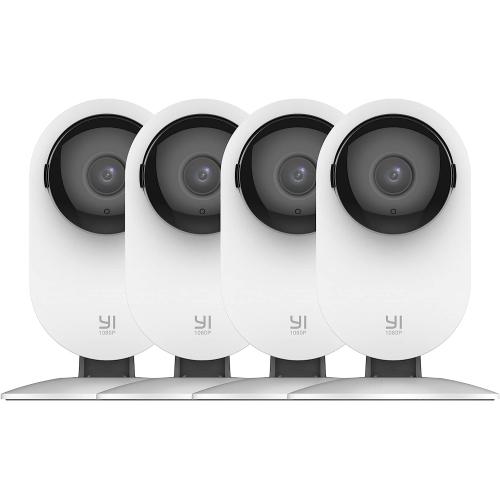
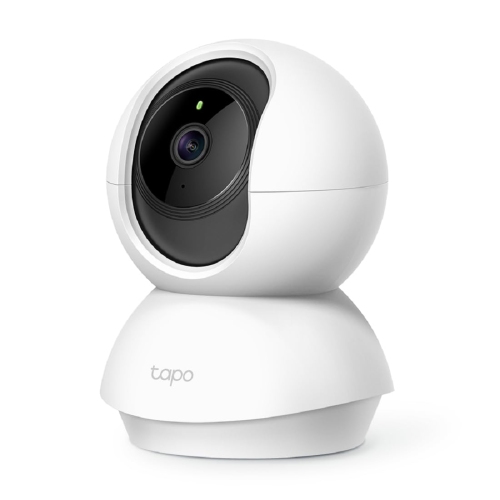
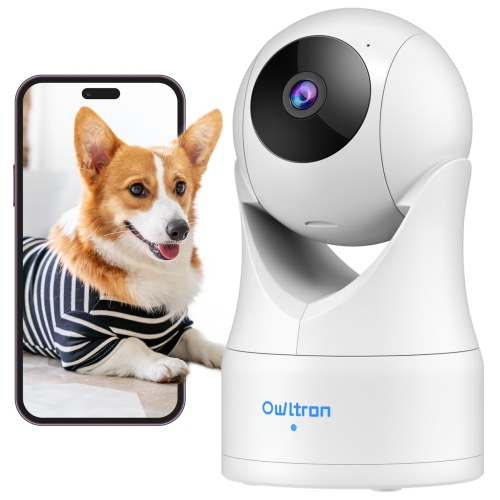
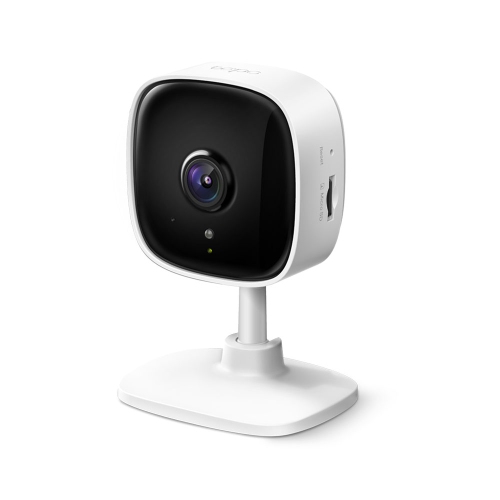
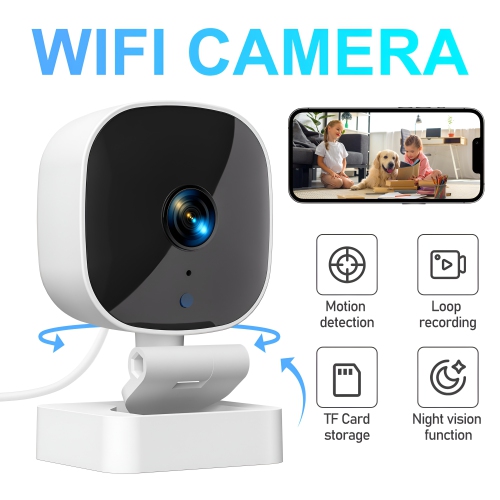
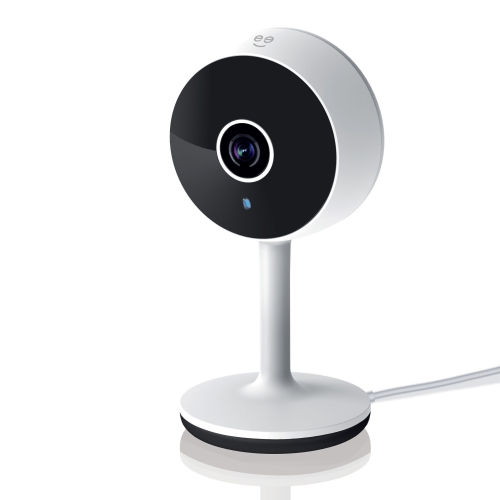
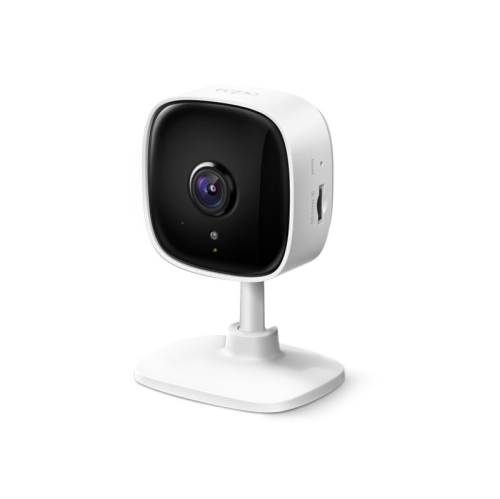
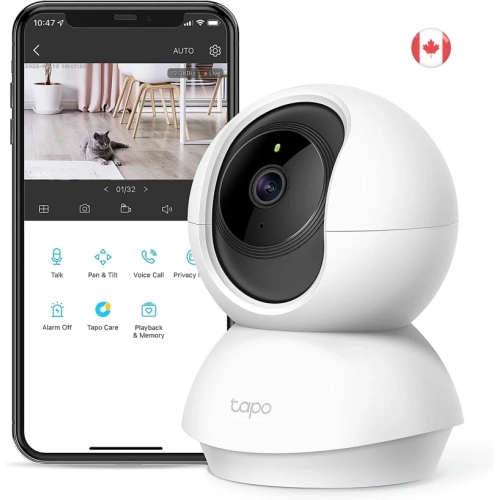
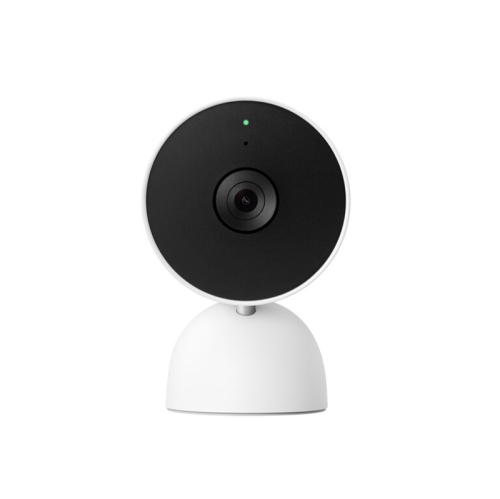
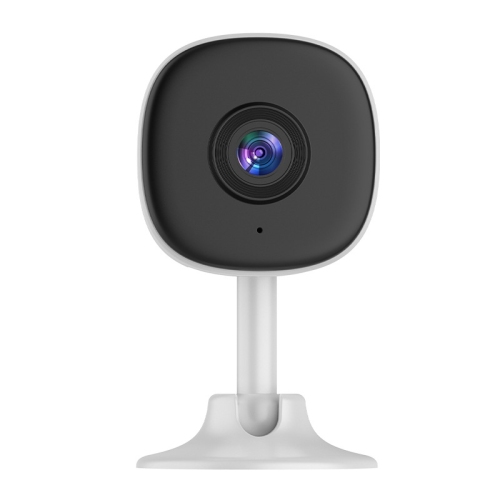
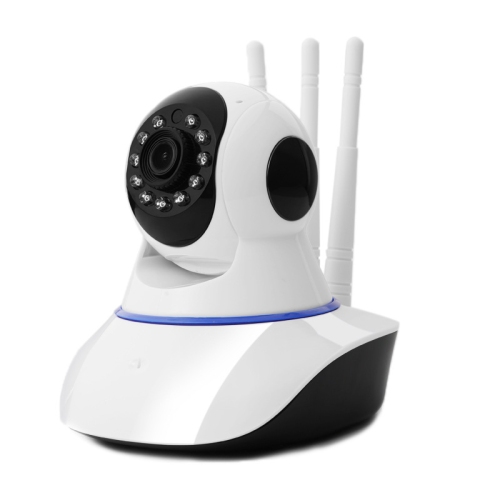
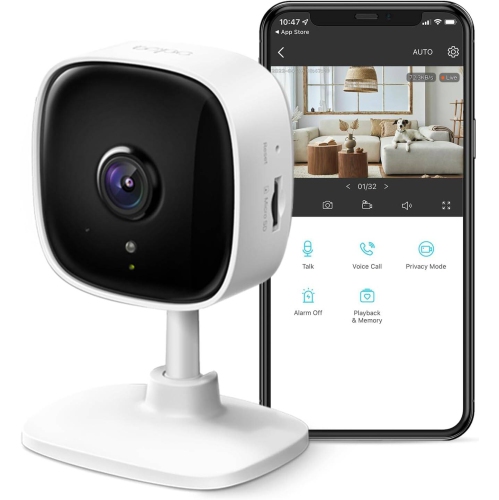
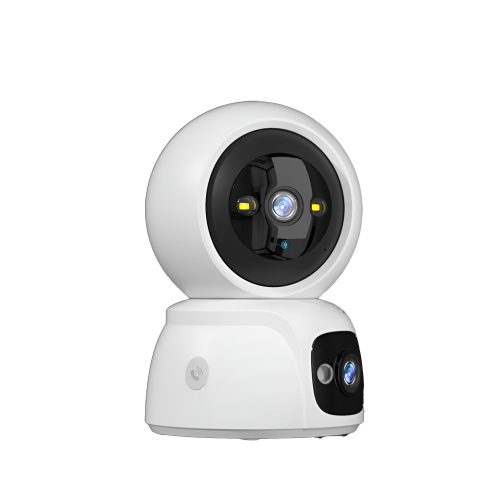
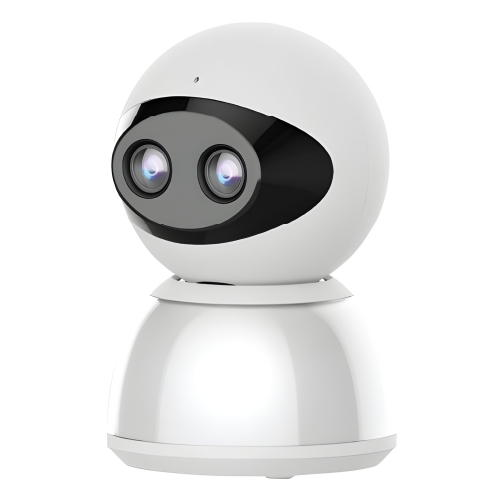
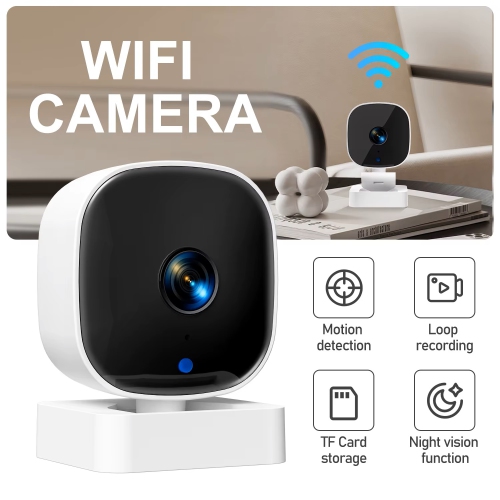
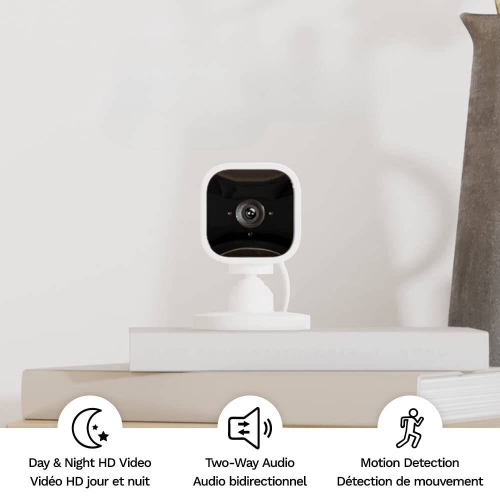
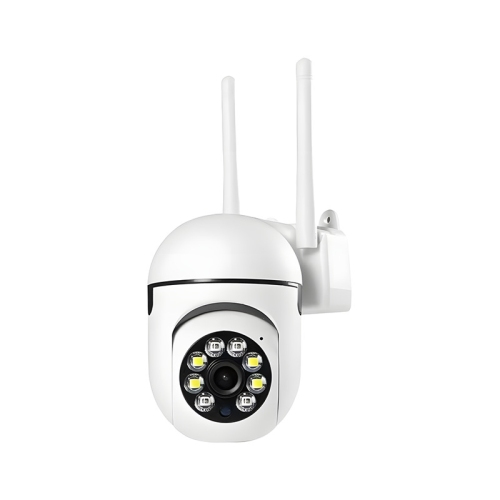
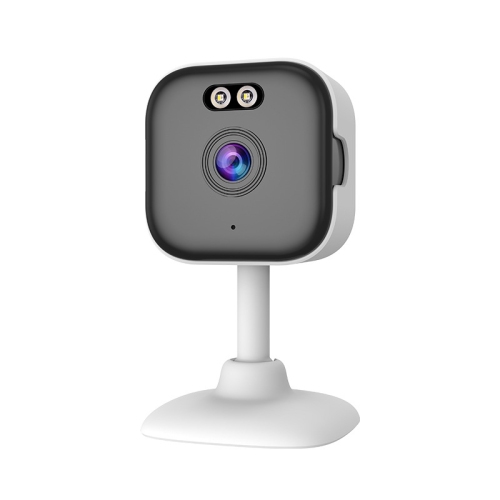
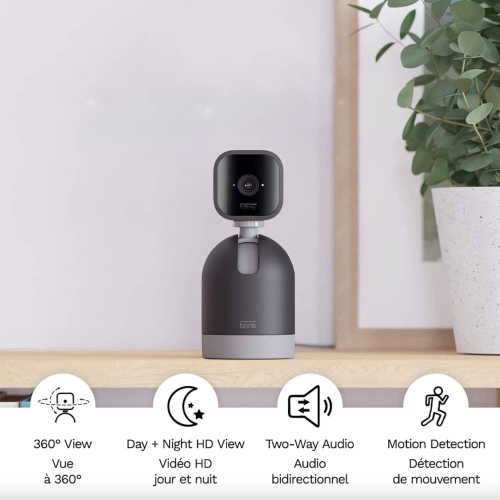
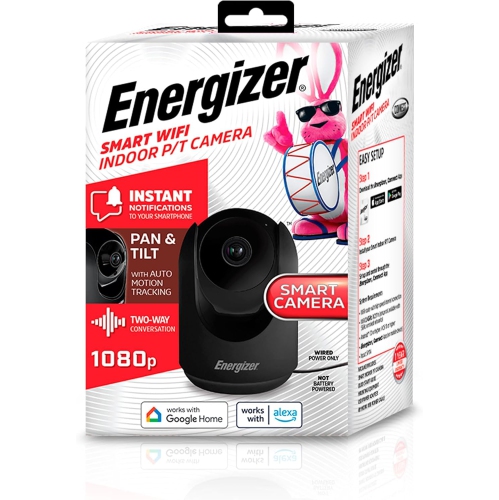
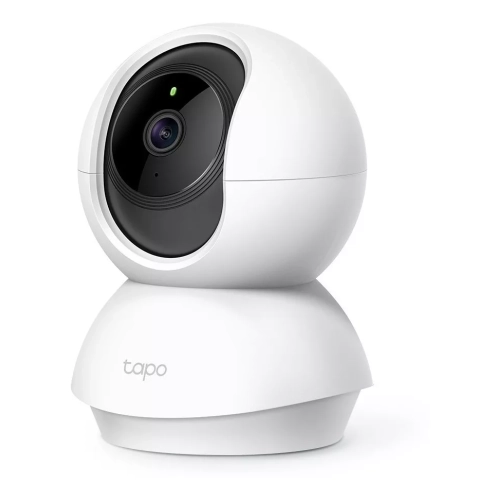
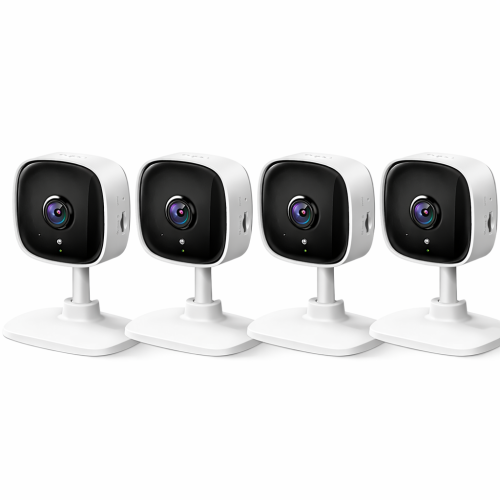
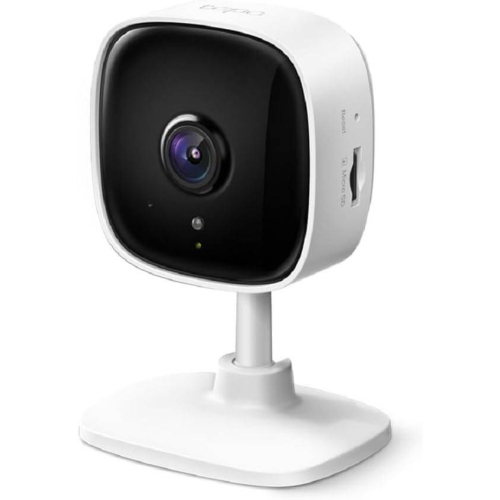
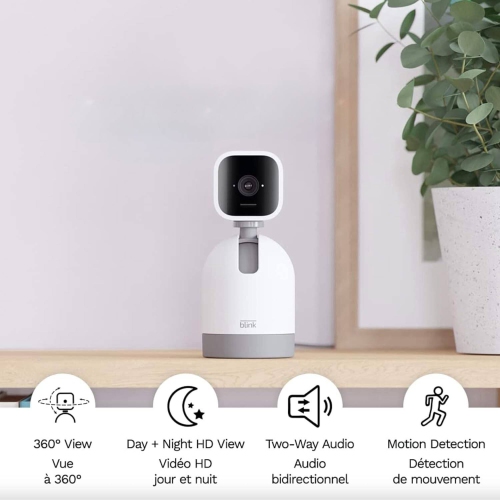
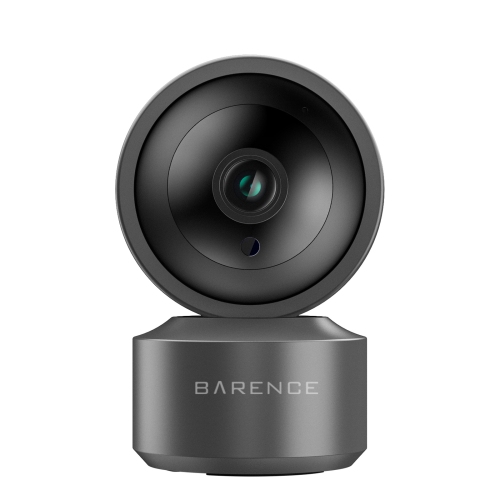
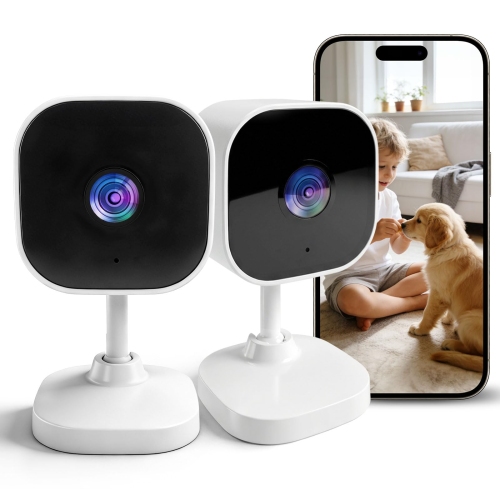
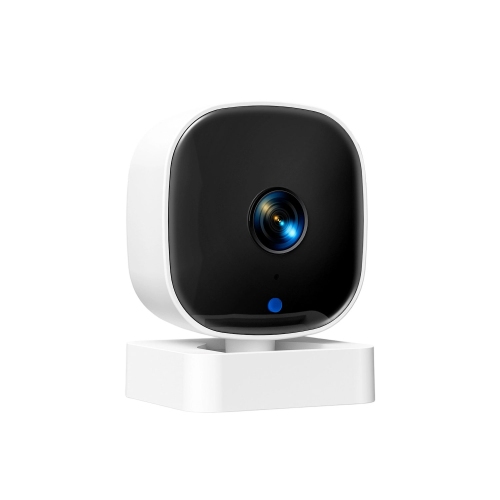
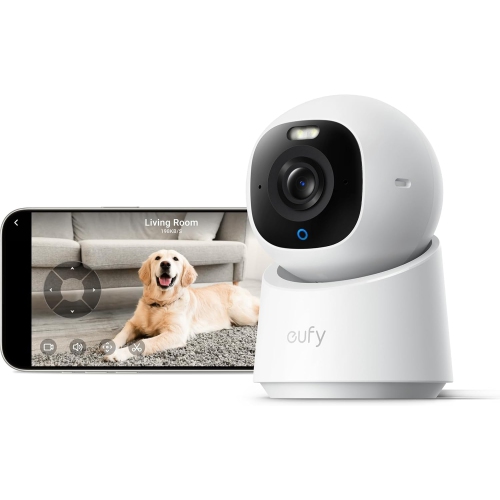
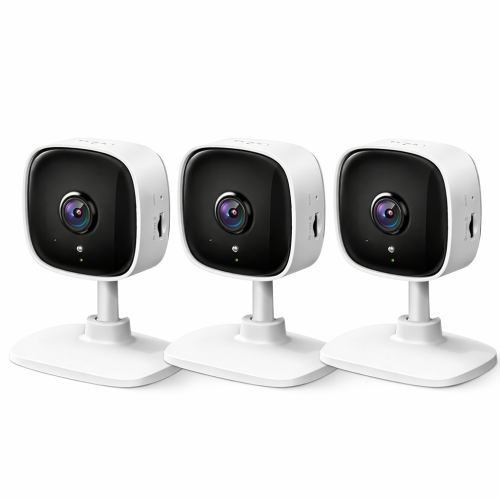
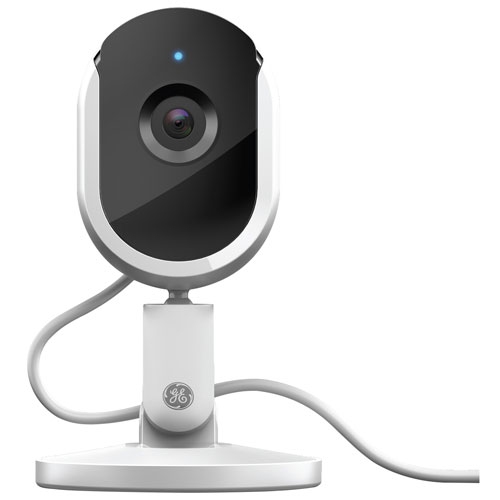
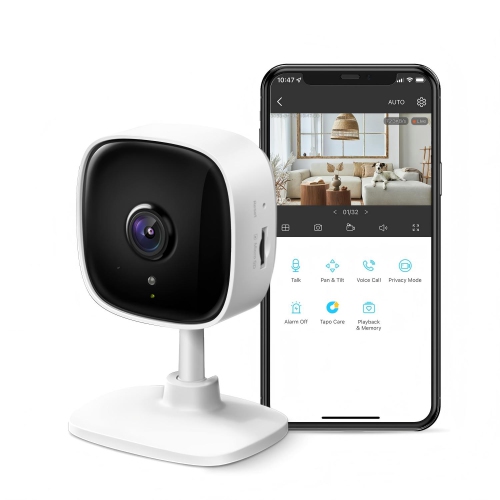
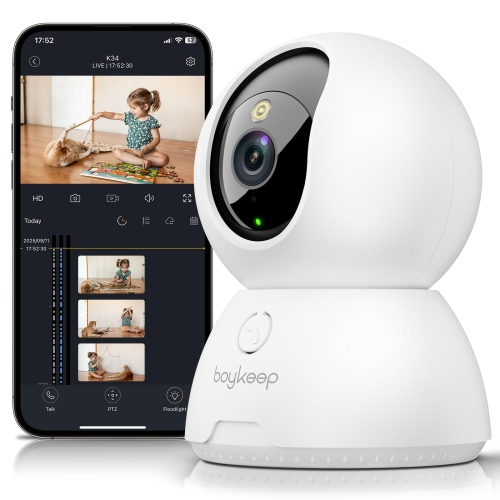
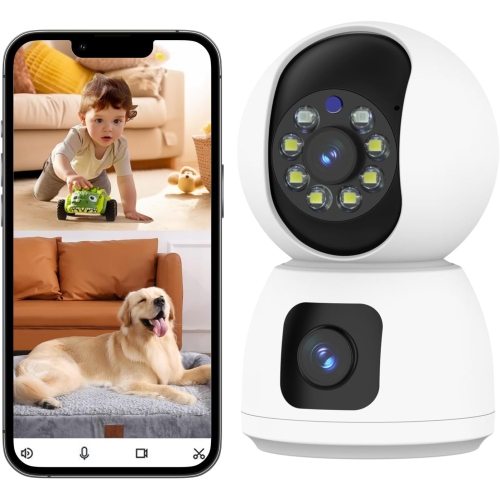
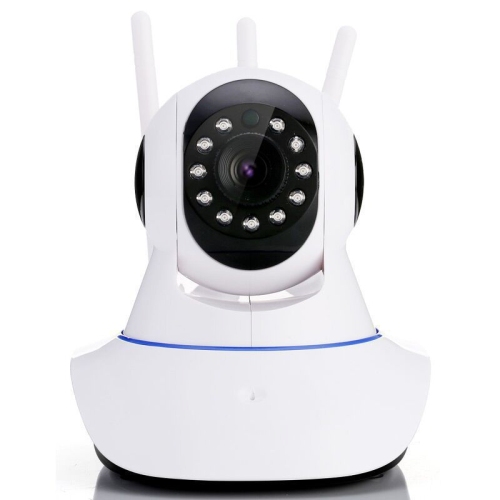
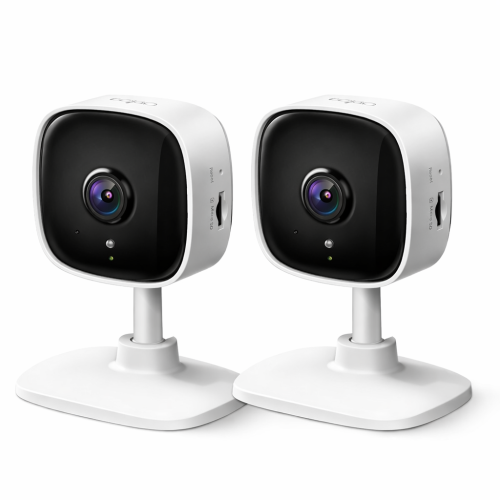
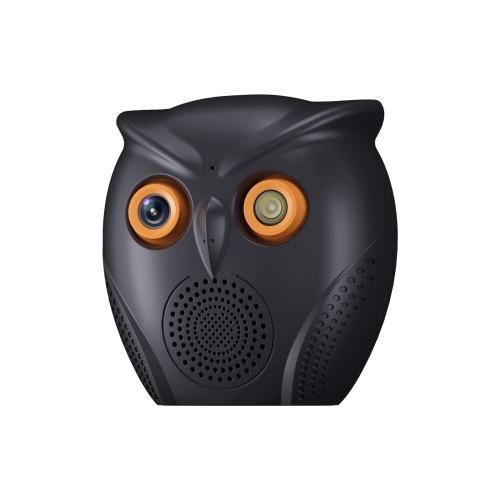
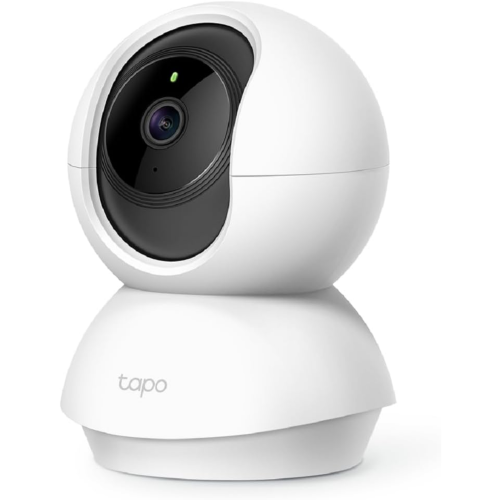
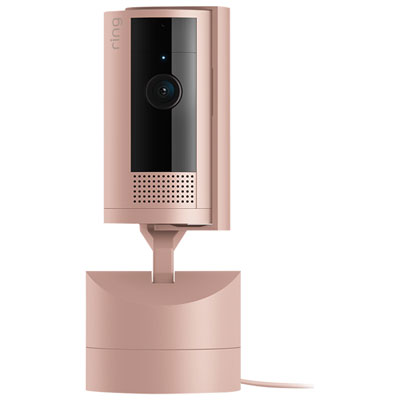
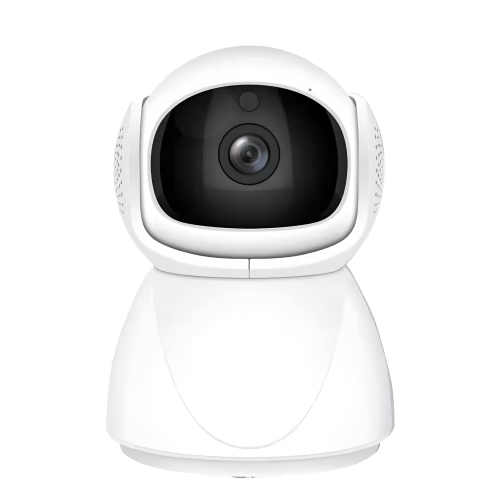
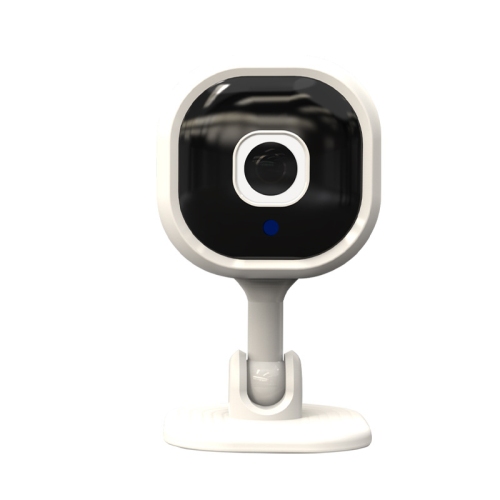
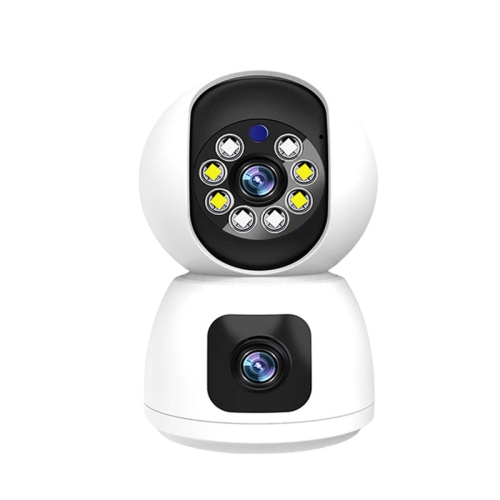
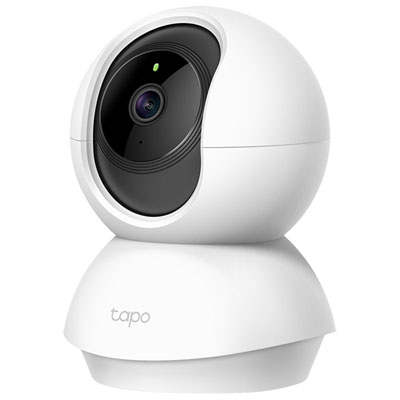
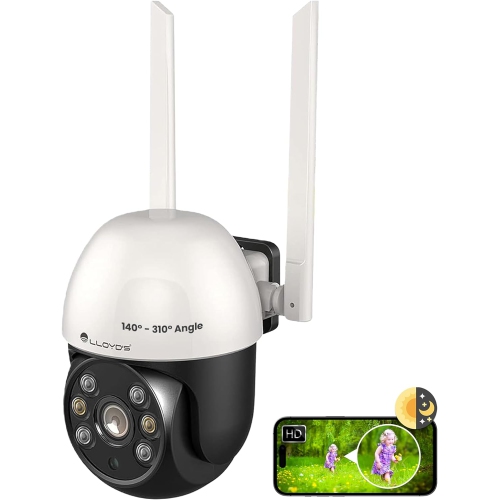
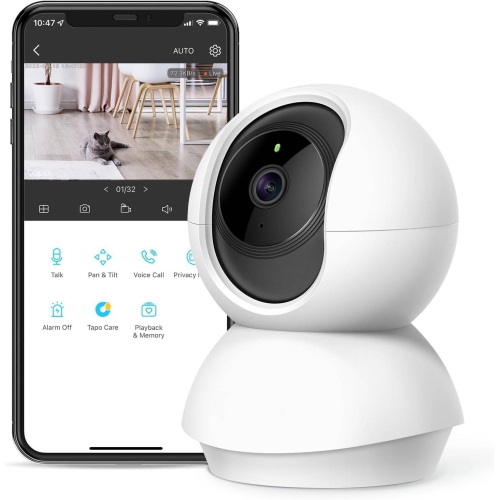
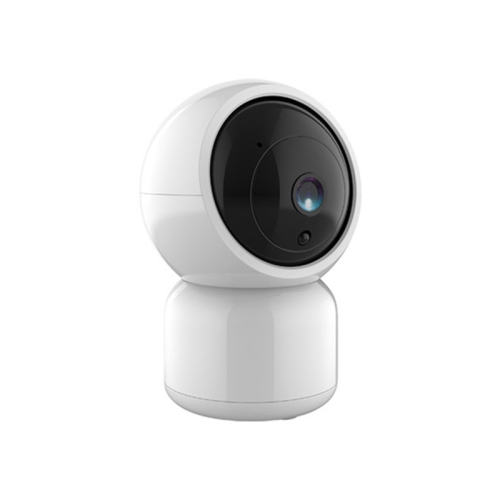
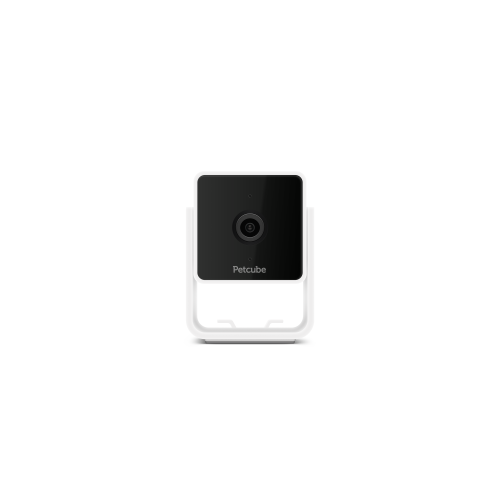
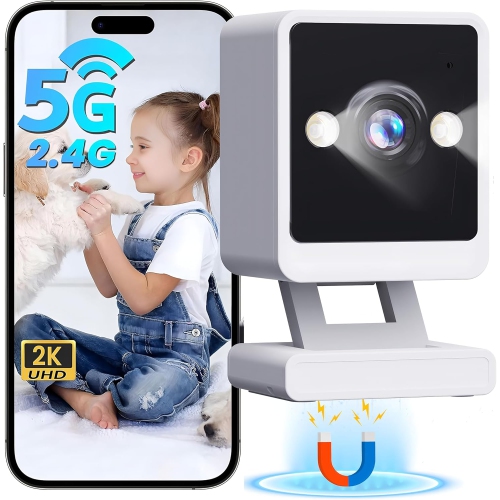
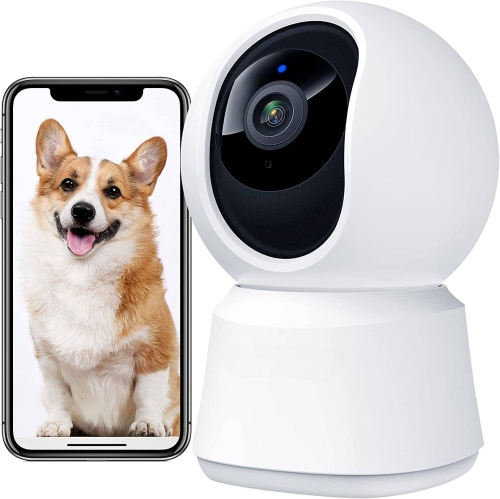
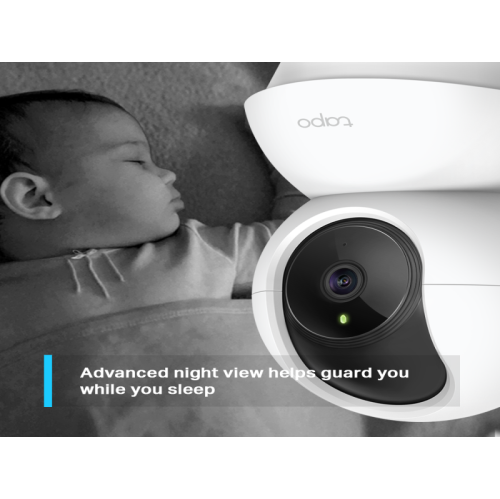
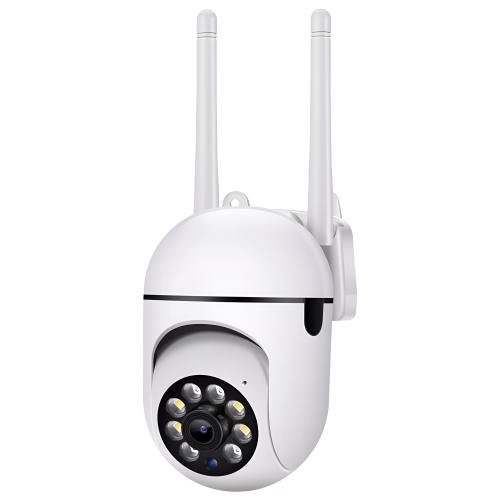
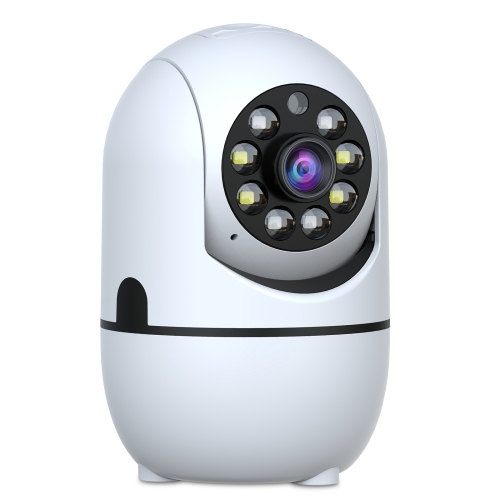
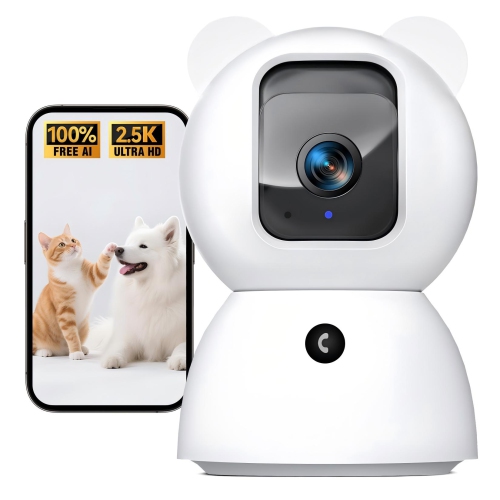
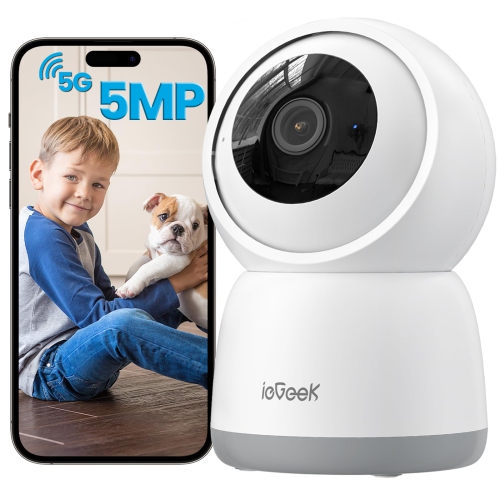
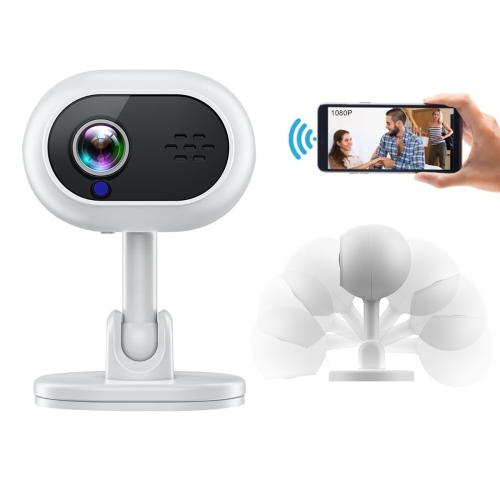
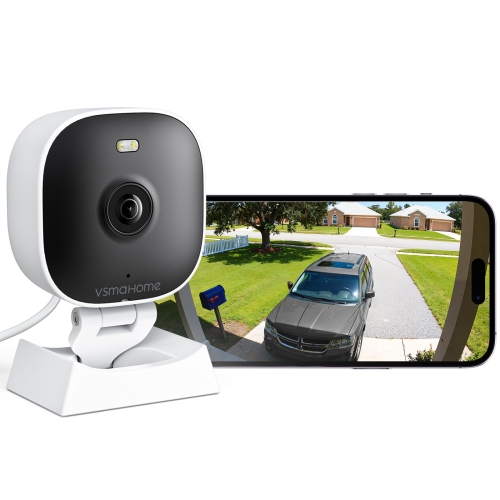
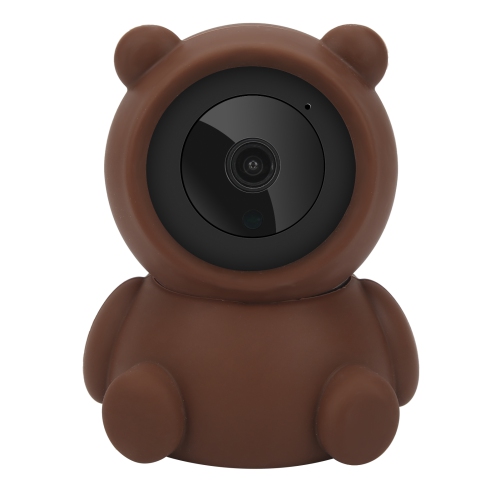
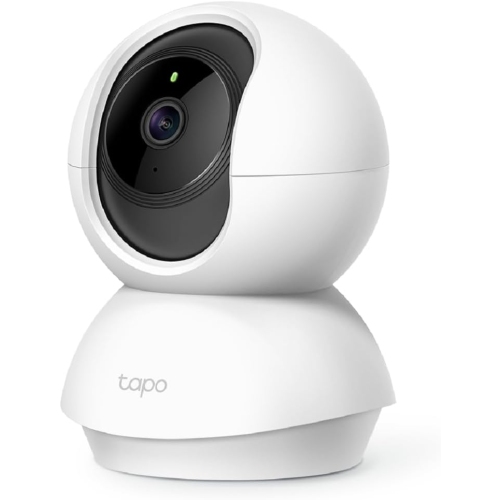
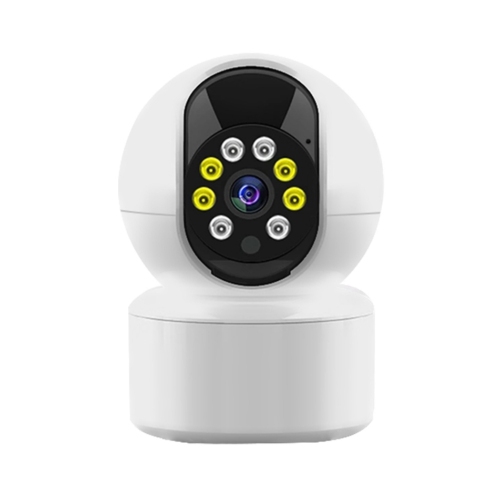
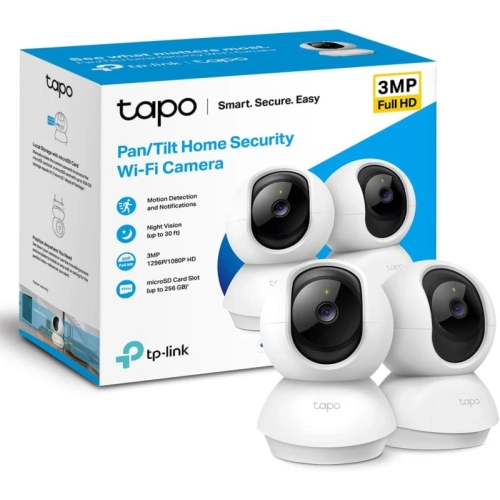
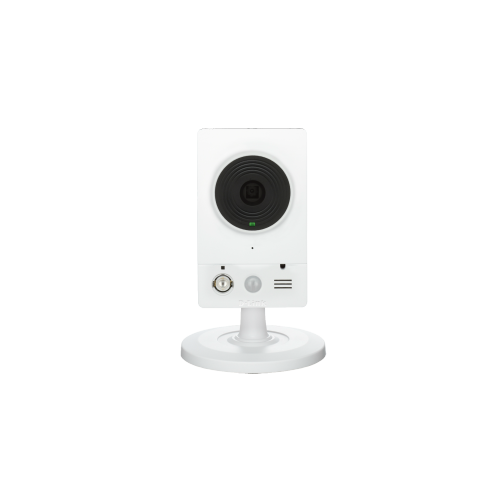
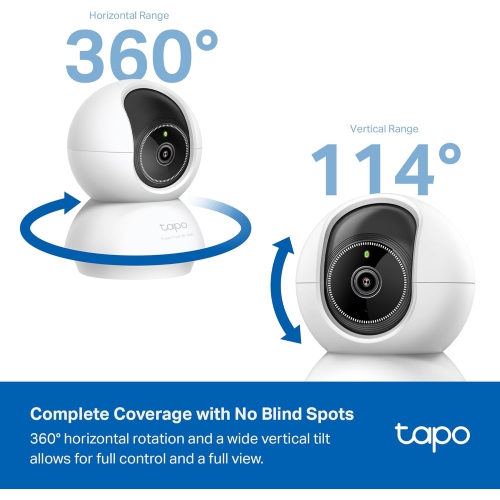
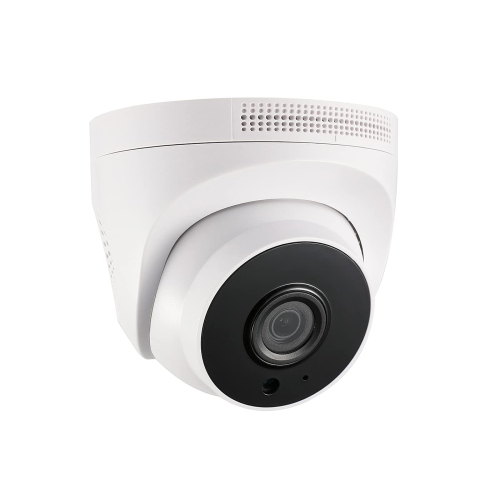
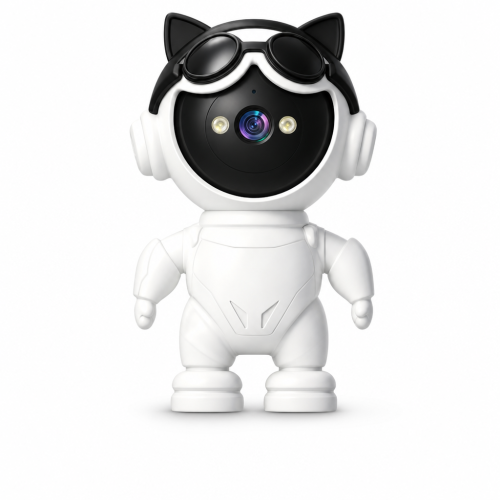
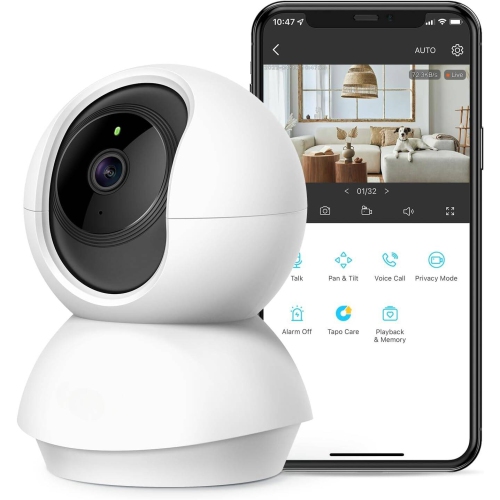
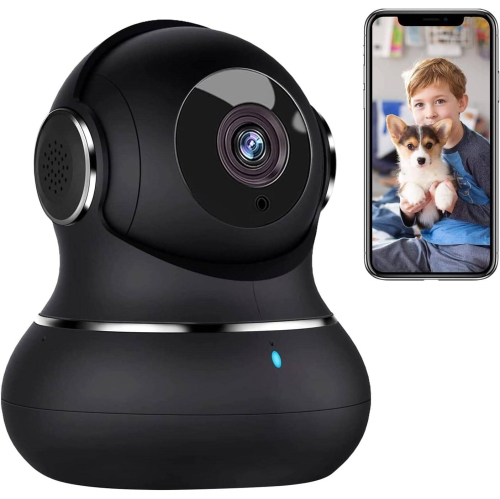
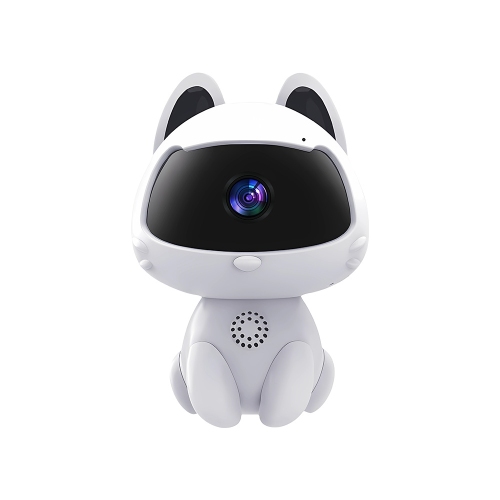
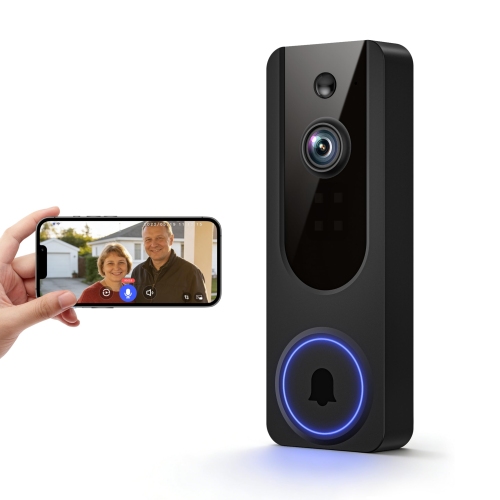
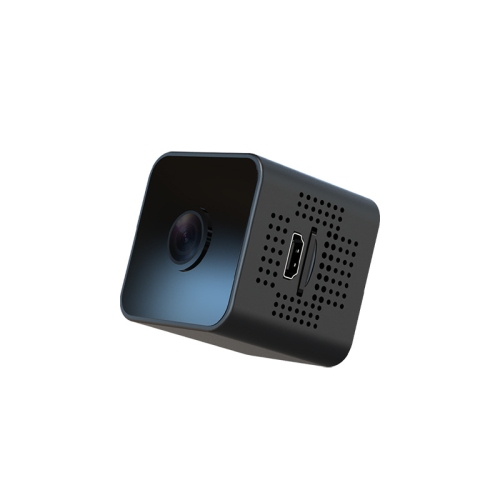
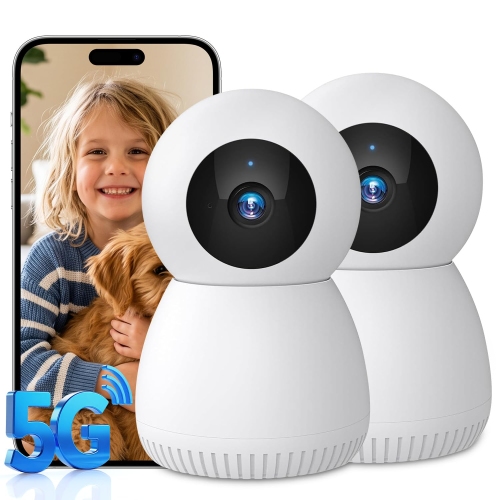
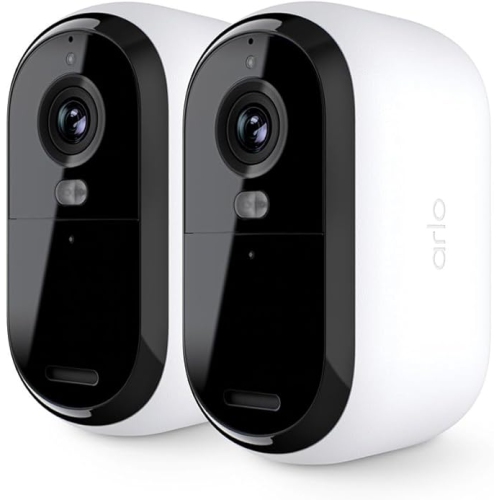
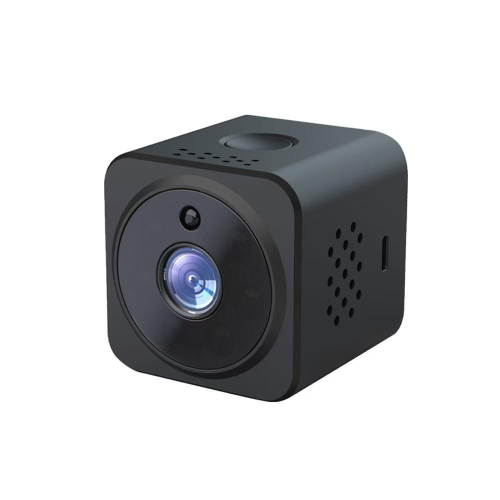
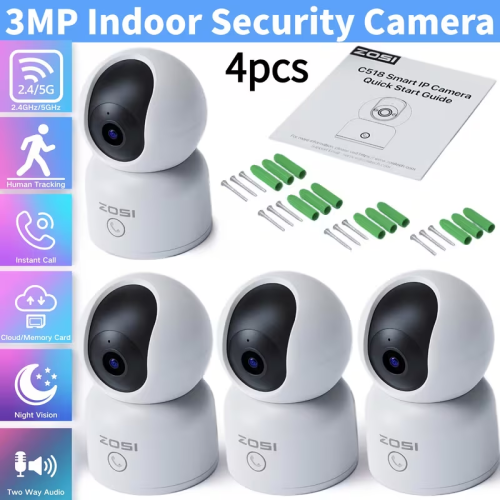
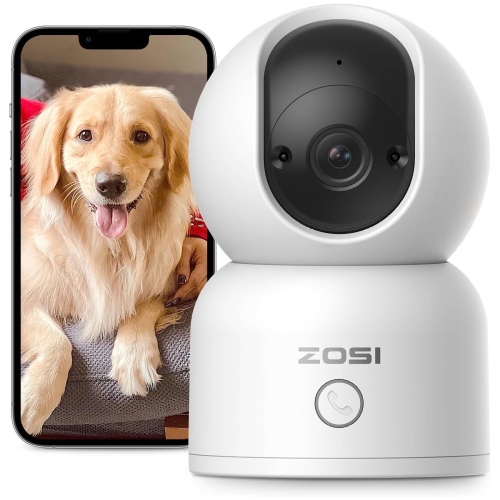
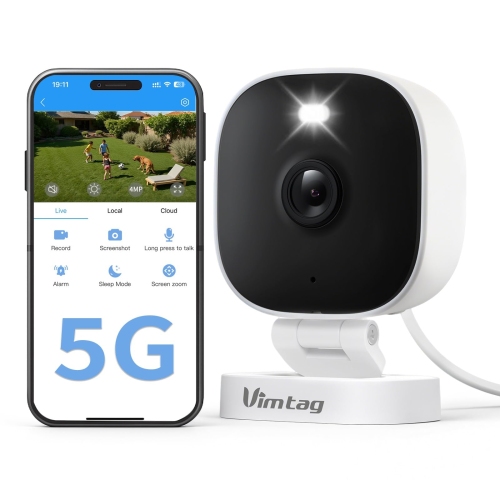
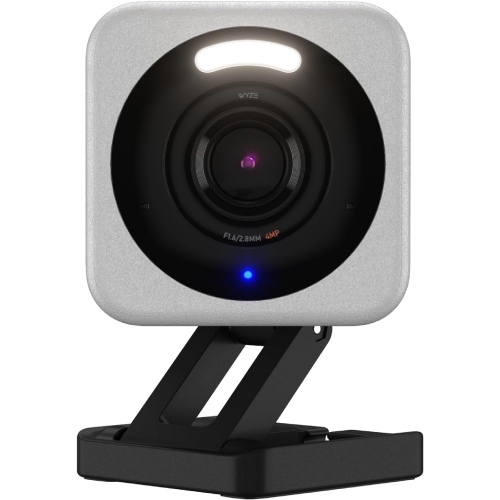
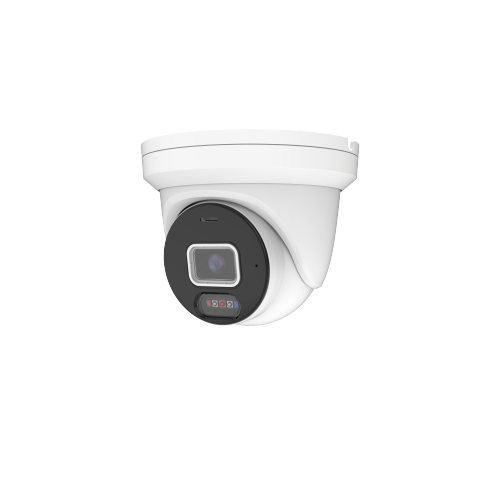
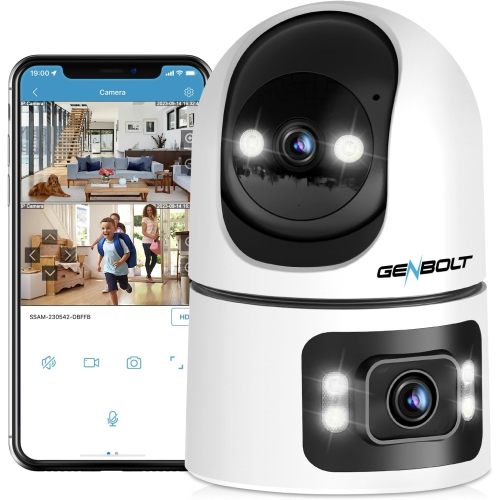
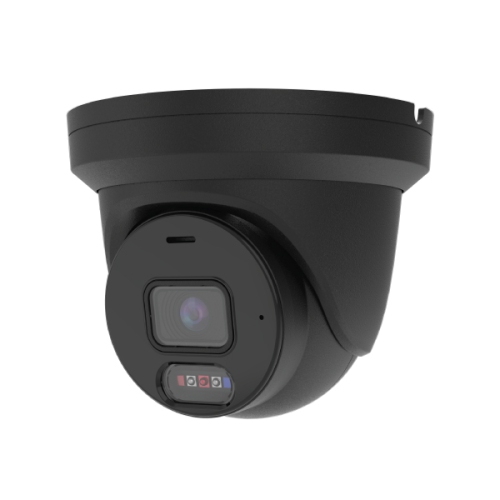
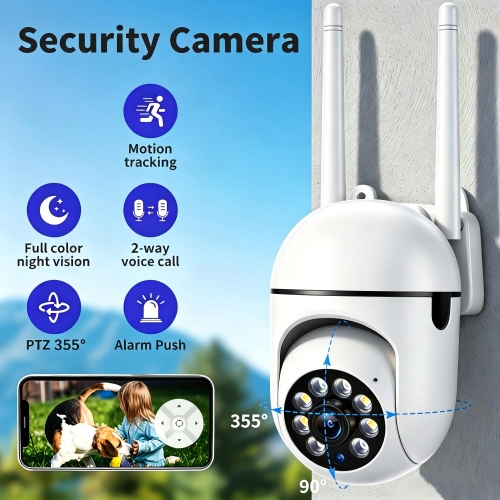
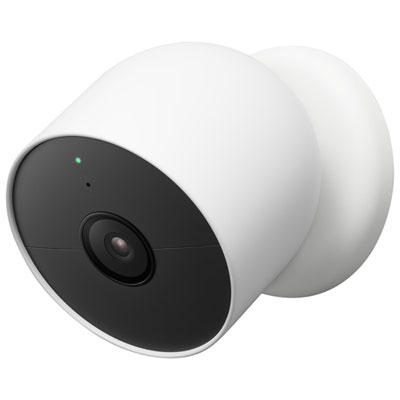
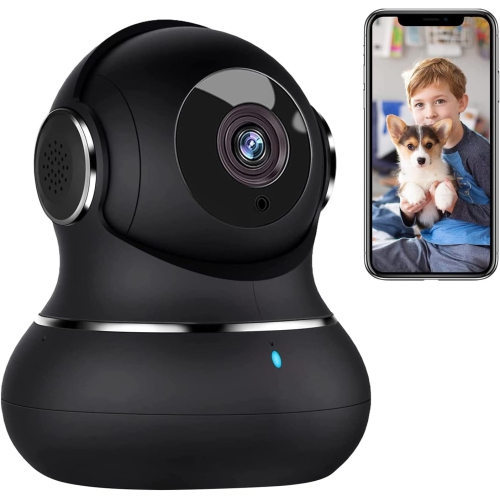
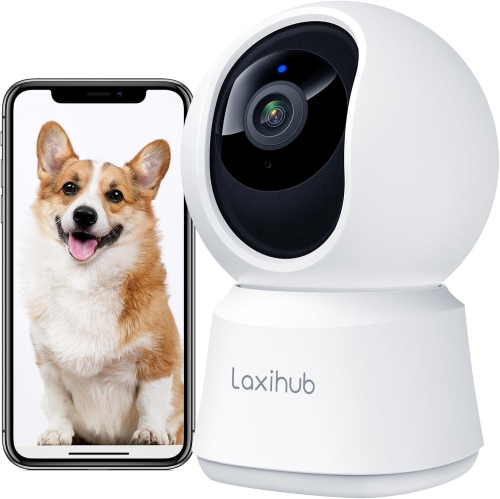
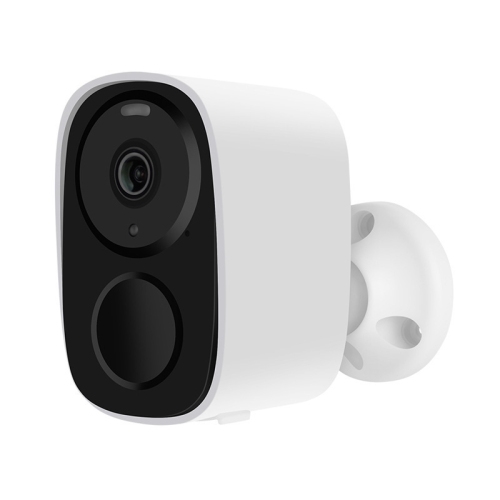
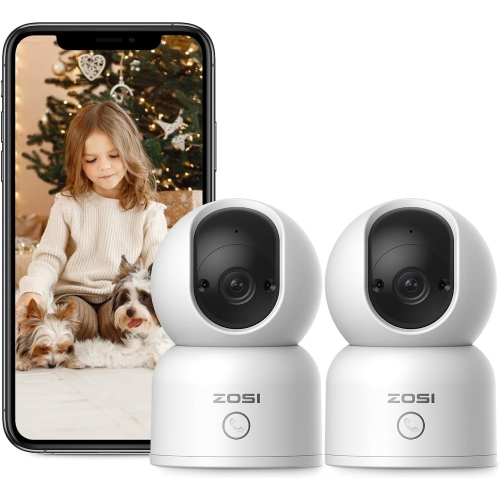
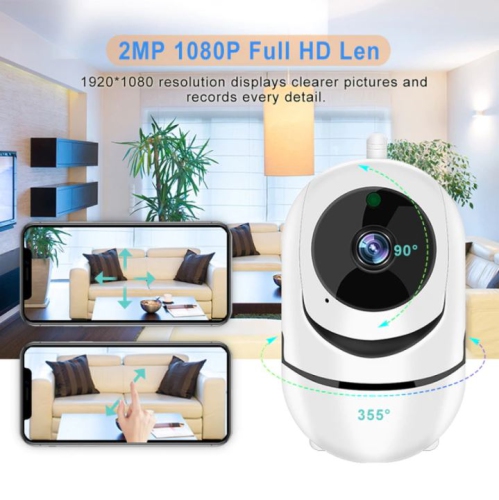
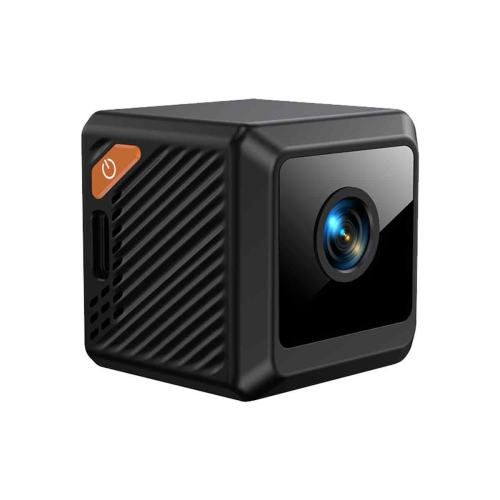
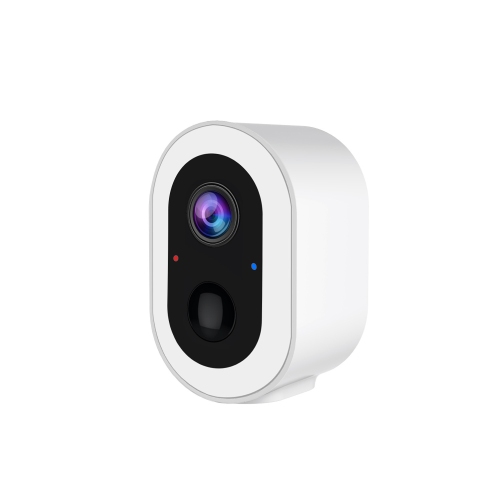
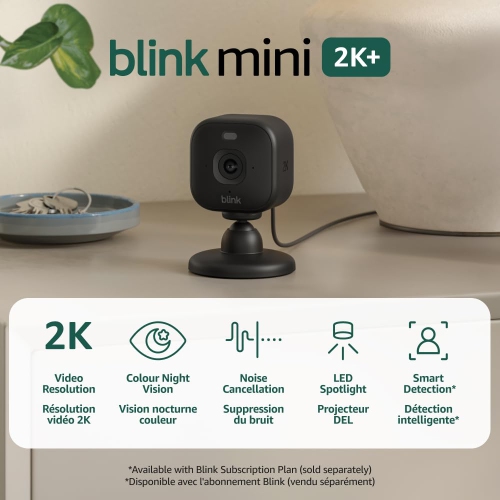
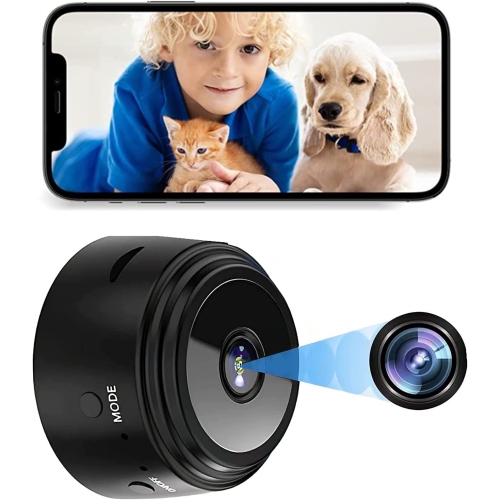
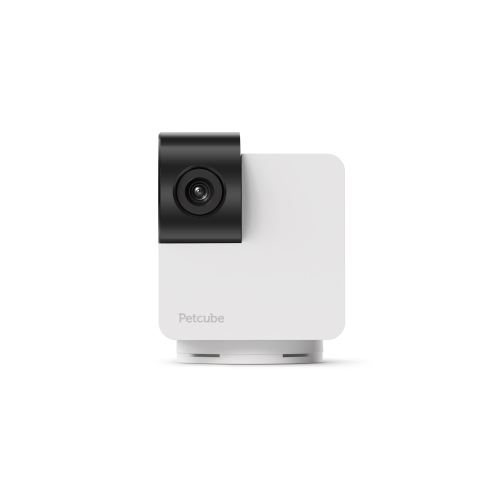
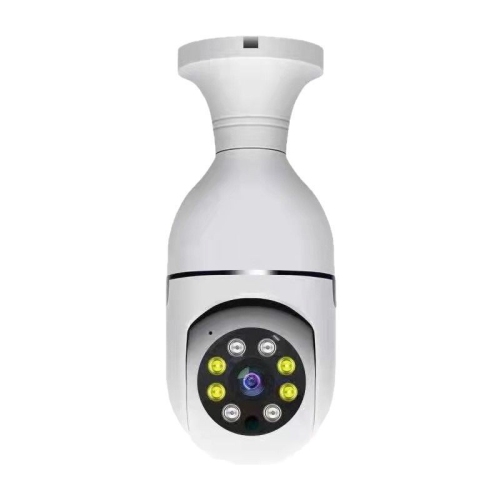
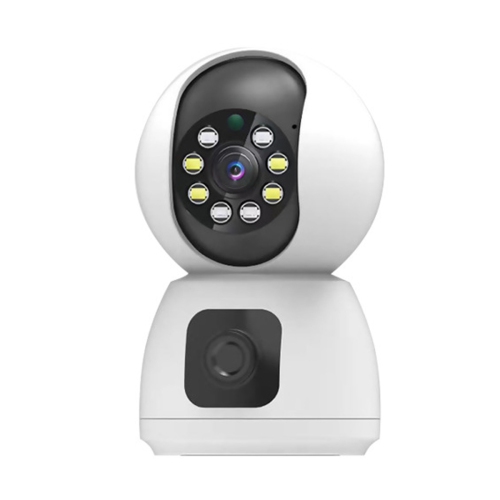
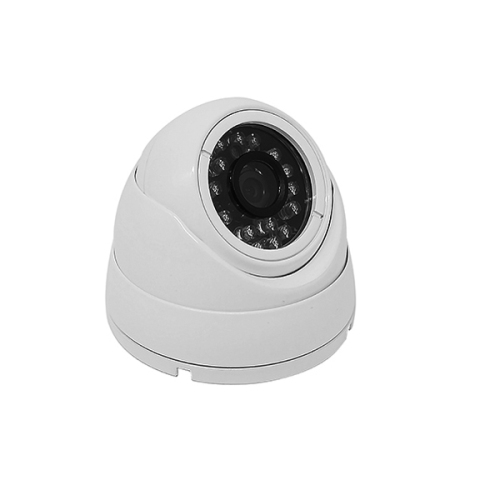
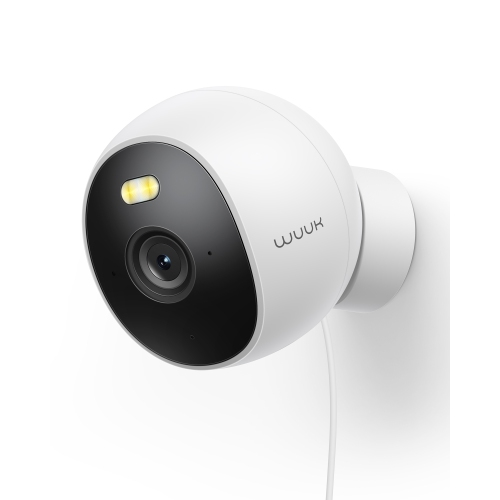
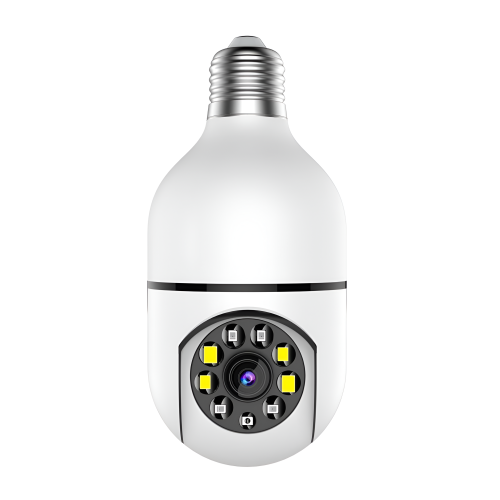
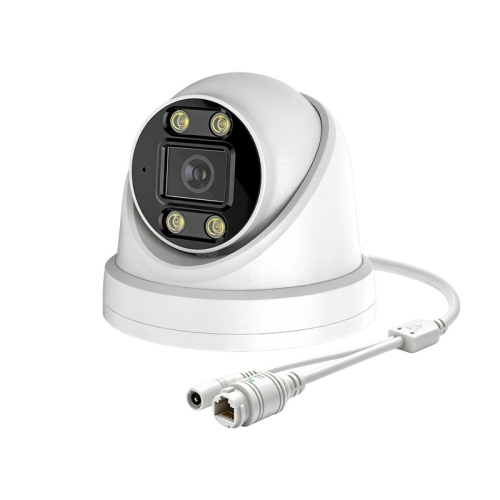
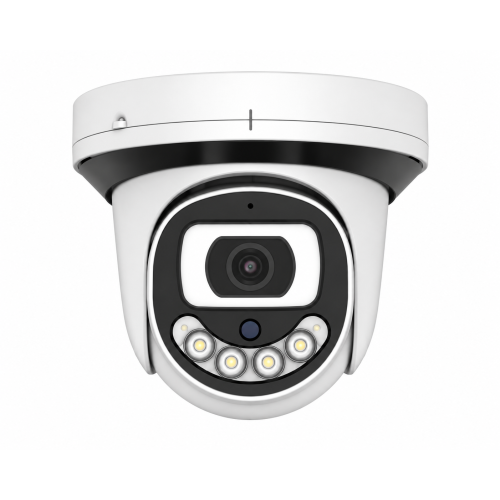
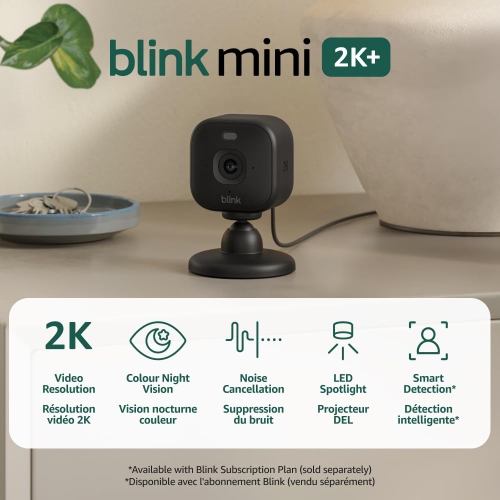
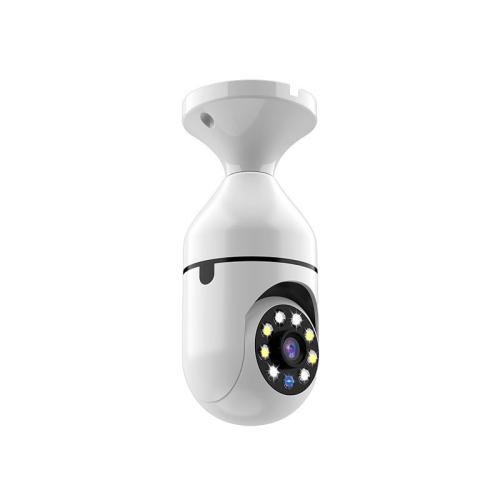
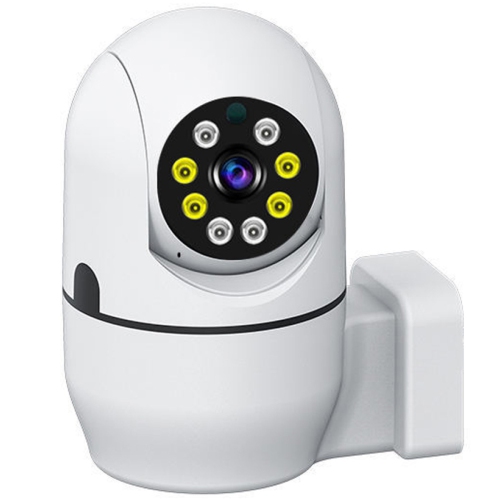

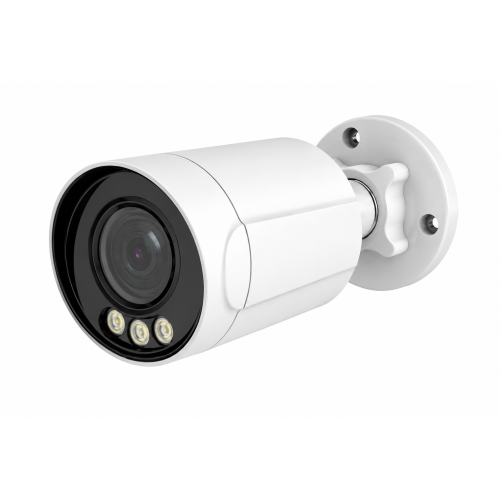
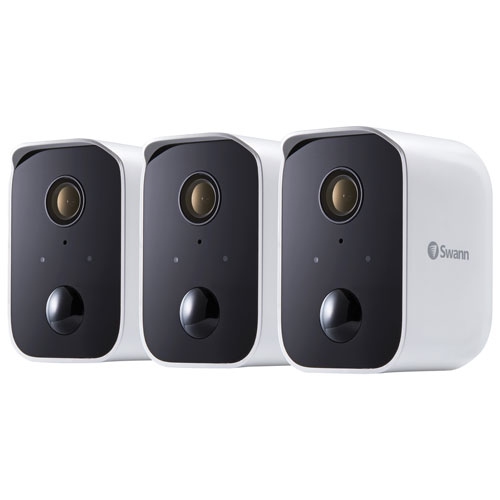
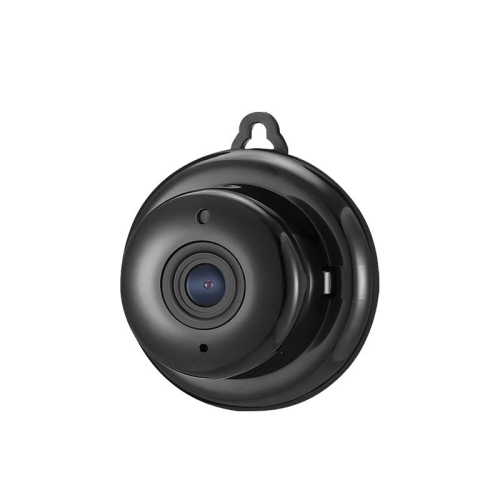

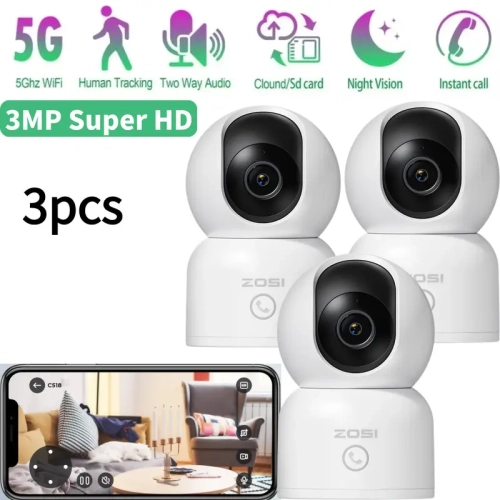
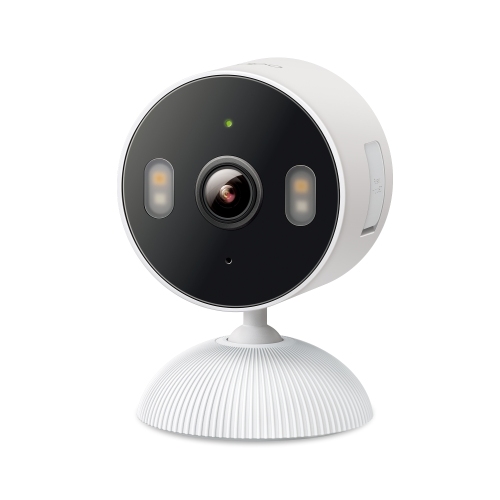
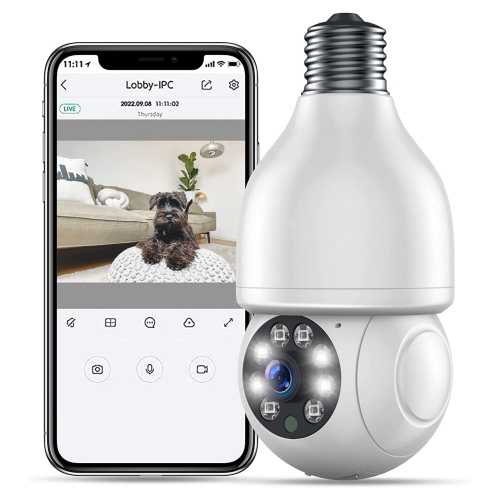
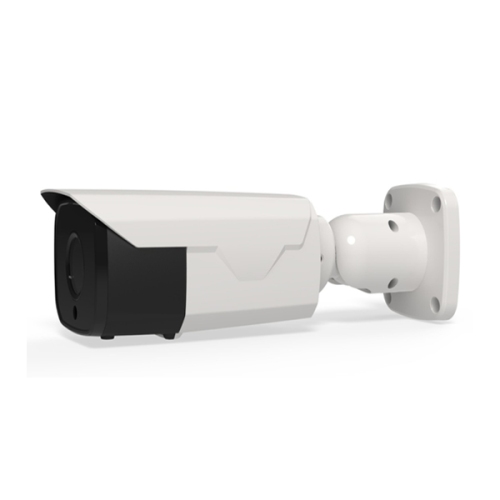
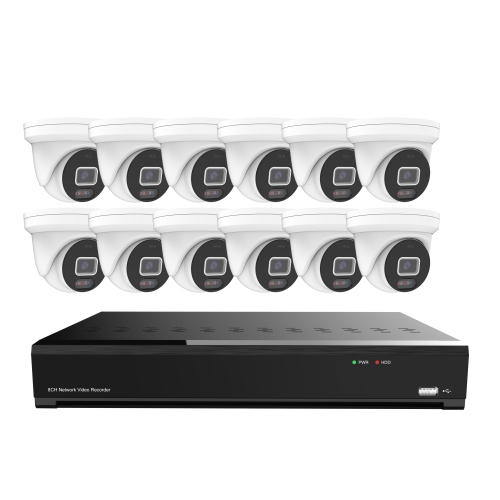
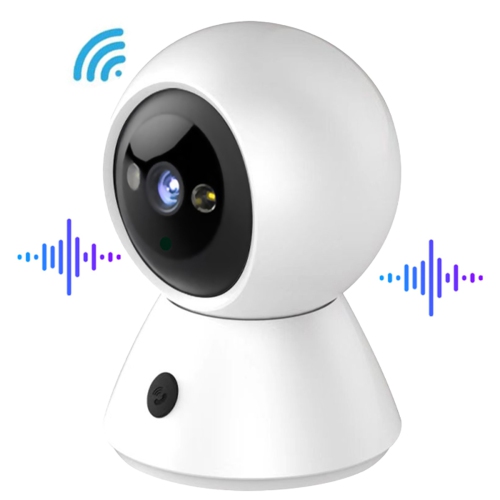
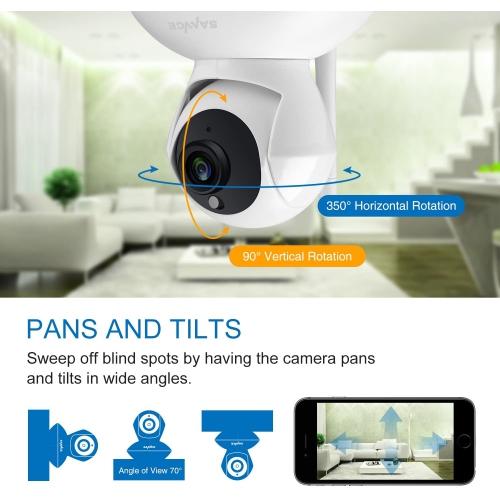
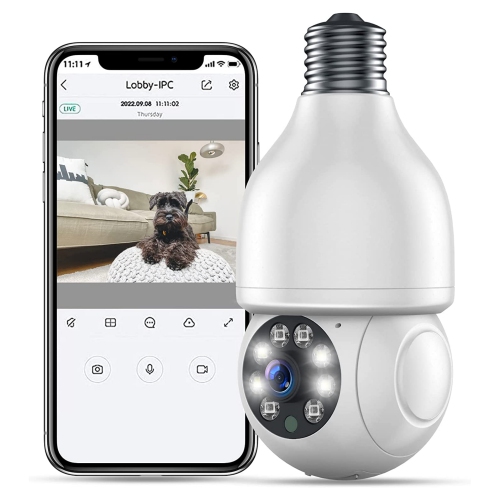
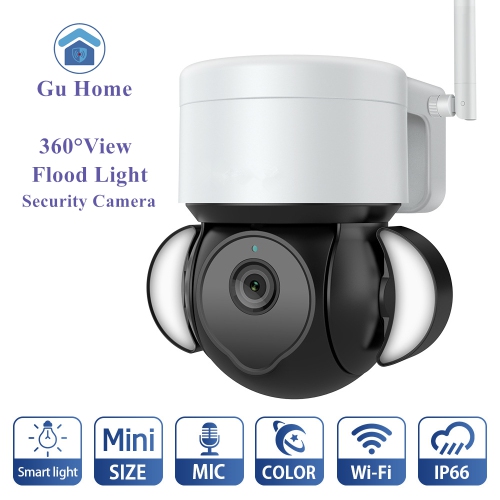
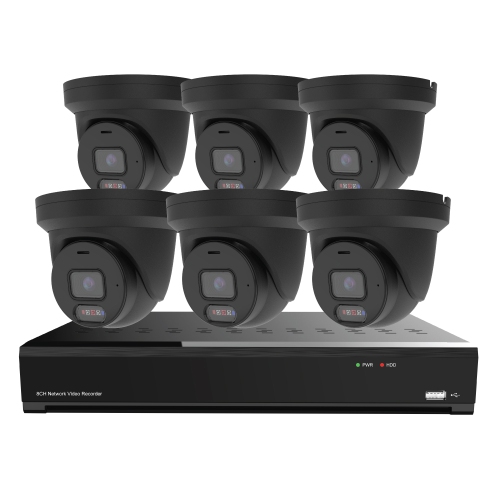
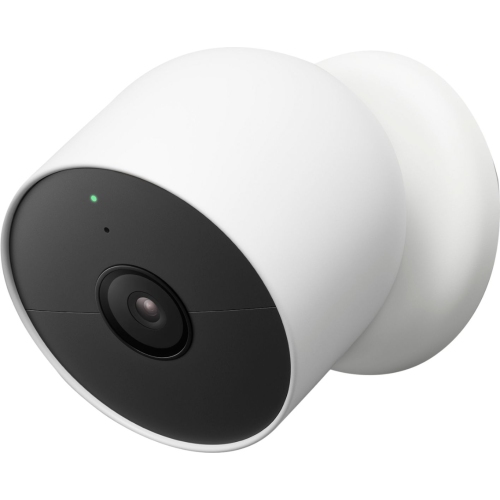
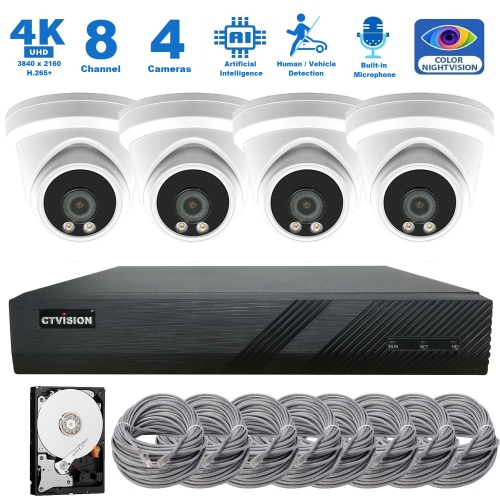
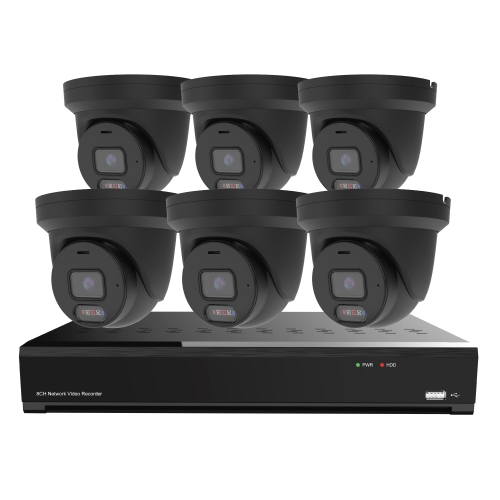
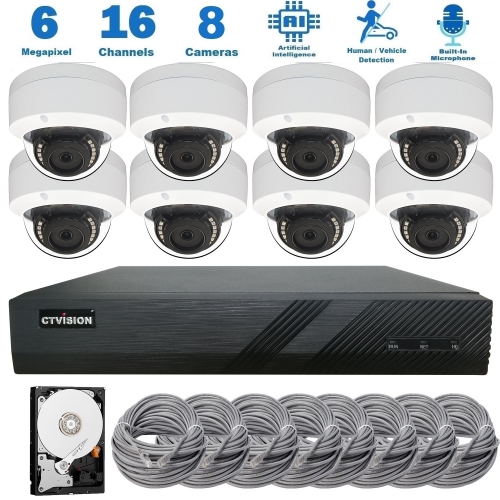
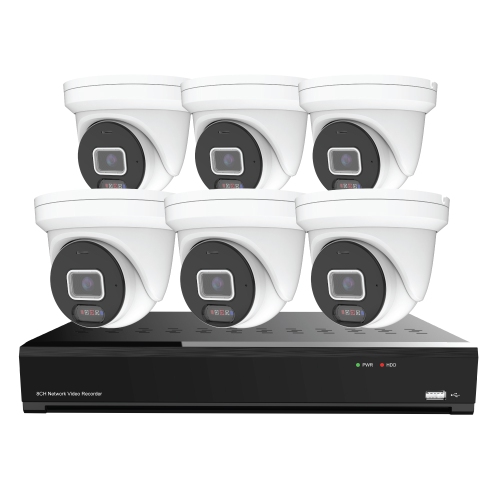
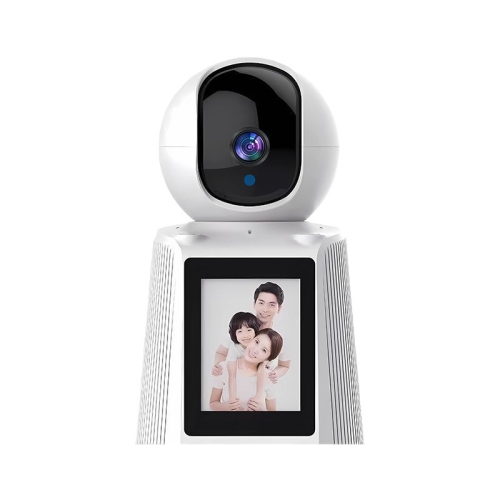
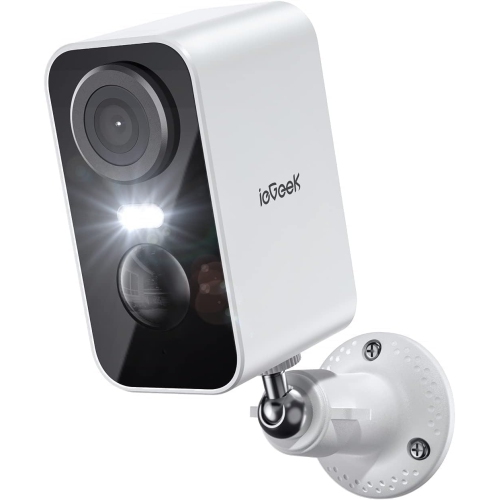
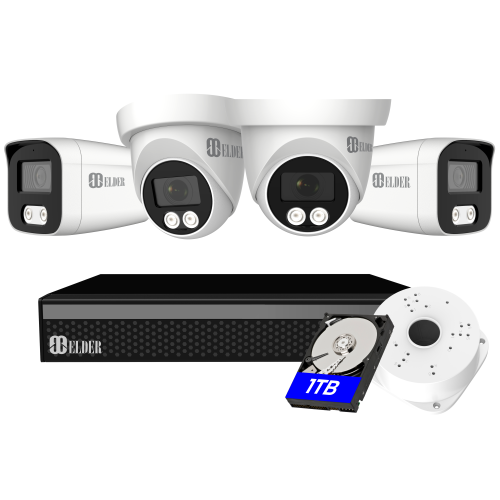
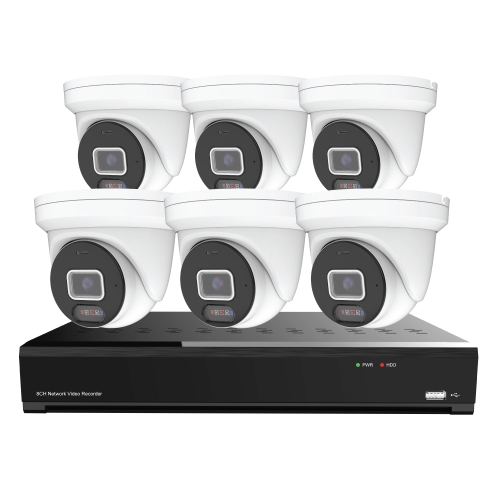
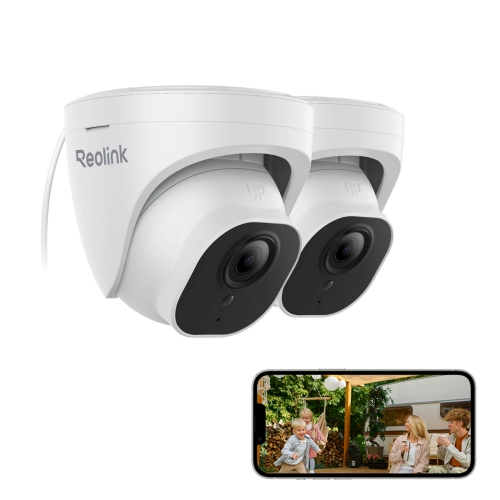
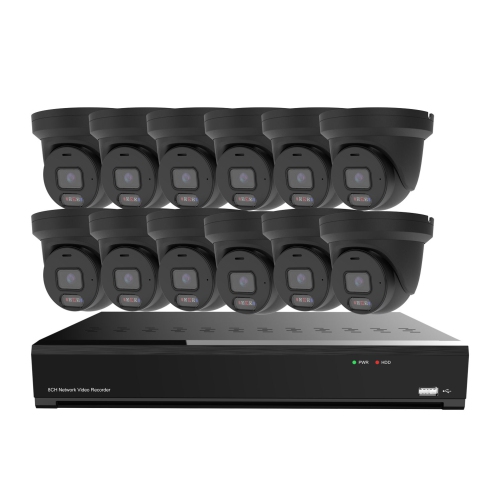

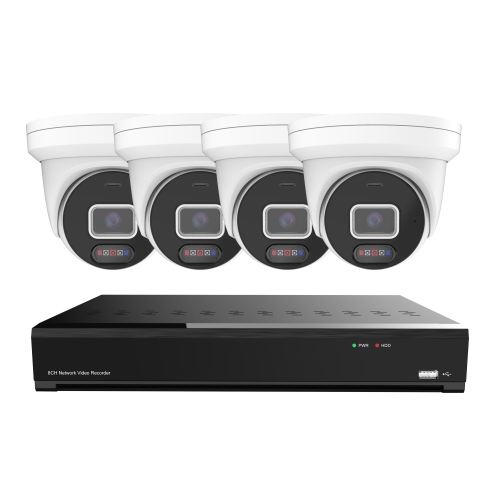
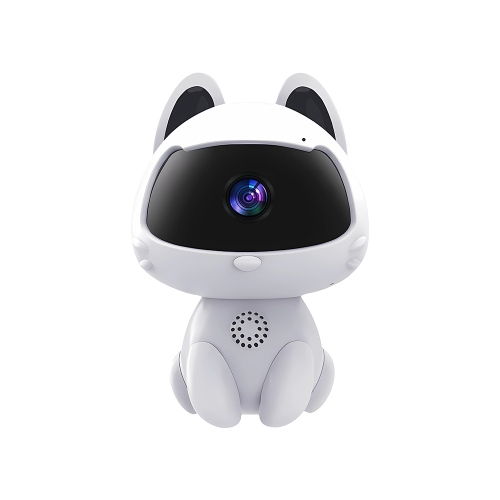
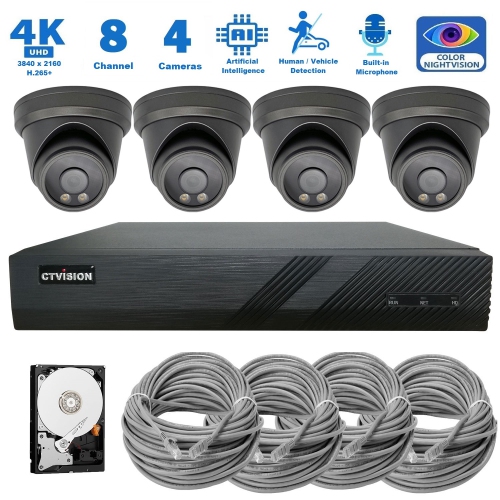
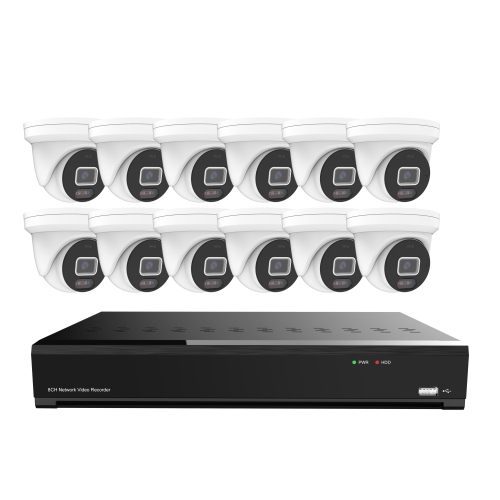
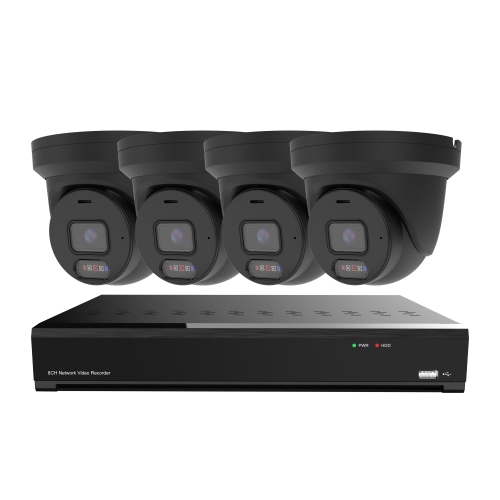
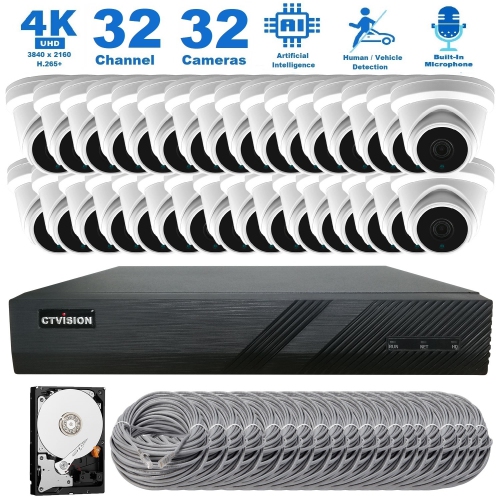
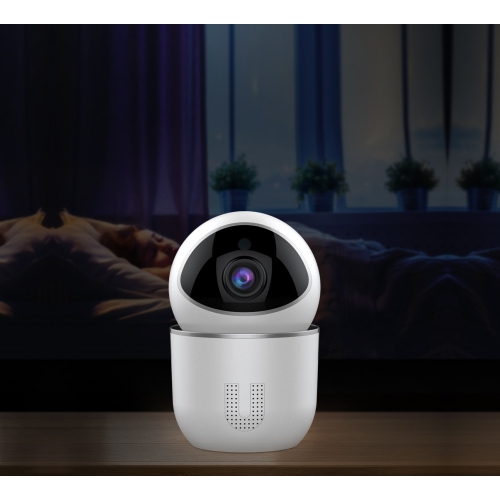
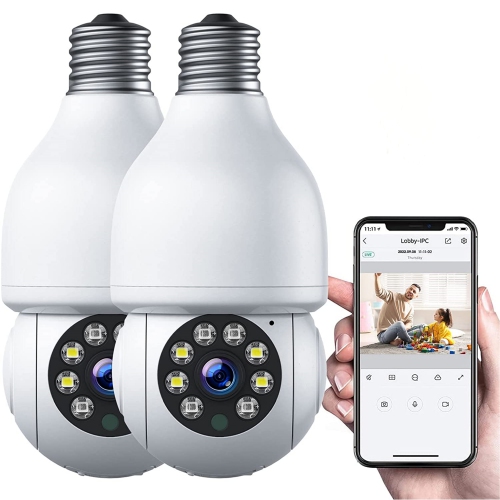
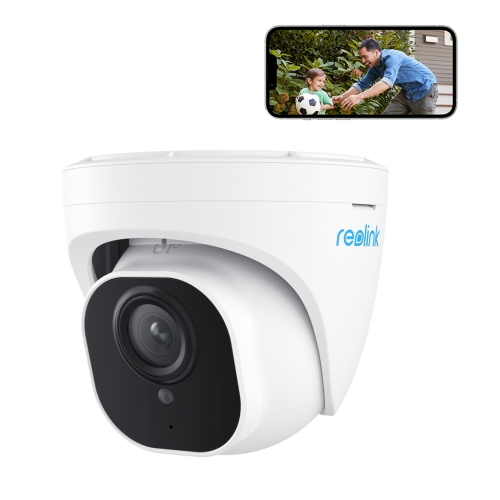
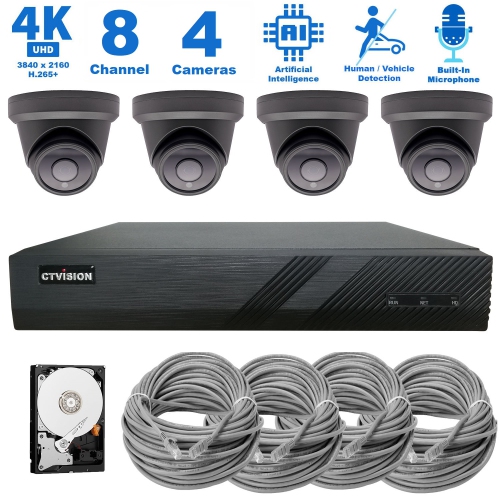
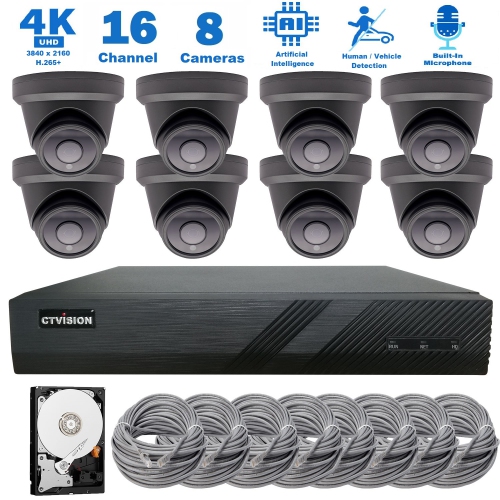
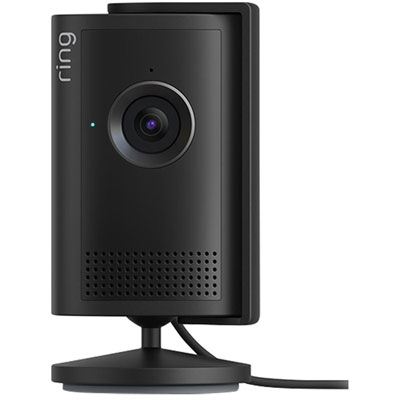
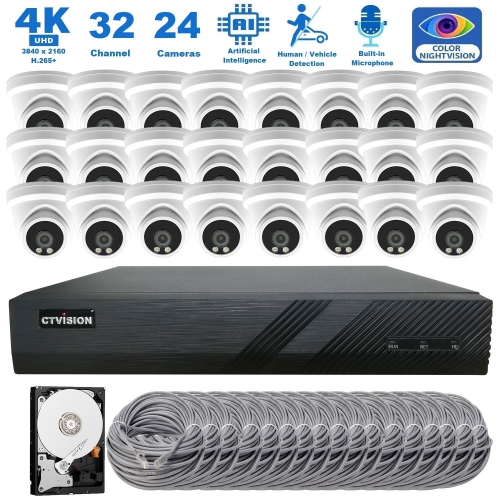

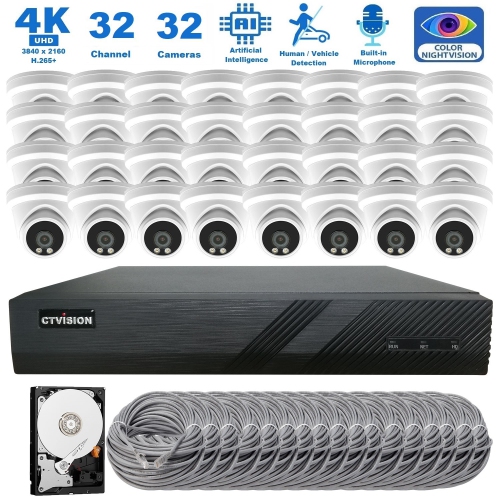
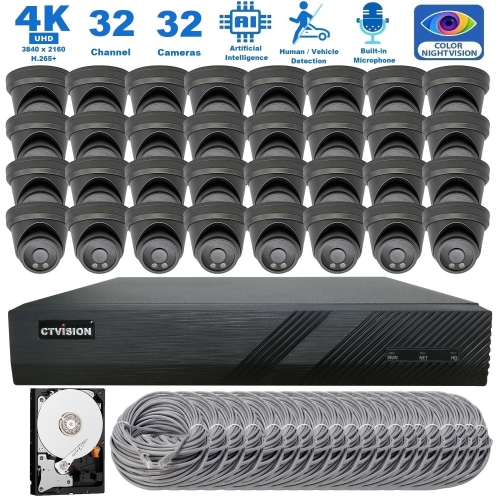
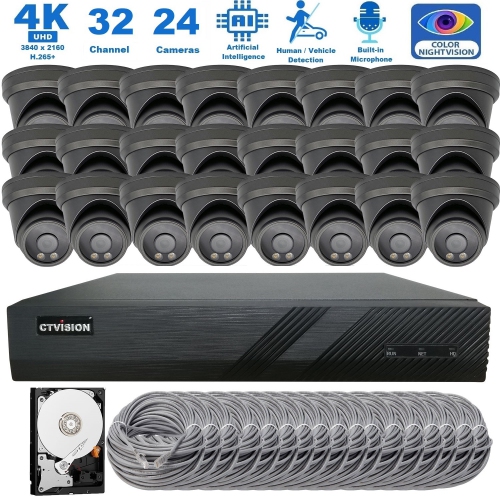
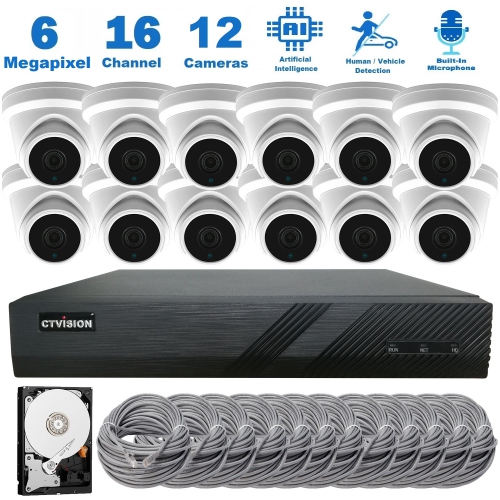
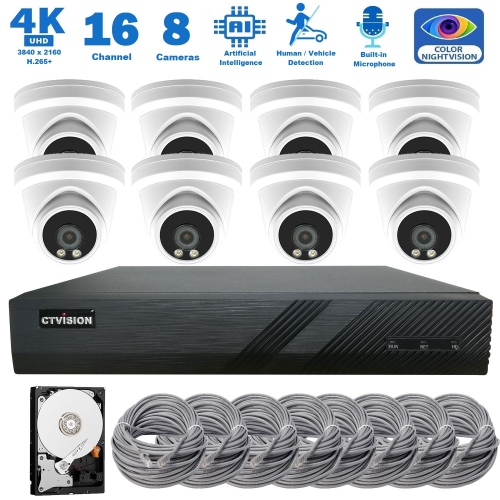
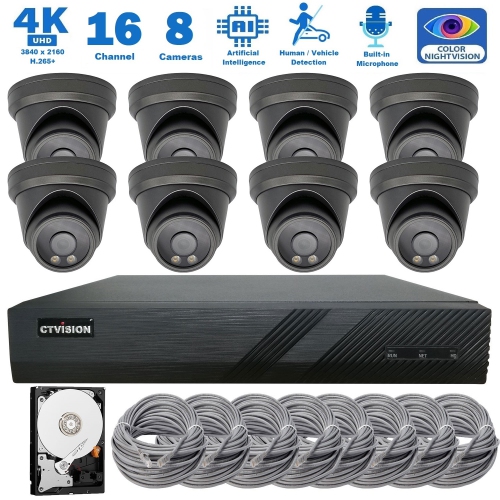
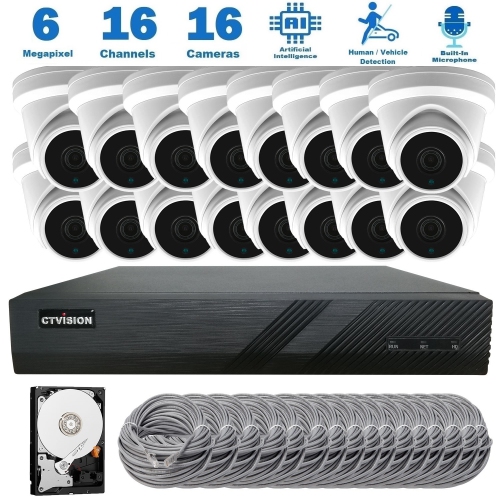
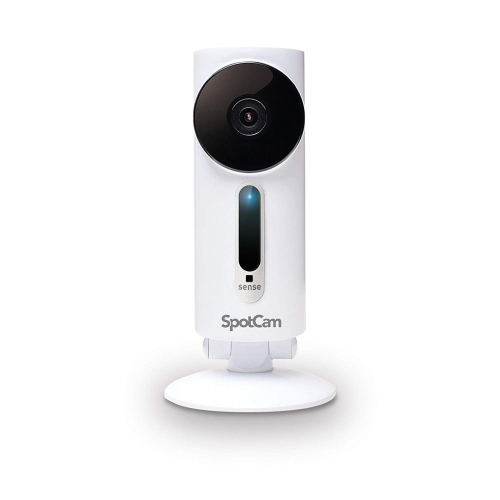
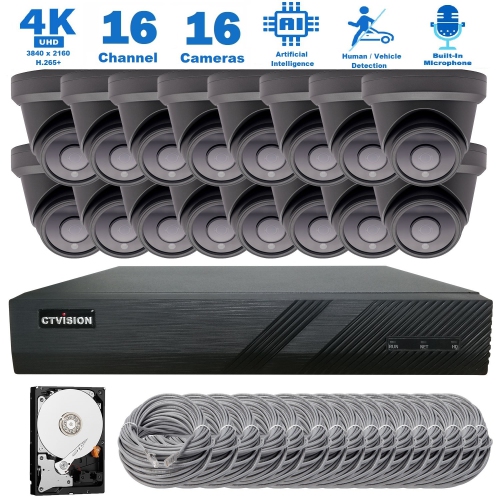
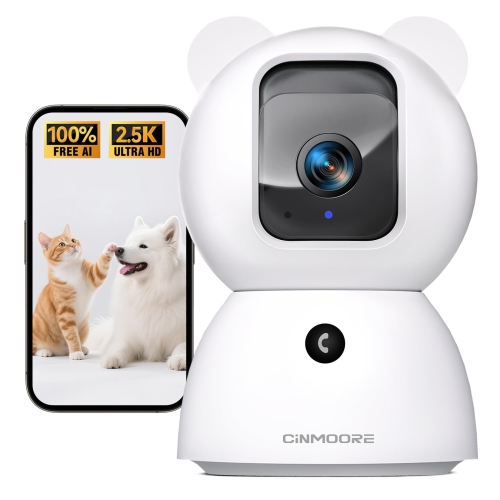
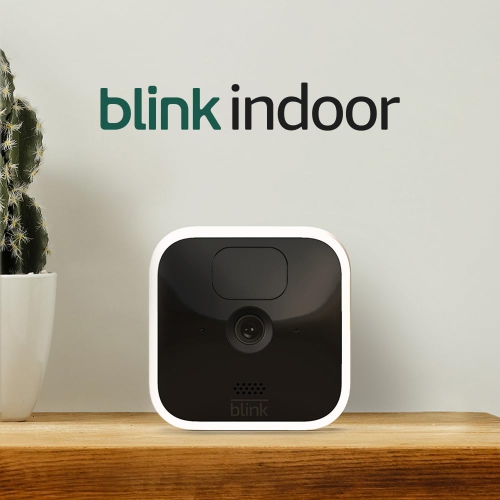
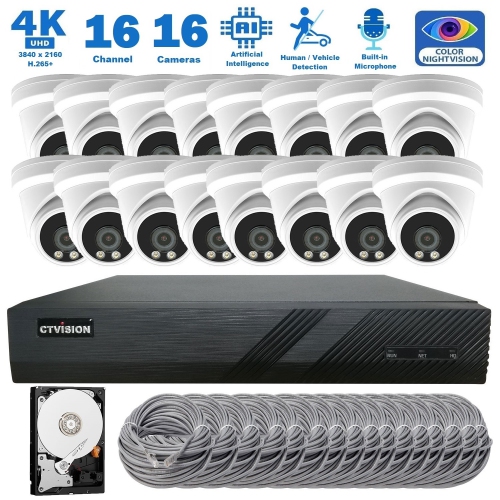
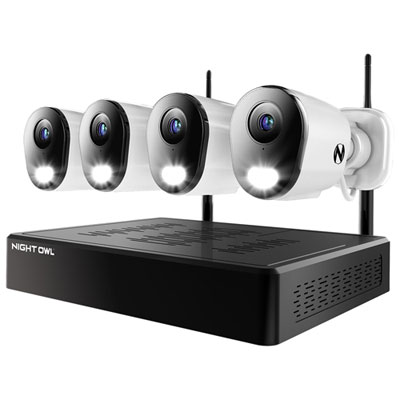
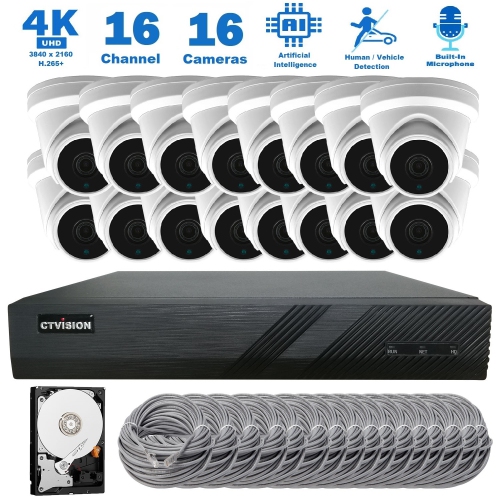
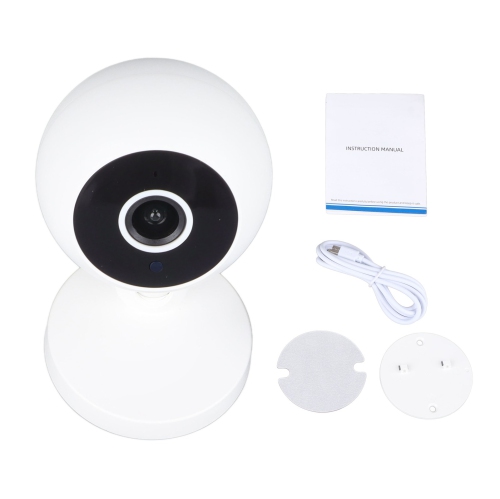
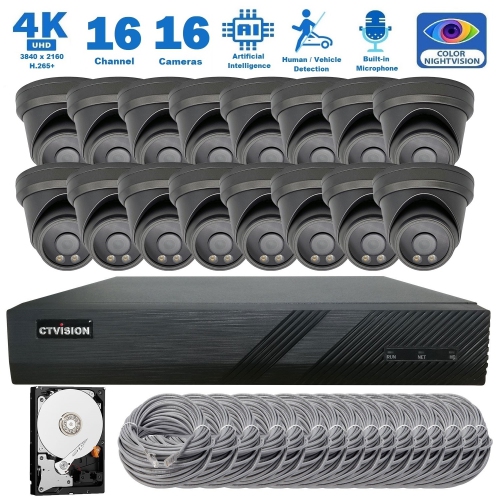
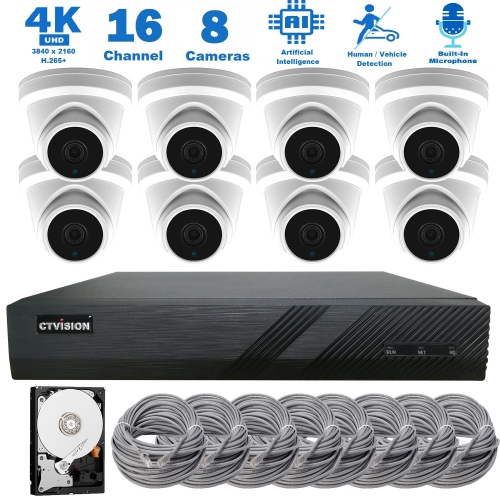
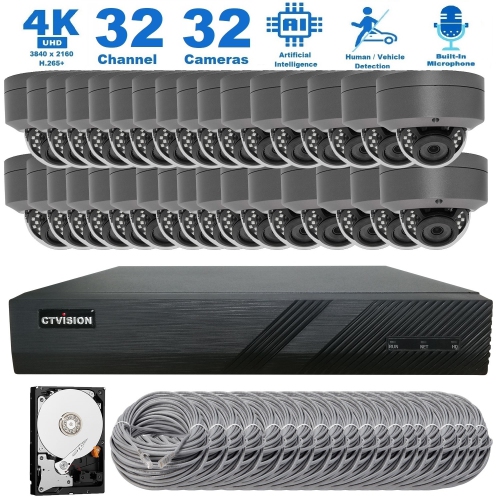
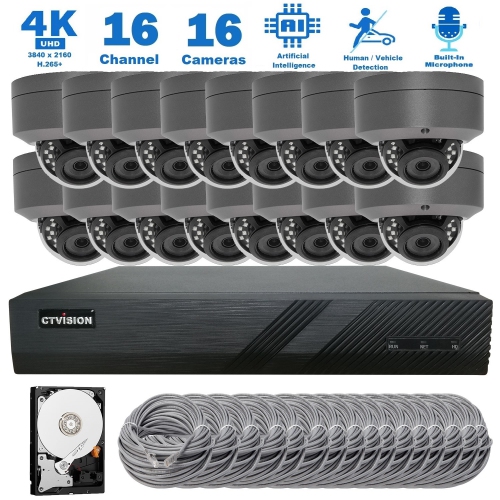
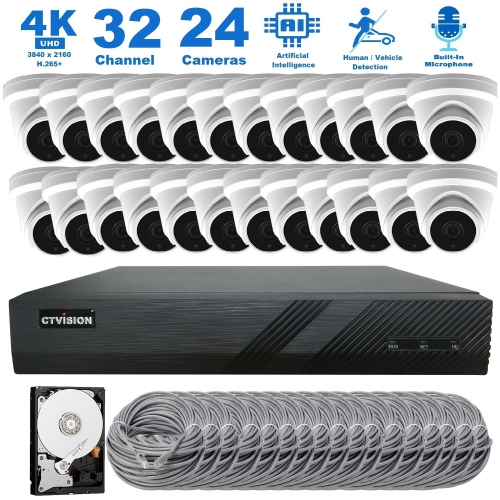
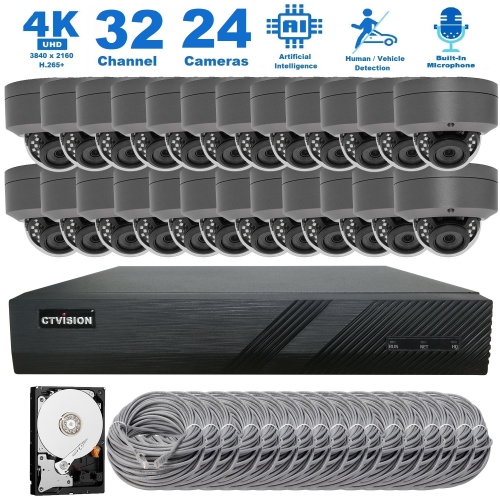
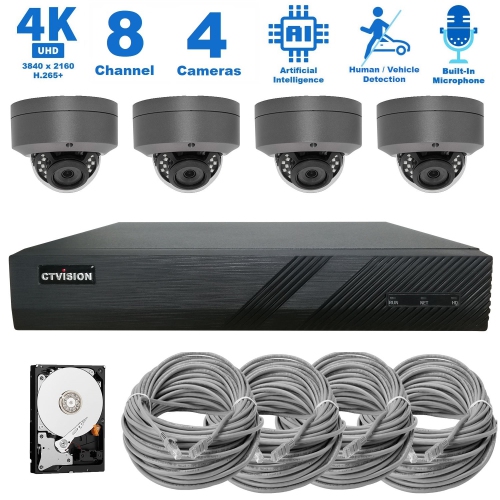
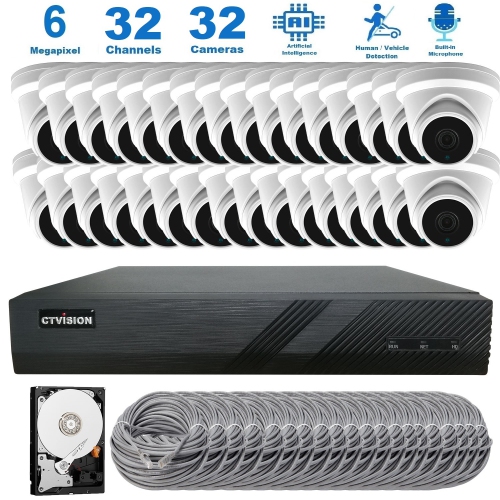
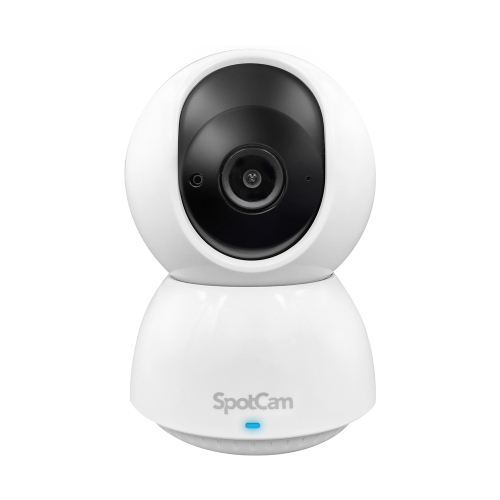
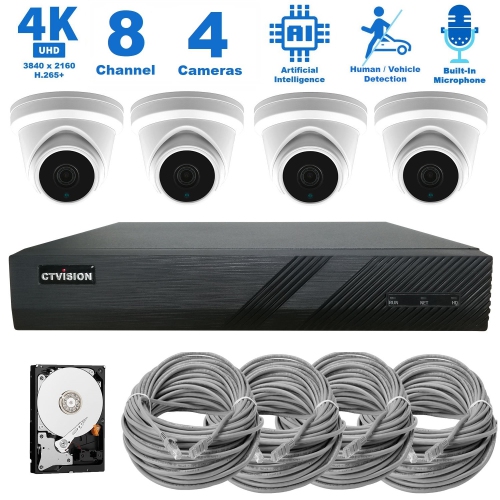
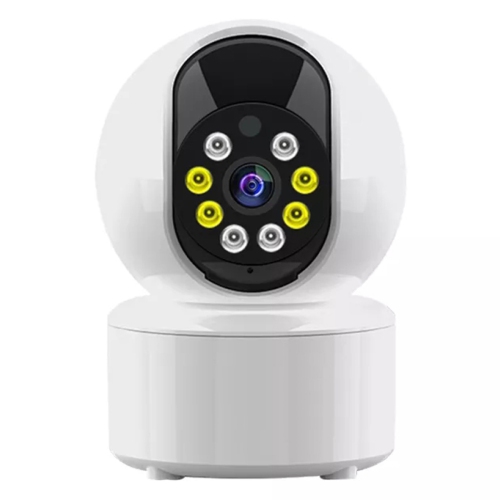
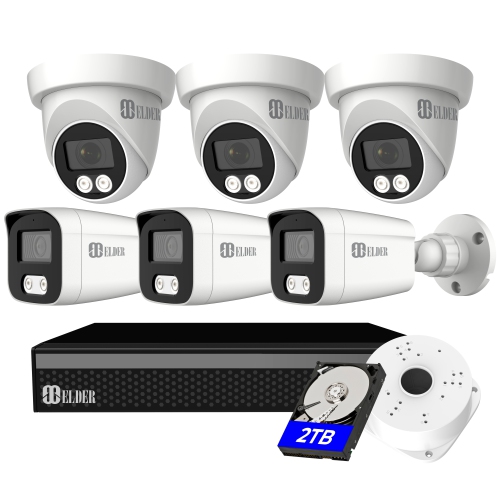
How audio adds context to your camera’s view
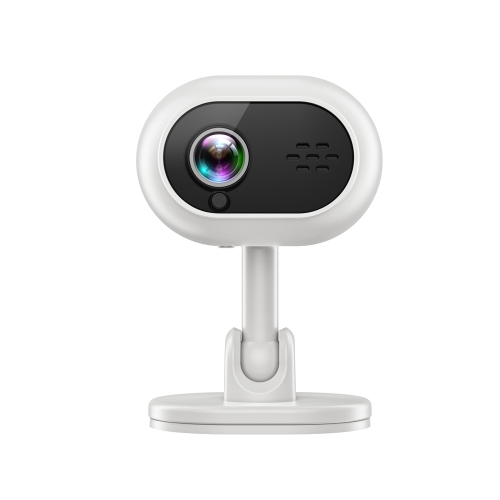
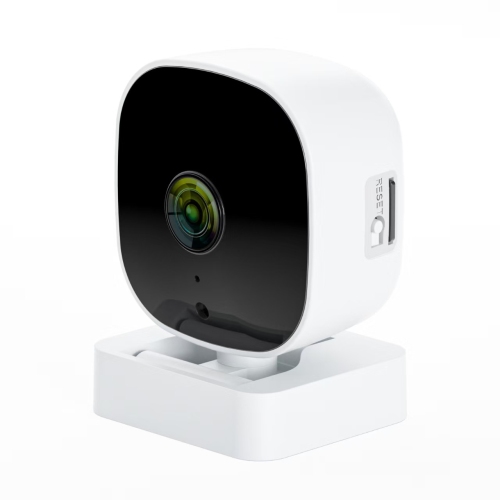
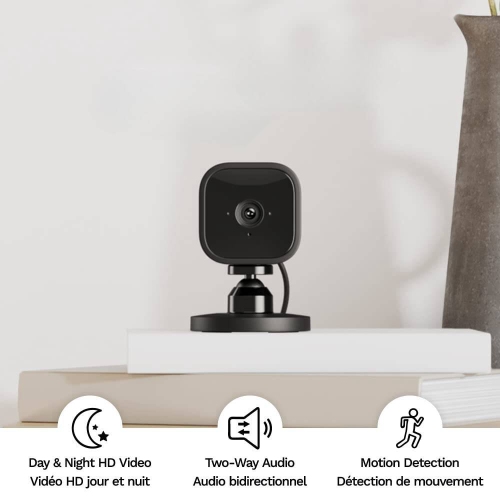
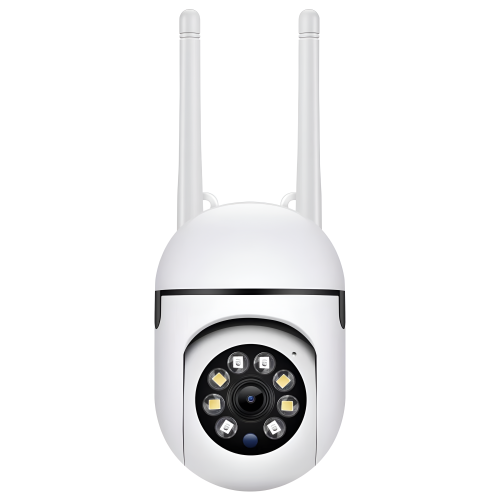
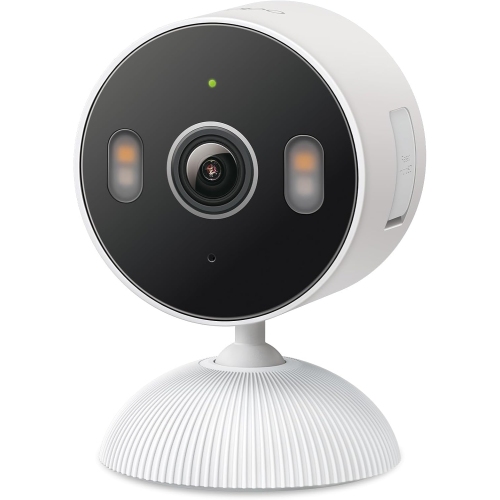
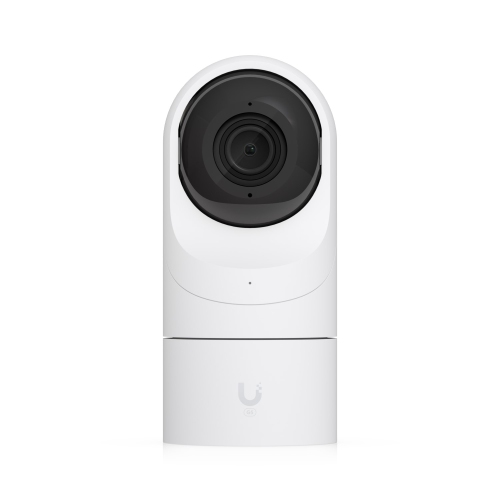
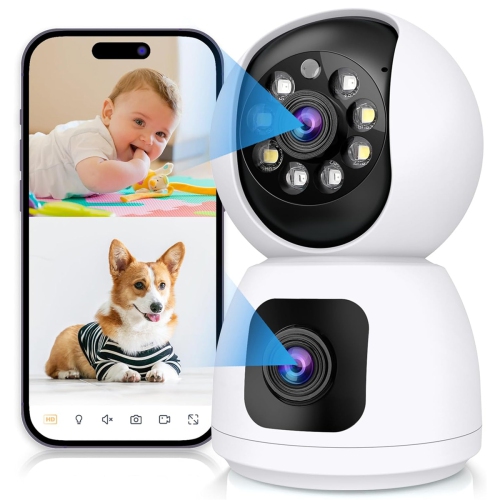
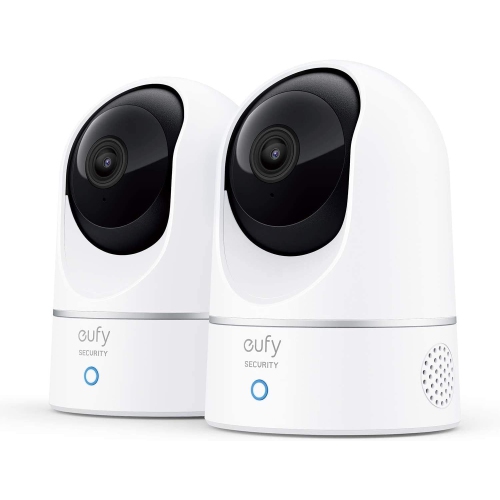
Indoor security cameras with audio combine a view of a room with the ability to hear what is happening there, adding useful context that video alone can miss. A camera might show a pet waiting by the door, while its microphone reveals whether the pet is quietly resting or barking at sounds in the hallway. For households checking in while away, that combination can make an entryway, living room, or other shared space easier to monitor. Audio features differ, however: a built-in microphone lets a camera capture sound, while two-way audio uses both a microphone and a speaker so someone viewing through a compatible app can listen and speak. Audio recording is a separate capability worth checking, since live listening or talking does not necessarily mean sound will be saved with every clip. Some cameras support a natural back-and-forth conversation; others use a press-to-talk function that works more like an intercom. Speaker volume, microphone sensitivity, and connection quality all affect how clearly voices carry. In a busy kitchen, an extractor fan or dishwasher may mask a quiet voice, whereas a camera on a stable shelf in a sitting room may pick up speech more clearly. Placement away from televisions and other constant sound sources can help make audio more useful. These cameras can suit pet owners, people who travel, and families who want a convenient way to check on shared areas of the home. With everyone’s knowledge and agreement, two-way talk can also support a brief check-in with an adult family member without requiring them to reach for a phone. It is a convenience feature rather than a substitute for emergency assistance, dedicated medical monitoring, or an in-person caregiver. For a gift, compatibility with the recipient’s home network and their comfort with connected cameras matter as much as picture quality, especially when microphones will be used in spaces shared with others.
Video quality, room coverage, and audio performance work together to determine how useful an indoor camera will be day to day. Full HD 1080p can provide a clear general view, while 2K or higher resolution can preserve more detail when enlarging part of an image, depending on the lens, lighting, and video compression. A wide-angle lens may cover a compact living room from one corner, although objects near the edges can look stretched. Pan-and-tilt features allow a compatible camera to turn towards different parts of a room, but furniture and walls still block its view. A position that captures both the doorway and the area where activity usually happens is often more useful than one aimed across a large expanse of empty floor. Night vision is particularly relevant in hallways and rooms with limited daylight during the cooler months. Infrared night vision typically produces a black-and-white image, while colour night viewing depends on the camera’s capabilities and the light present. Pointing an infrared camera through a window can create reflections, so indoor placement does not automatically make it suitable for watching outside. Motion alerts can draw attention to activity, and supported sound alerts may flag a loud noise, barking, or a baby crying. Detection types vary by camera, and a general sound alert should not be assumed to identify a specific event accurately. Adjustable activity zones and sensitivity settings can help limit notifications caused by routine household movement, such as a pet crossing the same hallway repeatedly. Many connected indoor cameras use Wi-Fi, with some requiring a 2.4 GHz network and others supporting additional bands. A reliable signal at the intended location matters for live video and two-way conversations, particularly when the camera sits far from the router. Compatibility with a smart display or voice assistant can add convenience, but viewing video, receiving alerts, and using two-way talk may have different support requirements. App permissions and separate household accounts, where supported, also help determine who can view the feed, hear sound, or speak through the camera.
Storage, privacy controls, and physical fit deserve the same attention as the headline video and audio features. Local storage may use a compatible microSD card, a separate hub, or another supported device, while cloud storage saves footage through an online service. The distinction affects how clips are accessed and retained, and whether footage remains accessible if the camera is damaged or removed. Cameras may save short event clips, support continuous recording, or offer both, with audio inclusion depending on the model and its settings. Memory card capacity, supported card type, and overwrite behaviour are useful details to check, especially for frequent recording. A card designed for repeated video writing may be appropriate where the camera supports it. For a broader look at cameras that can save sound alongside footage, Security Cameras With Audio Recording covers that related feature. Within the home, microphone mute controls, a physical privacy shutter, scheduled privacy settings, and clear status indicators can make everyday use more comfortable, although not every camera includes all of these options. Household members and visitors should understand where cameras are placed and when audio is active; bedrooms, bathrooms, and other private spaces require particular care. Strong, unique passwords, multi-factor authentication where offered, and timely software updates help protect access. For installation, compact plastic housings are common, with bases designed for shelves, tabletops, or compatible wall mounts. A broad, stable base suits a side table, while a secure mount may be preferable where children or pets could knock a camera over. Plug-in designs need a nearby outlet and a cable route that avoids trip hazards and keeps cords well away from children, cots, and pets. Battery-powered designs, where offered, need accessible placement for charging and may handle continuous viewing differently. Indoor cameras generally belong in dry, sheltered rooms unless their stated rating permits other use. Keep ventilation openings clear, avoid direct heat and steam, and gently remove dust from the lens and housing with a soft, dry cloth according to the manufacturer’s care directions. A well-positioned camera with clear sound, suitable storage, and manageable privacy settings is better suited to everyday household use than one chosen on resolution alone.
Video quality, room coverage, and audio performance work together to determine how useful an indoor camera will be day to day. Full HD 1080p can provide a clear general view, while 2K or higher resolution can preserve more detail when enlarging part of an image, depending on the lens, lighting, and video compression. A wide-angle lens may cover a compact living room from one corner, although objects near the edges can look stretched. Pan-and-tilt features allow a compatible camera to turn towards different parts of a room, but furniture and walls still block its view. A position that captures both the doorway and the area where activity usually happens is often more useful than one aimed across a large expanse of empty floor. Night vision is particularly relevant in hallways and rooms with limited daylight during the cooler months. Infrared night vision typically produces a black-and-white image, while colour night viewing depends on the camera’s capabilities and the light present. Pointing an infrared camera through a window can create reflections, so indoor placement does not automatically make it suitable for watching outside. Motion alerts can draw attention to activity, and supported sound alerts may flag a loud noise, barking, or a baby crying. Detection types vary by camera, and a general sound alert should not be assumed to identify a specific event accurately. Adjustable activity zones and sensitivity settings can help limit notifications caused by routine household movement, such as a pet crossing the same hallway repeatedly. Many connected indoor cameras use Wi-Fi, with some requiring a 2.4 GHz network and others supporting additional bands. A reliable signal at the intended location matters for live video and two-way conversations, particularly when the camera sits far from the router. Compatibility with a smart display or voice assistant can add convenience, but viewing video, receiving alerts, and using two-way talk may have different support requirements. App permissions and separate household accounts, where supported, also help determine who can view the feed, hear sound, or speak through the camera.
Storage, privacy controls, and physical fit deserve the same attention as the headline video and audio features. Local storage may use a compatible microSD card, a separate hub, or another supported device, while cloud storage saves footage through an online service. The distinction affects how clips are accessed and retained, and whether footage remains accessible if the camera is damaged or removed. Cameras may save short event clips, support continuous recording, or offer both, with audio inclusion depending on the model and its settings. Memory card capacity, supported card type, and overwrite behaviour are useful details to check, especially for frequent recording. A card designed for repeated video writing may be appropriate where the camera supports it. For a broader look at cameras that can save sound alongside footage, Security Cameras With Audio Recording covers that related feature. Within the home, microphone mute controls, a physical privacy shutter, scheduled privacy settings, and clear status indicators can make everyday use more comfortable, although not every camera includes all of these options. Household members and visitors should understand where cameras are placed and when audio is active; bedrooms, bathrooms, and other private spaces require particular care. Strong, unique passwords, multi-factor authentication where offered, and timely software updates help protect access. For installation, compact plastic housings are common, with bases designed for shelves, tabletops, or compatible wall mounts. A broad, stable base suits a side table, while a secure mount may be preferable where children or pets could knock a camera over. Plug-in designs need a nearby outlet and a cable route that avoids trip hazards and keeps cords well away from children, cots, and pets. Battery-powered designs, where offered, need accessible placement for charging and may handle continuous viewing differently. Indoor cameras generally belong in dry, sheltered rooms unless their stated rating permits other use. Keep ventilation openings clear, avoid direct heat and steam, and gently remove dust from the lens and housing with a soft, dry cloth according to the manufacturer’s care directions. A well-positioned camera with clear sound, suitable storage, and manageable privacy settings is better suited to everyday household use than one chosen on resolution alone.
Top selling and popular products
-
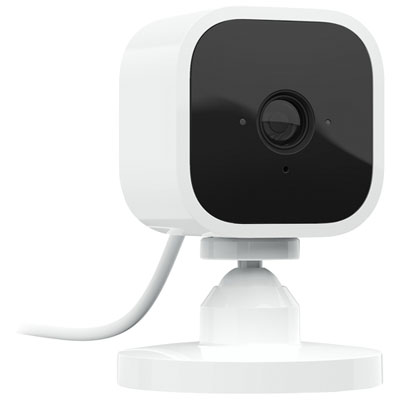 Your price for this item is $14.97
 -
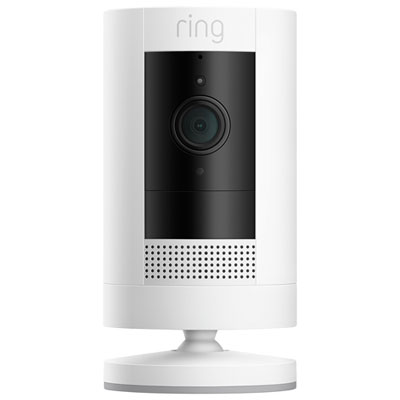 Your price for this item is $109.99
 -
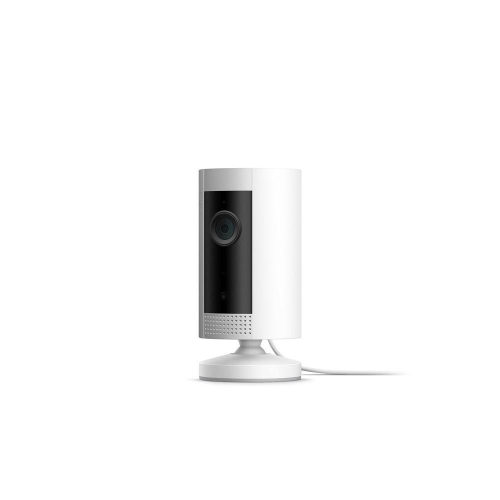 Your price for this item is $79.25
 -
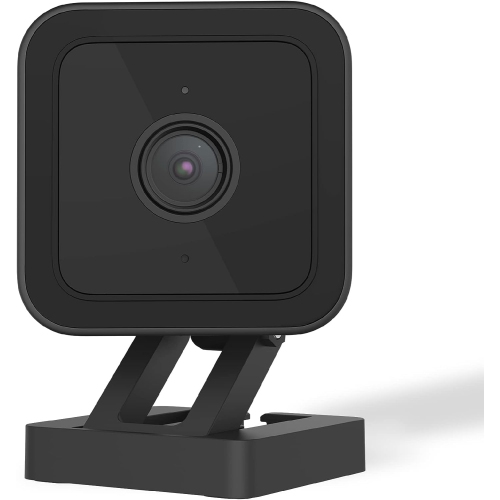 Your price for this item is $95.99
 -
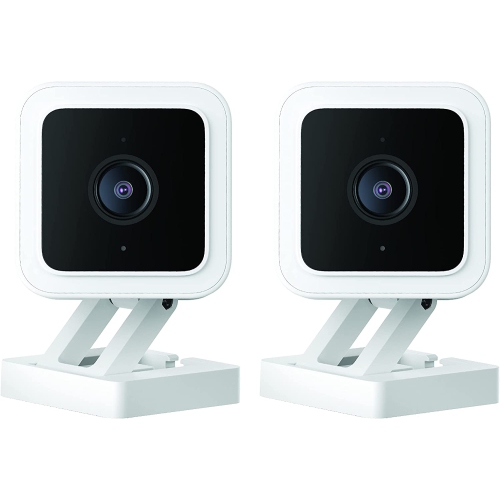 Your price for this item is $110.48
 -
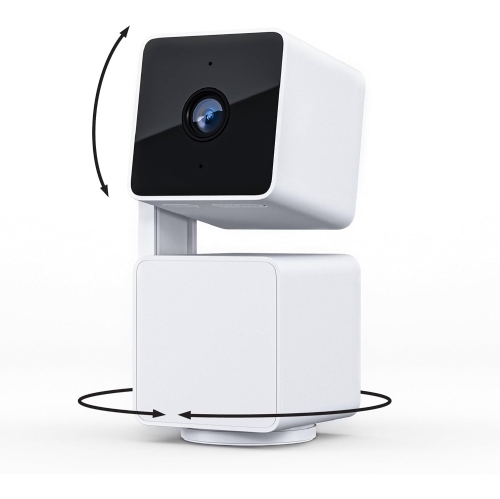 Your price for this item is $110.99
 -
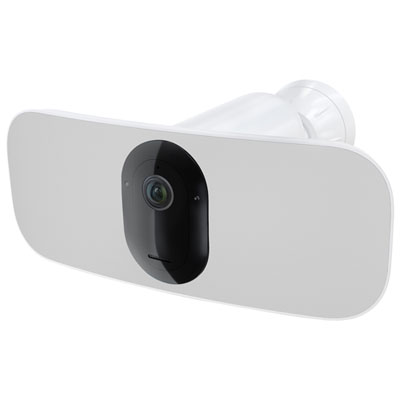 Your price for this item is $329.95
 -
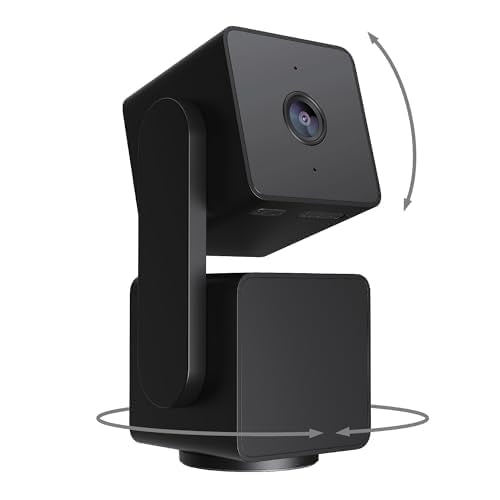 Your price for this item is $105.99
Discover more categories related to Indoor Security Cameras With Audio
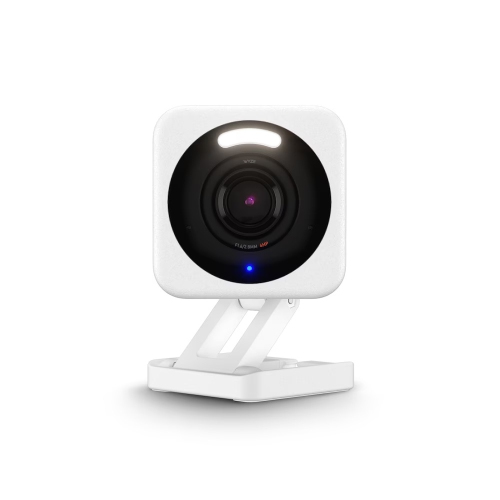
Top Collections:
Pokemon Centers, Kindle Devices, Best Cameras for Sports Photography, Best Budget Office Chairs, Pokémon 30th Celebration Cards, Apple iPhones 16, Canon G7X Cameras, iPhone 15 Apple, Flip Phones, Samsung Galaxy Phones
Some products may be subject to Environmental Handling Fees
(EHF) depending on your province.
Learn more about EHFs.