Digital Notebooks With Handwriting To Text Conversion
Discover a smarter way to capture your ideas and stay organized with a digital notebook with handwriting to text conversion. Perfect for students, professionals, and creatives alike, these innovative devices make it easy to seamlessly transition from handwritten notes to digital text. Enjoy the convenience of editing, sharing, and storing your notes across multiple devices while keeping your workflow efficient and streamlined. Explore the range of digital notebooks with handwriting to text conversion to find the ideal solution for your note-taking needs.
Sort
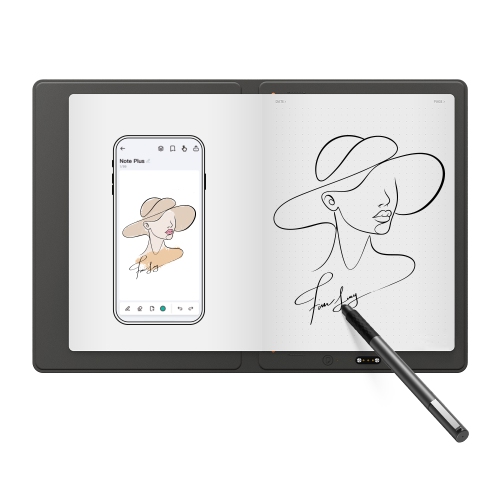


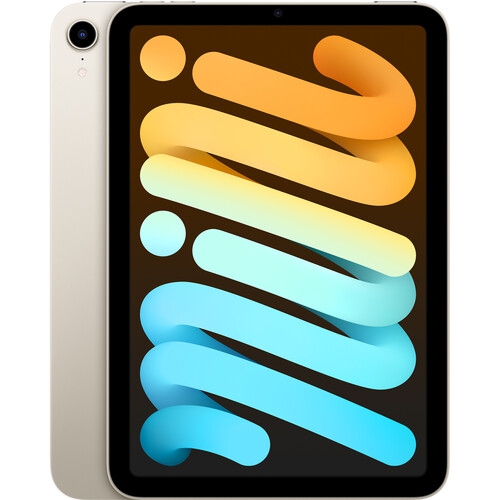


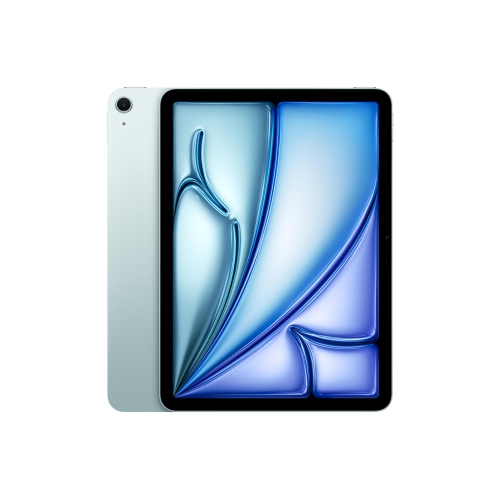
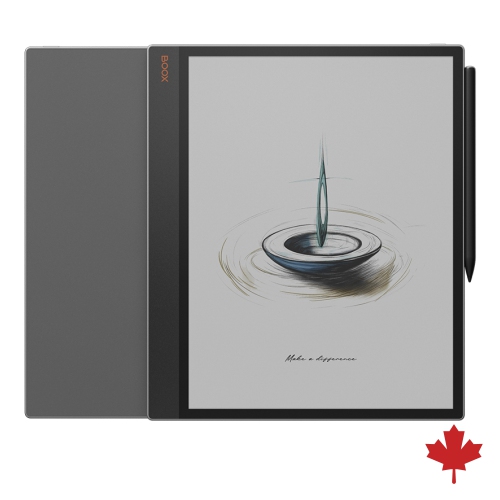
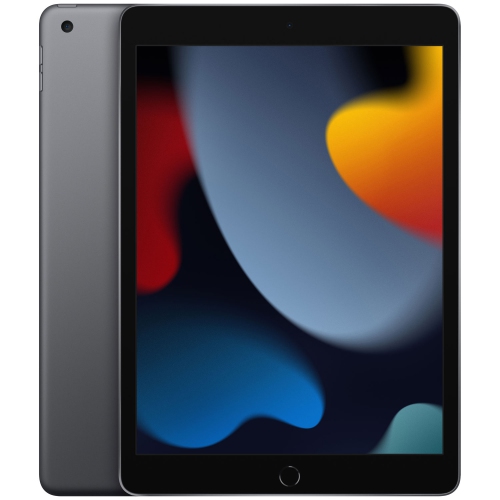
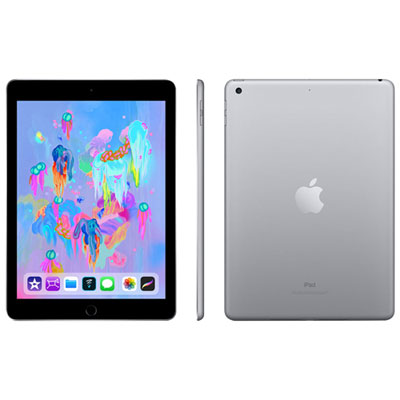
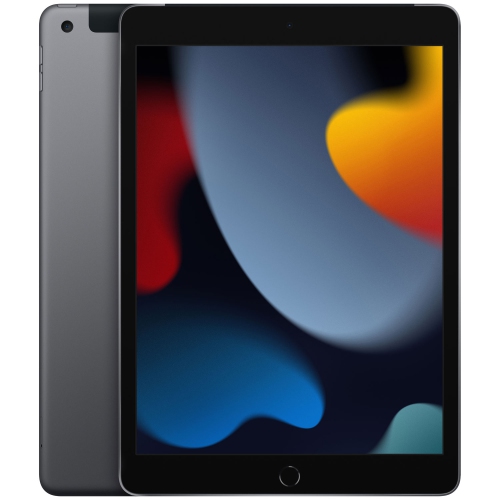

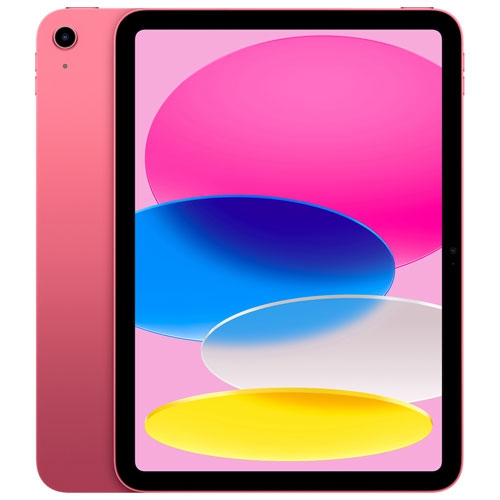
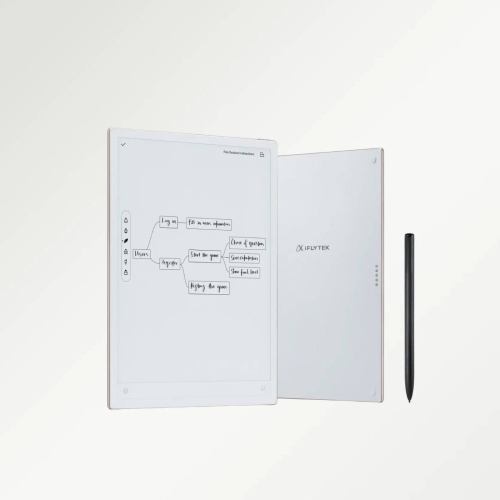
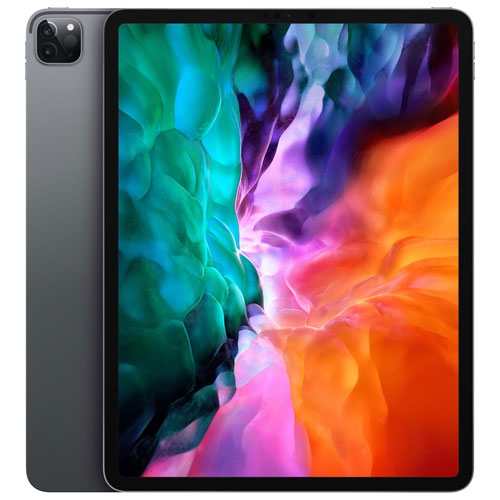
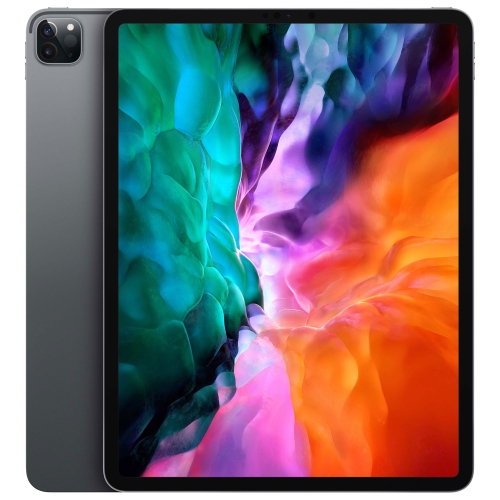
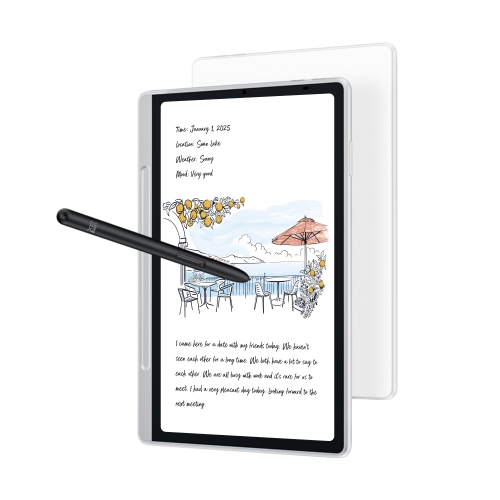

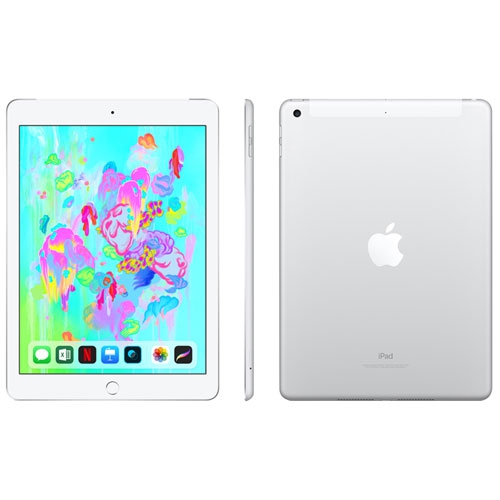
Turn handwritten notes into searchable, editable digital files
Digital notebooks with handwriting-to-text conversion bring the familiar experience of writing by hand together with the convenience of searchable, editable digital files. Depending on the design, you may write directly on an E Ink or LCD screen with a stylus, or use a smart pen and specially designed paper that records each stroke as you write. Optical Character Recognition (OCR) then analyses the handwriting and turns it into typed text that can be edited, copied, searched, shared, or exported. Some models process notes on the device, while others rely on a companion app connected to a phone, tablet, or computer. This distinction matters when choosing a notebook for meetings, classes, travel, or everyday planning. A device with on-board conversion can be useful when you need to work without a nearby phone, while an app-based system may suit someone who already stores files in cloud folders and wants an easy way to scan or organize pages. Look for handwriting recognition that supports the languages you use most often, especially if your notes include French and English, technical terms, names, symbols, or a mixture of printed and cursive writing. Recognition accuracy can vary with penmanship, lighting, page layout, and the amount of space between words, so features such as editing tools, a lasso or selection tool, and the ability to correct individual words can make a noticeable difference. Many digital notebooks let you mark up PDFs, create separate notebooks for different subjects, add typed text to handwritten pages, or record audio alongside notes. If you often leave a lecture, appointment, or project meeting with several pages of hurried writing, these tools can help turn scattered thoughts into a clean outline before they disappear into a drawer. For a broader selection of related devices and note-taking tools, explore Digital Notebooks That Convert Notes To Text.
When comparing options, start with the way you naturally take notes. A screen-based notebook offers a self-contained workspace with adjustable writing tools, folders, templates, and digital page management. E Ink displays are designed to feel closer to paper and can be comfortable for extended reading and writing, while colour LCD screens may be better suited to diagrams, image-heavy documents, video calls, and apps that require a more responsive interface. Consider the display size and weight as well: a compact notebook may slip easily into a work bag, but a larger writing area can be more comfortable for formulas, sketches, music notation, or two-page layouts. Pressure sensitivity and low-latency pen response affect how natural the writing feels, while palm rejection helps prevent accidental marks when your hand rests on the screen. For paper-based systems, check whether the notebook requires a particular pen, reusable pages, a scanning app, or a specific process for sending notes to a chosen destination. Some setups sync pages as images first and convert them into text afterward; others offer near real-time capture through a smart pen. File compatibility is another practical consideration. If you regularly collaborate with others, support for PDF, Word documents, plain text, or common cloud services may be more important than decorative templates. Search, tagging, handwriting-to-text editing, and automatic backups can save time over the life of the device, particularly for students managing research, professionals tracking action items, or families keeping schedules and lists together. Battery life and charging requirements deserve attention too. Someone who writes throughout a school day may prefer a notebook that lasts for many sessions between charges, while a traveller may value a compact charger, offline access, and dependable syncing once a connection is available. Read the included storage details and app requirements carefully, since some features may depend on a compatible operating system, an account, or an internet connection. A sturdy cover, replaceable stylus tips, and a comfortable writing surface can also influence whether the notebook becomes part of a daily routine or stays unused on a shelf.
These notebooks can fit a wide range of routines. Students may use them to capture lecture notes, convert key points into typed study sheets, and keep separate notebooks for each course. Professionals can write meeting notes by hand, convert decisions and action items into editable text, and send a concise summary without retyping every line. Creatives may appreciate the freedom to sketch first and organize ideas later, while people working from home can use one for project planning, grocery lists, household reminders, or personal journalling. During the cooler months, a lightweight digital notebook can be convenient for keeping travel details, recipes, reading notes, and daily plans in one place without carrying several paper notebooks. It can also be a thoughtful gift for a student, writer, designer, teacher, researcher, or anyone who enjoys the focus of handwriting but needs the flexibility of digital files. Before giving one as a present, consider whether the recipient prefers a traditional page-and-pen feel or a fully digital workspace, and whether they use Android, iOS, Windows, or another platform. Some people enjoy writing slowly with a fountain-pen-like feel, while others want quick conversion, voice transcription, and instant sharing. Privacy and account settings are worth reviewing as well, especially when notes may include work information, personal records, or class materials. Look for clear controls over syncing, storage, sharing, and deletion, along with reliable export options that keep notes accessible if the user changes devices later. The best fit is usually the notebook that matches the writer’s habits rather than the one with the longest feature list: a commuter may prioritize portability and fast syncing, a student may value searchable folders and language support, and a manager may need accurate action-item conversion and simple file sharing. With the right combination of writing comfort, recognition accuracy, battery life, compatibility, and organization tools, a digital notebook can preserve the personal feel of handwritten notes while making them far easier to find, revise, and use.
When comparing options, start with the way you naturally take notes. A screen-based notebook offers a self-contained workspace with adjustable writing tools, folders, templates, and digital page management. E Ink displays are designed to feel closer to paper and can be comfortable for extended reading and writing, while colour LCD screens may be better suited to diagrams, image-heavy documents, video calls, and apps that require a more responsive interface. Consider the display size and weight as well: a compact notebook may slip easily into a work bag, but a larger writing area can be more comfortable for formulas, sketches, music notation, or two-page layouts. Pressure sensitivity and low-latency pen response affect how natural the writing feels, while palm rejection helps prevent accidental marks when your hand rests on the screen. For paper-based systems, check whether the notebook requires a particular pen, reusable pages, a scanning app, or a specific process for sending notes to a chosen destination. Some setups sync pages as images first and convert them into text afterward; others offer near real-time capture through a smart pen. File compatibility is another practical consideration. If you regularly collaborate with others, support for PDF, Word documents, plain text, or common cloud services may be more important than decorative templates. Search, tagging, handwriting-to-text editing, and automatic backups can save time over the life of the device, particularly for students managing research, professionals tracking action items, or families keeping schedules and lists together. Battery life and charging requirements deserve attention too. Someone who writes throughout a school day may prefer a notebook that lasts for many sessions between charges, while a traveller may value a compact charger, offline access, and dependable syncing once a connection is available. Read the included storage details and app requirements carefully, since some features may depend on a compatible operating system, an account, or an internet connection. A sturdy cover, replaceable stylus tips, and a comfortable writing surface can also influence whether the notebook becomes part of a daily routine or stays unused on a shelf.
These notebooks can fit a wide range of routines. Students may use them to capture lecture notes, convert key points into typed study sheets, and keep separate notebooks for each course. Professionals can write meeting notes by hand, convert decisions and action items into editable text, and send a concise summary without retyping every line. Creatives may appreciate the freedom to sketch first and organize ideas later, while people working from home can use one for project planning, grocery lists, household reminders, or personal journalling. During the cooler months, a lightweight digital notebook can be convenient for keeping travel details, recipes, reading notes, and daily plans in one place without carrying several paper notebooks. It can also be a thoughtful gift for a student, writer, designer, teacher, researcher, or anyone who enjoys the focus of handwriting but needs the flexibility of digital files. Before giving one as a present, consider whether the recipient prefers a traditional page-and-pen feel or a fully digital workspace, and whether they use Android, iOS, Windows, or another platform. Some people enjoy writing slowly with a fountain-pen-like feel, while others want quick conversion, voice transcription, and instant sharing. Privacy and account settings are worth reviewing as well, especially when notes may include work information, personal records, or class materials. Look for clear controls over syncing, storage, sharing, and deletion, along with reliable export options that keep notes accessible if the user changes devices later. The best fit is usually the notebook that matches the writer’s habits rather than the one with the longest feature list: a commuter may prioritize portability and fast syncing, a student may value searchable folders and language support, and a manager may need accurate action-item conversion and simple file sharing. With the right combination of writing comfort, recognition accuracy, battery life, compatibility, and organization tools, a digital notebook can preserve the personal feel of handwritten notes while making them far easier to find, revise, and use.
Top selling and popular products
-
 Your price for this item is $1449.99
 -
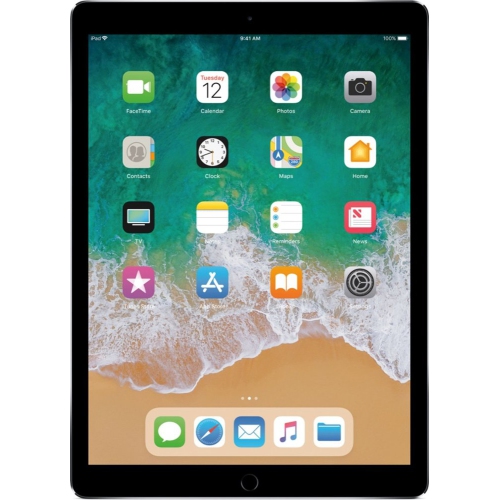 Your price for this item is $349
 -
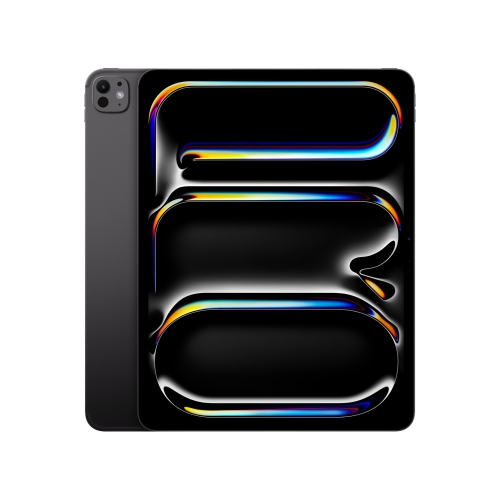 Your price for this item is $1949.88
 -
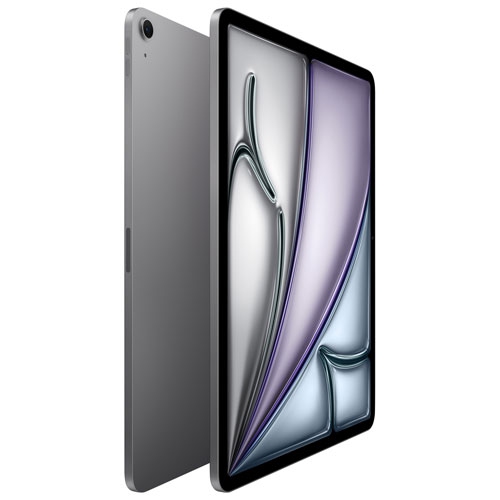 Your price for this item is $1099
 -
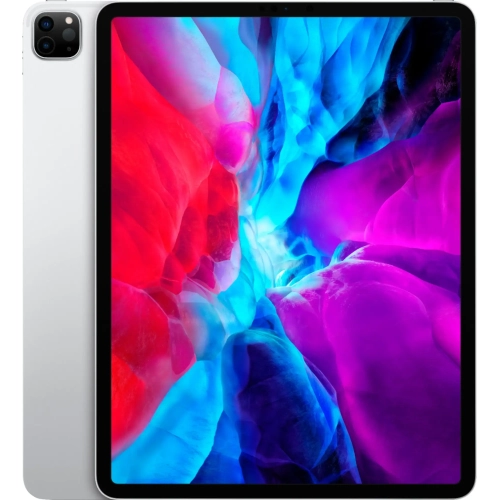 Your price for this item is $2429.99
 -
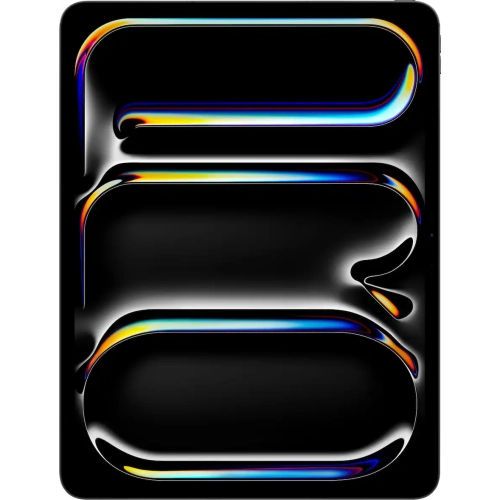 Your price for this item is $1869.99
 -
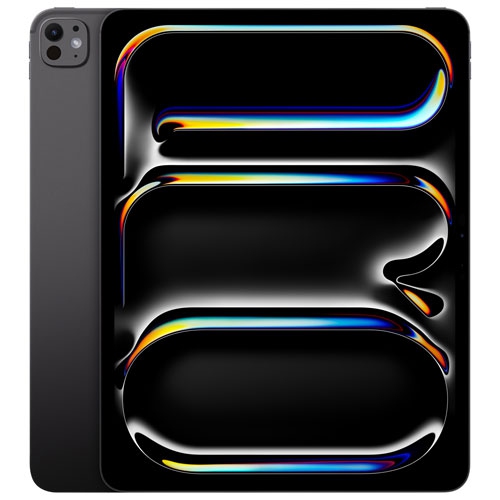 Your price for this item is $1699.99
 -
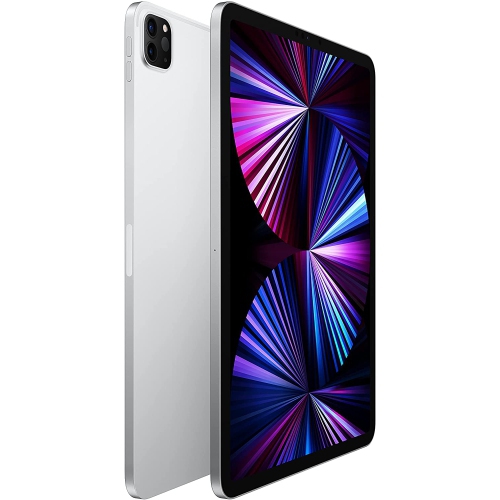 Your price for this item is $1799
Discover more categories related to Digital Notebooks With Handwriting To Text Conversion
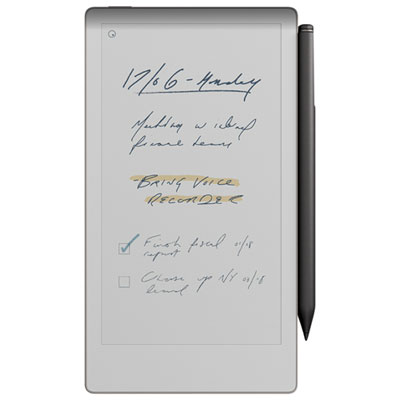

Top Collections:
Pokemon Centers, Kindle Devices, Best Budget Office Chairs, Apple iPhones 16, Best Laptops for Writers, iPhone 15 Apple, Canon G7X Cameras, Refurbished Apple Laptops, Alarm Clock, Motorola Razr Phones
Some products may be subject to Environmental Handling Fees
(EHF) depending on your province.
Learn more about EHFs.