Tax Software for Self Employed
As a self-employed individual, staying on top of your taxes is crucial for maintaining financial stability. With the right tax software, you can streamline the process and ensure accuracy in your filings. Whether you're a freelancer, contractor, or small business owner, finding the perfect tax software solution can save you time and money. At Best Buy Canada, we offer a wide range of tax software options tailored specifically for self-employed individuals like yourself. From intuitive interfaces to advanced features, our selection of tax software will help simplify your tax preparation while maximizing deductions and minimizing errors. Explore our collection today and take control of your self-employed taxes with confidence.
Sort
How business income fits into your tax return
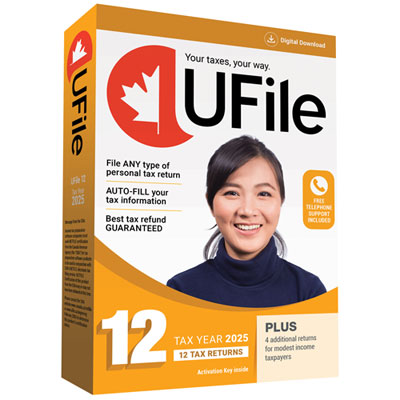
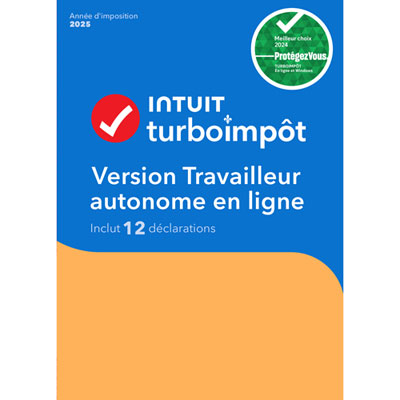
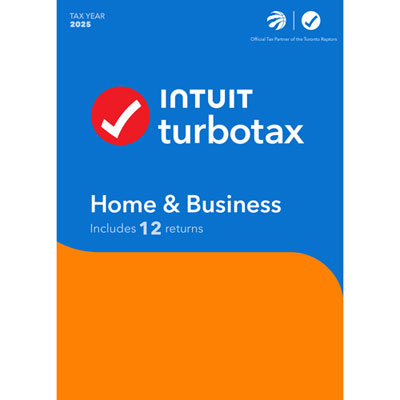
Tax software for self-employed Canadians is designed to help prepare personal income tax returns that include income from working independently. For a freelance designer, consultant, tradesperson, delivery driver, or sole proprietor, that can mean bringing together client payments, business expenses, tax slips, and other income in one return. Unlike software intended only for straightforward employment income, software suited to self-employment should support the business or professional income details relevant to the filer’s work. A central consideration is support for Form T2125, Statement of Business or Professional Activities, which many unincorporated business owners use to report business income and expenses to the Canada Revenue Agency. Someone who earns a salary while taking on weekend photography assignments may need to report both employment and self-employment income, while a full-time consultant might have several clients but no employment slip. Suitable software accommodates those different situations without treating every deposit as the same type of income. Interview-style screens can explain where information belongs, while a forms-based view may appeal to someone already familiar with a personal tax return. Clear navigation, plain-language explanations, and the ability to save progress are useful when paperwork arrives in stages or preparation happens between client appointments. Support for more than one business activity can also matter: a person who provides editing services and runs a separate craft business may need distinct income and expense statements. The right fit depends on the structure of the work, the province or territory of residence, and the tax year being filed, rather than simply whether someone identifies as a freelancer or small business owner. Tax software is generally tied to a particular tax year, so the year shown on the software needs to match the return being prepared. Provincial coverage also deserves attention, especially for Quebec residents, who generally file a separate provincial income tax return as well as a federal return. These details make self-employed tax software a practical tool for both established independent workers and people filing business income for the first time.
Business expenses are often where self-employed tax preparation becomes more detailed. A graphic designer may have software subscriptions, office supplies, and a workspace used partly for business; a mobile service provider may have vehicle expenses supported by a mileage log. Tax software can provide categories and prompts that help place these amounts on the appropriate parts of a return, but an expense is not deductible simply because it appears in a menu. Eligibility depends on tax rules, the purpose of the expense, and the supporting documentation. For mixed personal and business use, clear fields for percentages or allocation calculations can make the information easier to enter and review. Business-use-of-home expenses, for example, have specific eligibility conditions and limits, while vehicle claims generally require a reasonable business-use calculation backed by appropriate records. Equipment can involve another distinction: a laptop, camera, or other asset may need to be treated under capital cost allowance rules rather than entered as an ordinary day-to-day expense. Software with relevant explanations can help clarify that distinction without replacing the filer’s responsibility to enter accurate information. Import tools may reduce repetitive typing, although their usefulness depends on which file types, financial applications, and tax information the software supports. Where supported, the CRA’s Auto-fill My Return service can import certain information held by the agency for eligible users; it does not replace invoices, receipts, or a complete accounting of self-employment income. A consultant paid directly by several clients still needs to account for those earnings even if no corresponding slip appears during an import. Similarly, receipt capture and expense tracking are features to verify rather than assume, since tax preparation software does not always function as a year-round bookkeeping application. GST/HST obligations are another separate consideration: preparing a personal income tax return does not necessarily include preparing or submitting a GST/HST return. For someone sorting a folder of emailed receipts alongside a spreadsheet of client payments, the most useful features are often those that keep entries understandable, make corrections straightforward, and show how business information flows into the completed return.
The software’s format affects how comfortably it fits into everyday work. Browser-based tax software can suit someone who wants to sign in from a compatible device without installing a desktop application, while installed software may appeal to someone who prefers working with files saved on a particular computer. Neither format removes the need to check system requirements, supported browsers, internet requirements, and how personal information is stored. A tablet may be convenient for checking an entry, but a larger screen and keyboard can be more comfortable when comparing expense totals with invoices and bank statements. Features such as automatic saving, downloadable return copies, and the ability to revisit a filed return can make the software useful beyond the initial submission. Security deserves particular attention because tax files contain sensitive identification and financial details. Clear privacy information, account protection features, and accessible backup or export options help filers understand how their information will be handled. For electronic filing of an eligible personal return, CRA NETFILE certification for the applicable tax year is an important compatibility check. Certification relates to the software’s ability to work with the filing service; it does not guarantee that every entry is correct or that every claimed expense is eligible. Software prompts, calculation checks, and missing-information alerts can assist with review, while access to tax support or professional review varies by software and should not be assumed. Keeping a copy of the submitted return, the filing confirmation, and the underlying business documentation remains important after filing. Business structure also sets a clear boundary around intended use. A sole proprietor generally reports business income through a personal return, whereas an incorporated business generally has a separate corporate income tax filing requirement. The Tax Software for Business page provides a related category to explore when considering different business filing needs, with supported return types remaining an essential distinction. For self-employed filers, software that matches their return, working habits, and level of tax familiarity can make a stack of financial details easier to turn into an organised submission.
Business expenses are often where self-employed tax preparation becomes more detailed. A graphic designer may have software subscriptions, office supplies, and a workspace used partly for business; a mobile service provider may have vehicle expenses supported by a mileage log. Tax software can provide categories and prompts that help place these amounts on the appropriate parts of a return, but an expense is not deductible simply because it appears in a menu. Eligibility depends on tax rules, the purpose of the expense, and the supporting documentation. For mixed personal and business use, clear fields for percentages or allocation calculations can make the information easier to enter and review. Business-use-of-home expenses, for example, have specific eligibility conditions and limits, while vehicle claims generally require a reasonable business-use calculation backed by appropriate records. Equipment can involve another distinction: a laptop, camera, or other asset may need to be treated under capital cost allowance rules rather than entered as an ordinary day-to-day expense. Software with relevant explanations can help clarify that distinction without replacing the filer’s responsibility to enter accurate information. Import tools may reduce repetitive typing, although their usefulness depends on which file types, financial applications, and tax information the software supports. Where supported, the CRA’s Auto-fill My Return service can import certain information held by the agency for eligible users; it does not replace invoices, receipts, or a complete accounting of self-employment income. A consultant paid directly by several clients still needs to account for those earnings even if no corresponding slip appears during an import. Similarly, receipt capture and expense tracking are features to verify rather than assume, since tax preparation software does not always function as a year-round bookkeeping application. GST/HST obligations are another separate consideration: preparing a personal income tax return does not necessarily include preparing or submitting a GST/HST return. For someone sorting a folder of emailed receipts alongside a spreadsheet of client payments, the most useful features are often those that keep entries understandable, make corrections straightforward, and show how business information flows into the completed return.
The software’s format affects how comfortably it fits into everyday work. Browser-based tax software can suit someone who wants to sign in from a compatible device without installing a desktop application, while installed software may appeal to someone who prefers working with files saved on a particular computer. Neither format removes the need to check system requirements, supported browsers, internet requirements, and how personal information is stored. A tablet may be convenient for checking an entry, but a larger screen and keyboard can be more comfortable when comparing expense totals with invoices and bank statements. Features such as automatic saving, downloadable return copies, and the ability to revisit a filed return can make the software useful beyond the initial submission. Security deserves particular attention because tax files contain sensitive identification and financial details. Clear privacy information, account protection features, and accessible backup or export options help filers understand how their information will be handled. For electronic filing of an eligible personal return, CRA NETFILE certification for the applicable tax year is an important compatibility check. Certification relates to the software’s ability to work with the filing service; it does not guarantee that every entry is correct or that every claimed expense is eligible. Software prompts, calculation checks, and missing-information alerts can assist with review, while access to tax support or professional review varies by software and should not be assumed. Keeping a copy of the submitted return, the filing confirmation, and the underlying business documentation remains important after filing. Business structure also sets a clear boundary around intended use. A sole proprietor generally reports business income through a personal return, whereas an incorporated business generally has a separate corporate income tax filing requirement. The Tax Software for Business page provides a related category to explore when considering different business filing needs, with supported return types remaining an essential distinction. For self-employed filers, software that matches their return, working habits, and level of tax familiarity can make a stack of financial details easier to turn into an organised submission.
Top selling and popular products
-
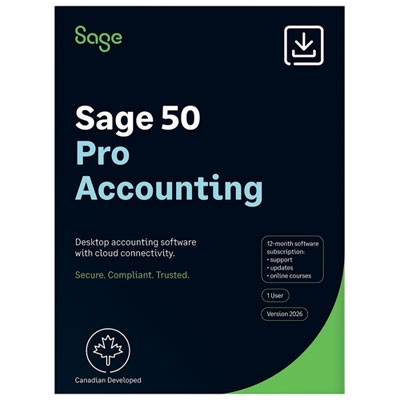
 Your price for this item is $549.99
 -
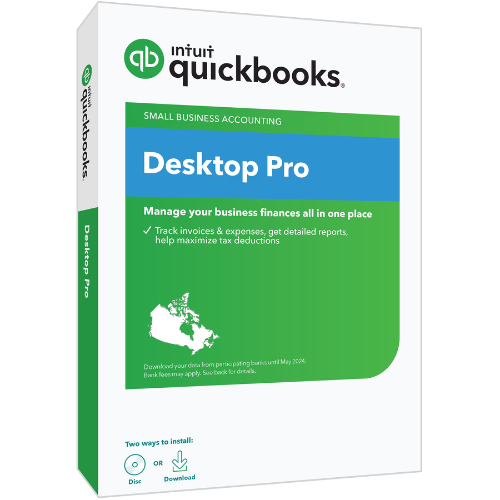
 Your price for this item is $101.99
 -
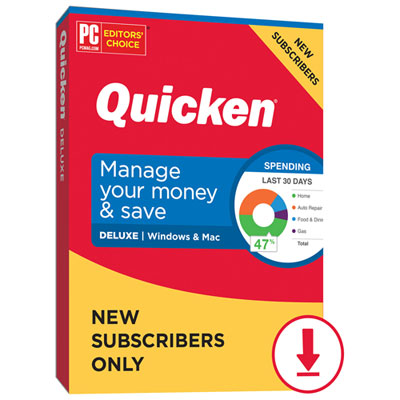
 Your price for this item is $1206.98
 -
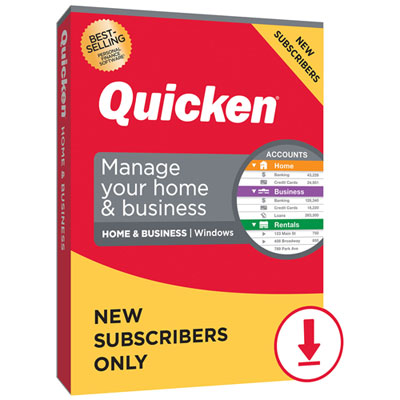 Your price for this item is $143.99
 -
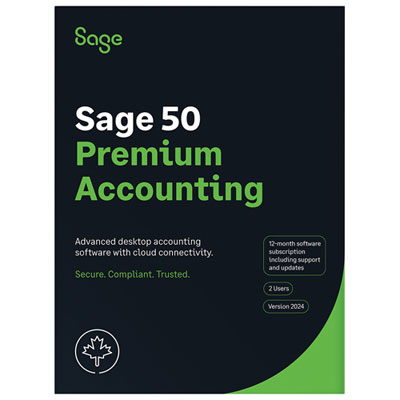 Your price for this item is $939.99
 -
 Your price for this item is $58.99
 -
 Your price for this item is $177.34
 -
 Your price for this item is $65.99
Discover more categories related to Tax Software for Self Employed
Top Collections:
Pokemon Centers, Budget 4K TVs, Best Budget Office Chairs, Kindle Devices, Canon G7X Cameras, Apple iPhones 16, iPhone 15 Apple, Laptops for Business Work, Xiaomi Phones, Flip Phones
Some products may be subject to Environmental Handling Fees
(EHF) depending on your province.
Learn more about EHFs.