Sony High Definition Televisions
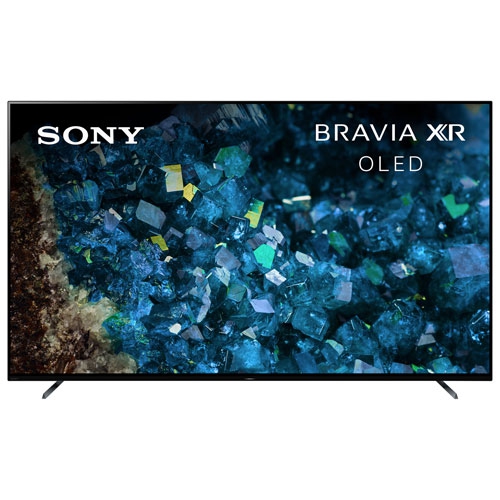
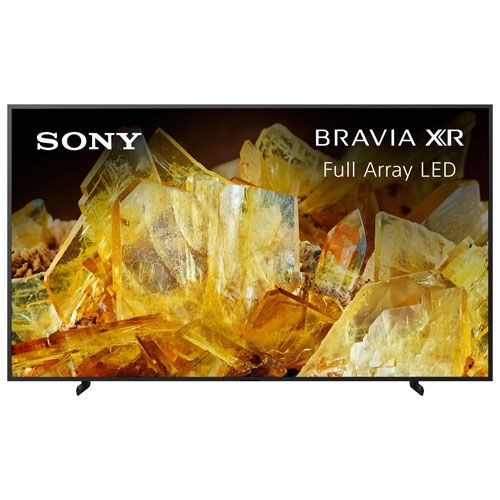
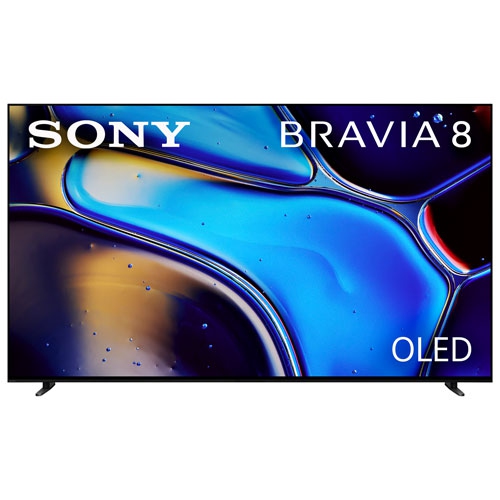
Sony's high-definition televisions are some of the best you can buy. They're large, they're bright, and they have great picture quality. Here are some of the best Sony high-definition TVs available today.
Sort
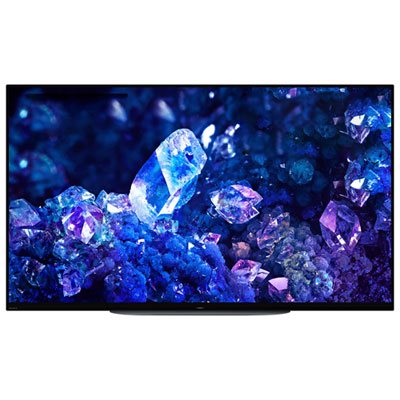
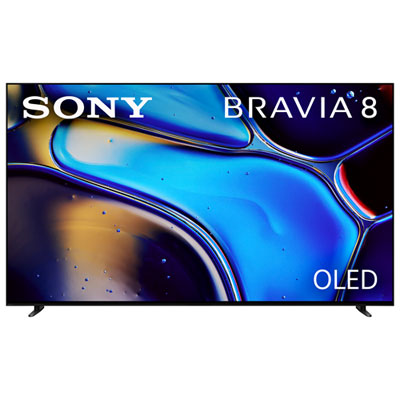
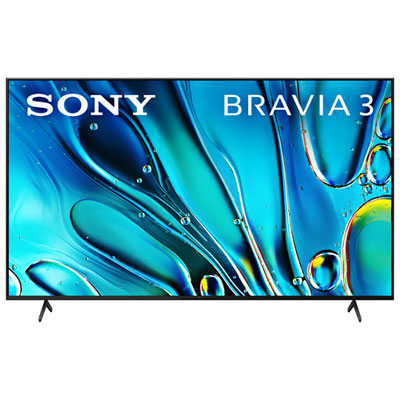
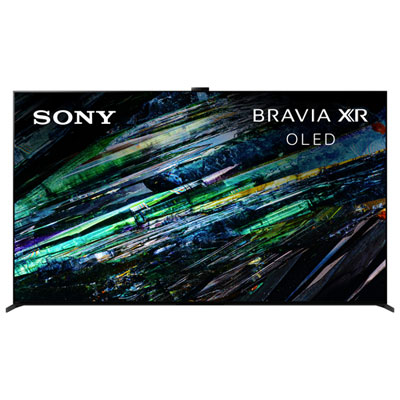







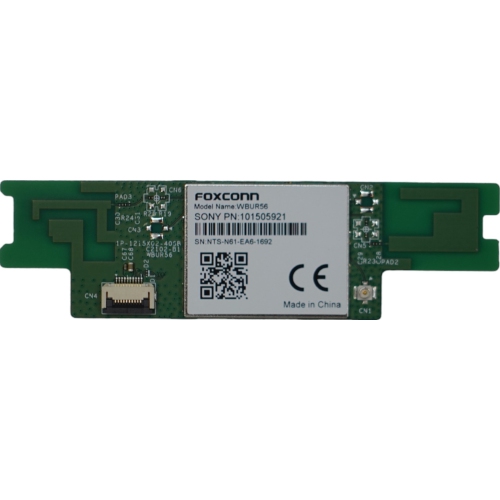
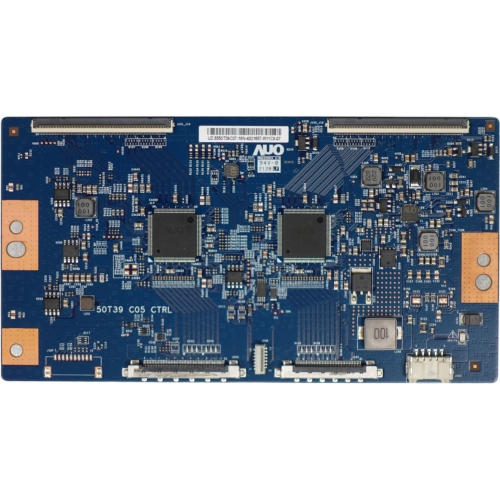



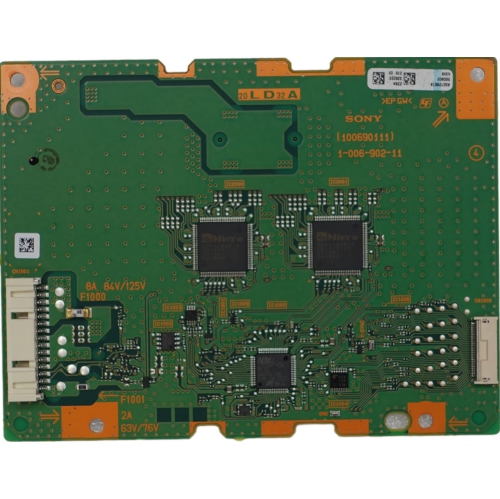

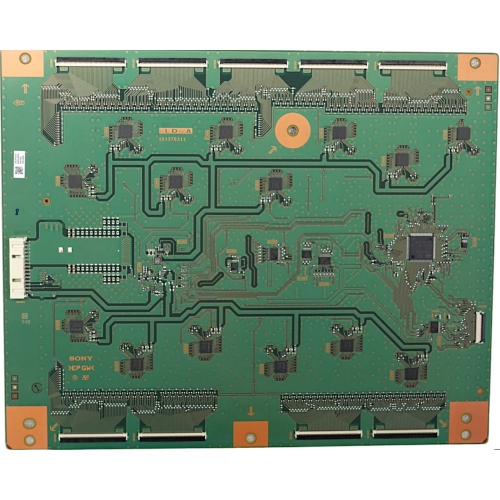


Why picture quality goes beyond screen resolution
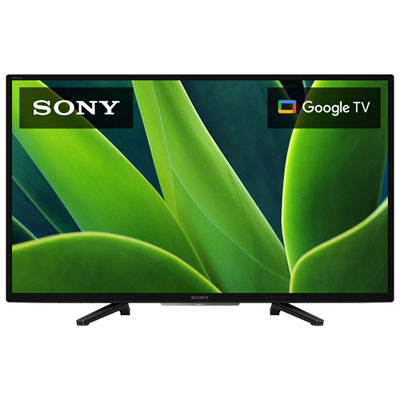
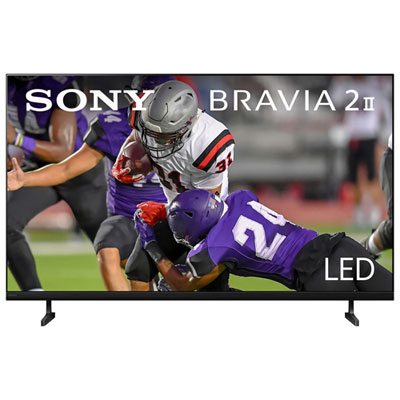
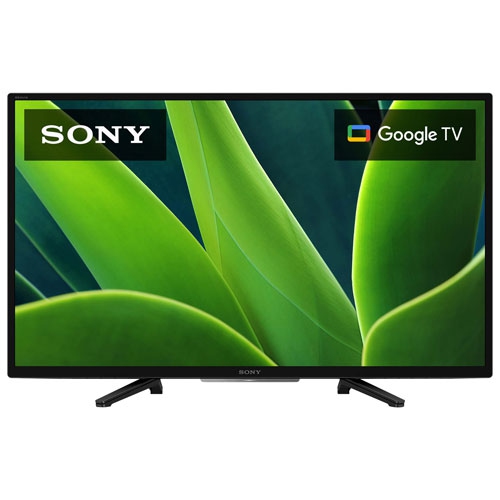
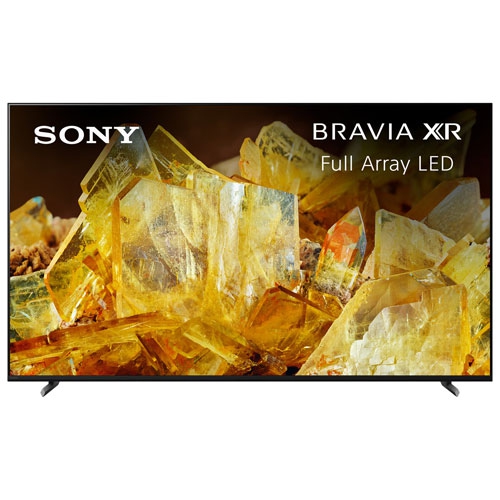
High-definition televisions bring clearer detail, more readable on-screen text, and a stronger sense of depth to everyday viewing, whether the screen is showing a live hockey game, a favourite film, or a family video. The category includes different resolutions, so the distinction between HD, Full HD, and 4K Ultra HD matters when comparing displays. HD typically refers to 1280 × 720 pixels, Full HD uses 1920 × 1080 pixels, and 4K Ultra HD increases that count to 3840 × 2160 pixels. On a larger screen, the extra detail of a good 4K source can make fine textures, distant scenery, and small lettering look more defined. Resolution is only one part of picture quality, though. Contrast, colour accuracy, brightness, and motion handling all shape how natural an image appears from the sofa. LED televisions use an LCD panel with LED backlighting, while Mini LED designs use smaller backlights that can provide more precise control over bright and dark areas when paired with effective local dimming. OLED displays light each pixel individually, allowing dark portions of an image to remain black beside brighter details. QD-OLED combines self-emitting OLED technology with quantum dots to produce colour. Each approach has strengths, and performance varies by model rather than following screen type alone. High dynamic range, or HDR, can add brighter highlights and more subtle shading when both the television and the content support a compatible format. A lamp in a dimly lit film scene, for example, can look bright without losing all the detail in the room around it. Built-in picture processing can also upscale lower-resolution programmes to fit a higher-resolution panel, although it cannot fully recreate detail missing from the original source. For shoppers comparing screen proportions alongside picture features, Sony Widescreen TVs offers a related view of televisions suited to the broad image format used by most television programmes, sports broadcasts, and streaming video.
A television’s fit within a room involves more than its diagonal screen measurement. A 55-inch or 65-inch designation describes the panel from one corner to the opposite corner, not the width of the cabinet or the distance between its feet. Overall dimensions, stand depth, furniture width, and space for connected equipment determine how comfortably a display fits on a media console. A narrow bezel can keep attention on the picture, but even a slim television needs a stable surface and the clearance specified in its manual. Wall mounting creates a different set of considerations: the mount must match the television’s mounting pattern and weight, and the wall structure must support the installation. Connections should remain accessible, particularly when a soundbar, game console, or cable receiver will be attached. Screen size also works together with seating distance. A larger picture can make subtitles easier to read and films more absorbing, while a screen viewed from very close range may call attention to imperfections in lower-quality broadcasts. Seating arrangement affects the experience as well. A family watching from chairs spread across a living room may place more value on consistent colour and contrast at an angle than someone sitting directly in front of the screen. Reflections from windows and lamps can soften dark scenes, making screen finish and reflection handling useful points of comparison. In a room where lighting can be controlled, black levels and shadow detail may take greater priority. Television cabinets commonly combine plastic housings with metal components in the frame, stand, or internal structure; the exact construction varies. Thin panels and narrow frames give many displays a clean appearance, but they still require careful handling during delivery, assembly, and moving. For an apartment, a shared family room, or a dedicated film space, a well-proportioned television leaves room for comfortable movement and keeps the picture at a suitable height for seated viewing. Allowing space beneath the screen for a soundbar can also prevent accessories from blocking the image or the remote-control sensor.
Day-to-day usefulness often depends as much on connections, controls, and sound as it does on the panel. Smart televisions can bring streaming apps and connected features together on the main screen, with app support, account requirements, and interface design varying by model. A reliable internet connection helps maintain streaming quality; Wi-Fi provides flexible placement, while a wired network connection can be useful where wireless reception is inconsistent. HDMI inputs accommodate compatible entertainment equipment, and the number and capabilities of those inputs matter in a household with several devices. An HDMI connection with enhanced Audio Return Channel, commonly called eARC, can carry supported audio formats from the television to a compatible soundbar or receiver. Built-in speakers may suit casual viewing, while a separate sound system can make dialogue clearer and give music or film soundtracks a fuller presence. For gaming, relevant features include low input lag, automatic low-latency mode, and variable refresh rate, where supported. Some televisions accept 4K signals at 120 Hz through compatible HDMI inputs, but this requires support from the display, the connected device, and the cable. A native panel refresh rate is distinct from a manufacturer’s motion-processing label, an important difference for fast-moving games and sports. Shared households may also appreciate accessible menus, caption controls, a straightforward remote, and picture settings that suit different kinds of content. These practical details can make a television a thoughtful gift for someone setting up a first home or replacing an older display, provided its size and connections suit their space. Routine care helps protect the screen and cabinet: a soft, dry microfibre cloth is usually suitable for light dust, with any further cleaning following the manufacturer’s directions. Spraying liquid directly onto the panel or pressing hard against its surface can cause damage. Clear ventilation openings, securely managed cables, and an appropriate anti-tip restraint help support dependable everyday use. For OLED screens, built-in panel-care features and the manufacturer’s advice about prolonged static images are also worth following. Together, picture quality, physical fit, straightforward operation, and careful setup determine how naturally a television becomes part of everyday entertainment.
A television’s fit within a room involves more than its diagonal screen measurement. A 55-inch or 65-inch designation describes the panel from one corner to the opposite corner, not the width of the cabinet or the distance between its feet. Overall dimensions, stand depth, furniture width, and space for connected equipment determine how comfortably a display fits on a media console. A narrow bezel can keep attention on the picture, but even a slim television needs a stable surface and the clearance specified in its manual. Wall mounting creates a different set of considerations: the mount must match the television’s mounting pattern and weight, and the wall structure must support the installation. Connections should remain accessible, particularly when a soundbar, game console, or cable receiver will be attached. Screen size also works together with seating distance. A larger picture can make subtitles easier to read and films more absorbing, while a screen viewed from very close range may call attention to imperfections in lower-quality broadcasts. Seating arrangement affects the experience as well. A family watching from chairs spread across a living room may place more value on consistent colour and contrast at an angle than someone sitting directly in front of the screen. Reflections from windows and lamps can soften dark scenes, making screen finish and reflection handling useful points of comparison. In a room where lighting can be controlled, black levels and shadow detail may take greater priority. Television cabinets commonly combine plastic housings with metal components in the frame, stand, or internal structure; the exact construction varies. Thin panels and narrow frames give many displays a clean appearance, but they still require careful handling during delivery, assembly, and moving. For an apartment, a shared family room, or a dedicated film space, a well-proportioned television leaves room for comfortable movement and keeps the picture at a suitable height for seated viewing. Allowing space beneath the screen for a soundbar can also prevent accessories from blocking the image or the remote-control sensor.
Day-to-day usefulness often depends as much on connections, controls, and sound as it does on the panel. Smart televisions can bring streaming apps and connected features together on the main screen, with app support, account requirements, and interface design varying by model. A reliable internet connection helps maintain streaming quality; Wi-Fi provides flexible placement, while a wired network connection can be useful where wireless reception is inconsistent. HDMI inputs accommodate compatible entertainment equipment, and the number and capabilities of those inputs matter in a household with several devices. An HDMI connection with enhanced Audio Return Channel, commonly called eARC, can carry supported audio formats from the television to a compatible soundbar or receiver. Built-in speakers may suit casual viewing, while a separate sound system can make dialogue clearer and give music or film soundtracks a fuller presence. For gaming, relevant features include low input lag, automatic low-latency mode, and variable refresh rate, where supported. Some televisions accept 4K signals at 120 Hz through compatible HDMI inputs, but this requires support from the display, the connected device, and the cable. A native panel refresh rate is distinct from a manufacturer’s motion-processing label, an important difference for fast-moving games and sports. Shared households may also appreciate accessible menus, caption controls, a straightforward remote, and picture settings that suit different kinds of content. These practical details can make a television a thoughtful gift for someone setting up a first home or replacing an older display, provided its size and connections suit their space. Routine care helps protect the screen and cabinet: a soft, dry microfibre cloth is usually suitable for light dust, with any further cleaning following the manufacturer’s directions. Spraying liquid directly onto the panel or pressing hard against its surface can cause damage. Clear ventilation openings, securely managed cables, and an appropriate anti-tip restraint help support dependable everyday use. For OLED screens, built-in panel-care features and the manufacturer’s advice about prolonged static images are also worth following. Together, picture quality, physical fit, straightforward operation, and careful setup determine how naturally a television becomes part of everyday entertainment.
Top selling and popular products
-
 Your price for this item is $299.95
 -
 Your price for this item is $51.99
 -
 Your price for this item is $304.99
 -
 Your price for this item is $4000
 -
 Your price for this item is $138
 -
 Your price for this item is $48.99
 -
 Your price for this item is $36.68
 -
 Your price for this item is $1400
Discover more categories related to Sony High Definition Televisions

Top Collections:
Pokemon Centers, Kindle Devices, Best Budget Office Chairs, Apple iPhones 16, Best Laptops for Writers, iPhone 15 Apple, Canon G7X Cameras, Refurbished Apple Laptops, Alarm Clock, Motorola Razr Phones
Some products may be subject to Environmental Handling Fees
(EHF) depending on your province.
Learn more about EHFs.