Back to School Entertainment Projectors
Back to school entertainment projectors can help turn a dorm room or student living space into a spot for movie nights, gaming, and streaming between classes. Browse projectors with your room size, available wall or screen space, and device connections in mind, and compare brightness, resolution, and placement options to find a suitable fit.

FAQ
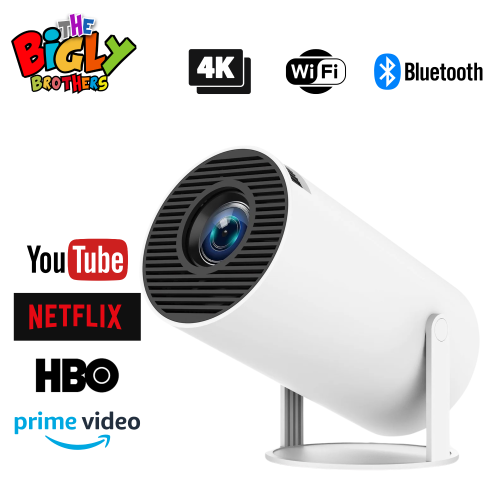
Some entertainment projectors include built-in streaming apps, while others require a streaming stick, media player or connected computer. App availability and subscription requirements vary, so check which services the projector supports. Built-in Wi-Fi does not necessarily mean streaming apps are included.
HDMI is a common way to connect a laptop to a projector. If your laptop only has USB-C ports, you may need a compatible video adapter. Some projectors also support wireless screen sharing, though compatibility depends on your laptop, the projector and the content being played.
Entertainment projectors may have built-in speakers or connections for external audio. Depending on the model, these can include a headphone output, Bluetooth or HDMI ARC. Check the projector’s audio connections against those on your speakers or sound bar before choosing your setup.
Many entertainment projectors accept a gaming console through an HDMI input. You will typically connect the console’s HDMI output to the projector, select the corresponding input and choose an audio output. Check that the projector supports the video formats offered by your console.
Some projectors include a built-in media player that can open supported files from a USB drive. Others use their USB ports only for power or servicing. Check the projector’s documentation for USB playback support, compatible file formats and drive formatting requirements.
Top selling and popular products
Discover more categories related to Back to School Entertainment Projectors
Some products may be subject to Environmental Handling Fees (EHF) depending on your province. Learn more about EHFs.