Back To School Mini Projectors for Dorm Rooms
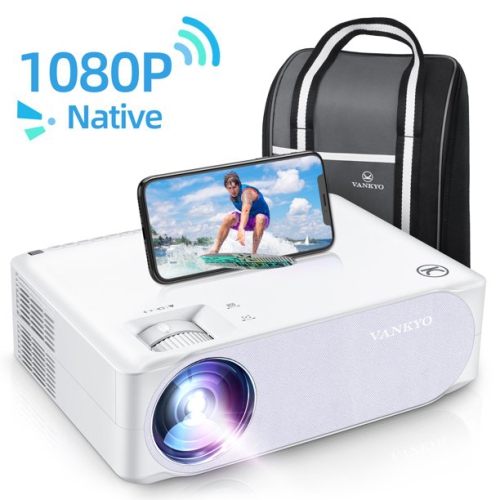
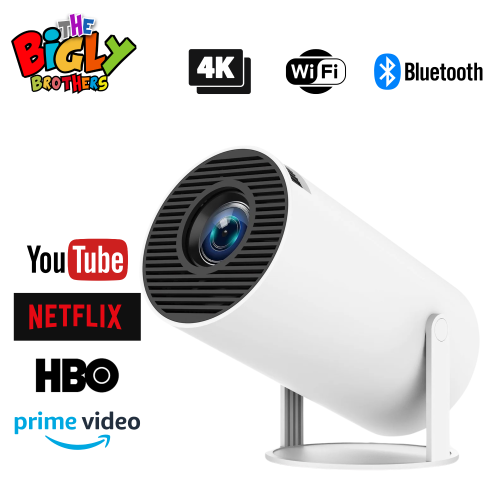
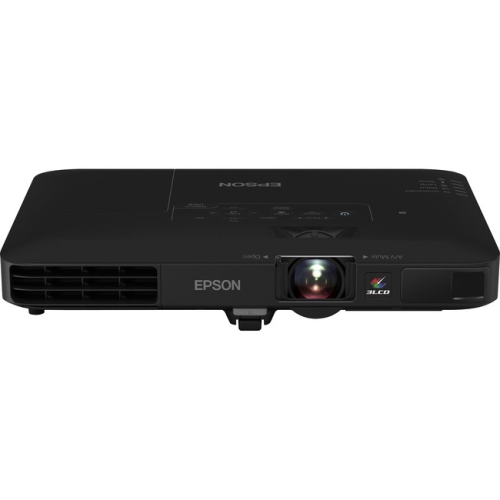
Find back-to-school mini projectors for dorm rooms that make the most of limited space for movie nights, streaming, and class presentations. Explore compact projectors, comparing brightness, resolution, image size, and connection options to choose one that suits your room, viewing distance, and devices.
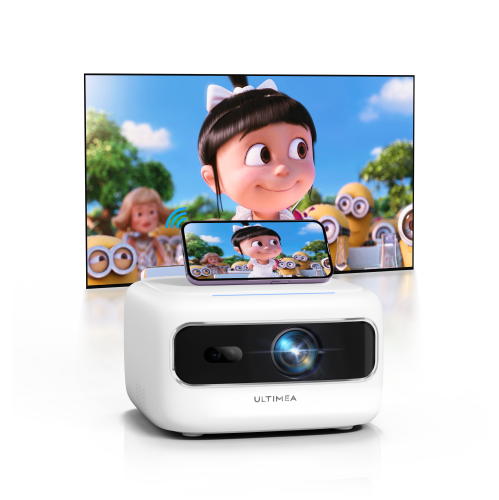
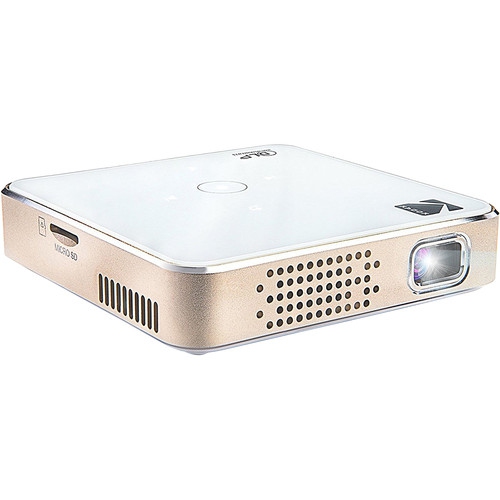
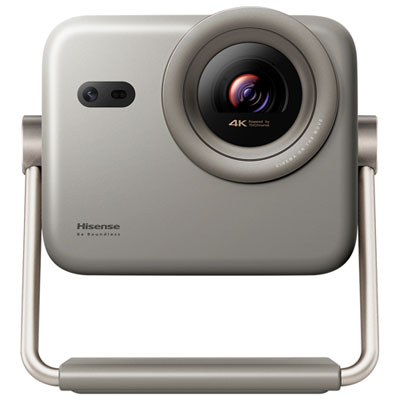

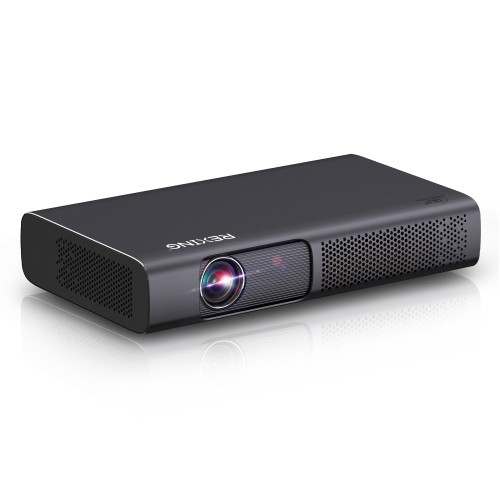
FAQ
Many mini projectors connect to laptops through HDMI. If your laptop only has USB-C ports, you may need a compatible USB-C-to-HDMI adapter that supports video output. Some projectors also offer wireless screen mirroring, depending on the laptop’s operating system and the projector’s supported connection methods.
Many mini projectors accept streaming sticks through an HDMI input. The streaming device also needs a compatible power source and internet access. Dorm Wi-Fi networks that require browser-based sign-in may involve additional setup, depending on the streaming device.
Mini projectors with built-in apps let you access supported streaming services through the projector’s interface. Models without these apps typically rely on a connected laptop, streaming device or other media source. App availability varies, and some services require separate subscriptions.
Connection options may include a 3.5 mm audio output, Bluetooth or HDMI ARC, depending on the projector. Some connected laptops and streaming devices also let you route audio directly to headphones or speakers. Check which audio outputs your setup supports before choosing an accessory.
Some mini projectors include a USB media player for supported video, photo or audio files. Others use their USB ports only for power or servicing. File formats and drive requirements vary, so check the projector’s documentation. Presentation files may need to be opened on a connected laptop instead.
Top selling and popular products
Discover more categories related to Back To School Mini Projectors for Dorm Rooms
Some products may be subject to Environmental Handling Fees (EHF) depending on your province. Learn more about EHFs.