Console Stands
Elevate your gaming setup with console stands that blend functionality and style, creating the perfect environment for immersive play. These versatile stands not only help organize your space but also enhance the aesthetic appeal of your entertainment area. Whether you're looking to maximize space or simply keep your consoles secure and accessible, console stands offer a practical solution for every gamer. Explore a variety of designs and finishes to find the ideal match for your home decor while ensuring your gaming essentials are always within reach.
Sort
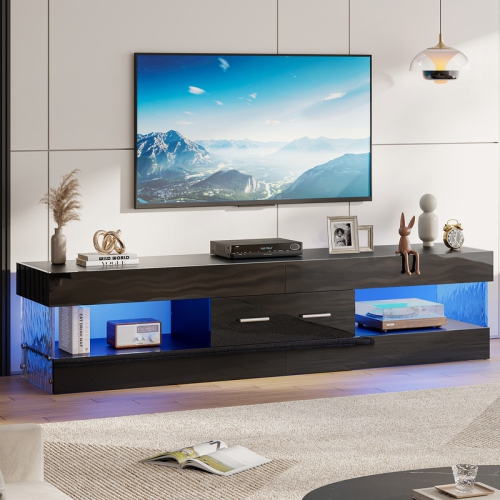
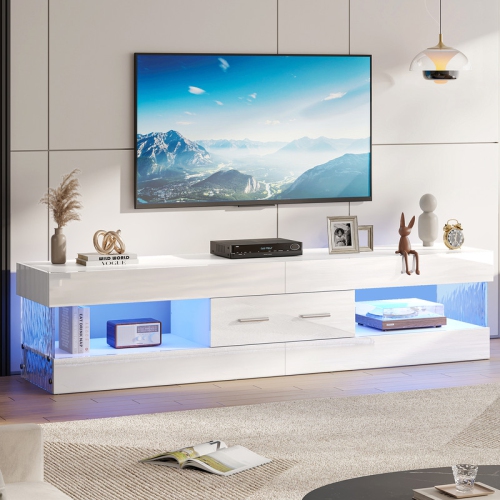
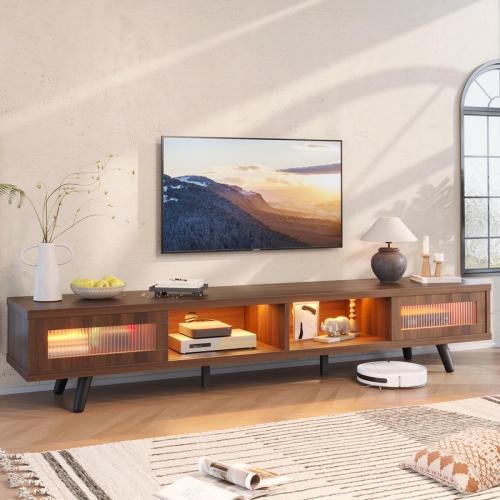
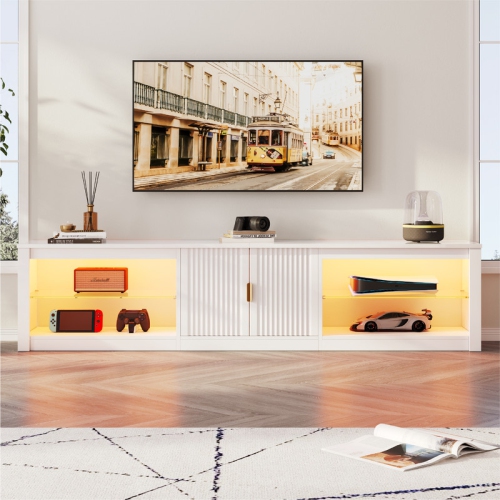
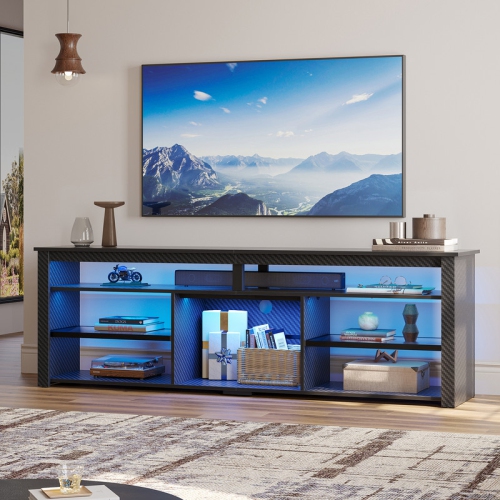
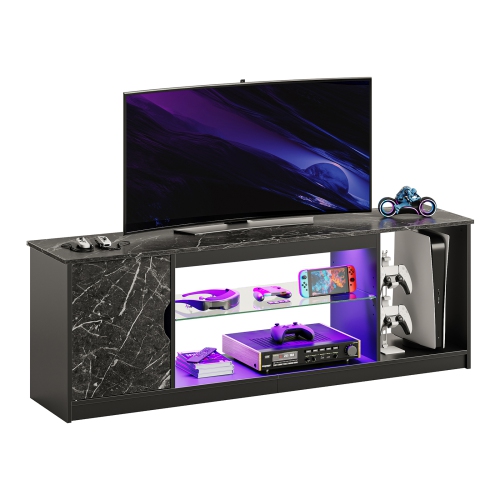
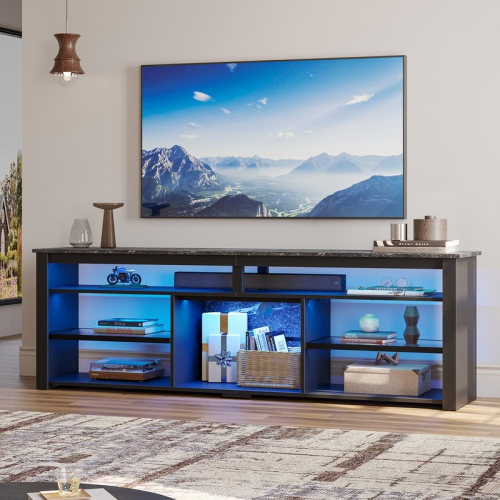
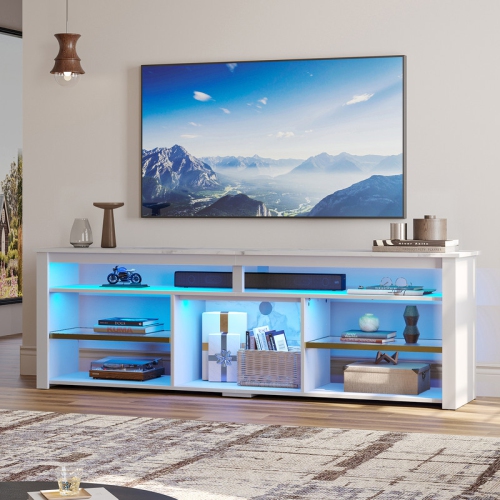
Thoughtful storage for gaming systems and shared media spaces
Console stands are practical furniture pieces for organizing gaming systems, media equipment and the accessories that tend to gather around a television. A well-chosen stand can give your console a dedicated home while making the entire entertainment area feel calmer and easier to use. Instead of balancing a system on a narrow shelf or leaving controllers, headsets and game cases scattered across the floor, you can create a defined setup with room for the equipment you use most. Console stands are available in a range of shapes and layouts, including compact units for small apartments, open shelving for easy access and wider designs that can hold a television as well as one or more gaming systems. Some are intended to sit below a TV, while others work beside a media cabinet, behind a sofa or in a bedroom gaming area. If your main goal is to support a screen and organize the equipment beneath it, you may also want to browse Game Console TV Stands for furniture designed around that arrangement. These stands can suit many types of homes and routines. A dedicated gamer may use one to keep a primary console, charging accessories and controllers within easy reach, while a family may appreciate separate shelves for different systems and a lower area for games, remotes or headphones. They can also be useful in a shared living room where a neat appearance matters as much as quick access. During the cooler months, when evenings spent indoors with a game, film or streaming service become more appealing, a tidy entertainment centre helps the room feel welcoming without making the technology the only focal point. Console stands can also make thoughtful gifts for someone setting up a first apartment, refreshing a gaming corner or combining a television area with a home office or study space.
Before choosing a console stand, measure the equipment and the space rather than relying on appearance alone. Start with the width, height and depth of every device you expect to store, including the power cable and any connectors that extend from the back. A modern game system may require more depth than it appears to need when placed on a shelf, particularly if the cable needs to bend gently instead of being pressed against a wall. Allow additional clearance around vents and fans so warm air can move away from the device during extended play sessions. Open shelves are often helpful for airflow and make it simple to see indicator lights, reach a power button or swap a game, while a design with doors or drawers can conceal clutter and create a more streamlined look. Check the weight capacity of each shelf as well, especially if the stand will support a large television, an audio receiver, speakers or several systems at once. A sturdy frame, level base and properly supported shelves can help keep the arrangement stable when cables are connected or accessories are moved. It is also worth considering the stand’s overall height. A lower unit may suit a relaxed seating area and keep the screen at a comfortable eye level, while a taller shelving design can take advantage of vertical space in a compact room. For narrow layouts, carefully compare the stand’s full dimensions with the gap beside a cabinet, under a desk or behind a sofa, remembering that baseboards, wall outlets and nearby furniture can reduce usable space. If the stand will be placed in a high-traffic area, look for a design with a balanced footprint and enough room to route cables without creating a trip hazard.
Cable management and power access can make a noticeable difference in everyday use. A stand with openings at the rear or along the sides can help guide HDMI, network and power cables away from the front of the furniture, reducing the tangled bundle that often forms behind a television. Built-in cable ports may also make it easier to separate cables for different devices and leave enough slack for cleaning or repositioning equipment. Some console stands include integrated power strips, AC outlets or USB charging ports, which can be convenient for controllers, remotes and other small accessories; check the placement and number of outlets to ensure they match your setup, and avoid overloading any power bar or extension cord. Shelves with a little extra width can provide space for a charging dock, headset stand or compact speaker without forcing accessories onto the floor. Consider how the stand will look with the rest of the room, too. Wood-look finishes can add warmth to a family room, metal frames can complement a modern gaming space and a simple neutral design may blend easily with existing furniture. Think about the items you want visible and those you would rather store away, then choose a combination of open shelves, drawers, cabinets or baskets that reflects your habits. A console stand is most useful when it supports the way you actually play: it should leave controllers easy to grab, keep ventilation unobstructed, provide a sensible path for cables and make routine cleaning straightforward. Whether it is used for a dedicated gaming station, a shared media area or a compact entertainment setup, the right console stand can turn a crowded collection of electronics into an organized, comfortable part of the home.
Before choosing a console stand, measure the equipment and the space rather than relying on appearance alone. Start with the width, height and depth of every device you expect to store, including the power cable and any connectors that extend from the back. A modern game system may require more depth than it appears to need when placed on a shelf, particularly if the cable needs to bend gently instead of being pressed against a wall. Allow additional clearance around vents and fans so warm air can move away from the device during extended play sessions. Open shelves are often helpful for airflow and make it simple to see indicator lights, reach a power button or swap a game, while a design with doors or drawers can conceal clutter and create a more streamlined look. Check the weight capacity of each shelf as well, especially if the stand will support a large television, an audio receiver, speakers or several systems at once. A sturdy frame, level base and properly supported shelves can help keep the arrangement stable when cables are connected or accessories are moved. It is also worth considering the stand’s overall height. A lower unit may suit a relaxed seating area and keep the screen at a comfortable eye level, while a taller shelving design can take advantage of vertical space in a compact room. For narrow layouts, carefully compare the stand’s full dimensions with the gap beside a cabinet, under a desk or behind a sofa, remembering that baseboards, wall outlets and nearby furniture can reduce usable space. If the stand will be placed in a high-traffic area, look for a design with a balanced footprint and enough room to route cables without creating a trip hazard.
Cable management and power access can make a noticeable difference in everyday use. A stand with openings at the rear or along the sides can help guide HDMI, network and power cables away from the front of the furniture, reducing the tangled bundle that often forms behind a television. Built-in cable ports may also make it easier to separate cables for different devices and leave enough slack for cleaning or repositioning equipment. Some console stands include integrated power strips, AC outlets or USB charging ports, which can be convenient for controllers, remotes and other small accessories; check the placement and number of outlets to ensure they match your setup, and avoid overloading any power bar or extension cord. Shelves with a little extra width can provide space for a charging dock, headset stand or compact speaker without forcing accessories onto the floor. Consider how the stand will look with the rest of the room, too. Wood-look finishes can add warmth to a family room, metal frames can complement a modern gaming space and a simple neutral design may blend easily with existing furniture. Think about the items you want visible and those you would rather store away, then choose a combination of open shelves, drawers, cabinets or baskets that reflects your habits. A console stand is most useful when it supports the way you actually play: it should leave controllers easy to grab, keep ventilation unobstructed, provide a sensible path for cables and make routine cleaning straightforward. Whether it is used for a dedicated gaming station, a shared media area or a compact entertainment setup, the right console stand can turn a crowded collection of electronics into an organized, comfortable part of the home.
Top selling and popular products
-
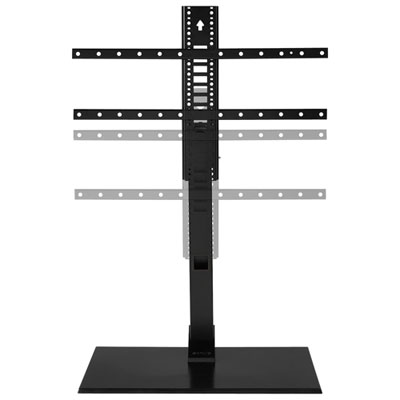 Your price for this item is $249.99
 -
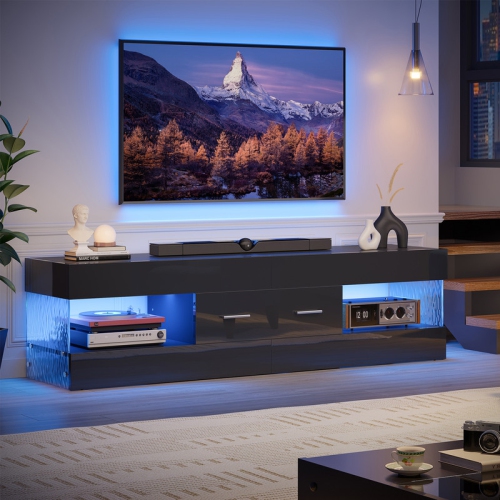 Your price for this item is $179.99
 -
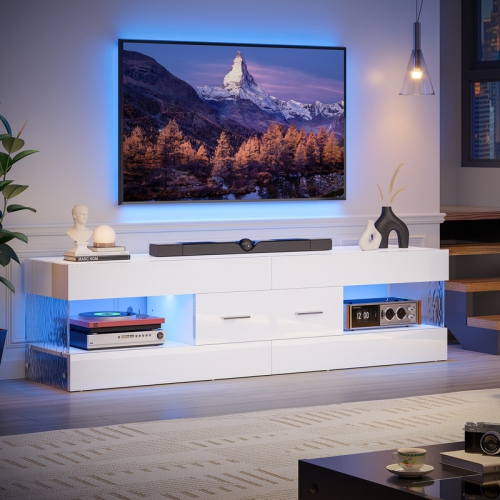 Your price for this item is $149.99
 -
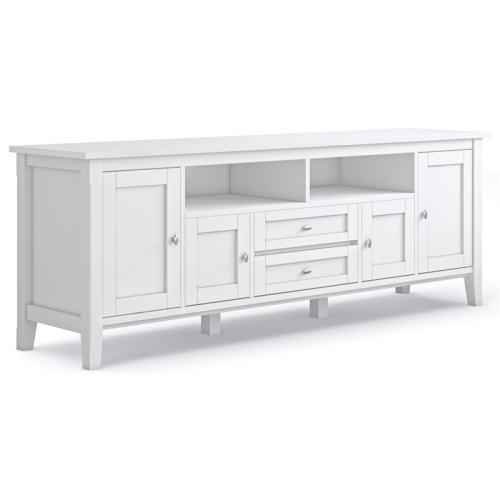 Your price for this item is $1522.15
 -
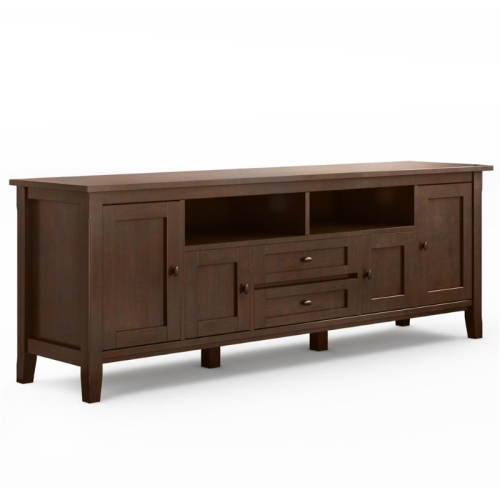 Your price for this item is $1535.26
 -
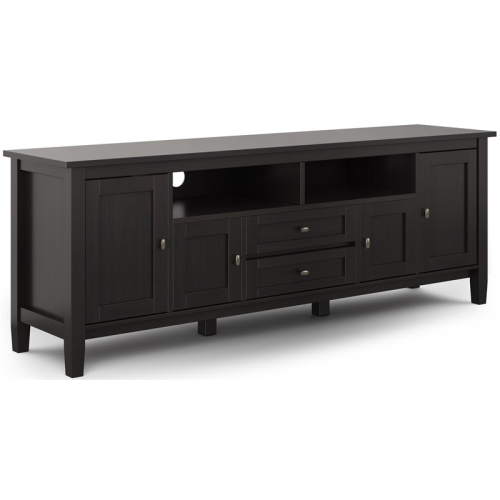 Your price for this item is $1505.85
 -
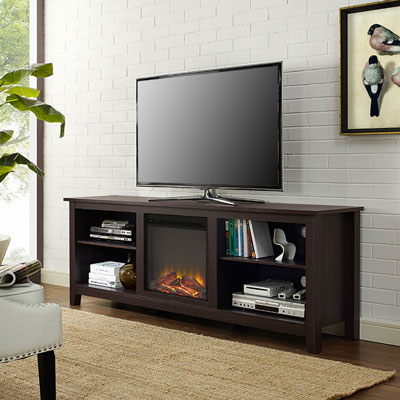 Your price for this item is $689.99
 -
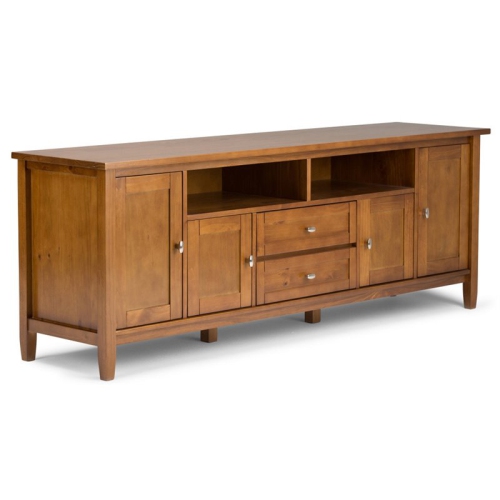 Your price for this item is $1522.01
Discover more categories related to Console Stands
Top Collections:
Pokemon Centers, Kindle Devices, Best Budget Office Chairs, Apple iPhones 16, Best Laptops for Writers, iPhone 15 Apple, Canon G7X Cameras, Refurbished Apple Laptops, Alarm Clock, Motorola Razr Phones
Some products may be subject to Environmental Handling Fees
(EHF) depending on your province.
Learn more about EHFs.