Hisense 55A68H
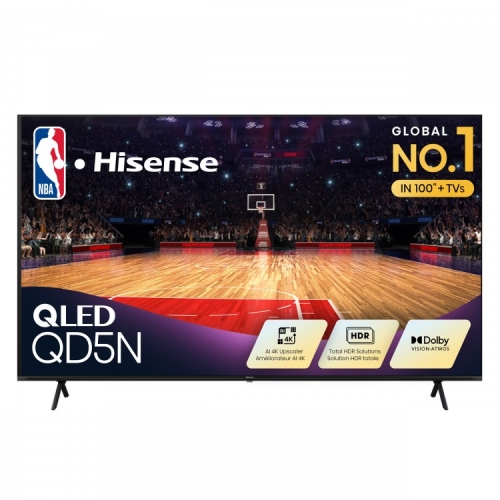
Discover a new level of home entertainment with the Hisense 55A68H. Designed to elevate your viewing experience, this model brings impressive visuals and sleek style to any living space. Whether you’re catching up on your favorite shows or hosting movie night, the Hisense 55A68H is a standout choice for those seeking quality and performance. Explore options and find the perfect fit for your home setup.
Sort

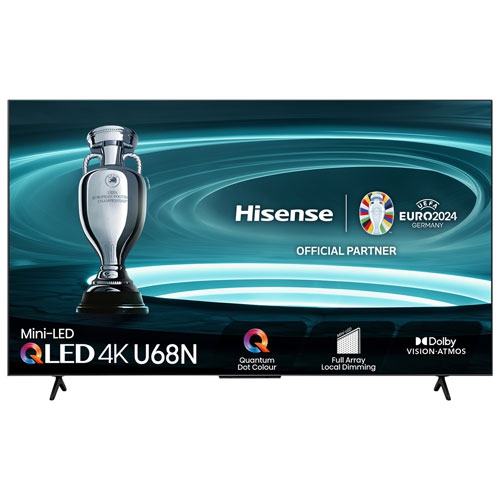
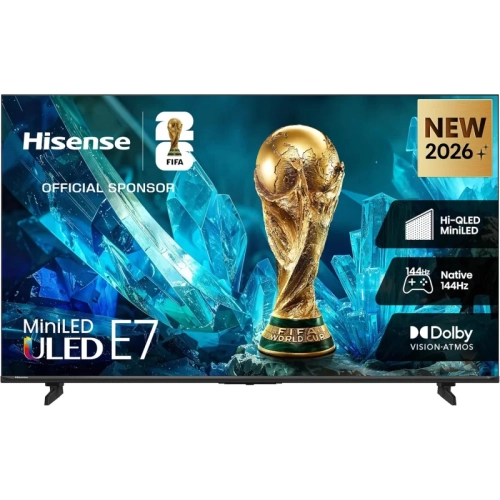
How a 55-inch 4K screen fits your room
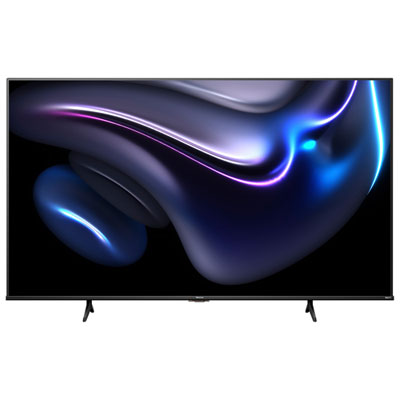
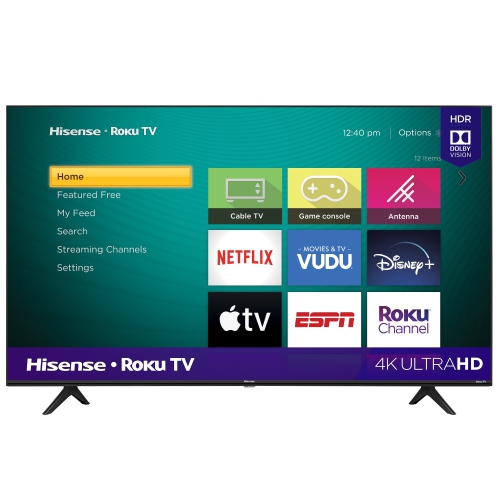
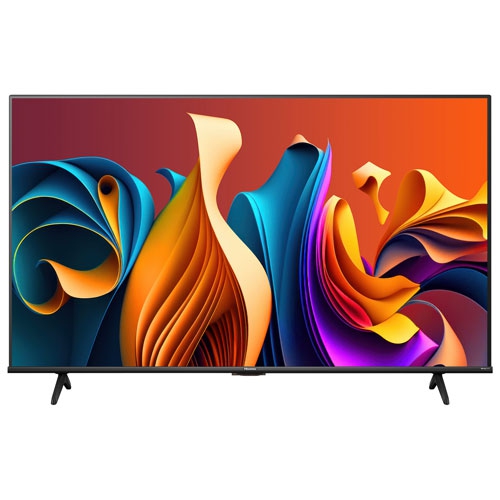
A 55-inch 4K smart television brings a substantial picture to a living room, den, or shared entertainment space without requiring the wall area of a much larger screen. The 55-inch measurement describes the visible screen diagonally, while the full width, height, and depth depend on the frame and stand design. A 16:9 screen of this size is approximately 122 cm wide before accounting for its surrounding frame, so checking the complete cabinet dimensions is important when fitting a television between shelves or above a media unit. With a resolution of 3840 × 2160 pixels, a 4K display can show fine detail in compatible films, live broadcasts, and games, from the texture of a costume to lettering on a distant sign. Picture quality still depends on the source: a compressed stream or older programme will not acquire genuine 4K detail simply because it appears on a higher-resolution screen. LED-backlit LCD televisions use a backlight behind a liquid crystal panel, and their contrast, brightness, and viewing angles vary with the panel and lighting design. Those differences become noticeable in everyday situations, such as watching a dark thriller with a lamp beside the sofa or following a match from an armchair off to one side. High dynamic range, usually shortened to HDR, can preserve more detail in bright highlights and shadowed areas when the television and content support the same format. Format compatibility alone does not determine the result; the screen’s brightness and contrast also matter. For a household that alternates between streaming dramas, watching news, and playing occasional games, the most useful combination is a comfortable screen size, clear dialogue, straightforward controls, and a picture that suits the room. A viewing distance of roughly 1.7 to 2.3 metres is a practical starting point for a 55-inch 4K screen, with personal preference, eyesight, and seating arrangements shaping the final placement.
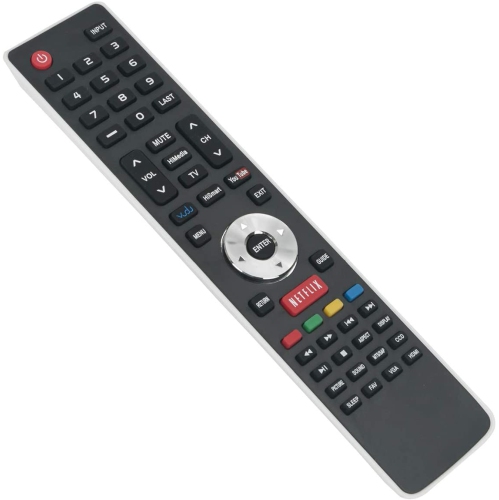
Smart television features bring streaming apps, search, and connected entertainment into the same interface, reducing the need to switch between separate devices for everyday viewing. The experience depends on the operating system, app compatibility, internet connection, and any accounts or subscriptions required by individual services. A clear home screen and responsive remote can make a meaningful difference in a shared household, especially when one person watches broadcast channels while another prefers on-demand films. Voice controls, where supported, can make entering a programme title easier than moving through an on-screen keyboard, although microphone settings and account permissions deserve attention. Casting features can also be useful for sharing compatible videos or photos from a phone, but support varies by device, app, and television platform. A reliable Wi-Fi connection helps maintain streaming quality; an Ethernet connection can be useful when wireless reception is inconsistent and the television has the appropriate port. Physical connections remain just as important as the smart interface. A cable receiver, game console, and separate streaming device can occupy several HDMI inputs, while a soundbar may need an HDMI port with ARC or eARC support to receive audio from the television. Port position matters when a screen sits close to the wall, since side-facing sockets are often easier to reach than rear-facing ones. For gaming, a native 60 Hz panel can suit many games designed to run at up to 60 frames per second, but it is not equivalent to a native 120 Hz display. Game modes generally reduce input lag by limiting some picture processing, helping actions feel more closely connected to controller movements. Automatic low latency mode and variable refresh rate are separate capabilities, so neither should be assumed from a gaming label alone. Their usefulness also depends on the connected console or computer and the supported operating range. A comparison with Hisense 55U78N can help frame differences in display technology, motion handling, and connectivity while keeping attention on the same general screen size.
The way a television fits into its surroundings affects comfort and ease of use long after the initial setup. Slim frames and shallow cabinets keep the screen visually unobtrusive, but the feet or centre stand determine how much furniture space it actually needs. Widely spaced feet require a sufficiently broad surface, and the entire stand should rest securely on furniture designed to carry the television’s weight. Wall mounting frees the top of a media unit for other equipment, provided the mount matches the television’s mounting pattern and weight, and the wall structure can support the installation. Screen size alone is not enough to establish mount compatibility. Positioning the centre of the picture near seated eye level usually makes longer viewing sessions more comfortable than placing it high above the seating area. Reflections from windows and lamps can wash out darker scenes, so a small change in screen angle or lamp position may be more useful than increasing brightness. Sound deserves similar attention: built-in speakers can be sufficient for routine viewing, while a compatible external audio setup may improve dialogue clarity and give films a fuller sense of space. Virtual surround processing can broaden the impression of sound, but it does not duplicate speakers physically placed around the room. Day-to-day care is simple but benefits from a light touch. Turn the television off, let the panel cool, and remove dust with a clean, dry microfibre cloth, following the manufacturer’s directions for any marks that remain. Avoid pressing on the panel, spraying liquid directly onto it, or using abrasive materials and household glass cleaners. Keep ventilation openings clear, leave the specified clearance around the cabinet, and route cables so they cannot pull on sockets or create a tripping hazard. A suitable anti-tip restraint is especially important where children or pets share the space. For a first apartment, a family lounge, or a gift for someone setting up a new home, this screen size can be a versatile choice when the recipient’s room, viewing habits, accessibility needs, and existing equipment are taken into account.
Smart television features bring streaming apps, search, and connected entertainment into the same interface, reducing the need to switch between separate devices for everyday viewing. The experience depends on the operating system, app compatibility, internet connection, and any accounts or subscriptions required by individual services. A clear home screen and responsive remote can make a meaningful difference in a shared household, especially when one person watches broadcast channels while another prefers on-demand films. Voice controls, where supported, can make entering a programme title easier than moving through an on-screen keyboard, although microphone settings and account permissions deserve attention. Casting features can also be useful for sharing compatible videos or photos from a phone, but support varies by device, app, and television platform. A reliable Wi-Fi connection helps maintain streaming quality; an Ethernet connection can be useful when wireless reception is inconsistent and the television has the appropriate port. Physical connections remain just as important as the smart interface. A cable receiver, game console, and separate streaming device can occupy several HDMI inputs, while a soundbar may need an HDMI port with ARC or eARC support to receive audio from the television. Port position matters when a screen sits close to the wall, since side-facing sockets are often easier to reach than rear-facing ones. For gaming, a native 60 Hz panel can suit many games designed to run at up to 60 frames per second, but it is not equivalent to a native 120 Hz display. Game modes generally reduce input lag by limiting some picture processing, helping actions feel more closely connected to controller movements. Automatic low latency mode and variable refresh rate are separate capabilities, so neither should be assumed from a gaming label alone. Their usefulness also depends on the connected console or computer and the supported operating range. A comparison with Hisense 55U78N can help frame differences in display technology, motion handling, and connectivity while keeping attention on the same general screen size.
The way a television fits into its surroundings affects comfort and ease of use long after the initial setup. Slim frames and shallow cabinets keep the screen visually unobtrusive, but the feet or centre stand determine how much furniture space it actually needs. Widely spaced feet require a sufficiently broad surface, and the entire stand should rest securely on furniture designed to carry the television’s weight. Wall mounting frees the top of a media unit for other equipment, provided the mount matches the television’s mounting pattern and weight, and the wall structure can support the installation. Screen size alone is not enough to establish mount compatibility. Positioning the centre of the picture near seated eye level usually makes longer viewing sessions more comfortable than placing it high above the seating area. Reflections from windows and lamps can wash out darker scenes, so a small change in screen angle or lamp position may be more useful than increasing brightness. Sound deserves similar attention: built-in speakers can be sufficient for routine viewing, while a compatible external audio setup may improve dialogue clarity and give films a fuller sense of space. Virtual surround processing can broaden the impression of sound, but it does not duplicate speakers physically placed around the room. Day-to-day care is simple but benefits from a light touch. Turn the television off, let the panel cool, and remove dust with a clean, dry microfibre cloth, following the manufacturer’s directions for any marks that remain. Avoid pressing on the panel, spraying liquid directly onto it, or using abrasive materials and household glass cleaners. Keep ventilation openings clear, leave the specified clearance around the cabinet, and route cables so they cannot pull on sockets or create a tripping hazard. A suitable anti-tip restraint is especially important where children or pets share the space. For a first apartment, a family lounge, or a gift for someone setting up a new home, this screen size can be a versatile choice when the recipient’s room, viewing habits, accessibility needs, and existing equipment are taken into account.
Top selling and popular products
-
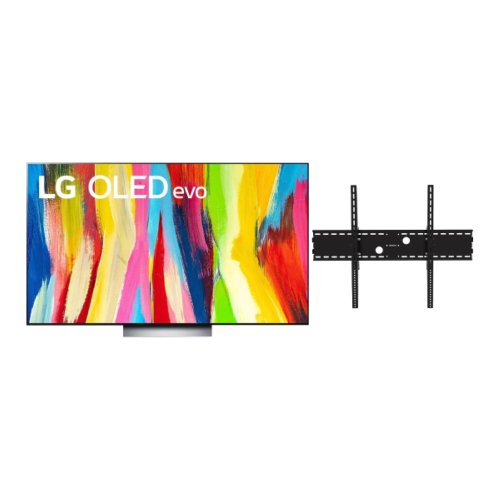 Your price for this item is $1527.99
 -
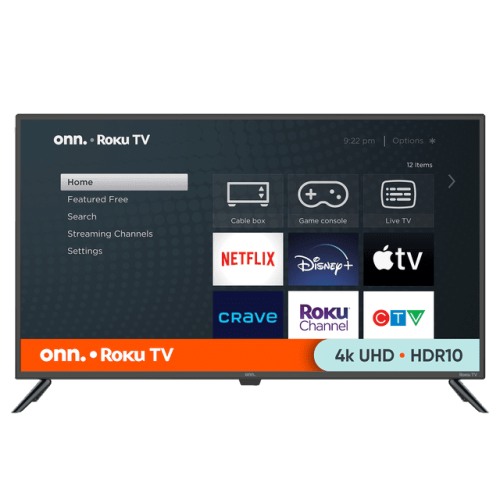 Your price for this item is $399.98
 -
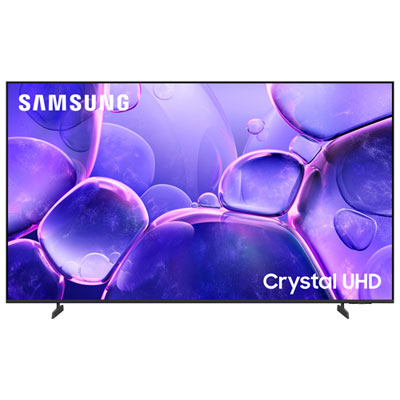 Your price for this item is $749.99
 -
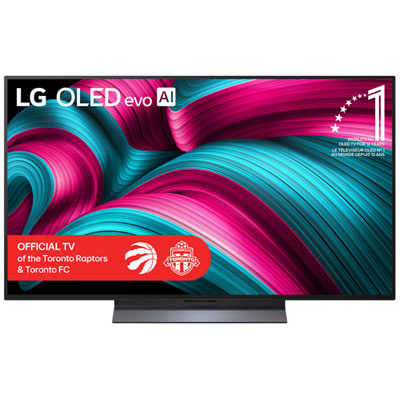 Your price for this item is $1799.99
 -
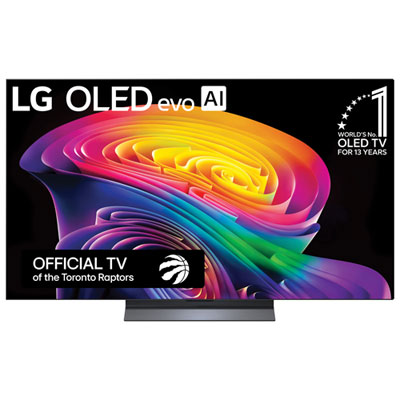 Your price for this item is $1799.99
 -
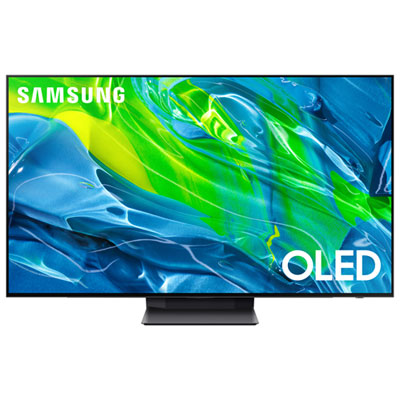 Your price for this item is $1699.97
 -
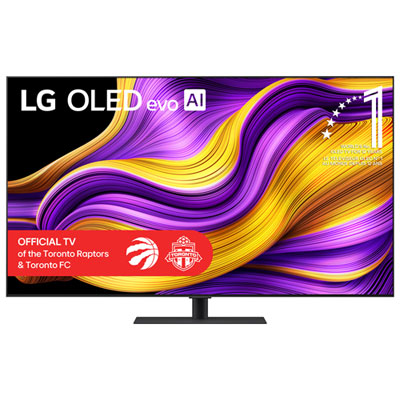 Your price for this item is $2299.99
 -
 Your price for this item is $2999.99
Discover more categories related to Hisense 55A68H
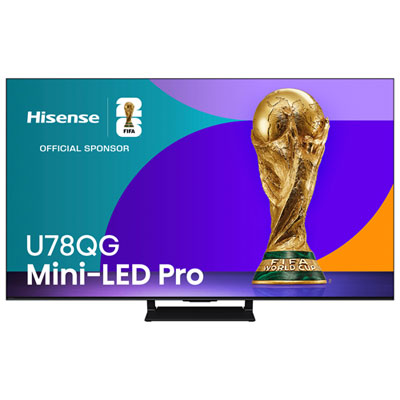
Top Collections:
Pokemon Centers, Kindle Devices, Best Budget Office Chairs, Apple iPhones 16, Best Laptops for Writers, iPhone 15 Apple, Canon G7X Cameras, Refurbished Apple Laptops, Alarm Clock, Motorola Razr Phones
Some products may be subject to Environmental Handling Fees
(EHF) depending on your province.
Learn more about EHFs.