Projectors for Dorm Rooms
Projectors for Dorm Rooms create an immersive entertainment experience, transforming any small space into a personal theater. Perfect for movie nights, study sessions, or gaming with friends, these compact devices offer versatile options to fit the unique needs of college life. Explore a range of projectors designed to maximize fun and convenience in your dorm room setup.
Sort
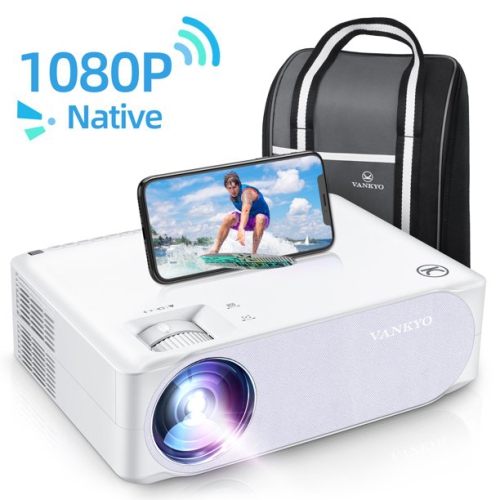
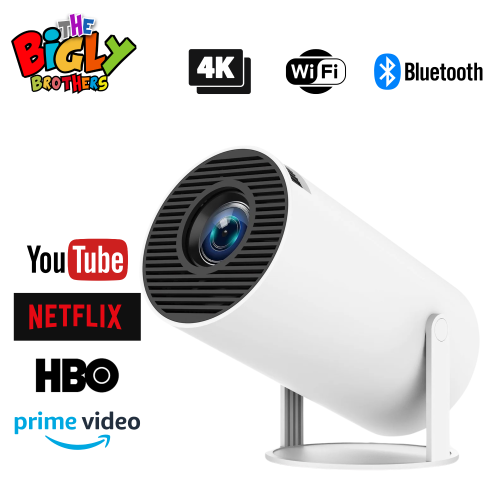
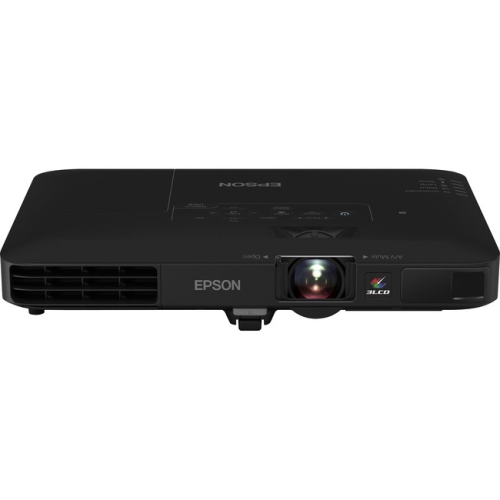
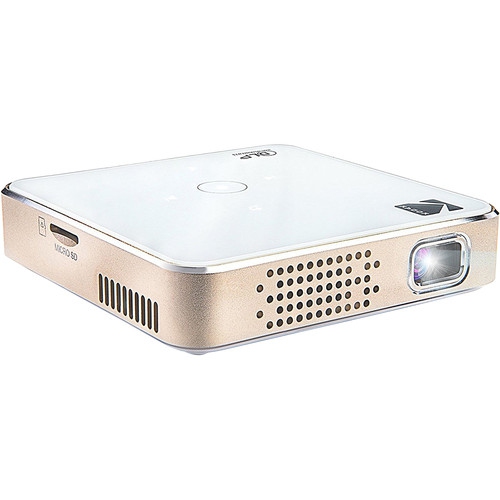

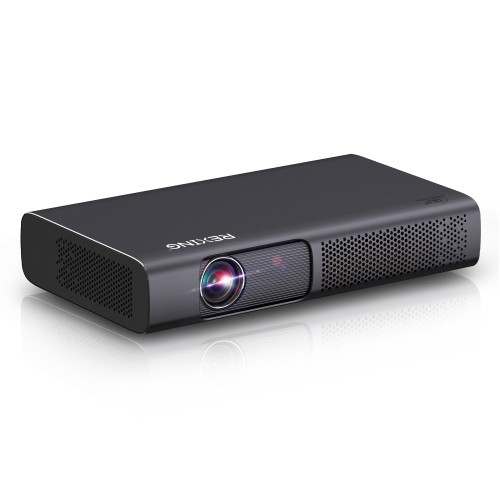
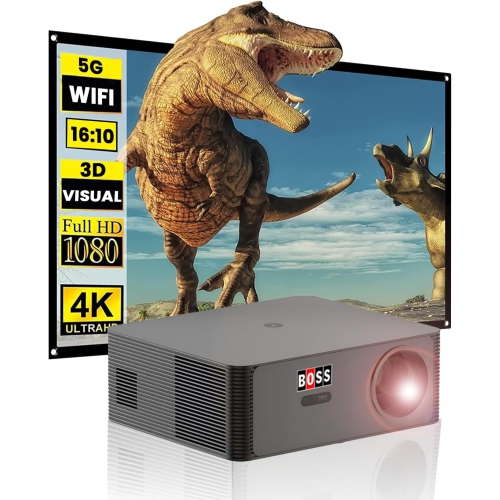
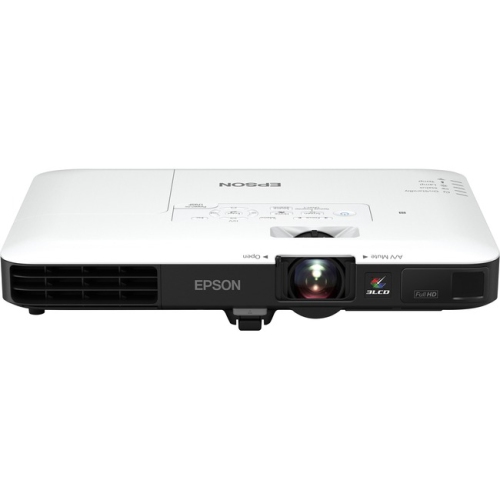
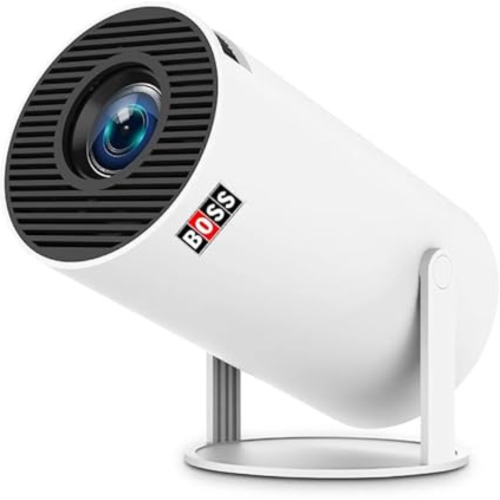
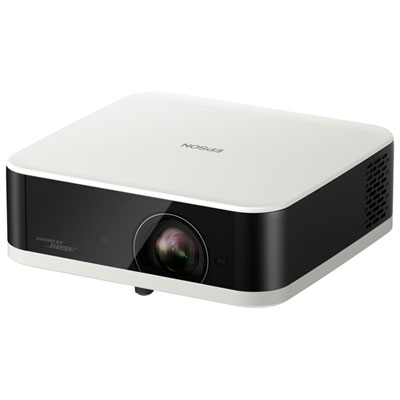
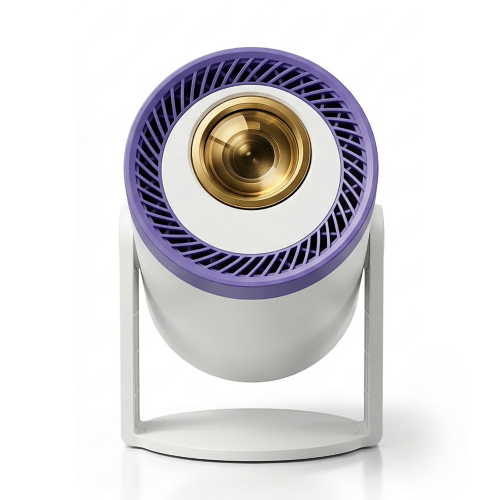
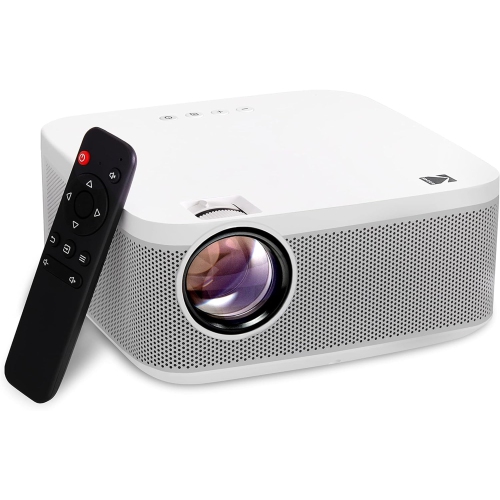
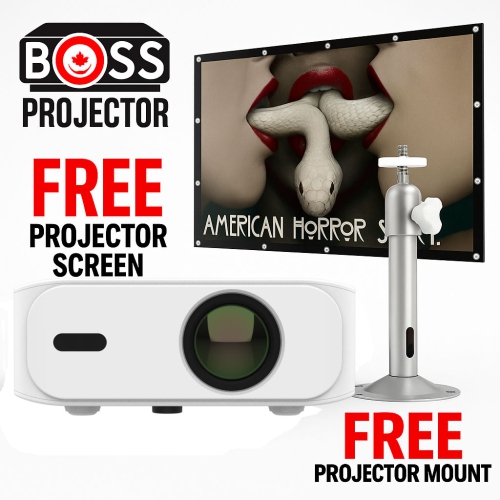
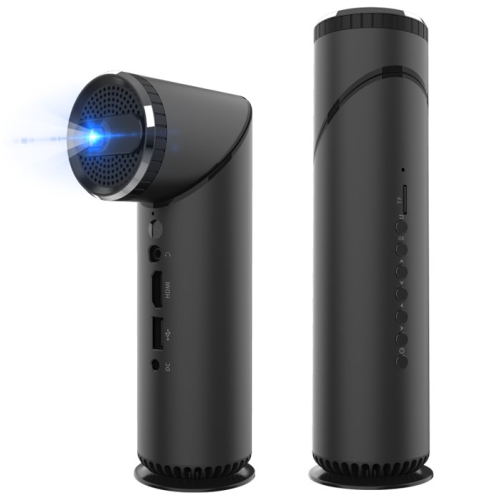
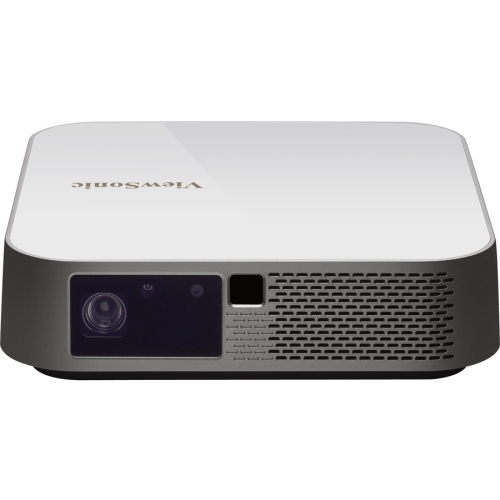
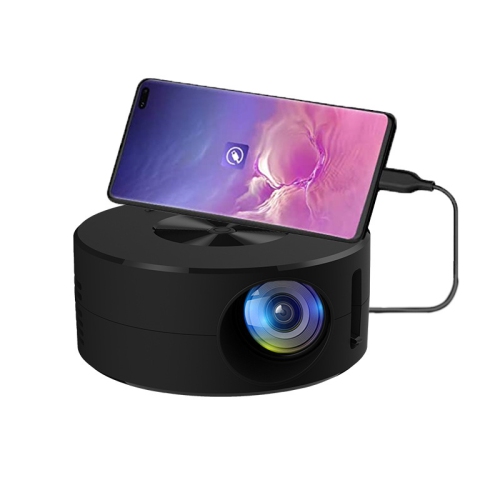

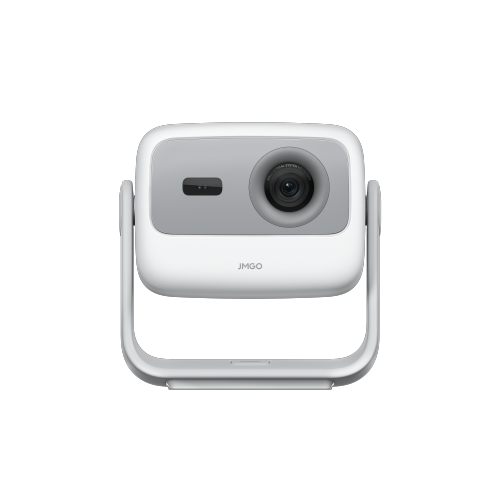
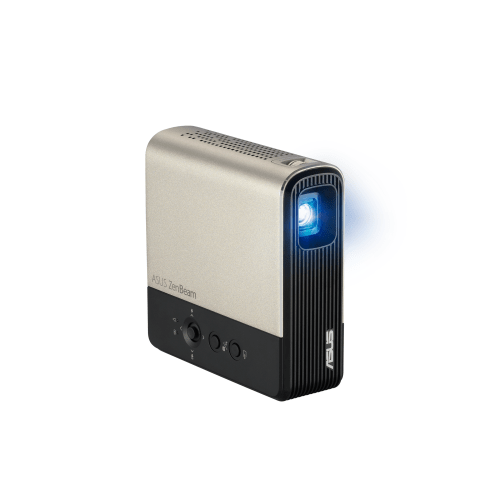
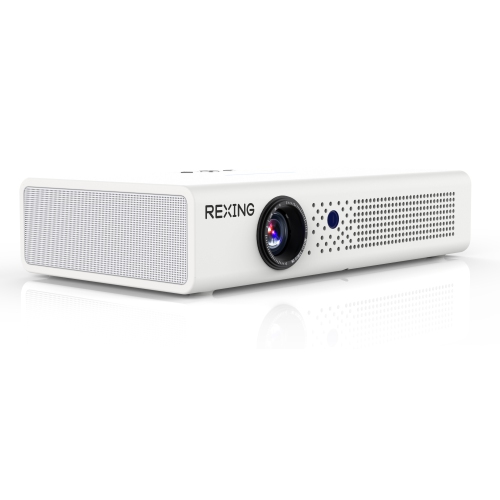
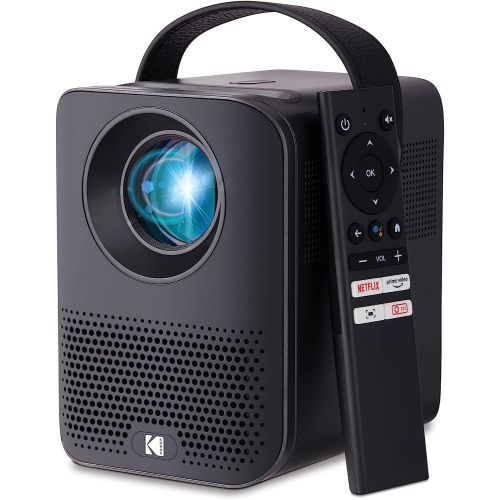
Small rooms need more than a small projector
Projectors for dorm rooms bring films, games, and shared viewing into a space that also has to function as a bedroom and study area. A compact projector with native 1080p resolution, a throw distance suited to the room, and connections for the devices students already use is a practical starting point. Short-throw designs can produce a large picture from closer to the wall, while portable models are easier to move between a desk, shelf, and bedside table. These are separate features: a small projector does not necessarily work at a short distance, and a short-throw projector is not always lightweight. The best fit depends on the distance between the lens and the viewing surface, the amount of light in the room, and the picture size that feels comfortable from the bed or desk chair. For example, a blank wall above a dresser might look ideal until the projector’s placement puts the bottom of the image behind a stack of books. Measuring the usable wall area and checking the model’s throw-distance chart helps make sense of the space before choosing a size. A throw ratio of 1.2:1 means the lens needs to sit about 2.4 metres from the surface for a picture 2 metres wide, although adjustment ranges vary by model. A smaller, well-focused image can be more enjoyable than a wall-filling picture that looks dim or soft. For students who regularly clear their desks for coursework, Compact Projectors for Dorm Room suit a setup that can be packed away between viewing sessions. Lightweight housings, a stable base, and an adjustable stand can make everyday positioning easier. The housing material alone does not establish durability; secure hinges, protected connections, and a padded carrying case matter when a projector travels home or moves between residences. For a student receiving one as a gift, compatibility with their laptop, console, or streaming device is just as important as portability.
Picture quality in a dorm room depends as much on the viewing conditions as it does on resolution. Native resolution describes the pixels the projector actually displays, while support for a higher-resolution input only means it can accept that signal. Native 1080p can provide clear detail for everyday films and gaming, but readable lecture slides and subtitles also depend on focus, image size, and the quality of the surface. A smooth, matte white or neutral-coloured wall can work for casual viewing, though texture and paint colour may affect sharpness and colour accuracy. A suitable projection screen provides a more consistent surface; a freestanding or removable design may also be easier to accommodate where residence rules limit wall attachments. Brightness deserves particular attention when a roommate needs a desk lamp on during a film. Look for brightness figures reported using a recognized measurement method, such as ANSI or ISO lumens, and compare like-for-like specifications rather than treating every advertised lumen figure as equivalent. No single brightness figure guarantees a good result in every room. A larger image spreads the available light over more surface area, and stray light reduces contrast, making dark scenes harder to distinguish. Keeping the picture modest in size and controlling light where practical can help. Placement features add flexibility, but they have limits. Autofocus can simplify setup after moving the projector, while keystone correction adjusts the image shape when the lens is not square to the wall. Digital keystone correction can reduce usable image detail, so a level position facing the surface directly remains preferable. Optical zoom, where included, adjusts picture size without moving the projector; digital zoom works differently and may reduce detail. Focus uniformity is worth considering for mixed entertainment and study use, since text near the corners should remain readable as well as text in the centre. A steady shelf or table also helps prevent a passing bump from shifting the image during a group presentation or a shared film.
Connections, sound, and everyday handling determine how comfortably a projector fits into residence life. HDMI is useful for connecting many laptops, game consoles, and streaming devices, though some laptops need a compatible adapter. A USB port may be intended for power, media playback, or servicing rather than video input, and USB-C video support should be confirmed for both the projector and the connected device. Built-in Wi-Fi and streaming apps can reduce the number of accessories on a desk, but app support varies, and residence networks may use sign-in pages or restrictions that complicate setup. Screen mirroring is also not a guaranteed substitute for a supported streaming app or a wired connection, because some subscription content limits mirrored playback. For gaming, input lag is a separate consideration from resolution: a clear picture can still feel slow if button presses take too long to appear on screen. A dedicated game mode may help reduce that delay. Built-in speakers are convenient for a small gathering, while a compatible headphone connection can make late-night viewing less disruptive. Bluetooth audio may introduce noticeable delay, so a wired option can be useful when dialogue and lip movement need to stay closely matched. Fan noise matters at short seating distances, especially if the projector rests beside a pillow or near the study chair. Ventilation openings need clear space, and projectors should sit on a firm surface rather than bedding that could block airflow. Battery-powered designs offer flexibility, but runtime and brightness may differ between battery operation and mains power. Cable routes should avoid doorways and walking paths, particularly in shared rooms with limited floor space. For care, let the projector cool as directed before packing it away, keep liquids away from the housing, and clean the lens only with materials and methods approved by the manufacturer. Some designs also have filters that require periodic attention. A protective case keeps the projector and its accessories organized for transport. Together, manageable size, dependable connections, sensible placement, and straightforward care make a dorm-room projector useful for solo viewing, relaxed evenings with friends, and occasional coursework on a larger display.
Picture quality in a dorm room depends as much on the viewing conditions as it does on resolution. Native resolution describes the pixels the projector actually displays, while support for a higher-resolution input only means it can accept that signal. Native 1080p can provide clear detail for everyday films and gaming, but readable lecture slides and subtitles also depend on focus, image size, and the quality of the surface. A smooth, matte white or neutral-coloured wall can work for casual viewing, though texture and paint colour may affect sharpness and colour accuracy. A suitable projection screen provides a more consistent surface; a freestanding or removable design may also be easier to accommodate where residence rules limit wall attachments. Brightness deserves particular attention when a roommate needs a desk lamp on during a film. Look for brightness figures reported using a recognized measurement method, such as ANSI or ISO lumens, and compare like-for-like specifications rather than treating every advertised lumen figure as equivalent. No single brightness figure guarantees a good result in every room. A larger image spreads the available light over more surface area, and stray light reduces contrast, making dark scenes harder to distinguish. Keeping the picture modest in size and controlling light where practical can help. Placement features add flexibility, but they have limits. Autofocus can simplify setup after moving the projector, while keystone correction adjusts the image shape when the lens is not square to the wall. Digital keystone correction can reduce usable image detail, so a level position facing the surface directly remains preferable. Optical zoom, where included, adjusts picture size without moving the projector; digital zoom works differently and may reduce detail. Focus uniformity is worth considering for mixed entertainment and study use, since text near the corners should remain readable as well as text in the centre. A steady shelf or table also helps prevent a passing bump from shifting the image during a group presentation or a shared film.
Connections, sound, and everyday handling determine how comfortably a projector fits into residence life. HDMI is useful for connecting many laptops, game consoles, and streaming devices, though some laptops need a compatible adapter. A USB port may be intended for power, media playback, or servicing rather than video input, and USB-C video support should be confirmed for both the projector and the connected device. Built-in Wi-Fi and streaming apps can reduce the number of accessories on a desk, but app support varies, and residence networks may use sign-in pages or restrictions that complicate setup. Screen mirroring is also not a guaranteed substitute for a supported streaming app or a wired connection, because some subscription content limits mirrored playback. For gaming, input lag is a separate consideration from resolution: a clear picture can still feel slow if button presses take too long to appear on screen. A dedicated game mode may help reduce that delay. Built-in speakers are convenient for a small gathering, while a compatible headphone connection can make late-night viewing less disruptive. Bluetooth audio may introduce noticeable delay, so a wired option can be useful when dialogue and lip movement need to stay closely matched. Fan noise matters at short seating distances, especially if the projector rests beside a pillow or near the study chair. Ventilation openings need clear space, and projectors should sit on a firm surface rather than bedding that could block airflow. Battery-powered designs offer flexibility, but runtime and brightness may differ between battery operation and mains power. Cable routes should avoid doorways and walking paths, particularly in shared rooms with limited floor space. For care, let the projector cool as directed before packing it away, keep liquids away from the housing, and clean the lens only with materials and methods approved by the manufacturer. Some designs also have filters that require periodic attention. A protective case keeps the projector and its accessories organized for transport. Together, manageable size, dependable connections, sensible placement, and straightforward care make a dorm-room projector useful for solo viewing, relaxed evenings with friends, and occasional coursework on a larger display.
Top selling and popular products
-
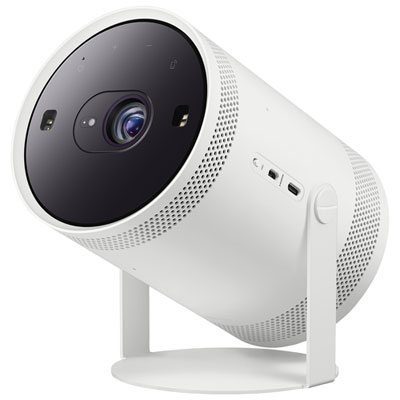 Your price for this item is $899.97
 -
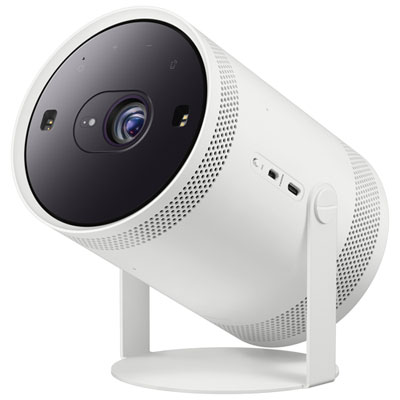 Your price for this item is $699.99
 -
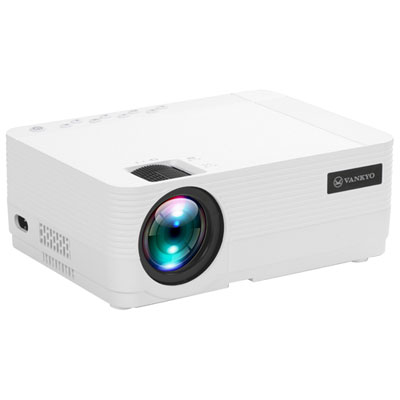 Your price for this item is $229.99
 -
 Your price for this item is $1999.99
 -
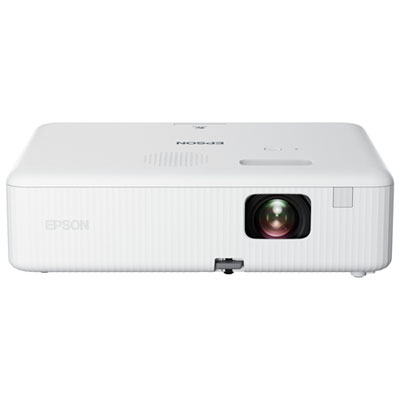 Your price for this item is $419.99
 -
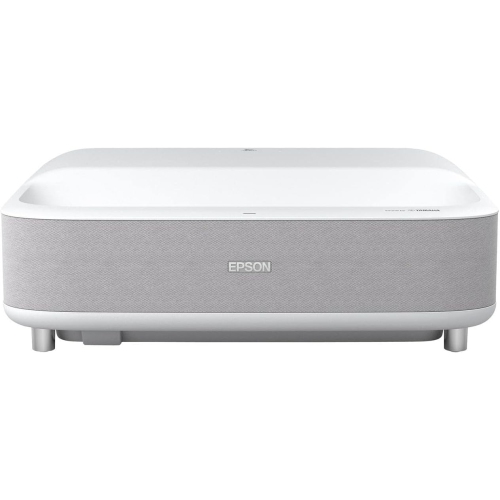 Your price for this item is $2279.05
 -
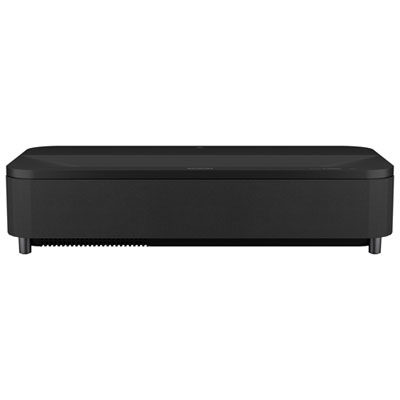 Your price for this item is $4799.99
 -
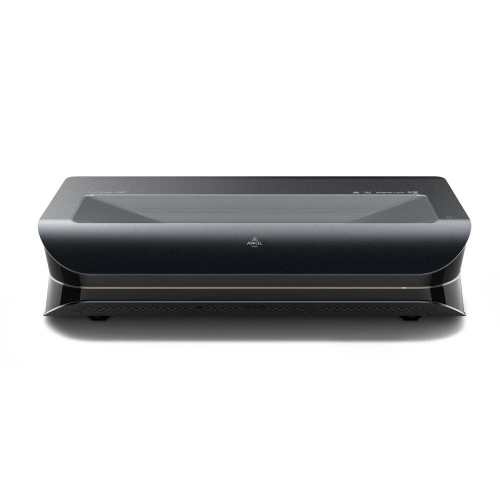 Your price for this item is $2294.15
Discover more categories related to Projectors for Dorm Rooms
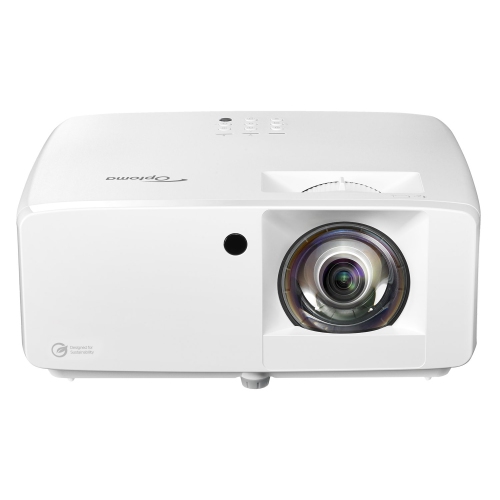
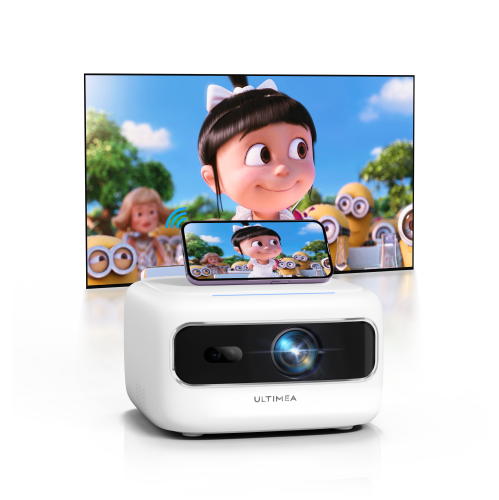
Top Collections:
Pokemon Centers, Kindle Devices, Best Budget Office Chairs, Apple iPhones 16, Best Laptops for Writers, iPhone 15 Apple, Canon G7X Cameras, Refurbished Apple Laptops, Alarm Clock, Motorola Razr Phones
Some products may be subject to Environmental Handling Fees
(EHF) depending on your province.
Learn more about EHFs.