Projectors for Family Media Rooms
Projectors for family media rooms transform any space into an immersive entertainment hub, perfect for movie nights, gaming sessions, and sharing memorable moments together. Explore a wide selection of projectors designed to deliver vibrant visuals and reliable performance, making it easy to enjoy your favorite content in the comfort of your own home. Whether you're upgrading your current setup or creating a brand-new media room, you'll find options that suit a variety of room sizes and viewing needs. Discover how projectors for family media rooms can elevate your at-home entertainment experience.
Sort
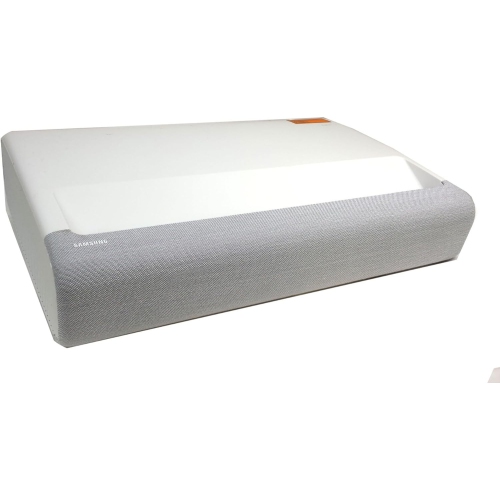
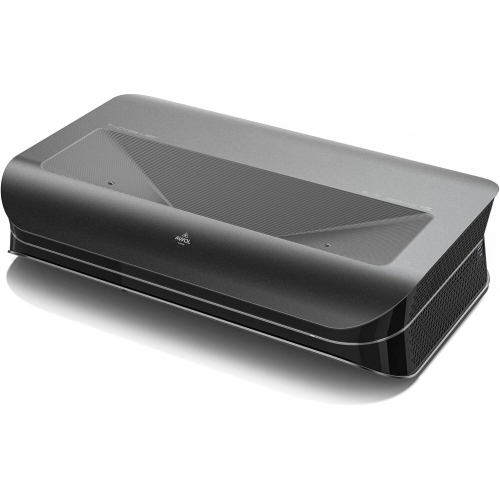
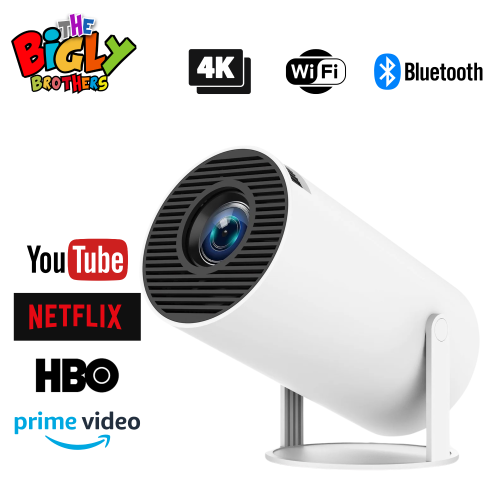
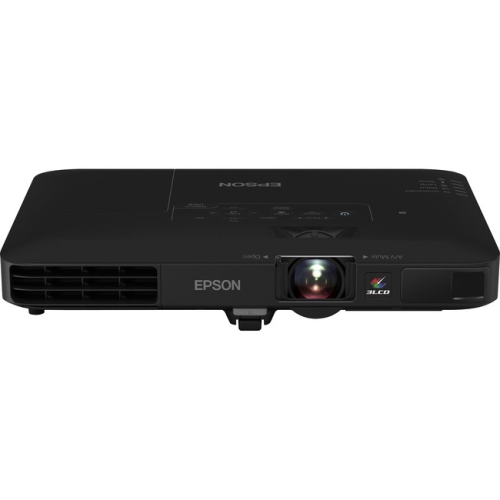
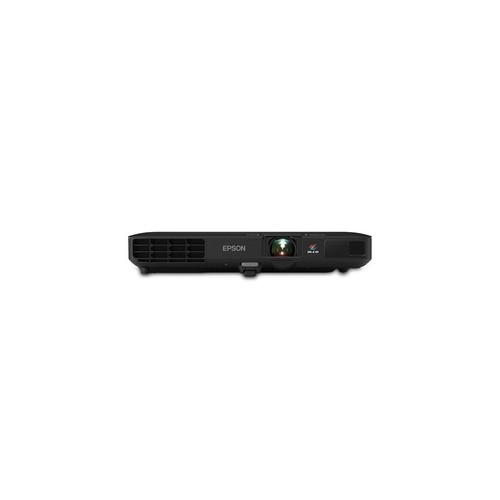

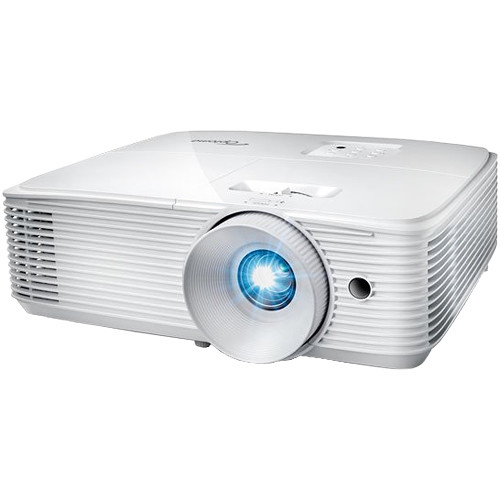
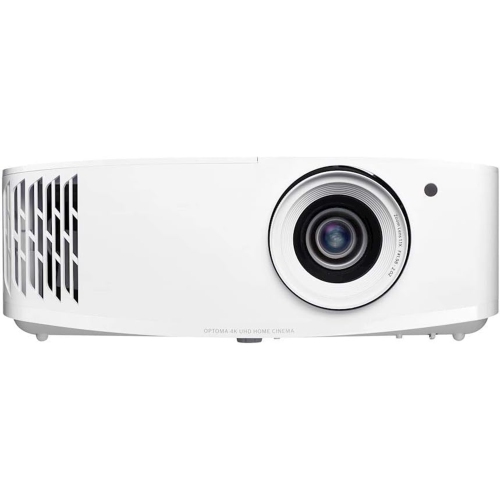
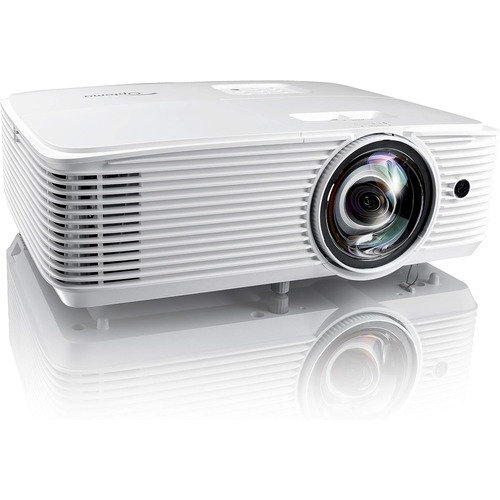
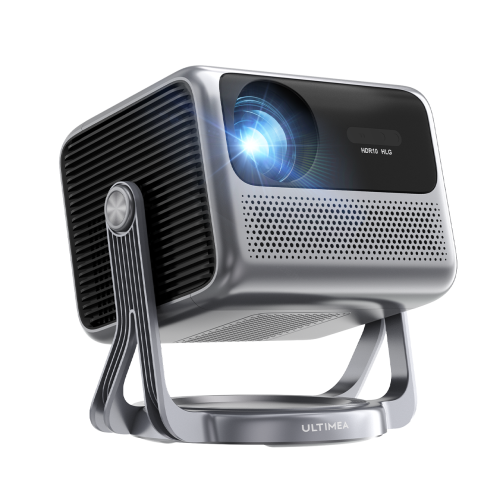
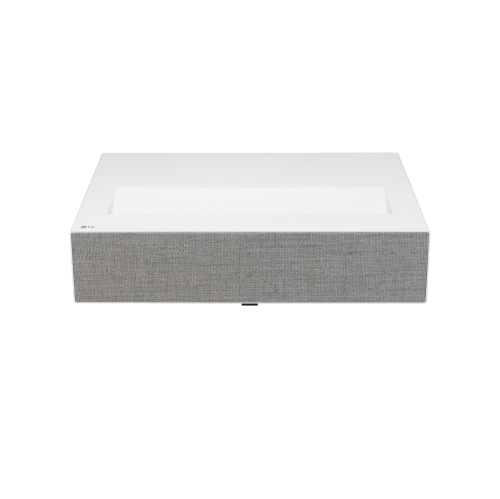
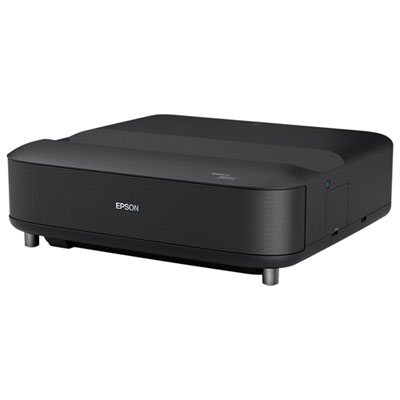
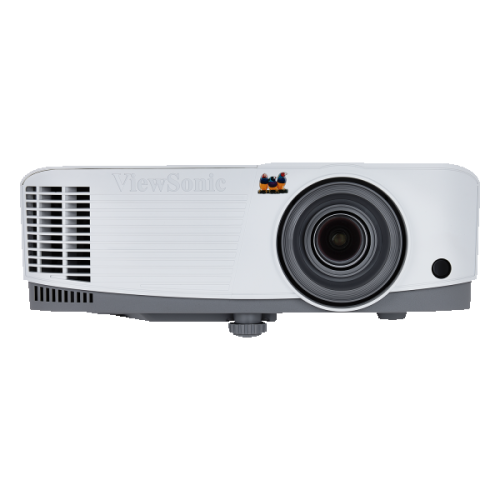
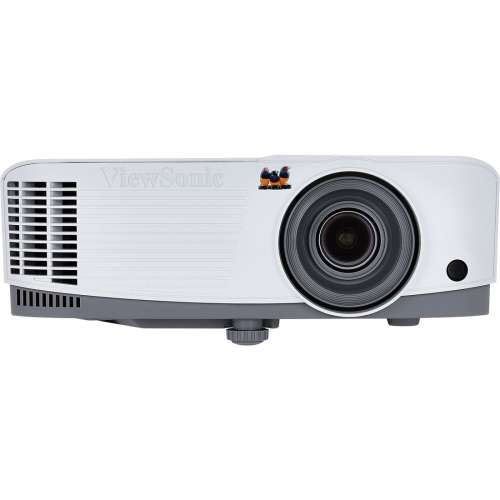
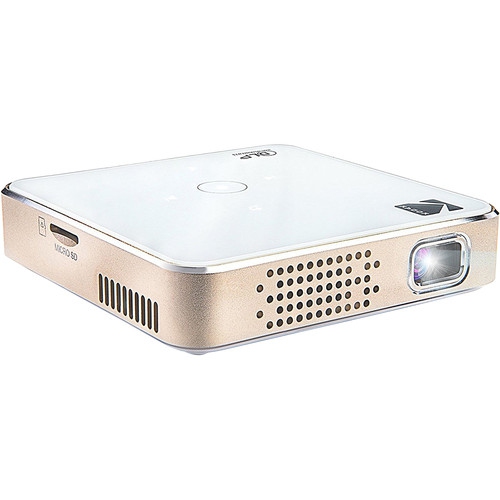
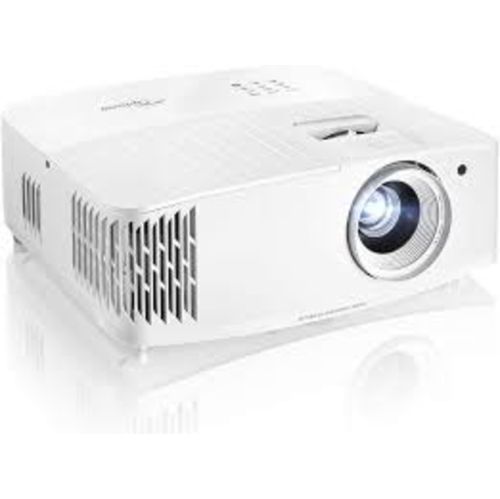
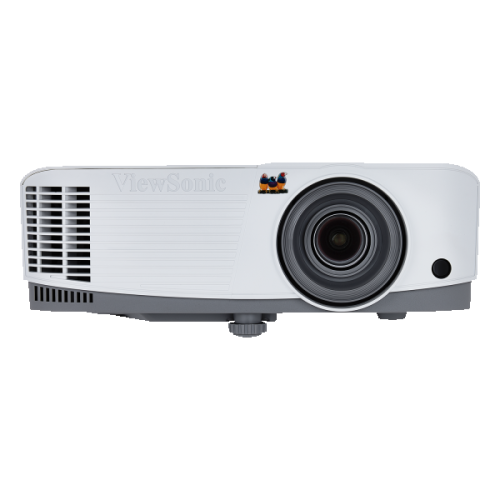
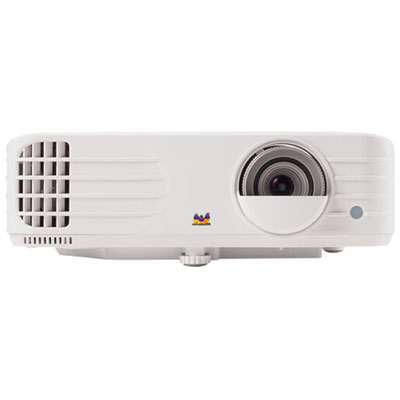
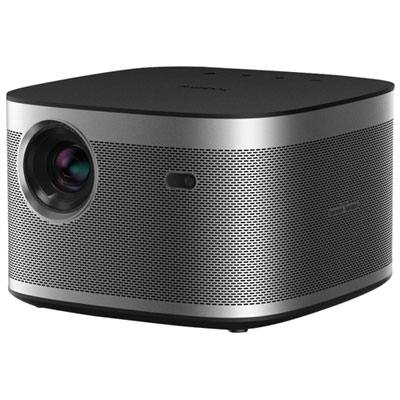
Big-screen family viewing starts with the right room setup
Projectors for family media rooms turn a shared living space into a place for animated adventures, live sports, favourite series, and multiplayer games on a generous screen. A large projected image can make a film feel more immersive while giving everyone on a sectional or across a row of seats a comfortable view. The right fit depends as much on the room as on the picture specifications: wall space, seating distance, light control, and everyday activities all influence the experience. A 100- to 120-inch image may suit a spacious room, but the projector’s supported image size and the distance between the lens and screen determine what is practical. Full HD resolution can provide a satisfying picture for casual viewing, while 4K projection can reveal finer textures, clearer lettering, and more detail in compatible films and games. Support for a 4K input does not necessarily mean a projector displays a 4K image, so the displayed resolution matters alongside signal compatibility. Brightness is particularly important in rooms where a lamp stays on for snacks or children move between activities. Around 2,500 to 3,500 ANSI lumens can be a useful starting range for a family room with some ambient light, though screen size, surface, and the amount of light reaching the screen all affect the result. Brightness figures are most useful when compared using the same measurement standard; an unspecified lumen rating is not automatically equivalent to ANSI lumens. Even a bright projector benefits from blinds and lighting positioned away from the screen, since extra light can make dark scenes look washed out. Contrast, colour accuracy, and convincing skin tones also contribute to an enjoyable picture. HDR support can add depth to compatible content, but its effect depends on the projector’s capabilities and picture settings. For viewing centred on shared films, Home Projectors for Family Movie Nights is a related collection for households that enjoy settling in together for a feature-length story.
Placement shapes how comfortably a projector fits into family life. Standard-throw projectors generally need more distance from the screen and may work well on an appropriate rear shelf or ceiling mount. Short-throw designs produce a large image from closer to the screen, while ultra-short-throw projectors typically sit on a low cabinet near the wall. That close placement reduces the stretch of exposed light between projector and screen, helping limit shadows when someone gets up during a film. Exact positioning still matters: the required distance varies by model and image size, and the cabinet must have enough depth and a stable surface. Ceiling installations keep equipment away from busy hands and leave furniture arrangements more flexible, but require suitable mounting hardware, secure attachment, ventilation clearance, and a practical cable route. Lens shift and optical zoom can make alignment easier where available. Digital keystone correction can straighten an angled image, although substantial correction may reduce usable detail, making careful physical positioning worthwhile. The screen surface deserves equal attention. A smooth, matte white projection screen offers a consistent surface that a textured or coloured wall may not provide. Ambient-light-rejecting screens can help preserve contrast in suitable conditions, but their material must match the projector type and expected viewing angles; screens intended for ultra-short-throw projection are not interchangeable with every other screen design. A broad seating arrangement also benefits from a surface that maintains a pleasing image for people sitting off to the side. Fixed-frame screens provide a dedicated viewing area, while retractable screens let the same wall serve another purpose between sessions. In a busy household, secure screen hardware, protected cables, and furniture that resists accidental bumps help keep the setup dependable. Children should not look directly into the projection beam, and projector safety features do not replace thoughtful placement or supervision. Ventilation openings also need space around them, rather than being tucked tightly against upholstery or enclosed inside an unsuitable cabinet. A well-fitted installation keeps the picture steady without turning the room into an obstacle course.
Connections, sound, and everyday upkeep determine whether a family projector feels easy to use after the initial setup. HDMI inputs provide connections for streaming devices, game consoles, and disc players, while built-in smart features may reduce the need for an external player. App support varies, so access to a household’s preferred streaming services is worth confirming rather than assuming that every smart projector includes them. Reliable Wi-Fi helps with streaming, and a wired network connection can be useful where supported. For gaming, low input lag makes actions feel more immediate; figures below 20 milliseconds can suit responsive play, provided that performance applies at the resolution, refresh rate, and picture mode being used. A high refresh rate is a separate specification from input lag, and its benefit also depends on a compatible console or computer. Some gaming modes reduce other image processing to improve responsiveness. Built-in speakers can handle casual viewing, but a sound bar or separate speaker system can make dialogue easier to follow and give music and effects more weight. Audio outputs, HDMI ARC or eARC support, and cable compatibility vary, while wireless audio may introduce a delay that is noticeable during games or dialogue. Fan noise is another consideration when the projector sits near a sofa or above the main seats, particularly during quiet scenes. Lamp-based, LED, and laser light sources have different maintenance needs and rated lifespans; published operating-hour figures are estimates rather than guarantees of unchanged brightness. Accessible filters, where fitted, make routine cleaning more manageable, and clear air passages help the projector operate as intended. Lens care calls for methods approved by the manufacturer, not household surface cleaners or rough cloths. A protective carrying case can be useful for a projector that moves between rooms, although each location may need fresh alignment. For a household that enjoys shared screen time, the most rewarding setup is one that balances a clear picture with straightforward controls, comfortable seating, dependable sound, and enough flexibility for both a lively game session and a quiet film.
Placement shapes how comfortably a projector fits into family life. Standard-throw projectors generally need more distance from the screen and may work well on an appropriate rear shelf or ceiling mount. Short-throw designs produce a large image from closer to the screen, while ultra-short-throw projectors typically sit on a low cabinet near the wall. That close placement reduces the stretch of exposed light between projector and screen, helping limit shadows when someone gets up during a film. Exact positioning still matters: the required distance varies by model and image size, and the cabinet must have enough depth and a stable surface. Ceiling installations keep equipment away from busy hands and leave furniture arrangements more flexible, but require suitable mounting hardware, secure attachment, ventilation clearance, and a practical cable route. Lens shift and optical zoom can make alignment easier where available. Digital keystone correction can straighten an angled image, although substantial correction may reduce usable detail, making careful physical positioning worthwhile. The screen surface deserves equal attention. A smooth, matte white projection screen offers a consistent surface that a textured or coloured wall may not provide. Ambient-light-rejecting screens can help preserve contrast in suitable conditions, but their material must match the projector type and expected viewing angles; screens intended for ultra-short-throw projection are not interchangeable with every other screen design. A broad seating arrangement also benefits from a surface that maintains a pleasing image for people sitting off to the side. Fixed-frame screens provide a dedicated viewing area, while retractable screens let the same wall serve another purpose between sessions. In a busy household, secure screen hardware, protected cables, and furniture that resists accidental bumps help keep the setup dependable. Children should not look directly into the projection beam, and projector safety features do not replace thoughtful placement or supervision. Ventilation openings also need space around them, rather than being tucked tightly against upholstery or enclosed inside an unsuitable cabinet. A well-fitted installation keeps the picture steady without turning the room into an obstacle course.
Connections, sound, and everyday upkeep determine whether a family projector feels easy to use after the initial setup. HDMI inputs provide connections for streaming devices, game consoles, and disc players, while built-in smart features may reduce the need for an external player. App support varies, so access to a household’s preferred streaming services is worth confirming rather than assuming that every smart projector includes them. Reliable Wi-Fi helps with streaming, and a wired network connection can be useful where supported. For gaming, low input lag makes actions feel more immediate; figures below 20 milliseconds can suit responsive play, provided that performance applies at the resolution, refresh rate, and picture mode being used. A high refresh rate is a separate specification from input lag, and its benefit also depends on a compatible console or computer. Some gaming modes reduce other image processing to improve responsiveness. Built-in speakers can handle casual viewing, but a sound bar or separate speaker system can make dialogue easier to follow and give music and effects more weight. Audio outputs, HDMI ARC or eARC support, and cable compatibility vary, while wireless audio may introduce a delay that is noticeable during games or dialogue. Fan noise is another consideration when the projector sits near a sofa or above the main seats, particularly during quiet scenes. Lamp-based, LED, and laser light sources have different maintenance needs and rated lifespans; published operating-hour figures are estimates rather than guarantees of unchanged brightness. Accessible filters, where fitted, make routine cleaning more manageable, and clear air passages help the projector operate as intended. Lens care calls for methods approved by the manufacturer, not household surface cleaners or rough cloths. A protective carrying case can be useful for a projector that moves between rooms, although each location may need fresh alignment. For a household that enjoys shared screen time, the most rewarding setup is one that balances a clear picture with straightforward controls, comfortable seating, dependable sound, and enough flexibility for both a lively game session and a quiet film.
Top selling and popular products
-
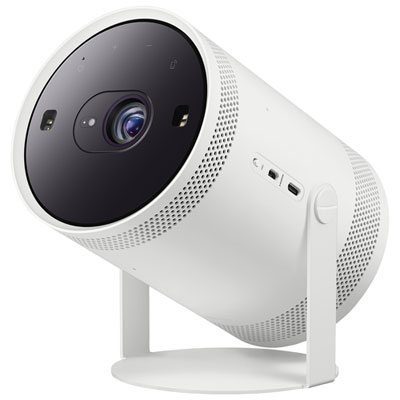 Your price for this item is $899.97
 -
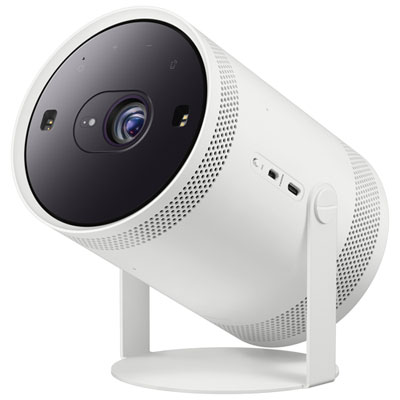 Your price for this item is $999.99
 -
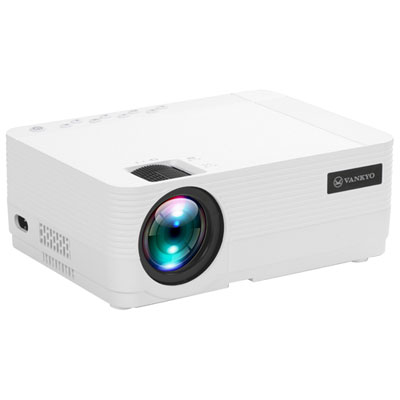 Your price for this item is $229.99
 -
 Your price for this item is $1999.99
 -
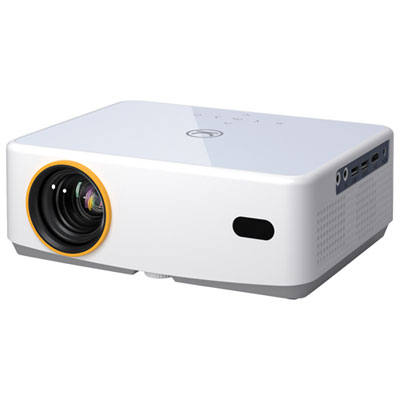 Your price for this item is $319.99
 -
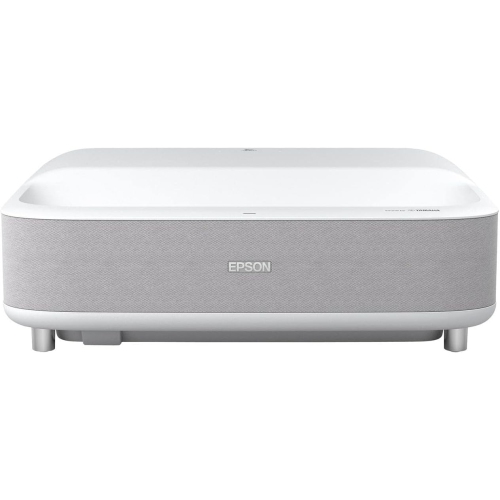 Your price for this item is $2279.05
 -
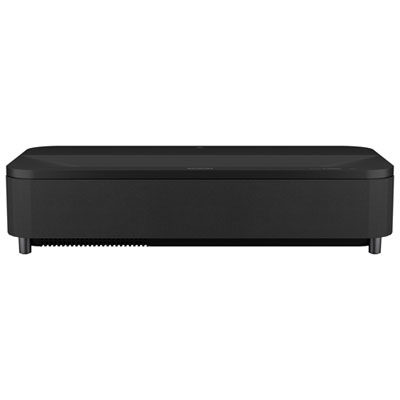 Your price for this item is $4799.99
 -
 Your price for this item is $2294.15
Discover more categories related to Projectors for Family Media Rooms
Top Collections:
Pokemon Centers, Kindle Devices, Best Budget Office Chairs, Canon G7X Cameras, Apple iPhones 16, Samsung Galaxy Phones, Refurbished Apple Laptops, Laptops for Students, iPhone 15 Apple, Budget Smartphones
Some products may be subject to Environmental Handling Fees
(EHF) depending on your province.
Learn more about EHFs.