Smart Google TVs
Enhance your entertainment experience with the latest innovation in television technology - smart Google TVs. Seamlessly merging the power of the internet with the brilliance of high-definition displays, smart Google TVs bring a whole new level of convenience and excitement to your living room. Discover a world of endless possibilities as you effortlessly navigate through your favorite streaming services, browse the web, and access a wide range of apps - all from the comfort of your couch. Experience the future of television with smart Google TVs, where entertainment meets intelligence.
Sort
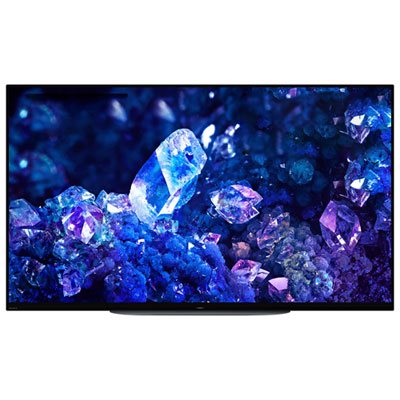
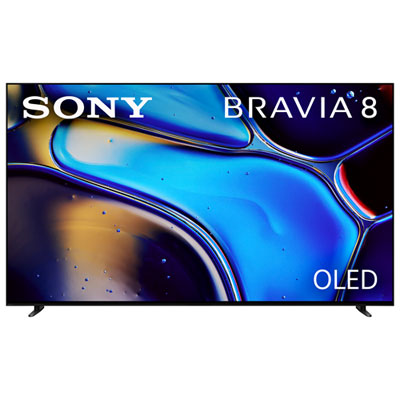
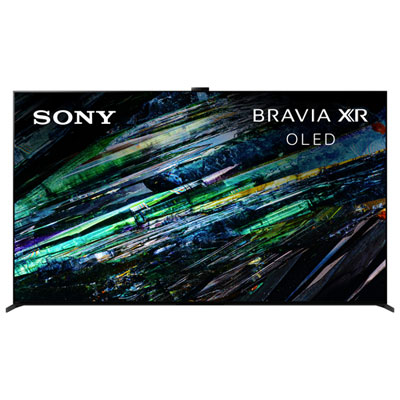
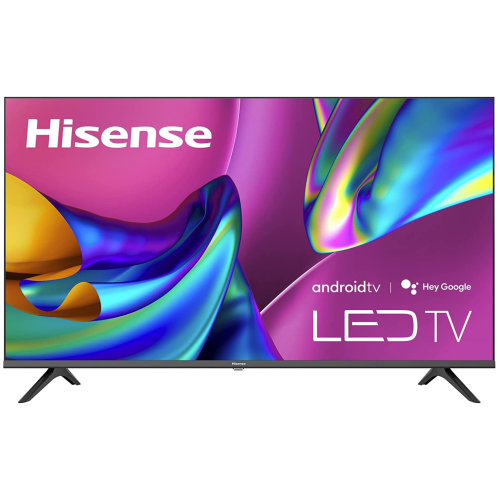
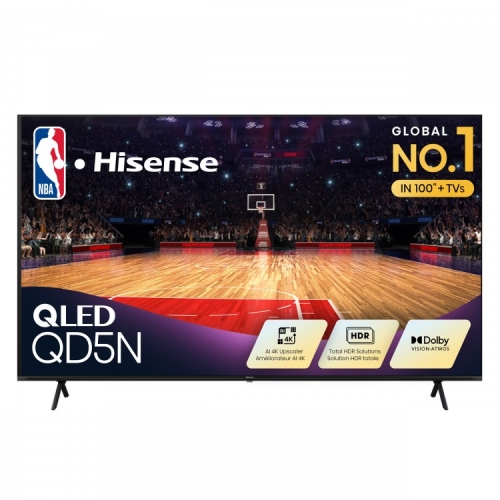
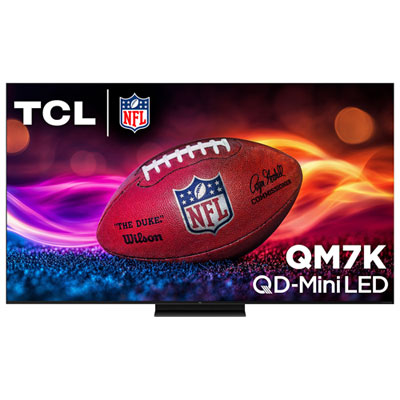
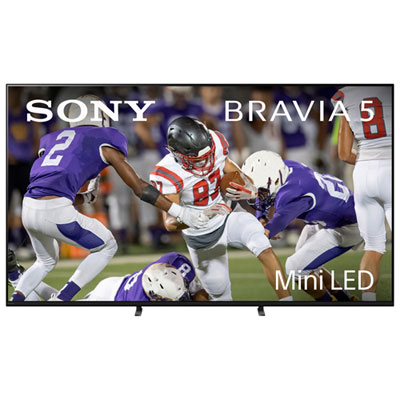
Your streaming favourites meet on one home screen
Smart Google TVs are televisions with the Google TV interface built in, bringing streaming apps, recommendations, search, and access to connected devices together on one screen. Rather than serving only as a display for a cable box or game console, they offer a connected home screen where supported movies, series, and other entertainment can be discovered across participating services. Recommendations depend on factors such as viewing activity, account settings, and the apps connected to a profile; some titles require a separate subscription or rental. Individual profiles can help keep different household members’ watchlists and suggestions distinct, while supported children’s profiles give parents additional ways to manage viewing. For a household that moves between animated favourites, live sports, and an evening drama, this shared interface can make the television feel less like a collection of separate apps. A Google account and an internet connection are needed for many personalized and connected features, and app support, content access, and voice functions can vary by television and region. Canadian viewers should check support for the streaming services they actually use, particularly for live programming and regional content. A Google TV interface does not itself include a subscription to every service shown on the home screen. Depending on the model, voice search through the remote can help locate a title or explore a genre without entering each letter using an on-screen keyboard. Built-in casting on compatible televisions also lets supported mobile apps send video or other media to the larger screen, with device compatibility and network requirements varying by feature. That can be useful for sharing a travel slideshow with family or moving a video from a phone to the living room. Access to compatible smart home devices may also be supported, although camera viewing and other controls depend on the television, connected devices, and account setup. These features make smart Google TVs relevant to shared living rooms, compact apartments, bedrooms, and other spaces where streaming and everyday television viewing overlap.
The Google TV interface shapes how content is found, but the television’s panel, lighting system, and picture processing determine much of how that content looks. Screen size works best when considered alongside seating distance, furniture dimensions, and the room’s layout. A large display can give films a more immersive presence, yet a television positioned too close to a desk chair or tucked into a narrow shelving unit may feel oversized. Measuring the full cabinet width, stand footprint, and space around the screen is more useful than relying on diagonal screen size alone. A 55-inch television, for example, needs furniture that accommodates its actual stand placement, which may extend towards the edges of the display. Resolution is another consideration: 4K provides more picture detail than Full HD when the source material supports it, while the visible benefit depends partly on screen size and viewing distance. Lower-resolution broadcasts and older programmes rely on the television’s processing to fill the screen, so the quality of upscaling matters alongside the resolution listed in the specifications. LED-backlit LCD, QLED, and OLED displays can all be paired with a smart TV interface, but those terms describe different aspects of picture technology. QLED generally refers to an LCD television that uses quantum dots to help reproduce colour, while Mini-LED refers to a backlight technology that can provide more precise brightness control when combined with effective local dimming. OLED pixels emit their own light, allowing deep blacks without a separate backlight. Actual results vary by model, especially for reflections, viewing angles, and detail in dark scenes. In a living room with a wide sectional, off-centre picture quality may matter as much as the view from the middle seat. For films with bright highlights and shadowy backgrounds, supported high dynamic range formats and the display’s contrast capabilities both contribute to the result. Sports viewers and gamers may also notice differences in motion handling, native refresh rate, and input lag; a motion enhancement label is not necessarily the same as the panel’s native refresh rate.
Connections, sound, construction, and everyday care are equally important to how comfortably a smart Google TV fits into a home. Several HDMI inputs leave room for a game console, cable receiver, and other equipment, while an HDMI connection with enhanced audio return channel support can simplify the link to a compatible soundbar or receiver. Specific gaming features, including variable refresh rate and high-frame-rate input, depend on the capabilities of both the television and the connected console or computer. Wi-Fi provides a convenient route to streaming, but a wired network connection can be useful where supported if the television sits near a router or network outlet. Reliable connection quality matters when several people are streaming or downloading at once. Built-in speakers may suit casual viewing, while a separate audio system can add clearer dialogue and greater impact to film soundtracks; leaving space for that equipment helps avoid blocking the lower edge of the picture or the remote sensor. Television cabinets commonly combine plastic housings with metal structural components, though a slim profile or metal finish alone does not establish durability. A stable stand, secure wall mounting, protected cable routing, and the manufacturer’s required ventilation clearances all contribute to a dependable setup. Wall brackets need to match the television’s mounting pattern and weight, with suitable hardware for the wall construction. In homes with children or pets, securing the television against tipping is especially important. Screen surfaces need gentle care: following the manufacturer’s cleaning instructions, using a soft microfibre cloth, and avoiding direct sprays helps protect panel coatings. OLED owners should also follow guidance on built-in panel care features and prolonged static images. Accessibility options such as captions, screen readers, and dialogue settings vary, so these details deserve attention when choosing a television for someone with particular viewing needs. A television can make a thoughtful shared gift for a new home, provided its dimensions, setup requirements, and preferred apps suit the recipient. For households comparing interfaces as well as displays, LG Smart TVs offer another category to explore, with smart platform features that differ from Google TV. The most suitable television brings together a comfortable screen size, satisfying picture and sound, and straightforward access to the entertainment a household enjoys.
The Google TV interface shapes how content is found, but the television’s panel, lighting system, and picture processing determine much of how that content looks. Screen size works best when considered alongside seating distance, furniture dimensions, and the room’s layout. A large display can give films a more immersive presence, yet a television positioned too close to a desk chair or tucked into a narrow shelving unit may feel oversized. Measuring the full cabinet width, stand footprint, and space around the screen is more useful than relying on diagonal screen size alone. A 55-inch television, for example, needs furniture that accommodates its actual stand placement, which may extend towards the edges of the display. Resolution is another consideration: 4K provides more picture detail than Full HD when the source material supports it, while the visible benefit depends partly on screen size and viewing distance. Lower-resolution broadcasts and older programmes rely on the television’s processing to fill the screen, so the quality of upscaling matters alongside the resolution listed in the specifications. LED-backlit LCD, QLED, and OLED displays can all be paired with a smart TV interface, but those terms describe different aspects of picture technology. QLED generally refers to an LCD television that uses quantum dots to help reproduce colour, while Mini-LED refers to a backlight technology that can provide more precise brightness control when combined with effective local dimming. OLED pixels emit their own light, allowing deep blacks without a separate backlight. Actual results vary by model, especially for reflections, viewing angles, and detail in dark scenes. In a living room with a wide sectional, off-centre picture quality may matter as much as the view from the middle seat. For films with bright highlights and shadowy backgrounds, supported high dynamic range formats and the display’s contrast capabilities both contribute to the result. Sports viewers and gamers may also notice differences in motion handling, native refresh rate, and input lag; a motion enhancement label is not necessarily the same as the panel’s native refresh rate.
Connections, sound, construction, and everyday care are equally important to how comfortably a smart Google TV fits into a home. Several HDMI inputs leave room for a game console, cable receiver, and other equipment, while an HDMI connection with enhanced audio return channel support can simplify the link to a compatible soundbar or receiver. Specific gaming features, including variable refresh rate and high-frame-rate input, depend on the capabilities of both the television and the connected console or computer. Wi-Fi provides a convenient route to streaming, but a wired network connection can be useful where supported if the television sits near a router or network outlet. Reliable connection quality matters when several people are streaming or downloading at once. Built-in speakers may suit casual viewing, while a separate audio system can add clearer dialogue and greater impact to film soundtracks; leaving space for that equipment helps avoid blocking the lower edge of the picture or the remote sensor. Television cabinets commonly combine plastic housings with metal structural components, though a slim profile or metal finish alone does not establish durability. A stable stand, secure wall mounting, protected cable routing, and the manufacturer’s required ventilation clearances all contribute to a dependable setup. Wall brackets need to match the television’s mounting pattern and weight, with suitable hardware for the wall construction. In homes with children or pets, securing the television against tipping is especially important. Screen surfaces need gentle care: following the manufacturer’s cleaning instructions, using a soft microfibre cloth, and avoiding direct sprays helps protect panel coatings. OLED owners should also follow guidance on built-in panel care features and prolonged static images. Accessibility options such as captions, screen readers, and dialogue settings vary, so these details deserve attention when choosing a television for someone with particular viewing needs. A television can make a thoughtful shared gift for a new home, provided its dimensions, setup requirements, and preferred apps suit the recipient. For households comparing interfaces as well as displays, LG Smart TVs offer another category to explore, with smart platform features that differ from Google TV. The most suitable television brings together a comfortable screen size, satisfying picture and sound, and straightforward access to the entertainment a household enjoys.
Top selling and popular products
-
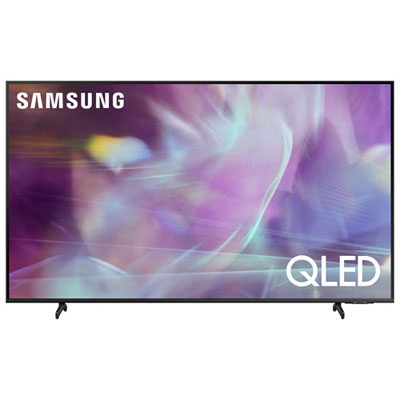 Your price for this item is $722.99
 -
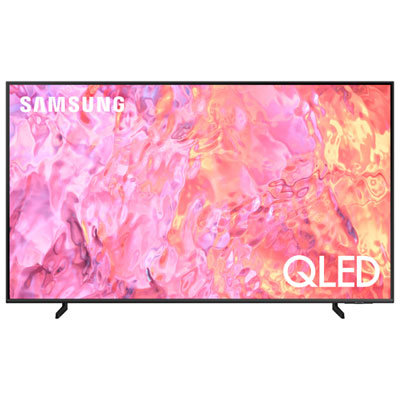 Your price for this item is $799.97
 -
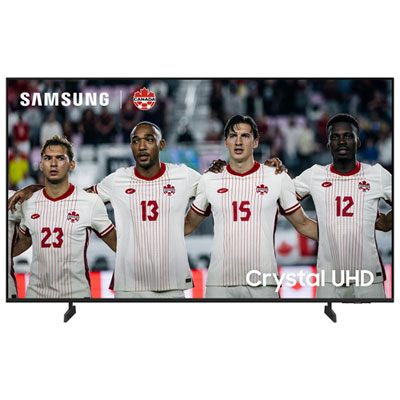 Your price for this item is $549.99
 -
 Your price for this item is $549.99
 -
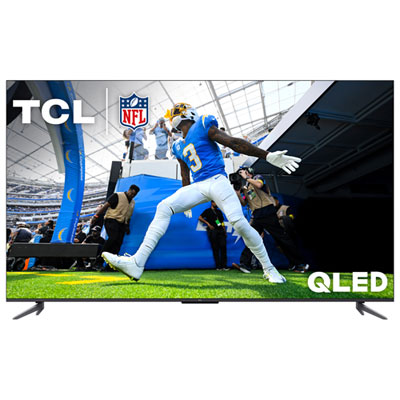 Your price for this item is $499.97
 -
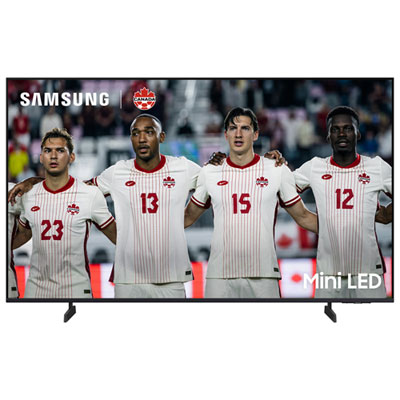 Your price for this item is $699.99
 -
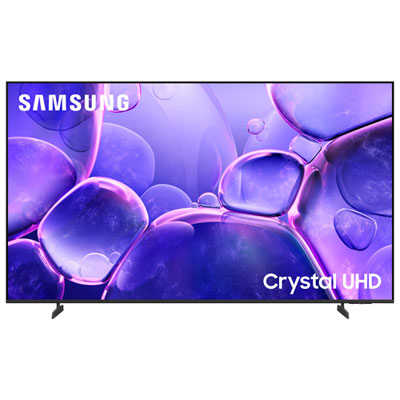 Your price for this item is $449.99
 -
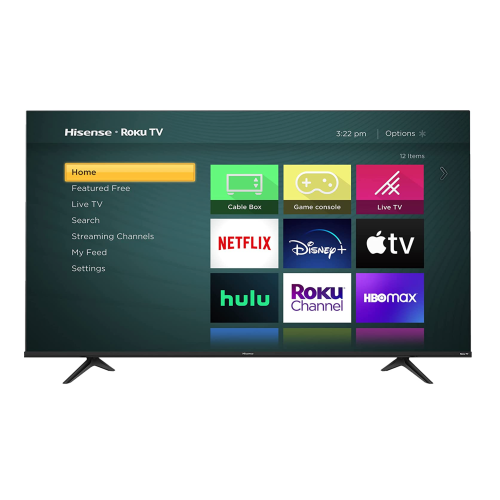 Your price for this item is $769.99
Discover more categories related to Smart Google TVs
Top Collections:
Pokemon Centers, Kindle Devices, Best Budget Office Chairs, Canon G7X Cameras, Apple iPhones 16, Samsung Galaxy Phones, Refurbished Apple Laptops, Laptops for Students, iPhone 15 Apple, Budget Smartphones
Some products may be subject to Environmental Handling Fees
(EHF) depending on your province.
Learn more about EHFs.