50 Inch Tvs Recommended for Gaming
If you're looking for a TV to use as your primary screen, 50 inches is the sweet spot. It's large enough to give you a big picture but not so big that it takes up too much space in your living room. And while bigger TVs are great for watching movies and playing video games, they can also be more expensive and harder to fit into smaller spaces. We've found some great 50-inch TVs that will please even the most demanding gamers.
Sort
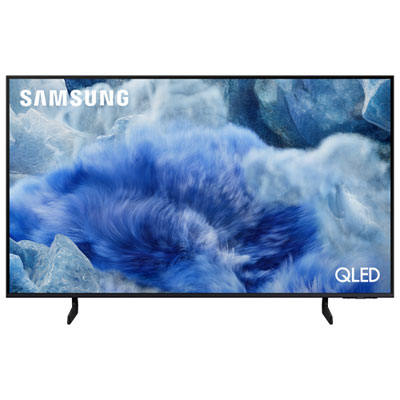
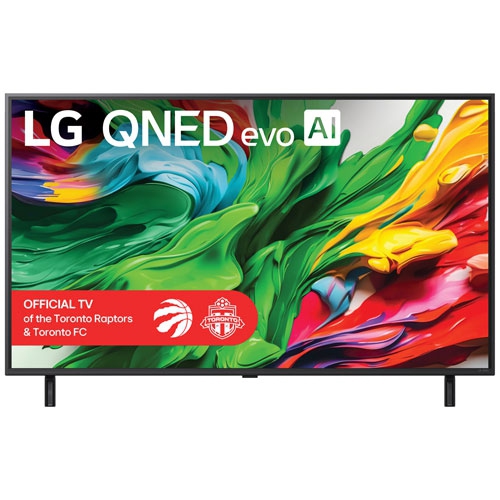
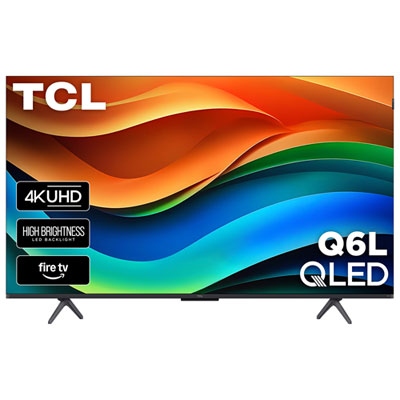
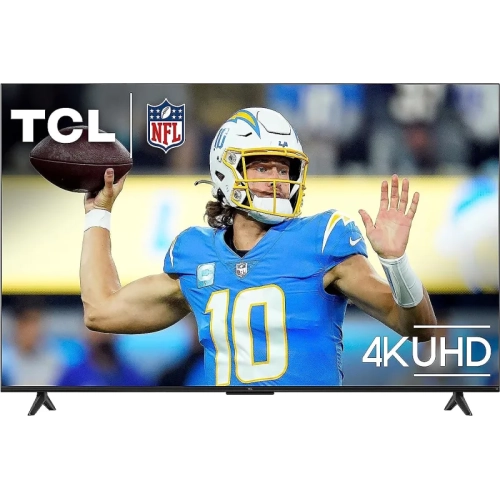
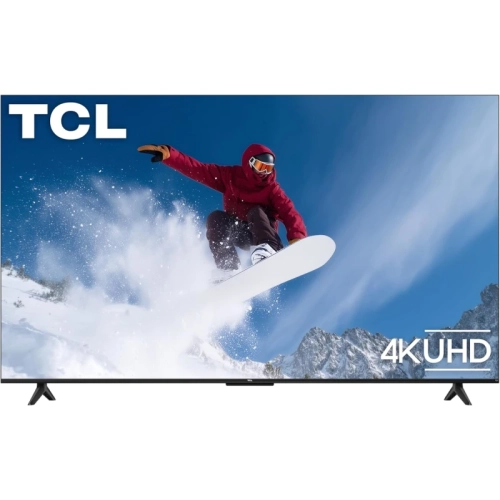
More room for split-screen play without overwhelming your space
50 inch TVs recommended for gaming combine an immersive picture with a size that can fit comfortably in a living room, bedroom, or dedicated gaming space. A 50 inch screen measures approximately 127 cm diagonally, offering enough room for detailed landscapes, readable menus, and shared play without requiring an especially large seating area. For someone moving from a smaller television, the extra screen space can make a racing cockpit feel more expansive or give each player a clearer view during a split-screen match. At this size, 4K resolution provides fine detail in compatible games and crisp text when the television is connected to a computer, although the final image also depends on the game’s rendering resolution and settings. Picture quality involves more than the number of pixels. Many televisions in this size range use LCD panels with LED backlighting, while some add quantum dot technology for a wider range of colours or Mini-LED backlighting for more precise control of bright and dark areas. Local dimming can deepen shadows while keeping highlights bright, but its effectiveness varies, and a slight glow around a bright object against a dark background can still occur. HDR support allows compatible games to display a broader range of brightness and colour, with the most noticeable results depending on the television’s actual brightness, contrast, and colour performance rather than an HDR label alone. In a room with lamps opposite the screen, reflection handling can help preserve visibility during a dimly lit dungeon scene. For evening play with subdued room lighting, strong black levels can give those same scenes greater depth. Viewing angles matter when friends sit across a sofa rather than directly in front of the screen, since some panels lose contrast or colour intensity when viewed from the side. These differences make screen technology and room layout meaningful parts of how a gaming television looks in everyday use, whether the main attraction is a sprawling adventure, a sports game, or a relaxed puzzle session.
Gaming performance depends on how quickly a television responds as well as how smoothly it displays movement. Input lag is the delay between receiving a signal and showing the result on screen; low input lag helps a steering correction or carefully timed jump feel connected to the controller. Pixel response time is a separate measure describing how quickly pixels change, which affects the clarity of moving objects. A dedicated game mode usually reduces input lag by limiting image processing, while Auto Low Latency Mode, often called ALLM, can switch to a low-lag setting when a compatible console signals that gameplay has started. Native refresh rate is another useful distinction among 50 inch gaming TVs. A native 60Hz panel can show up to 60 distinct frames per second, while a native 120Hz panel can display up to 120 when the connected device, game, and input settings support it. Some televisions accept 144Hz signals from compatible gaming PCs, but that capability is not universal and may have resolution or connection requirements. Advertised motion enhancement figures are not necessarily the panel’s native refresh rate. Variable Refresh Rate, or VRR, allows a compatible television to adjust its refresh timing to match a fluctuating game frame rate within a supported range, helping reduce visible tearing and uneven motion. HDMI capabilities deserve the same attention: an HDMI 2.1 label alone does not establish that every input supports 4K at 120Hz, VRR, or the same bandwidth. The supported combination of resolution, refresh rate, and HDR can also vary by screen size within a television range, so specifications for a larger version should not be assumed to apply to the 50 inch version. A compatible Ultra High Speed HDMI cable supports demanding connections such as 4K at 120Hz, although the television and source must support that signal too. For console players, these features can make fast camera turns and competitive matches feel more fluid. For PC players, clear text reproduction and support for the intended desktop resolution are useful alongside gaming performance, particularly when the screen doubles as a display for browsing or work.
The physical fit of a 50 inch television can be just as important as its gaming features. A typical 16:9 screen at this size is roughly 111 cm wide before allowing for the frame, and the complete television’s width, stand position, and depth determine whether it sits safely on a media unit. Some stands use widely spaced feet, while others have a central pedestal, so two televisions with the same screen size can need different furniture. A secure installation uses furniture rated for the television’s weight or a wall mount matched to its mounting pattern and load requirements. Space around ventilation openings, accessible connections, and cables routed away from walkways help keep a shared gaming area practical. For a larger room or a seating position farther from the screen, 60 inch TVs recommended for gaming offer another size to consider. Everyday versatility matters, too. Enough HDMI inputs can accommodate a console, a gaming PC, and another media device without repeatedly swapping cables. If a soundbar uses the television’s eARC connection, that port also needs to be accounted for when planning the setup. Built-in speakers can suit casual play, while a compatible soundbar or headset can make dialogue and directional effects easier to distinguish; wireless audio delay varies by connection and equipment. Wi-Fi supports streaming and connected features, while wired Ethernet can provide a consistent network connection where a cable run is practical. For households sharing the screen, convenient input switching and separate picture settings help it move between games, films, and television. Care is straightforward but important: a soft, dry microfibre cloth removes routine dust, and cleaning should follow the manufacturer’s directions without spraying liquid directly onto the panel or pressing on its surface. Supporting the frame rather than gripping the screen during a move also helps prevent damage. As a gift for a gamer or an addition to a shared home, a well-matched 50 inch television brings together responsive play, comfortable viewing, and a manageable footprint.
Gaming performance depends on how quickly a television responds as well as how smoothly it displays movement. Input lag is the delay between receiving a signal and showing the result on screen; low input lag helps a steering correction or carefully timed jump feel connected to the controller. Pixel response time is a separate measure describing how quickly pixels change, which affects the clarity of moving objects. A dedicated game mode usually reduces input lag by limiting image processing, while Auto Low Latency Mode, often called ALLM, can switch to a low-lag setting when a compatible console signals that gameplay has started. Native refresh rate is another useful distinction among 50 inch gaming TVs. A native 60Hz panel can show up to 60 distinct frames per second, while a native 120Hz panel can display up to 120 when the connected device, game, and input settings support it. Some televisions accept 144Hz signals from compatible gaming PCs, but that capability is not universal and may have resolution or connection requirements. Advertised motion enhancement figures are not necessarily the panel’s native refresh rate. Variable Refresh Rate, or VRR, allows a compatible television to adjust its refresh timing to match a fluctuating game frame rate within a supported range, helping reduce visible tearing and uneven motion. HDMI capabilities deserve the same attention: an HDMI 2.1 label alone does not establish that every input supports 4K at 120Hz, VRR, or the same bandwidth. The supported combination of resolution, refresh rate, and HDR can also vary by screen size within a television range, so specifications for a larger version should not be assumed to apply to the 50 inch version. A compatible Ultra High Speed HDMI cable supports demanding connections such as 4K at 120Hz, although the television and source must support that signal too. For console players, these features can make fast camera turns and competitive matches feel more fluid. For PC players, clear text reproduction and support for the intended desktop resolution are useful alongside gaming performance, particularly when the screen doubles as a display for browsing or work.
The physical fit of a 50 inch television can be just as important as its gaming features. A typical 16:9 screen at this size is roughly 111 cm wide before allowing for the frame, and the complete television’s width, stand position, and depth determine whether it sits safely on a media unit. Some stands use widely spaced feet, while others have a central pedestal, so two televisions with the same screen size can need different furniture. A secure installation uses furniture rated for the television’s weight or a wall mount matched to its mounting pattern and load requirements. Space around ventilation openings, accessible connections, and cables routed away from walkways help keep a shared gaming area practical. For a larger room or a seating position farther from the screen, 60 inch TVs recommended for gaming offer another size to consider. Everyday versatility matters, too. Enough HDMI inputs can accommodate a console, a gaming PC, and another media device without repeatedly swapping cables. If a soundbar uses the television’s eARC connection, that port also needs to be accounted for when planning the setup. Built-in speakers can suit casual play, while a compatible soundbar or headset can make dialogue and directional effects easier to distinguish; wireless audio delay varies by connection and equipment. Wi-Fi supports streaming and connected features, while wired Ethernet can provide a consistent network connection where a cable run is practical. For households sharing the screen, convenient input switching and separate picture settings help it move between games, films, and television. Care is straightforward but important: a soft, dry microfibre cloth removes routine dust, and cleaning should follow the manufacturer’s directions without spraying liquid directly onto the panel or pressing on its surface. Supporting the frame rather than gripping the screen during a move also helps prevent damage. As a gift for a gamer or an addition to a shared home, a well-matched 50 inch television brings together responsive play, comfortable viewing, and a manageable footprint.
Top selling and popular products
-
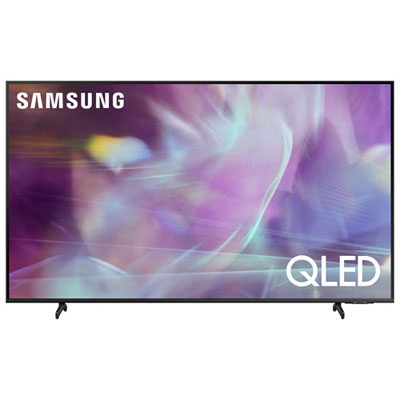 Your price for this item is $722.99
 -
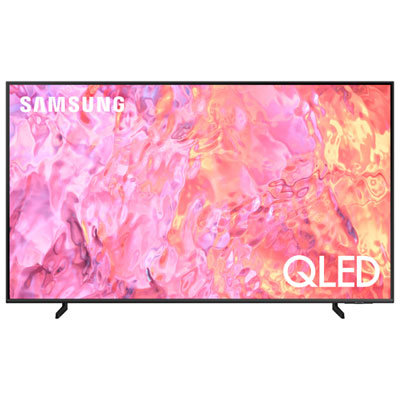 Your price for this item is $799.97
 -
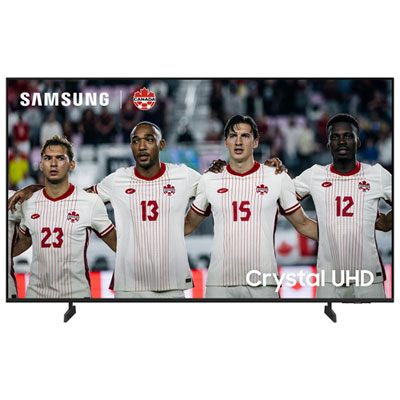 Your price for this item is $499.99
 -
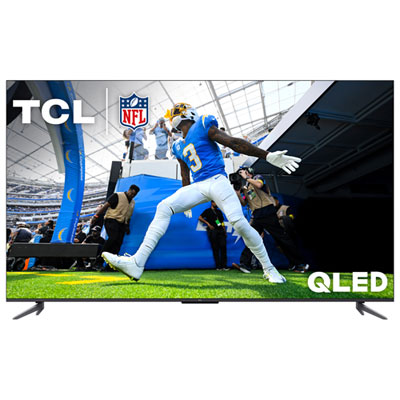 Your price for this item is $499.97
 -
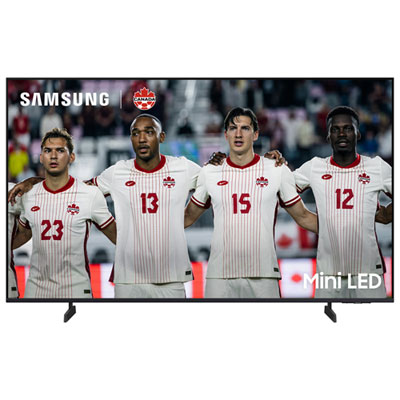 Your price for this item is $549.99
 -
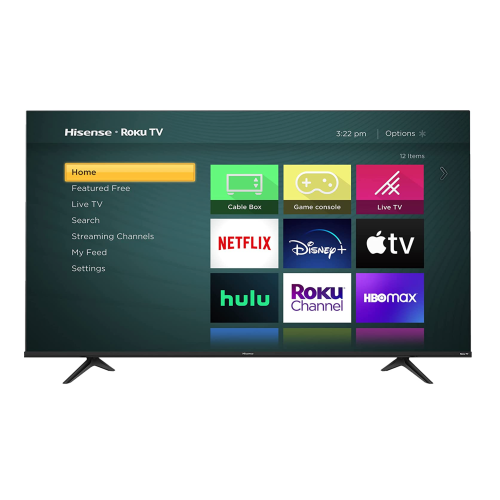 Your price for this item is $769.99
 -
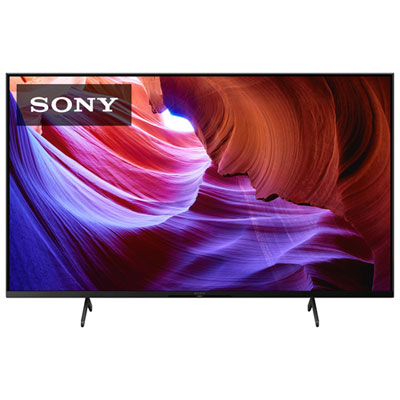 Your price for this item is $849.97
 -
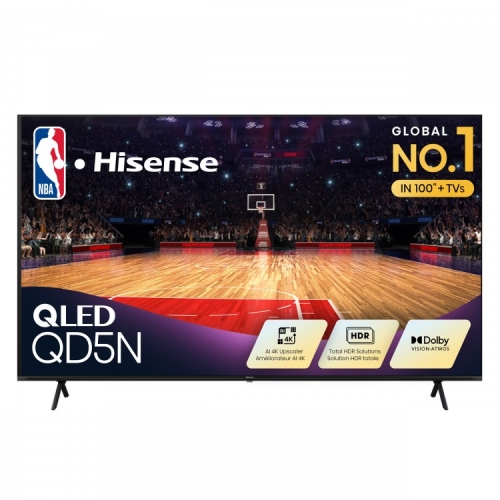 Your price for this item is $449.99
Discover more categories related to 50 Inch Tvs Recommended for Gaming

Top Collections:
Pokemon Centers, Kindle Devices, Best Budget Office Chairs, Apple iPhones 16, Best Laptops for Writers, iPhone 15 Apple, Canon G7X Cameras, Refurbished Apple Laptops, Alarm Clock, Motorola Razr Phones
Some products may be subject to Environmental Handling Fees
(EHF) depending on your province.
Learn more about EHFs.